ImagineArt vs Yuptees vs Playyy: Best for Brand Visuals?
 James Walker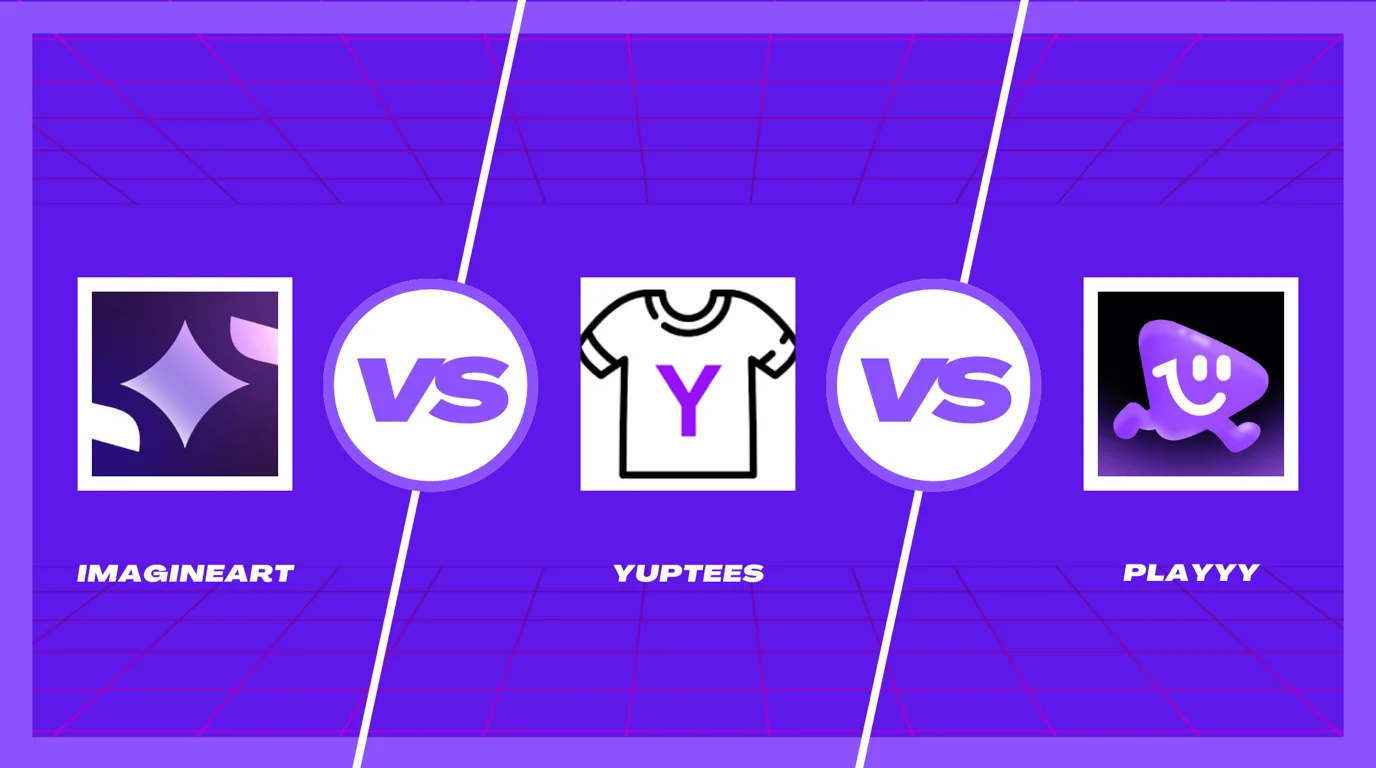
If you're building a brand and selling products online, you've probably come across ImagineArt, Yuptees and Playyy. They get shortlisted together, but they were built for very different jobs — and the comparison that matters isn't which one makes the prettiest picture. It's which one produces the visuals you need every week without forcing you to rebuild your workflow around it.
ImagineArt is a broad AI creative suite: images, video, voice and many third-party models behind one credit-based subscription. Yuptees is free and does exactly one thing — generate print-ready artwork for apparel. Playyy is a brand production workspace: AI generation on a layer-aware canvas, with a brand kit keeping everything consistent.
The short answer. Choose Playyy if you produce ongoing brand visuals that must look like one brand. Choose ImagineArt if you need range across images, video and voice from one subscription and can accept credits that expire monthly. Choose Yuptees if you sell print-on-demand apparel and want print-ready files for free.
What Each Tool Is Actually Built For
The overlap here is smaller than the shortlist suggests, so it's worth being precise.
ImagineArt is a generalist suite. Text-to-image, video, voice, upscaling and a set of utility generators — backgrounds, logos, character tools — sit behind one subscription with access to many underlying models. Its pitch is consolidation: one bill instead of four. The cost is depth, plus a shared credit pool where a few video generations consume what would have been hundreds of stills. Credits refresh monthly and don't carry over.
Yuptees is a free, single-purpose apparel generator. Describe a concept, get artwork optimised for print-on-demand, then adjust the words, font and element positions before downloading. Exports are 4500×5400px with and without a background, cleared for commercial use, and compatible with screen printing, DTG, DTF, heat transfer vinyl and sublimation. No signup, no paid tier. It's not a general canvas — you can't bring in brand assets or build a layout from scratch.
Playyy is built around generate-then-edit. Output lands on a canvas where images, text, subjects and backgrounds stay as separate, editable layers, adjustable by prompt or by dragging. The brand kit stores your logo, colours, fonts and brand voice — paste your website URL and Playyy pulls them in for you — and applies them across everything you make.
1. Playyy — Brand Visuals That Stay Consistent
Best for: Brands, creators and small teams producing visual content week after week across e-commerce, social and marketing.
Playyy's advantage is that generation isn't the end of the process. Output stays layer-aware, so when the crop is wrong for Instagram, or the headline needs changing, or the product needs a different background, you adjust it in place instead of writing a new prompt and hoping. That single difference removes the export-edit-regenerate loop that eats most of the time in AI visual work.
For anyone selling products, the AI product photography workflow is the one that pays for itself: it builds realistic scenes around your actual product rather than inventing a plausible-looking one, which is the difference between a listing image you can publish and one that quietly misrepresents what you ship.
The brand kit is what neither of the other two offers. Preparing one product shot for a marketplace listing, a story and a paid ad typically means three separate crops and at least one background change — work that becomes three round trips when the generated file is flat. Keeping background removal and resizing in the same workspace collapses that into one session.
Pricing: Free plan with daily bonus credits. Basic $18/month or $15/month billed annually (1,800 credits a month), Pro $48/month ($39 annually, 7,200 credits), Mega $98/month ($79 annually, 16,000 credits). As of October 2026, the first month of a monthly plan is half price — Basic $9, Pro $24, Mega $49 — then the regular price applies.
Limitation: No video or voice generation. If your content plan leans on video, ImagineArt covers more in one subscription.
2. ImagineArt — Range Across Images, Video and Voice
Best for: Creators who need several media types from one subscription and value breadth over depth in any single one.
ImagineArt's real strength is consolidation. If your week involves a few images, a short video and a voiceover, having all of it behind one login is worth actual money — and access to a wide set of underlying models means switching generation engines without switching products. Its utility generators cover a lot of surface area too: background removal, image combining, character generation, logo and banner generation.
Two things to weigh. First, the shared credit pool: images, video and voice draw from one balance at very different rates, and a month's allowance can disappear into a handful of video experiments. Second, credits expire monthly, which punishes campaign-driven work where output is uneven across the year. Start on the free daily allowance and watch how fast your own workflow spends credits.
Against Playyy the distinction is breadth versus workflow. ImagineArt generates more kinds of thing; Playyy makes each generated thing faster to finish and keeps it on-brand. Our ImagineArt alternatives breakdown covers tools that go deeper on individual jobs.
Pricing: Free tier with a small daily credit allowance (reported at around 100 credits/day, not accumulating). As of October 2026, paid plans run from Basic at $5/month to Scale at $500/month, with up to about a third off on yearly billing. Team plans are quoted separately.
Limitation: No brand kit enforcing visual consistency, and no layer-aware editing canvas — each asset is generated independently.
3. Yuptees — Free, Print-Ready Apparel Artwork
Best for: Print-on-demand sellers who need apparel designs quickly, with no design background and no budget.
Yuptees keeps its scope deliberately narrow and is better for it. Describe a design, get apparel-optimised artwork, adjust the text, font and element positions, then download. No signup, no subscription.
The details that matter to sellers are handled properly. Exports arrive at 4500×5400px, delivered both with and without a background, upscaled and cleaned during download, and cleared for commercial use across Printful, Printify, Redbubble and Etsy.
That resolution isn't arbitrary. A 15×18 inch print area at 300 DPI works out to exactly 4500×5400 pixels, a common full-size front-print file for print-on-demand. Files well below the print area's pixel needs have to be stretched, which is where soft edges and visible artefacts come from on finished garments.
The limitation is the same as the strength. Yuptees produces apparel artwork. It can't make your listing photos, your Instagram grid or your ad creative, and it has no concept of a brand. For a single product line that's fine; for a brand built around the merch, a second tool is required.
Pricing: Free. No subscription, no signup, commercial use included.
Limitation: Apparel only. No brand kit, no social formats, no product photography, no general canvas.
Feature Comparison at a Glance
| Feature | Playyy | ImagineArt | Yuptees |
|---|---|---|---|
| AI image generation | ✓ | ✓ many models | ✓ apparel-optimised |
| Layer-aware canvas editor | ✓ generate-then-edit | — | ✓ post-gen text/elements |
| Brand kit (logo, colors, fonts) | ✓ | — | — |
| Product photography AI | ✓ | ⚠️ generic scenes | — |
| Template library | ✓ | ⚠️ presets | — |
| Background removal | ✓ | ✓ | ✓ |
| Upscaling / expansion | ✓ up to 4K | ✓ | ✓ on download |
| AI video generation | — | ✓ | — |
| AI voice / audio | — | ✓ | — |
| Social media formats | ✓ | ⚠️ manual sizing | — |
| POD / apparel output | — | — | ✓ 4500×5400px print-ready |
| Credits roll over | — | ✗ expire monthly | n/a |
| Free tier | ✓ daily bonus credits | ✓ daily credits | Fully free |
| Starting price | $18/mo, or $15/mo annually | from $5/mo | Free |
Pricing as of October 2026 — confirm current rates before subscribing.
What a Month Actually Costs
Tool comparisons rarely price a real workload, so here's one: a small merch brand launching four designs a month, each needing apparel artwork, three listing images and six social posts. That's 4 designs, 12 listing images and 24 social assets — 40 assets.
| Setup | Monthly cost | Covers | Gap |
|---|---|---|---|
| Yuptees only | $0 | 4 apparel designs | No listings, no social, no brand |
| ImagineArt Basic | $5 | Most of the 40, credits permitting | No brand kit; no print-ready sizing |
| Yuptees + Playyy Basic | $15–18 | All 40, on-brand | No video |
| Yuptees + Playyy + ImagineArt | $20–23 | All 40 plus video | Two subscriptions to manage |
The interesting row is the third. Pairing a free apparel generator with one brand production tool costs less than ImagineArt's $30 Standard plan but covers the whole workload — because the free tool handles the one job it's specialised for, and the paid tool handles the 36 assets that need to look like a brand.
Where Each One Slows You Down
Comparisons usually list what tools do. The more useful question when you're choosing between ImagineArt, Yuptees and Playyy is where each one will cost you time three months in.
ImagineArt slows you down at the finish line. Generation is fast and the model range is genuinely wide, but output arrives as a flat file. Every asset that needs a different crop, a headline change or a background swap goes back through a prompt, and each attempt spends credits from the same pool your video work draws on. Teams producing a handful of assets a month won't notice. Teams producing forty will, because the cost isn't the subscription — it's the regeneration cycle.
Yuptees slows you down at the second asset. The apparel design itself takes minutes. Then you need a listing photo, and Yuptees can't make one. You need a launch post, and it can't make that either. The tool isn't at fault — it never claimed to — but in the workload above a merch brand needs nine non-apparel assets for every shirt design, and all nine land somewhere else.
Playyy slows you down if you need motion. There's no video or voice generation, so a content plan built on short-form video needs a second tool regardless. It's also credit-metered like any AI image generator, so heavy 4K work on the entry plan will hit the monthly ceiling.
None of these is a dealbreaker on its own. They're just the specific walls you'll hit, and knowing which one you'll reach first is more predictive than any feature table.
Which Is Best for Each Job
Most people arrive with one specific task in mind. The honest answer for each:
T-shirt and merch artwork: Yuptees. Free, apparel-specific, print-ready with commercial rights. Nothing beats free for this one job. If you want more control over typography and layout, our t-shirt design tool comparison covers the paid options.
Product photos and listing images: Playyy. Generation built around your real product, with resizing and background work on the same canvas.
Social content at volume: Playyy. The brand kit plus templates is the difference between publishing consistently and rebuilding your look weekly.
AI video: ImagineArt. It's the only one of the three that generates video at all.
Exploring what AI can do across formats: ImagineArt. Breadth is its product.
Brand consistency: Playyy. The only one with brand enforcement built in.
A zero budget: Yuptees for apparel, Playyy's free tier for everything else.
One Legal Detail Worth Knowing
All three grant commercial usage rights, so you can sell what you generate. Ownership is a separate question.
The US Copyright Office holds that copyright requires human authorship, and its January 2025 report on AI copyrightability concluded that purely AI-generated output isn't protected. For merch sellers this cuts both ways: you're free to sell an AI-generated design, but you may be unable to stop a competitor reproducing it. Editing generated output meaningfully — the kind of layered adjustment a canvas editor enables — strengthens a human-authorship claim in a way a raw prompt output doesn't.
Which Tool Is Right for You
Choose Playyy if you're producing visual content on an ongoing basis — listings, social posts, campaign creative — and it needs to look like one coherent brand. The layer-aware canvas and brand kit are built for repeat production rather than one-off experiments.
Choose ImagineArt if your output genuinely spans images, video and voice, and consolidating subscriptions is worth accepting shallower depth in each. Watch credit consumption in month one, and remember unused credits expire.
Choose Yuptees if you sell print-on-demand apparel and want print-ready artwork for nothing. It does one job well and costs zero.
The two that get confused most often are ImagineArt and Playyy, since both generate images and wrap tools around the generation. The distinction is what happens after the image exists: ImagineArt hands you a file and moves to the next generation, while Playyy keeps it editable and on-brand so you finish the asset in one place. If your bottleneck is needing more kinds of AI output, ImagineArt fits better. If it's spending more time fixing and re-cropping generated images than generating them, that's the problem brand consistency tooling is built to remove.

James Walker
I help Shopify and Amazon sellers improve product images, promotional banners and ad creatives. I focus on practical visual improvements that help products look more credible and conversion-ready — no design jargon, just what works.
Frequently asked questions
They sit at opposite ends of the same market. ImagineArt is a broad AI creative suite — text-to-image, video, voice and many third-party models — sold as a credit-based subscription. Yuptees is a single-purpose, completely free tool that generates print-ready artwork for apparel and nothing else. ImagineArt gives you far more range; Yuptees gives you a print-ready t-shirt file in minutes at no cost.