What Does a Clipping Path Service Cost in 2026?
 James Walker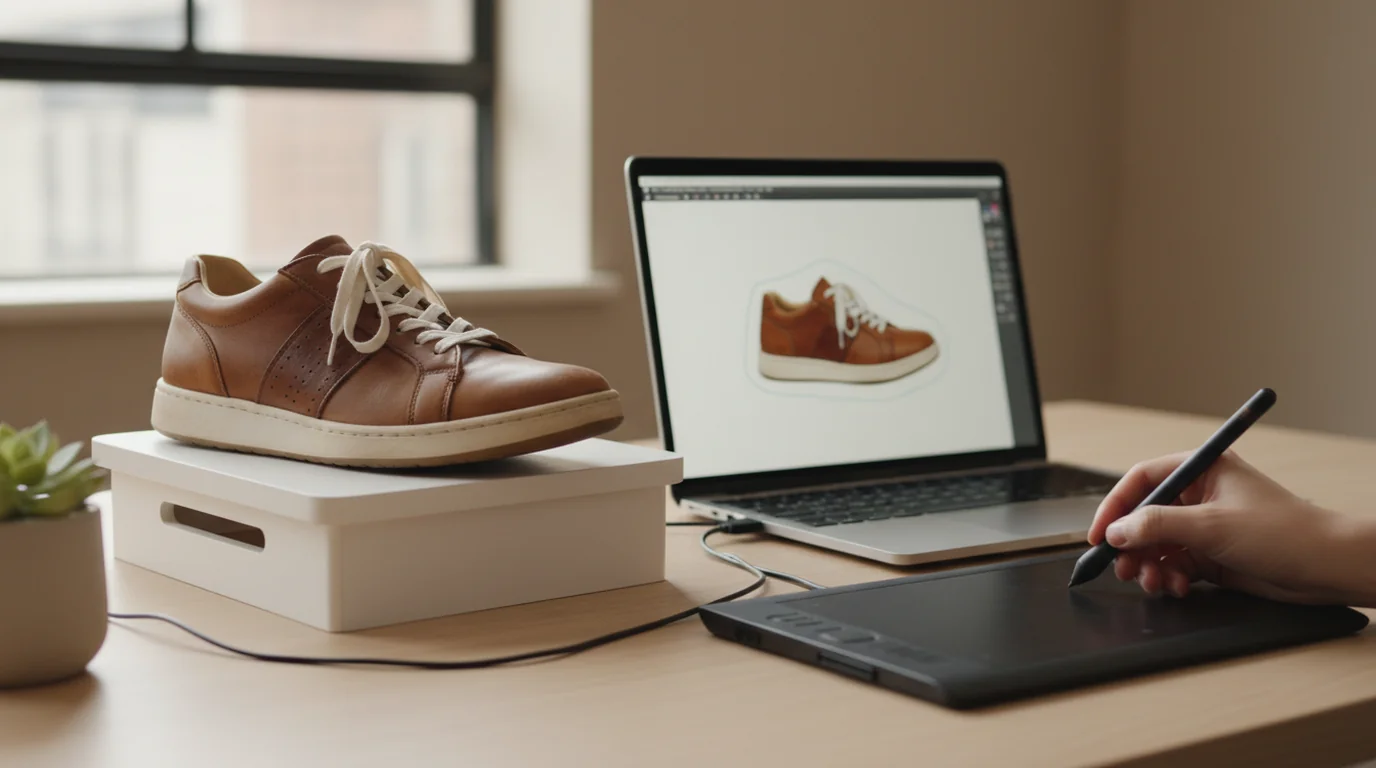
Every ecommerce catalogue eventually runs into the same production problem: a folder of product photographs shot in whatever conditions were available, and a marketplace that wants clean, consistent images on plain backgrounds. The established answer is to send the folder to a clipping path service and get it back edited. That industry is decades old, priced per image, and very good at what it does. It is also no longer the only option, and the two approaches produce different things — which is the part most comparisons skip.
Quick answer. Clipping path and background removal services typically start around $0.39 per image, with retouching from about $0.69, quoted dynamically by complexity and turnaround. Hand-drawn paths remain the better choice for hair, fur, glass and translucent fabric. For clean-edged products photographed against a plain background, generated alternatives produce comparable listing images at a fraction of the per-image cost.
What a Clipping Path Service Costs
Pricing in this industry is per image and quoted rather than fixed, because the work varies enormously with the outline.
Path, one of the larger services, publishes starting rates of $0.39 per image for clipping path and background removal, and $0.69 for photo retouching. Turnaround is a separate priced variable, selectable at 6, 12, 24, 48 or 96 hours, with 24 hours as the default — and the service states plainly that the longer the turnaround, the less the editing costs.
Two consequences matter more than the headline number.
Complexity multiplies it. A rectangular box photographed straight on and a wedding dress photographed on a model are both "one image" and are not remotely the same job. Quotes come from the images themselves, so a catalogue's real average lands wherever its hardest items sit.
Speed is a purchase, not a capability. Requesting six-hour turnaround for a catalogue that could have been scheduled four days out is one of the easiest line items to remove from a production budget.
At catalogue scale the arithmetic becomes the decision. A 200-SKU range shot front and back is 400 images. At 40 cents that is $160 a season, which is nothing. At $1.20 for complex apparel outlines it is $480, recurring every time the range changes — and it recurs because the editing is per image, not per product.
What a Clipping Path Actually Is
The name describes the method rather than the result, which is why the term is confusing to sellers who just want a white background.
A clipping path is a vector outline drawn by hand around the subject, traditionally with the pen tool in Photoshop. Once it exists, the area outside it can be deleted, replaced or filled. Because the path is a vector — a set of curves and anchor points — it is editable and reusable. Re-crop the image a year later and the path still fits.
That is its structural advantage over a one-off erase, and the reason catalogues that expect to re-edit their images keep asking for paths specifically.
Where it struggles is anywhere a hard boundary does not exist. Flyaway hair, fur, feathers, wire mesh, chiffon, smoke, and the edge of a glass — all of these are genuinely semi-transparent, and no single-pixel-wide vector line can describe them honestly. Services handle these with masking and channel work instead, which is skilled, slower, and priced accordingly. If your catalogue is hair, glass or sheer fabric, the handwork is not an overpriced legacy — it is the thing actually solving your problem, and the background remover guide covers why those edges are hard for every method.
Cutting Out Versus Reshooting
Here is the distinction that changes the comparison, and it is not a difference in quality — it is a difference in what you get back.
A cutout preserves the original exposure. The product is separated from its background and placed on white. The lighting, the shadows, the colour cast from the room, the fact that one shot was taken near a window and another under a ceiling light — all of it survives the edit, because the edit only changed what was behind the product. Sixty images edited this way sit on the same white background and still do not look like a set.
A reshoot replaces the lighting. The product is re-rendered as though it had been photographed in a studio — same item, same viewpoint, new light — so a batch comes out consistent with each other rather than merely consistent in background colour.
This is why "put it on white" and "remove the background" are two different jobs that sound identical. A free white background maker built around reshooting takes ten casual photographs and returns one consistent set; a background remover returns ten cutouts that still carry ten lighting conditions. For a single hero image the difference is small. For a grid of sixty, it is the whole impression.
Neither replaces a real packshot studio for products where material rendition is the selling point — jewellery, watches, anything where the surface is the product. That work is still worth paying a photographer for.
Which One Your Catalogue Needs
Three questions settle it in most cases.
How hard are your edges? Hair, fur, glass, mesh and translucent fabric point at a clipping path service, and specifically at one that can show you its masking work rather than only its pen-tool work. Clean-edged solid products do not need handwork to reach marketplace standard.
Is the problem the background or the lighting? If the source photographs are well lit and just have the wrong background behind them, a cutout solves it completely. If they were shot on a kitchen counter in mixed light, removing the background leaves you with a badly lit product on white, and a reshoot is the thing that actually fixes it.
How often does the catalogue turn over? Per-image editing is a recurring cost that scales with range changes. A range that refreshes twice a year pays it twice a year, forever. That recurrence, more than the unit price, is what makes in-house production worth setting up for high-turnover catalogues, and what makes outsourcing perfectly rational for a stable one.
A reasonable split for most sellers: handle the ordinary 90% in-house, and send the genuinely hard images out. Paying expert rates for rectangular boxes is the common overspend; trying to automate a chiffon hem is the common false economy.
Whichever route the images take, the marketplace rules they have to satisfy at upload are the same, and are worth reading before the first batch rather than after — as is the question of whether a background removal pass on product photos is even the right first step for your source material.
Deep Dive: PNG vs JPG for Marketplace Listings
Complete Guide: Ecommerce Product Photography: The Complete Guide

James Walker
I help Shopify and Amazon sellers improve product images, promotional banners and ad creatives. I focus on practical visual improvements that help products look more credible and conversion-ready — no design jargon, just what works.
Frequently asked questions
An outsourced photo editing service that draws a precise vector path around a product in an image so the background can be removed. The work is done by hand in Photoshop using the pen tool, priced per image, and usually delivered on a fixed turnaround. It is the standard way ecommerce catalogues have produced cutouts and white-background images for two decades.