
AI Campaign Visual Creator — From One Brief to Every Channel
From one campaign brief to every channel asset — AI image generator, creator, and editor in one workflow.
Explore workflowOptimize SVG files online — no sign-up required
A workflow built around your real creative needs — from first direction to final asset.

SVGO is the open-source tool used under the hood by Figma, webpack, vite, and most SVG-aware build systems. It removes SVG comments, XML declarations, editor metadata (Inkscape, Illustrator, Sketch namespaces), redundant group elements, and unnecessary precision on path coordinates — without modifying how the SVG renders. Playyy runs SVGO in multipass mode, applying each optimisation pass until no further reduction is possible.
Try for free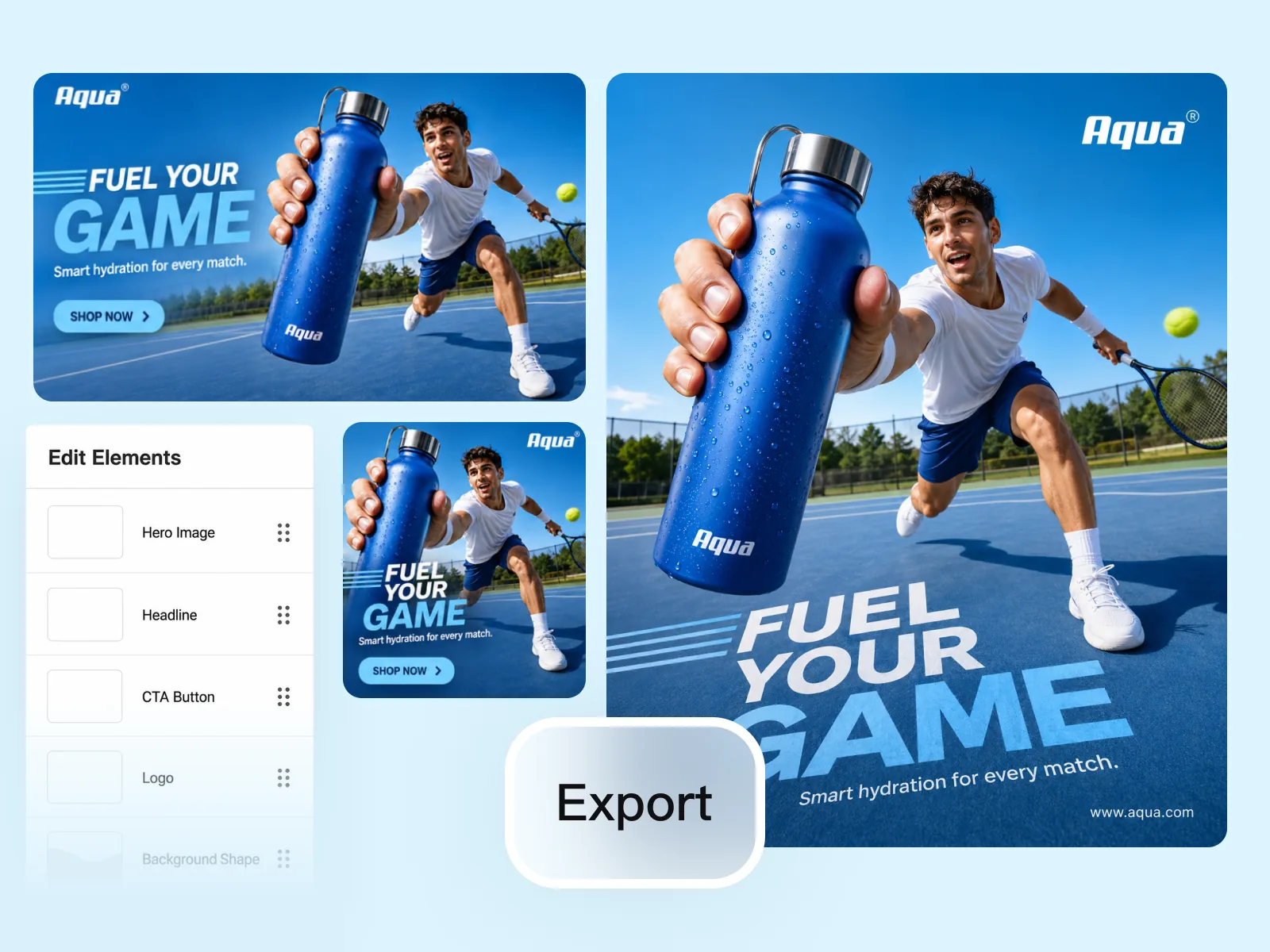
SVGs exported from Illustrator or Inkscape often contain extensive metadata: document title, author information, editor-specific namespaces, layer names, and XML comments from the authoring tool. None of this data affects how the SVG renders. SVGO strips all of it, along with redundant transforms, empty groups, and unnecessary decimal precision — producing a file that renders identically but loads meaningfully faster.
Try for free
Smaller SVGs load faster as external files and produce shorter markup when embedded inline in HTML. Inlining is increasingly common for critical icons and logos — removing editor metadata ensures the embedded markup is clean. SVGO's output also removes the XML declaration, which is required when embedding SVG inline in HTML5 documents.
Try for freeRuns SVGO in multipass mode — each optimisation pass uses the previous result as input until no further reduction is possible. More thorough than a single-pass run.
Only non-rendering data is removed: comments, metadata, empty groups, redundant transforms, unnecessary precision. The SVG renders identically in every browser.
Removes Illustrator, Inkscape, and Sketch namespaces, document titles, author information, and XML declarations — all common sources of bloat in exported SVGs.
Upload your entire icon set and compress everything in parallel. Useful for icon font exports, illustration sets, and brand asset libraries.
SVG text is processed server-side and discarded after the optimised file is returned. Nothing is retained.
Download optimised SVG files ready for web delivery, inline embedding, or re-upload to your asset library.
“Our marketing site embeds most of its icons as inline SVG. Running the exports through Playyy before committing cuts the markup size significantly — and removes all the Illustrator metadata that was polluting our HTML.”

Daniel Brooks
Startup Brand & Content Advisor
“I export icon sets from Figma regularly. The raw exports are always larger than they need to be because of embedded metadata. Playyy gets them down to the right size in one batch without me having to configure SVGO locally.”

Aiko Tanaka
Independent Designer & Visual Systems Consultant
“We had 300+ SVGs in our asset library from three different design tools. Running them through Playyy unified the format and cut the total weight by about half — much easier than configuring SVGO per project.”

Luca Moretti
Local Business & Event Marketing Consultant
Figma's SVG export uses SVGO. Vite and webpack use SVGO. The output from Playyy is the same as what a properly configured build pipeline would produce — useful for optimising SVGs before they go into a codebase or when working outside a build tool context.
An SVG exported from Illustrator often contains more bytes of Illustrator metadata than actual path data. SVGO removes all of it. For complex icon sets exported from design tools, this single optimisation typically produces 30–50% reduction before any path simplification is applied.
Inlining SVG in HTML is increasingly common for performance and animation control. Inlined SVGs must not contain XML declarations or DOCTYPE nodes — SVGO removes both. The output is ready to paste directly into your template without manual cleanup.
From one campaign brief to every channel asset — AI image generator, creator, and editor in one workflow.
Explore workflow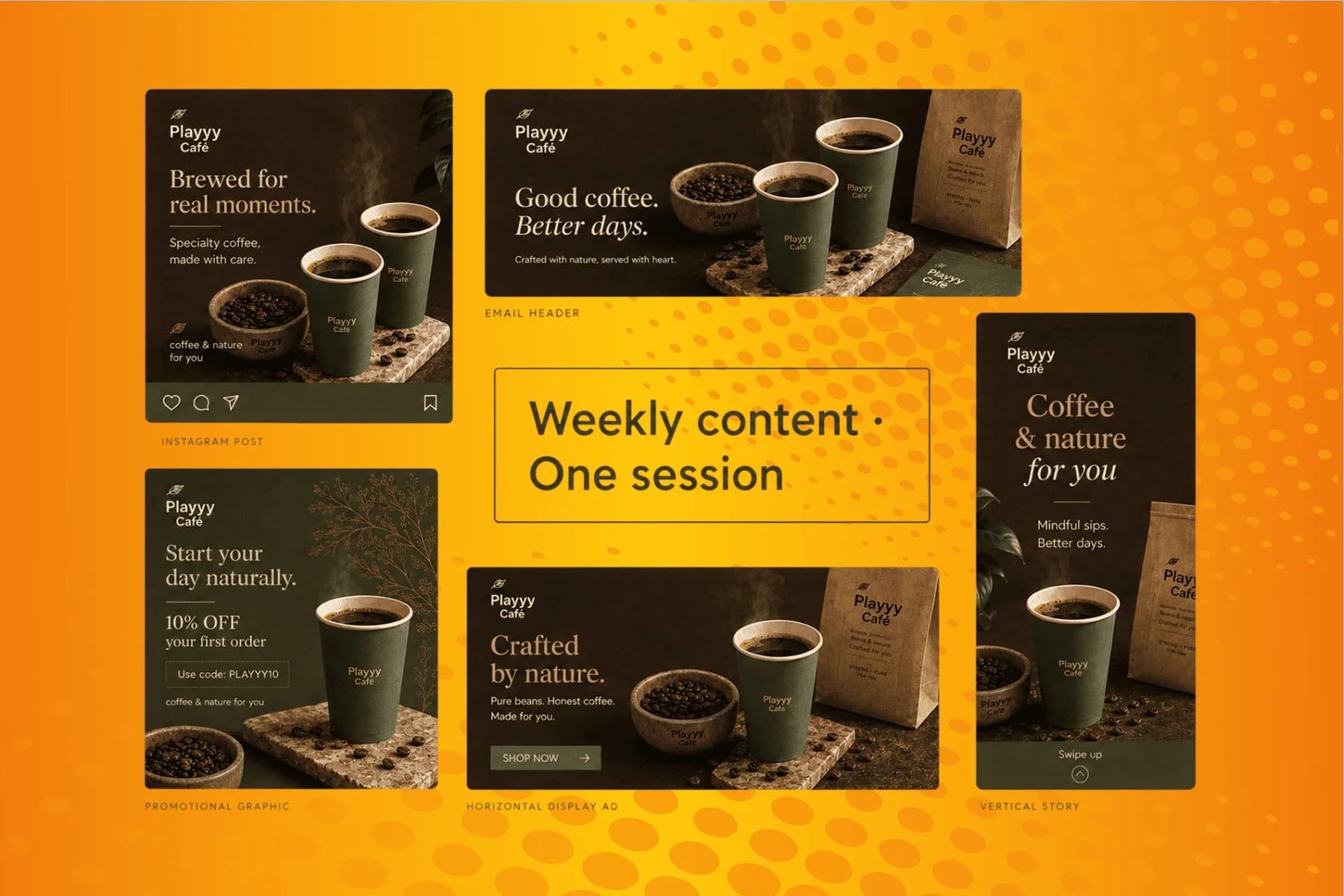
From content gap to publish-ready creative — AI image generator, brand style matching, and copy placement in one session.
Explore workflowNo. SVGO removes non-rendering data only: comments, metadata, empty elements, redundant transforms, and unnecessary precision. The visual output is identical in all browsers.
It removes Illustrator, Inkscape, and Sketch namespaces, XML declarations, DOCTYPE nodes, document titles, author metadata, layer comments, and editor-specific attributes — all common in SVGs exported from design tools.
Yes. SVGO preserves animation elements (animate, animateTransform, etc.) while removing non-rendering metadata. The animations continue to work after optimisation.
Yes. SVGO removes the XML declaration and DOCTYPE, which are required to be absent when embedding SVG inline in HTML5 documents. The output is ready to paste directly into markup.
The underlying tool is the same — Playyy runs SVGO in multipass mode with the preset-default plugin set plus metadata removal. If you need custom SVGO configuration (specific plugin order, partial preservation), running SVGO locally gives more control. For standard design-tool exports, Playyy's defaults produce optimal results.
See how teams are using Playyy to ship better visuals, faster.

LinkedIn ads and organic posts, two different tones, one brand — produced in a single creative session without separate workflows.
 Emily Carter
LinkedIn banner, Facebook cover, and profile picture — one visual direction, one afternoon, zero design budget.
 Minji Park
One person, three platforms, zero visual drift — how Sunday Kind stopped rebuilding the same visuals from scratch for each channel.
 Sophie Whitmore
Keep every image on brand, control the final look, and turn campaign ideas into polished assets without waiting on another design cycle.














