How One Creator Stitched 40 Carousel Slides Weekly in 1 Tab
 Minji Park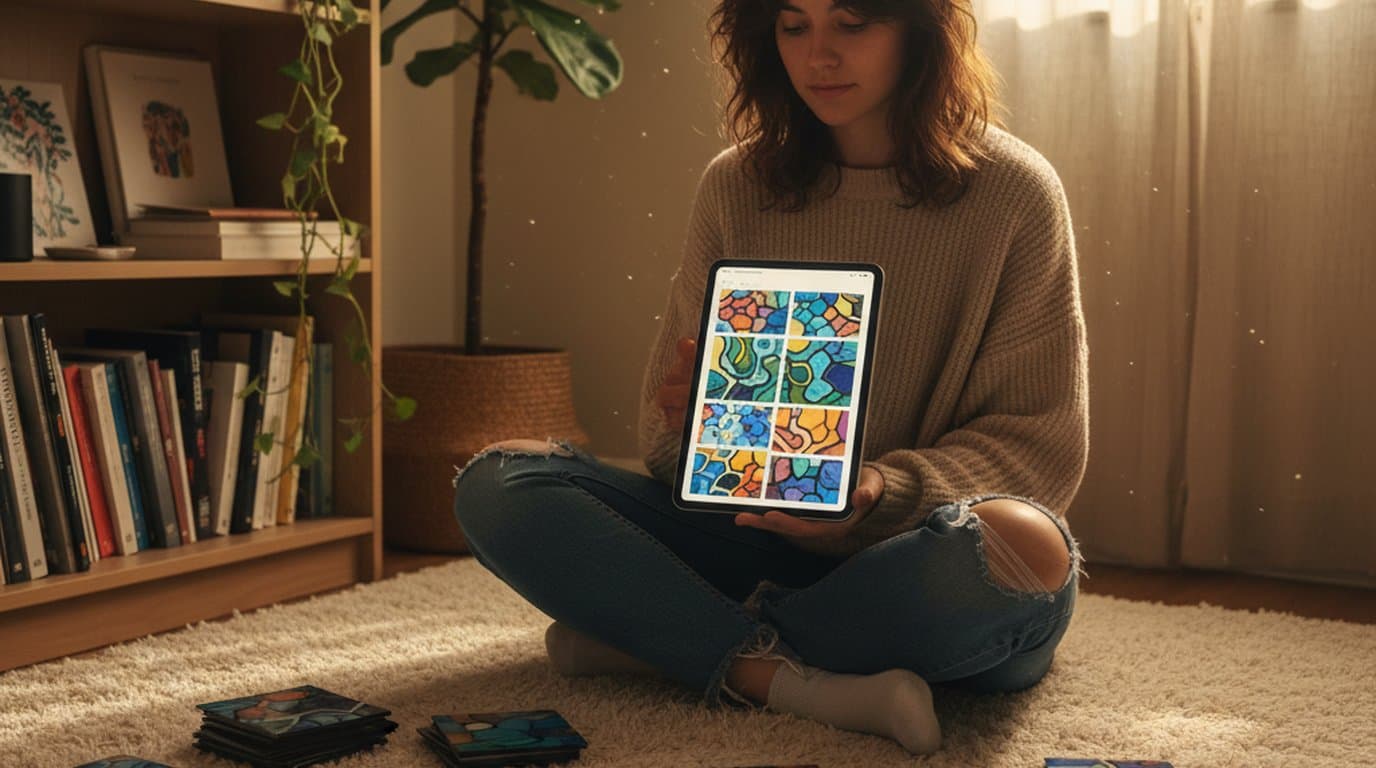
It was 4:47 on a Sunday afternoon when Jordan Lee realized she still had eight carousel slides to build for Monday's post. The first two were already on her tablet in Procreate. Three product mockups were rendering inside a tab she'd left open in Canva. The screenshots for slide six were stuck on her phone. And she was about to do what she had done every Sunday for the past year — export, re-import, resize, repeat — until the carousel was stitched together at 11pm.
Jordan, 29, is a solo creator. To her 84,300 followers across Instagram and TikTok, she's the productivity-and-systems creator who writes templates for people who hate productivity content. Weekly 10-slide carousels are how the audience actually engages. The course she launches twice a year — a Notion-based personal operating system — is how she pays rent.
The visuals were the bottleneck. Until she moved them onto a single editable canvas.
The job was never the design; it was the stitching. Combining a generated illustration with a Notion screenshot with a hand-drawn arrow with a photo of her desk used to require four apps and seven exports per slide. On a ten-slide carousel that math compounded. One editable canvas collapsed it.
The result. Jordan moved her weekly 10-slide carousel onto Playyy's editable canvas, cutting her Sunday production block to a fraction of what it was. Her carousel save rate improved over the following weeks, and a 32-slide course-launch sprint that had previously taken over a week was completed in four days.
Why the Old Stitching Workflow Broke for Weekly Output
For about fourteen months, Jordan's process looked like this. She generated background textures and abstract shapes in one AI tool, exported as PNG, dragged them into Canva. She designed UI mockups in Figma, screenshotted them, brought them into the same Canva file. She hand-drew arrows and annotations in Procreate on her tablet, exported to her photo roll, AirDropped to laptop, dropped into Canva. Every slide was a small reconciliation between four file formats and three color profiles.
The tab count was its own problem. By slide six the laptop fan was running. By slide eight she had a 60-megabyte Canva file that took eleven seconds to scroll. Procreate exports were larger than they needed to be because she kept the layered .procreate files in case she needed to come back. Versioning lived in filenames: slide-3-final-v4-fixed.png.
Full-time creators routinely lose a large share of the week to production for free social channels, and most of that time is asset preparation rather than ideation. Jordan's Sunday block was, until earlier this year, on the heavy end of that curve. The work wasn't creative. It was logistical.
She tried consolidating into Figma. Figma was excellent for the UI mockups and impossible for the photo work. She tried staying inside Canva. Canva was the opposite. The actual constraint was that none of these tools knew how to generate, edit, and stitch in the same window.
The Launch Upgrade: One Canvas, Generate and Stitch in Place
Playyy's existing toolkit already covered three of Jordan's four needs: generate, remove background, erase object. What had been missing was the part that finished the workflow — a canvas where every stitched element stayed editable: recolor, swap, layer, outpaint, inpaint, restyle, text edit. The June launch added it.
The first carousel she built on Playyy's AI Image Editor was a 10-slide post about weekly review templates. She generated three abstract gradient backgrounds, dropped them onto the canvas as the base layer for slides 1, 5, and 10. She brought in four Notion screenshots and used inpaint to remove the navigation chrome she didn't want visible. She placed two hand-drawn annotation marks she'd already saved in her brand assets folder. Everything sat on the same canvas, on separate layers, at full source quality.
The recolor function did something that had quietly cost her hours each week. When her brand palette shifted in February — a softer teal replacing the cooler one she'd used since launch — she had to rebuild every reusable asset. With the editable canvas, the teal swap was a single action on the layer, not a re-export from the source tool.
For background work, Background Remover ran on her desk-flatlay photos before they went onto the canvas. For the screenshots that needed to extend past their original frame, Image Expand outpainted the edges in the slide's aspect ratio.
The Weekly Carousel Workflow, in Six Steps
Jordan's weekly carousel runs Sunday afternoon, 2 to 3:30pm. The workflow now has six clearly bounded steps:
- Decide the ten ideas. She drafts the slide-by-slide outline in her Notion content board on Friday. By Sunday the copy is already locked, so the canvas work is purely visual.
- Set up the canvas at 4:5 ratio. She duplicates a base project file that has her brand colors, type styles, and a 10-page grid pre-arranged.
- Generate or pull each element per slide. Backgrounds, abstract shapes, and illustration accents go through AI Image Generator. Screenshots come from her phone. Product mockups stay in Figma but only as exported PNGs — they don't need to round-trip anymore.
- Stitch on the canvas. All elements drop into the same project, one layer per element. She uses Split Layers when she needs to isolate a piece of an existing composite. Inpaint handles the small cleanups — a watermark to remove, a stray UI element, a piece of text she wants to swap.
- Recolor and restyle to the carousel's accent. Every weekly carousel has one accent color that ties slides 1 and 10. Recolor handles it without rebuilding the source asset.
- Export the ten slides as a single batch. One export, ten files, named by slide number.
That sequence runs in roughly 90 minutes. The previous version of the same work took about six hours. The recovered time — four and a half hours each Sunday — is the difference between a sustainable schedule and the burnout her group chat keeps texting her about.
For the broader context behind why creator visuals consolidate on a single surface, see Canva Alternatives for Independent Creators.
The Course-Launch Sprint Runs Differently
Course launches don't run on a weekly cadence. They run on a four-day sprint twice a year, producing about 30 carousel slides plus story assets plus thumbnail variants plus paid-ad creative. The volume is roughly five times a normal week, compressed.
For the spring launch of her Notion operating-system course, Jordan built 32 carousel slides — three carousels of ten, plus a two-slide pinned hook — across four working days. The previous launch, in October, had taken eleven days because of the constant export-import cycle and the late revisions that always followed an early-bird email.
According to a 2024 Later breakdown of Instagram engagement, carousels outperform single-image posts by roughly 1.4x on average reach and 2x on save rate — which is the conversion signal most relevant to course launches, where saves translate to checkout-page visits over a multi-week sequence. Producing more carousel volume in launch windows is a direct revenue lever, not a vanity metric.
For independent educators, the production constraint on carousel output is real: accounts posting carousels on a consistent weekly schedule accumulate saves far faster than accounts posting sporadically, because saved posts keep circulating long after they leave the feed. For a one-person studio, consistency is only sustainable when each post takes 90 minutes rather than six hours.
The launch sprint relied on two specific canvas capabilities. First, swap: when a beta-tester screenshot needed to replace a placeholder mockup mid-sprint, she swapped the layer without rebuilding the slide. Second, restyle: applying the launch's specific visual treatment to seven backgrounds at once took ten minutes, not an afternoon.
For more on how creators sequence brand visuals across launches, see Personal Branding for Creators in 2026.
The Numbers, the Engagement, the Revenue
Eight weeks after switching her stitching workflow onto Playyy's canvas, the production numbers were clear and the engagement numbers were starting to move.
- Weekly carousel production time: cut to a fraction of the previous ten-slide block.
- Course-launch sprint duration: 32 slides produced in four working days rather than spread over a fortnight.
- Save rate (Instagram carousels): improved over the following weeks on her native Instagram insights.
- Course revenue (spring launch vs. previous): up on the same audience size, which Jordan credits partly to volume — she ran three carousel sequences instead of one — and partly to the visual consistency the recolor and restyle functions enforced.
The save rate movement matters because it's the metric most predictive of future reach on educational carousels. Save rate is also the metric most sensitive to whether a deck reads as one designed sequence or a pile of unrelated slides. The canvas-based stitching workflow let Jordan hold hers while producing more, not less.
For sizing every slide and story asset correctly, see Social Media Image Sizes for 2026.
How the Week Runs Now
Jordan's current cadence is intentionally boring. Friday afternoon, she drafts ten slides of copy in Notion. Sunday from 2 to 3:30pm, she stitches the visuals on a single Playyy canvas — one tab, one project, one export. Monday at 9am, the carousel posts. Tuesday and Thursday, she repurposes individual slides into Reels covers using the same source canvas with the ratio changed to 9:16 and outpaint extending the background.
The course launches still take real focus — four days of full-time sprint work twice a year — but they no longer cost the two weeks of recovery that the October launch did. The work that used to require five apps now lives in one. The carousels she ships are more visually consistent than they were a year ago, and they take less than a third of the time.
The audience hasn't asked her what tool she switched to. They have noticed that she's posting again on the schedule she promised. For an indie educator running a one-person studio, that's the actual outcome.

Minji Park
I help indie creators, online educators and small product teams prepare launch visuals and social campaigns. My goal is to make launches feel polished and trustworthy — even when you are working without a designer.
Frequently asked questions
The fastest workflow is to stitch images on a single editable canvas rather than exporting between tools. Open one project, drop in every element you plan to use across the carousel — generated visuals, screenshots, photos — and arrange them as separate layers per slide. Recolor, swap, and resize without leaving the canvas. The friction in most carousel work isn't the design; it's the export-import cycle between three or four apps. Removing that step is what actually saves the hour.