Studio-qualityAI product photography
Turn any product photo into Amazon-ready, Shopify-ready ecommerce imagery — remove the background, generate a studio scene, upscale, and export every channel format on one editable AI canvas. No studio, no photographer, no Photoshop.
Trusted by ecommerce teams, Shopify sellers, and DTC brands
What is AI product photography
AI product photography is the workflow of producing channel-ready ecommerce product images from any source photo
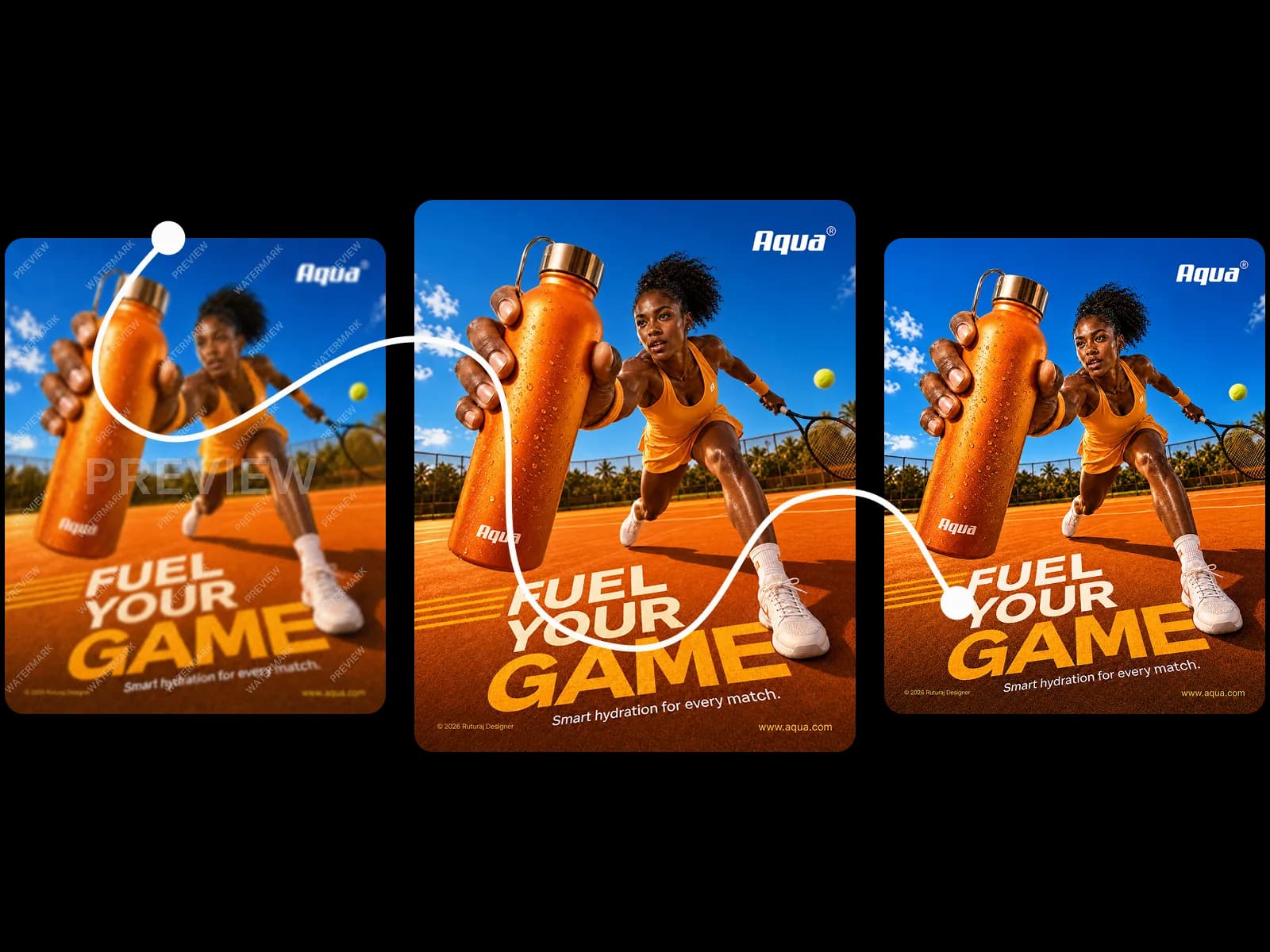
Remove the backgroundfrom any product photo
Start with whatever product image you already have — a supplier JPEG, a phone shot, or a warehouse photo. The AI background remover isolates the product with clean edges on hair, mesh, glass, and reflective surfaces in seconds, with no manual masking and no Photoshop round-trip. Once the background is gone, the cutout stays editable on the canvas — ready for a new scene, a brand color background, or a transparent PNG export for design work.
See AI Product Photography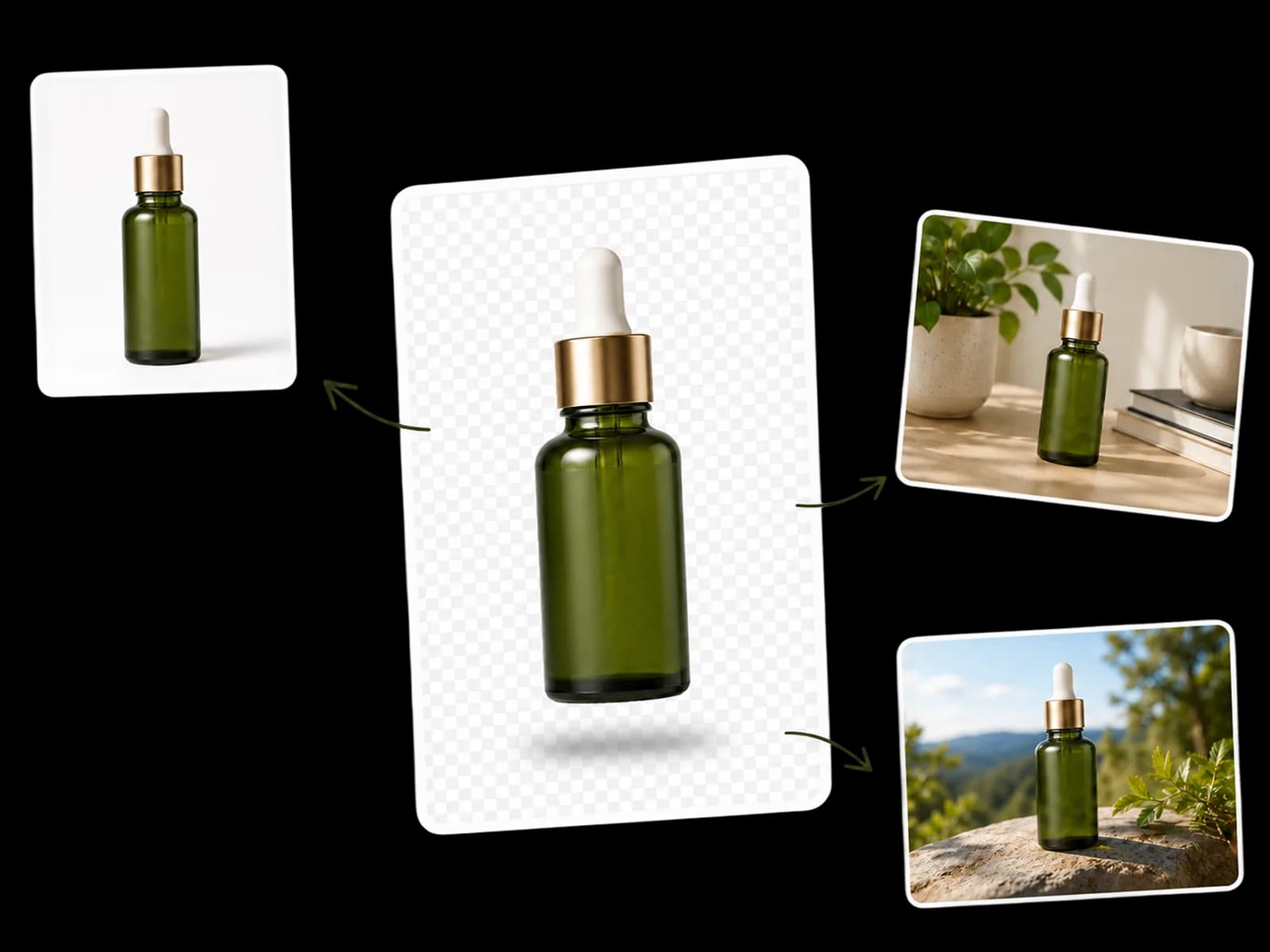
AI Product Photography
Generate AIproduct photo scenes
Brief the scene like you'd brief a photographer — surface, light, mood, props — and the AI generator builds 3-5 photoreal directions per SKU. Studio minimalist on seamless paper, golden-hour outdoor lifestyle, marble countertop flatlay, holiday gifting moment: every scene wraps cleanly around the product without distorting its color, shape, or label. One session replaces a full set build, a model call, and a half-day of compositing.
See Marketing Creatives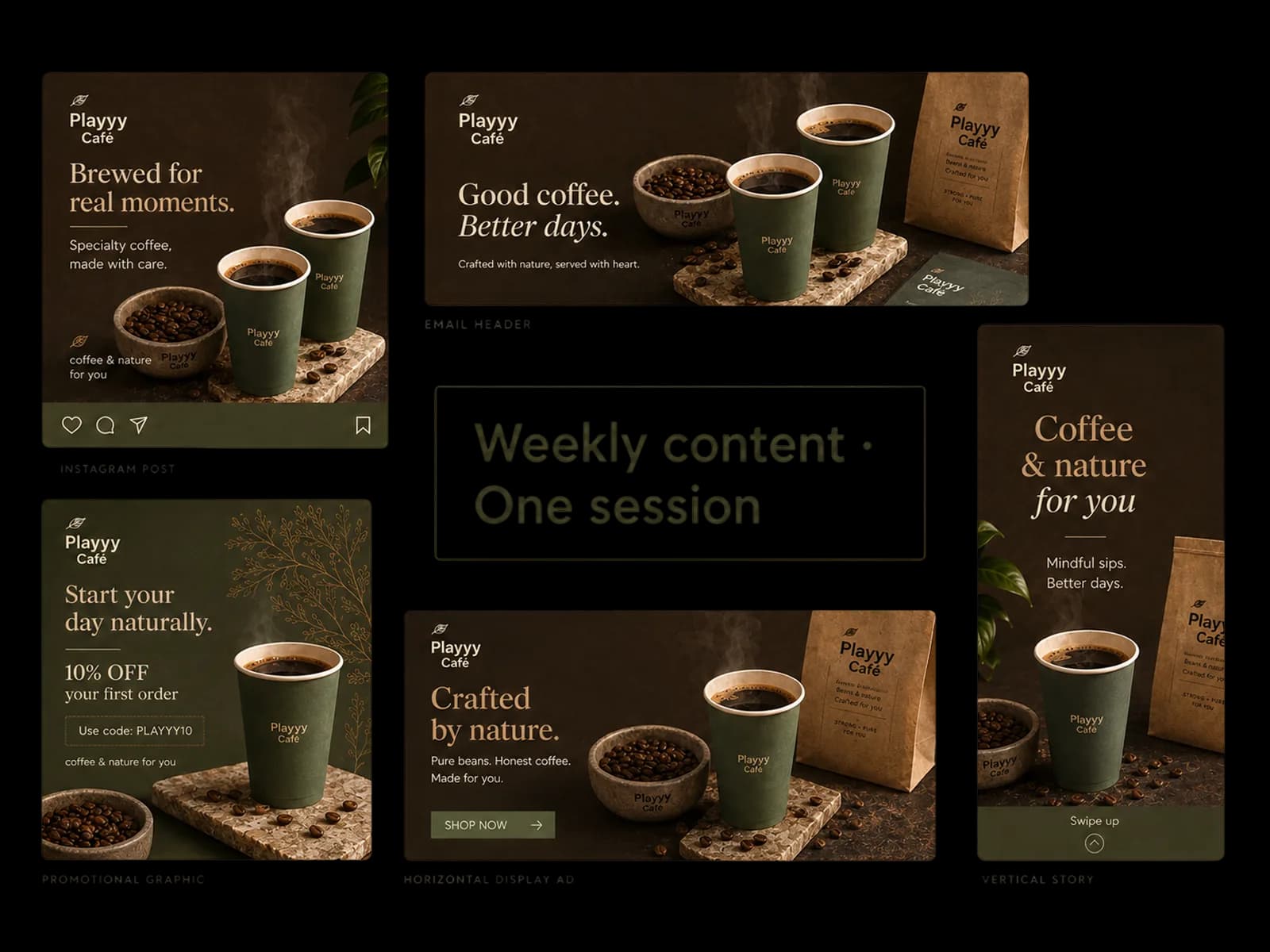
Marketing Creatives
Export for Amazon,Shopify, and ads
One source image becomes every aspect ratio you need — 1:1 for Amazon main images on pure white RGB 255, 2048px for Shopify product detail pages, 4:5 for Instagram feed, 9:16 for Stories and TikTok, 1.91:1 for Sponsored Brand and Google Shopping ads. The image upscaler and AI image expander handle resolution and crop simultaneously, so the same product photo ships to every channel without a reshoot or a per-platform redesign.
See Ecommerce Catalogs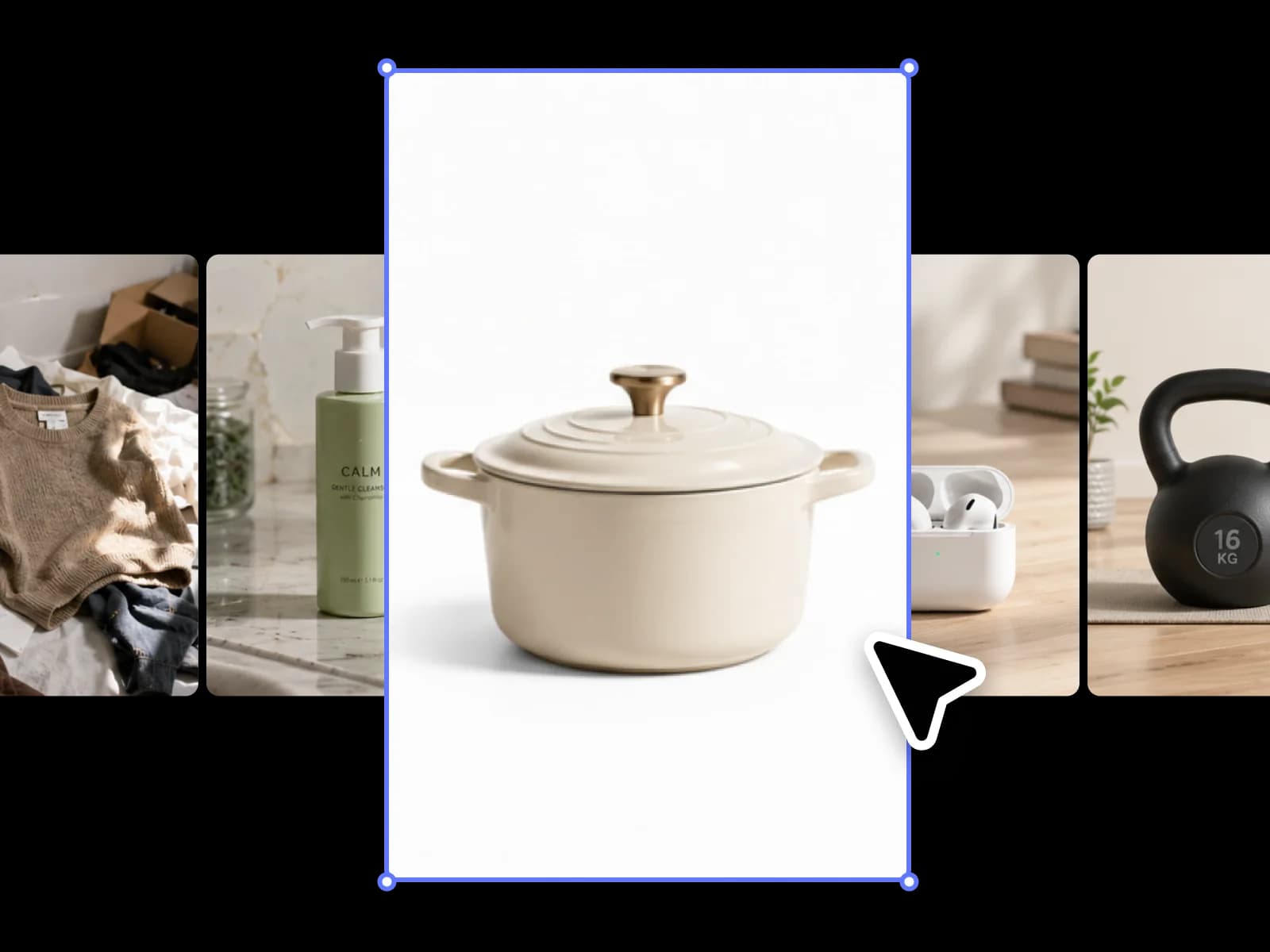
Ecommerce Catalogs
Built for product marketers
Playyy powersShopify catalogs, Amazon listings, and DTC launches.
The full AI product photography workflow — from raw photo to channel-ready listing
Four steps cover every SKU: isolate the product, generate the scene, ship every channel format, and scale across the catalog — all on one editable AI canvas, no Photoshop or Canva detour.
Isolate the product
Upload a supplier JPEG or phone shot — the AI background remover delivers a clean product cutout in under a minute, with edge accuracy preserved on hair, mesh fabric, transparent glass, and reflective surfaces. Object Remover cleans up stray shadows, photobombing hands, and competitor logos so the cutout is ready for any background.
Learn moreGenerate the scene
Brief the setting the way you would brief a studio photographer: surface, light direction, mood, season, and key props. Style Transfer and the AI image generator build 3–5 photoreal product-photo scene directions per SKU — minimalist studio, lifestyle, seasonal, gifting — without locking a set, light kit, or model call.
Learn moreShip every channel
Upscale to Amazon's zoom-friendly resolution, expand the canvas to Shopify hero ratios, and export Instagram, TikTok, Pinterest, and Google Shopping crops — all from one editable session. The AI image expander outpaints in any direction so a 1:1 main image becomes a 1.91:1 ad banner without reshooting.
Learn more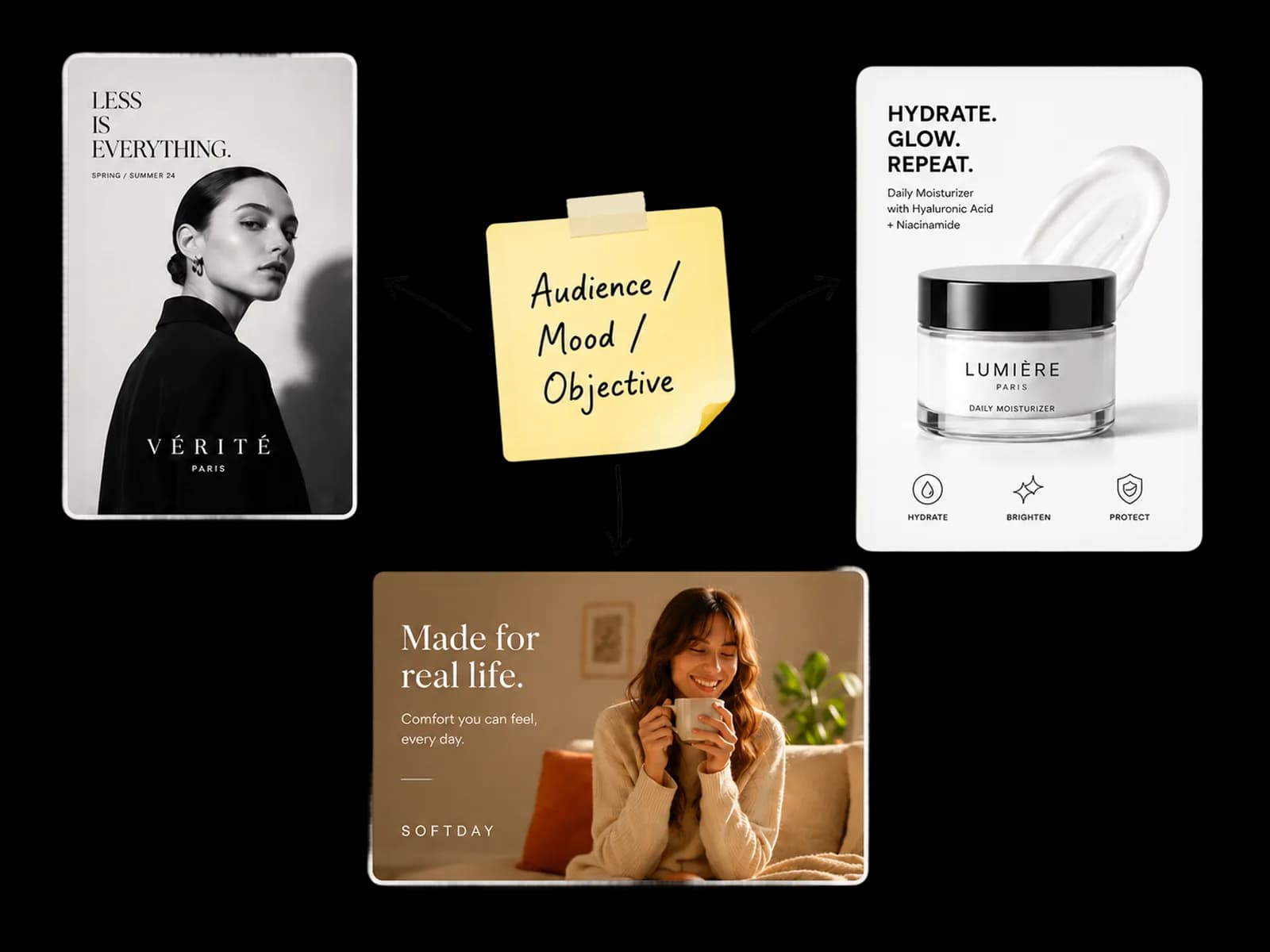
Scale the catalog
Apply the same treatment across dozens or hundreds of SKUs. Consistent backgrounds, color calibration, resolution targets, and per-channel export presets keep the catalog grid coherent — whether the catalog is 50 items or 500.
Learn moreEverything an ecommerce team needs for AI product photography
Background removal, scene generation, upscaling, AI image expansion, and per-channel exports — every step that used to require a different tool lives on the same editable canvas.
Clean any source photo
Supplier JPEGs, phone shots, warehouse photos, and studio exports all work as input. Background Remover isolates the product and Object Remover clears stray hands, shadows, and competitor logos in seconds.
Generate scene backgrounds
Marble countertop, sunlit outdoor table, white studio, autumn warm-wood flatlay, holiday gifting — photoreal product photo scenes built around your SKU in minutes, with 3-5 directions per session.
Amazon and Shopify ready
Pure white RGB 255-255-255 backgrounds for Amazon main images and 2048px exports for Shopify product detail pages are built into the workflow, not retrofitted after the fact.
Full catalog in one session
Apply the same background treatment, color calibration, and export preset across 50, 100, or 500 SKUs — consistent ecommerce product photos without booking a studio day for each launch.
Every channel format
Square for Amazon and Instagram feed, 4:5 for Instagram and Pinterest, 9:16 for Stories and TikTok, 1.91:1 for Sponsored Brand and Google Shopping — all from one source product photo via the AI image expander.
No studio required
Skip the studio rental, lighting rig, photographer day rate, and turnaround time. Start with whatever product photo you have and finish with studio-grade ecommerce imagery in the same session.
AI product photography — frequently asked questions
What is AI product photography?+
AI product photography is the workflow of producing studio-grade ecommerce product images without booking a studio or hiring a photographer. The starting point is any usable shot — a supplier JPEG, a phone photo, or a warehouse snapshot — which an AI image editor isolates from its background, places into a generated scene, upscales for catalog use, and exports to every channel format. The result holds up next to a professional shoot on Amazon, Shopify, and ad platforms while taking minutes instead of days.
Can AI replace a product photographer for ecommerce?+
For the majority of ecommerce categories — apparel, packaged goods, accessories, electronics, beauty, home — AI product photography produces images that perform on par with studio photography for marketplace listings, paid social ads, and email creative. A studio shoot still earns its cost for hero campaign creative, fashion editorials, and large-format print where lighting nuance and art direction matter. Most brands now use both: AI for catalog volume, professional shoots for flagship hero imagery.
Is the AI product photography on Playyy free?+
Yes — start free with daily generation credits, no credit card required. The free tier covers the core ecommerce workflow: clean the background of a product photo, generate a new scene, upscale for catalog use, and export channel-ready files. Paid plans add commercial usage rights, higher-resolution exports, batch processing for large catalogs, and unlimited generations for teams shipping seasonal launches.
Will AI product photos meet Amazon's image requirements?+
Yes. Playyy's editable canvas exports pure white (RGB 255-255-255) backgrounds at 2000px+ on the longest side, which matches Amazon's main-image policy and the platform's recommended resolution for zoom. The same source image can be re-exported for A+ Content modules (970×600), Sponsored Brand ads (1.91:1), and Shopify product detail pages (2048px square) without reshooting.
What source photos work for AI product photography?+
A clean, well-lit JPEG is enough — supplier images, phone shots, or warehouse photos all work as long as the product is in focus and not heavily back-lit. RAW files and professional cameras are not required. For best edge accuracy on hair, transparent glass, mesh, and reflective surfaces, start with the highest-resolution version available; the AI background remover then handles fine detail without manual masking.
Can I generate lifestyle scenes around the same product?+
Yes. Once the product is isolated, the AI image generator places it into any scene you describe — marble countertop studio, golden-hour outdoor table, minimalist white pedestal, autumn warm-wood flatlay, holiday gifting scene. Most brands produce 3-5 scene directions per SKU in a single session and use them across Instagram feed, paid social, and email hero blocks without re-photographing the product.
Can AI product photography handle hair, glass, and reflective surfaces?+
Yes. Edge detection in the background remover preserves fine hair strands, mesh fabric, transparent glass, and translucent packaging on the first pass for the majority of products. For high-difficulty edges — full-mirror chrome, deeply translucent glassware, light-colored products on white backgrounds — the editable canvas lets you refine specific edge regions without reprocessing the entire image.
How fast can I produce a full ecommerce catalog with AI?+
Brands shipping seasonal collections typically process 60-200 SKUs in 2-3 days using Playyy's editable AI canvas — about 8-12 minutes per SKU including background removal, scene generation, upscaling, and channel exports. Compared with booking a studio day (which still requires a single set, a single light setup, and a single lookbook), the AI workflow stays consistent across the catalog and removes scheduling dependency from the launch timeline.
Ship studio-grade product photos— free to start
The editable AI platform for product photography: background removal, scene generation, image upscaling, and channel-ready exports — all in one session, no studio required.