Free AI Flyer Maker and Poster Maker for Any Event
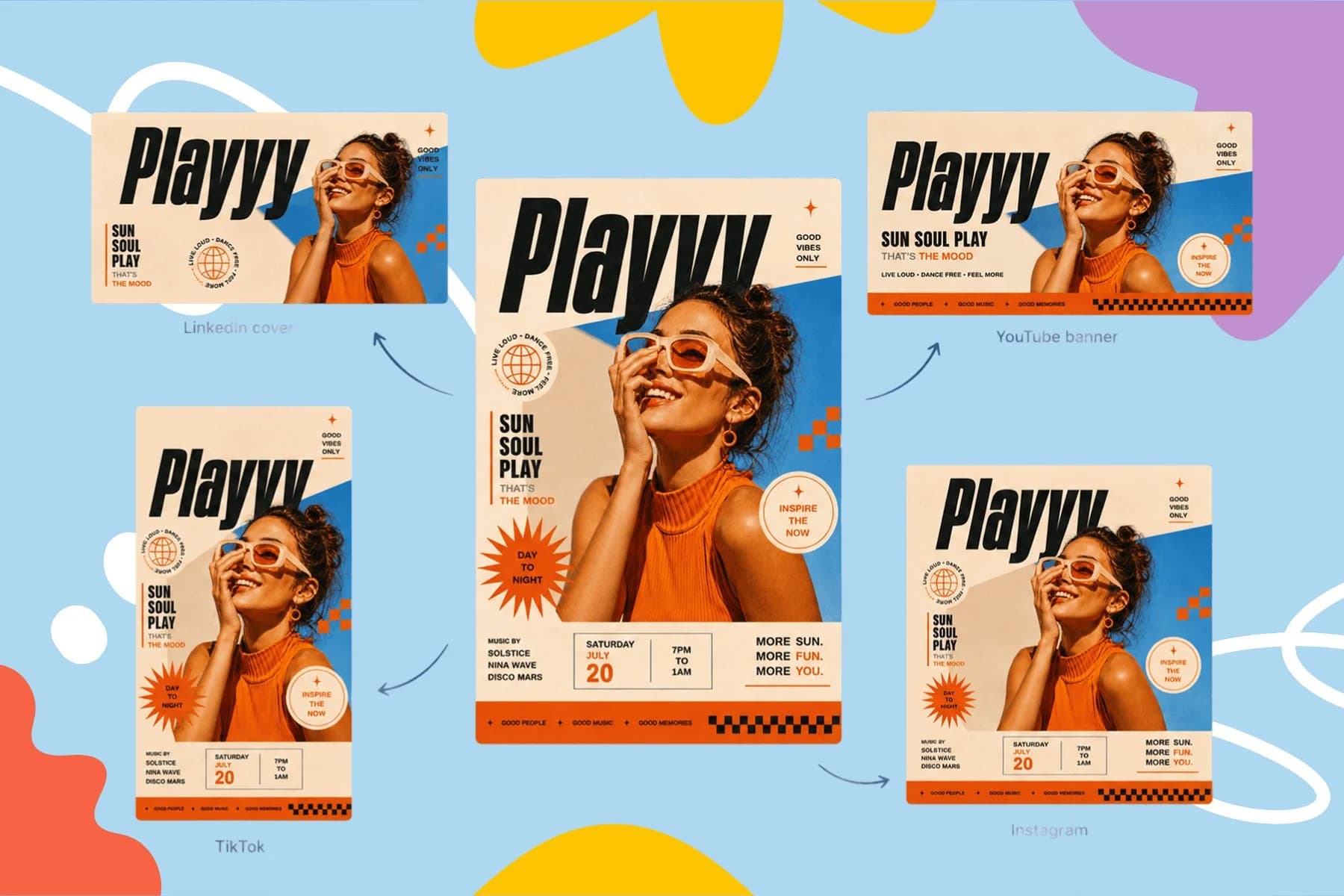
Create event posters, flyers, and digital invitations specific to your occasion — not another generic template.
Explore workflowPlayyy's 3D text generator designs your poster, thumbnail or logo with the title already styled, then lets you add extruded depth, lit bevels, four-point perspective and image textures to words that stay editable.
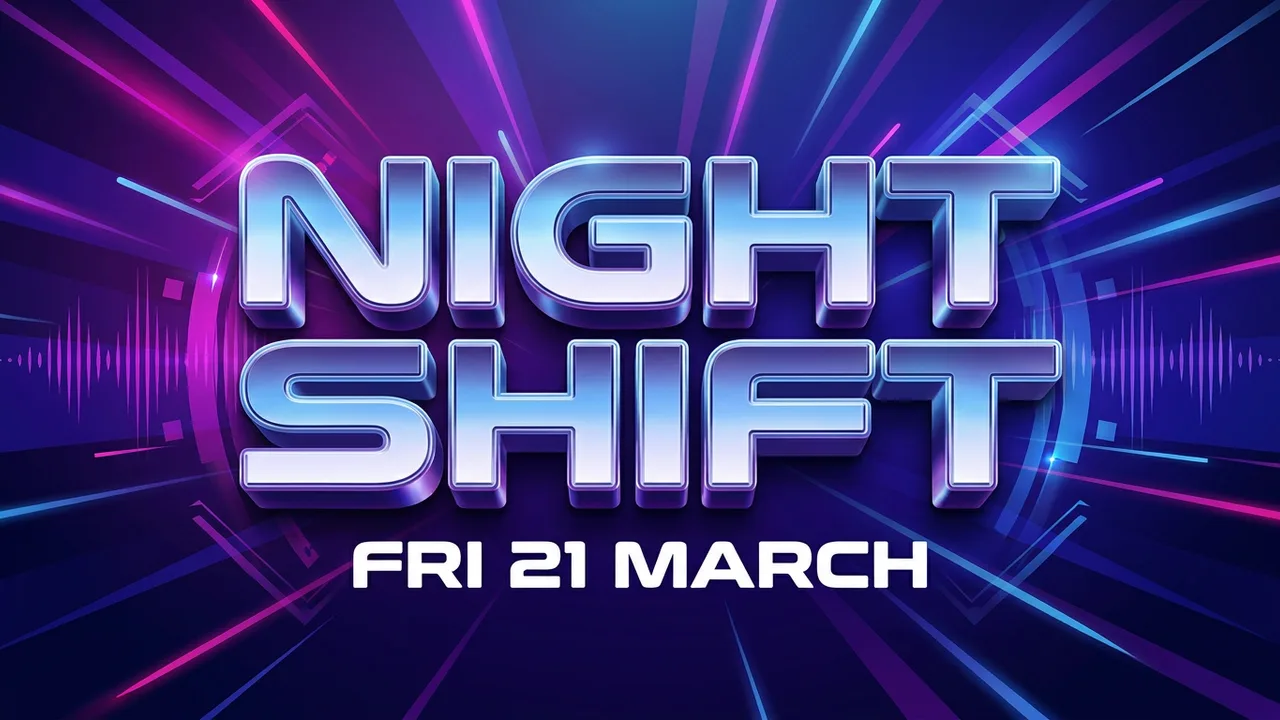
Describe the design and the look of the title in the box above, for example 'a concert poster with a chrome 3D title'. Playyy builds it as an editable design. Select the title, open Effects in the toolbar, hover over any effect to preview it on your own words, and click to apply it.
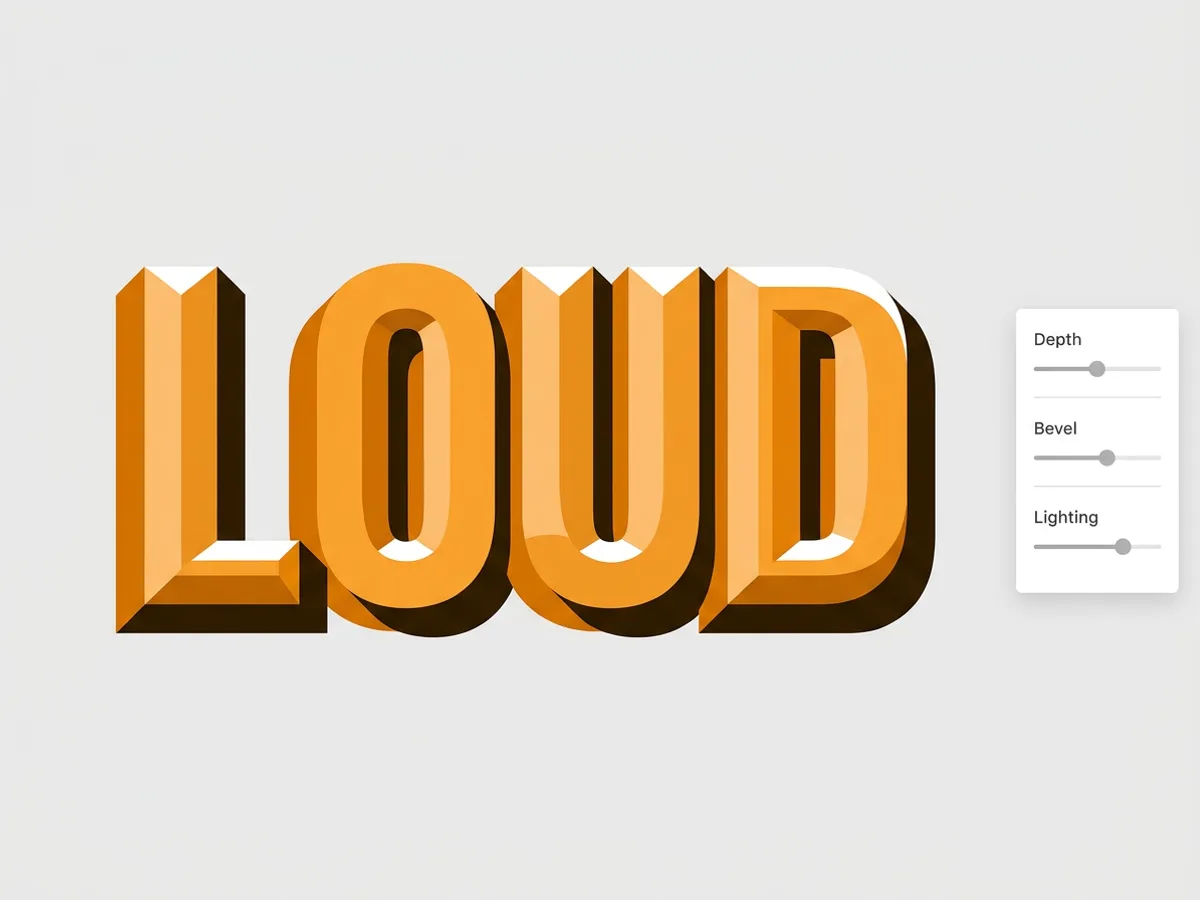
Add Depth and the letters get solid extruded sides that follow the full outline, including any outlines you have added. Set the depth color and how far it reaches horizontally and vertically. Add a Bevel to carve the letter faces with an Edge, Chisel or Round profile, then tune its width, depth, highlight and shadow, raised or engraved. Turn on lighting to set one light angle, elevation and ambient level for both the bevel and the extruded sides, so the whole title reads as a single lit object.
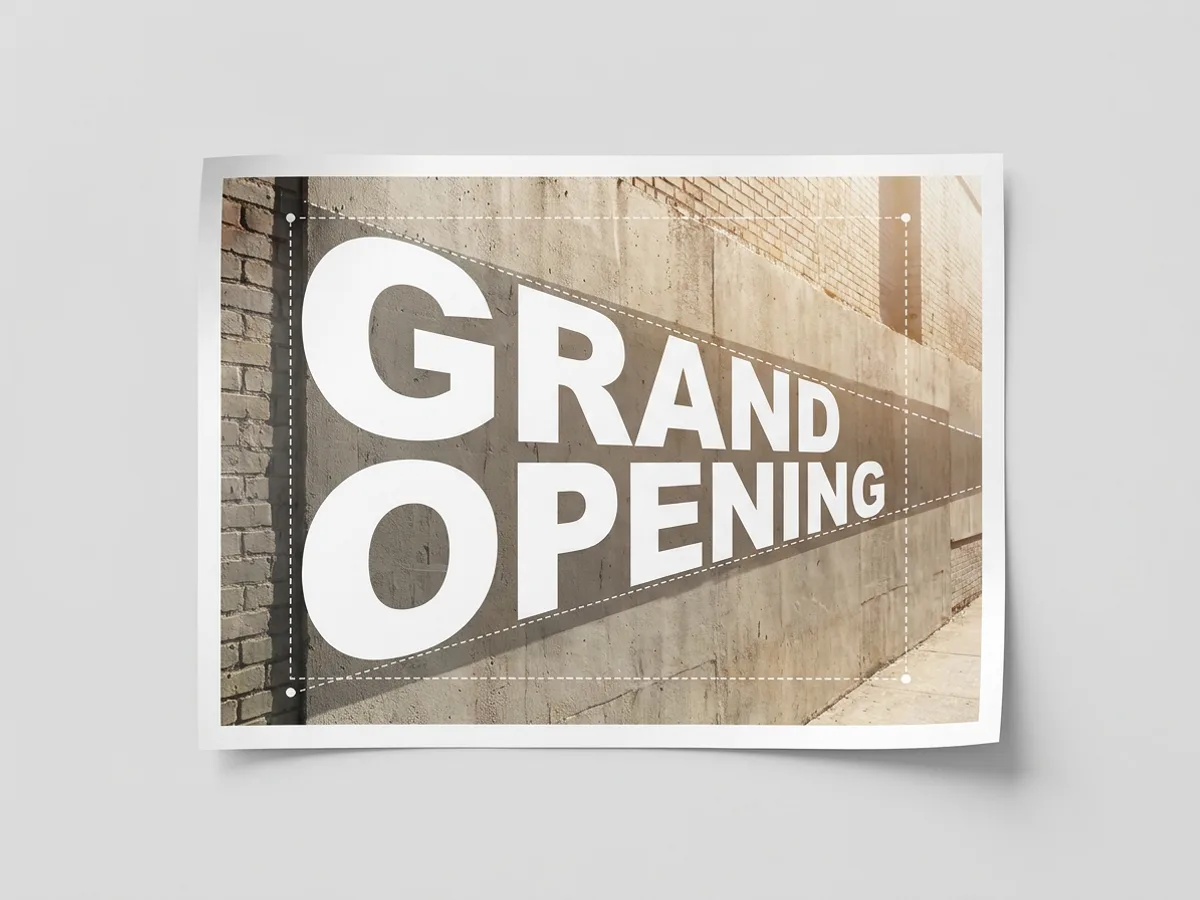
Choose Four-point perspective under Text shape and the whole text block is projected into a four-sided area. Type X and Y values for the top-left, top-right, bottom-right and bottom-left corners to angle a title along a wall, a road or the side of a box. Two or three lines share one projection, so they recede together. The same menu holds Curve, Arch, Wave, Flag, Bulge, Fisheye, a flowing path and a custom envelope.
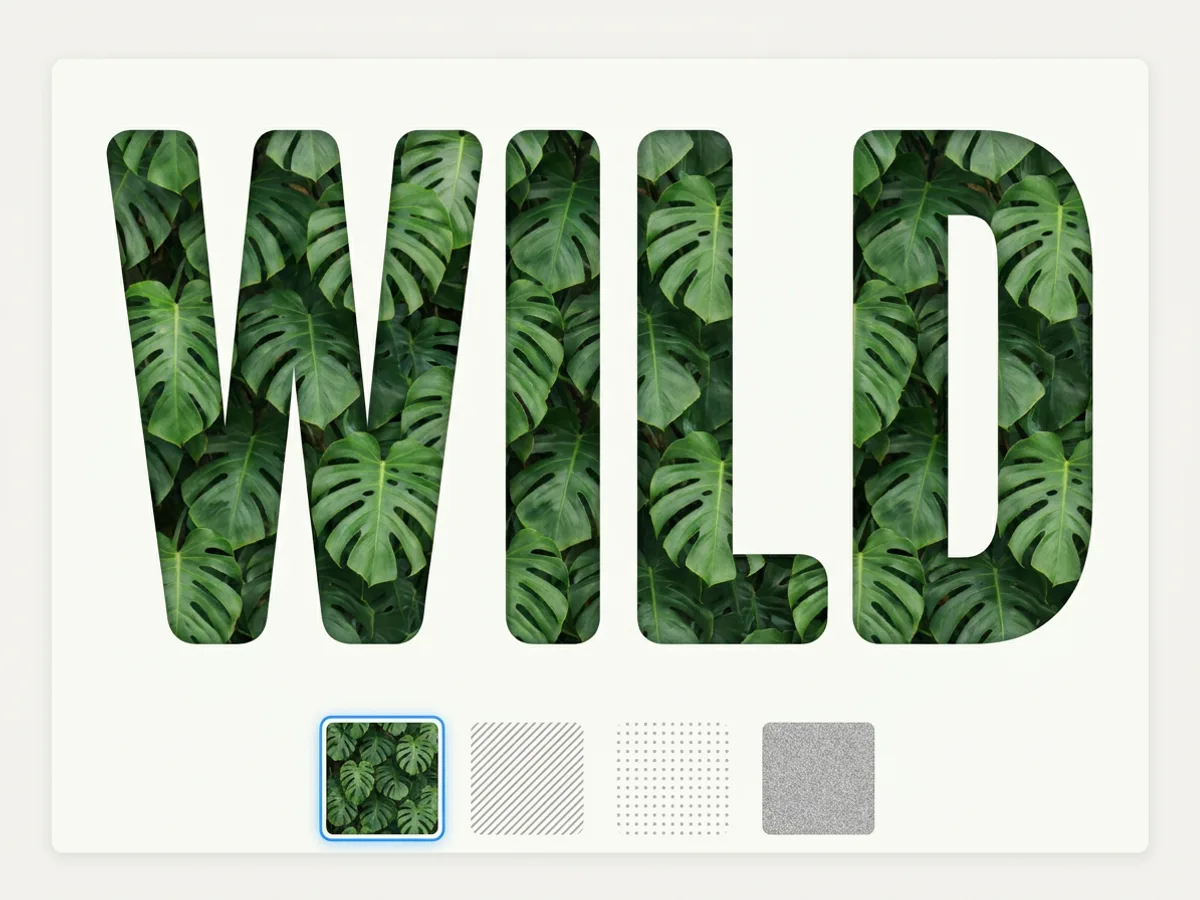
Fill the letters with a picture instead of a color: upload a photo of leaves, marble, denim or fruit, or start from built-in stripes, grid, crosshatch, dots or grain. Set how the image repeats, its size, horizontal and vertical offset, and opacity. A separate Texture layer can sit over a solid or gradient fill for a printed or grainy finish. Image fills carry through HTML and PPTX exports with their size, offset and opacity intact.
Turning the lettering into a brand name? Design a wordmark logo
Solid 3D sides in any color, angled in the direction you set.
Chisel or round bevels lit by one shared light source.
Four-point perspective, curves, arches, waves and custom envelopes.
Fill letters with your own photo or a pattern, tiled to size.
Shadow, outline, hollow, splice, echo, glitch, neon and lift.
See each effect on your own words before you click to apply it.
Fix a typo, change the font or rewrite the headline and every effect follows the new letters.
The title arrives inside a finished poster, thumbnail or logo board, sized and laid out, ready to refine.
Download PNG or PDF, or export PPTX, where a title with effects beyond PowerPoint's own set comes across as a transparent image.
Create event posters, flyers, and digital invitations specific to your occasion — not another generic template.
Explore workflow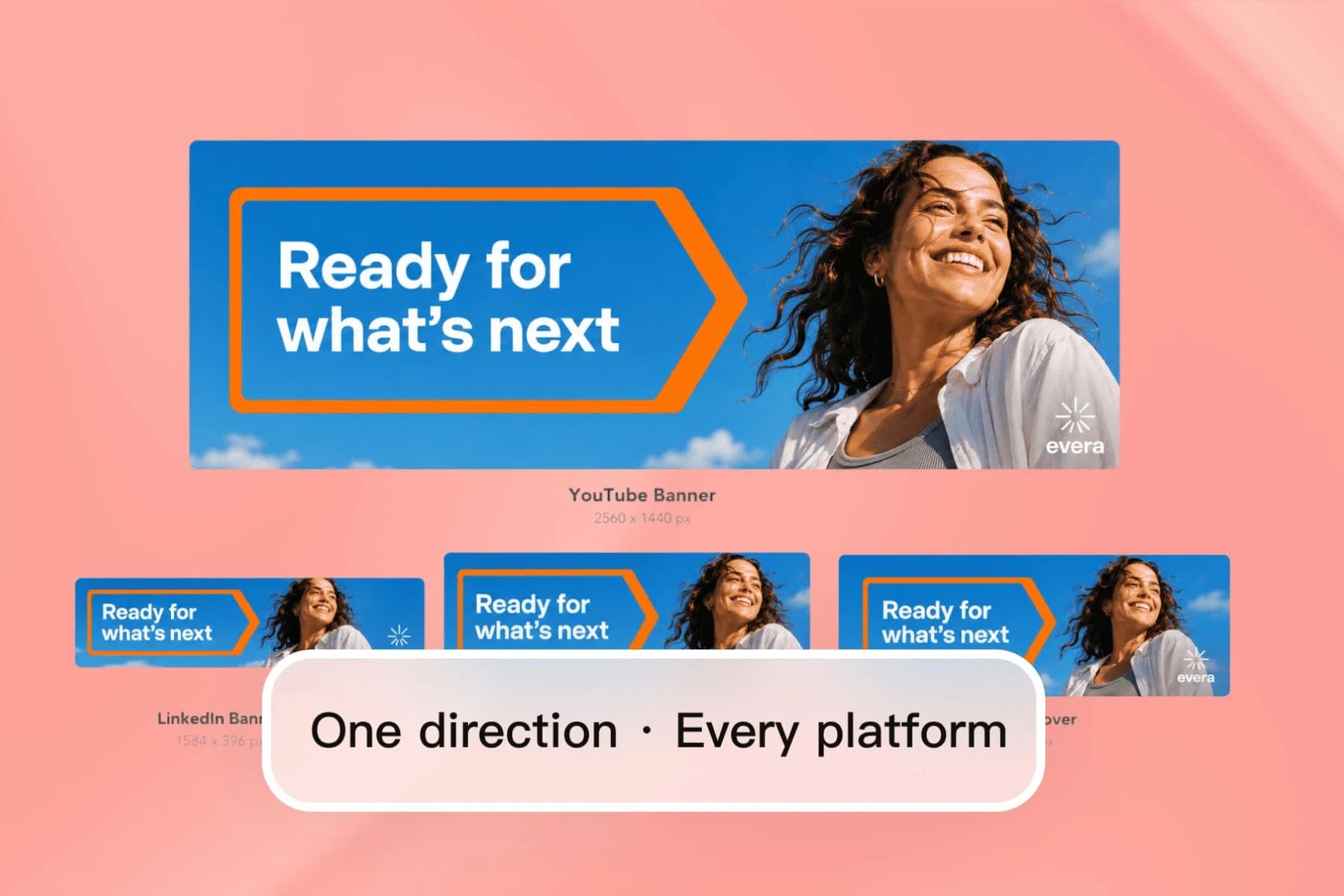
From one AI direction to YouTube, LinkedIn, Twitter, and Facebook covers — no designer, no templates.
Explore workflowDescribe the design and title in the box above, such as 'a sale banner with a bold 3D headline', and Playyy generates an editable design. Select the title, open Effects in the toolbar and add Depth for extruded sides, then a Bevel for carved faces. Add lighting to set where the light comes from, and download the result as PNG, PDF or PPTX.
Playyy is free to start, with daily bonus credits that refresh every day. Generating a design uses credits. Free exports carry no watermark.
One-click styles (shadow, outline, hollow, splice, echo, glitch, neon and lift), shapes (four-point perspective, curve, arch, wave, flag, bulge, pinch, rise, fisheye, a flowing path and a custom envelope), and appearance effects: multiple outlines and shadows, inner shadow, extruded depth, chisel or round bevels, shared lighting, image fills and texture overlays. You can stack several on the same title.
Select the text, open Effects and choose Four-point perspective under Text shape. Enter X and Y values for each of the four corners to project the whole block into that shape. Multi-line titles share one projection, so the lines stay aligned as they recede.
In the Effects panel, use Choose image under Fill to upload a photo or pick stripes, grid, crosshatch, dots or grain. Adjust repeat, size, offset and opacity until the pattern sits the way you want. For a printed or grainy finish over a color, add the Texture layer instead.
Yes. The title stays a live text layer, so you can retype it, change the font, size or spacing, and the depth, bevel, lighting and fills redraw around the new letters.
Any font works. The 3D text maker builds depth, bevels and perspective from the shape of the letters in the font you choose, so a heavy sans, a slab serif or a rounded display face can each become a 3D title.
Depth, bevels, inner shadows and shape effects apply to horizontal text set in a single column, which covers most titles, headlines and logos. Vertical and multi-column text takes outlines and shadows.
Yes. When you export PPTX, text PowerPoint can draw natively stays editable, and a title with effects beyond PowerPoint's own set is placed as a transparent image in the same position, size and rotation, so the slide matches your design.
3D Text Generator
Playyy's 3D text generator designs your poster, thumbnail or logo with the title already styled, then lets you add extruded depth, lit bevels, four-point perspective and image textures to words that stay editable.