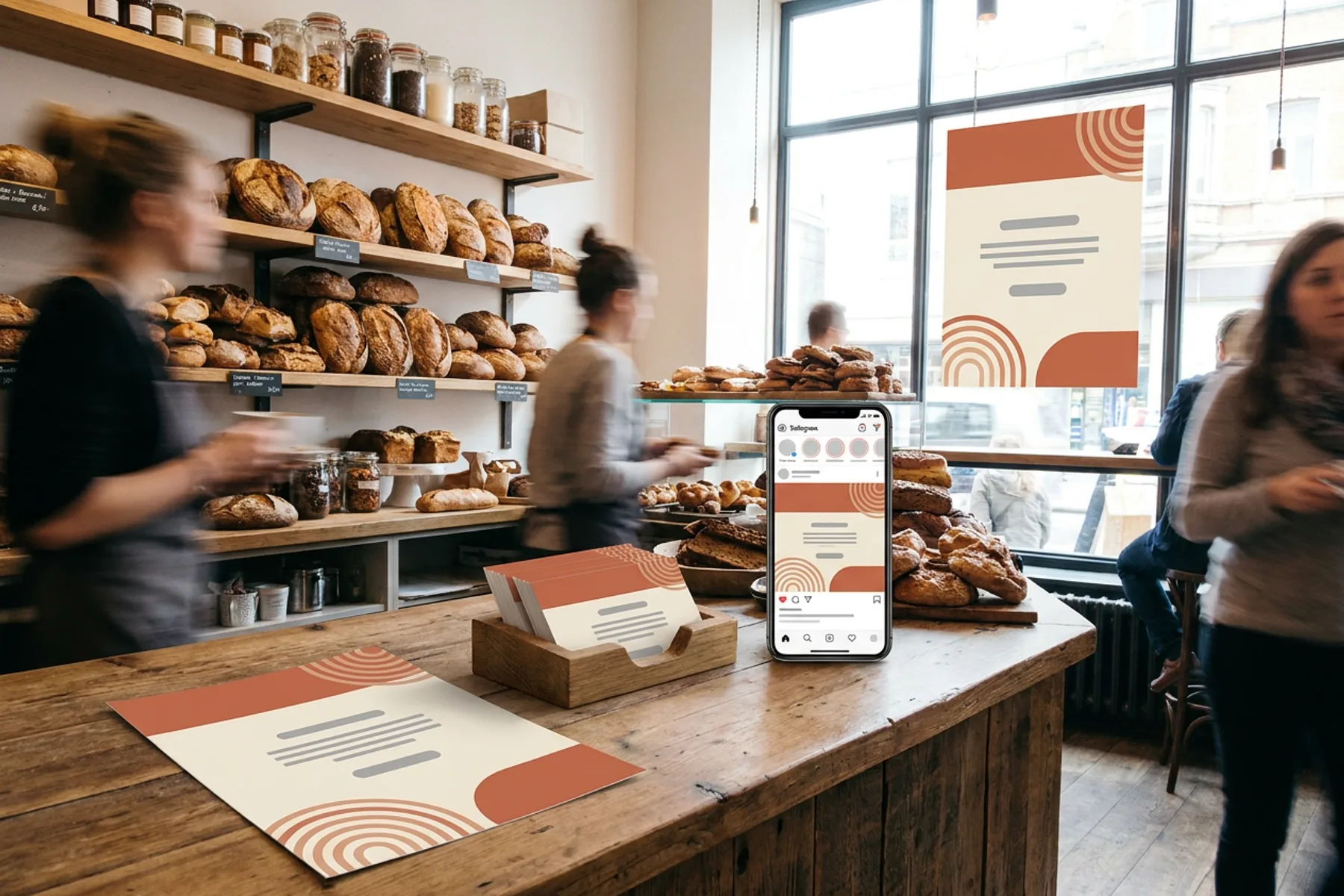
Small Business Marketing Materials, Made in One Place
One brand kit, every piece a local business hands out or posts: print-ready flyers, posters and business cards, weekly social posts and a simple website.
Explore workflowPlayyy's AI menu generator turns your dishes, prices and preferred style into an editable menu design, ready to print as a PDF or share as a social post.
List your dishes and prices and describe the look in the box above. Playyy designs the menu as an editable design, then you change any item on the canvas and export a print PDF or an image.
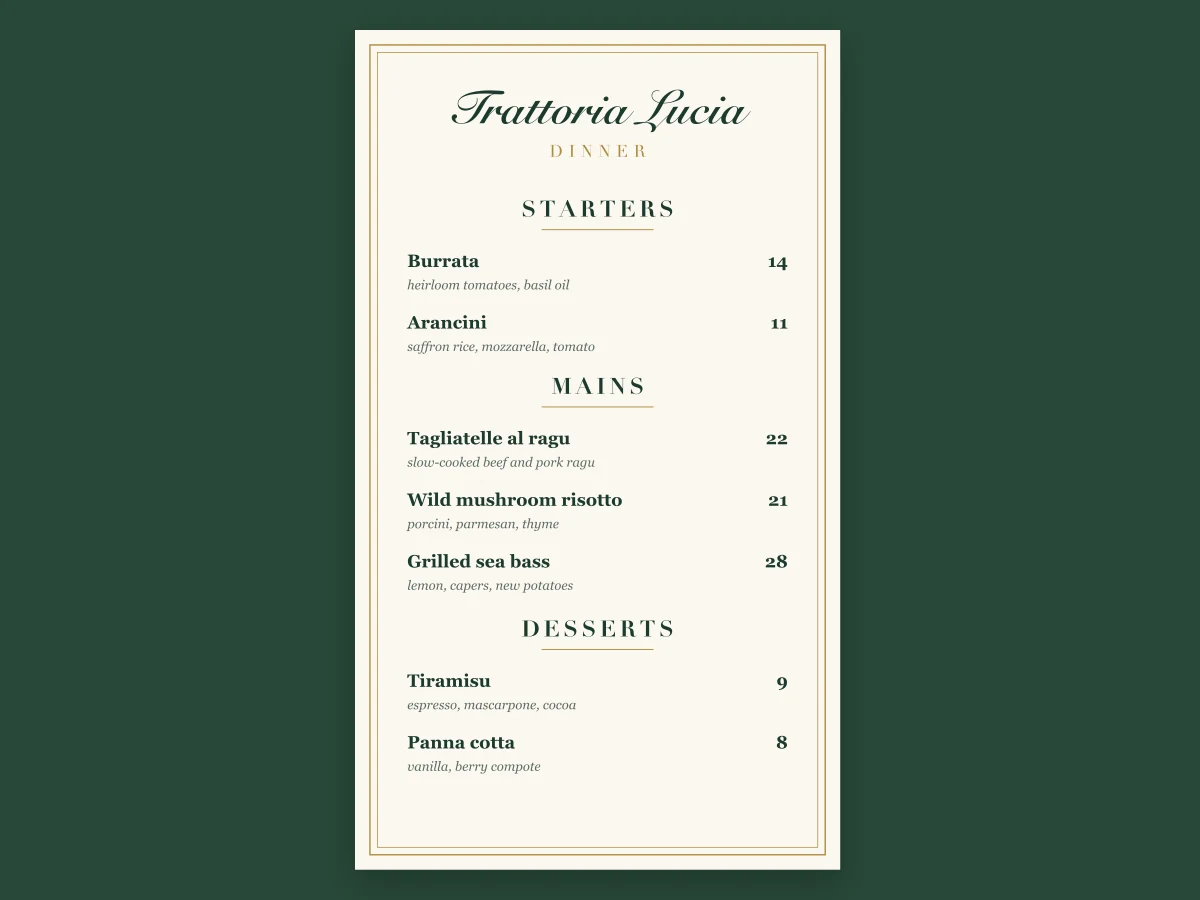
Paste the menu as you have it, a list of sections, dishes, short descriptions and prices, and describe the feel: a chalkboard cafe drinks list, a candlelit dinner menu, a bright bakery price board. The AI menu generator groups the items, lines up the prices and adds headings, dividers and imagery to match. Ask for one page, a two-page menu or a separate drinks card.
Try for free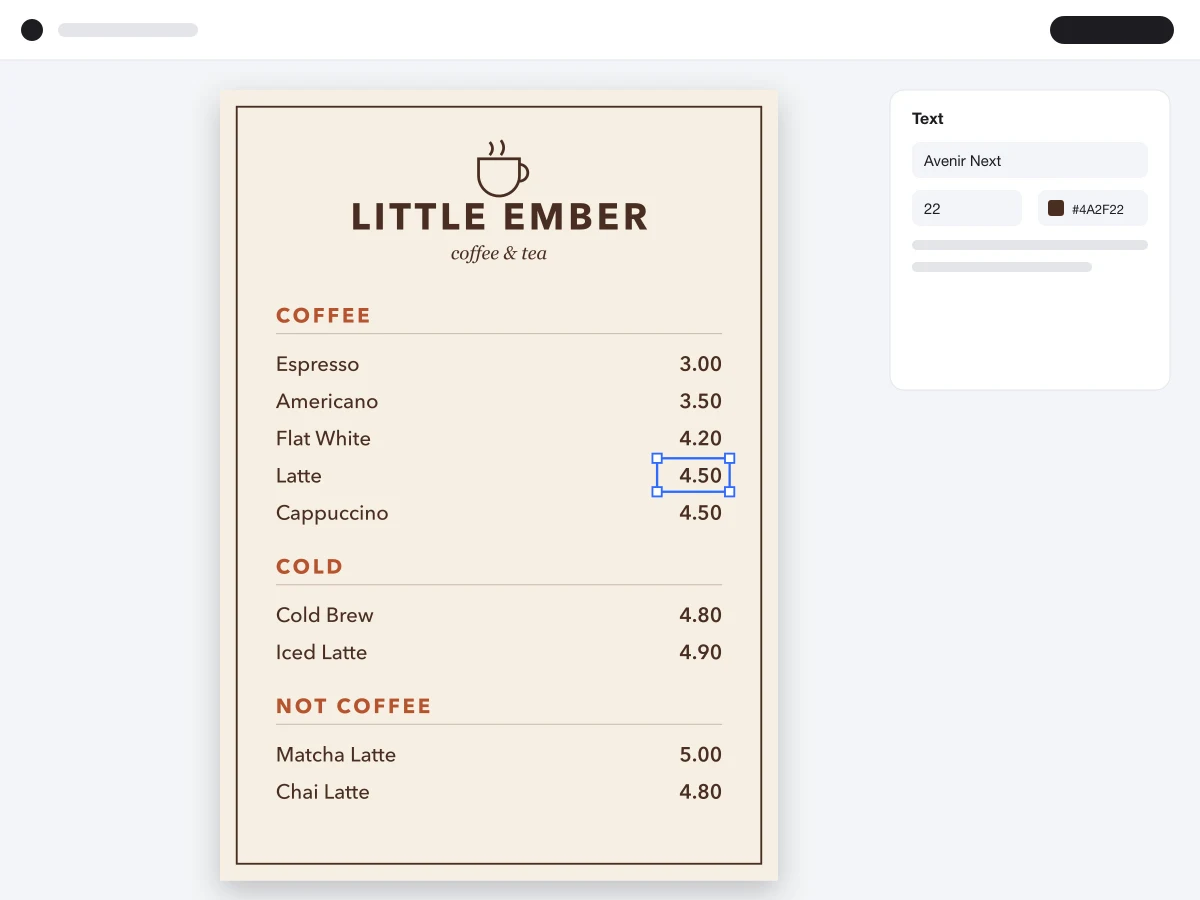
Every dish name, description and price is its own text box. When a supplier raises a price or the seasonal special changes, click the line and type the new detail, and the layout stays intact. Switch the font, recolor the headings or ask the agent to 'add a vegan option to the mains'. With a brand kit set, your logo, colors and fonts are on the menu from the first draft.
Try for free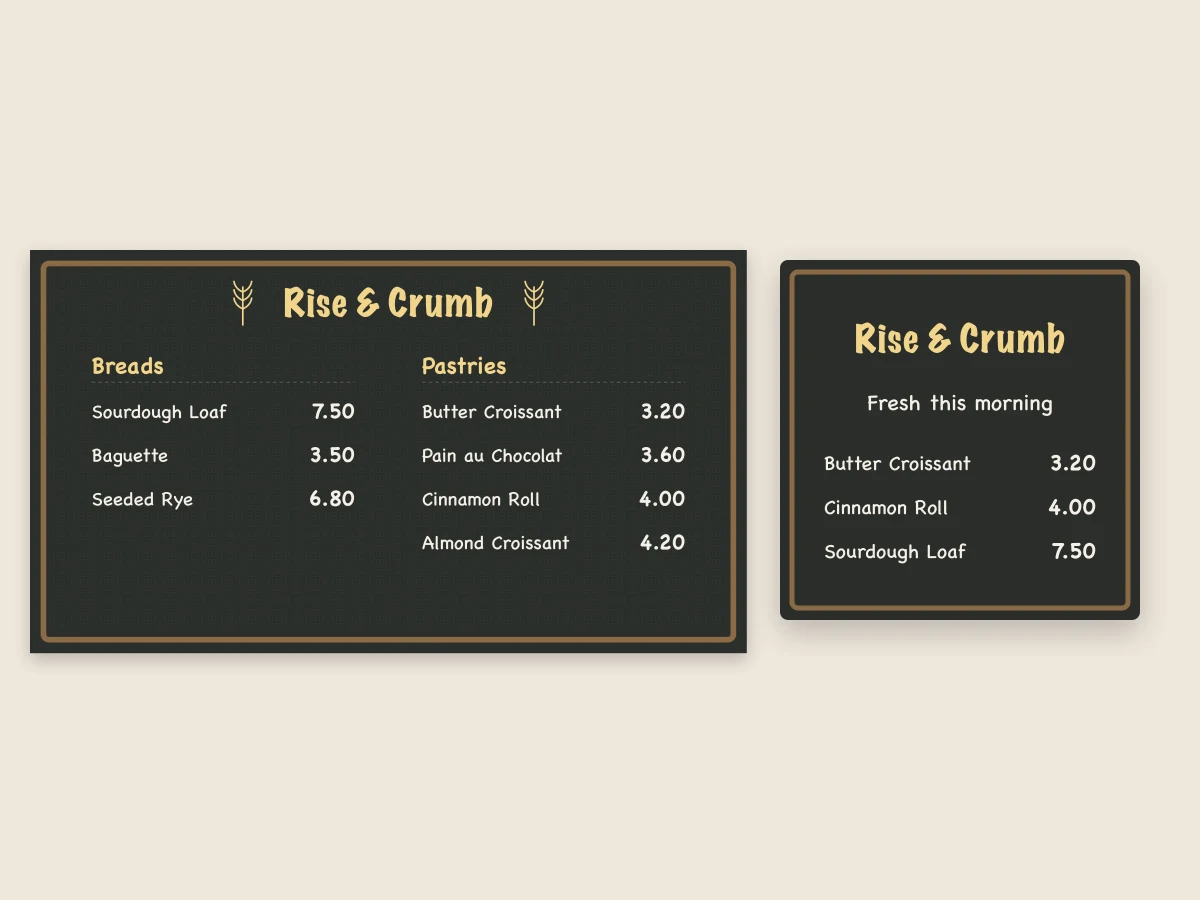
Export a print PDF with bleed and crop marks for the table menus, or PNG and JPG files for your website and delivery listings. Ask for an Instagram post or story version to announce the new menu, or a 16:9 version for a TV menu board. Wedding and event menus work the same way, with the courses, names and date on a card that matches the invitations.
Try for freePromoting a special or an opening night? Make a flyer from the same menu
Sections, dish descriptions and aligned prices on one page or several.
Every dish, description and price stays a text box you can retype.
Your logo, colors and fonts applied to every menu you make.
Generated photos or illustrations, or your own dish photos as references.
A4, Letter, tall card menus, social posts and 16:9 menu boards.
Export a print PDF with bleed and crop marks, or PNG and JPG files.
Your dishes, prices and descriptions go in as you wrote them, and the design is built to fit them.
A new price or a seasonal dish is a quick edit on the same file, ready to reprint the same day.
Table menu, delivery listing image, social post and screen board all come from the same design.
One brand kit, every piece a local business hands out or posts: print-ready flyers, posters and business cards, weekly social posts and a simple website.
Explore workflow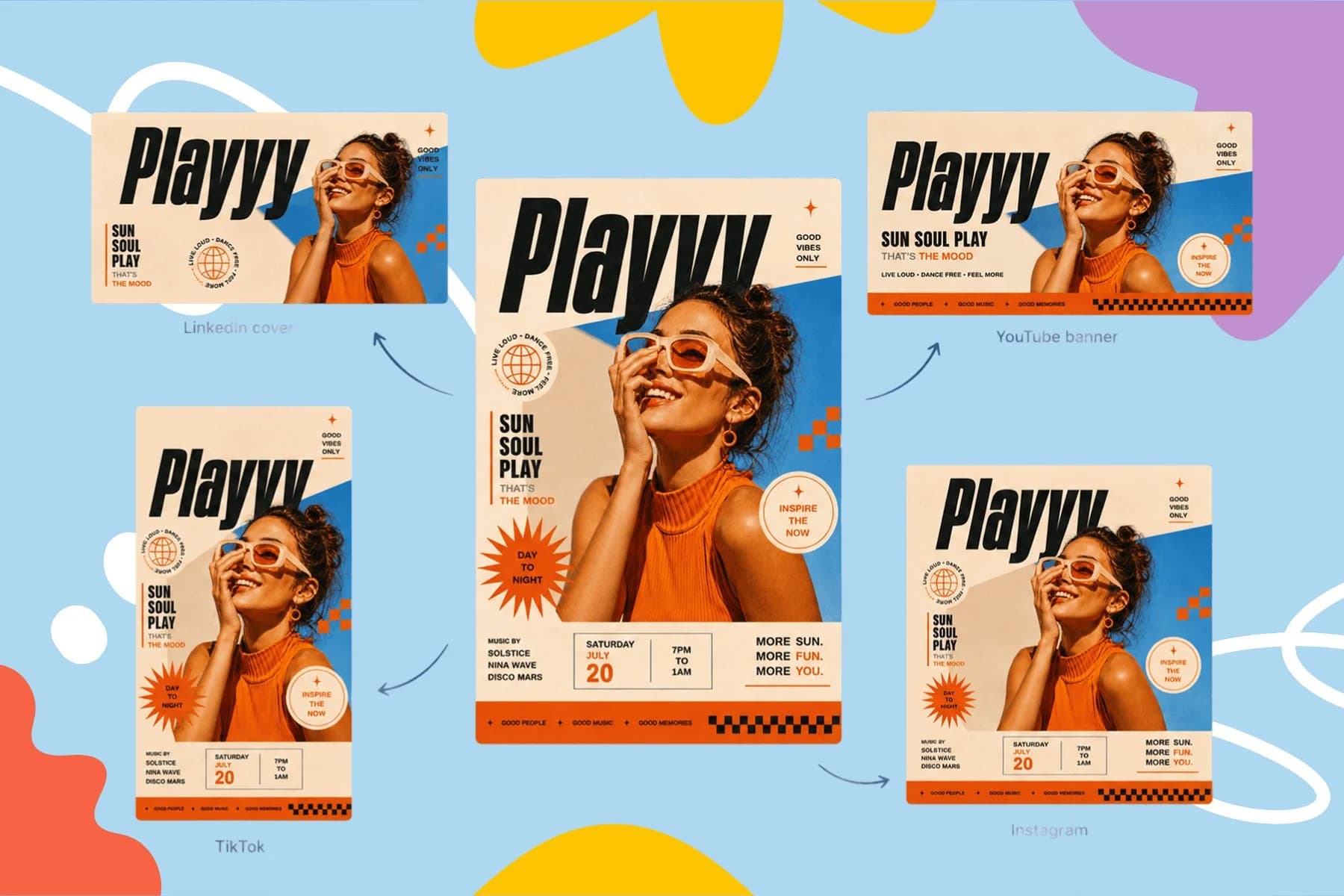
Create event posters, flyers, and digital invitations specific to your occasion — not another generic template.
Explore workflowPlayyy's AI menu generator is free to start, with daily bonus credits that refresh every day. List your dishes and prices and describe the style in the box above, sign in, and Playyy designs an editable menu. Change any dish or price on the canvas, then export a print PDF or an image for social media.
Start with the content: group the dishes into sections, write a short description for each, and set the prices. Then choose a style that fits the place, such as rustic, modern or elegant. In Playyy, paste that list and the style into the box above, and the menu is laid out for you to adjust and export.
Keep it short enough to read at the counter, group drinks and food separately, and set prices in a consistent column without currency clutter. Use one or two fonts, clear section headings and a few accents in the cafe's own colors. A photo or illustration of a signature drink helps it sell.
Yes. Add up to ten photos of your dishes or interior as reference images, and say how to use them, for example 'use the photo of the burger as the hero image'. Playyy can also generate food photos or illustrations in the menu's style.
Yes. Export a print PDF with bleed and crop marks so the print shop trims cleanly to the edge. Ask for the size you need, such as A4, US Letter or a tall card menu, before you generate, or resize the design afterwards.
ChatGPT can write menu sections, dish names and descriptions, which makes a good starting list. Paste that text into Playyy to turn it into a designed menu with editable text, your brand colors and a print PDF or social post export.
Yes. Describe the courses, the couple's or event's name, the date and the style, for example 'a minimal wedding dinner menu with a sage green border to match our invitations'. Playyy designs the card, and you can export it for printing at place settings.
Keep every image on brand, control the final look, and turn campaign ideas into polished assets without waiting on another design cycle.