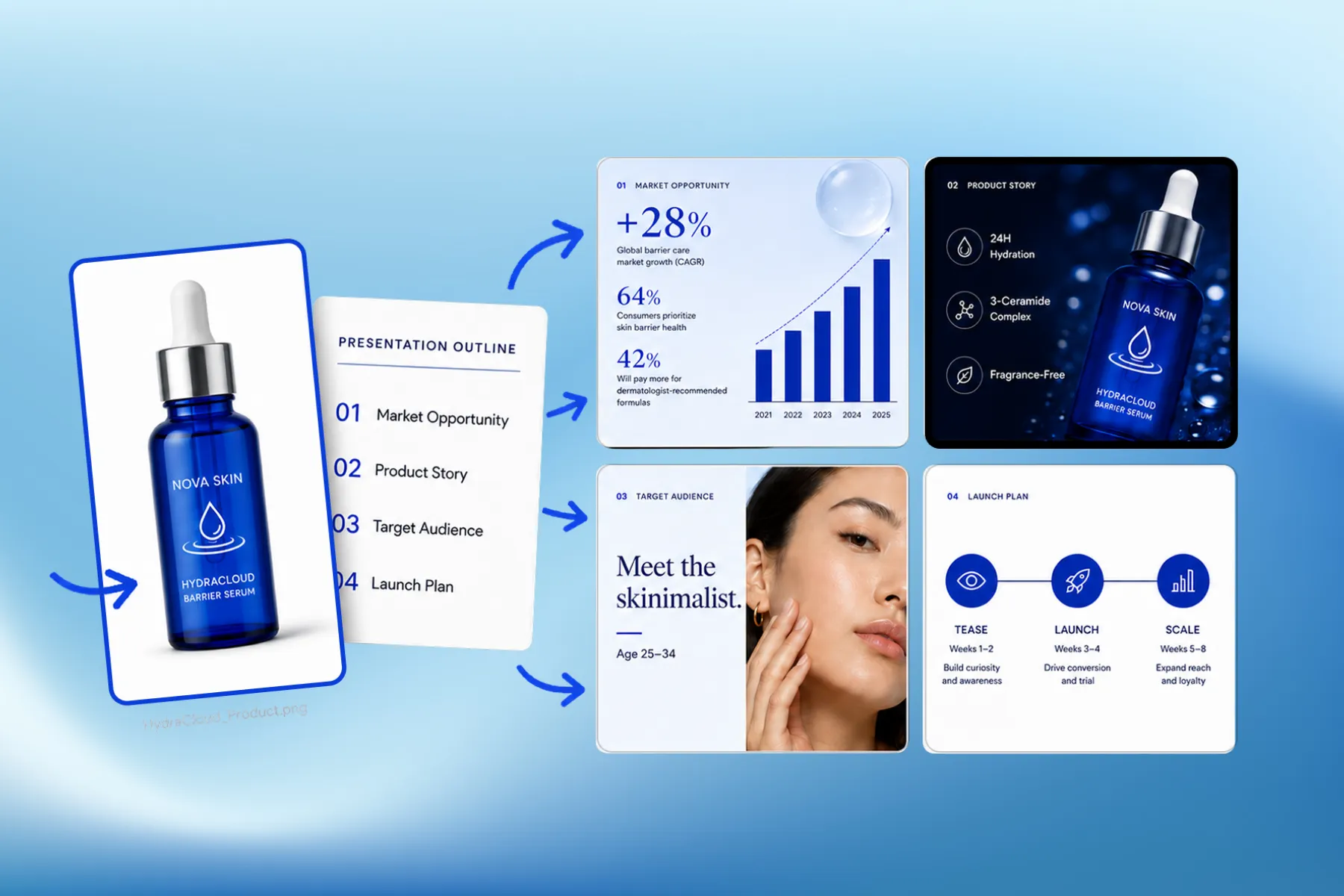
Presentation Software for Marketing, Educational & Corporate Decks
Presentation software that designs marketing, educational, and corporate decks from your brand kit — edit any slide, share a link, or export a PPT.
Explore workflowTell your company's story and the AI pitch deck generator designs investor-ready slides, from problem to ask, as an editable PowerPoint
Describe your company and the raise, pick a visual style, then refine the slides by chat or on the canvas and export PowerPoint or PDF.

Describe what the company does, who it serves and how much you are raising. The AI pitch deck generator writes and designs the sequence investors expect: problem, solution, market, product, business model, traction, team and ask. Pick a visual style before you generate, and choose the slide size that fits the room: 16:9 for most screens, 4:3 or 16:10 for older projectors and laptops, or 9:16 for a pitch read on a phone. With a brand kit set, your logo, colors, fonts and voice carry through from the title slide onward.
Try for free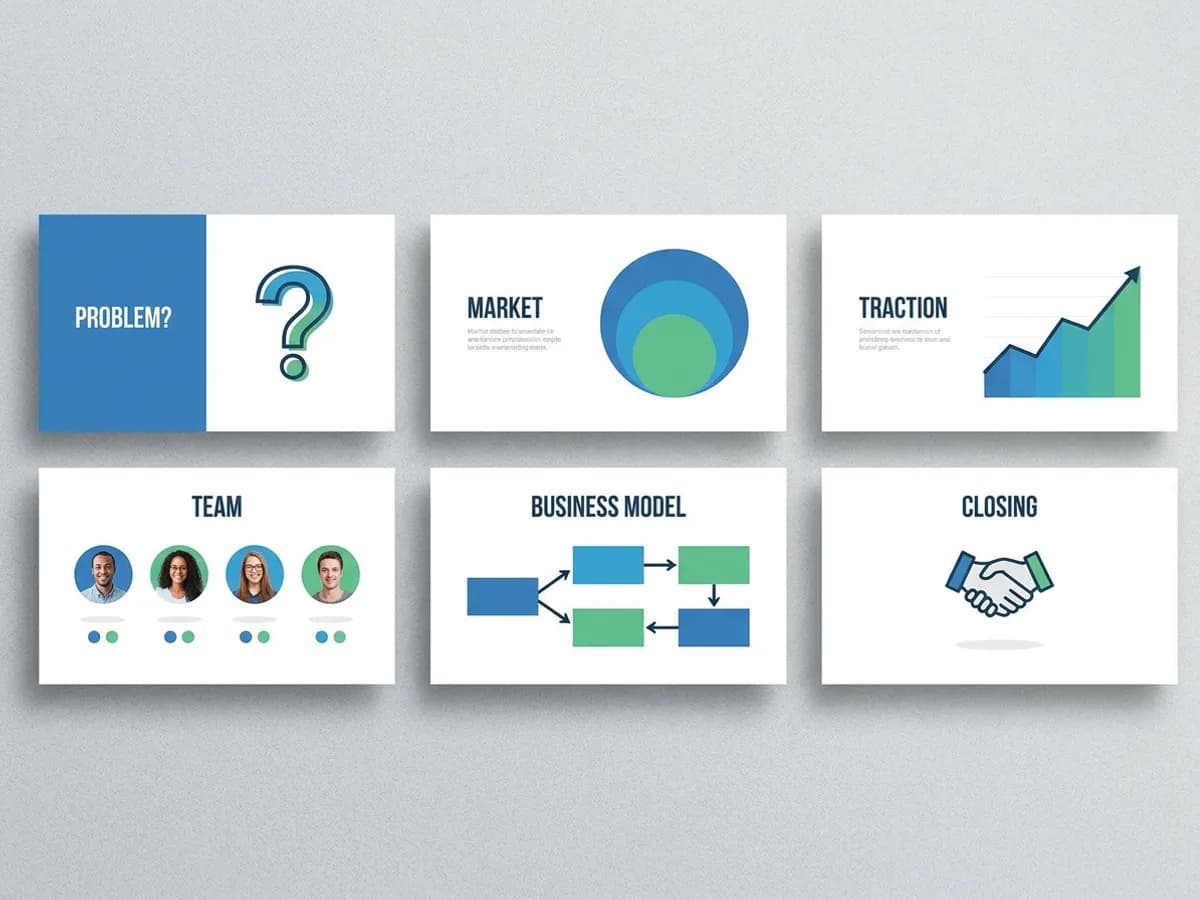
A pitch deck works when each slide makes one point and the whole set looks like it came from one company. The problem slide states the pain, the market slide sizes the opportunity, the traction slide shows the curve, the team slide puts faces to names, and the ask slide closes with the round. Every slide shares the same type, palette and layout logic. Ask the agent to sharpen the problem statement, add a competition slide or shorten the team bios, or click into any text and edit it directly on the canvas.
Try for free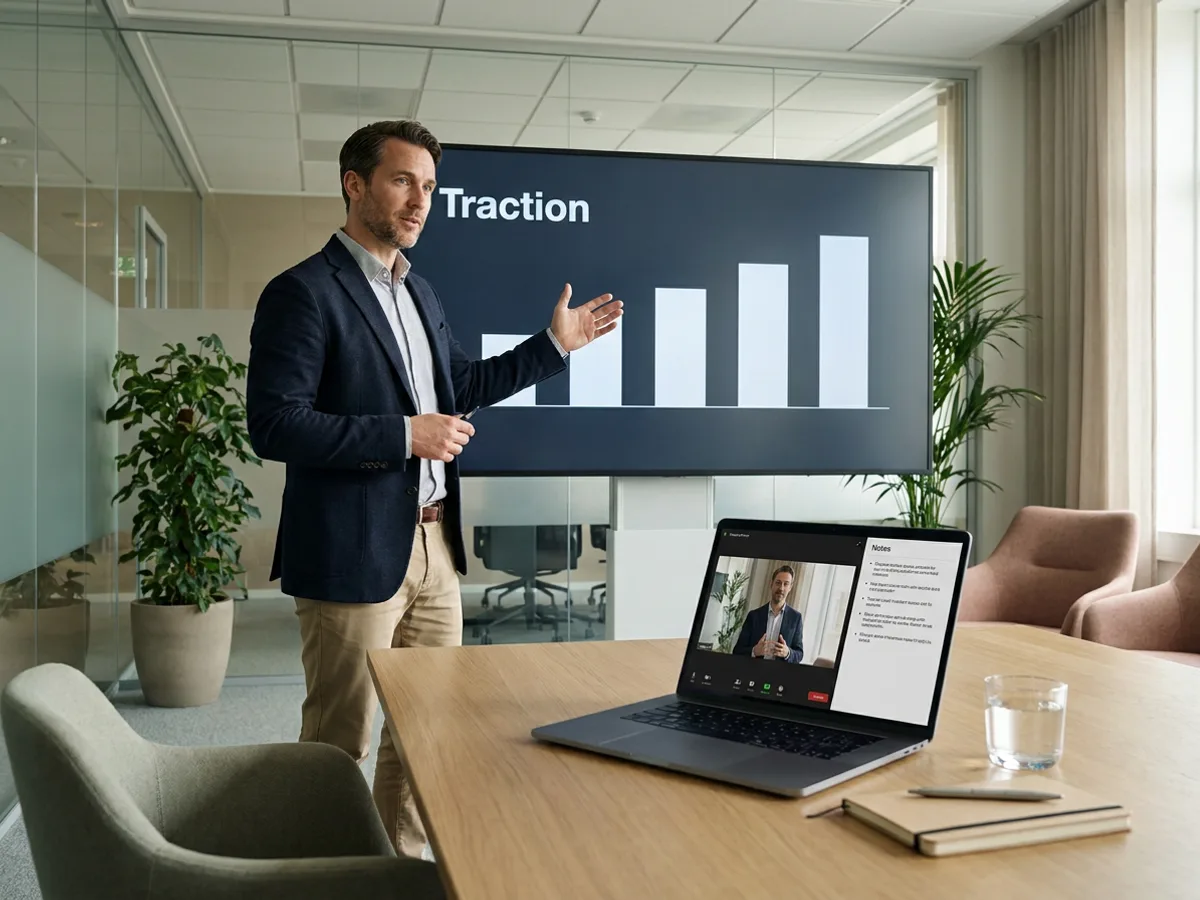
Write speaker notes for each slide, then present from a speaker view window that shows the current slide, the next slide and your notes while the room sees only the pitch on the big screen. Rehearse the traction story with the numbers in front of you, and keep the timing tight on the ask. Already have a pitch deck in PowerPoint? Import the .pptx and rework it in Playyy. When the slides are final, export an editable PPTX for your co-founders or a PDF to send to investors ahead of the meeting.
Try for freeNeed slides for something other than a raise? Use the AI presentation generator
Describe the company and the raise, and the AI writes and designs the full investor sequence from problem to ask.
Choose a style before generating so every slide shares the same type, color and layout logic.
Ask the agent to rewrite or redesign a slide, or click into any text box and change it yourself.
Bring in an existing .pptx pitch deck and rework the story, structure and design in Playyy.
Add notes to each slide and present from a speaker view showing the current slide, the next slide and your notes.
Export an editable PowerPoint for your team to keep working on, or a PDF to send to investors.
Playyy ranks #1 overall on the Design Arena slides leaderboard at designarena.ai. The same slide design engine builds every pitch deck you generate here.
The slide order follows how a raise gets pitched: problem, solution, market, product, business model, traction, team and ask. You spend your time on the narrative and the numbers while the layout keeps pace.
With a brand kit set, generation applies your logo, colors, fonts and voice automatically. The pitch deck looks like your company from the title slide to the ask.
Presentation software that designs marketing, educational, and corporate decks from your brand kit — edit any slide, share a link, or export a PPT.
Explore workflow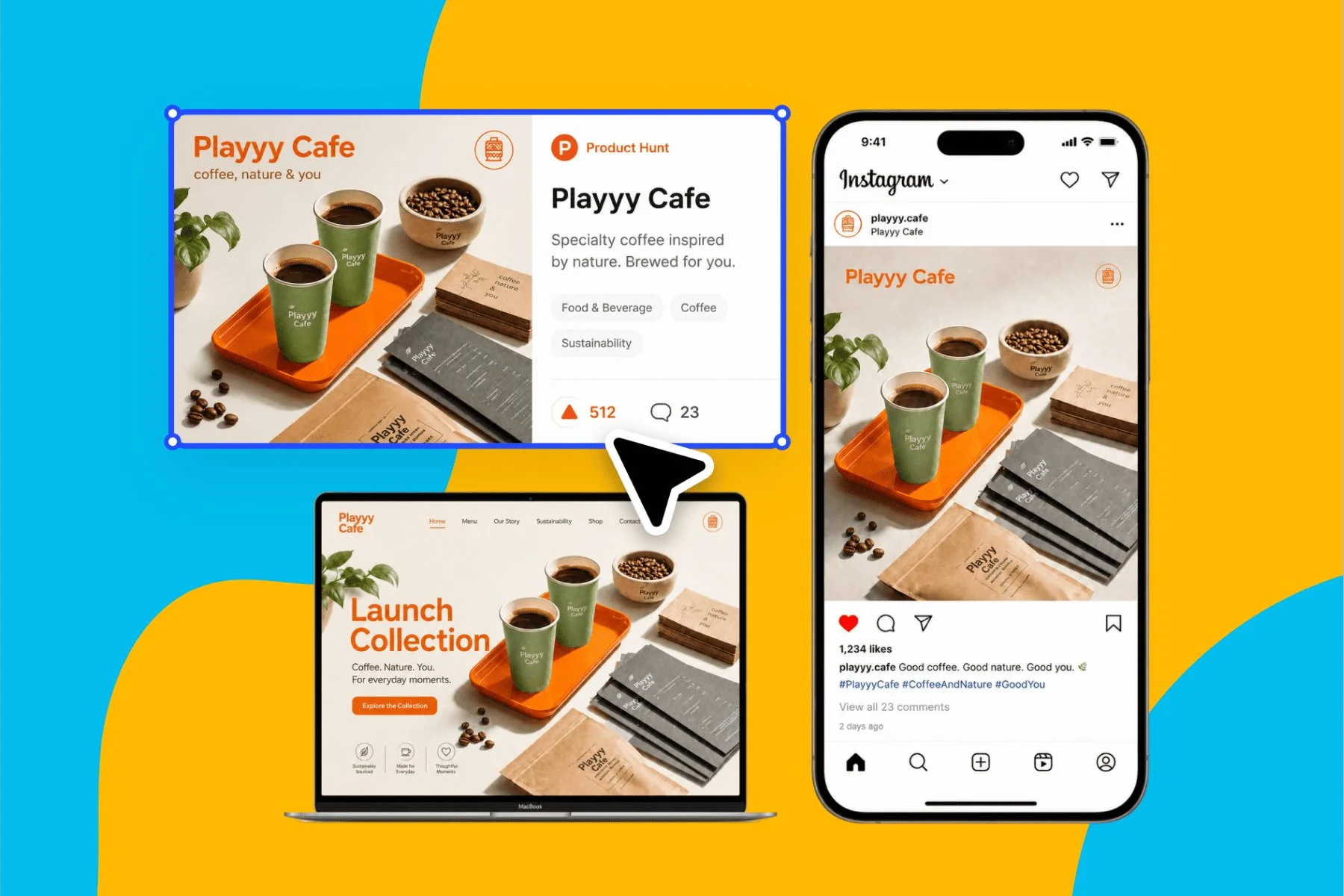
From brand identity direction to a complete launch kit — without hiring a designer or an agency.
Explore workflowAn AI pitch deck generator turns a description of your company and your raise into a complete set of investor slides. In Playyy, the AI writes the content and designs each slide, covering problem, solution, market, product, business model, traction, team and ask, in a visual style you pick. You then edit by chat or on the canvas and export an editable PowerPoint or a PDF.
Describe the company, the customer, the traction so far and the amount you are raising in the box above, then sign in to continue in Playyy. Pick a visual style and a slide size, and the AI generates the full pitch deck. Review each slide, ask the agent for changes such as a tighter problem statement or a new competition slide, and export when it reads right.
Yes, you can start free. The free plan includes daily credits for generating, and you sign in to generate in Playyy. Exports on the free plan come watermark-free, so you can send the PDF or PowerPoint straight to investors. Paid plans (Basic, Pro and Mega) add more credits for teams that build and revise pitch decks often.
Most investor pitch decks cover eight core slides: problem, solution, market, product, business model, traction, team and the ask. A title slide opens the set, and many founders add competition or financial highlight slides depending on the stage. Playyy generates the core sequence from your description, and you can ask the agent to add, remove or reorder slides to fit your story.
Yes. Export the pitch deck as an editable PPTX file, with text and elements kept as separate objects you can change in PowerPoint, Keynote or Google Slides. You can also export a PDF, which is the usual format for emailing a pitch deck to investors before or after a meeting. A share link works too, set to anyone with the link or only people with access.
Yes. Import your existing .pptx file into Playyy and rework it there. Ask the agent to restyle every slide in one consistent look, rewrite the traction slide around your latest numbers, or tighten the ask. Your brand kit applies automatically, and you can export the result back to an editable PowerPoint when you finish.
The best AI pitch deck generator is the one whose slides you would actually put in front of investors, and whose output you can keep editing. Playyy ranks #1 overall on the Design Arena slides leaderboard at designarena.ai, and it exports an editable PowerPoint, so the design quality and the follow-up edits both stay in your hands. Compare a few tools on the same company description to judge for yourself.
Use 16:9 for most pitch decks, since it matches modern screens, laptops and video calls. Playyy also offers 4:3 for older projectors, 16:10 for some laptop displays, and 9:16 for a vertical pitch deck that investors read on a phone. Choose the size before you generate so the layouts are composed for that shape from the start.
See how teams are using Playyy to ship better visuals, faster.

LinkedIn ads and organic posts, two different tones, one brand — produced in a single creative session without separate workflows.
 Emily Carter
A legal-tech startup founder, no designer, 22 YouTube thumbnails — how the startup built a consistent channel identity in one week using Playyy's brand kit.
 Daniel Brooks
ChatGPT images buried in chat, no brand kit, no spec control. How a 12-person B2B SaaS team switched workflows and tripled creative output in the same time budget.
Emily CarterKeep every image on brand, control the final look, and turn campaign ideas into polished assets without waiting on another design cycle.














