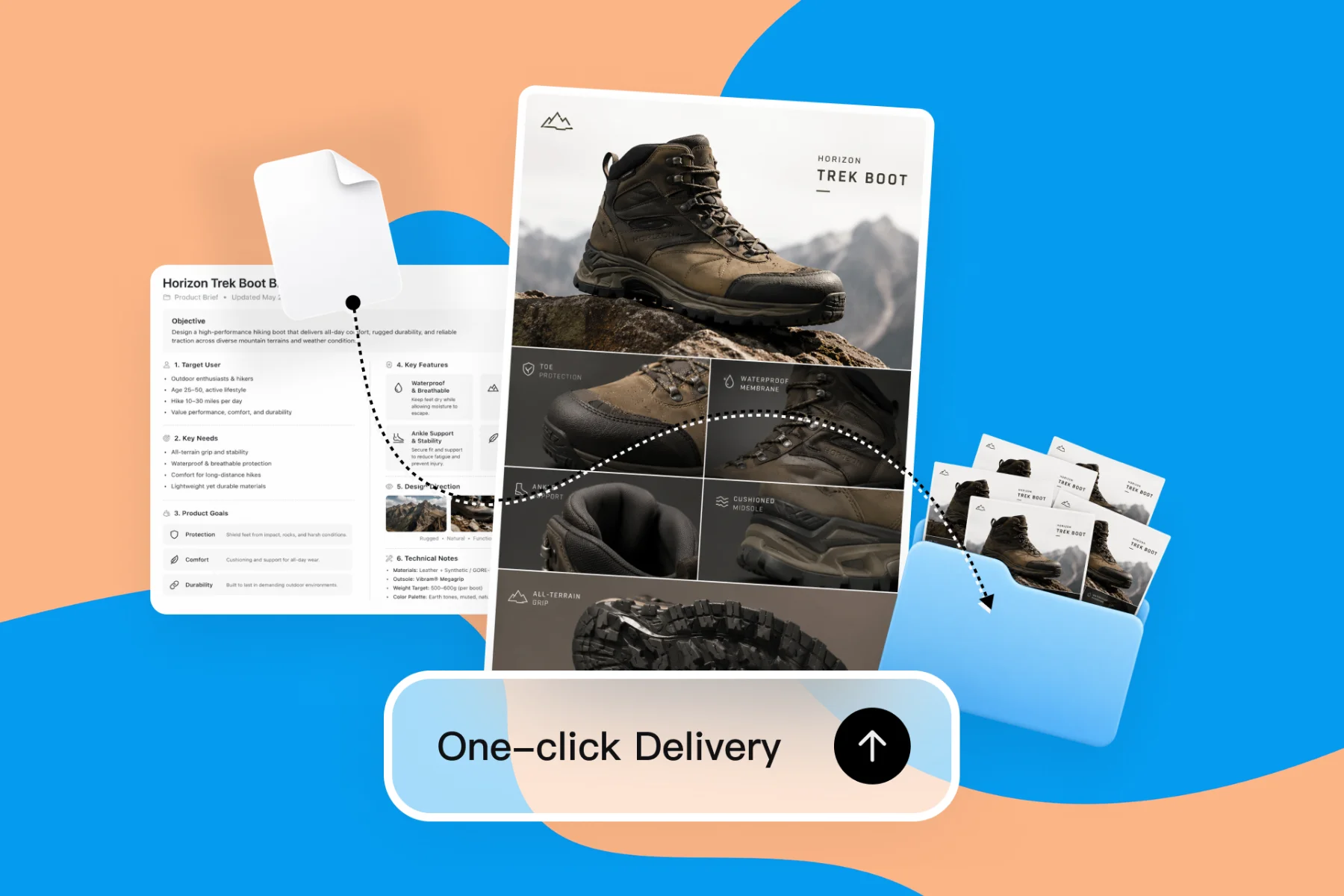
AI Design Tools for Freelancers — Faster Client Deliverables
From client brief to every deliverable format — AI generation, editing, and export without switching tools.
Explore workflowDescribe what you need and the AI document generator writes it fully formatted, with headings, tables, callouts and a banner, ready to export as a PDF
Describe the document in the box above, refine it by chat or directly on the page, then export it as a PDF or share a view link.
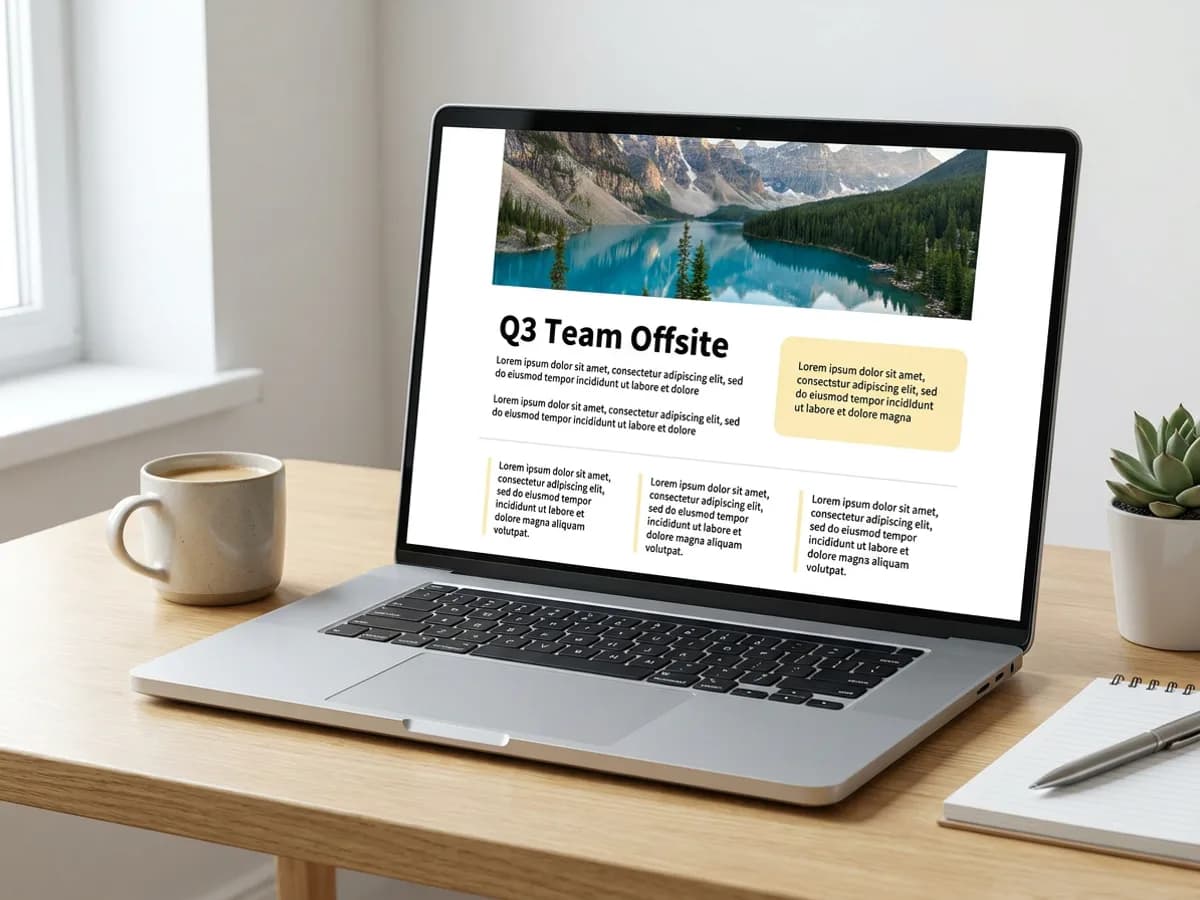
Tell the AI document generator what you're writing and who will read it: a team offsite plan, a one-pager for a new service, a letter to tenants, meeting notes, an article outline. It writes the content and lays it out at the same time, with H1 to H3 headings, short paragraphs, bullet and numbered lists, highlight callouts, columns and a banner header image. The result reads like a finished page you could send today. Your brand kit adds the logo, fonts and colors, so every document looks like it came from the same team.
Try for free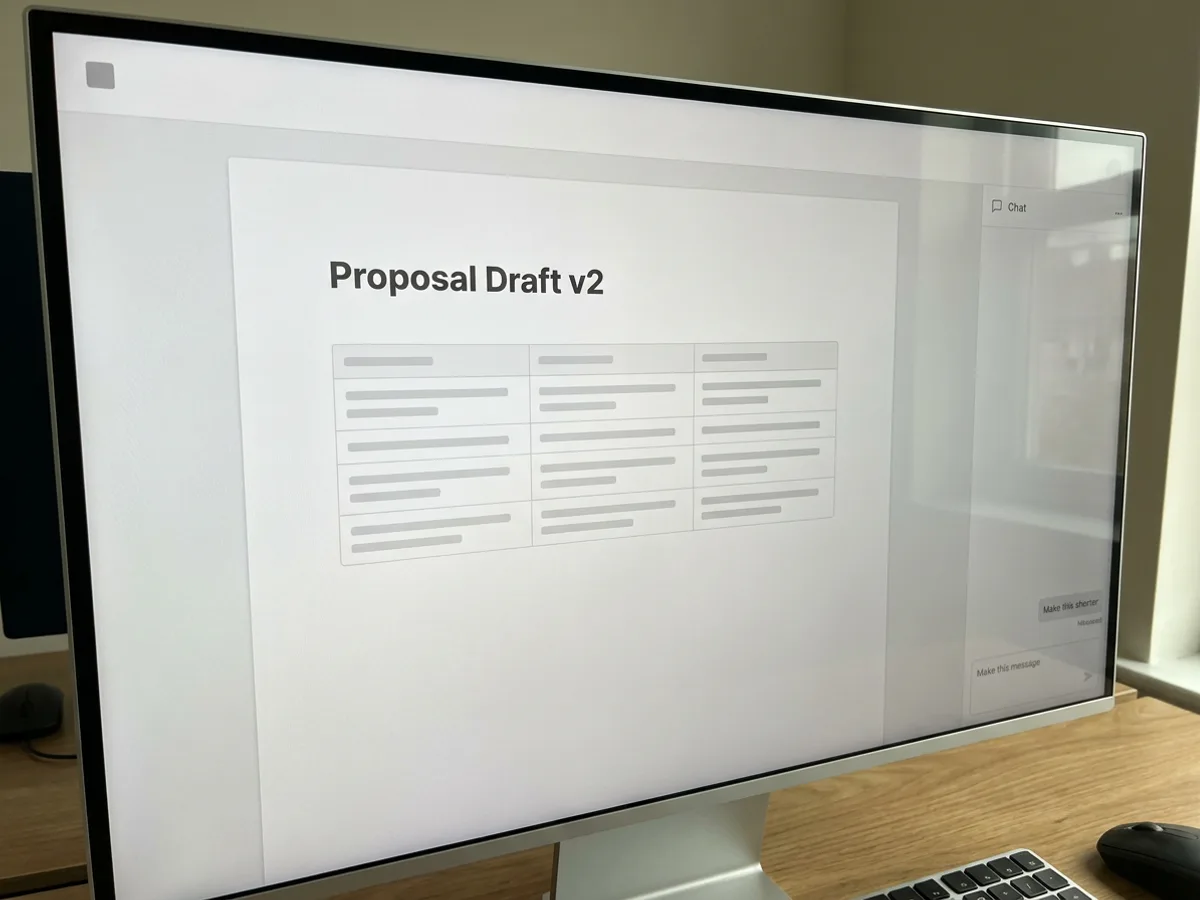
The chat panel sits next to the document. Ask for what you'd ask a sharp editor: make this shorter, turn these bullets into a table, add a section on budget, restructure the intro, translate it into Spanish, fix the wording for a client. The agent edits the page in place and keeps the formatting intact. When it's faster to type the change yourself, click into the document and edit directly. Have an existing Word file? Import the .docx and keep working on it in Playyy, with the same chat edits available.
Try for free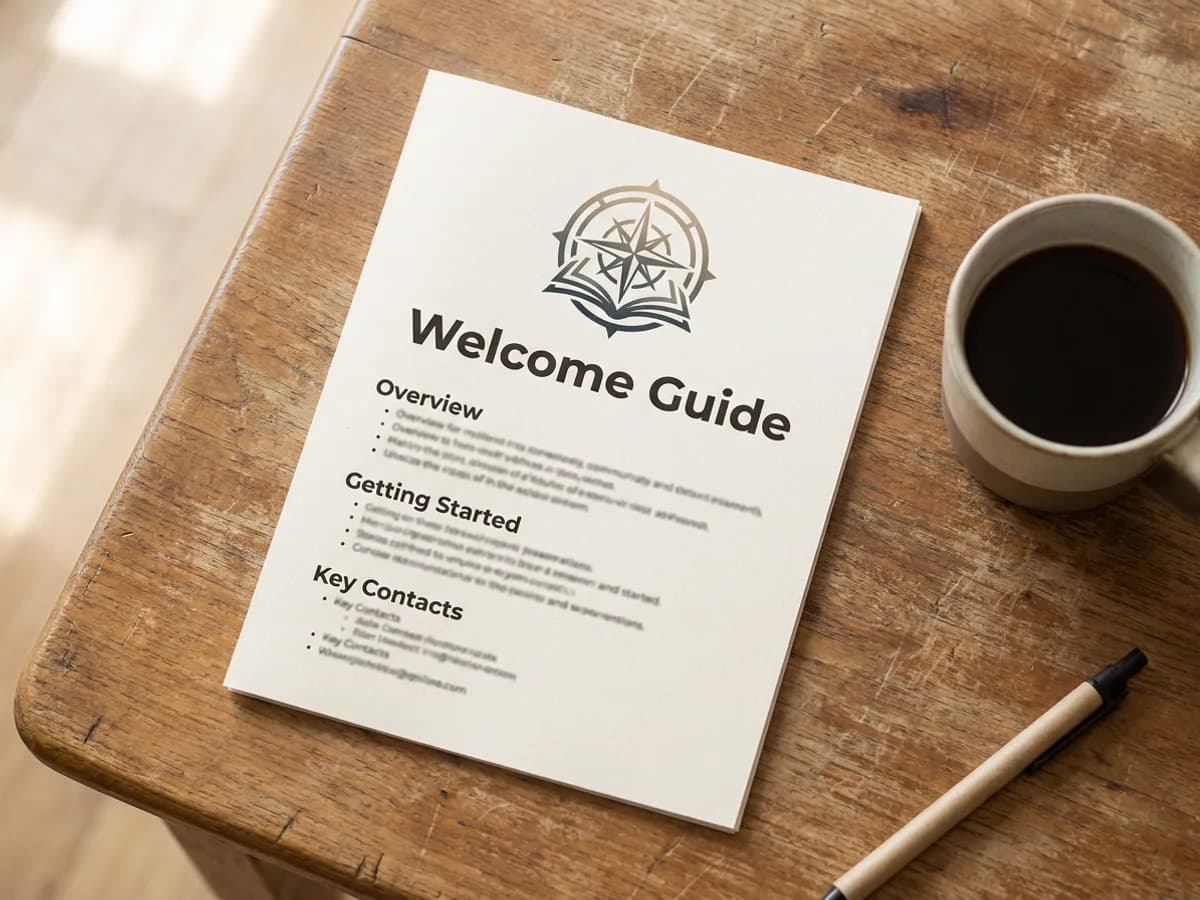
When the document is ready, export it as a PDF for printing, email attachments or uploading to a client portal. Or share a view link and choose who can open it: anyone with the link, or only people with access. Welcome guides, policies, handouts and letters keep their layout either way, with the logo at the top and headings in your brand fonts. Ask for a reusable template with marked placeholders, and the next onboarding guide or monthly letter starts with the structure already in place.
Try for freeWriting a proposal? Start from the AI proposal generator
Reports, notes, articles, letters, outlines, one-pagers and reusable templates with marked placeholders, all written from a prompt.
Headings, lists, quotes, callouts, tables, columns, images, a banner header, QR codes and embedded links.
Rewrite, expand, shorten, restructure, fix, translate or add a section by asking the agent.
Import a .docx file and keep editing it in Playyy with the same blocks and chat edits.
Export a clean PDF that keeps the layout, ready to print, attach or upload.
Your logo, fonts and colors are applied to every document automatically.
The document comes back as a designed page, with headings, tables, callouts and images already in place. You spend your time on the content while the formatting is done for you.
Chat edits change the words and structure while the layout holds together. A shorter version still has its table, callout and banner.
Your brand kit applies the same logo, fonts and colors to letters, guides and one-pagers. Documents sit in the same workspace as your designs and presentations.
From client brief to every deliverable format — AI generation, editing, and export without switching tools.
Explore workflow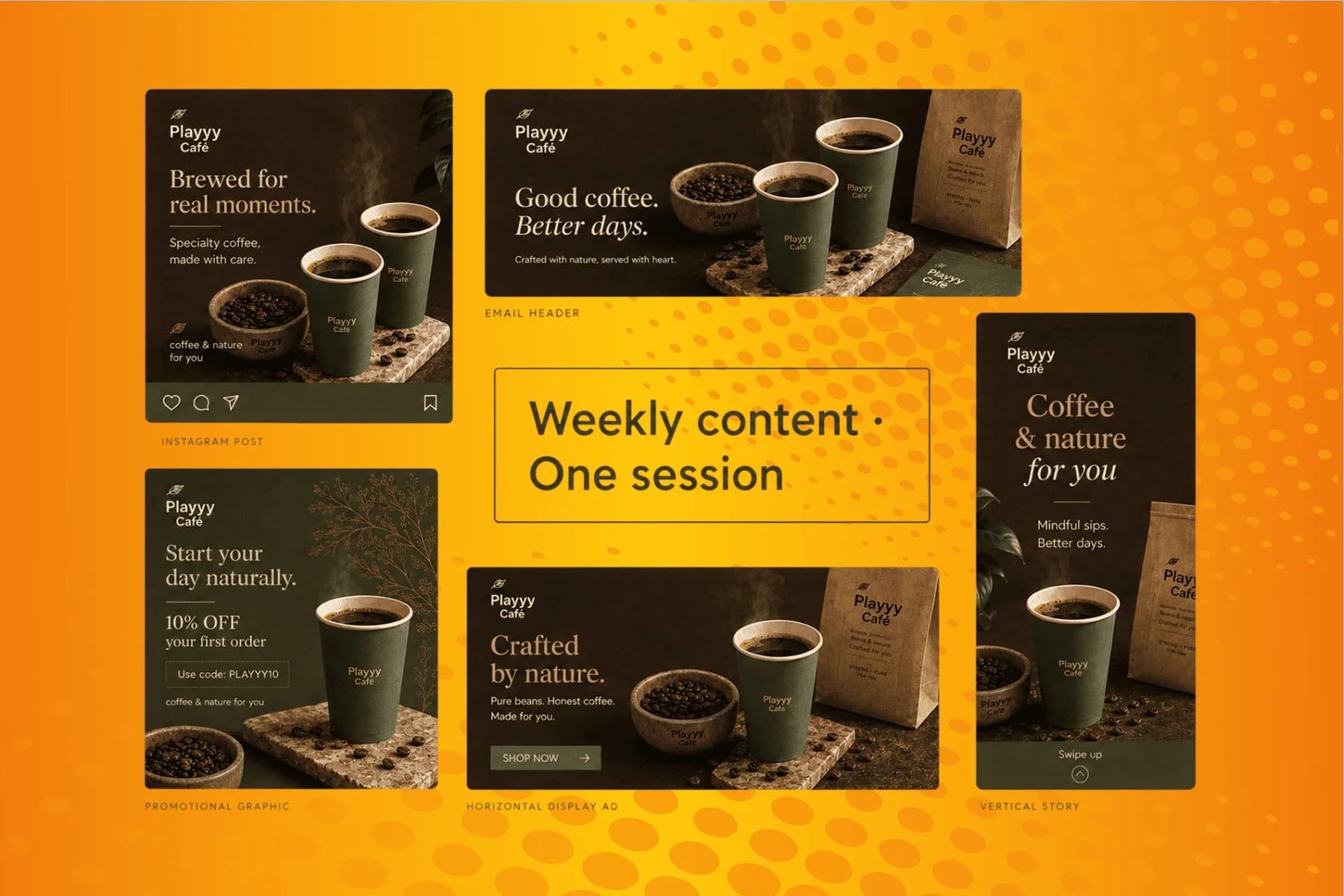
From content gap to publish-ready creative — AI image generator, brand style matching, and copy placement in one session.
Explore workflowYou can start free. Playyy has a free plan with daily credits. Describe the document in the box above, sign in, and your prompt carries into Playyy, where the AI writes and formats it. Paid plans, Basic, Pro and Mega, are available when you need more credits for longer documents or frequent edits.
Playyy writes reports, meeting notes, articles, letters, outlines, one-pagers and reusable templates with marked placeholders. Typical examples are a team offsite plan, an employee welcome guide, a cover letter, a tenant notice or a one-page service overview. Each comes back formatted with headings, lists and callouts, and you can add tables, columns, images or a banner header.
Yes. Import a Word (.docx) file and it opens in Playyy as an editable document. From there you can ask the agent to rewrite, shorten, restructure or translate it, or add new sections, and you can edit any block directly. When you're finished, export it as a PDF or share a view link.
Documents export as PDF. The PDF keeps the layout you see in the editor, including headings, tables, callouts, columns and images, so it prints and attaches cleanly. To share a live version instead, send a view link and choose whether anyone with the link or only people with access can open it.
Yes, letters work well. Give the recipient, the purpose and the tone, such as a formal letter to a landlord, a reference letter or a customer apology, and the AI writes it with a letterhead logo, a date line and well-spaced paragraphs. Ask the agent to make it warmer, firmer or shorter until it says exactly what you mean.
Describe the subject and the reader in a sentence or two, and ask for a one-pager. The AI condenses it into a single formatted page with a title, a short intro, a two-column section or callout for key points, and a closing line with contact details or a QR code. Then ask the agent to trim anything that runs past one page.
Yes, documents you create in Playyy are yours to use commercially, including client handouts, internal guides and letters. Read the content through before sending, especially names, dates and figures, since the AI writes from what you give it. Your brand kit keeps the logo, fonts and colors consistent across everything you send out.
See how teams are using Playyy to ship better visuals, faster.

LinkedIn banner, Facebook cover, and profile picture — one visual direction, one afternoon, zero design budget.
 Minji Park
LinkedIn ads and organic posts, two different tones, one brand — produced in a single creative session without separate workflows.
 Emily Carter
Same campaign, three channels, zero brand drift — and 60% less time per launch cycle.
 Sophie Whitmore
Keep every image on brand, control the final look, and turn campaign ideas into polished assets without waiting on another design cycle.














