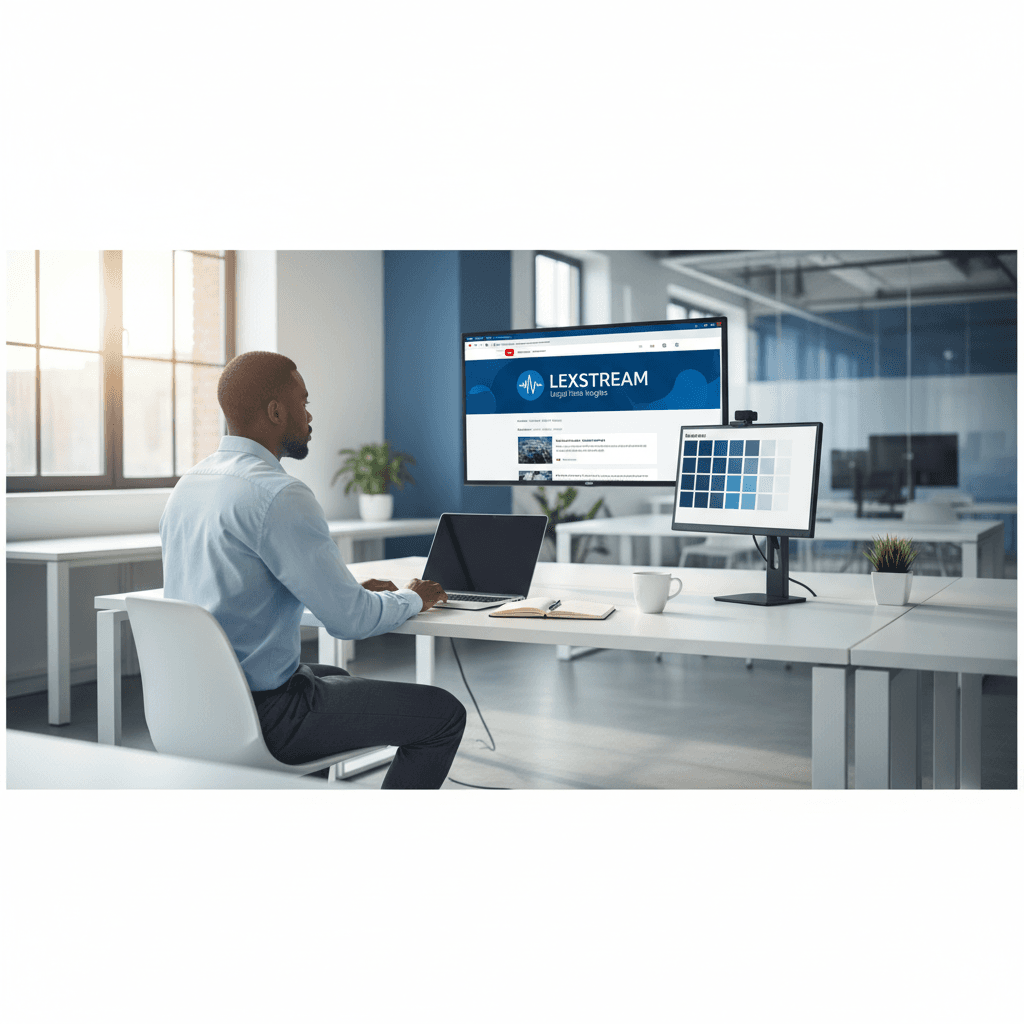
How a Founder Built a YouTube Brand Without a Designer
A legal-tech startup founder, no designer, 22 YouTube thumbnails — how the startup built a consistent channel identity in one week using Playyy's brand kit.
 Daniel Brooks
Freelancers go from client brief to polished deliverables faster with AI image generation, background removal, editing, enhancement, and export in one workflow.
Start creating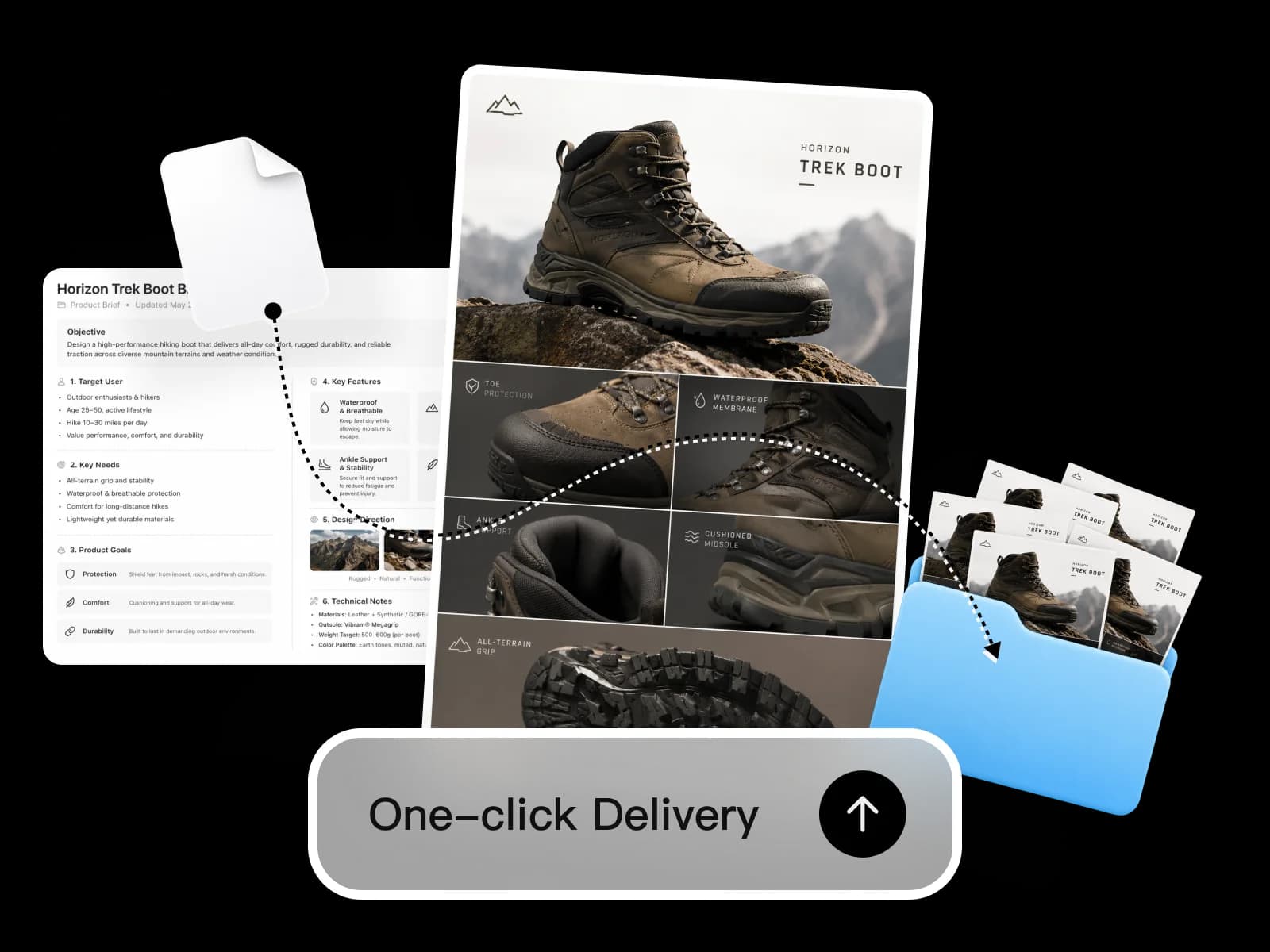
Brief in, deliverables out — AI image generation, editing, enhancement, and format export without switching between tools.
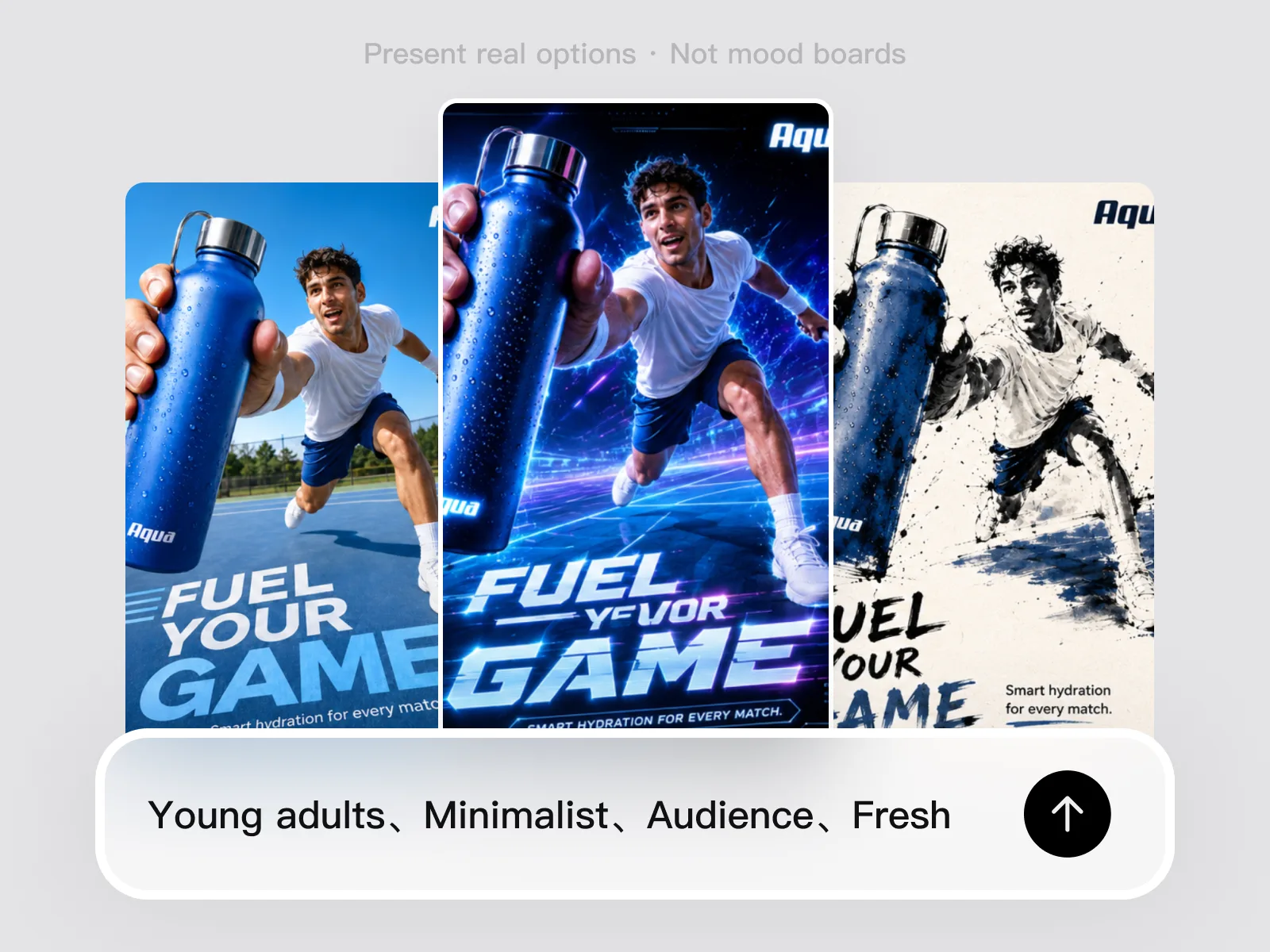
Client projects start with a brief and an expectation of original concepts — not stock photo mood boards. The AI image generator produces 2–3 distinct visual directions from a plain-language brief: audience, mood, deliverable type, style reference. Freelancers present real options to clients at the first review rather than references or approximations. Direction decisions happen faster when clients react to concrete images. The approved direction becomes the foundation for every asset the project requires, without additional sourcing rounds.
Try for free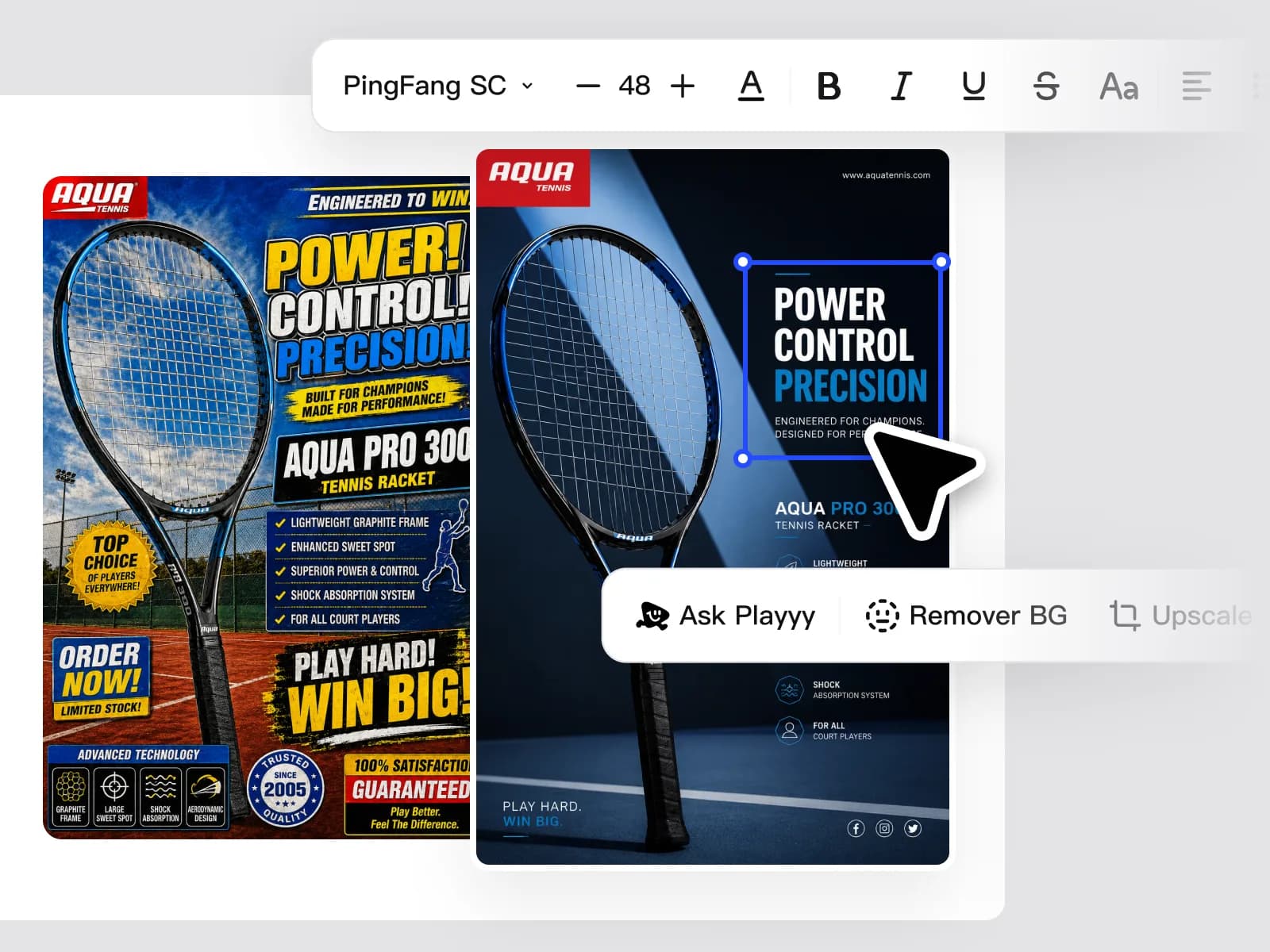
Client-provided source images rarely arrive production-ready — they carry watermarks, outdated brand elements, distracting backgrounds, or copy that needs replacing. Background Remover, Object Remover, and Edit Elements handle these adjustments in one session without Photoshop. Remove backgrounds and isolated objects, clean up text overlays and outdated logos, place new copy and brand elements accurately, then adapt the composition to every format the brief specifies. Freelancers who previously needed a retouching round handle this directly.
Try for free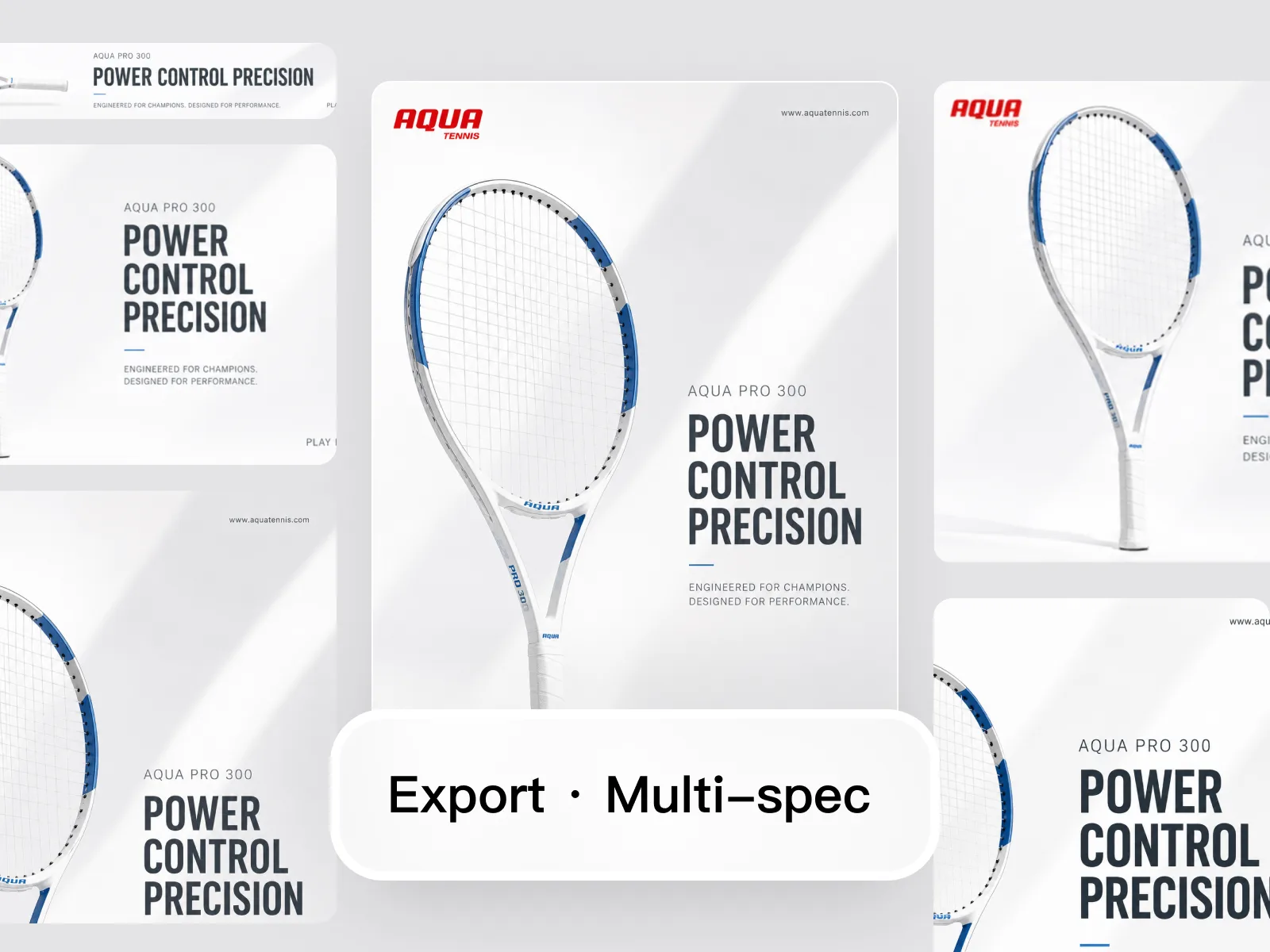
Client deliverables arrive with specific resolution requirements: 300 DPI for print, 2× or larger for Shopify and Amazon, platform-specific px dimensions for ad placements and social. Visual Enhancer restores sharpness and detail in any source image. Image Upscaler reaches 2× or 4× resolution without blurring or edge artifacts. Image Expander adapts one approved asset to every required format ratio without rebuilding. Freelancers deliver a complete, spec-compliant file set without revision rounds caused by resolution or format errors.
Try for freeTurn a client brief into 2–3 distinct visual directions without sourcing stock photography or sketching wireframes. Playyy's AI image generator produces original imagery you can present in the first meeting, cutting the concept phase from days to hours.
Background Remover, Object Remover, and Edit Elements handle the standard client edit requests — remove a background, clean up a product photo, swap out text — directly in Playyy. No Photoshop license, no round-trip to a separate photo editing software.
Split Layers opens any flat image — a JPEG export, a PNG handoff, a screenshot — and makes its elements editable. When a client can't find the original Figma or PSD, you can still make the changes without starting from scratch.
Image Upscaler delivers 2× or 4× resolution output — 300 DPI for print, platform minimums for digital publishing, large-format specs for outdoor. Deliver at the resolution the client specified without going back to the source file.
Image Expander adapts a single approved image to every ratio in the deliverable list — social formats, email headers, landing page heroes, banner ads. One approved asset becomes the complete format set without rebuilding per format.
Generate concepts, edit source materials, enhance resolution, and export every required format — all in Playyy, all in one session. No switching between an AI image editor, a separate image upscaler, and a resizing tool for every project.
“Client work used to disappear into production — sourcing, retouching, exporting — instead of the thinking they hired me for. Playyy covers generate, cleanup, and spec export in one session, so I bill for direction, not file wrangling.”
Aiko Tanaka
Independent Designer & Visual Systems Consultant
“The source file is never in the brief. A JPEG, a screenshot, a PNG from last year. Split Layers and cleanup mean I can still deliver without waiting on a missing PSD.”
Luca Moretti
Local Business & Event Marketing Consultant
“Every client wants print, social, and a landing crop from the same frame. I upscale and expand in Playyy and hand off a spec-complete pack instead of a conversation about why the Instagram version looks soft.”
Claire Dubois
Creative Director & Brand Aesthetic Consultant
See how teams are using Playyy to ship better visuals, faster.
A legal-tech startup founder, no designer, 22 YouTube thumbnails — how the startup built a consistent channel identity in one week using Playyy's brand kit.
Daniel Brooks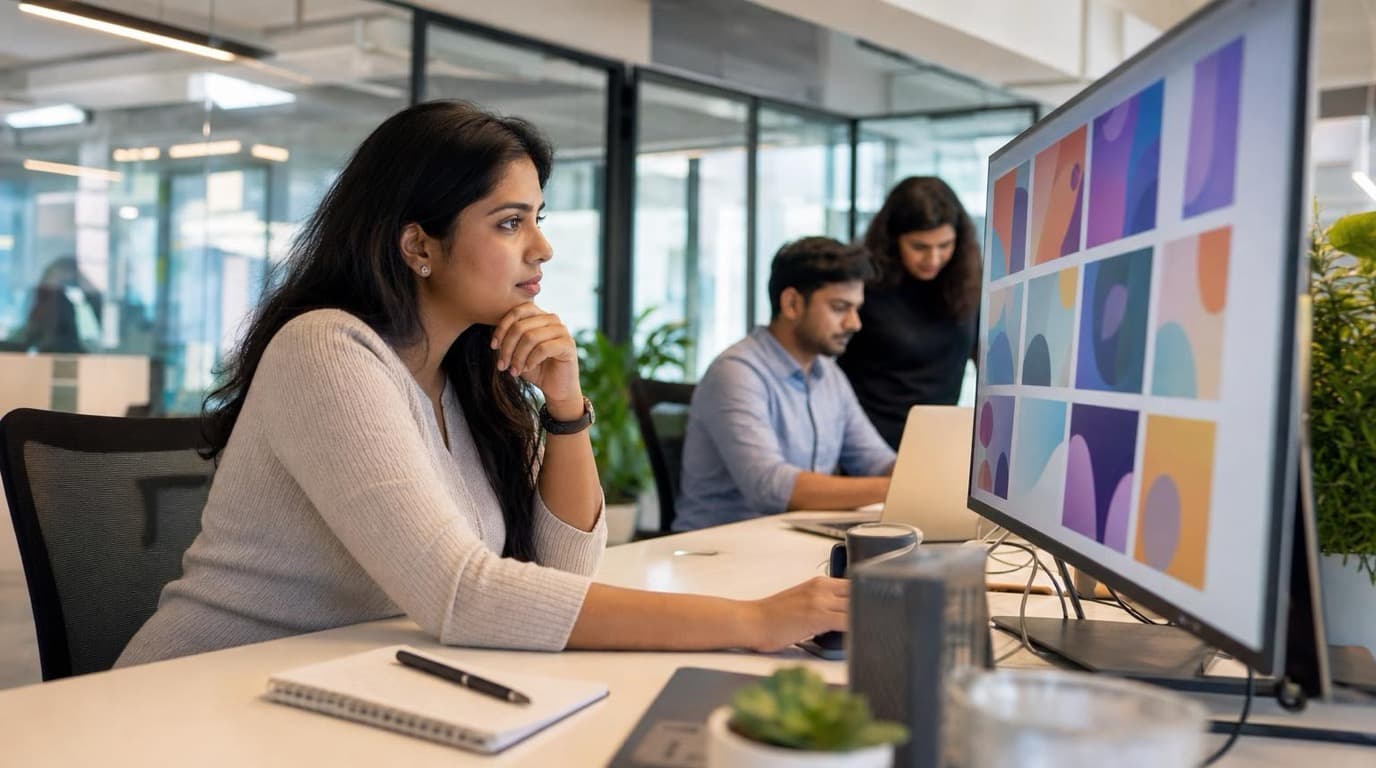
ChatGPT images buried in chat, no brand kit, no spec control. How a 12-person B2B SaaS team switched workflows and tripled creative output in the same time budget.
 Emily Carter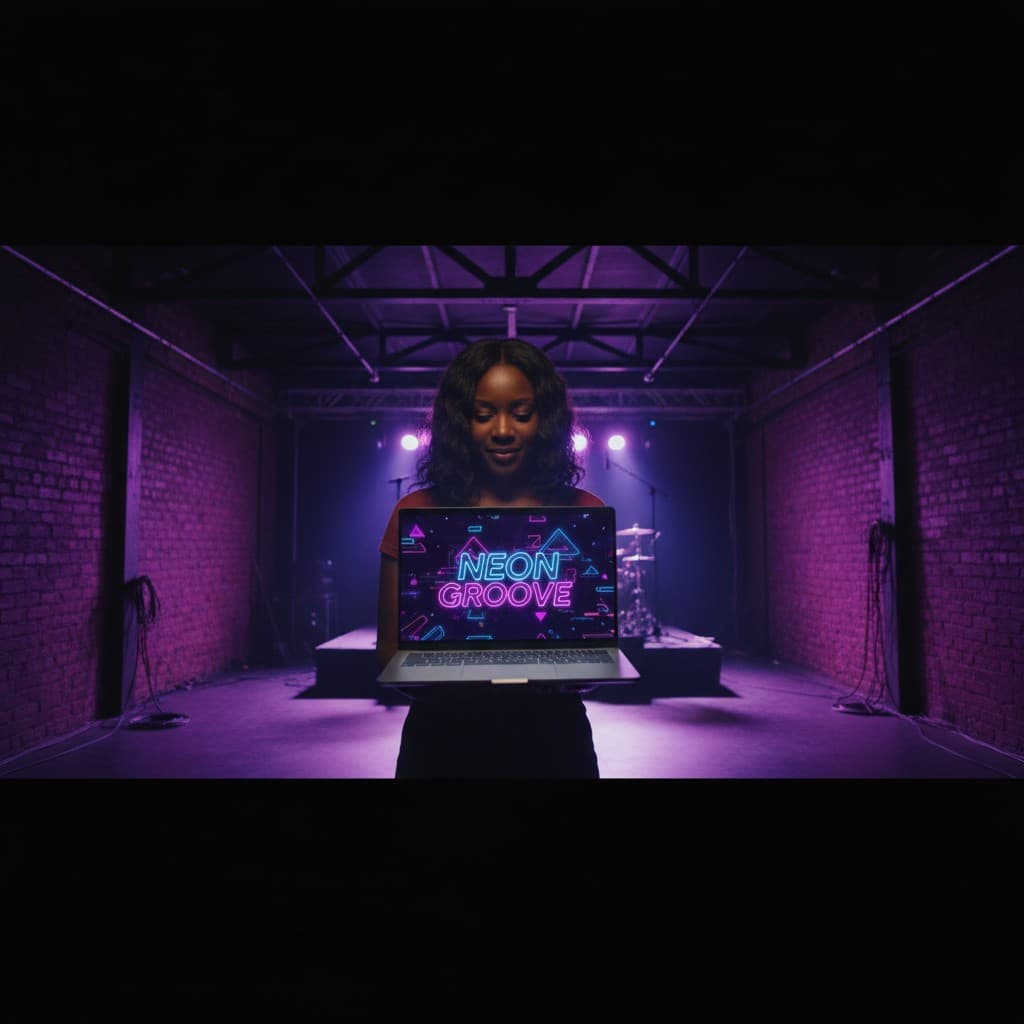
YouTube channel banner, profile picture, and 4 end-card variants — zero design cost, one afternoon, no designer.
 Luca Moretti
Generate initial concepts directly from the brief, edit client-supplied source materials with Background Remover and Object Remover, upscale to print or platform resolution, and export every required format — all in one Playyy session without opening Photoshop, Figma, or a separate image upscaler. The fewer tools in the workflow, the less time spent on file management and format conversion instead of billable work. A full project cycle that used to span multiple applications now runs start to finish in one place.
Split Layers makes any flat image editable — a JPEG export, a PNG the client sent, a screenshot of an old asset — so missing source files don't stop the project. When a client can't locate the original PSD or Figma file, you extract the elements you need and make the changes directly. No freelance design tools required beyond what Playyy already provides, and no awkward conversation about why a simple edit is taking longer than expected.
Visual Enhancer and Image Upscaler bring any source image to 4× resolution — 300 DPI for print, large-format minimums for outdoor, platform requirements for digital publishing — so you deliver at spec regardless of what the client originally handed you. Image Expander then adapts the upscaled asset to every ratio in the deliverable list: social formats, email headers, banner ads, landing page heroes. Spec-compliant output every time, no back-and-forth on resolution or aspect ratio.
Freelancers who deliver design assets for clients use AI tools to cover the full production workflow without multiple subscriptions: AI image generators for concept creation, AI photo editors for background removal and retouching, and AI enhancers for resolution and format compliance. Playyy covers all of these in one workflow — from generating initial concepts to delivering client-specified files — without requiring Photoshop, Illustrator, or stock licensing.
Yes. Playyy's AI image generator produces original images from plain-language briefs — audience, mood, style, deliverable type — without sourcing or licensing stock photos. The output is specific to the brief rather than generic stock, which means fewer revision rounds when clients compare options. Generated images can be edited, enhanced, and exported at any resolution the client's deliverable requires. Clients receive original work rather than recognizable stock.
Client-provided photos typically need background removal, object cleanup, and copy placement before they meet deliverable standards. Playyy's Background Remover isolates subjects with clean edges, Object Remover handles watermarks and distracting elements, and Edit Elements places copy and brand assets accurately. Each step runs in the same workflow without exporting between tools. Freelancers who handle these adjustments directly reduce the number of revision rounds with clients and the time per project.
Print clients typically require 300 DPI at the final output size — an A4 deliverable needs at least 2480×3508px. Digital clients specify platform dimensions: Amazon main images at 2,000px minimum, Shopify heroes at 2,048px, ad placements at platform-specific ratios. Playyy's Image Upscaler brings any source image to 2× or 4× resolution, Visual Enhancer restores sharpness during the process, and Image Expander outputs at the exact ratios each format requires.
Playyy covers the most common client deliverable tasks without Photoshop: background removal, object and watermark removal, copy placement, image enhancement, resolution upscaling, and format adaptation. For highly complex retouching — manual path work, multi-layer compositing, print pre-press — Photoshop remains more capable. For the majority of social media, marketing, ecommerce, and presentation deliverables, Playyy handles the full workflow from source image to export without a Photoshop subscription.
Each client project in Playyy starts from the brief or a reference image rather than saved presets, so different brand guidelines are applied per session rather than globally. Style Transfer carries a confirmed visual direction to every new asset within a project, ensuring consistency across deliverables without manually re-prompting each image. Switching between client projects means switching the reference — no manual brand reset between sessions.
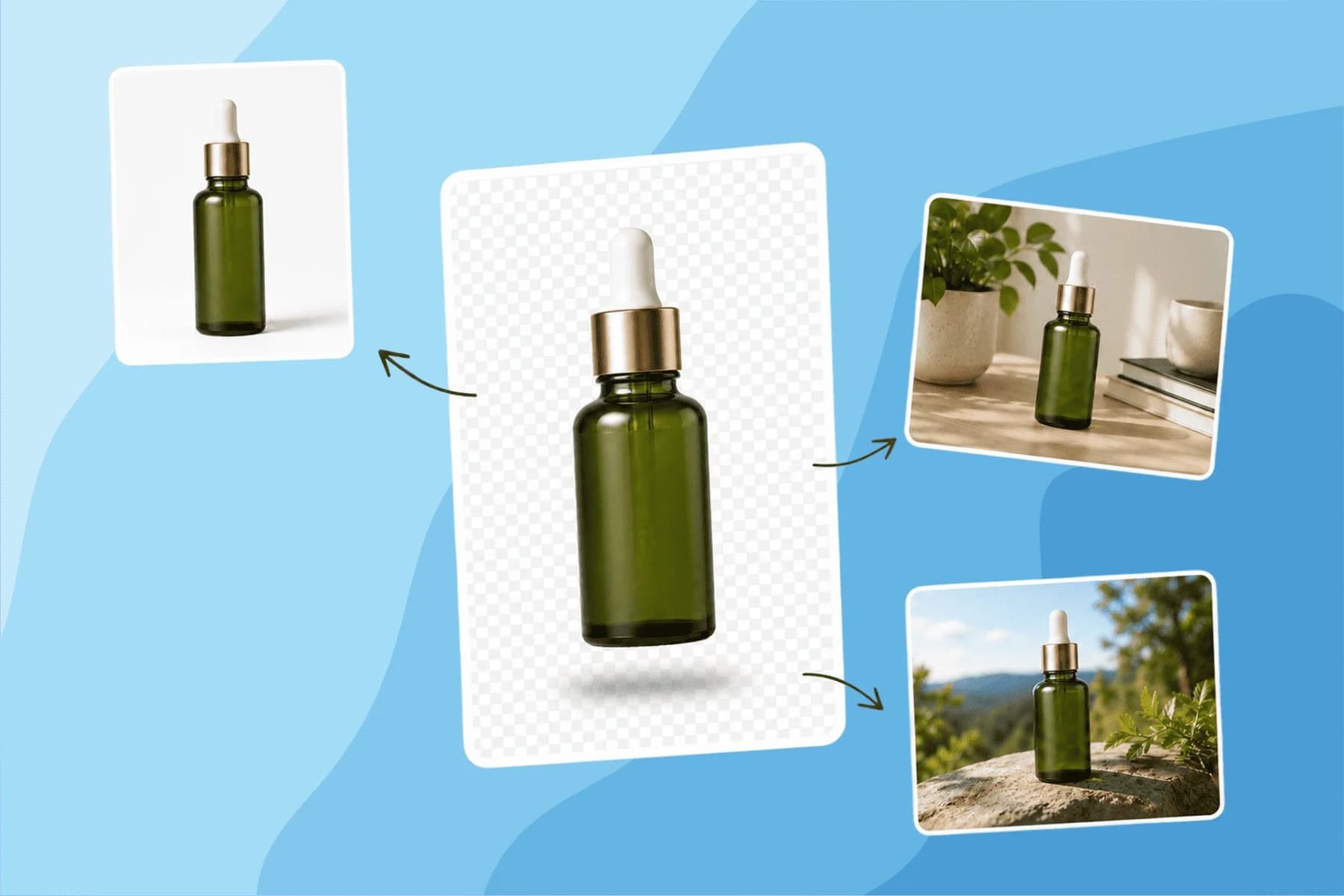
Turn any product photo into channel-ready studio imagery — no studio, no reshooting.
Explore workflow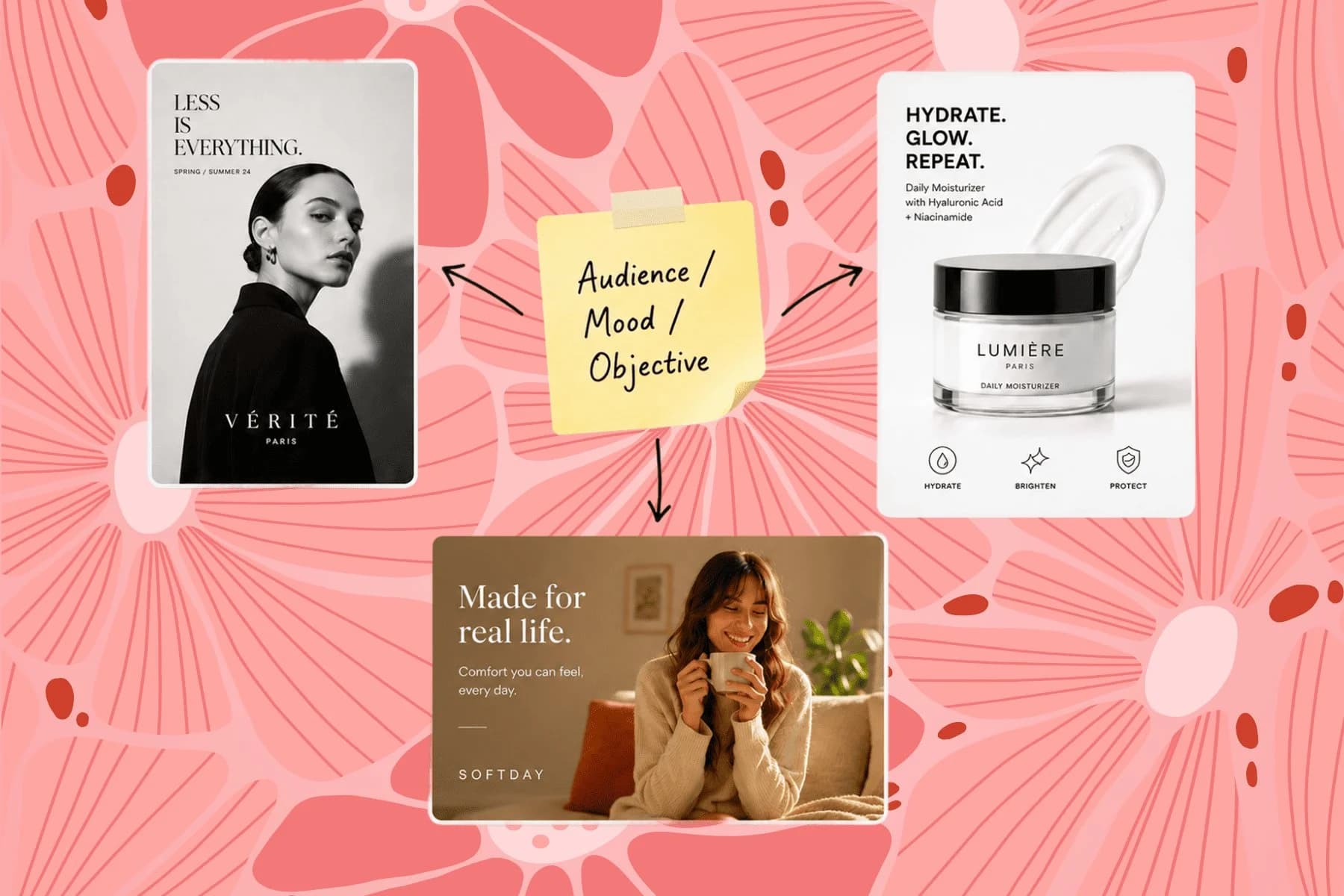
From one campaign brief to every channel asset — AI image generator, creator, and editor in one workflow.
Explore workflow
Ecommerce image editing across every SKU — background removal, cleanup, and upscaling that meet marketplace specs.
Explore workflowKeep every image on brand, control the final look, and turn campaign ideas into polished assets without waiting on another design cycle.














