AI Design Tools for Freelancers — Faster Client Deliverables
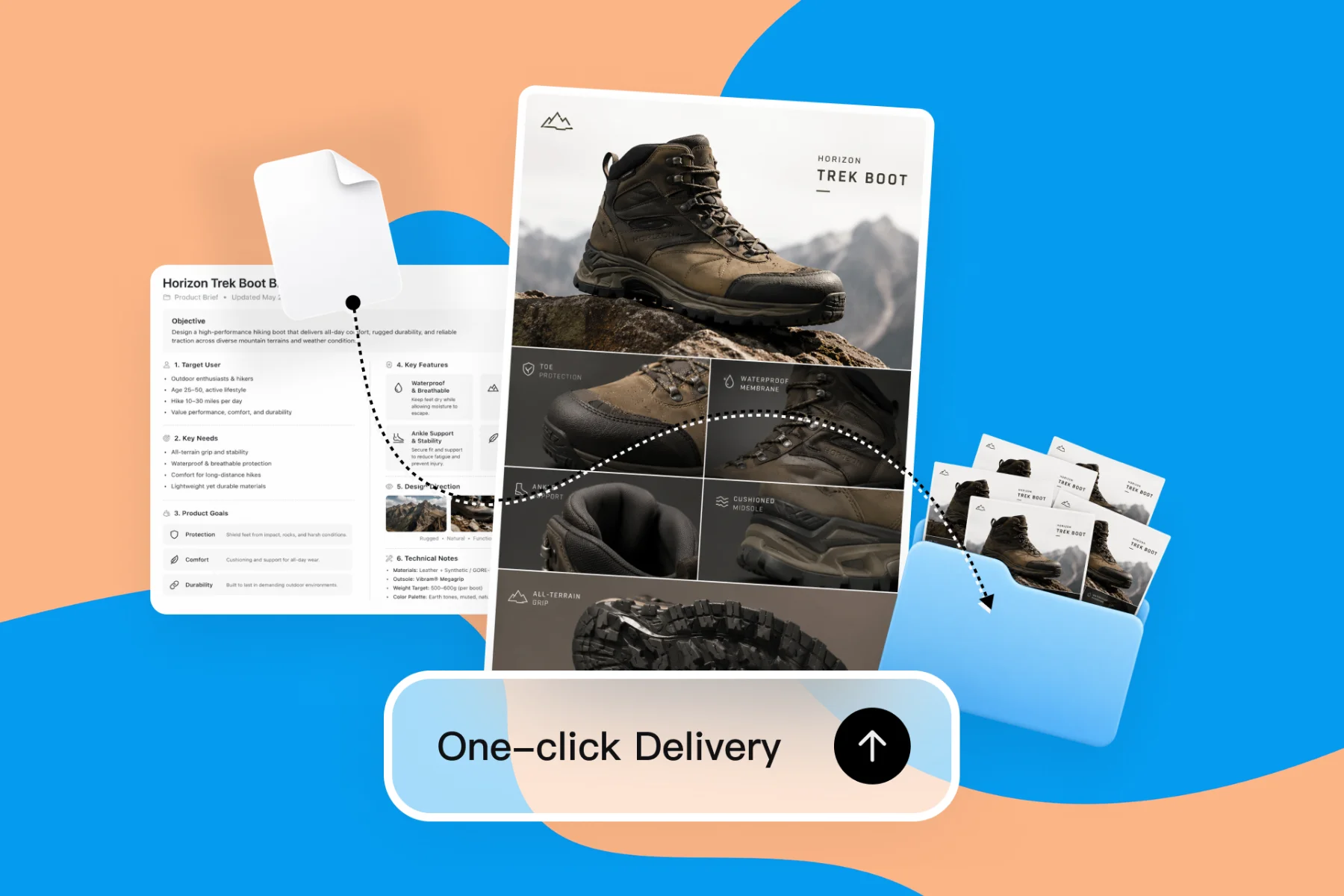
From client brief to every deliverable format — AI generation, editing, and export without switching tools.
Explore workflowGive the AI proposal generator a client brief and get a branded proposal with scope, timeline and pricing tables, ready to send as a PDF
Describe the client, scope, timeline and budget in the box above, refine the draft by chat, then export a PDF or share a view link.
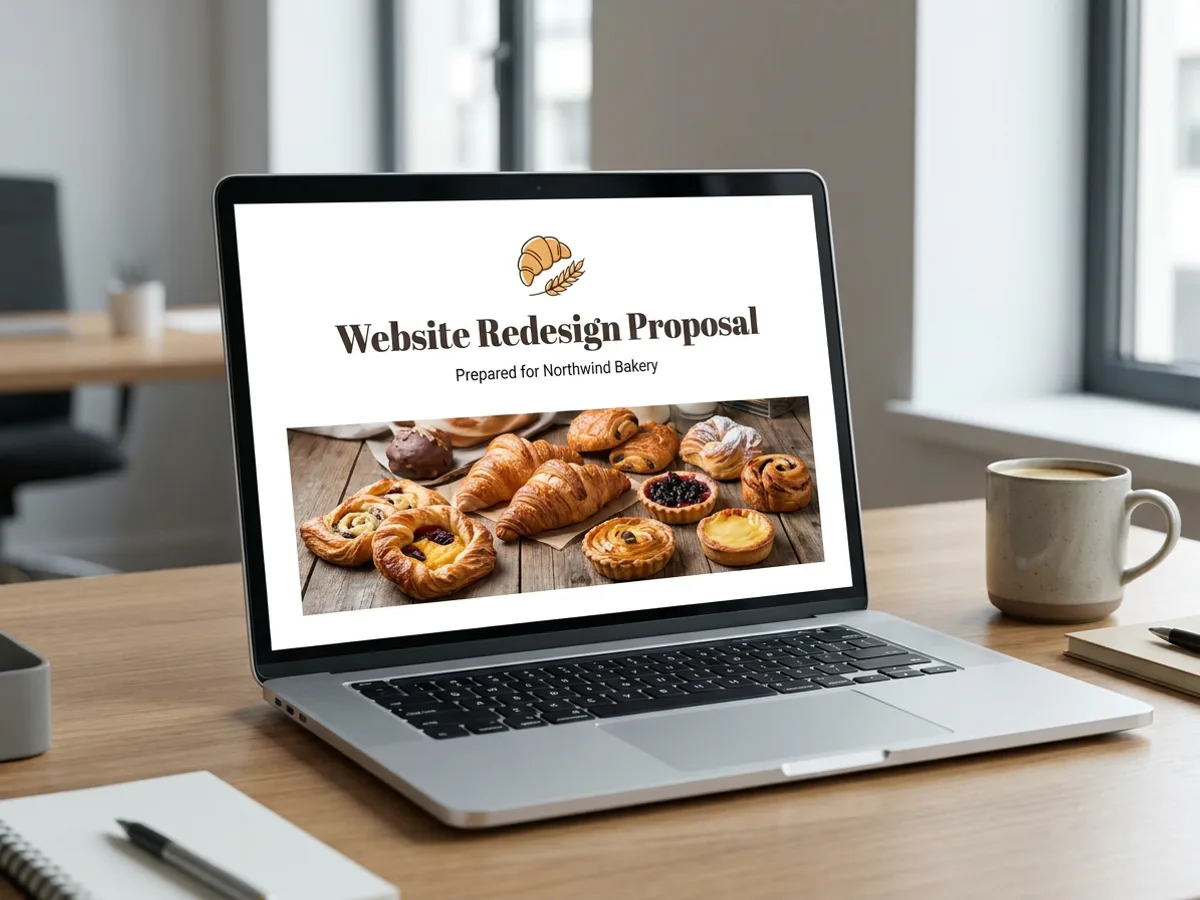
Give the AI proposal generator what you know about the job: the client, the problem, the scope, the timeline and the budget. It writes a structured proposal with a summary, goals, scope, deliverables, timeline, a pricing table and next steps, then lays it out as a formatted document with a cover, a banner image and your logo. A website redesign for a bakery, a quarterly content retainer, a consulting engagement: the structure follows the work. Your brand kit sets the fonts and colors, so the proposal looks like your studio from the cover onward.
Try for free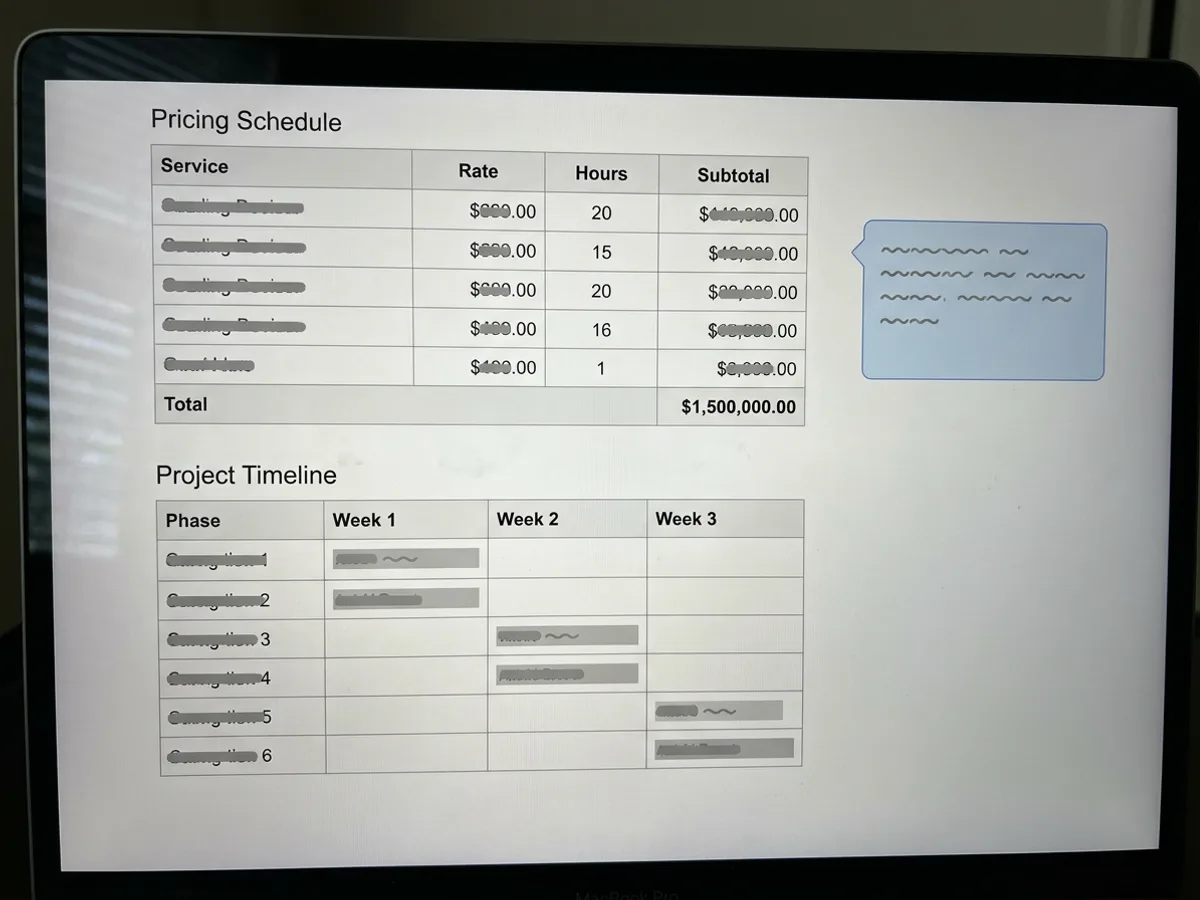
Clients skim to the numbers, so the proposal puts them in tables. Each phase or line item sits in its own row with a total at the bottom, and the timeline breaks the work into weeks. Highlight callouts pull out what matters most: what's included, the key assumptions, the decision you need from the client. Ask the agent to add a row, split a phase, adjust a figure or move the callout, and the table updates in place. Check every number before sending, since the AI works from the figures you give it.
Try for free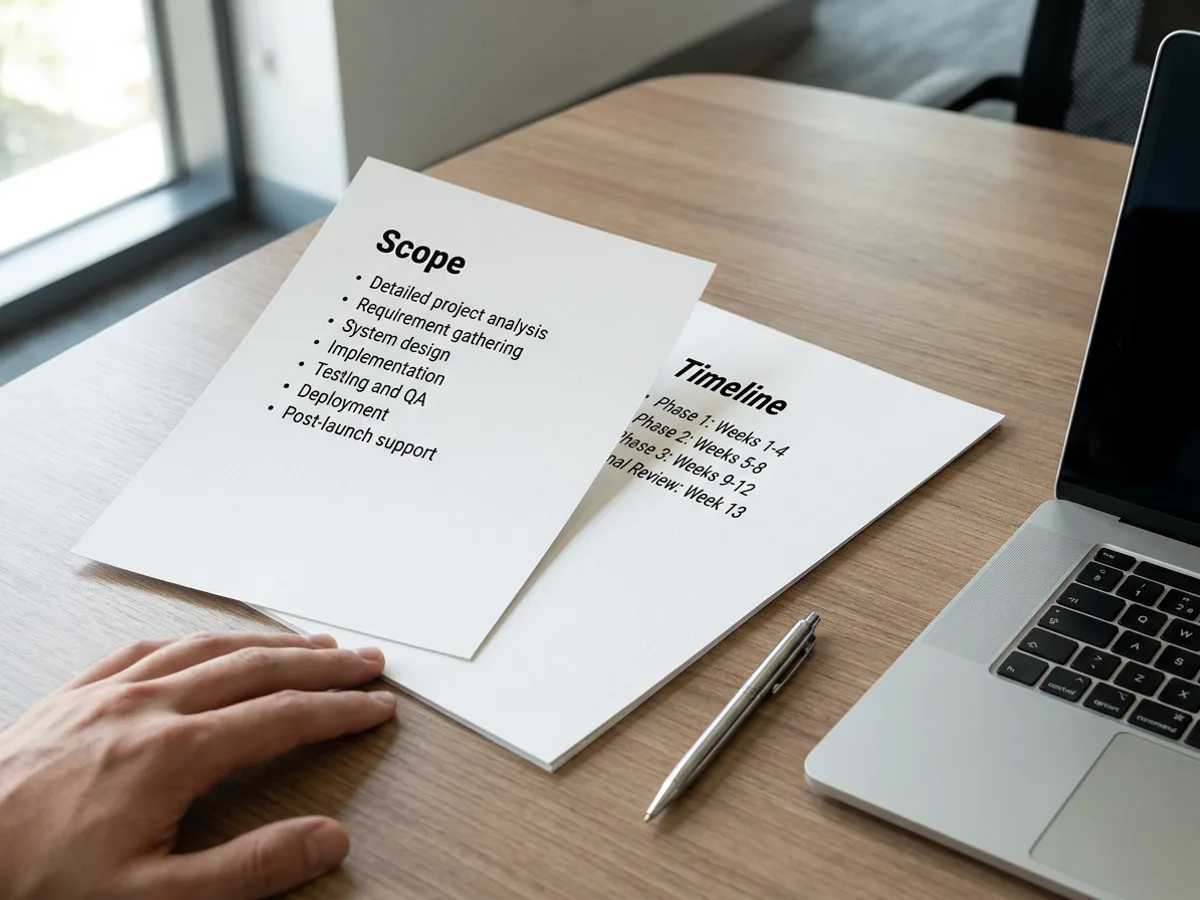
Proposals often need a second pass for a specific reader. Ask the agent to rewrite the summary in a warmer tone, shorten the scope for a busy executive, expand the approach section, or translate the whole proposal for an overseas client. Already have last year's proposal in Word? Import the .docx and update it instead of starting over. When it's ready, export a PDF to attach to your email, or share a view link with only the people who need it.
Try for freePresenting the proposal in a meeting? Generate it as slides instead
Summary, goals, scope, deliverables, timeline, pricing table and next steps, written from your brief.
Line items, phases and weeks in clean tables, with highlight callouts for what the client needs to know.
Change the tone, shorten, expand a section or translate the proposal by asking the agent.
Import a Word (.docx) proposal and refresh the scope, dates and prices for a new client.
Write it as a formatted document, or turn the same brief into a slide proposal in presentation mode.
Your logo, fonts and colors from the brand kit, plus a banner header image on the cover.
Every proposal follows the order clients expect, from the summary to the price to the next step. Decision makers find the answer they need on the page they turn to.
The cover, headings and tables use your brand kit's logo, fonts and colors. It reads as a document from your company from the first page.
Send the PDF by email, or turn the same brief into slides when you present the proposal in a meeting. Both come from the same workspace.
From client brief to every deliverable format — AI generation, editing, and export without switching tools.
Explore workflow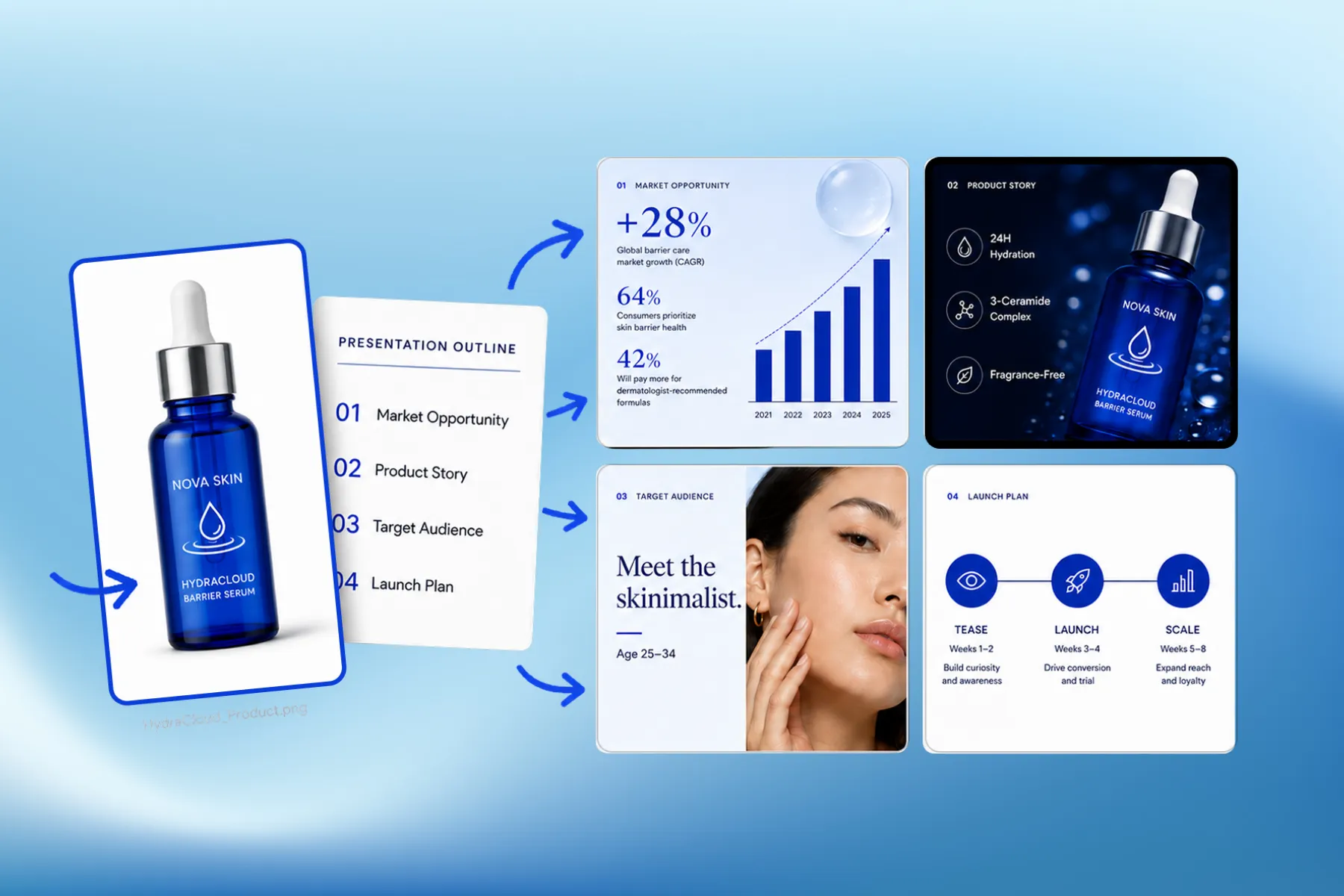
Presentation software that designs marketing, educational, and corporate decks from your brand kit — edit any slide, share a link, or export a PPT.
Explore workflowYou can start free. Playyy has a free plan with daily credits. Describe the client and the project in the box above, sign in, and your prompt carries into Playyy, where the AI writes and formats the proposal. Paid plans, Basic, Pro and Mega, are available when you need more credits for frequent proposals.
A strong business proposal covers the client's problem, your proposed solution, the scope and deliverables, a timeline, the price and the next step to go ahead. The AI proposal generator writes each of these sections from your brief and adds pricing and timeline tables so the numbers are easy to find. You can add sections such as team bios, past results or terms.
Start with a short brief: who the client is, what they need, what you'll deliver, how long it takes and what it costs. Paste it into the box above and the AI drafts the full proposal as a formatted document. Then read it through, correct any details, and ask the agent to adjust tone, length or emphasis before you export the PDF.
Yes. The same brief can become a slide proposal in Playyy's presentation mode, which handles multi-page proposals as slides. That works well when you walk a client through the approach in a meeting. Keep the document version as the PDF you send afterward, so the client has the full scope and pricing in writing.
Yes. Describe the business, the market, the offer, the team and the funding you need, and the AI writes a structured business plan document with a summary, goals, a timeline and tables for costs and milestones. Treat the figures as a draft: replace them with your own numbers and check every assumption before sharing the plan with a lender or investor.
Yes. Import the Word (.docx) file and it opens in Playyy as an editable document. Ask the agent to swap in the new client's name, revise the scope, update the dates and adjust the pricing table, or rewrite the summary for a different industry. Then export the updated version as a PDF or share a view link.
Proposals export as PDF, ready to attach to an email or print for a meeting. The PDF keeps the cover, tables and callouts exactly as they appear in the editor. You can also share a view link instead and choose between anyone with the link or only people with access.
See how teams are using Playyy to ship better visuals, faster.

LinkedIn banner, Facebook cover, and profile picture — one visual direction, one afternoon, zero design budget.
 Minji Park
18 staff, new brand colours, £3,200 designer quote — and a 3-week timeline. The managing director finished the LinkedIn rollout in 3 days with Playyy.
 Sophie Whitmore
ChatGPT images buried in chat, no brand kit, no spec control. How a 12-person B2B SaaS team switched workflows and tripled creative output in the same time budget.
 Emily Carter
Keep every image on brand, control the final look, and turn campaign ideas into polished assets without waiting on another design cycle.














