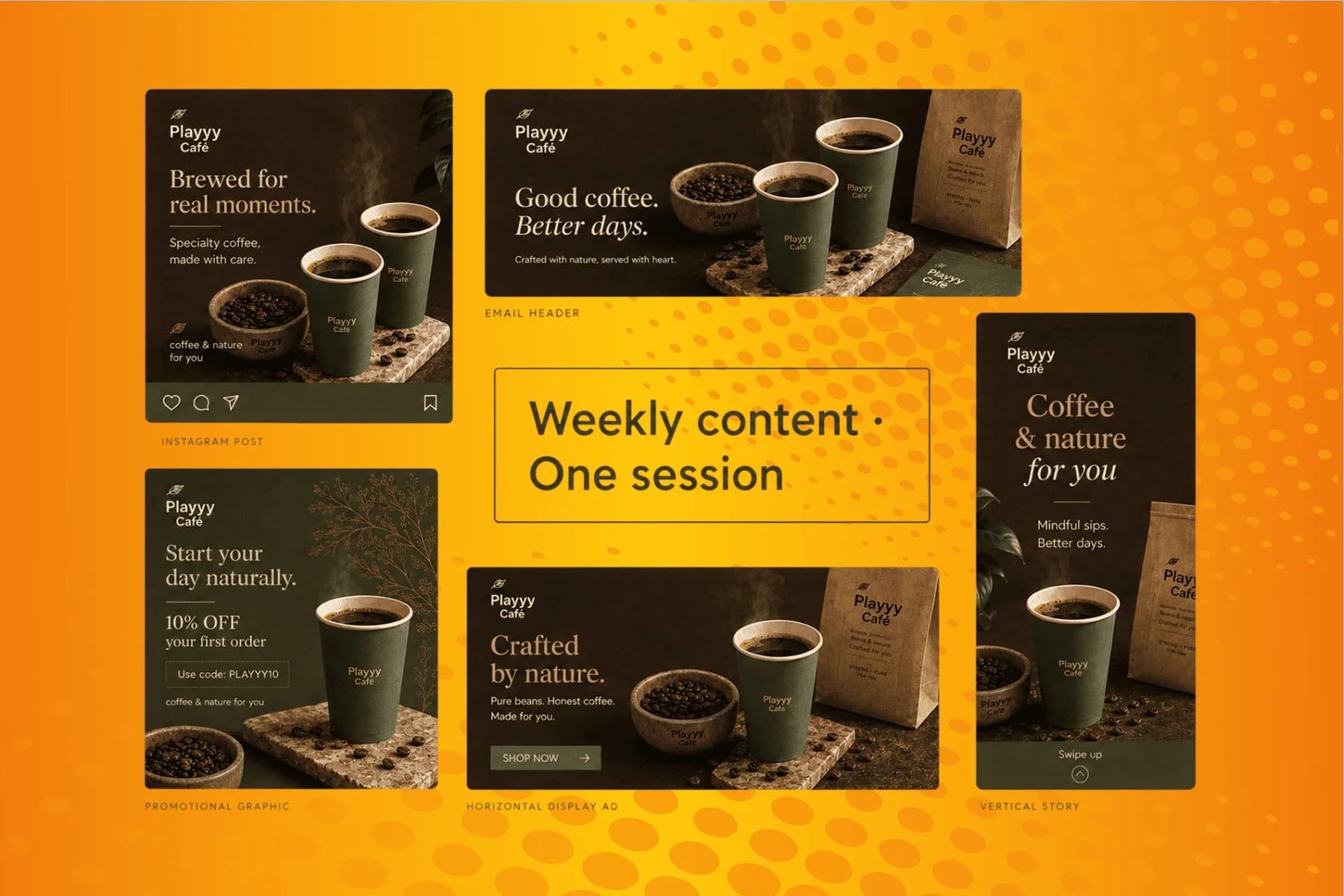
Marketing Creatives: AI Image Generator for Social, Email, and Ads
From content gap to publish-ready creative — AI image generator, brand style matching, and copy placement in one session.
Explore workflowPaste your notes or findings and the AI report generator writes a structured report with a summary, tables and callouts, ready to share as a PDF
Paste your topic, notes or figures in the box above, refine the draft by chat, then export the finished report as a PDF or share a view link.
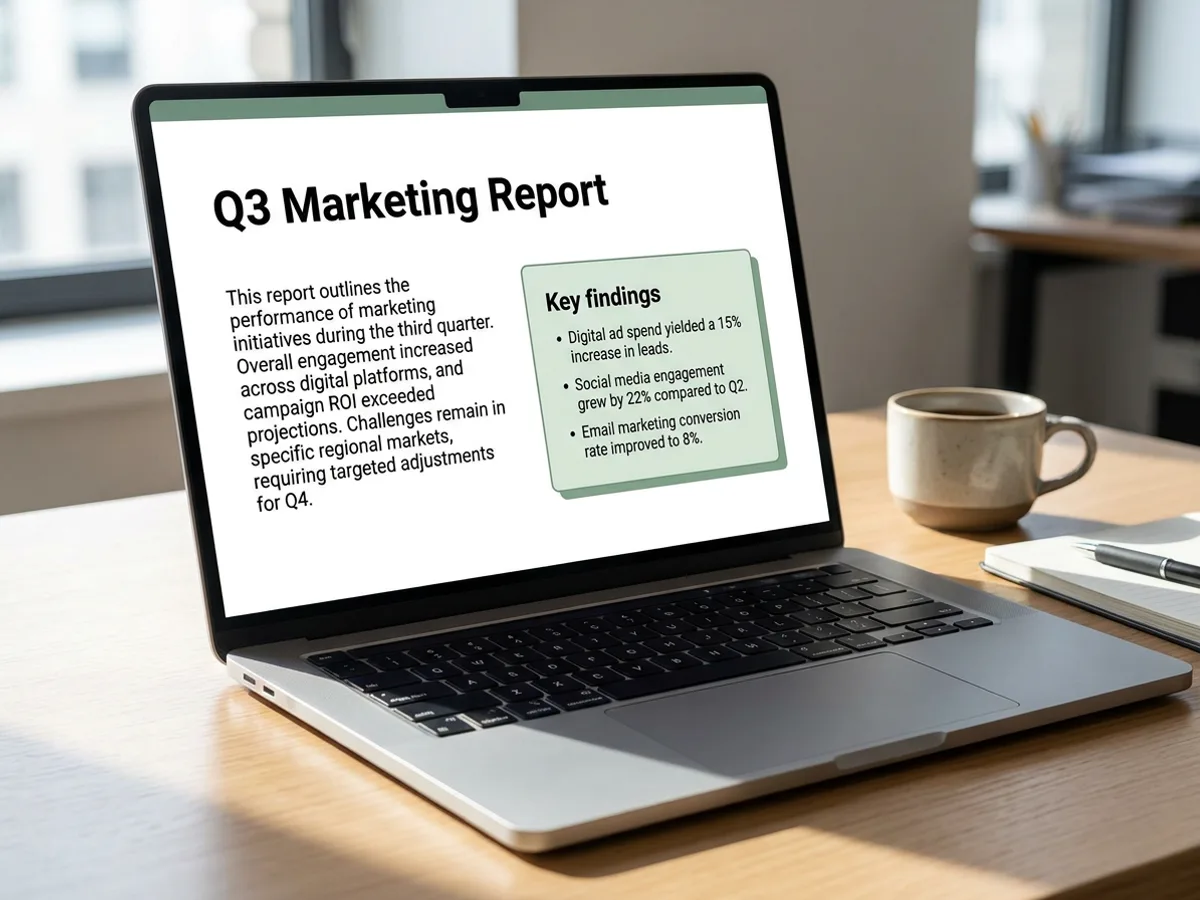
Give the AI report generator what you have: bullet notes from a project, figures from the quarter, findings from interviews, highlights from an event. It turns them into a structured report with an executive summary, clear sections, key findings, tables and recommendations. A 'Key findings' callout sits near the top so the main points are visible in seconds. Project updates, monthly and quarterly reports, research summaries, event recaps and client reports all follow the same flow. Your brand kit applies the logo, fonts and colors.
Try for free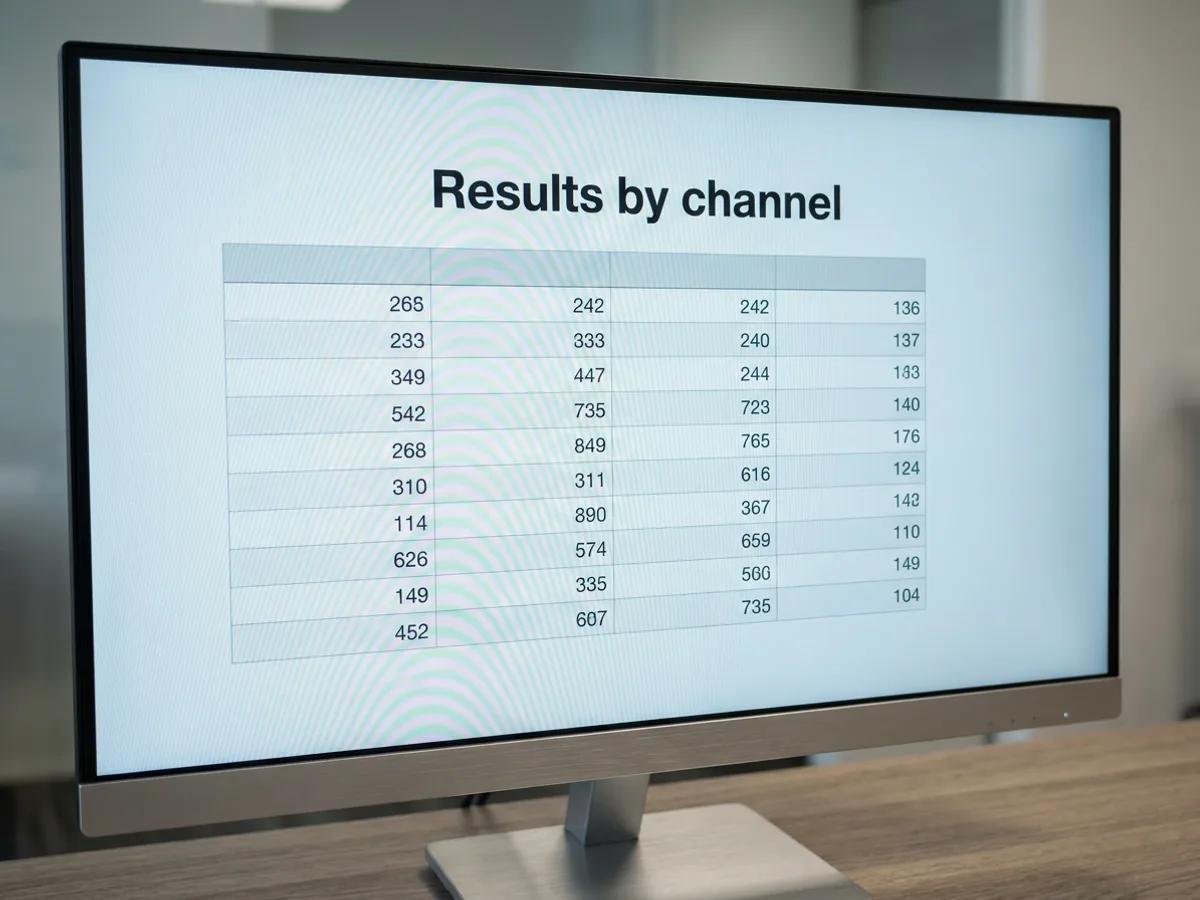
Figures you paste into the prompt become clean tables under clear section headings: results by channel, spend by month, milestones by owner. Each table is a block you can edit directly, so correcting a number or adding a column takes seconds. Pair a table with a callout that states what the numbers mean, or lay out two short sections in columns to compare them side by side. Check every figure against your source before you share the report.
Try for free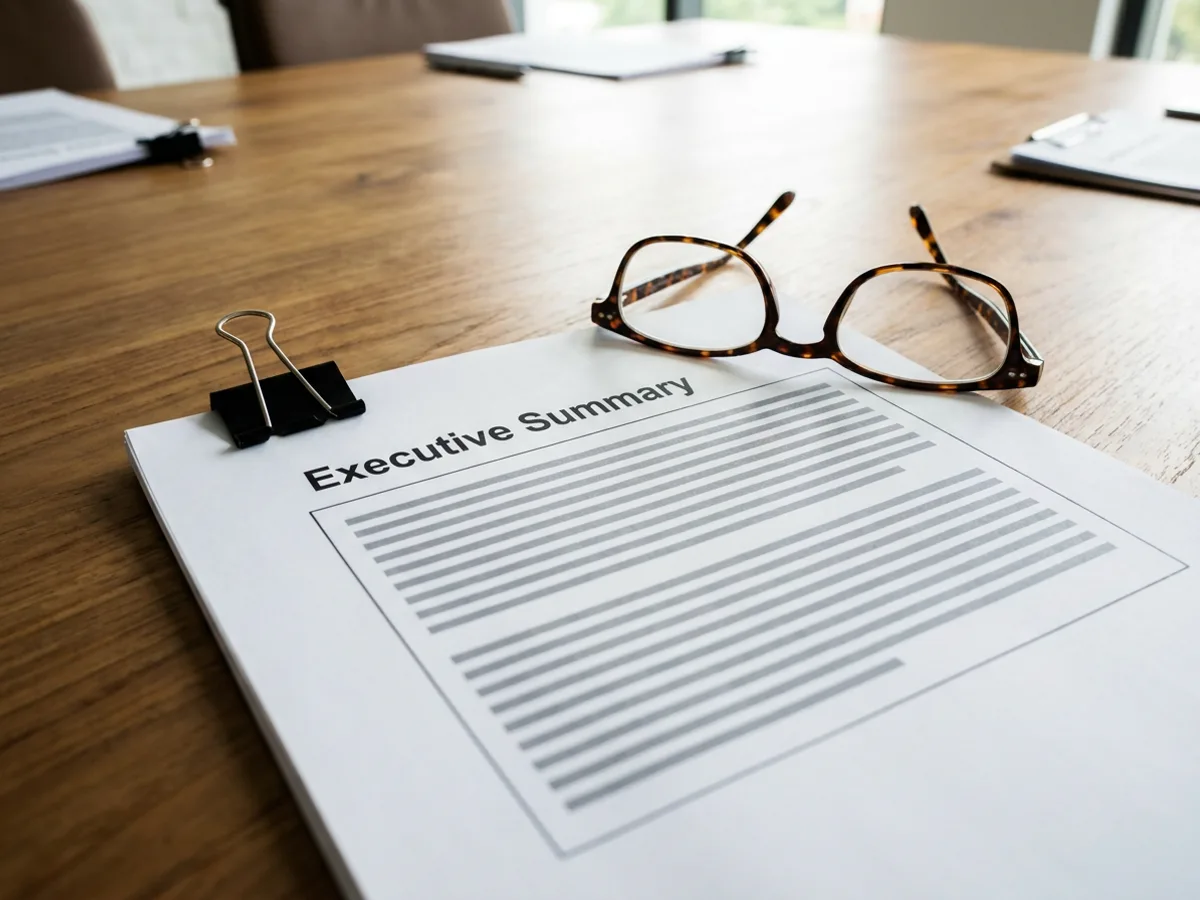
Different readers need different lengths. Ask the agent to cut the report to a one-page summary for leadership, expand the recommendations for the team doing the work, fix awkward phrasing, or translate it for a regional office. Already have last quarter's report in Word? Import the .docx and update it for the new period. When it's ready, export a PDF for printing or the board pack, or share a view link with the people who need it.
Try for freeWriting something other than a report? Use the AI document generator
Paste notes, findings or figures and get an executive summary, sections, key findings, tables and recommendations.
Put figures in clean tables and lay out related sections side by side in columns.
Highlight callouts pull the main points to the top of the page, where readers see them first.
Shorten for executives, expand a section, fix wording or translate the report by asking the agent.
Import an existing .docx report and update it for the new month or quarter.
Export a PDF for printing and email, or share a view link to the live report.
Every report opens with an executive summary and key findings. Busy readers get the answer up front, and the detail is there for anyone who wants it.
Monthly and quarterly reports keep the same sections and layout from one period to the next. Readers know where to look, and you spend your time on what changed.
The brand kit applies your logo, fonts and colors, and a banner header gives recaps a finished look. Reports sit alongside your presentations and designs in one workspace.
From content gap to publish-ready creative — AI image generator, brand style matching, and copy placement in one session.
Explore workflow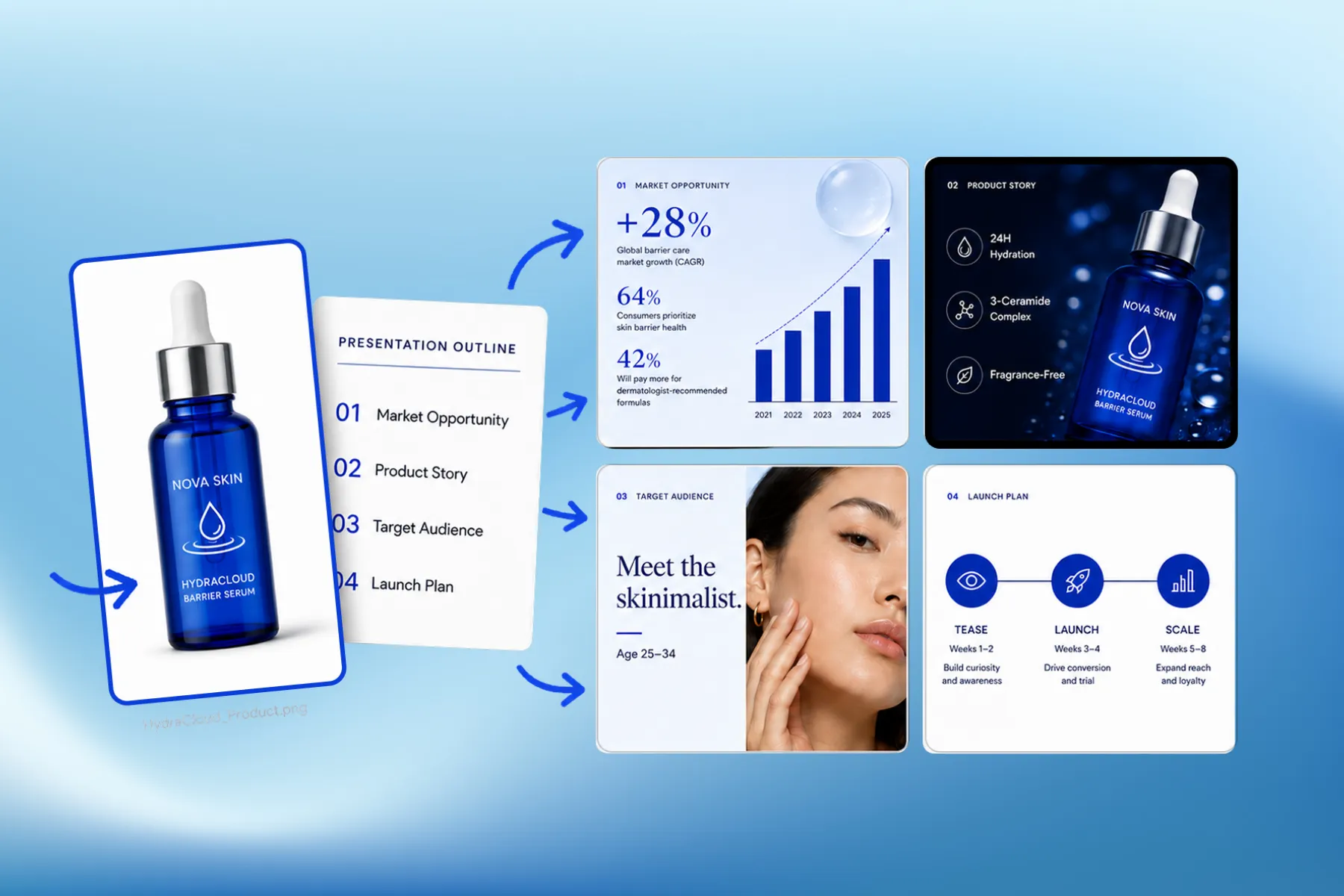
Presentation software that designs marketing, educational, and corporate decks from your brand kit — edit any slide, share a link, or export a PPT.
Explore workflowYou can start free. Playyy has a free plan with daily credits. Paste your notes in the box above, sign in, and your prompt carries into Playyy, where the AI writes and formats the report. Paid plans, Basic, Pro and Mega, are available when you need more credits for regular monthly or quarterly reporting.
Start with your raw material: the topic, the period, who will read it, and your notes or figures. Paste them into the box above and the AI report generator drafts a structured report with a summary, sections, tables and recommendations. Review the facts and numbers, then ask the agent to adjust length, tone or emphasis before exporting the PDF.
Most business reports include an executive summary, the background or scope, the main findings, supporting tables, recommendations and next steps. The AI builds that structure from your notes and adds a key findings callout near the top. For an event recap or project update you can ask for a lighter format with a banner image and two columns of highlights.
Project updates, monthly and quarterly reports, research summaries, event recaps and client reports. Each comes back with headings, tables and callouts suited to the type: a quarterly report can lead with results, an event recap can open with a banner photo and highlights, and a research summary can group findings by theme. Describe the type and audience in your prompt to get the right shape.
Yes. Paste the figures into your prompt, for example results by channel or spend by month, and the AI lays them out as a formatted table with clear headings. You can then edit any cell directly, add rows or columns, or ask the agent to restructure the table. Check the numbers against your source before you share the report.
Yes. Import the Word (.docx) file and it opens in Playyy as an editable report. Paste the new figures and notes, then ask the agent to update the summary, refresh the tables and rewrite the findings for the new period. The structure stays the same, which helps readers compare one quarter with the next. Export the result as a PDF.
An AI report writer focuses on one job: turning findings and figures into a structured report with a summary, key findings and recommendations. A general AI document generator also covers letters, articles, outlines and one-pagers. In Playyy both use the same editor, chat edits and PDF export, so pick the report generator when your starting point is notes and results.
See how teams are using Playyy to ship better visuals, faster.
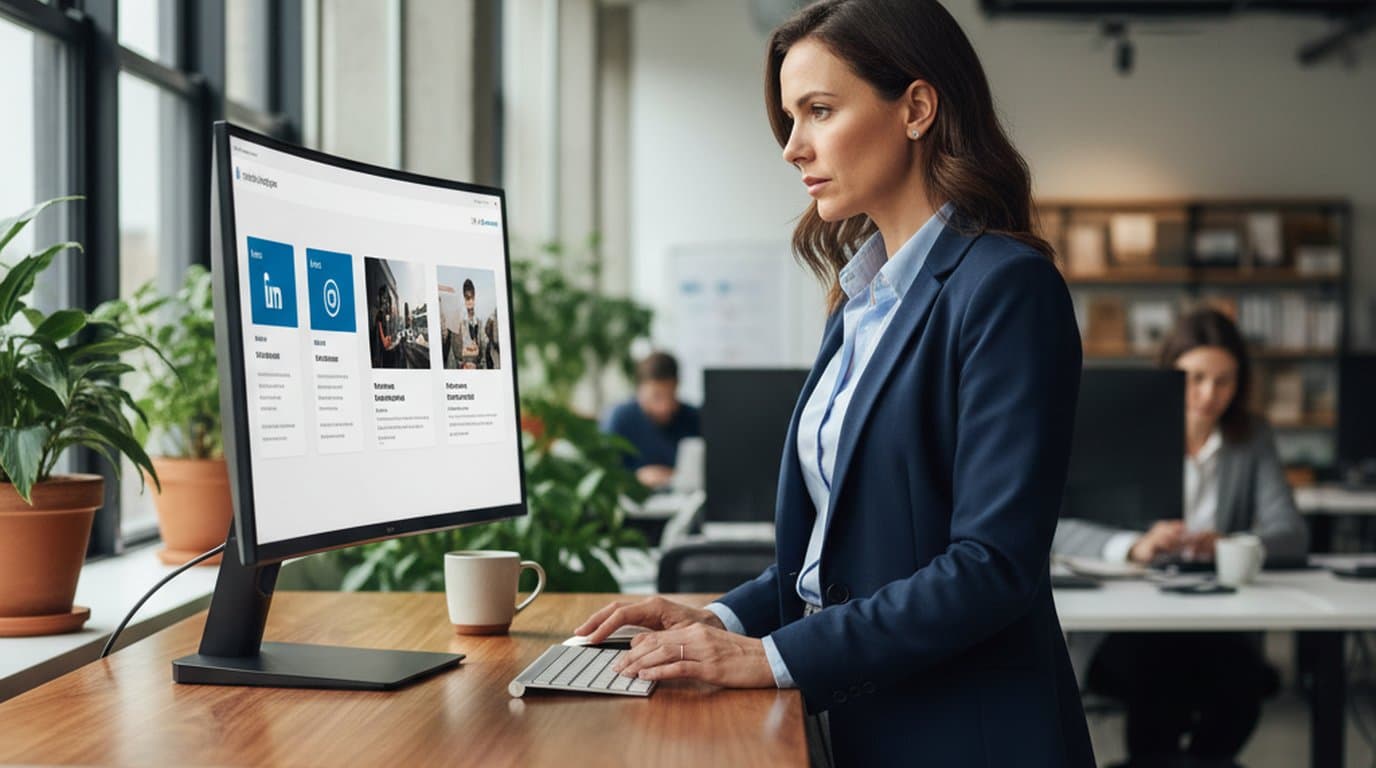
LinkedIn ads and organic posts, two different tones, one brand — produced in a single creative session without separate workflows.
 Emily Carter
ChatGPT images buried in chat, no brand kit, no spec control. How a 12-person B2B SaaS team switched workflows and tripled creative output in the same time budget.
Emily Carter
Weekly event flyers, party invitations, and social posts — one team member, two hours, no designer on retainer.
 Minji Park
Keep every image on brand, control the final look, and turn campaign ideas into polished assets without waiting on another design cycle.














