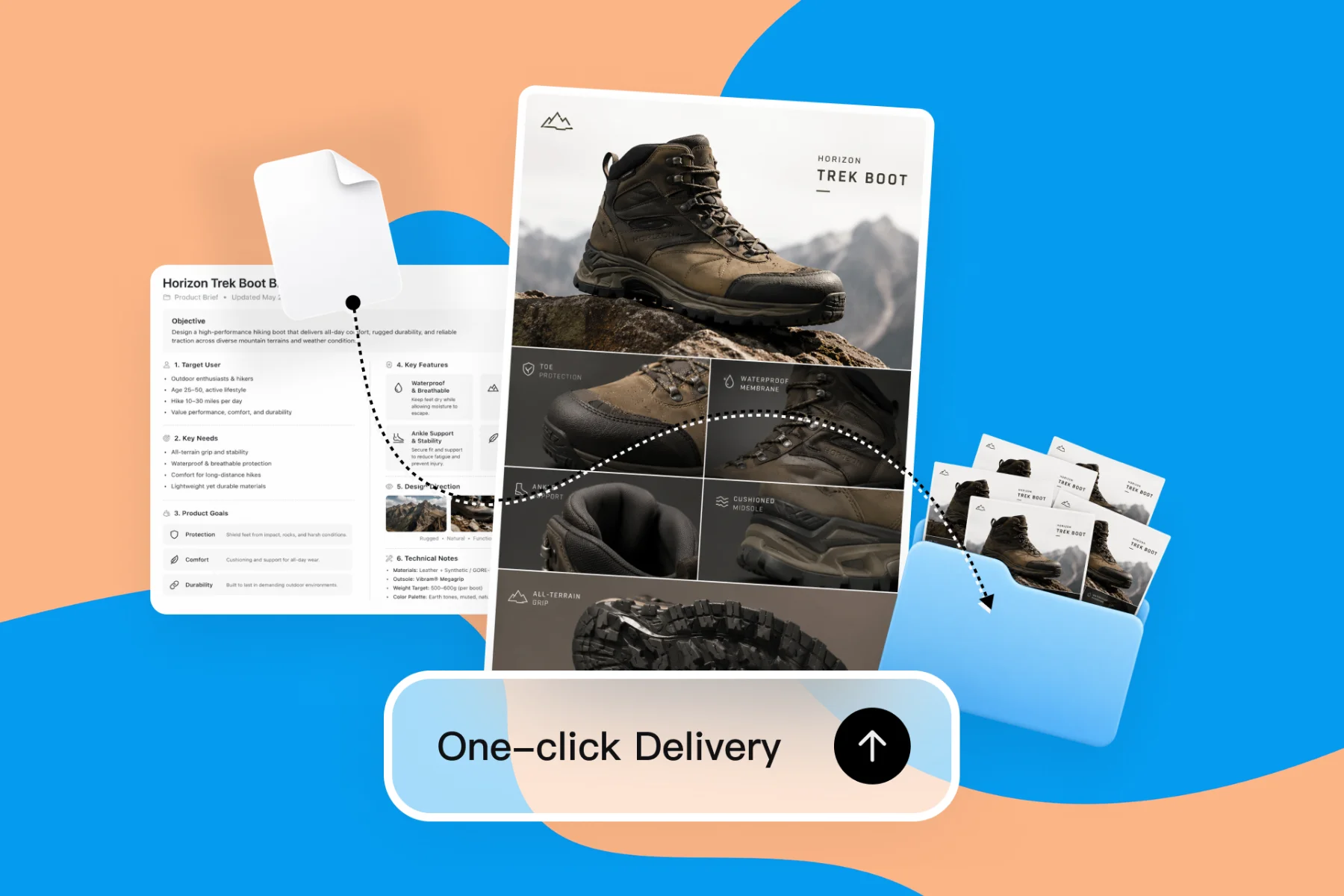
AI Design Tools for Freelancers — Faster Client Deliverables
From client brief to every deliverable format — AI generation, editing, and export without switching tools.
Explore workflowDescribe the sheet you need and the AI spreadsheet generator builds it with columns, formats, status dropdowns and sample rows, ready to export to Excel or CSV
Describe the spreadsheet in the box above, refine it by chat or directly in the cells, then export it as an Excel (.xlsx) or CSV file.
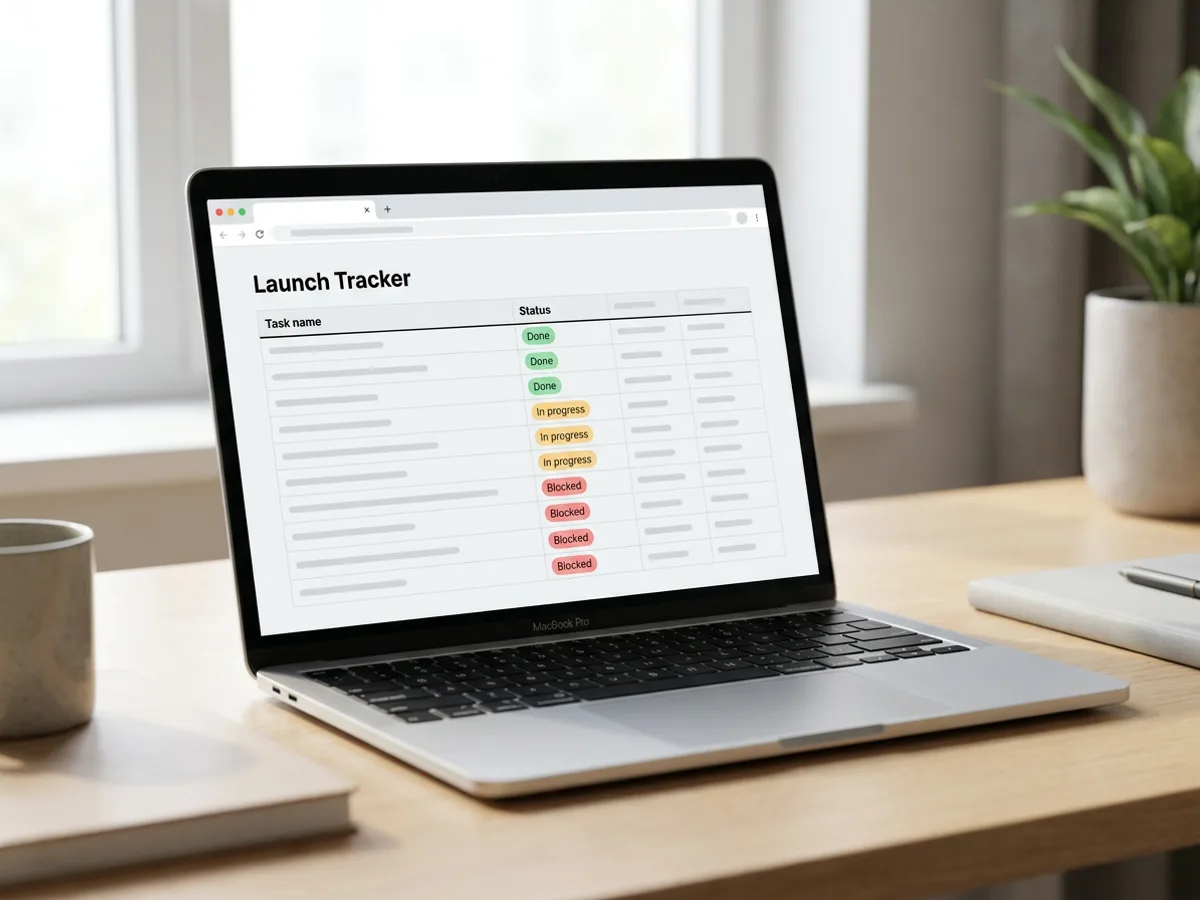
Tell the AI spreadsheet generator what you're tracking and who uses it: a product launch tracker, an inventory list, a content calendar, a hiring pipeline, a guest list. It picks the columns, sets the right format for each one, such as dates, currency, percentages or checkboxes, and turns fixed choices like status or priority into dropdowns with colored labels. Header rows come back bold and columns sized to fit, so the sheet is ready to fill in or share as soon as it appears. Need a second tab, such as a risk log next to the tracker? Ask for it and it lands as another sheet in the same file.
Try for free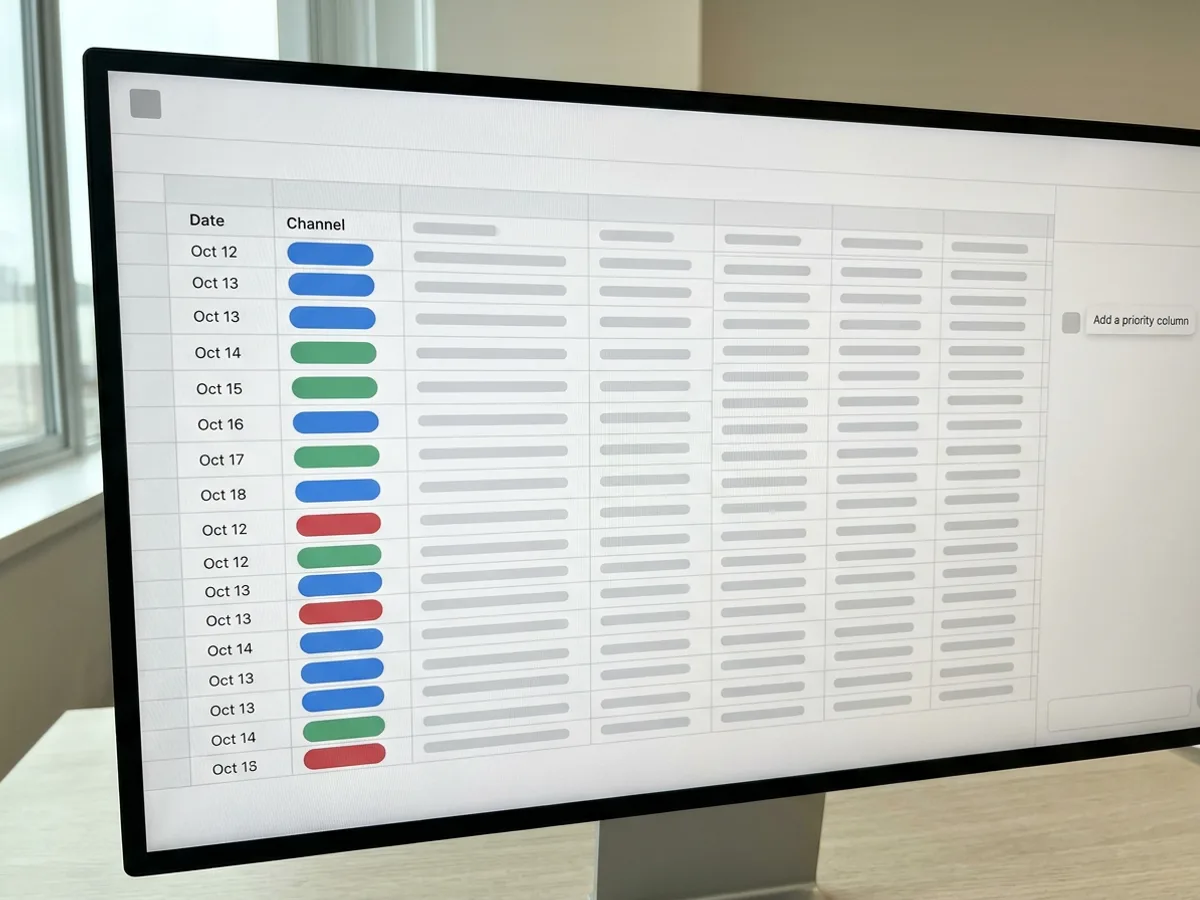
The chat panel sits next to the grid. Ask for the changes you'd hand to a careful assistant: add a priority column, change the owner of the launch task to Riley, make the header row bold, add a dashed border under the totals, merge the title cells. The agent edits the sheet in place and leaves everything else as it was. You can also ask questions about the data, such as who owns a task or which items are blocked, and get an answer without touching the sheet. When it's faster to type, click a cell and edit it yourself.
Try for free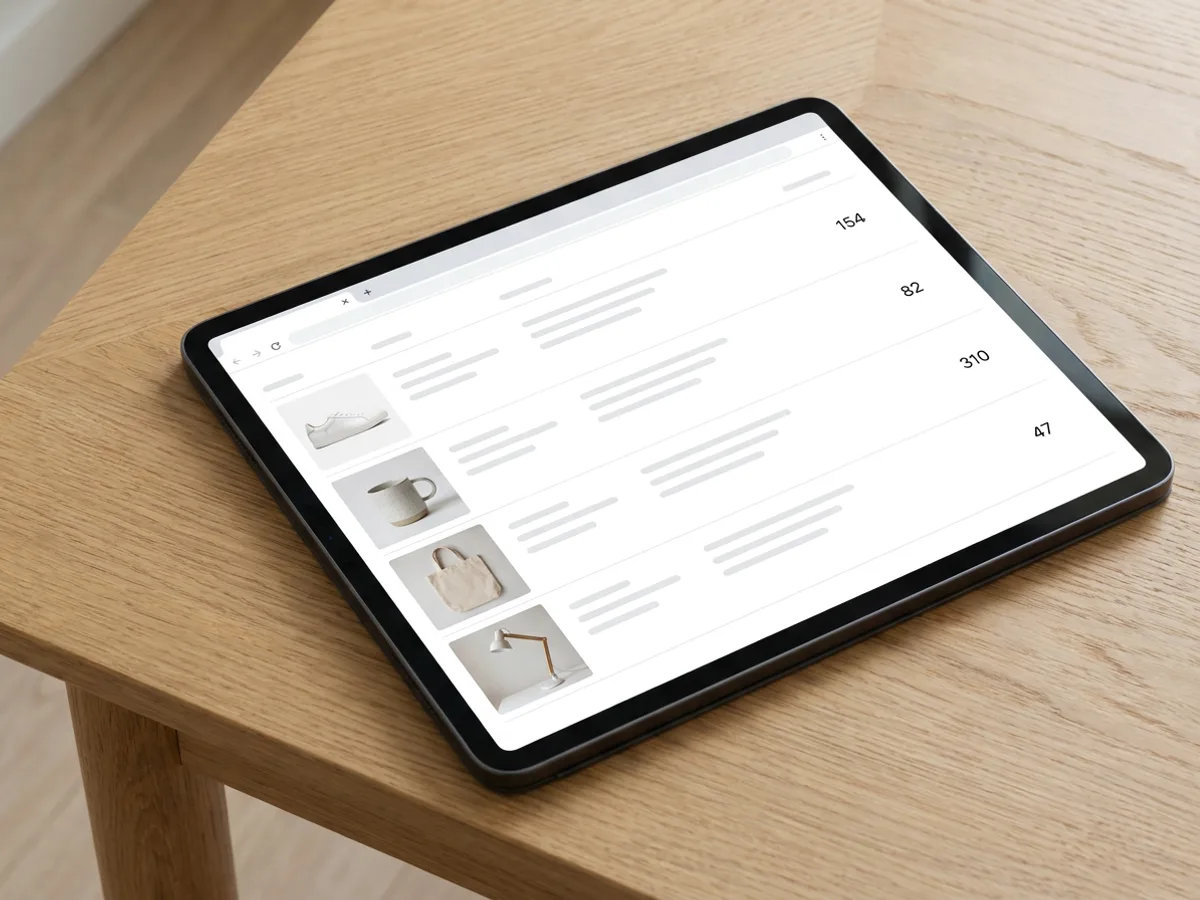
A sheet can hold pictures as well as numbers. Ask the agent to generate a product image for each row, or upload your own, and build a catalogue, a mood board table or a menu plan you can scan at a glance. Bring existing data in too: upload an Excel workbook and each tab opens as an editable sheet, or import a CSV file. Sort and filter rows, then download the finished sheet as an Excel (.xlsx) file that keeps fonts, fills, borders and number formats, or as a CSV for any other tool.
Try for freeWriting up the results? Start from the AI report generator
Trackers, inventories, calendars, pipelines, guest lists and catalogues, built from a plain description with sensible columns and sample rows.
Text, numbers, currency, percentages, dates, checkboxes and dropdowns with colored labels, set per column.
Add or move columns, update values, restyle cells, merge headers or ask a question about the data.
Generate a picture for each row or upload your own, up to ten images in a cell.
Upload an .xlsx workbook to get one editable sheet per tab, or bring in a CSV file.
Download an .xlsx file with fonts, fills, borders and number formats, or a CSV for any other app.
Columns, formats and dropdowns come back set up for the job, so a tracker opens ready to use and every new row follows the same rules.
Describe the change and the agent makes it in the right cells, from a new column to a restyled header, while the rest of the sheet stays exactly as it was.
Sheets live in the same Playyy file as your designs, documents and presentations, and responses from a form on your Playyy website can be copied into a linked sheet with one click.
From client brief to every deliverable format — AI generation, editing, and export without switching tools.
Explore workflow
Ecommerce image editing across every SKU — background removal, cleanup, and upscaling that meet marketplace specs.
Explore workflowYou can start free. Playyy has a free plan with daily credits. Describe the spreadsheet in the box above, sign in, and your prompt carries into Playyy, where the AI builds the sheet. Paid plans, Basic, Pro and Mega, add more credits when you create and edit sheets often.
Yes. Describe the sheet, such as a project tracker with owners, status and due dates, and Playyy builds it with formatted columns, dropdowns and sample rows. Download it as an Excel (.xlsx) file and open it in Excel, Numbers or any app that reads .xlsx. The export keeps fonts, fills, borders, merged cells and number formats.
It depends on the job. For heavy formulas and financial models, an add-in inside Excel or Google Sheets fits best. For a well-organized sheet you can use right away, such as a tracker, an inventory, a calendar or a catalogue with images, an AI spreadsheet generator like Playyy builds the structure, formats and dropdowns for you and exports to Excel or CSV.
A chat assistant can draft rows of table data for you. Playyy's agent goes a step further and builds the sheet inside a spreadsheet editor: columns with real formats, dropdowns with colored labels, styled headers and images in cells. You keep editing it by chat or by hand, then export to Excel or CSV when it's ready.
Yes. Upload an .xlsx workbook and each tab opens as an editable sheet, with values, styles and merged cells kept, or import a CSV file. Then ask the agent to add columns, clean up values, restyle the header or answer questions about the data. Each sheet holds up to 1,000 rows, so it suits trackers and lists rather than large data exports.
Project and task trackers, inventory lists with SKUs and reorder levels, content calendars, hiring pipelines, event guest lists, risk logs and product catalogues with an image in each row. Ask for several tabs and they arrive as separate sheets in the same file, next to any designs or documents you're working on.
Yes, ask for a total, an average or a count and the agent works it out from your data and writes the result into the cell as a value. After you change the numbers, ask it again to refresh the result. For live formulas that recalculate on their own, export the sheet to Excel and add them there.
See how teams are using Playyy to ship better visuals, faster.

LinkedIn banner, Facebook cover, and profile picture — one visual direction, one afternoon, zero design budget.
 Minji Park
LinkedIn ads and organic posts, two different tones, one brand — produced in a single creative session without separate workflows.
 Emily Carter
Same campaign, three channels, zero brand drift — and 60% less time per launch cycle.
 Sophie Whitmore
Keep every image on brand, control the final look, and turn campaign ideas into polished assets without waiting on another design cycle.














