
Ecommerce Product Photo Editing: Amazon & Shopify
Ecommerce image editing across every SKU — background removal, cleanup, and upscaling that meet marketplace specs.
Explore workflowBuild apparel mockups for a whole merch line, with one design on t-shirts, sweatshirts and hoodies in every color, exported as matching images
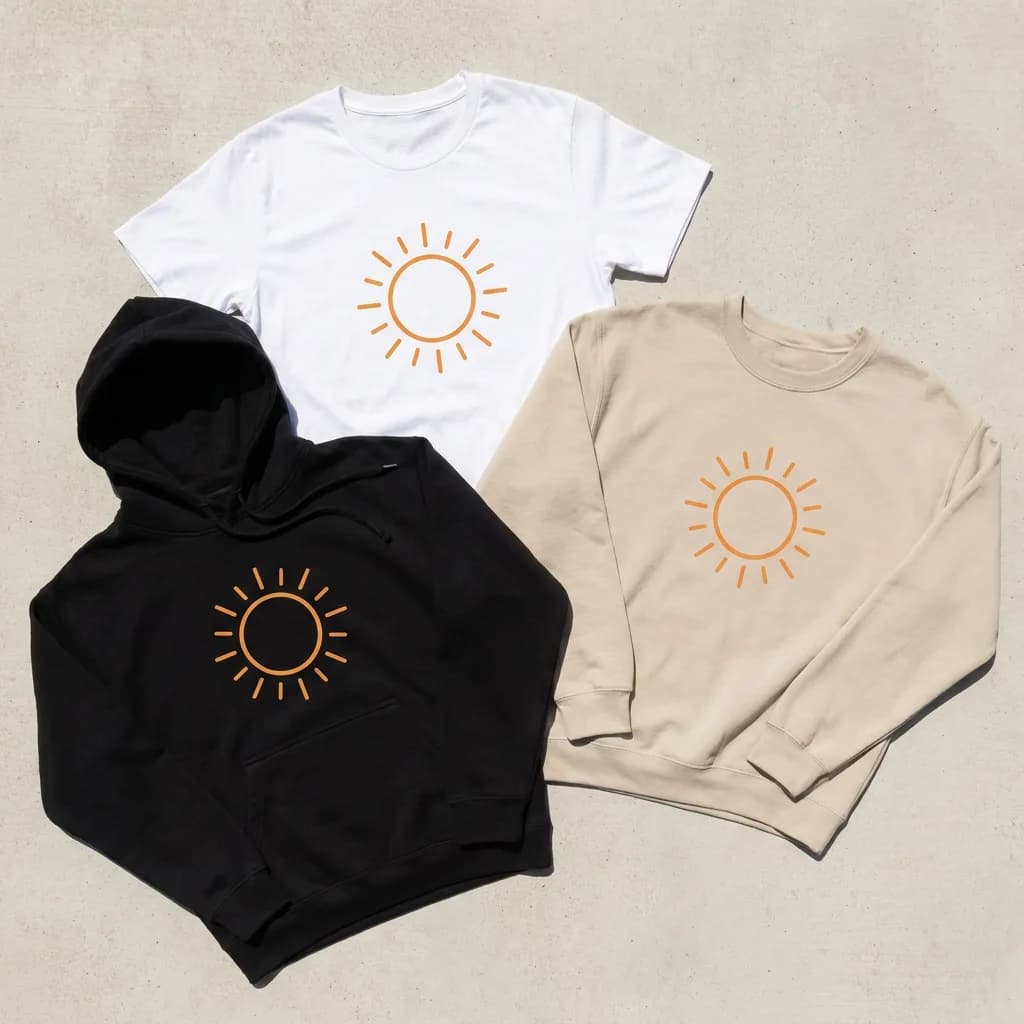
Upload one design in the box above to preview it on tees, sweatshirts, hoodies and more at once, then open each product to place and recolor it and download the set.
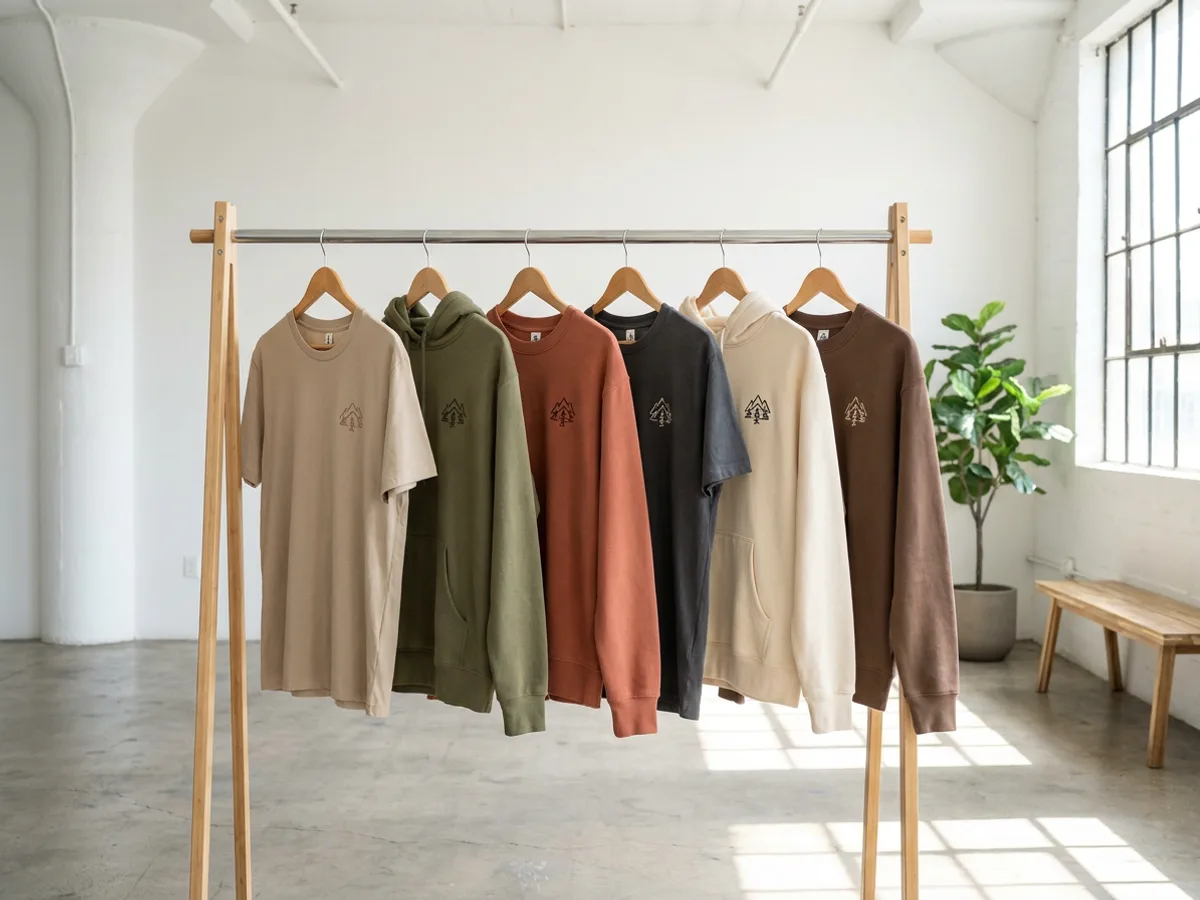
The Mockups panel in the Playyy editor (Elements → Mockups) gathers dozens of t-shirts plus sweatshirts and hoodies in one place. Add several garments to the same page, drop your design onto each, and the collection appears together as one coordinated apparel mockup set. Recolor every piece to a shared palette, earthy tones for a fall drop or brights for summer, and you can judge the line as a whole before a single listing goes live.
Try for free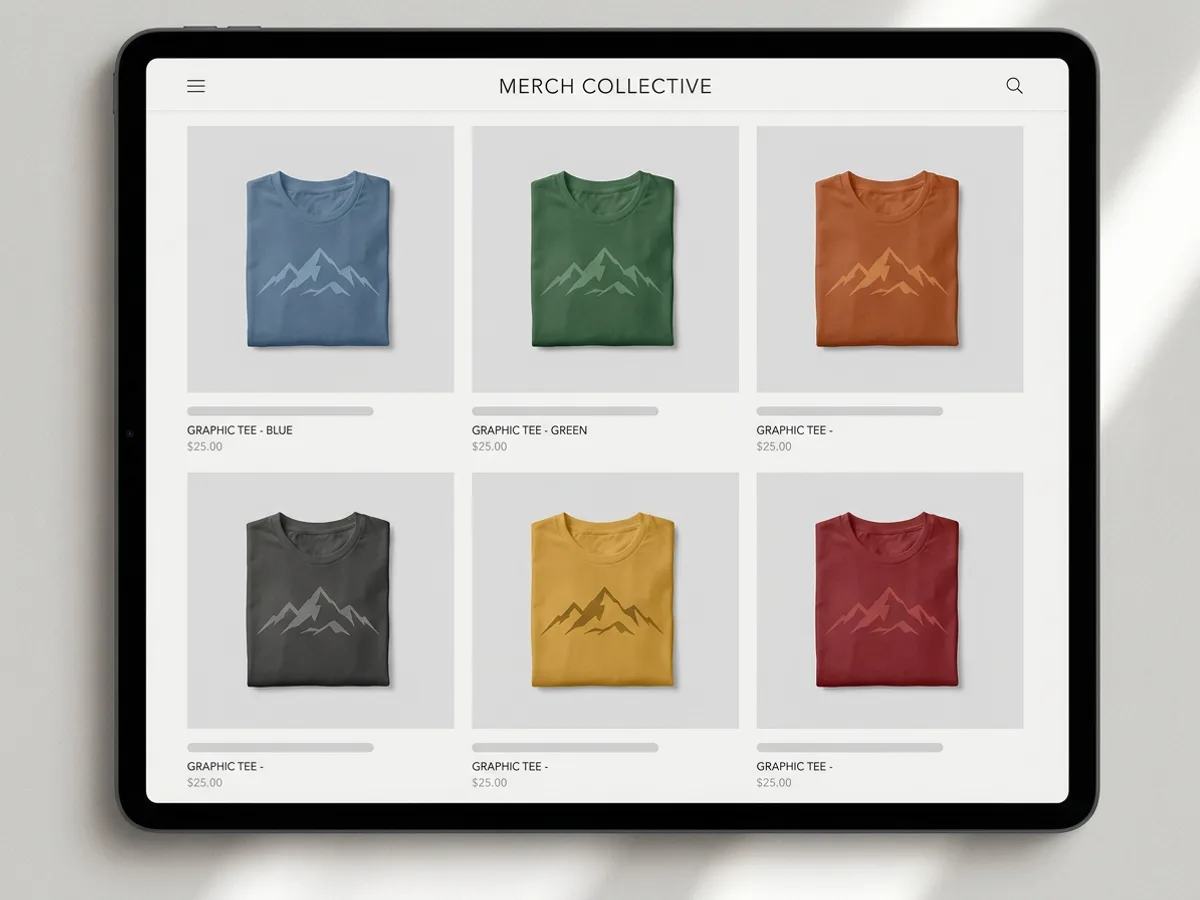
Shoppers browse a merch store as a grid, so matching images make the whole shop look considered. Place the print with the same handles on every garment: drag to move, corners to scale, top handle to rotate. The Print size menu offers Recommended size or Fill print area, which keeps placement consistent from tee to hoodie. Folds and shadows stay realistic as you recolor, and several images export together as a ZIP, ready for your product grid.
Try for free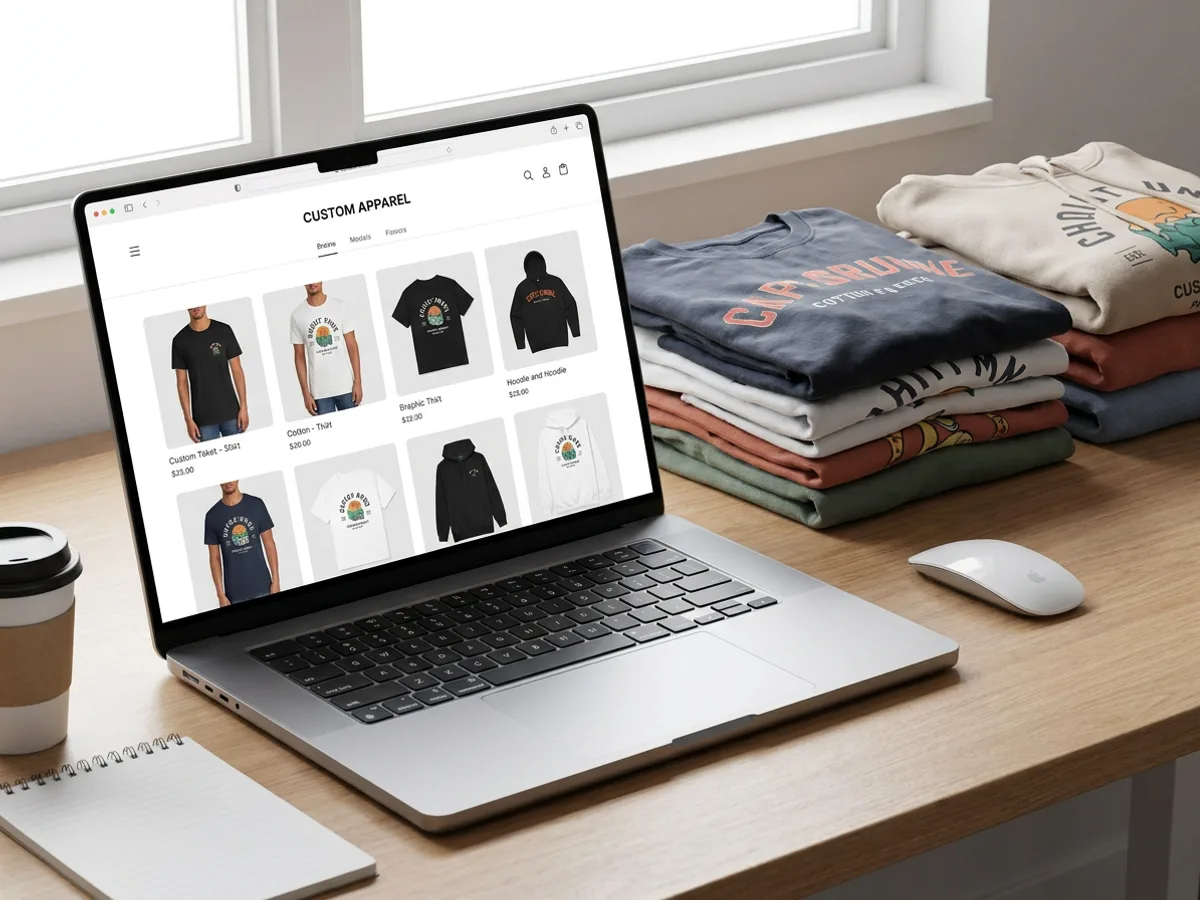
Export PNG or JPG for product cards on Etsy, Shopify or a print-on-demand store, or a PDF to share the full collection for approval. The same mockups work inside Playyy presentations and published pages, so your line sheet, launch page and store listings all use one set of images. For the artwork, use the AI t-shirt design generator and hoodie design generator; for other product shots, the white background and multi-angle tools sit in the same app.
Try for freeOnly working on tees? Open the t-shirt mockup generator
Dozens of t-shirts plus sweatshirts and hoodies share one Mockups panel.
Drop the same artwork onto several garments on a page to preview the full collection.
Drag, scale and rotate the print, or use Recommended size and Fill print area for consistency.
Change each piece's color while folds and shadows stay realistic.
Several PNG or JPG images download together as a ZIP; PDF works for full-collection proofs.
Create graphics with the AI t-shirt and hoodie design generators, then place them on mockups.
Seeing every garment side by side shows whether the design works across shapes and colors. You can refine the weakest piece before launch.
Mockups render the same in listings, presentations and published pages. Your store, line sheet and launch page tell one consistent story.
Artwork, mockups and extra product shots all live in Playyy. The white background and multi-angle tools cover the shots beyond the mockup.
Ecommerce image editing across every SKU — background removal, cleanup, and upscaling that meet marketplace specs.
Explore workflow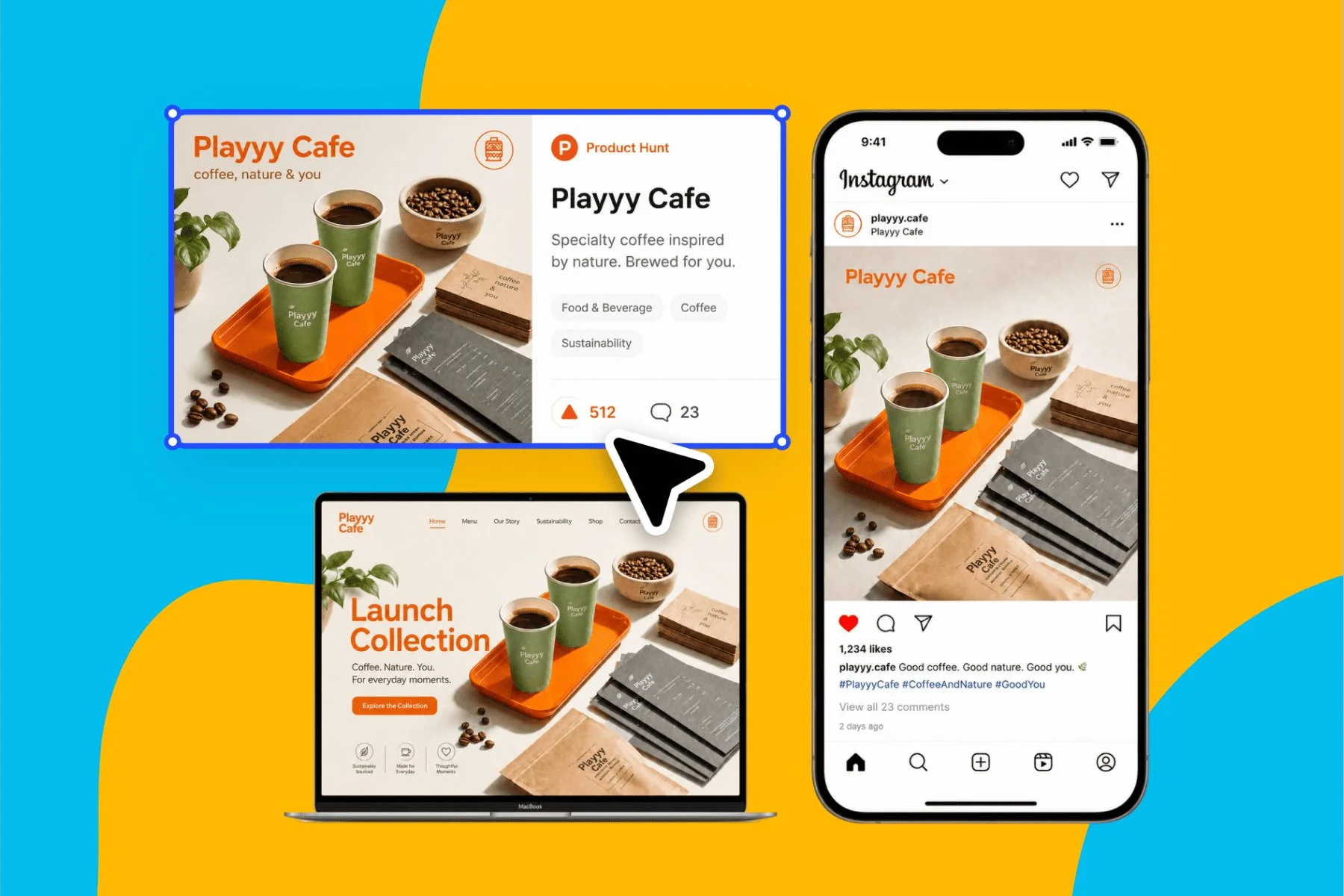
From brand identity direction to a complete launch kit — without hiring a designer or an agency.
Explore workflowAn apparel mockup is a realistic photo of a garment with your design placed on it, used to show a product before or instead of a photo shoot. In Playyy, apparel mockups are real t-shirt, sweatshirt and hoodie photos where you drop in your artwork, place the print, recolor the garment and export images for listings.
Open Elements → Mockups in the Playyy editor and add every garment in the line to one page: tees, sweatshirts and hoodies. Drop the same design onto each, place the print with the handles or the Print size menu, and recolor each piece to your palette. Export the set as PNG or JPG images, bundled as a ZIP, or as a PDF.
The Mockups panel includes dozens of t-shirt mockups plus sweatshirts and hoodies. That covers the core of most merch lines, from basic tees to crewnecks and hooded fleece. Every garment can be recolored with its folds and shadows kept, and you can mix garment types on one page to preview the full collection.
Yes. Uploading a design, previewing it across every product and placing and recoloring it all run free in your browser, so you can try a whole merch line before signing up. A free Playyy account downloads each mockup as a PNG at the template's full size, or opens it in Playyy to build a collection layout.
Yes. The mockups you make are yours to use commercially, so they fit Etsy, Shopify and print-on-demand storefronts. Export PNG or JPG for each product card, and keep the same images for ads, social posts and your launch page. Use artwork that you own or have licensed.
Use the same Print size setting on every garment, either Recommended size or Fill print area, and fine-tune with the handles so the graphic sits at a similar spot on each piece. Pick one background style and one color palette for the whole line. Exporting the set together keeps the images matched for your product grid.
Yes. Mockups render the same in Playyy presentations and published pages, so you can build a line sheet, a wholesale pitch or a launch page from the same images as your listings. Export the presentation as an editable PPTX or a PDF, or share it with a view link.
See how teams are using Playyy to ship better visuals, faster.
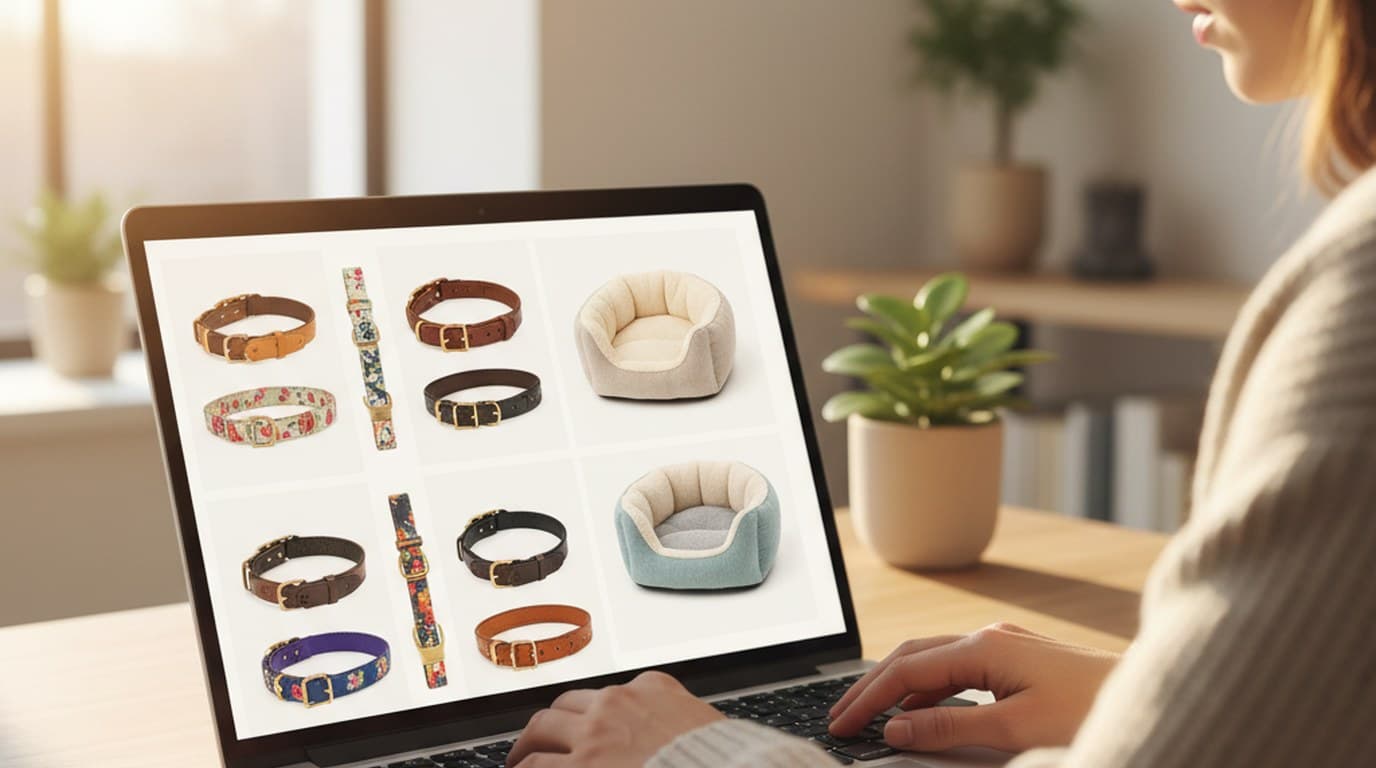
Ninety marketplace-ready product images, four days, no studio. How one pet brand replaced its entire catalog workflow with AI.
 James Walker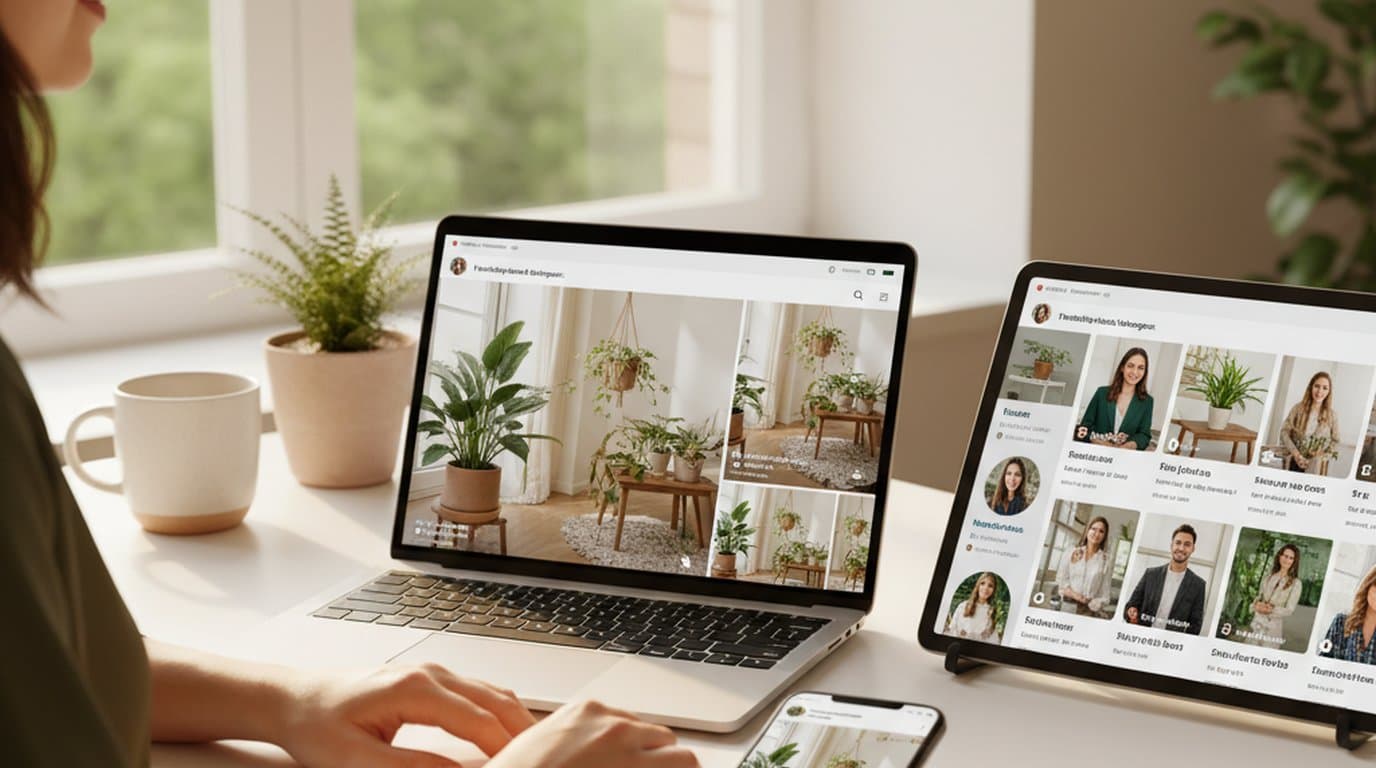
One person, three platforms, zero visual drift — how the brand stopped rebuilding the same visuals from scratch for each channel.
 Sophie Whitmore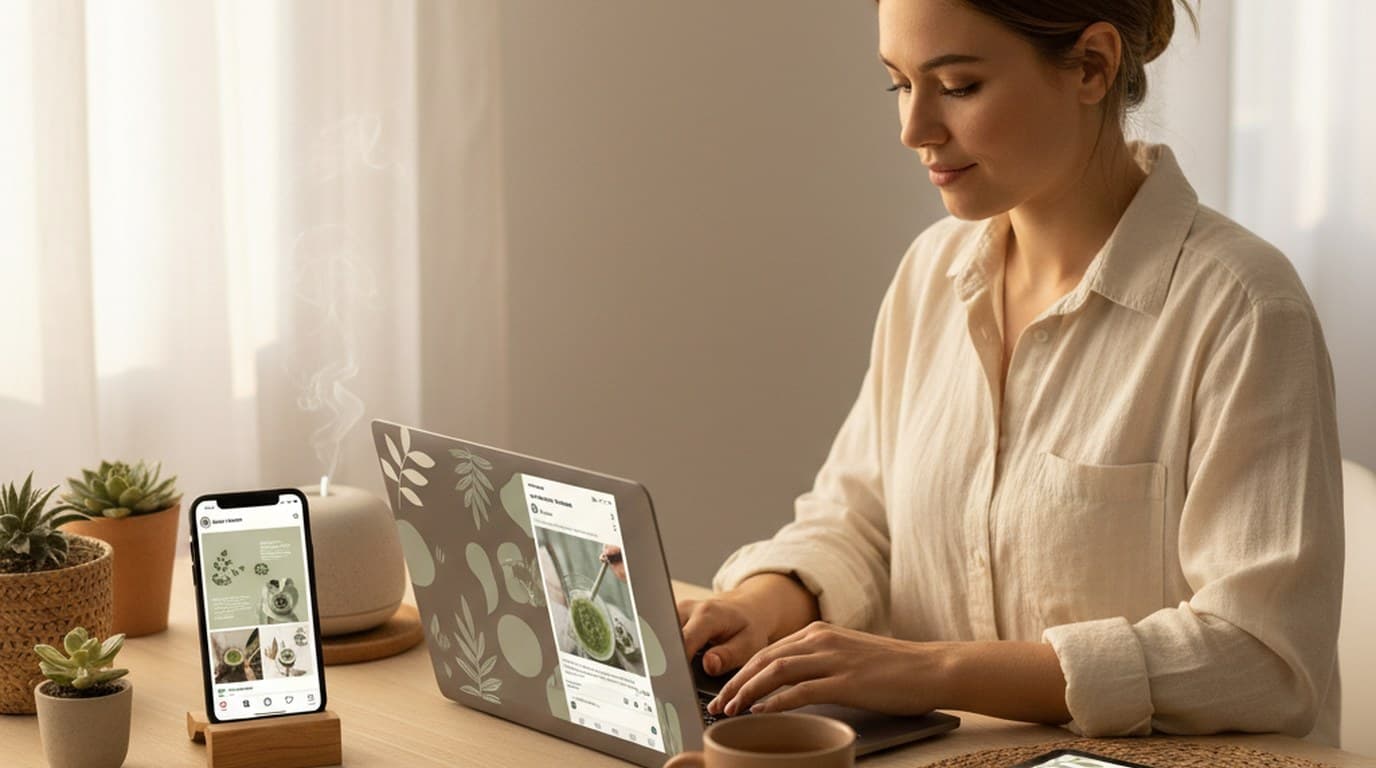
Same campaign, three channels, zero brand drift — and 60% less time per launch cycle.
Sophie WhitmoreKeep every image on brand, control the final look, and turn campaign ideas into polished assets without waiting on another design cycle.














