Marketing Creatives: AI Image Generator for Social, Email, and Ads
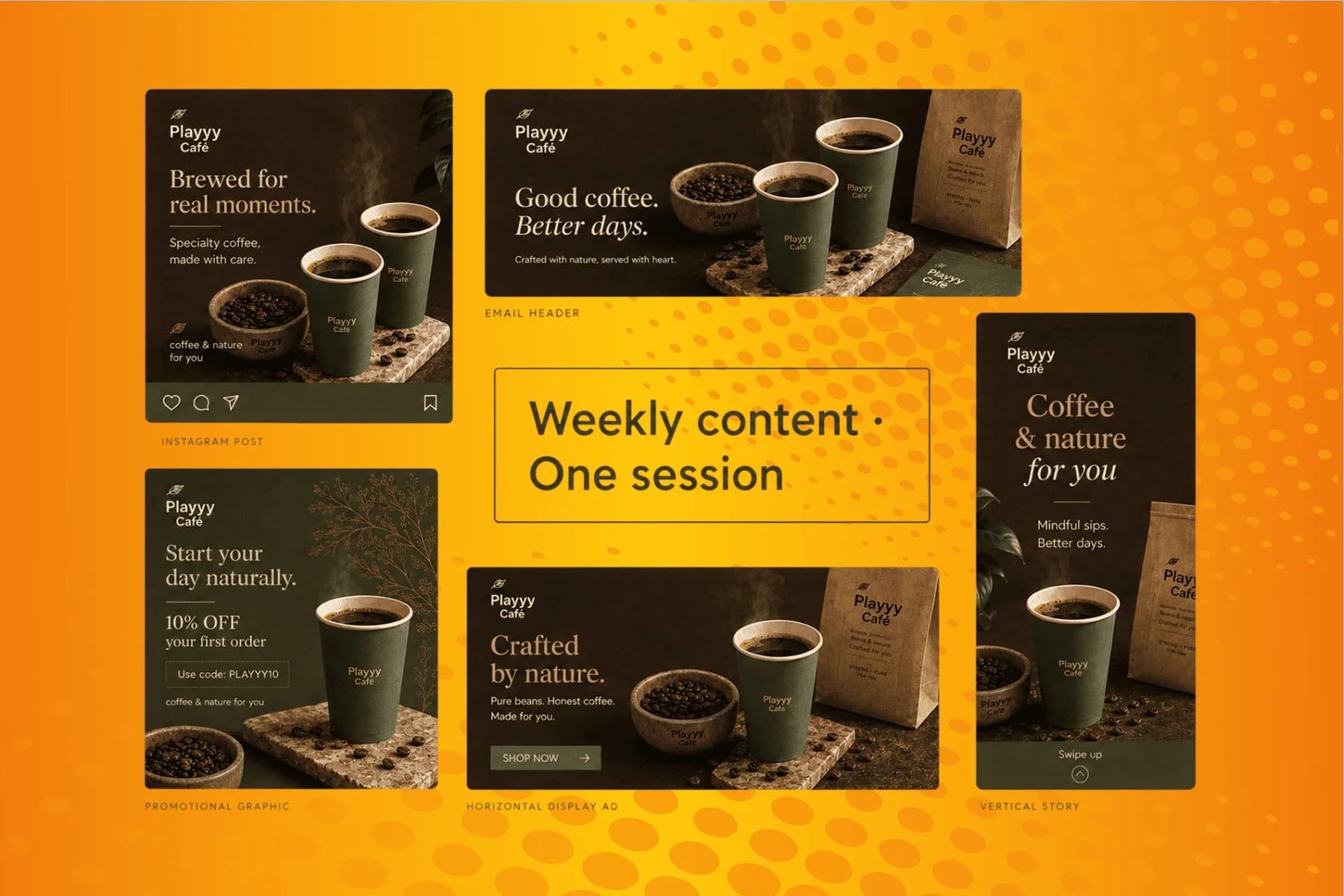
From content gap to publish-ready creative — AI image generator, brand style matching, and copy placement in one session.
Explore workflowPaste your website URL and get a brand kit with your logos, colors, fonts and guidelines, applied to everything you design in Playyy
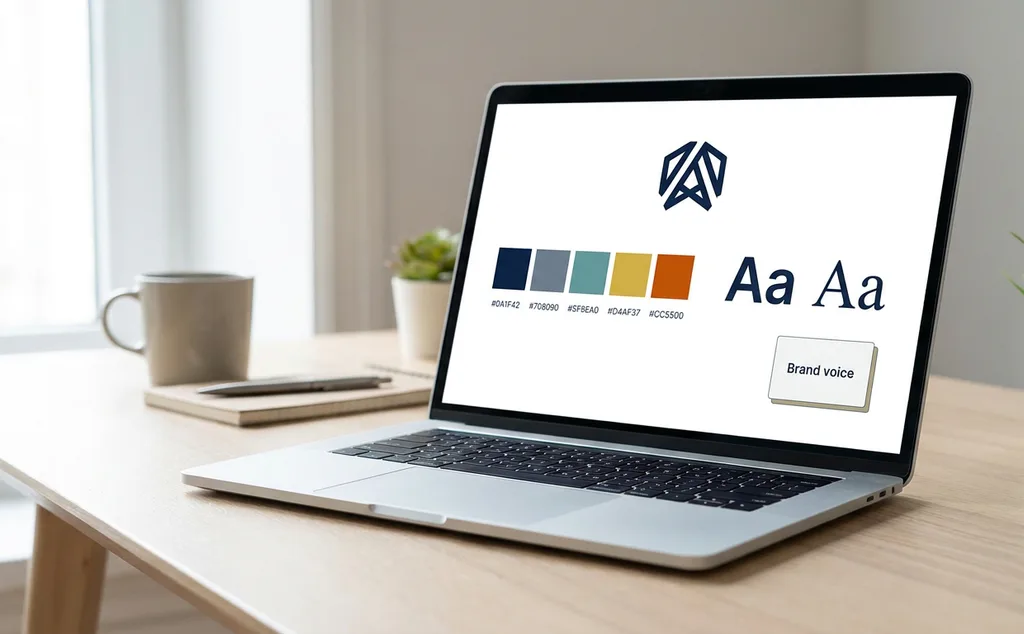
Paste your website URL, review the logos, colors, fonts and guidelines Playyy extracts, then pick the brand in any prompt to design with it.
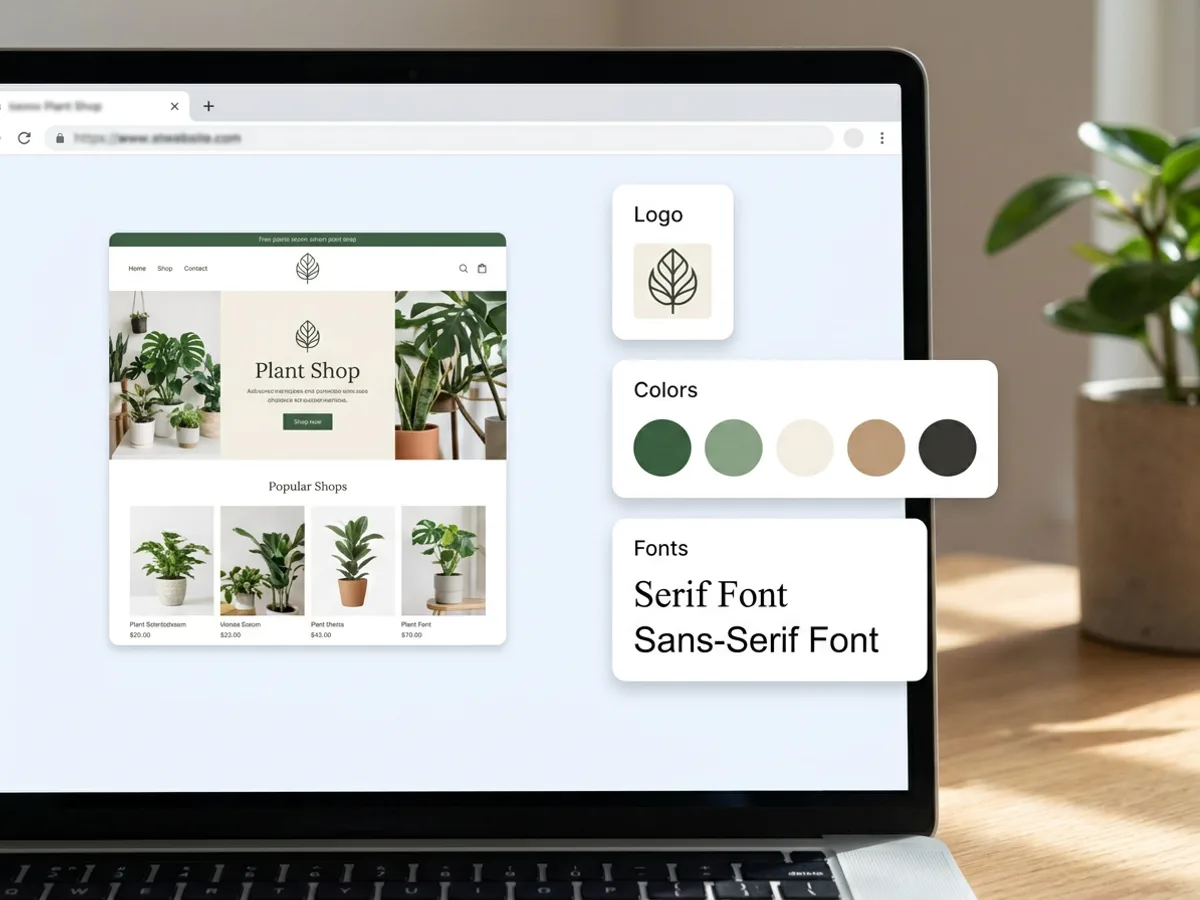
Your website already holds your brand. Paste the URL and Playyy analyzes the site, including a screenshot of the page, then builds a brand kit from what it finds: your logos, brand colors, headline and body font styles, reusable brand assets, and written guidelines. Working from an existing brand guide? Upload it as a PDF, or upload a set of images, HEIC included, and Playyy reads those instead. Prefer to build it by hand? Start an empty brand and fill in each part yourself.
Try for free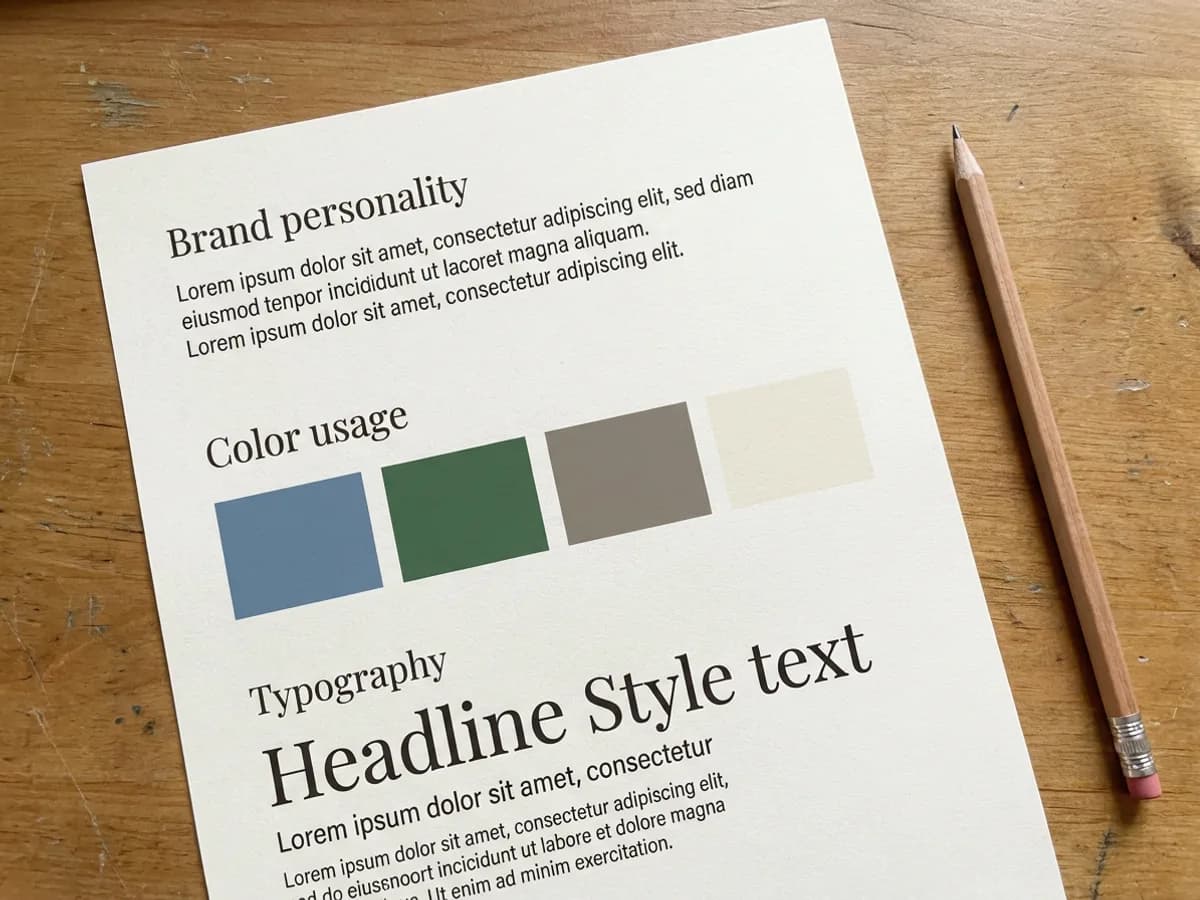
A brand kit goes beyond a palette. Playyy writes guidelines in sections for brand personality, brand voice, color usage, typography, logo usage, imagery, composition and best practices: the structure of a brand guidelines template or brand board, filled in with your own brand. Everything stays editable. Add or change colors, choose headline and body fonts, upload your own brand font files, and rewrite any guideline in your own words so the kit says exactly what your team should follow.
Try for free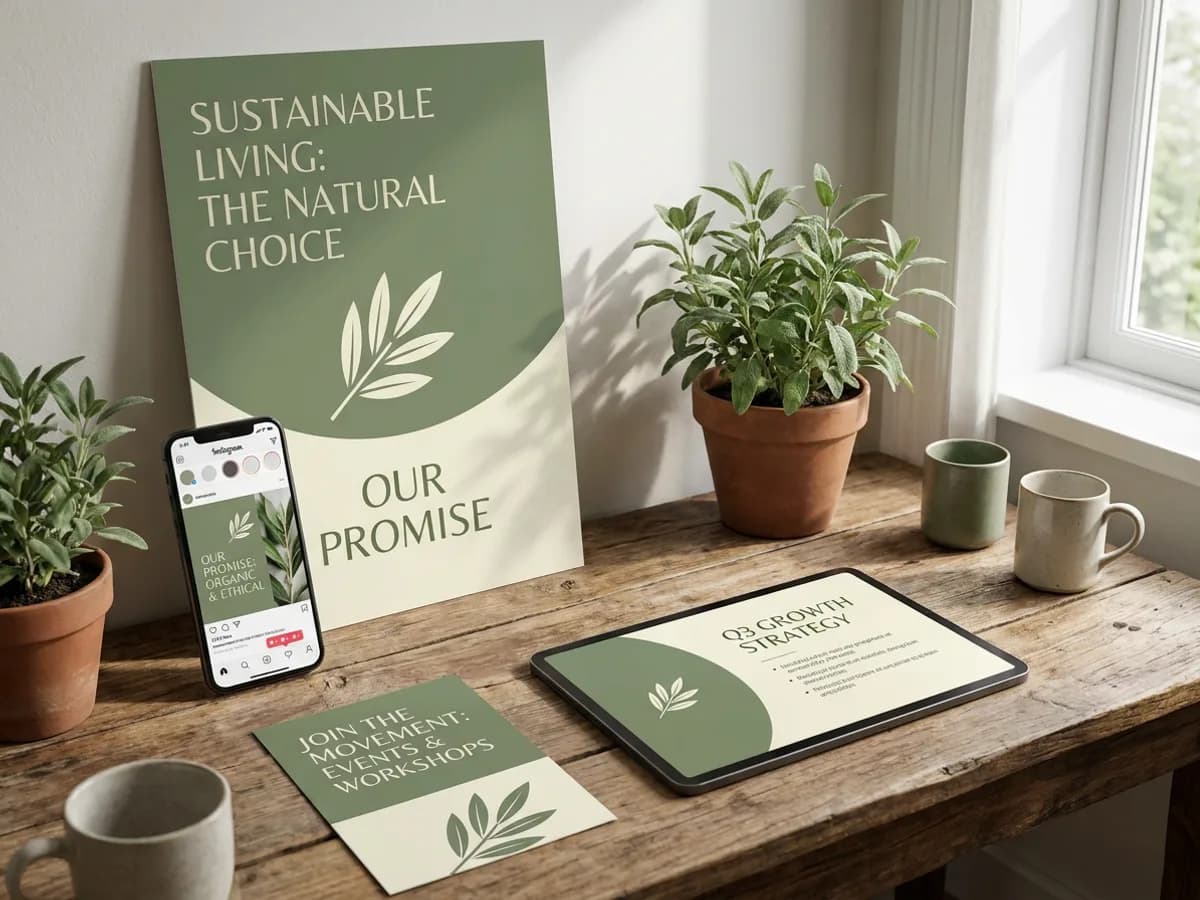
Once the brand kit exists, it travels with you. Pick it from the brand picker in the prompt box and every poster, flyer, social post, presentation and website uses your logo, colors, fonts and voice from the first draft. The agent skips the style questions, because the brand already answers them, and the Brand tab in the editor keeps your assets one click away. The brand showcase generates example designs to start from, and on team plans the whole workspace shares the same kits.
Try for freeStarting without a logo? Generate one first with the logo generator
Paste your website and Playyy extracts logos, colors, fonts, reusable assets and guidelines from the site.
Upload images, including HEIC, or a PDF brand guide, or start an empty brand and fill it in.
Add or change brand colors, choose headline and body fonts, and upload your own brand font files.
Personality, voice, color usage, typography, logo usage, imagery, composition and best practices, all editable.
Pick the brand in the prompt box and every new design uses your logo, colors, fonts and voice.
Team plans share brand kits across the workspace, so everyone designs from the same source.
Your website already carries your logo, colors and type. Playyy reads them directly, so the brand kit reflects the brand your customers already know.
The kit feeds generation itself. Posters, social posts, presentations and websites come out in your colors, fonts and voice from the first draft.
Guidelines, colors and fonts all stay editable. Update the kit once and every design you make next follows it.
From content gap to publish-ready creative — AI image generator, brand style matching, and copy placement in one session.
Explore workflow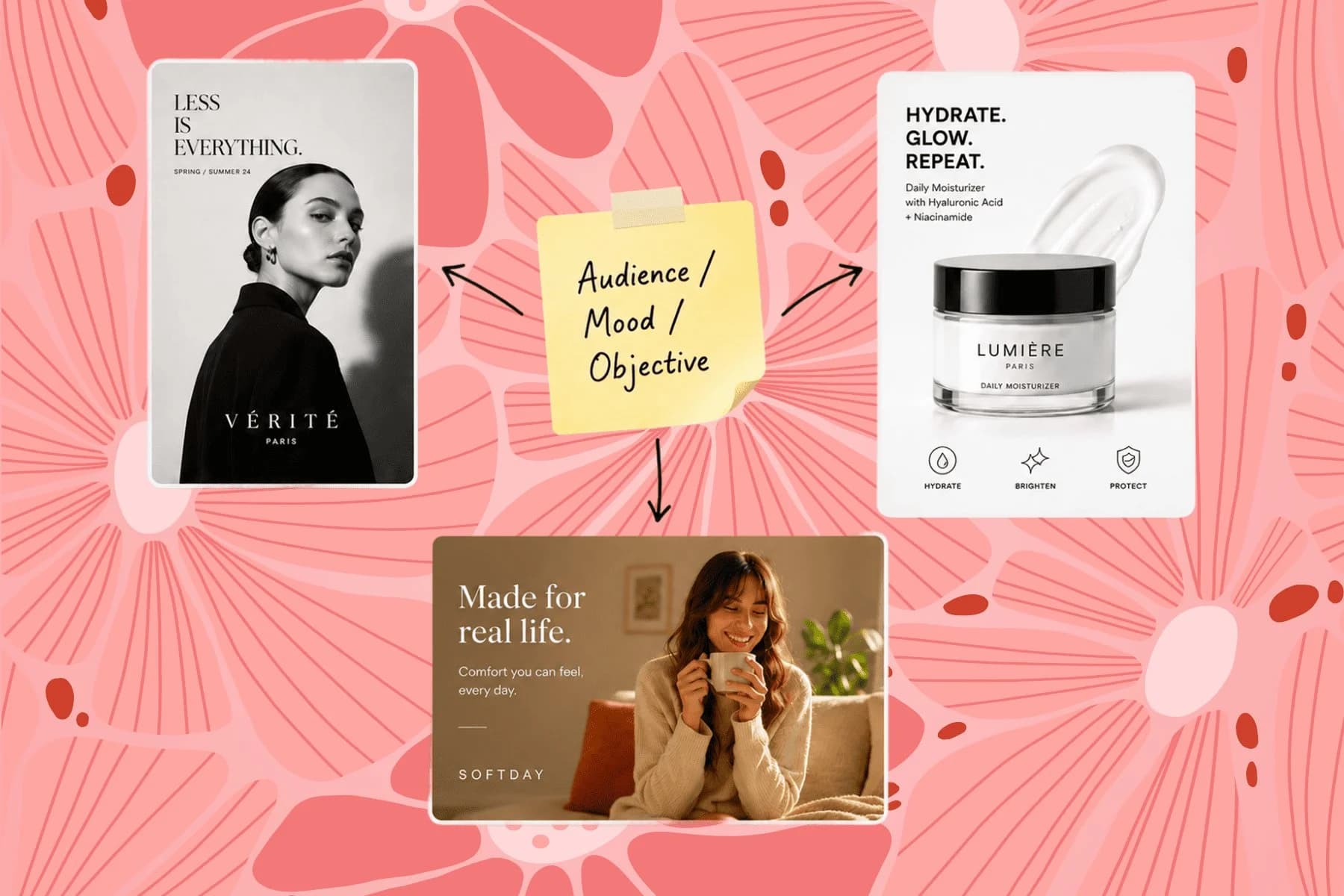
From one campaign brief to every channel asset — AI image generator, creator, and editor in one workflow.
Explore workflowA brand kit is the set of assets and rules that make a brand recognizable: logos, colors, fonts, imagery and written guidelines for voice and usage. In Playyy, the brand kit also does the work for you. Once it's set, the AI uses it every time it designs something, so posters, social posts and presentations match from the first draft.
Paste your website URL when you create a new brand. Playyy analyzes the site, including a screenshot of the page, and extracts your logos, brand colors, headline and body font styles, reusable assets and written guidelines. Review what it found, adjust anything you like, and the brand is ready to use in your next design.
A Playyy brand kit includes your logos, brand colors, headline and body fonts, reusable brand assets, and written guidelines. The guidelines cover brand personality, brand voice, color usage, typography, logo usage, imagery, composition and best practices. You can add colors, choose or upload fonts, and edit every guideline section.
Brand guidelines are one part of a brand kit. The guidelines are the written rules, such as voice, color usage and logo usage, while the kit also holds the assets themselves: logos, color values, fonts and reusable images. Playyy builds both together, which gives you the contents of a brand board or brand guidelines template in one place.
Yes. Upload a PDF, such as an existing brand guide, or a set of images, HEIC files included, and Playyy extracts the logos, colors, fonts and guidelines from them. You can also start an empty brand and fill in each part yourself, then edit it whenever the brand evolves.
Generate one first with Playyy's logo generator, then create your brand kit and add the logo to it. From there, choose your colors and fonts, and let Playyy draft the written guidelines. The whole kit is editable, so it can grow with the business.
Create the brand kit once and select it in the prompt box. Playyy applies the logo, colors, fonts and voice to every design automatically, and the Brand tab in the editor keeps your assets close at hand. On team plans, brand kits are shared across the workspace, so everyone designs from the same source.
You can start free. Playyy has a free plan with daily credits, plus Basic, Pro and Mega paid plans that add more credits and images up to 4K. Team plans share brand kits across a workspace, which suits companies and agencies with several people designing.
See how teams are using Playyy to ship better visuals, faster.
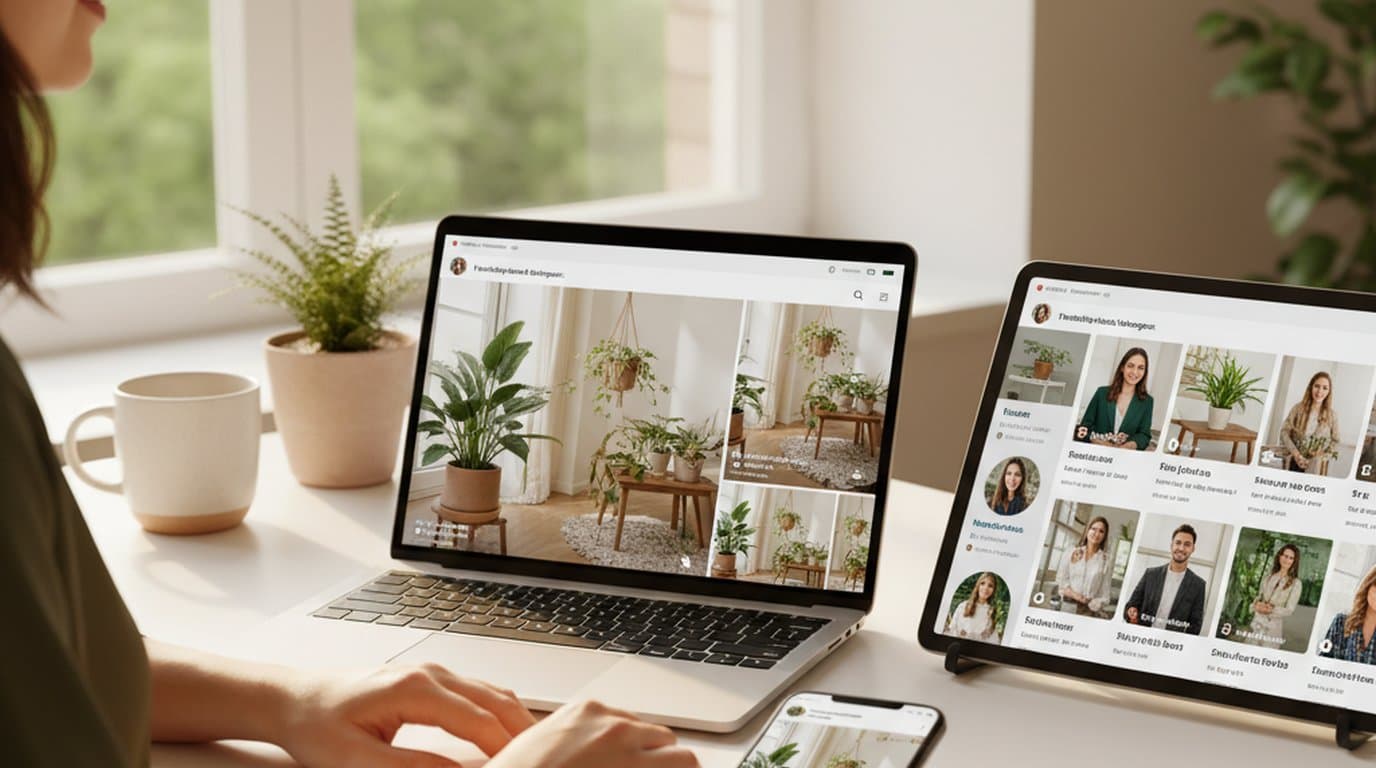
One person, three platforms, zero visual drift — how the brand stopped rebuilding the same visuals from scratch for each channel.
 Sophie Whitmore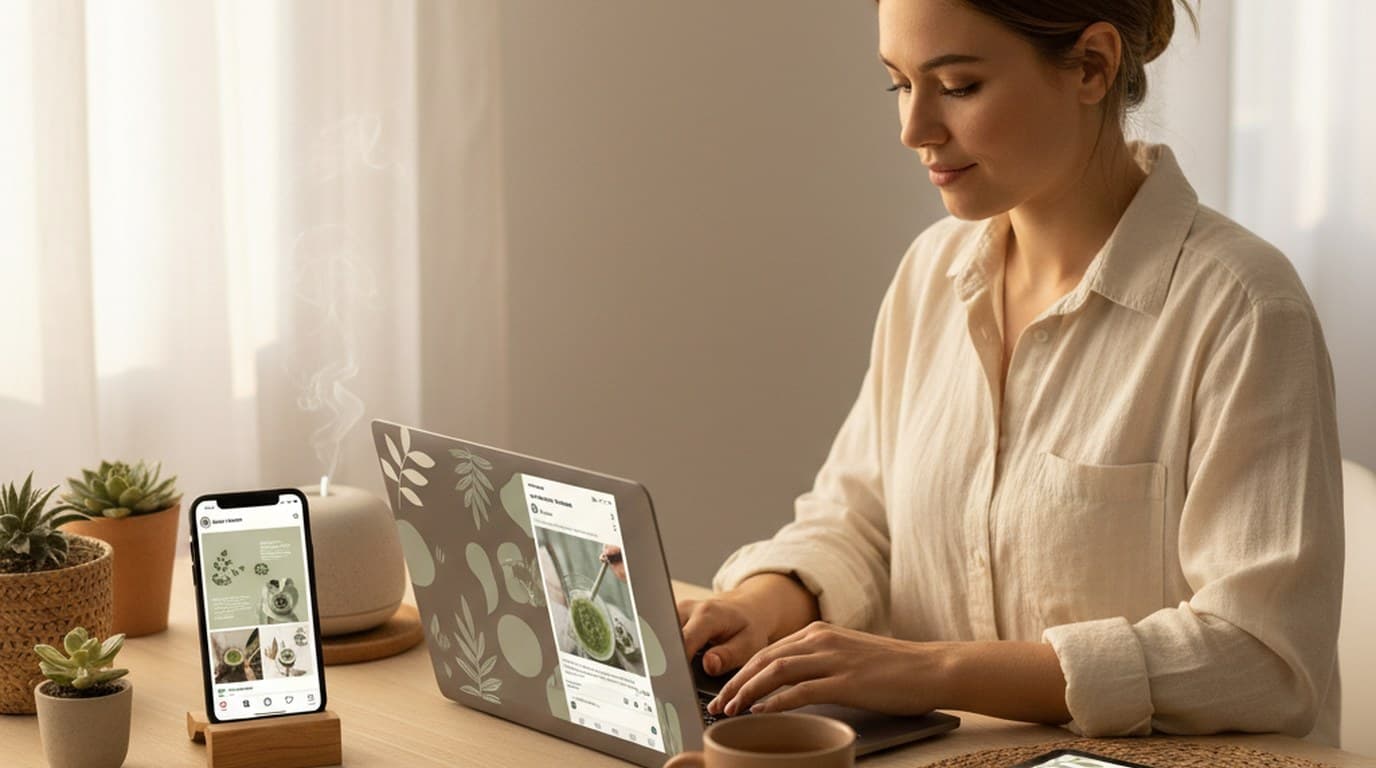
Same campaign, three channels, zero brand drift — and 60% less time per launch cycle.
Sophie Whitmore
18 staff, new brand colours, £3,200 designer quote — and a 3-week timeline. The managing director finished the LinkedIn rollout in 3 days with Playyy.
Sophie WhitmoreKeep every image on brand, control the final look, and turn campaign ideas into polished assets without waiting on another design cycle.














