AI Design Tools for Freelancers — Faster Client Deliverables
From client brief to every deliverable format — AI generation, editing, and export without switching tools.
Explore workflowDescribe the calculation in plain English and the AI Excel formula generator writes the formula into a working sheet, so you can see the result before you copy it into Excel or Google Sheets
Describe what the formula should calculate in the box above, check the result in the sample sheet Playyy builds, then copy the formula or download the .xlsx file.
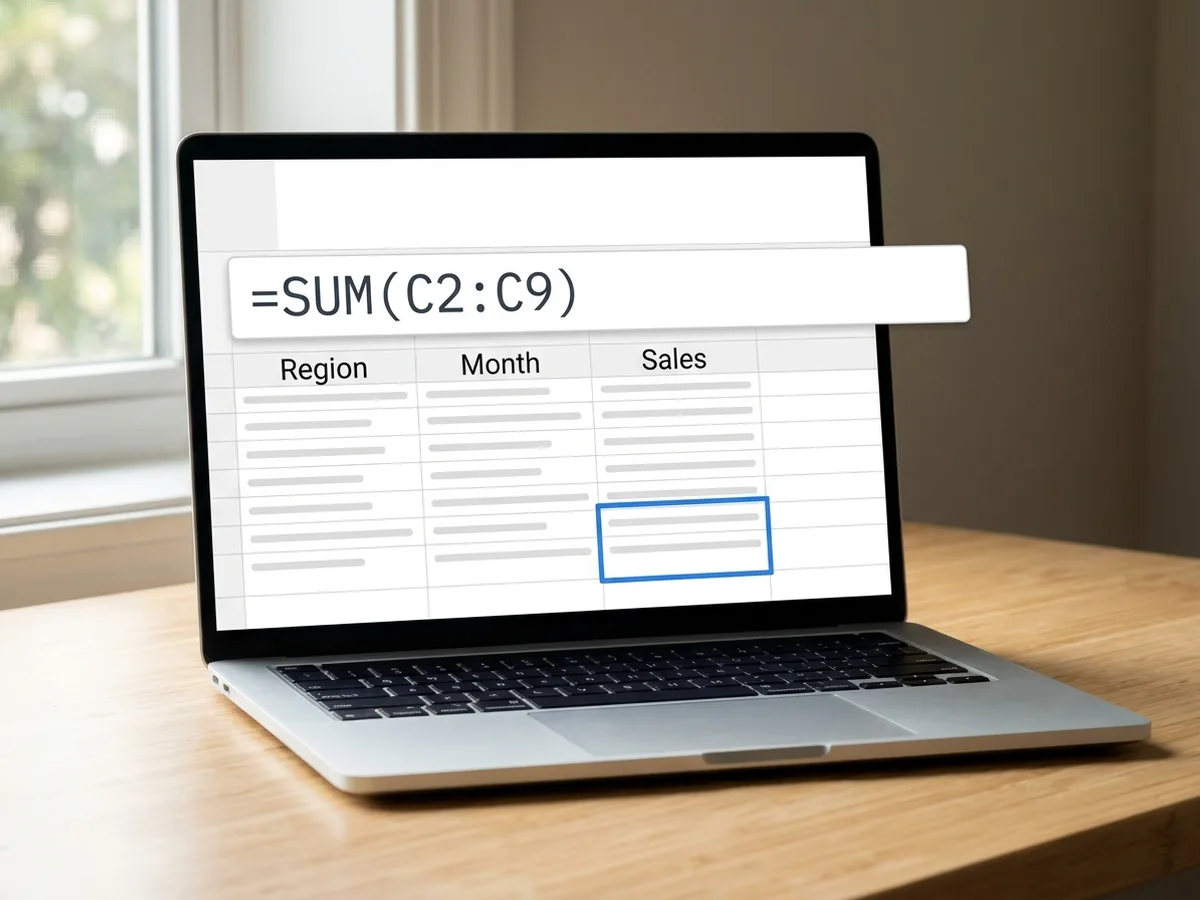
Say what you want the cell to show, the way you'd ask a colleague who knows Excel: total sales for the West region in March, the price of the SKU typed in A2, a 'Late' flag when the due date has passed, the monthly payment on a $25,000 loan at 6% over five years. The AI Excel formula generator picks the functions, such as SUMIFS, XLOOKUP, IF with TODAY or PMT, and writes the formula into a sheet with sample data laid out the way your own sheet is, so the column letters and ranges in the formula match something real.
Try for free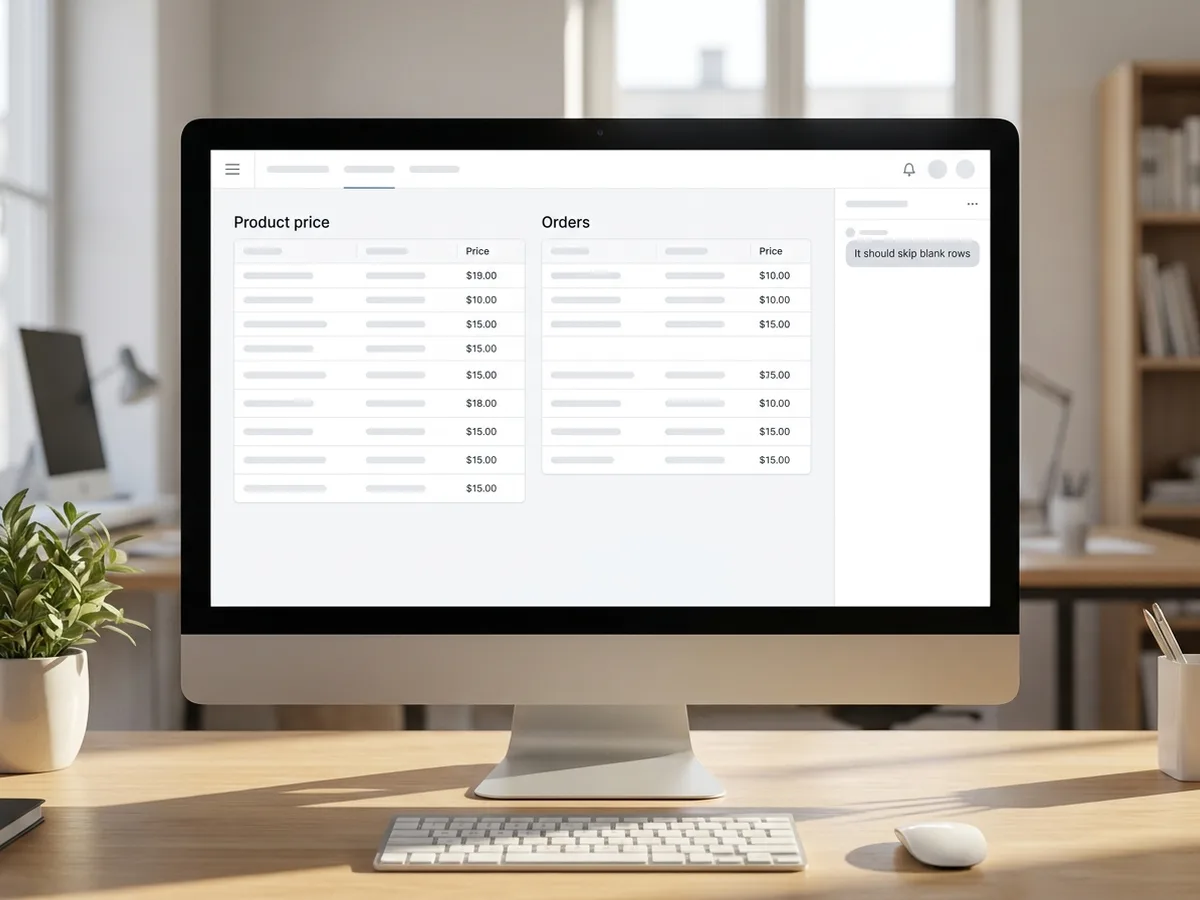
A formula you can't test is a guess. Here the formula sits in a live sheet that runs about 500 Excel-compatible functions, so the result appears in the cell straight away. Change a number in the sample data and watch the total move. If the result looks wrong, say what you expected, such as 'it should skip blank rows' or 'match the closest lower price', and the agent rewrites the formula in place. Ask what any part of a formula does and the agent reads it back to you in plain language.
Try for free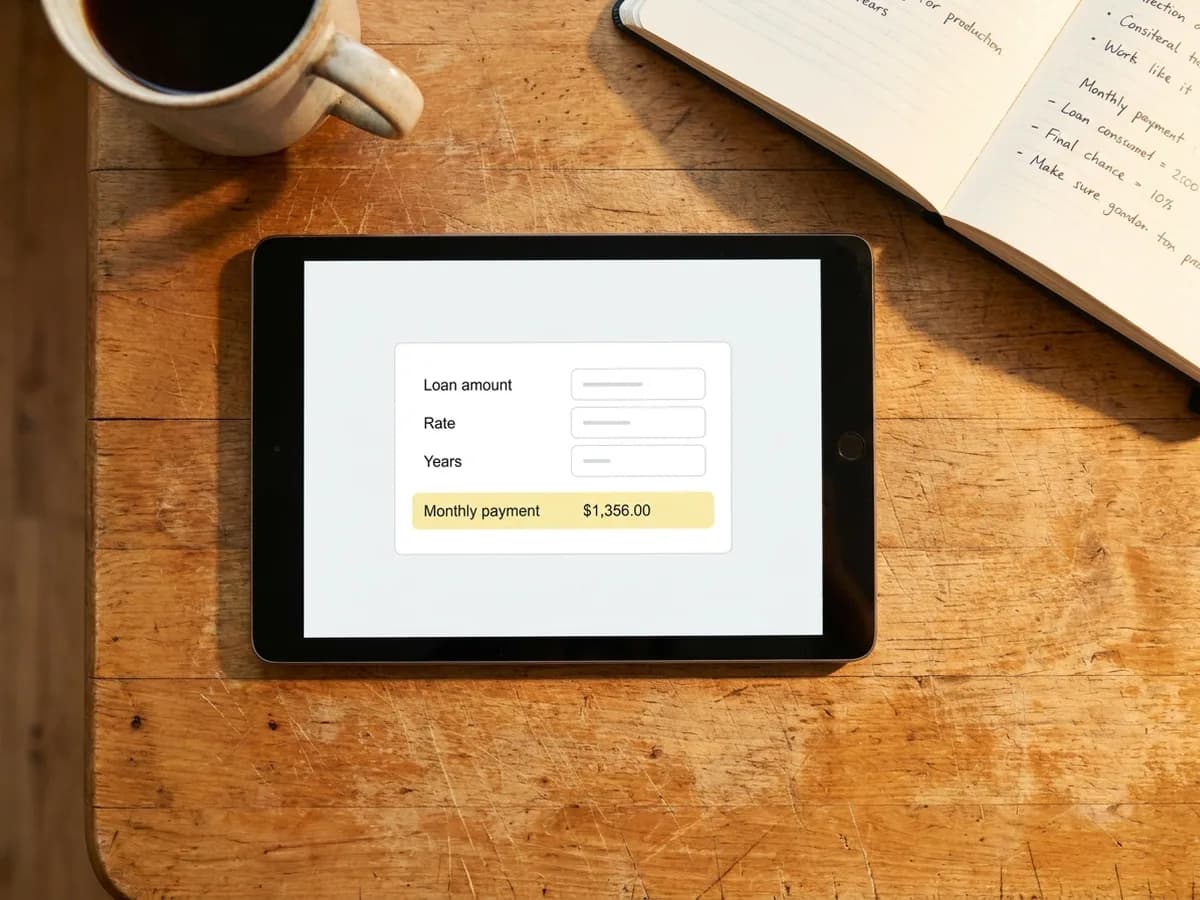
Excel and Google Sheets share the syntax for everyday functions like SUMIFS, COUNTIFS, VLOOKUP, XLOOKUP, IFERROR and TEXTJOIN, so most formulas paste straight into either app. Copy the formula from the cell and swap in your own ranges, or keep the sheet the agent built: download it as an .xlsx file and every formula comes with it, still live. Already have a workbook? Upload the .xlsx, and its formulas open intact, then ask for the new column or total you need.
Try for freeNeed the whole sheet, not one formula? Build it with the AI spreadsheet generator
Describe the result you need and get a formula with the right functions, ranges and references for your layout.
XLOOKUP, VLOOKUP, INDEX with MATCH and FILTER for pulling prices, names or rows from another table or tab.
IF, IFS, SUMIFS, COUNTIFS and AVERAGEIFS for flags, tiers, commissions and totals by region, month or status.
Days until a deadline, working days, joining names, splitting codes, loan payments, NPV and growth rates.
Paste a formula that returns an error, or ask what one does, and get a corrected version with a plain-language walkthrough.
Upload an .xlsx workbook with its formulas, then download an .xlsx that keeps every formula live, or a CSV of the values.
The formula runs on sample data the moment it's written, so you see the answer it gives instead of copying an untested string from a chat window.
Tell it which columns hold what, or upload your workbook, and the ranges and sheet names in the formula match the sheet you'll paste it into.
Need the totals row, a status dropdown and a summary tab as well? Ask in the same chat and the agent builds the rest of the sheet around the formula.
From client brief to every deliverable format — AI generation, editing, and export without switching tools.
Explore workflow
One brand kit, every piece a local business hands out or posts: print-ready flyers, posters and business cards, weekly social posts and a simple website.
Explore workflowYou can start free. Playyy has a free plan with daily credits. Describe the formula in the box above, sign in, and your request carries into Playyy, where the agent writes it into a working sheet. Paid plans, Basic, Pro and Mega, add more credits when you build and edit sheets often.
Yes. Describe the result you want, such as 'total revenue for orders marked Paid in column E', and the AI writes a formula like =SUMIFS(D:D,E:E,"Paid"). In Playyy the formula goes into a live sheet with sample data, so you can check the result, ask for changes and then copy it or download the workbook.
Most do. Google Sheets uses the same syntax as Excel for common functions such as SUM, SUMIFS, COUNTIFS, IF, IFERROR, VLOOKUP, XLOOKUP, INDEX, MATCH and TEXTJOIN. Copy the formula, adjust the ranges to your sheet and paste it in. If you rely on a function that only one app has, mention the app in your request and the agent picks an equivalent.
The sheet runs about 500 Excel-compatible functions across math, statistics, lookup, logic, text, dates, finance and engineering, including XLOOKUP, FILTER, SORT, UNIQUE, LET, LAMBDA, SUMIFS, PMT, NPV and IRR. That covers the formulas behind everyday trackers, budgets, sales reports and price lists.
Yes. Paste the formula along with what it should do and a few example rows, or upload the workbook, and say what's wrong, such as #N/A from a lookup or a total that counts blank rows. The agent writes a corrected formula into the sheet and explains what changed.
Yes. Upload an .xlsx workbook and each tab opens as an editable sheet with its formulas and formatting, or import a CSV file. Then ask for the formula you need in terms of your own columns. Each sheet holds up to 1,000 rows, so it suits trackers, budgets and lists rather than large data exports.
Start here when you need one calculation and want to see it working. Use the AI spreadsheet generator when you need a whole sheet, such as a tracker, a budget or an inventory, with columns, dropdowns and formulas built together. Both open in the same Playyy sheet editor, so you can move from one formula to a full sheet in the same chat.
See how teams are using Playyy to ship better visuals, faster.

LinkedIn banner, Facebook cover, and profile picture — one visual direction, one afternoon, zero design budget.
 Minji Park
LinkedIn ads and organic posts, two different tones, one brand — produced in a single creative session without separate workflows.
 Emily Carter
Same campaign, three channels, zero brand drift — and 60% less time per launch cycle.
 Sophie Whitmore
Keep every image on brand, control the final look, and turn campaign ideas into polished assets without waiting on another design cycle.














