
Ecommerce Product Photo Editing: Amazon & Shopify
Ecommerce image editing across every SKU — background removal, cleanup, and upscaling that meet marketplace specs.
Explore workflowPut your chest print on real hoodie and sweatshirt mockup photos, recolor the fleece with its texture kept, and export images for your shop
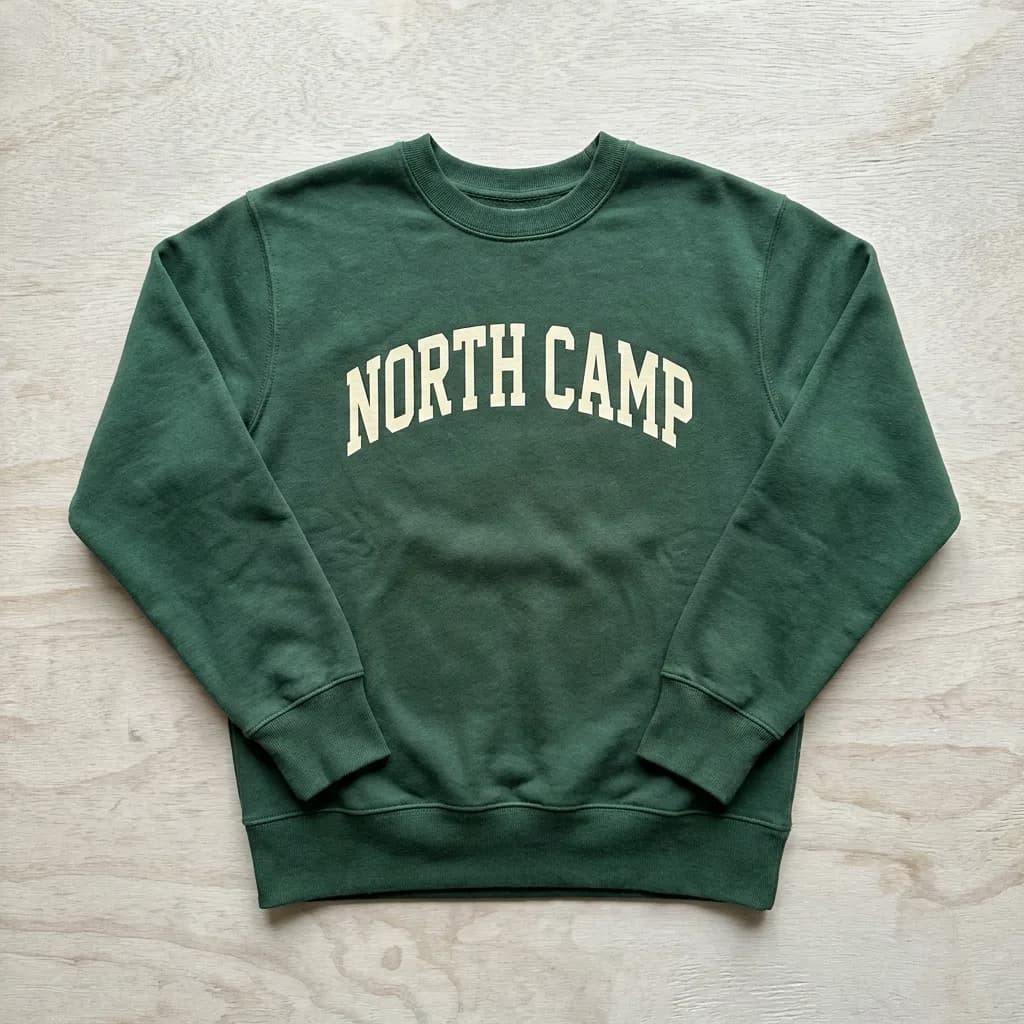
Upload your chest print in the box above, pick a hoodie or sweatshirt, place the design and choose the garment color, then download the PNG or open it in Playyy.
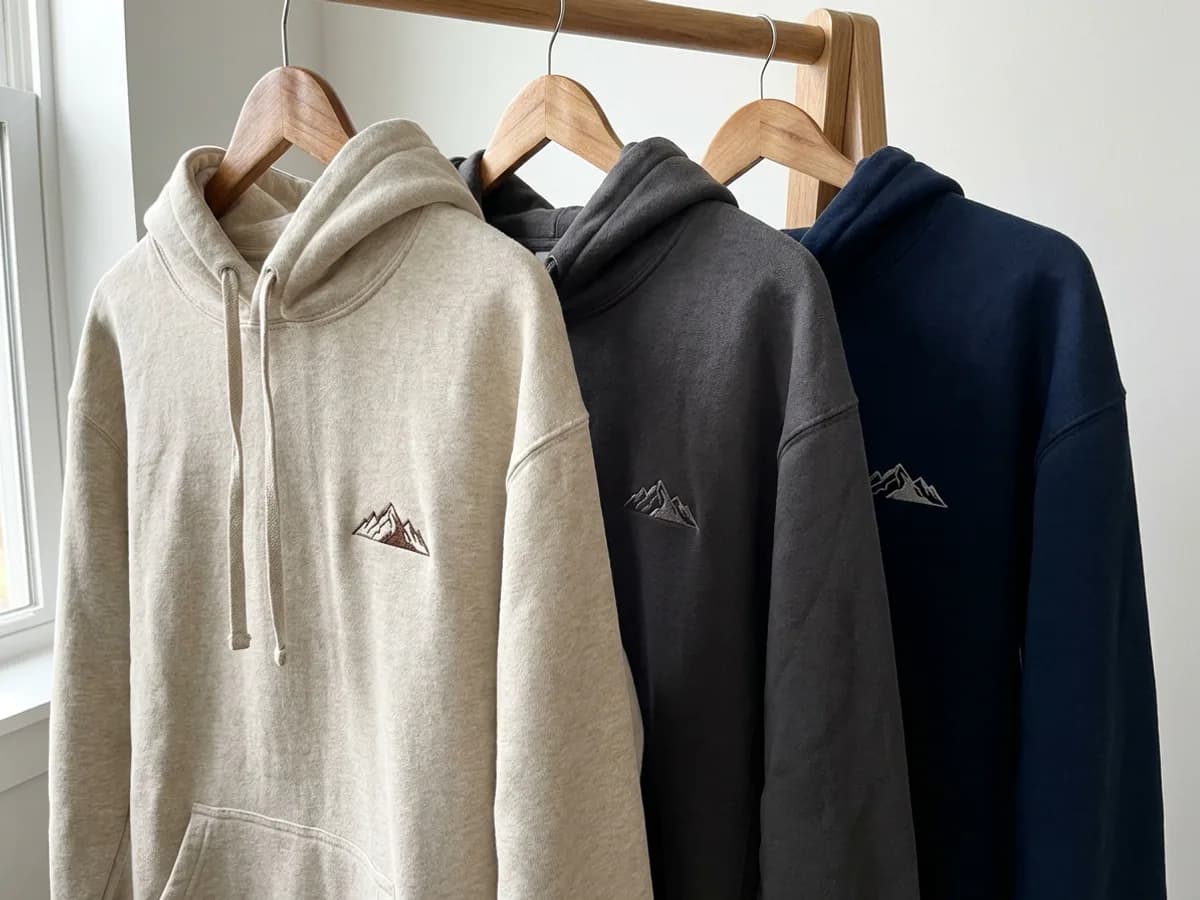
Open the Mockups panel in the Playyy editor (Elements → Mockups) and choose from hoodie and sweatshirt mockup photos, right next to the t-shirt library. Drop your design onto the chest and double-click to place it. Then add more mockups to the same page and recolor each one, so a small mountain logo appears on oatmeal, charcoal and navy hoodies as one consistent set. That set doubles as a colorway preview when you plan your next drop.
Try for free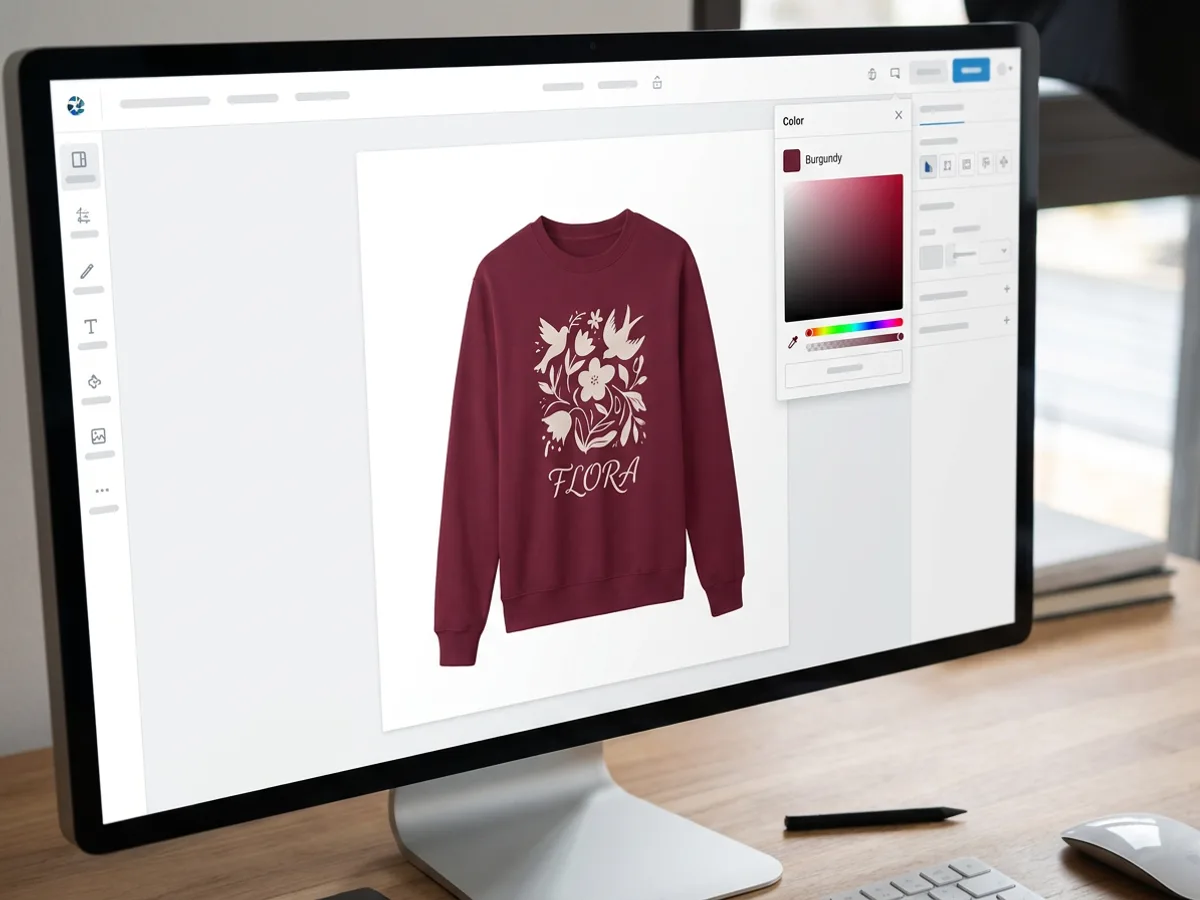
Ribbed cuffs, soft folds and the shadows of heavy fleece are what make a sweatshirt mockup look real. Change the garment color with the color picker and those folds, the ribbing texture and the shadows all stay in place, while your print stays exactly as you designed it. Try burgundy, forest green or a washed neutral in a few clicks, then keep the versions that suit the artwork best and line them up on one page.
Try for free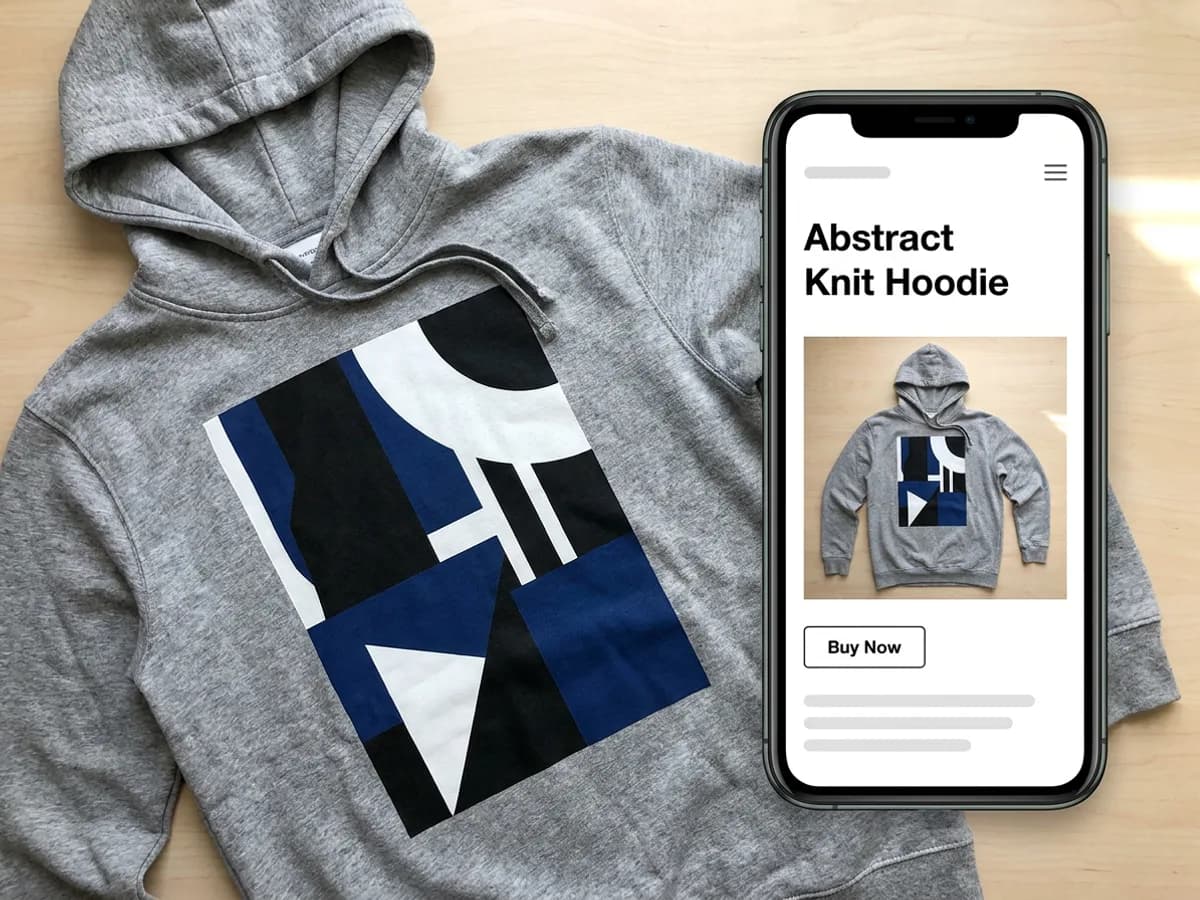
Use the Print size menu to set the graphic: Recommended size for a balanced chest print, or Fill print area for a bigger, bolder look. Drag to move, pull a corner to scale and use the top handle to rotate until it sits right. Export the finished hoodie mockup as PNG or JPG for listings and social posts, or as a PDF for approvals. Need the artwork first? Create it with the AI hoodie design generator and drop it straight onto the mockup.
Try for freeStill need the hoodie graphic? Generate it with the hoodie design generator
Choose hoodie and sweatshirt mockup photos in the Mockups panel, next to the t-shirt library.
Double-click to place, drag to move, pull corners to scale and rotate from the top handle.
Change the garment color while folds, ribbing texture and shadows stay realistic.
Pick Recommended size or Fill print area from the Print size menu.
Put several hoodie mockups on one page to compare colors at a glance.
Download PNG or JPG for shop listings and social posts, or a PDF for approvals.
Shoppers judge a hoodie by how warm and soft it looks. Real fleece photos with ribbing and folds intact show that in every listing image.
Recolor the garment and the print stays exactly the same. A full color range comes from a single design placement.
Generate the chest graphic with the AI hoodie design generator and drop it onto a mockup in the same editor. Your artwork goes from idea to listing photo in one place.
Ecommerce image editing across every SKU — background removal, cleanup, and upscaling that meet marketplace specs.
Explore workflow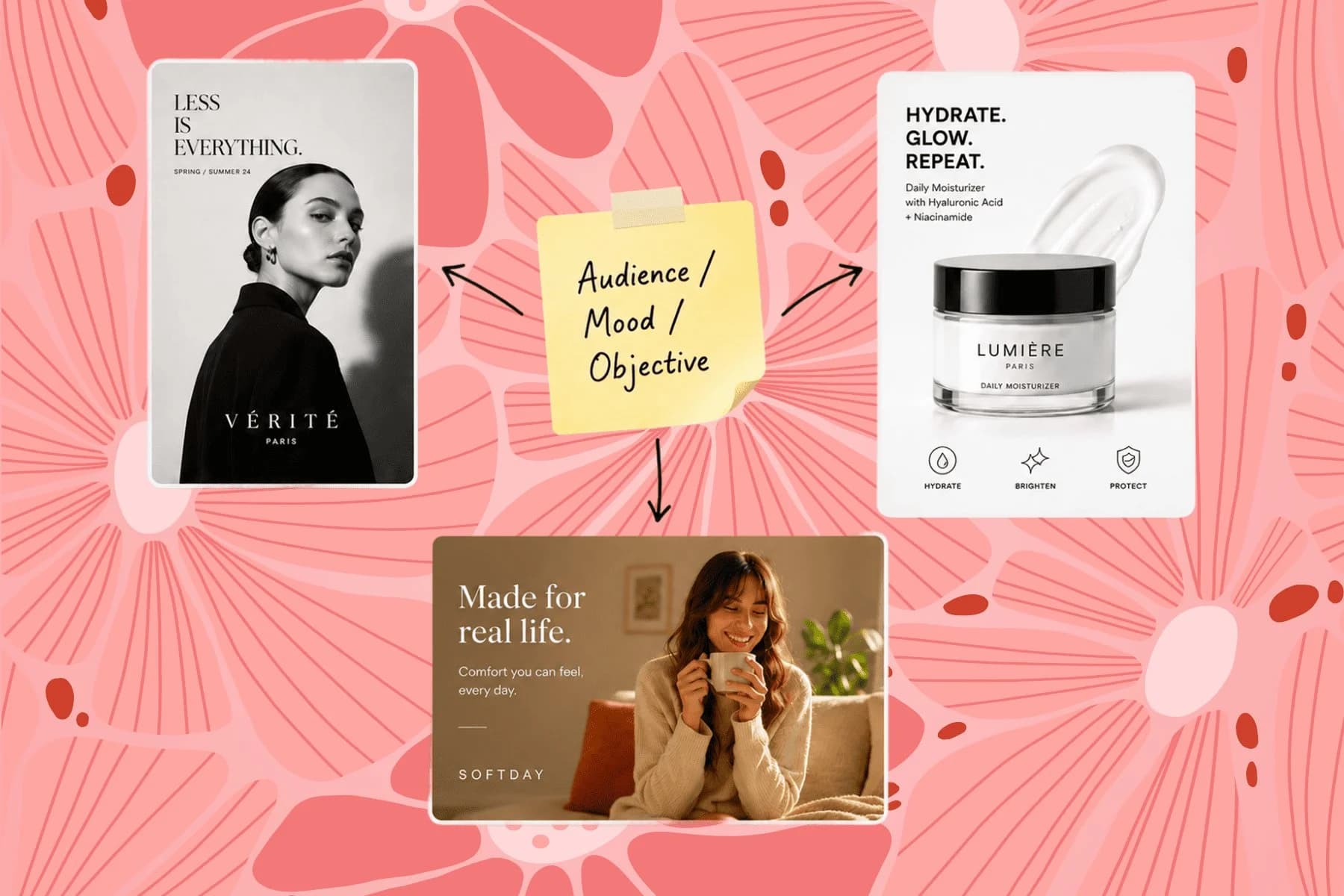
From one campaign brief to every channel asset — AI image generator, creator, and editor in one workflow.
Explore workflowIn the Playyy editor, open Elements → Mockups and insert a hoodie or sweatshirt. Drop your design onto it, then double-click to place the print: drag to move, pull a corner to scale and use the top handle to rotate. Choose the garment color with the color picker and export the hoodie mockup as PNG, JPG or PDF.
Yes. Uploading your chest print, previewing it on every hoodie and sweatshirt, and placing and recoloring it all run free in your browser, so you can try it before signing up. A free Playyy account downloads the mockup as a PNG at the template's full size, or opens it in Playyy as an editable design.
Yes. The Mockups panel includes sweatshirt mockups alongside the hoodies, so crewneck designs get the same treatment: drop the design on the chest, place it, recolor the garment and export. Put a crewneck and a hoodie on the same page to show a matching set.
Yes. When you change the garment color, the folds, ribbing texture and shadows are kept, so the hoodie still looks like real fleece in the new shade. Your print stays exactly as you placed it, which makes it easy to build a full colorway set from one design.
The chest is the classic spot for a hoodie or sweatshirt print. Use Recommended size for a balanced chest graphic, or Fill print area for a larger statement print. Then nudge the position and scale with the handles until the design sits comfortably above the pocket or hem line shown in the photo.
Yes. The mockups you create are yours to use commercially, including listings on Etsy, Shopify and print-on-demand stores, plus ads and social posts. Export PNG or JPG for listings, and reuse the same images in ads, social posts and your launch page. Keep the artwork itself original or properly licensed.
Add several hoodie or sweatshirt mockups to the same page, place the same design on each, and recolor them one by one. Arrange them in a row or grid, then export the page as a single PNG or JPG for a colorway overview, or export each mockup separately for individual listings.
See how teams are using Playyy to ship better visuals, faster.
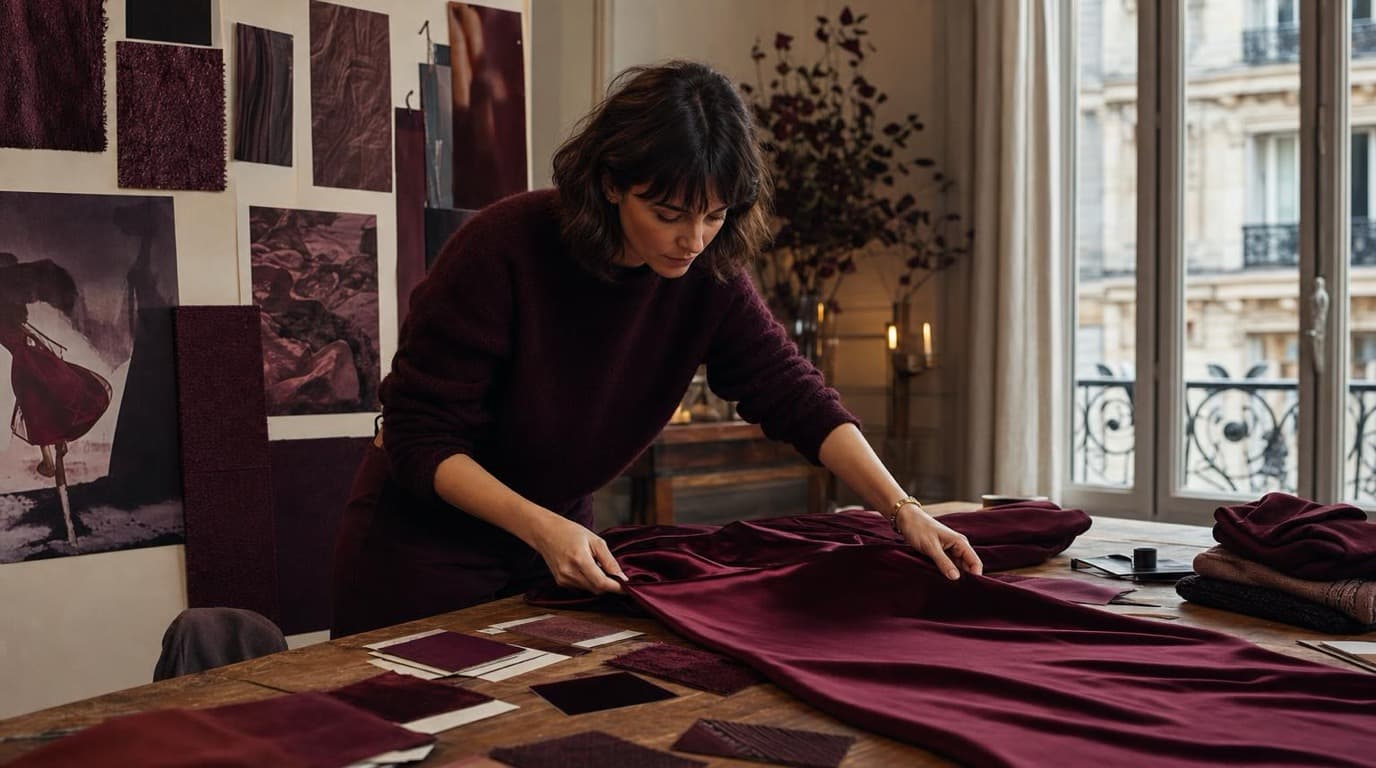
Thirty-four campaign images. Six days. One colour. How Camille Laurent built an entire autumn campaign around a burgundy colour story without booking a studio.
 Aiko Tanaka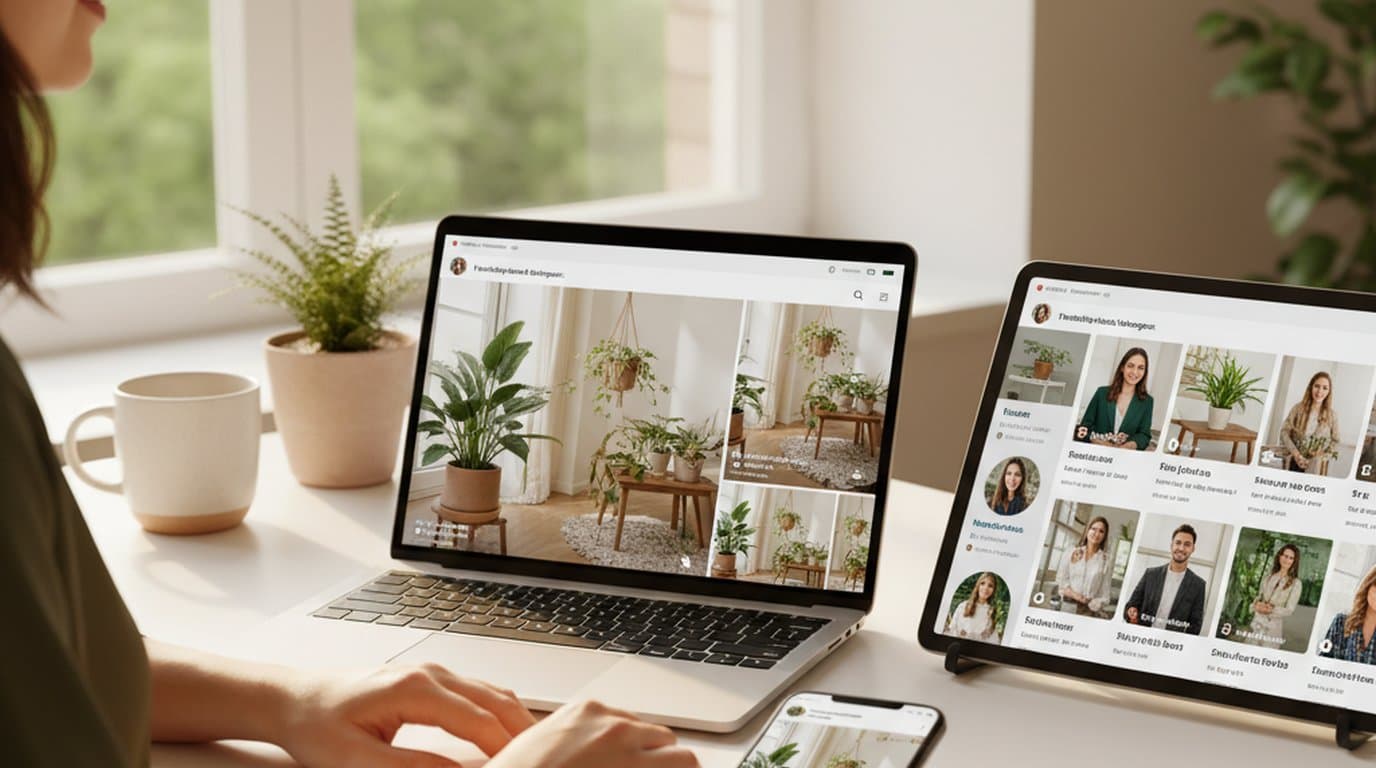
One person, three platforms, zero visual drift — how the brand stopped rebuilding the same visuals from scratch for each channel.
 Sophie Whitmore
Phone photos, an AI photo editor, and a clear brand vision — how one indie maker's first launch looked like a studio produced it.
 Minji Park
Keep every image on brand, control the final look, and turn campaign ideas into polished assets without waiting on another design cycle.














