Ecommerce Product Photo Editing: Amazon & Shopify
Ecommerce image editing across every SKU — background removal, cleanup, and upscaling that meet marketplace specs.
Explore workflowPlayyy's free mug mockup generator wraps your design around real coffee mug photos, keeps the glaze shine and shadows on top, recolors the mug and downloads a PNG for your listing.
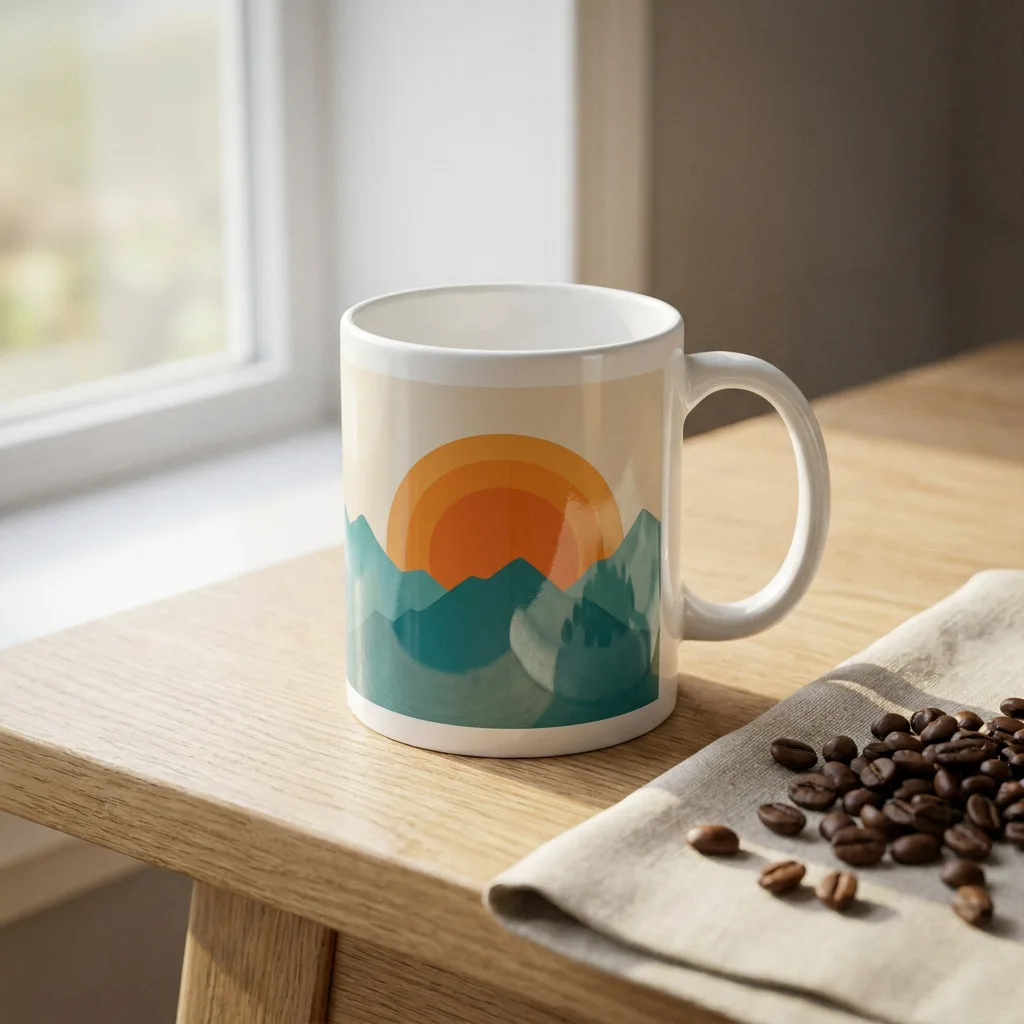
Upload your design in the box above, open the Mugs tab to see it on every mug photo at once, pick a scene to place the print and set the mug color, then download the PNG or open it in Playyy.
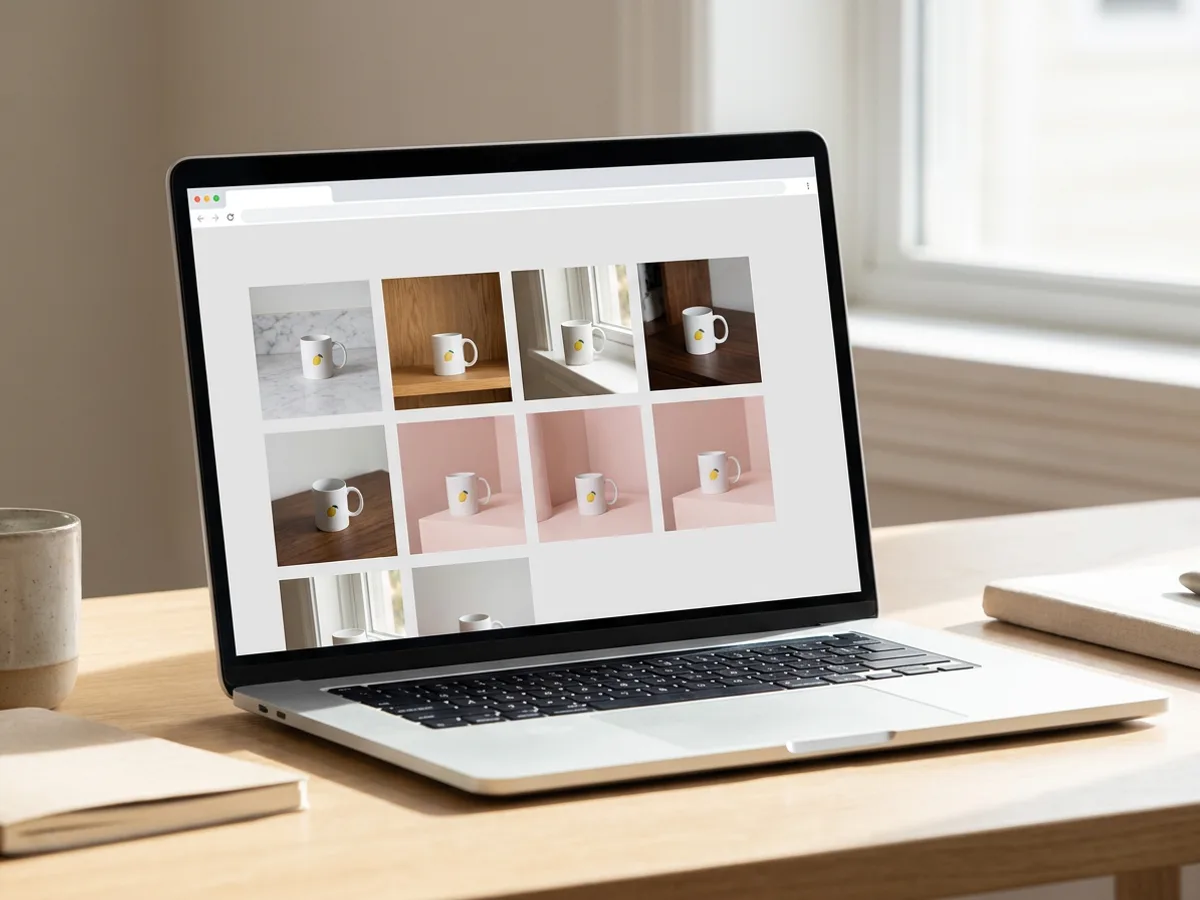
The Mugs tab holds a growing set of white mug photos shot in real settings: a marble counter, an oak shelf with books, a sunny windowsill, a café counter, a terracotta terrace and moody studio backdrops in black, olive and crimson. Upload your artwork once and every scene previews it at the same time, so you can compare a lemon illustration on a bright breakfast table with the same print on dark walnut before you choose.
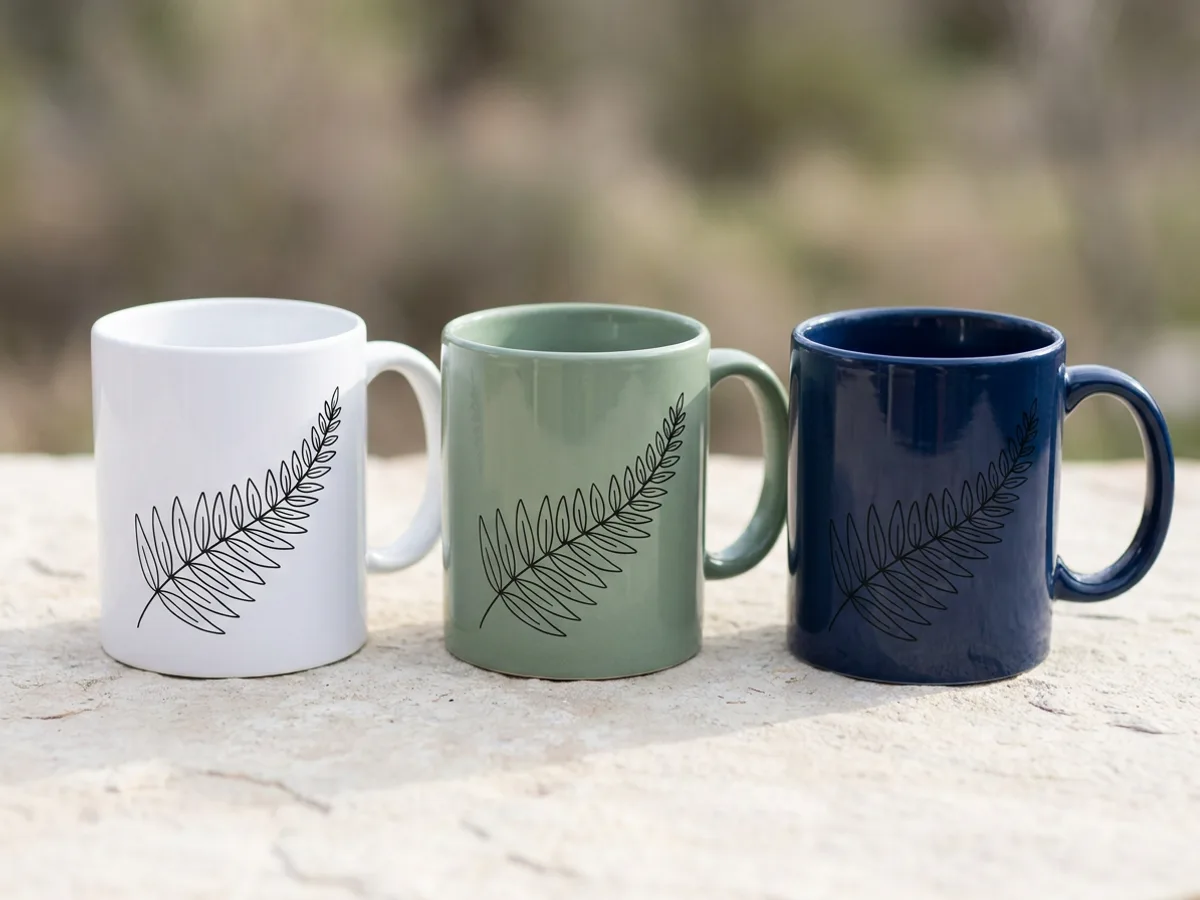
Each mug photo carries a map of its own surface, so your design bends around the body the way a sublimation print does and narrows toward the edges as the mug turns away. The glaze highlight, the window light and the soft shadow stay on top of the ink, which keeps the print reading as fired onto ceramic. Drag the artwork to move it, pull a corner to scale it and turn it with the rotate handle. Change the mug color with the color picker, or keep it as photographed.
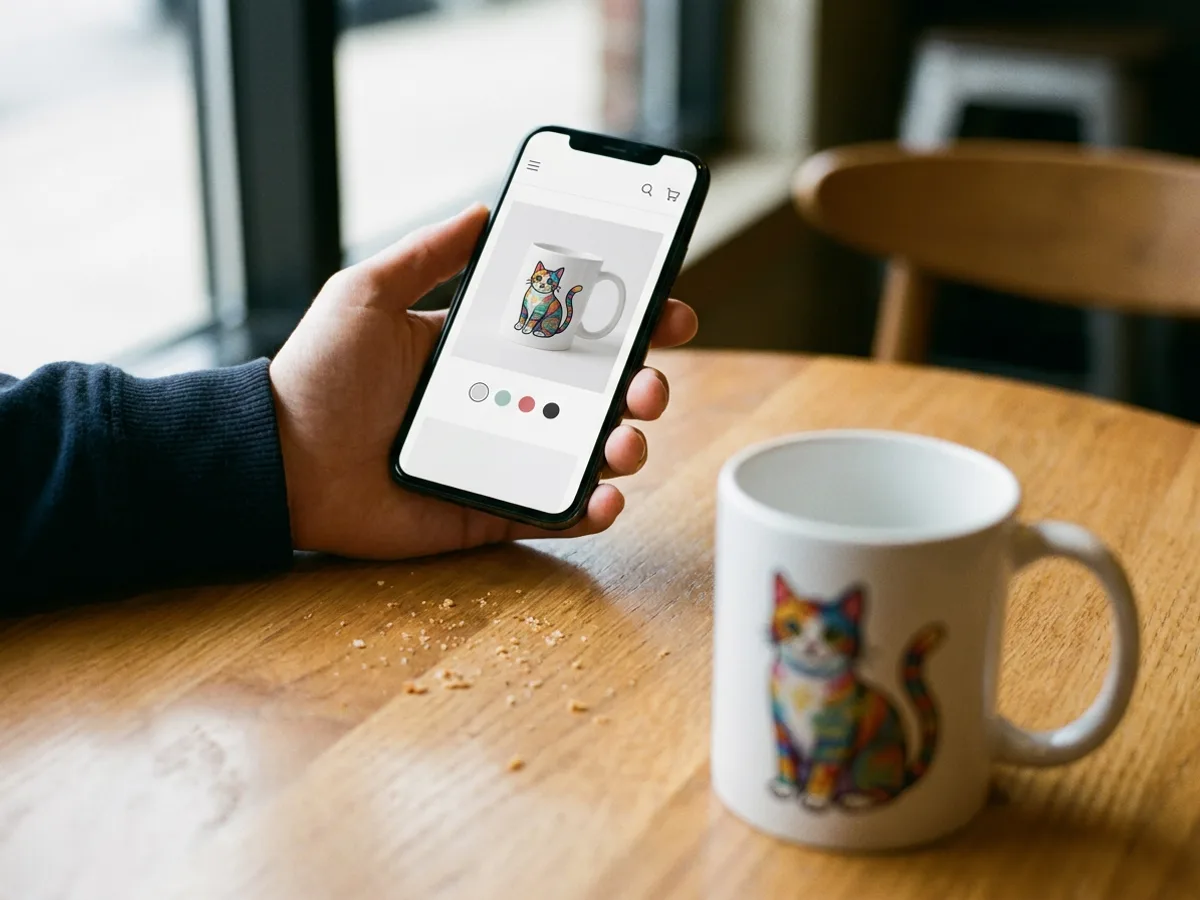
Download the finished mug mockup as a PNG at the photo's full size for Etsy, Shopify or a print-on-demand storefront, or open it in Playyy to place it next to your other product shots. A set of lifestyle scenes from the same upload gives a listing its main photo plus a few angles of daily use, all with one consistent print.
Have a photo of your own bottle or can? Turn it into a bottle mockup
Kitchens, cafés, windowsills, shelves and studio backdrops, all with a white mug ready for your art.
Your design previews on every mug photo at once, so choosing a scene takes seconds.
The print follows the mug's surface with the glaze shine and shadows kept on top.
Drag the artwork, pull a corner to resize it and use the rotate handle to angle it.
Pick any mug color, or switch back to the color it was photographed in.
Download the mockup at the photo's full size, or open it in Playyy to keep designing.
Every scene starts from a photo of an actual mug, so buyers see a believable product with real reflections and shadows.
Upload, place, recolor and download all happen in one tab, on any computer.
Drop a photo of your own mug into a Playyy design and turn it into a mockup, with the old print erased and your artwork wrapped around the body.
Ecommerce image editing across every SKU — background removal, cleanup, and upscaling that meet marketplace specs.
Explore workflow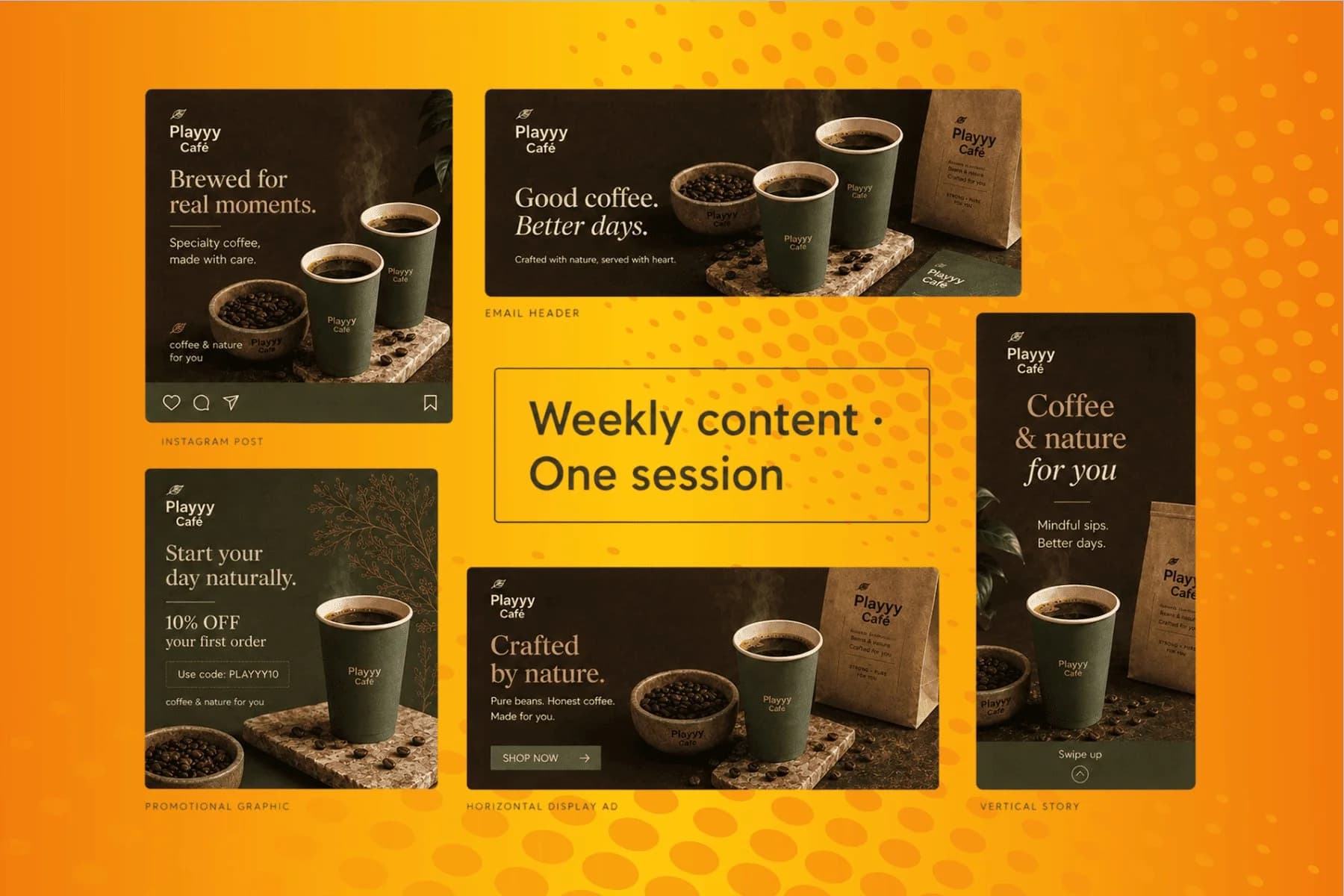
From content gap to publish-ready creative — AI image generator, brand style matching, and copy placement in one session.
Explore workflowUpload your design in the box at the top of this page. Mockup Studio shows it on every product, and the Mugs tab narrows the grid to mug photos. Click a scene, drag the artwork into place, pull a corner to scale it, choose a mug color, then download the PNG or open the mockup in Playyy.
Yes. Uploading your design, previewing it on every mug and placing and recoloring the print all run free in your browser. When it looks right, download the finished mockup as a PNG or open it in Playyy to keep editing.
Yes. Each mug photo includes a map of its curved surface, so the print bends around the body and narrows toward the sides as the mug turns. The glaze highlight and shadows stay on top of the ink, so the result looks printed on ceramic.
Yes. Open a mug scene and use the Product color picker. The shading and shine stay in place while the mug body takes the new color, and Reset returns it to the color in the photo.
Yes. Add the photo to a Playyy design, select it and choose Mockup from the image toolbar. Playyy finds the mug body, erases the printing already on it and turns the photo into a mockup you can drag artwork or text onto. Each conversion costs 15 credits.
Upload a PNG, JPG, WebP or HEIC file. A PNG with a transparent background lets the white or colored mug show around your artwork, and a high-resolution file keeps fine lines sharp in the downloaded image.
Yes. Mockups made on a paid plan can be used commercially, including Etsy, Shopify and print-on-demand listings. Use artwork you own, and show the print at the size your printer will produce so buyers get the mug they saw.
See how teams are using Playyy to ship better visuals, faster.

Phone photos, an AI photo editor, and a clear brand vision — how one indie maker's first launch looked like a studio produced it.
 Minji Park
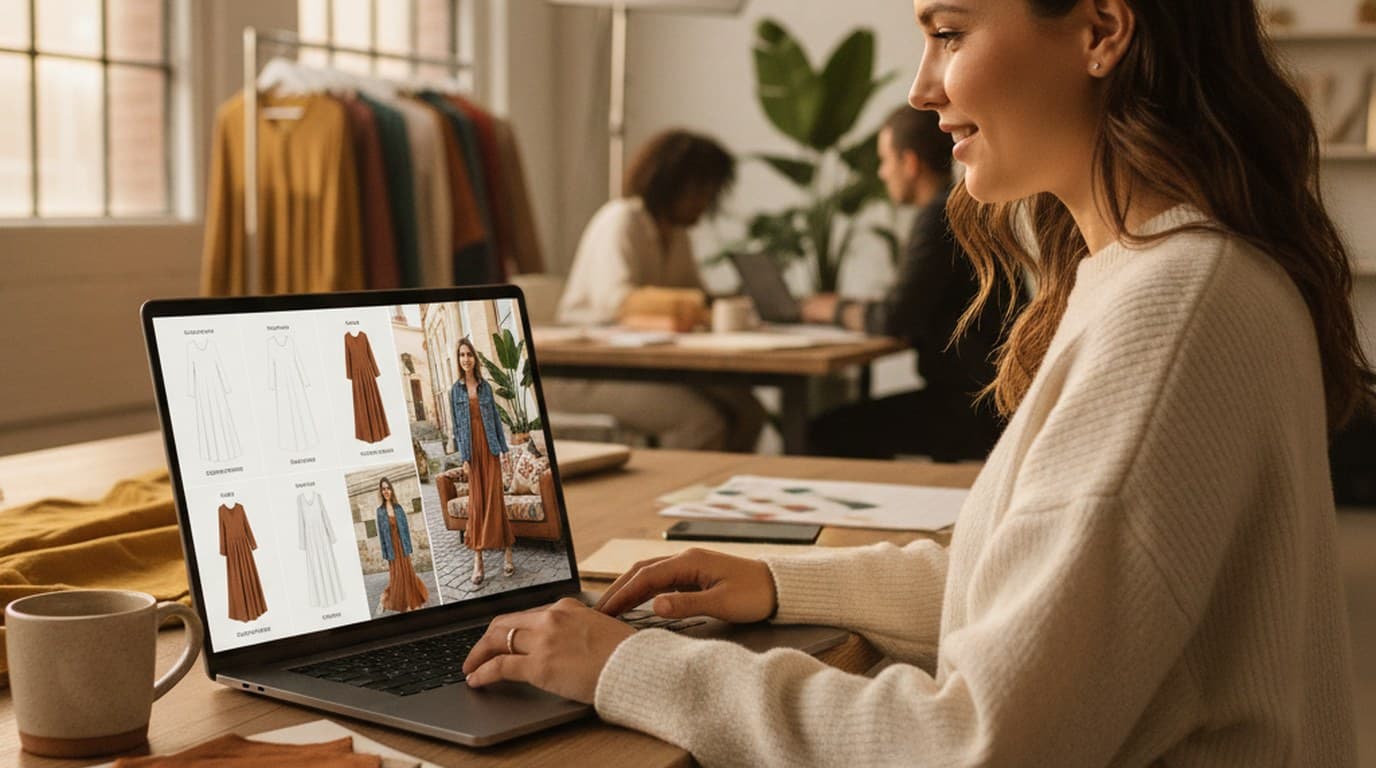
Sixty lifestyle images, three days, no studio. How one Shopify brand cut product shoot costs by 80% using AI photo editing.
 James Walker
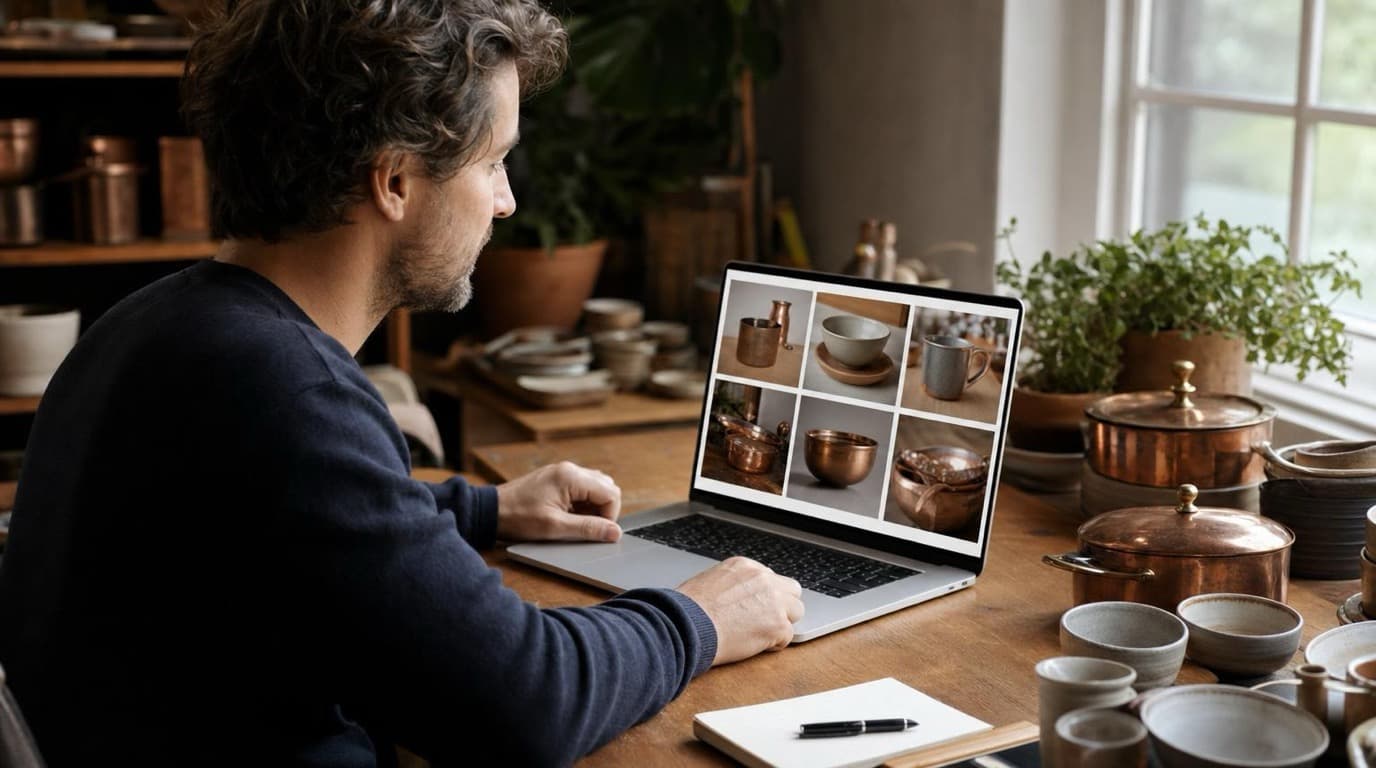
A 300-SKU Shopify founder cancelled $800/year in Adobe CC and upscaler subscriptions after switching to Playyy for background removal, object cleanup, and AI lifestyle images.
James WalkerMug Mockup Generator
Playyy's free mug mockup generator wraps your design around real coffee mug photos, keeps the glaze shine and shadows on top, recolors the mug and downloads a PNG for your listing.