Ecommerce Product Photo Editing: Amazon & Shopify
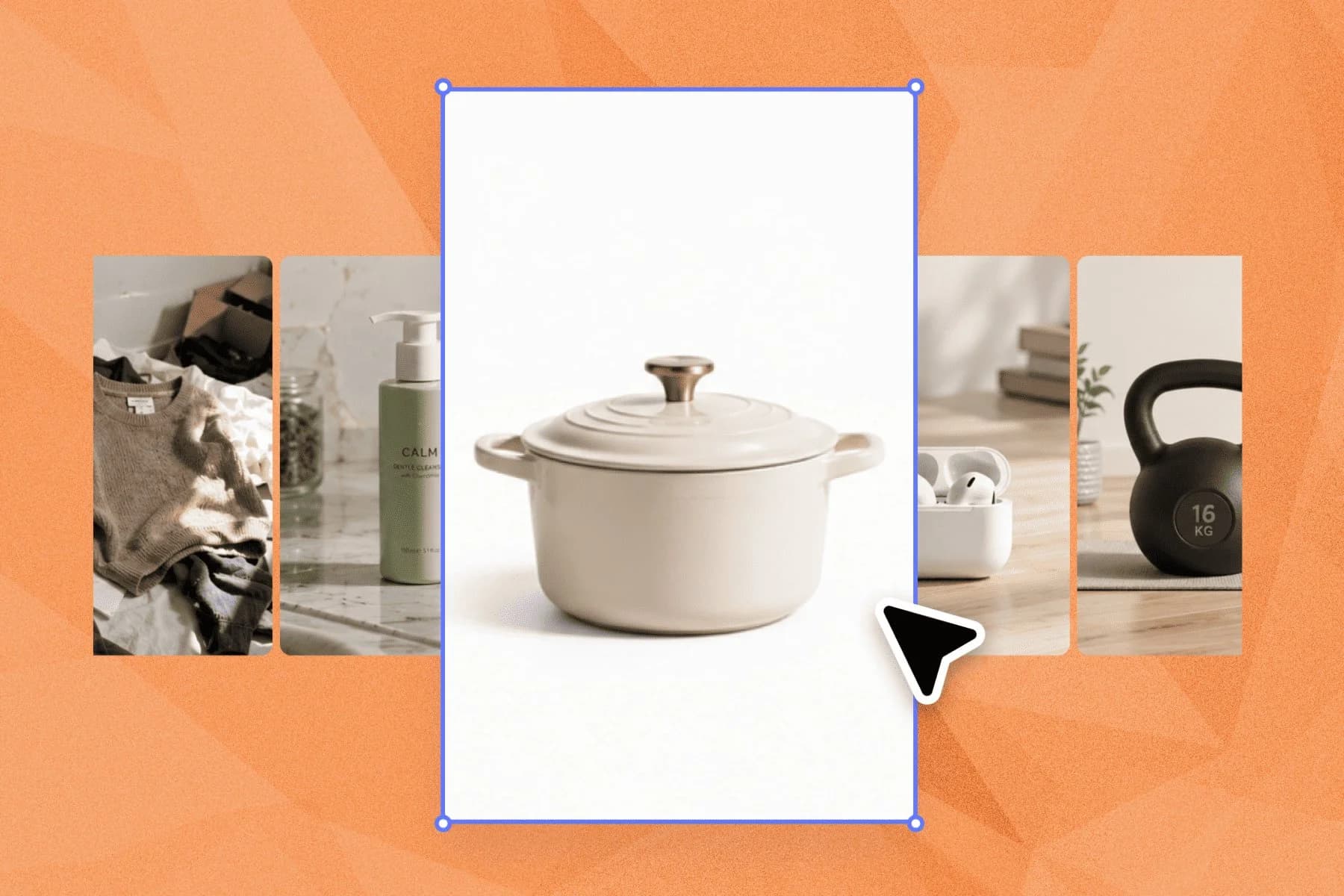
Ecommerce image editing across every SKU — background removal, cleanup, and upscaling that meet marketplace specs.
Explore workflowTurn a photo of a bottle, can or tumbler into a mockup with Playyy: old printing is erased, your label wraps the curved body, and glossy reflections pick up the new design.
Attach a photo of your bottle and your label artwork above, or describe the shot you want, and Playyy opens a design with the label mapped onto the bottle. Swap the artwork any time.
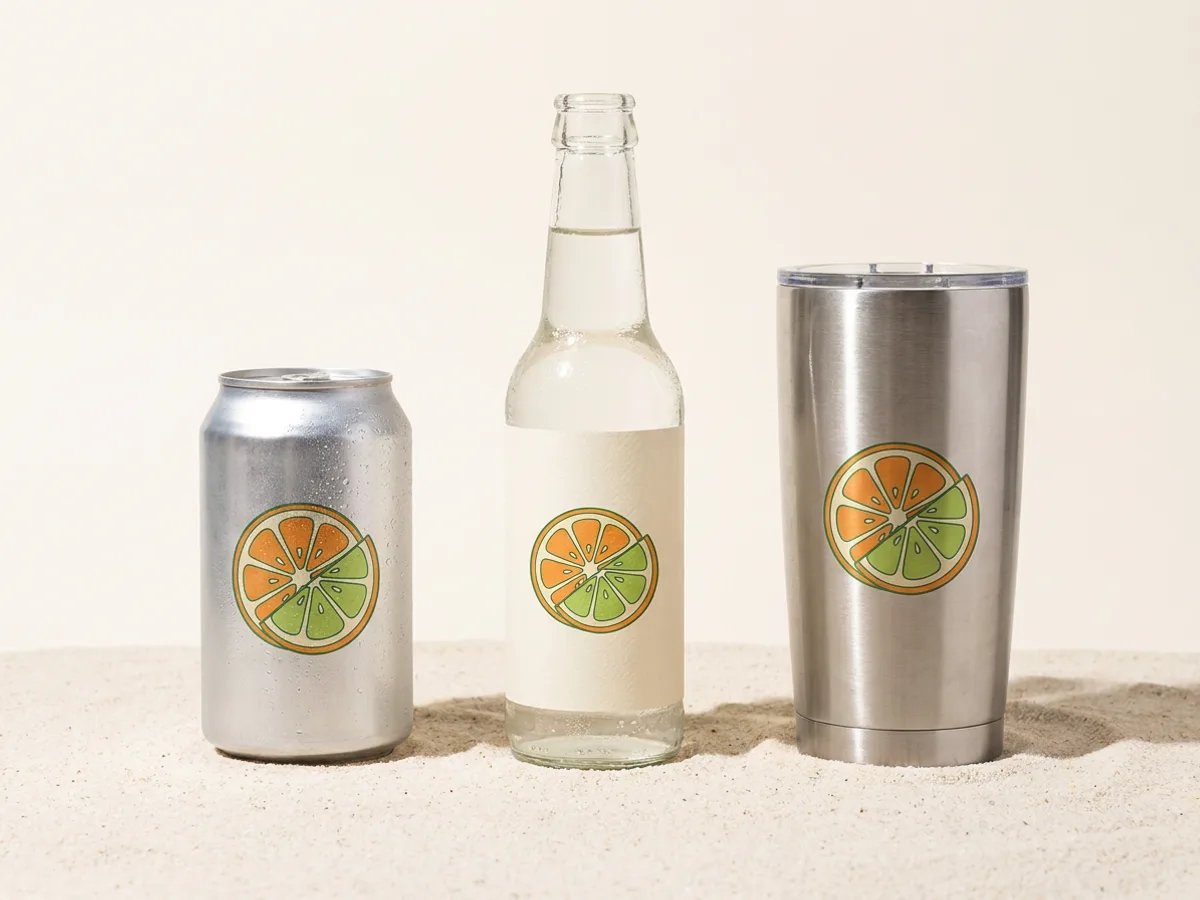
Playyy recognizes upright cylindrical bodies, such as a water bottle, a soda can, a coffee tumbler or the label band of a glass bottle, and wraps your artwork around the curve so it turns away toward the edges. On glass, Playyy uses the opaque label or sleeve as the print area and leaves the clear glass around it untouched. A flat face, like the front of a square bottle or a carton, is handled as a flat panel.
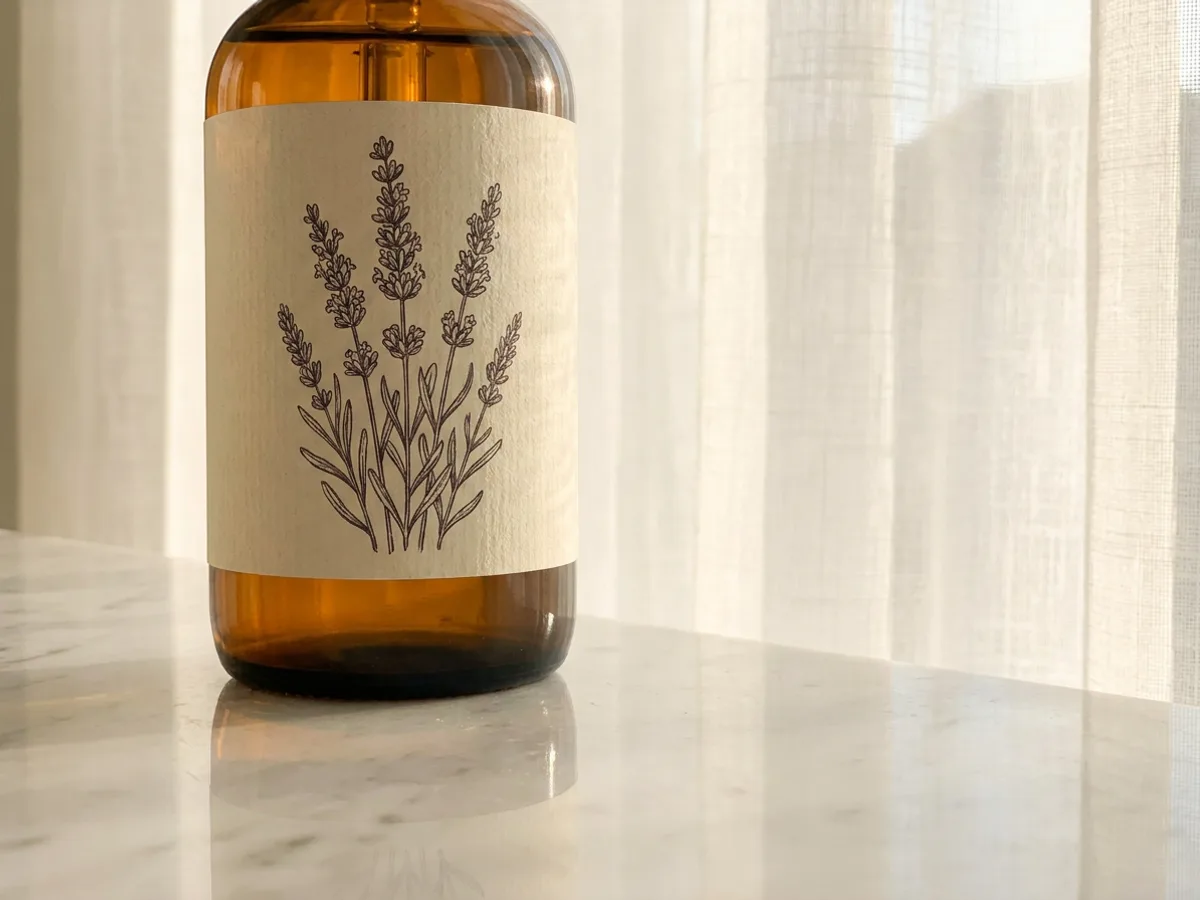
When the bottle already carries printing, Playyy erases the ink and keeps the label stock, the coating and the light on it. On a polished counter, glossy floor or water, Playyy also finds the bottle's reflection and mirrors your new label into it, so an amber bottle on white marble shows the lavender design both on the label and in the stone below.
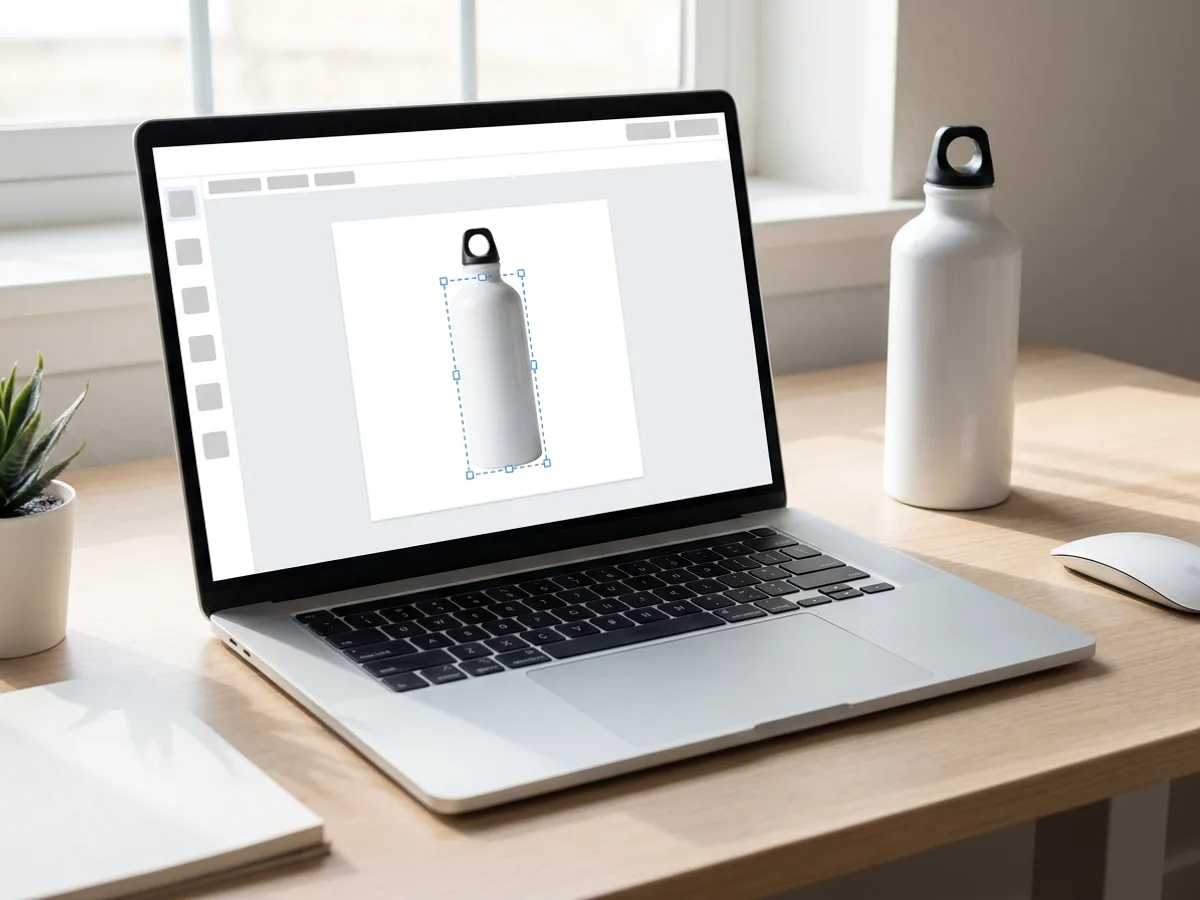
The mockup lives in your Playyy design as an editable layer. Drag a new image or text onto the bottle to change the label, move and scale the artwork on the body, or switch to Show original to see the photo you started from. Line up flavors or colorways on one page and export them for your shop, pitch deck or crowdfunding page.
Printing the design on merch as well? Make a tote bag mockup from your photo
Shoot your bottle, can or tumbler in your setting and turn that photo into the mockup.
Describe a setting and Playyy creates the bottle shot, then places your label on it.
Artwork bends around the cylindrical body and stays inside its traced outline.
Existing graphics come off while the label, sleeve and coating stay.
Glossy surfaces and water below the bottle mirror the new label too.
Export PNG or JPG for product pages, ads and pitch decks.
A mockup made from your own bottle photo keeps its real shape, cap and finish, so buyers see what ships.
One conversion maps the body and its reflection, so the new design shows up everywhere the old one did.
Convert the photo once, then keep dropping in new flavors, seasonal labels or client logos.
Ecommerce image editing across every SKU — background removal, cleanup, and upscaling that meet marketplace specs.
Explore workflow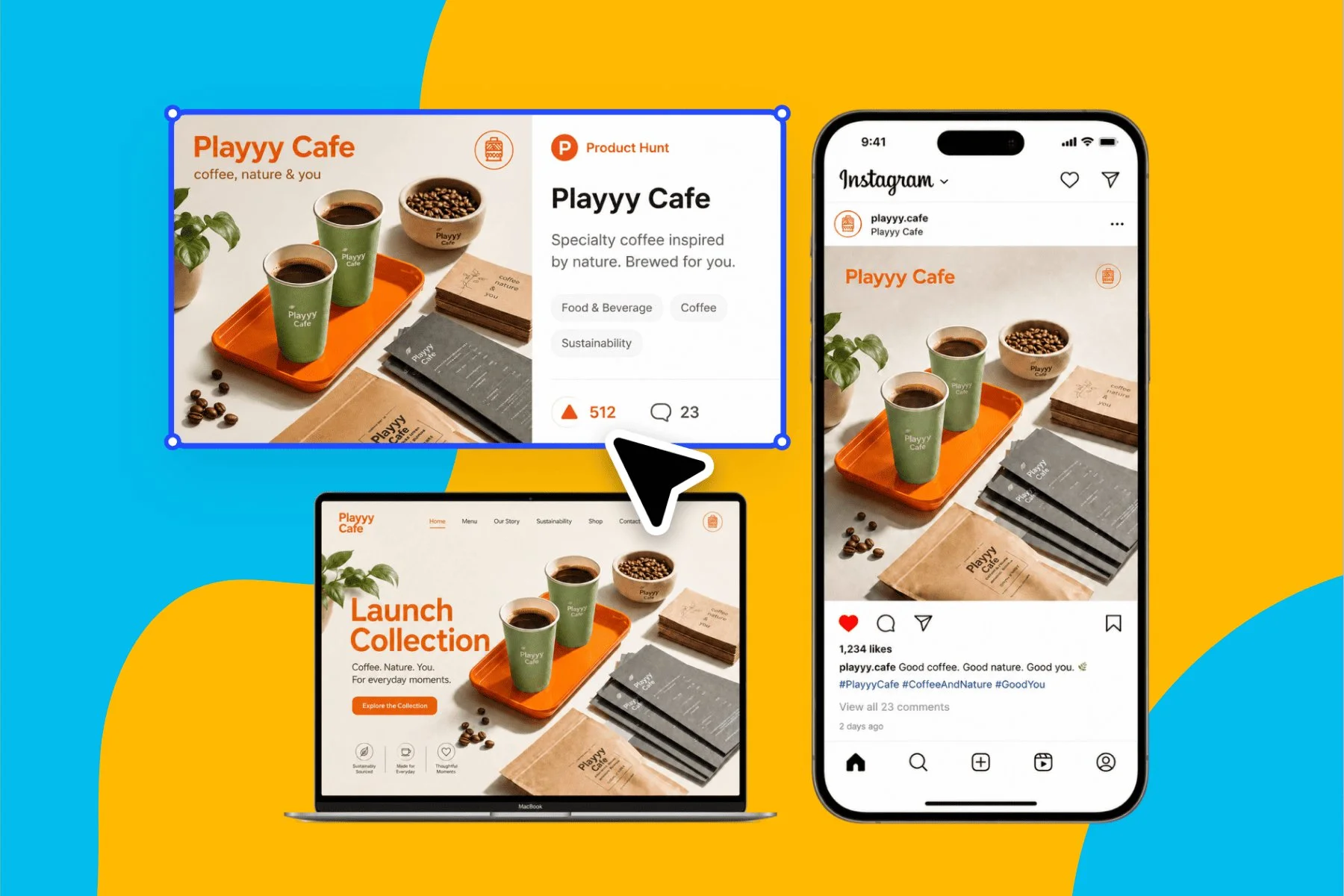
From brand identity direction to a complete launch kit — without hiring a designer or an agency.
Explore workflowAttach a photo of your bottle and your label artwork in the box at the top of this page and describe what you want, such as wrapping the label around the bottle. Playyy opens a design, finds the bottle body, erases the printing on it and maps your artwork around the curve. Inside any Playyy design you can also select a photo and choose Mockup from the image toolbar.
Upright bottles, cans and tumblers with straight sides work best, photographed close to level. Playyy wraps the cylindrical body and leaves the cap, lid, handle and shoulders as they are. On glass bottles, the opaque label or sleeve becomes the print area.
Yes. Playyy erases the printed graphics, text and logos on the label and keeps the label itself, with its material, color and lighting. The old print is kept as replaceable artwork, so your new design can go straight in its place.
Yes. When the bottle stands on a glossy floor, a polished tabletop or water, Playyy traces the reflection and mirrors your artwork into it, with its brightness matched to the photo.
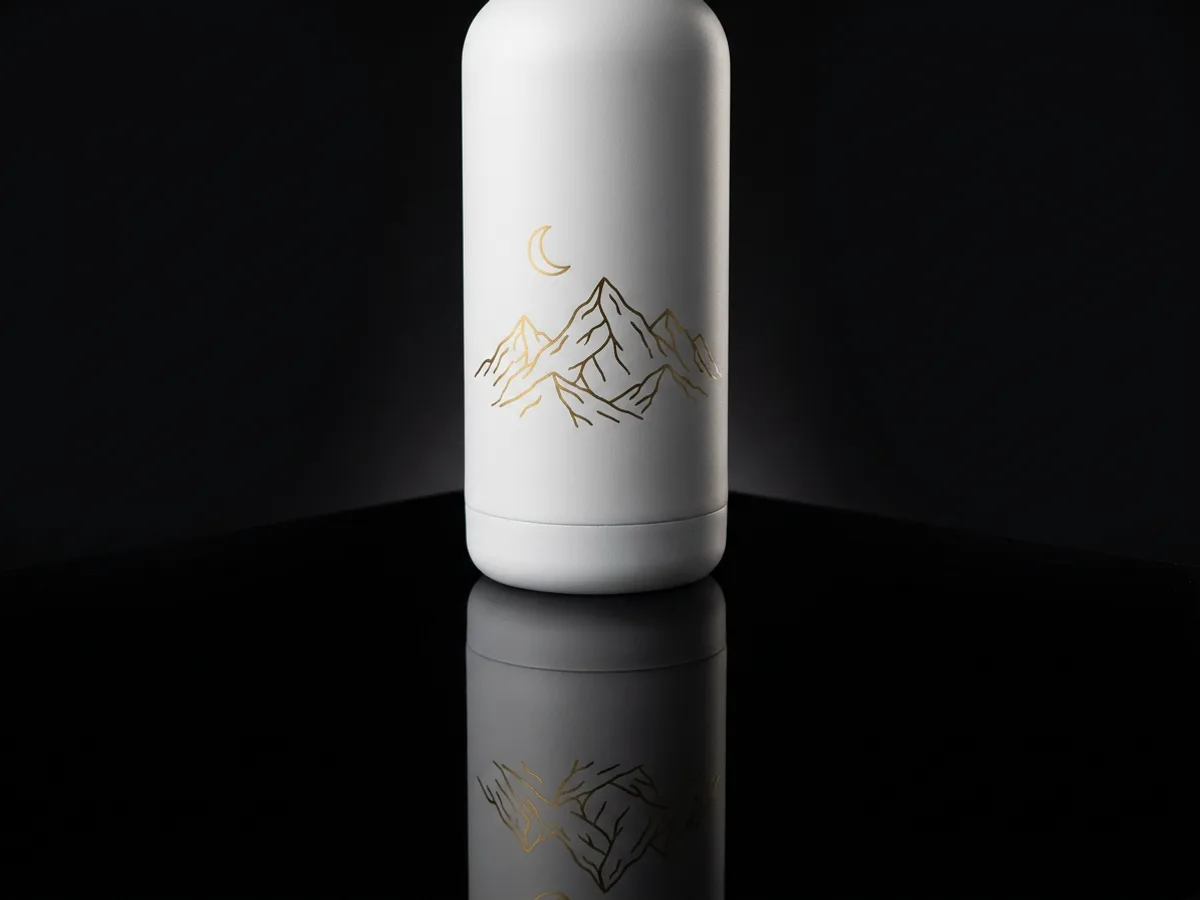
Yes. Describe the shot, such as a matte white water bottle on a dark tabletop, attach your artwork, and Playyy creates the photo and places the design on the bottle.
Converting a photo with the Mockup button in the image toolbar costs 15 credits, however many bottles and cans the photo holds. Swapping and moving artwork afterward is free. Free accounts get daily bonus credits that refresh every day.
Yes. Mockups made on a paid plan can be used commercially, including product pages, ads and crowdfunding campaigns. Use artwork you own and a photo you have the rights to.
See how teams are using Playyy to ship better visuals, faster.
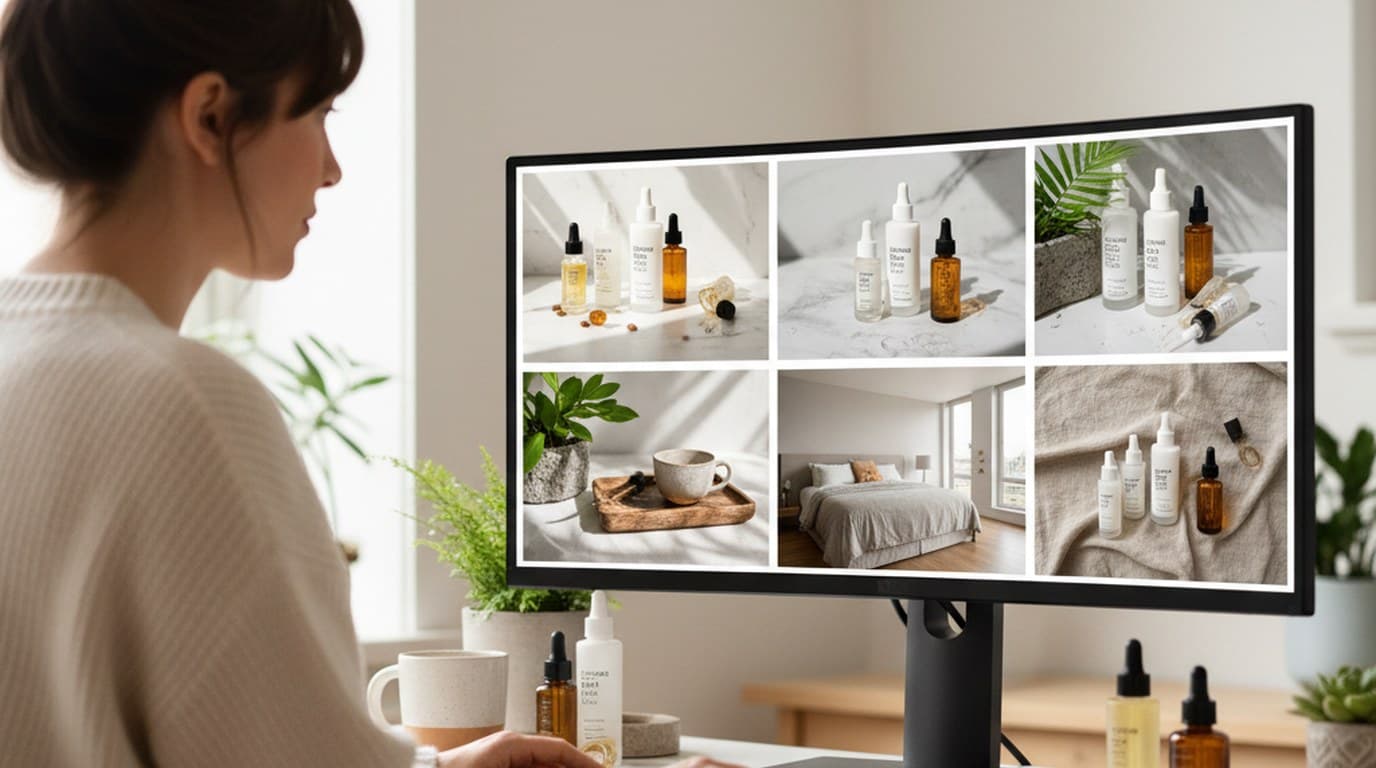
Six creative directions, one working day, real market data — before the studio was ever booked.
 Emily Carter
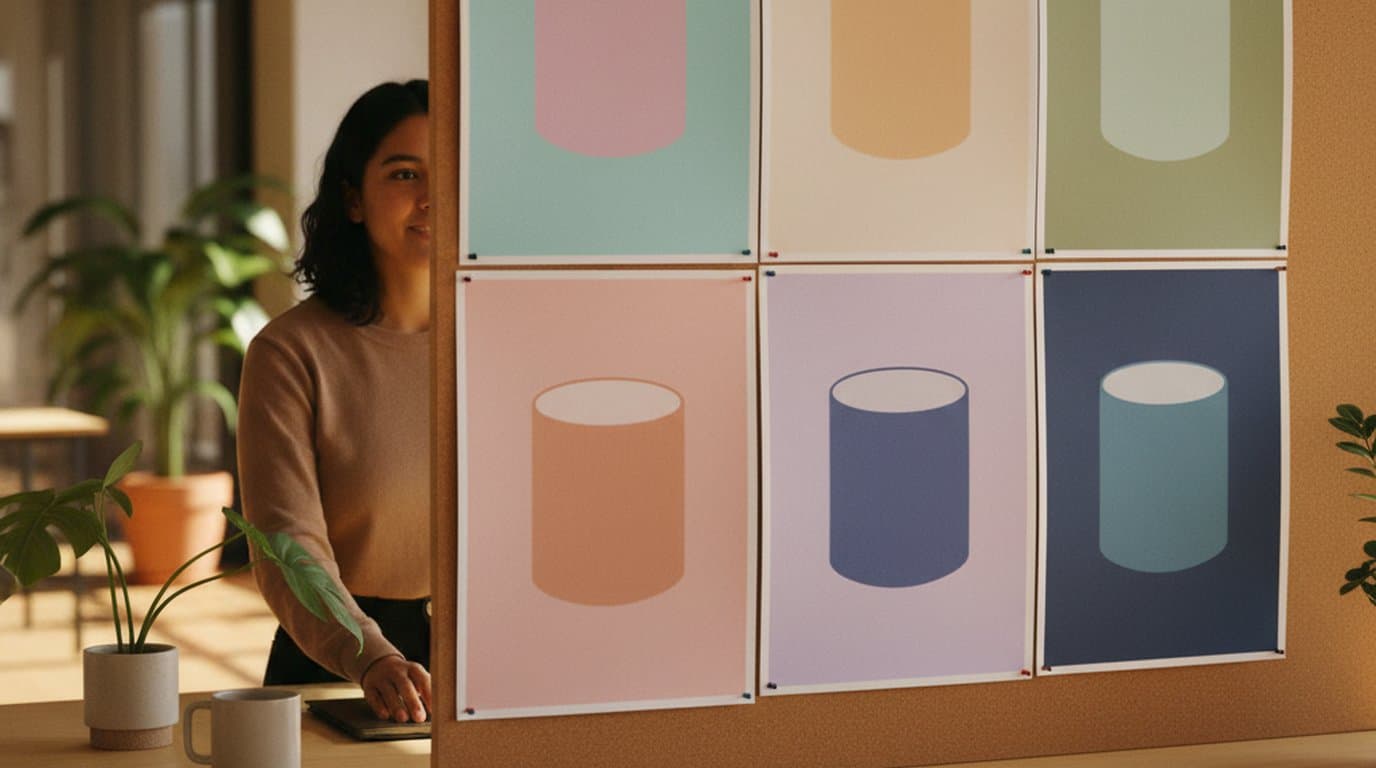
One product creative, ten color variants, thirty minutes — how a DTC supplement brand kept its paid social fresh without a designer round-trip.
Emily Carter
Phone photos, an AI photo editor, and a clear brand vision — how one indie maker's first launch looked like a studio produced it.
 Minji Park
Bottle Mockup
Turn a photo of a bottle, can or tumbler into a mockup with Playyy: old printing is erased, your label wraps the curved body, and glossy reflections pick up the new design.