Merch Design and Mockups for Clothing Brands
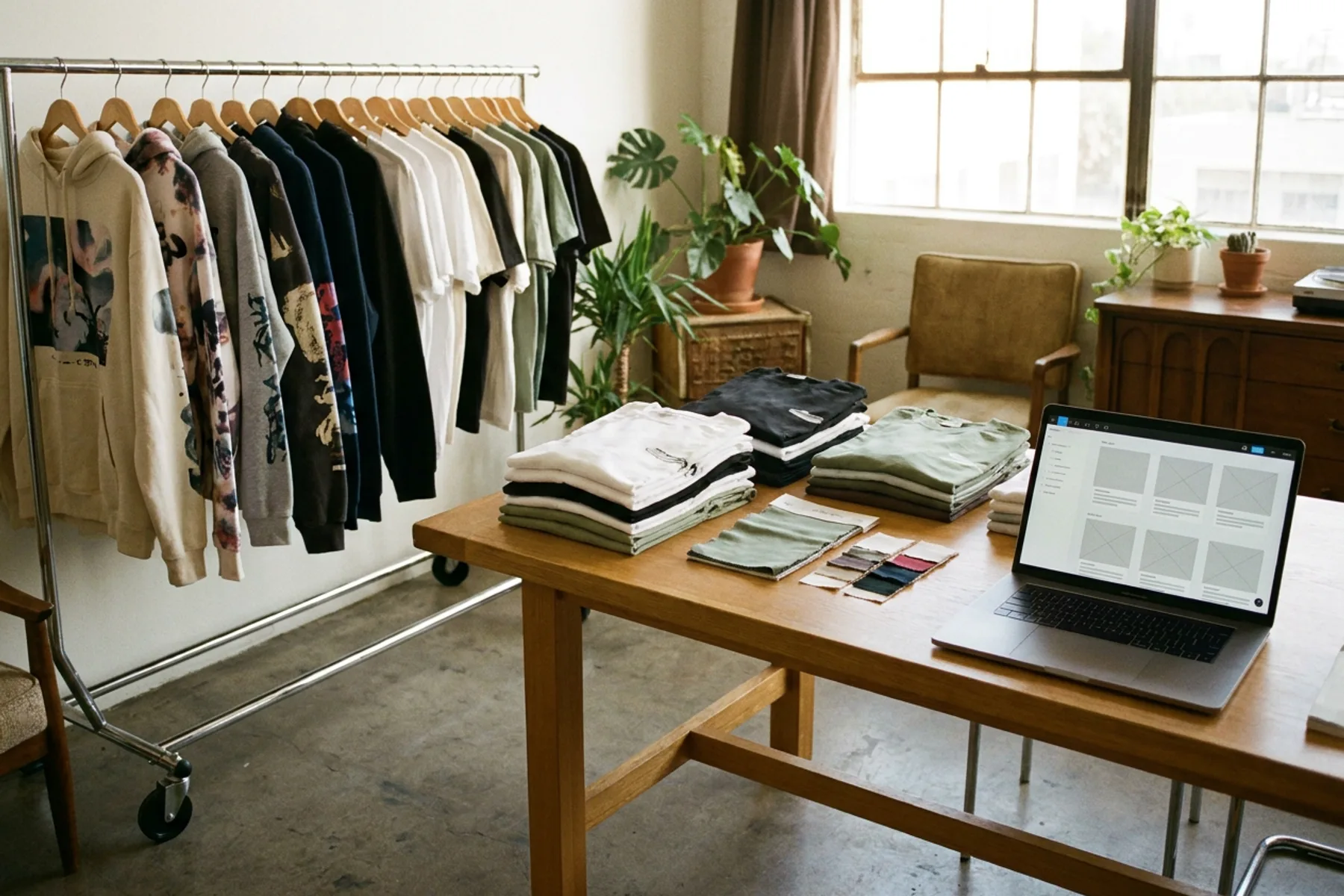
From a graphic idea to a stocked product page: tee and hoodie designs, a full mockup set, and store photos on white and on a model, all in one workspace.
Explore workflowTurn any tote bag photo into a mockup with Playyy: the old print comes off, your artwork follows the canvas folds and outline, and it stays editable for every new design.
Attach a photo of your tote bag and your artwork above, or describe the scene you want, and Playyy opens a design with your print mapped onto the bag. Swap the artwork any time.
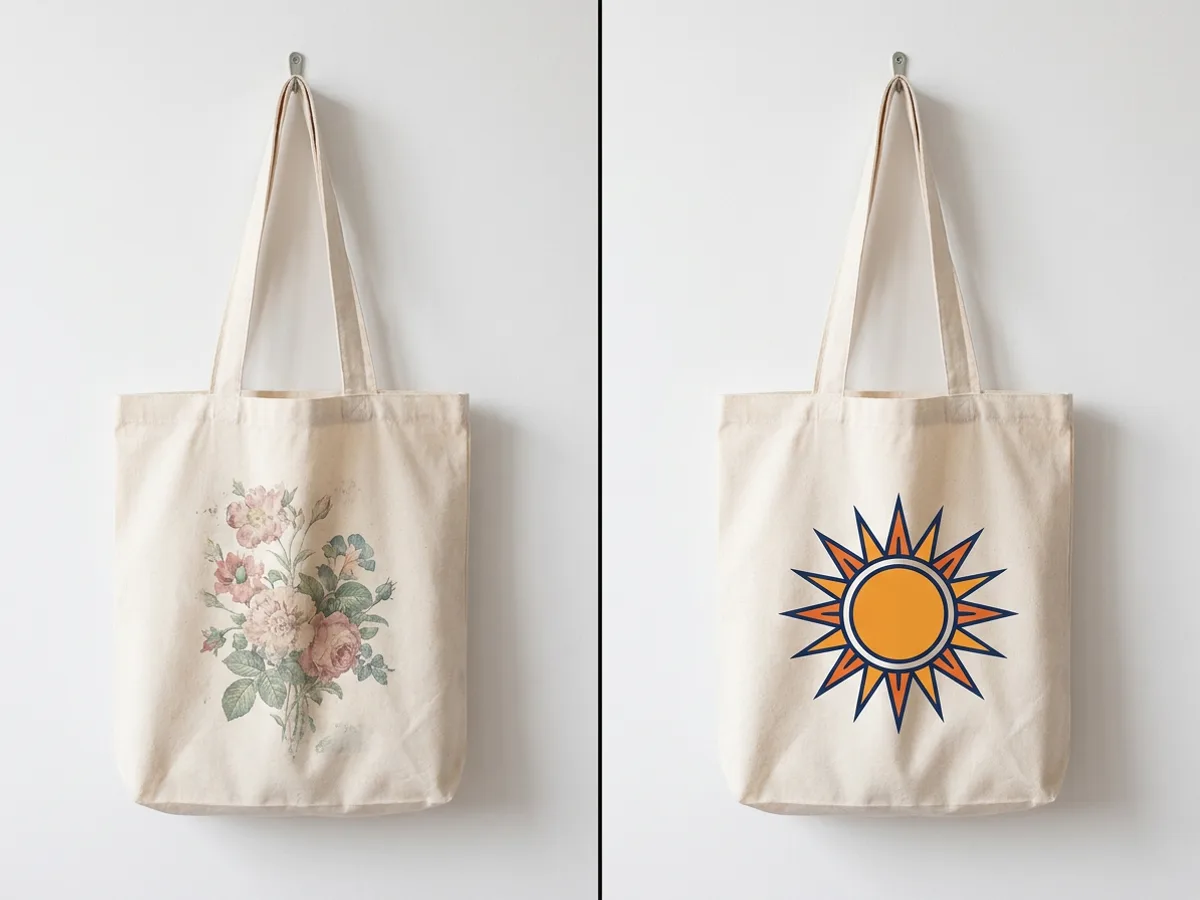
Shoot your own blank or printed tote on a hook, a chair or a shoulder, or ask Playyy to create the scene for you. Playyy finds the bag's front panel, traces its exact outline and leaves the straps and handles as they are. When the bag already carries a print, Playyy erases the ink and keeps the canvas, its weave, color and shading, so last season's floral tote becomes a clean base for this season's emblem.
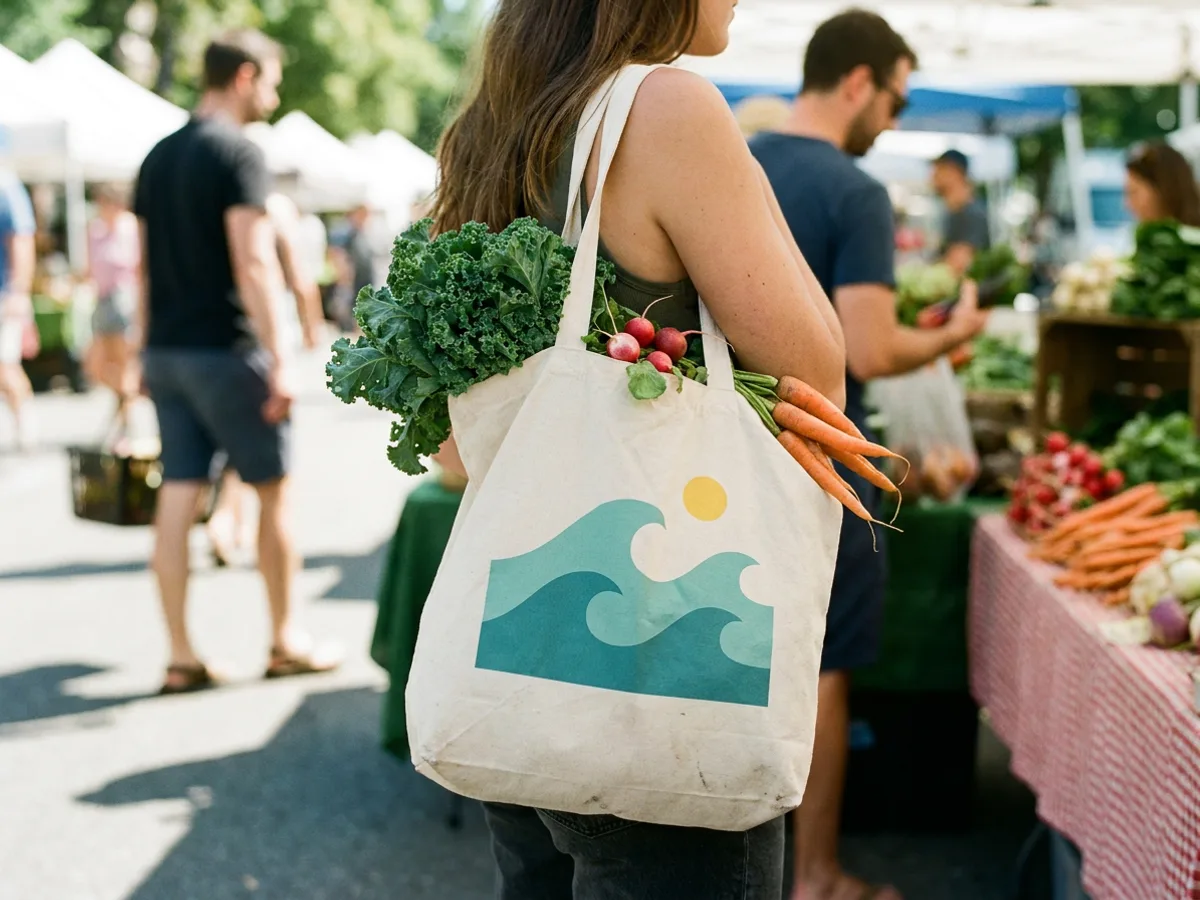
Playyy estimates the depth of the fabric in the photo and wraps the print along it, so a wave illustration dips into a fold and rises over the gathered cloth the way screen-printed ink does. New artwork lands upright on the front of the bag, inside its traced outline. Gentle folds and wrinkles all carry the print, which is why a tote over someone's shoulder at a market reads as a real product.
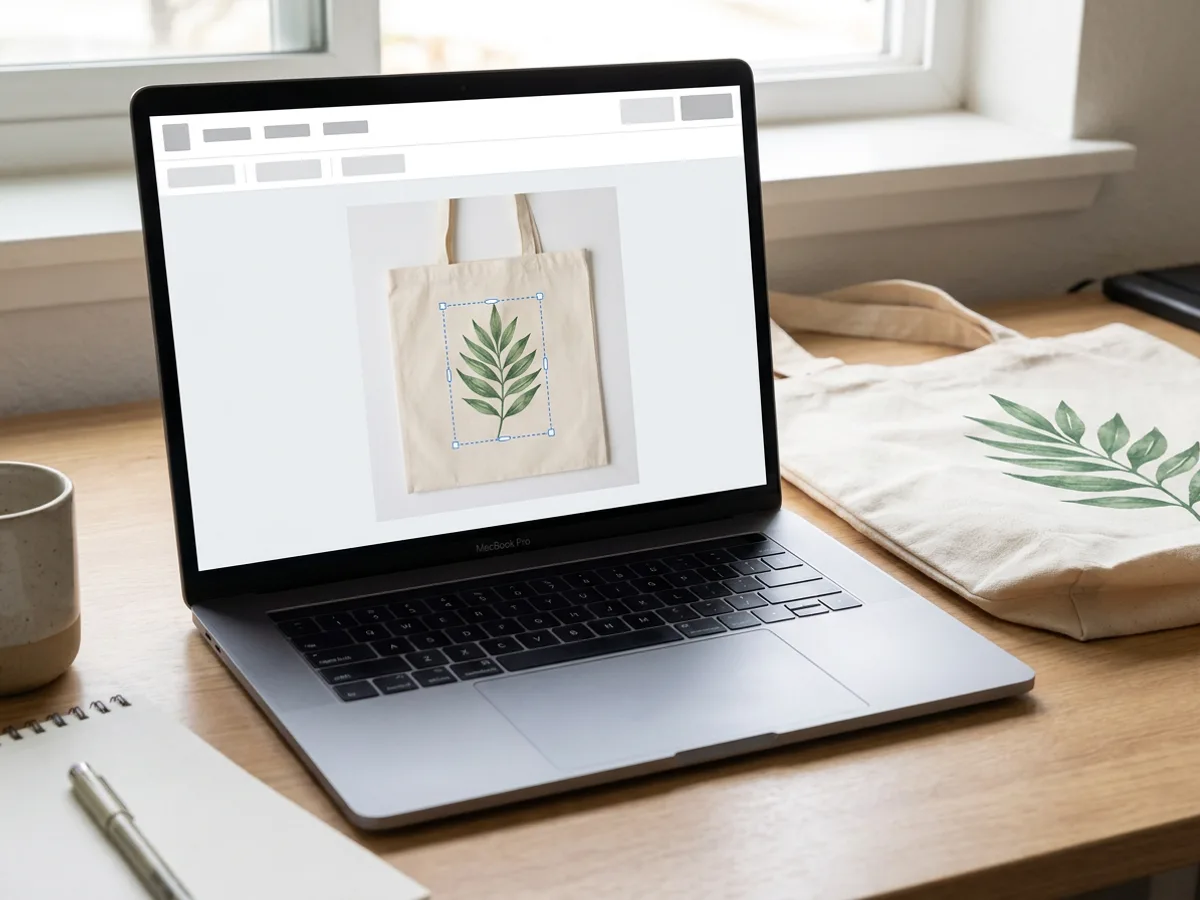
The finished mockup is an editable layer in your Playyy design. Drag a new image or text onto the bag to replace the print, move and scale it on the panel, or switch to Show original to compare with the photo you started from. Build a whole page of tote variations for a launch, then export them for your shop and socials.
Putting the same design on drinkware? Try it on real mug photos
Use a bag you shot yourself, from a studio hook to a busy street.
Describe a setting and Playyy creates the tote photo, then places your artwork on it.
Existing ink is erased while the canvas texture, color and shadows stay.
The print wraps along the fabric's depth and stays inside the bag's traced edge.
Drag a new image or text onto the bag to try the next design.
Export PNG or JPG for listings and socials from the same design.
Mockups made from your own product photo show the exact tote buyers will receive, in the setting you chose.
Depth-aware wrapping keeps the print inside folds and creases, so it looks screen printed rather than pasted on.
Convert the photo once and keep dropping new artwork onto it for every drop, colorway or client.
From a graphic idea to a stocked product page: tee and hoodie designs, a full mockup set, and store photos on white and on a model, all in one workspace.
Explore workflow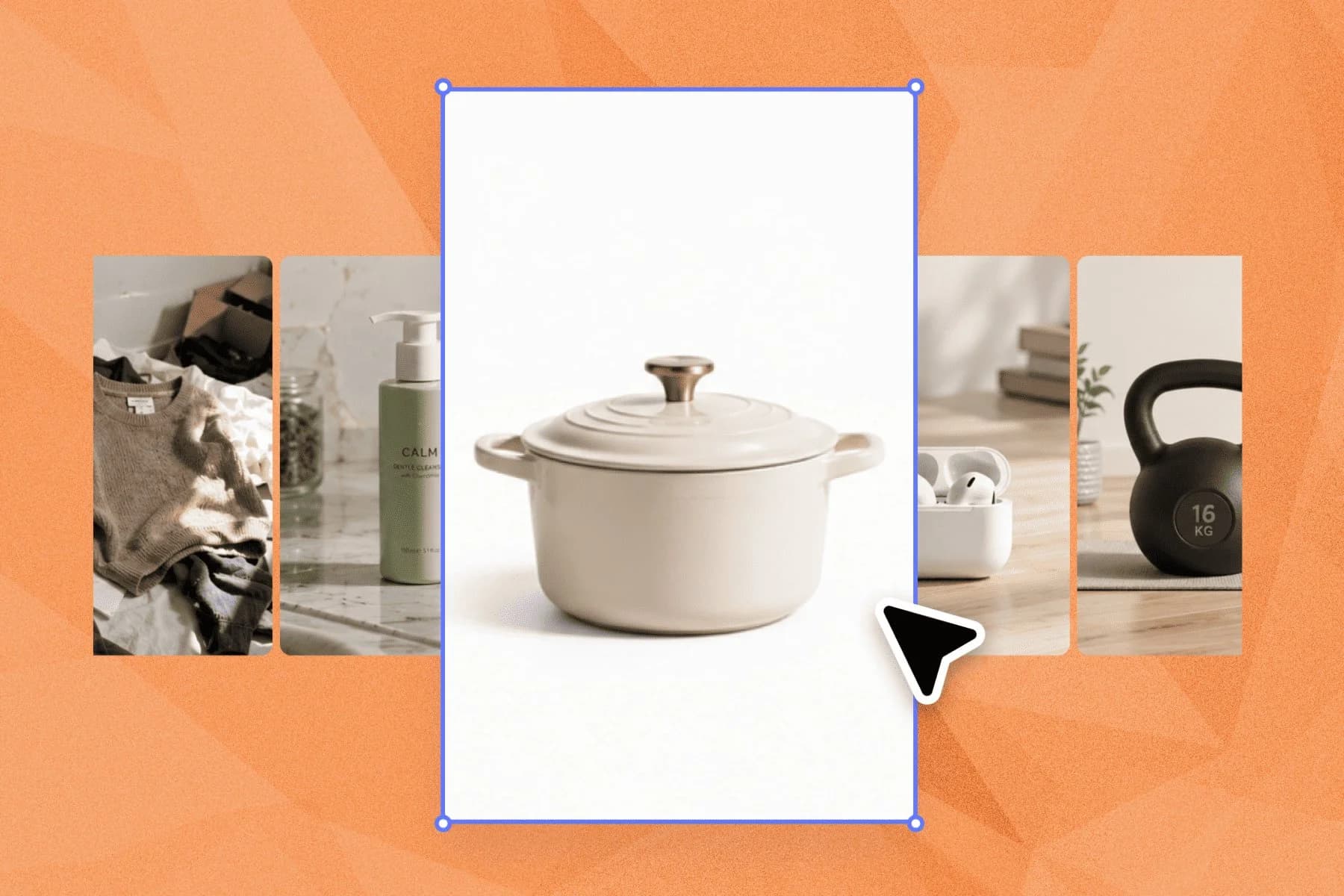
Ecommerce image editing across every SKU — background removal, cleanup, and upscaling that meet marketplace specs.
Explore workflowAttach a photo of your tote bag and your artwork in the box at the top of this page and describe what you want, such as putting the logo on the front of the bag. Playyy opens a design, finds the bag's front panel, removes any existing print and maps your artwork onto it. Inside any Playyy design you can also select a photo and choose Mockup from the image toolbar.
Yes. Playyy erases the printed graphics, text and logos from the panel and keeps the canvas, its color and its shading. The original print is kept as replaceable artwork, so you can bring it back or drop a new design in its place.
Yes. Playyy estimates the depth of the fabric in your photo and wraps the print along it, so the artwork follows gentle folds and wrinkles. Photos where the front panel faces the camera and the canvas hangs smoothly give the cleanest result.
A photo of your own bag gives the most faithful result, and you can also describe a scene, such as a canvas tote hanging on a café chair, and Playyy creates the photo before placing your artwork on it.
Converting a photo with the Mockup button in the image toolbar costs 15 credits, however many bags the photo holds. After that, swapping and moving artwork on the mockup is free. Free accounts get daily bonus credits that refresh every day.
Yes. The same conversion works on cloth panels facing the camera, such as t-shirt and hoodie fronts, pillows, towels and flags. For ready-made garment photos, the t-shirt and hoodie mockup generators open a library of real apparel shots.
Yes. Mockups made on a paid plan can be used commercially, including product listings and ads. Use artwork you own and a photo you have the rights to.
See how teams are using Playyy to ship better visuals, faster.
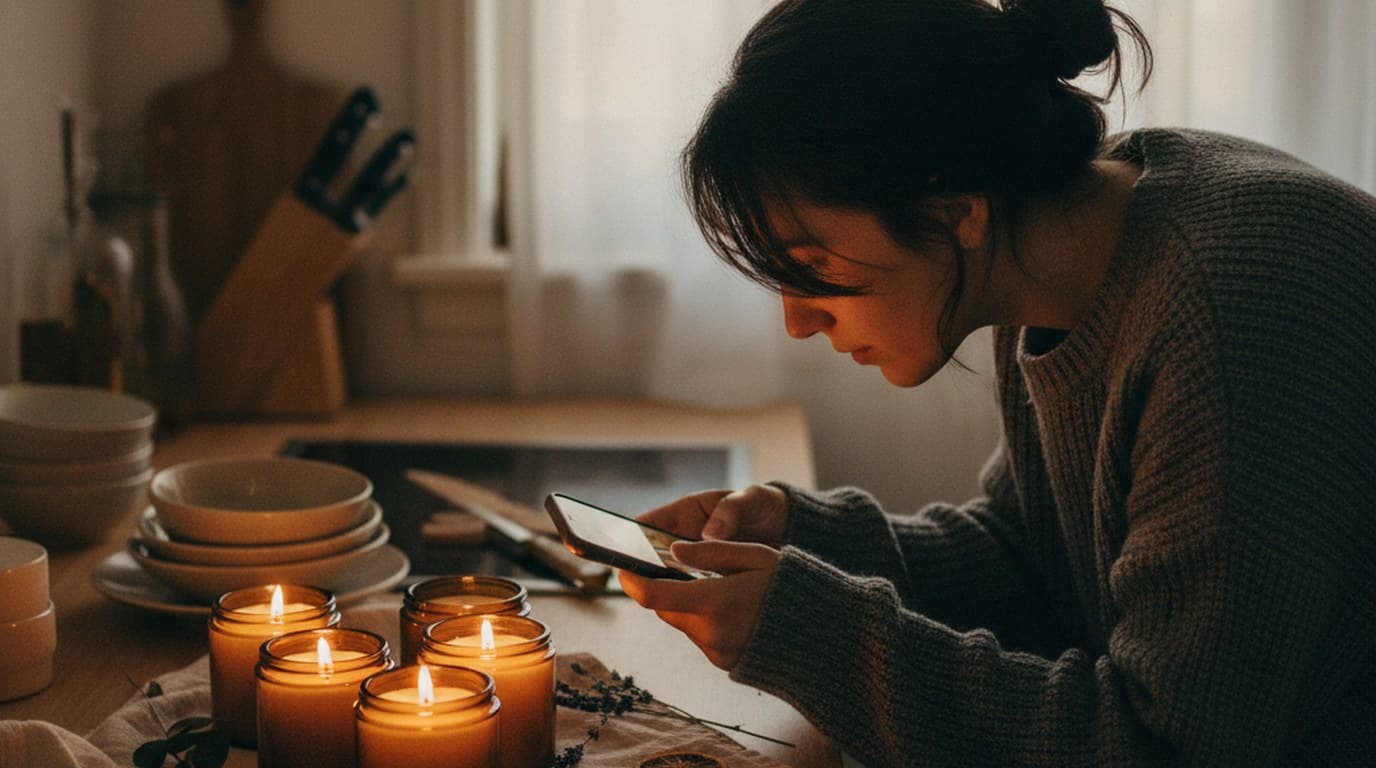
Phone photos, an AI photo editor, and a clear brand vision — how one indie maker's first launch looked like a studio produced it.
 Minji Park
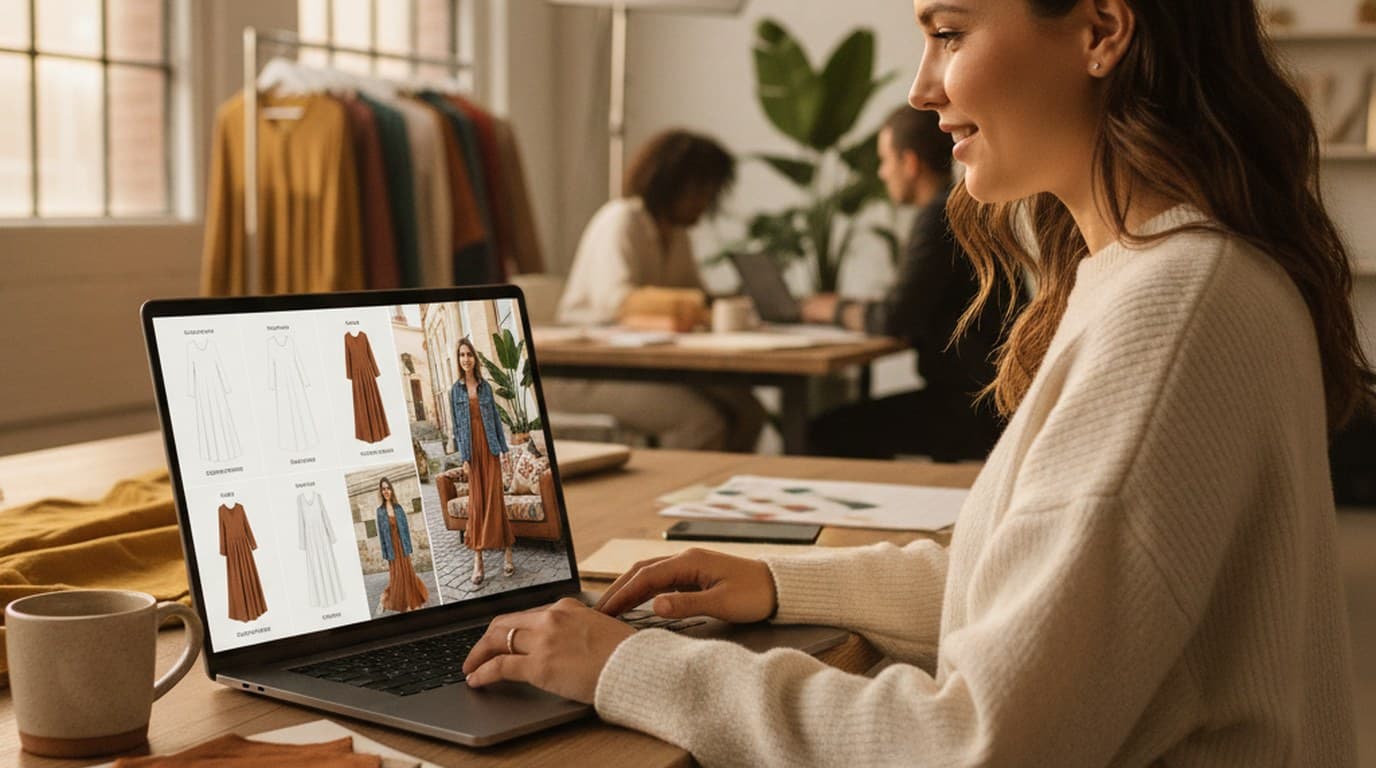
Sixty lifestyle images, three days, no studio. How one Shopify brand cut product shoot costs by 80% using AI photo editing.
 James Walker
One person, three platforms, zero visual drift — how the brand stopped rebuilding the same visuals from scratch for each channel.
 Sophie Whitmore
Tote Bag Mockup
Turn any tote bag photo into a mockup with Playyy: the old print comes off, your artwork follows the canvas folds and outline, and it stays editable for every new design.