How a Founder Built a YouTube Brand Without a Designer
A legal-tech startup founder, no designer, 22 YouTube thumbnails — how the startup built a consistent channel identity in one week using Playyy's brand kit.
 Daniel Brooks
Design merch graphics, preview them on tees and hoodies, and make white-background and on-model store photos for your clothing brand or print-on-demand shop.
Start creating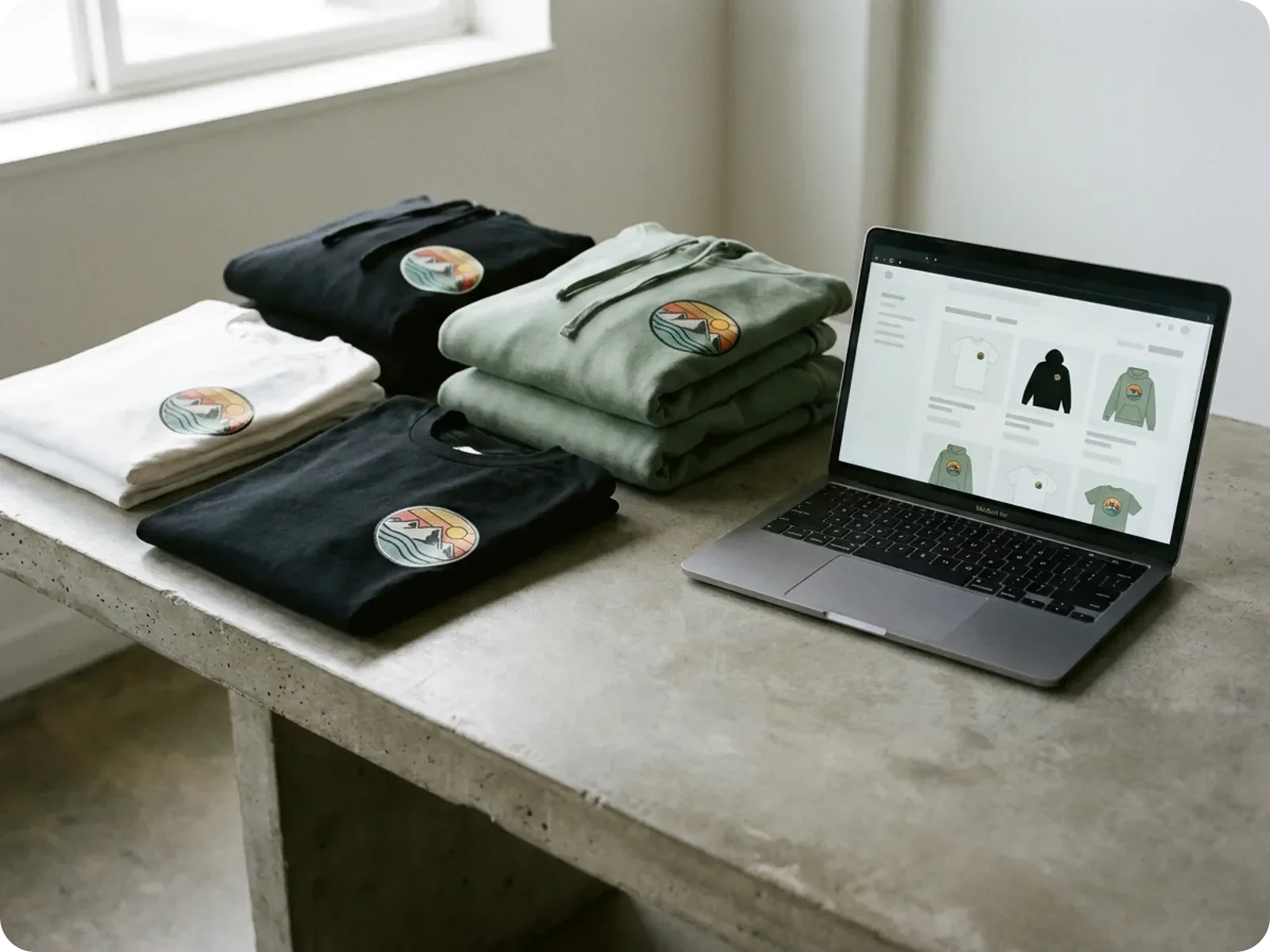
Generate the graphic, test it on every garment and colorway, then turn the winners into store-ready product photos for your shop and launch posts.
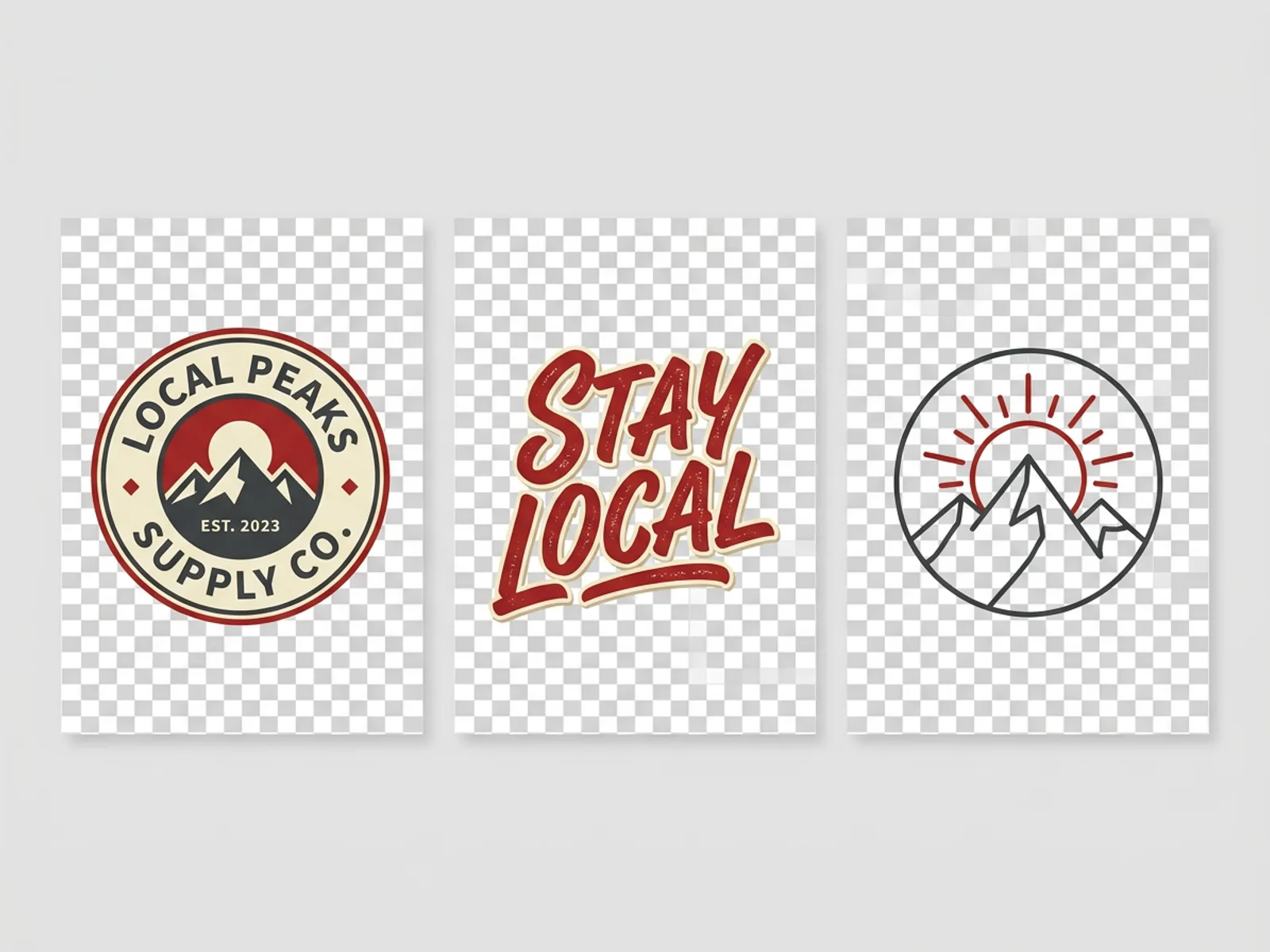
Every drop starts with the graphic. Describe it the way you would brief an illustrator — subject, style, color count, where it sits on the garment — and the T-Shirt Design Generator returns print-ready artwork as vector SVG or transparent PNG, the formats print shops and print-on-demand platforms ask for. For heavier pieces, the Hoodie Design Generator handles chest, back and sleeve graphics separately, so a front hit and a large back print can share one idea at two scales. Generate several directions, keep the two or three that fit the brand, and move them straight into the mockup step.
Try for free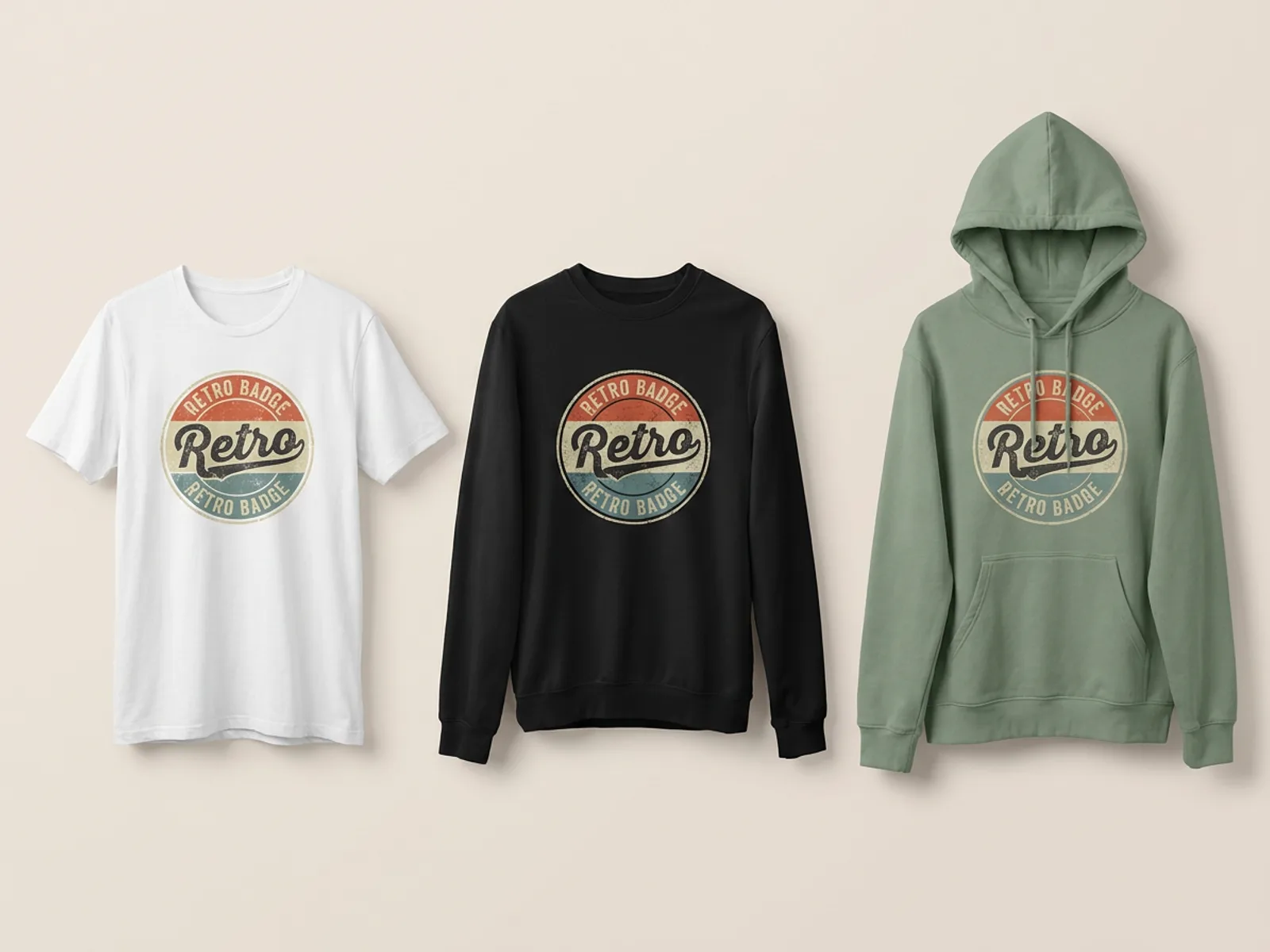
A graphic that works on a white tee can disappear on a heather grey hoodie. The mockup generators put your file on real garment photos — dozens of t-shirt templates plus crewneck and hooded sweatshirts — where you place, scale and rotate the print, then recolor the garment while the folds and texture stay intact. The Apparel Mockup Generator applies one design across the whole line, so a drop of five designs in three colorways becomes a matched set of images you can compare side by side, post as a preview, or use to decide what to order before any stock is printed.
Try for free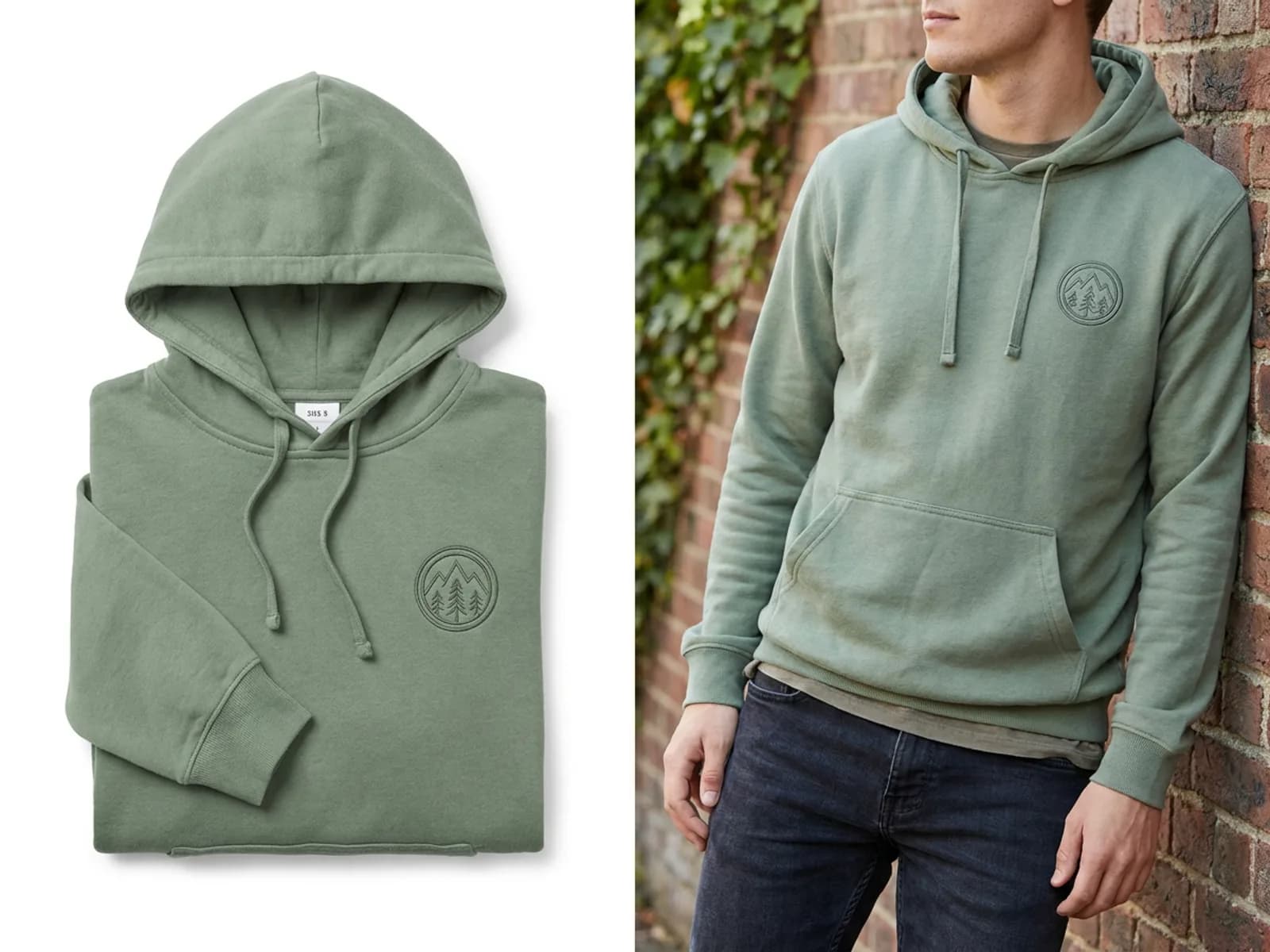
Once samples arrive, the listing needs two kinds of image: a clean product shot and the piece being worn. The White Background Maker turns casual phone photos of a sample into pure white catalog shots, up to ten at once, so every product page in the collection matches. The AI Virtual Model then puts the same garment on a realistic model — you choose the model, the framing and the poses — which gives shoppers a sense of fit and gives your launch posts lifestyle images. The whole catalog for a drop comes out of one session, ready for Shopify, Etsy or your print-on-demand storefront.
Try for freeDescribe a tee or hoodie graphic in plain words and get print-ready artwork for front, back or sleeve, in the style and color count your printer works with.
Download designs as vector SVG or transparent PNG, the formats print-on-demand platforms and screen printers ask for, at a resolution that holds up on fabric.
Place one design on t-shirts, crewneck sweatshirts and hoodies, adjust position and scale, and compare the full drop in matching images before you order stock.
Switch the garment color on any mockup while fabric texture and folds stay realistic, so one photo covers every colorway in your size chart.
Turn sample photos into pure white catalog shots, up to ten at once, then place the same piece on an AI model for lifestyle and fit images.
Your logos, colors and fonts load from your website once and apply to every graphic, mockup and launch post, so the whole drop looks like one brand.
“Most of the Shopify sellers I work with launch a drop with one sample in hand. I put the graphic on the t-shirt and hoodie mockups, recolor each garment, and the listing photos are finished before anything goes to print.”

James Walker
Ecommerce Creative Strategist
“With a capsule collection, the risk is that each piece looks like it came from a different brand. Placing the same mark across tees, crewnecks and hoodies on one page lets me judge the line as a whole before we commit to stock.”
Claire Dubois
Creative Director & Brand Aesthetic Consultant
“Creators I work with sell merch straight to their audience, so the launch post matters as much as the product. The on-model shots give us lifestyle images for the announcement on the same day the designs are approved.”
Minji Park
Creator Marketing Strategist
See how teams are using Playyy to ship better visuals, faster.
A legal-tech startup founder, no designer, 22 YouTube thumbnails — how the startup built a consistent channel identity in one week using Playyy's brand kit.
Daniel Brooks
ChatGPT images buried in chat, no brand kit, no spec control. How a 12-person B2B SaaS team switched workflows and tripled creative output in the same time budget.
 Emily Carter
YouTube channel banner, profile picture, and 4 end-card variants — zero design cost, one afternoon, no designer.
 Luca Moretti
Merch production usually spans an illustrator, a mockup site and a product photographer. Playyy covers all three steps in one workspace: the graphic you generate moves straight onto garment mockups, and the samples you receive become white-background and on-model listing photos. Files stay in one project, so the third drop is as quick to produce as the first.
Mockups on real garment photos show how each design reads on every blank and colorway, which is where most merch mistakes happen. Preview the whole line side by side, share the images with your audience to gauge interest, and order samples only for the designs that earn their place. Print-on-demand sellers can list straight from the mockups.
Design generators and mockup tools run on the free plan's daily credits, and free exports are full-quality files ready to sell from, so a new brand can design and preview a first drop at no cost. When volume grows, paid plans from $18 a month add more credits, and team plans share one brand kit across everyone producing assets.
Start with one idea per drop and generate a few directions for it — a logo-led graphic, a slogan and an illustration usually cover the range. Test each on the garments you plan to sell using mockups, cut anything that loses contrast on darker colorways, and only then order samples. Playyy runs the whole sequence: design generators for the artwork, mockup generators for previews, and photo tools for the listings.
Most print-on-demand platforms and screen printers ask for a transparent PNG at high resolution or a vector file. Playyy's T-Shirt Design Generator exports both vector SVG and transparent PNG, so the same artwork can go to a print-on-demand shop, a local screen printer and your mockups. Check each platform's print-area dimensions and size the artwork to them before uploading.
Yes. Playyy's t-shirt, hoodie and apparel mockup generators are free to use with the daily credits on the free plan, and free exports are full-quality files ready for your store. You can place and scale your design on real garment photos, recolor the garment with its folds kept, and export PNG, JPG or PDF for your store or social posts.
Playyy replaces the shoot with two AI steps. The White Background Maker turns phone photos of your samples into clean catalog shots on pure white, and the AI Virtual Model puts the same garment on a realistic model with the framing and poses you pick. Together they cover the product shot and the on-body shot most stores expect on a listing.
Small brands often launch with three to five designs across one or two garment types, which keeps inventory and sampling costs manageable while still giving buyers a choice. Mockups help you narrow down: generate more designs than you need, preview them all on your chosen blanks and colorways, and drop the ones that look weakest next to the others.
Set up a brand kit first. Paste your website URL into Playyy and it pulls in your logos, brand colors and fonts, plus written guidelines on voice and imagery, then applies them automatically to every design you make. Graphics, mockup captions and launch posts then share the same palette and type automatically.

Turn any product photo into channel-ready studio imagery — no studio, no reshooting.
Explore workflow
From one campaign brief to every channel asset — AI image generator, creator, and editor in one workflow.
Explore workflow
Ecommerce image editing across every SKU — background removal, cleanup, and upscaling that meet marketplace specs.
Explore workflowKeep every image on brand, control the final look, and turn campaign ideas into polished assets without waiting on another design cycle.














