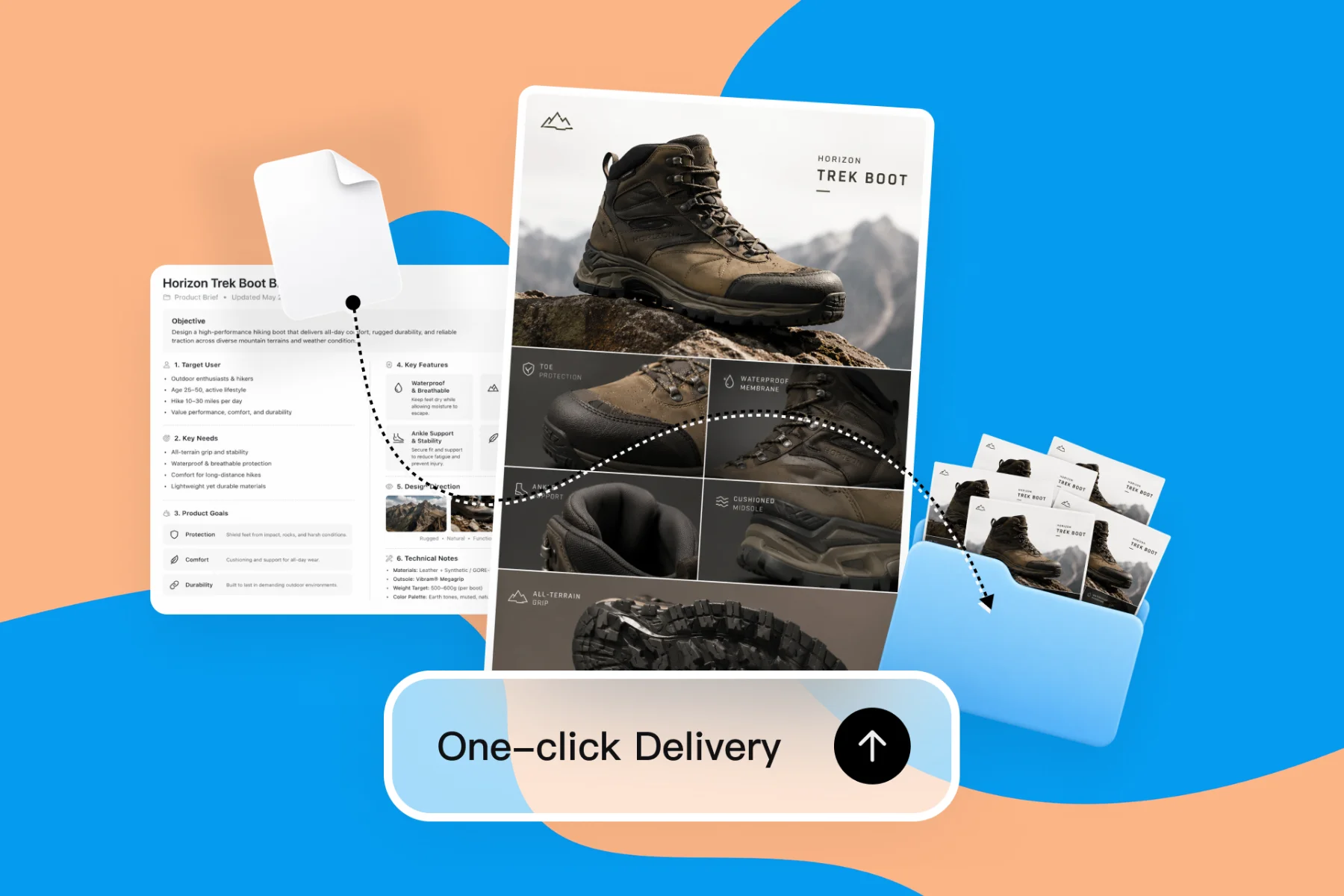
AI Design Tools for Freelancers — Faster Client Deliverables
From client brief to every deliverable format — AI generation, editing, and export without switching tools.
Explore workflowDesign the front and back together: the AI business card generator lays out your name, logo, colors and QR code at standard sizes, ready to print
Describe your name, role and style, choose single- or double-sided, then edit any line on the canvas and export a print PDF.
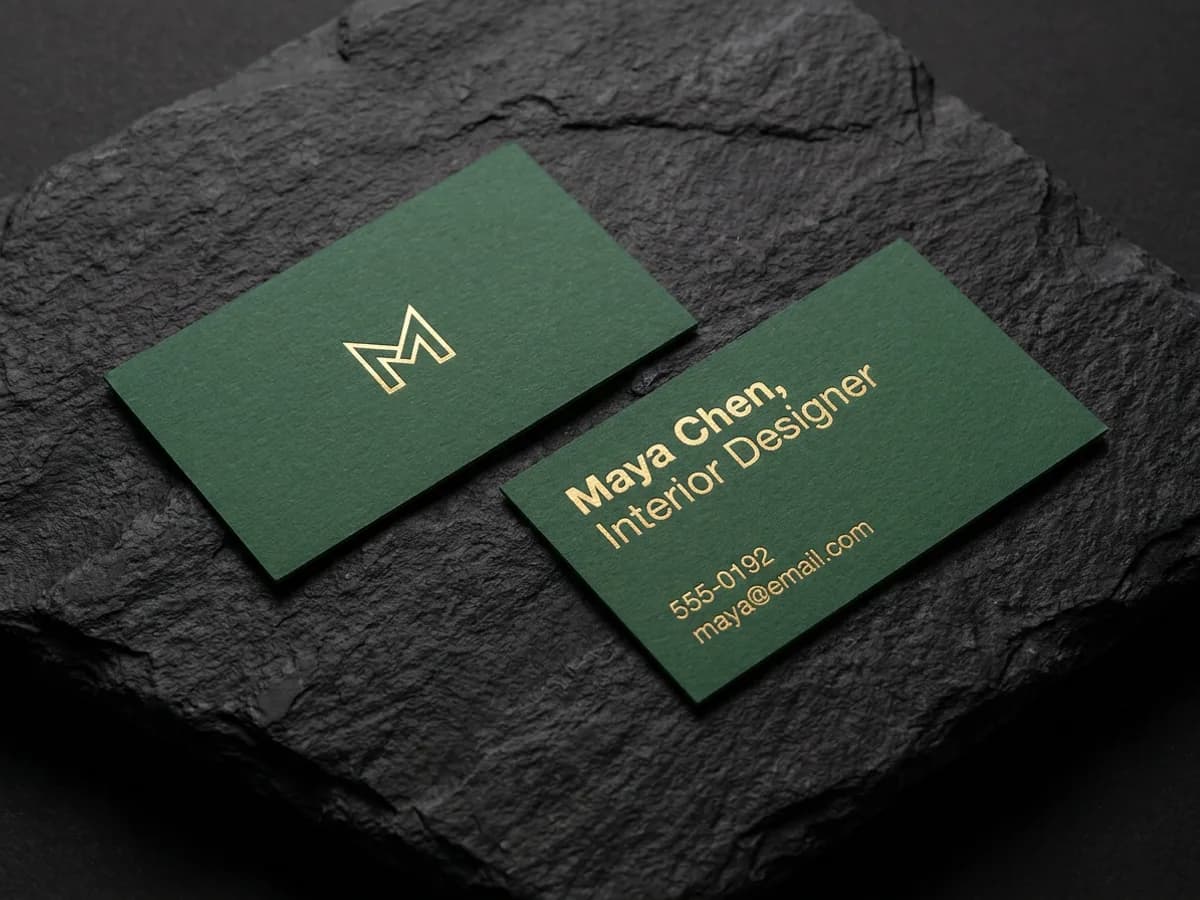
Give the AI business card generator your name, role, company and the style you want, and it designs both sides together. A typical double-sided card puts the logo on the front and your contact details on the back, with the same palette and type tying them together. Choose single-sided when one face is enough, and landscape or portrait to suit your look. With a brand kit set, your logo and colors fill in automatically, so the card matches the rest of your brand.
Try for free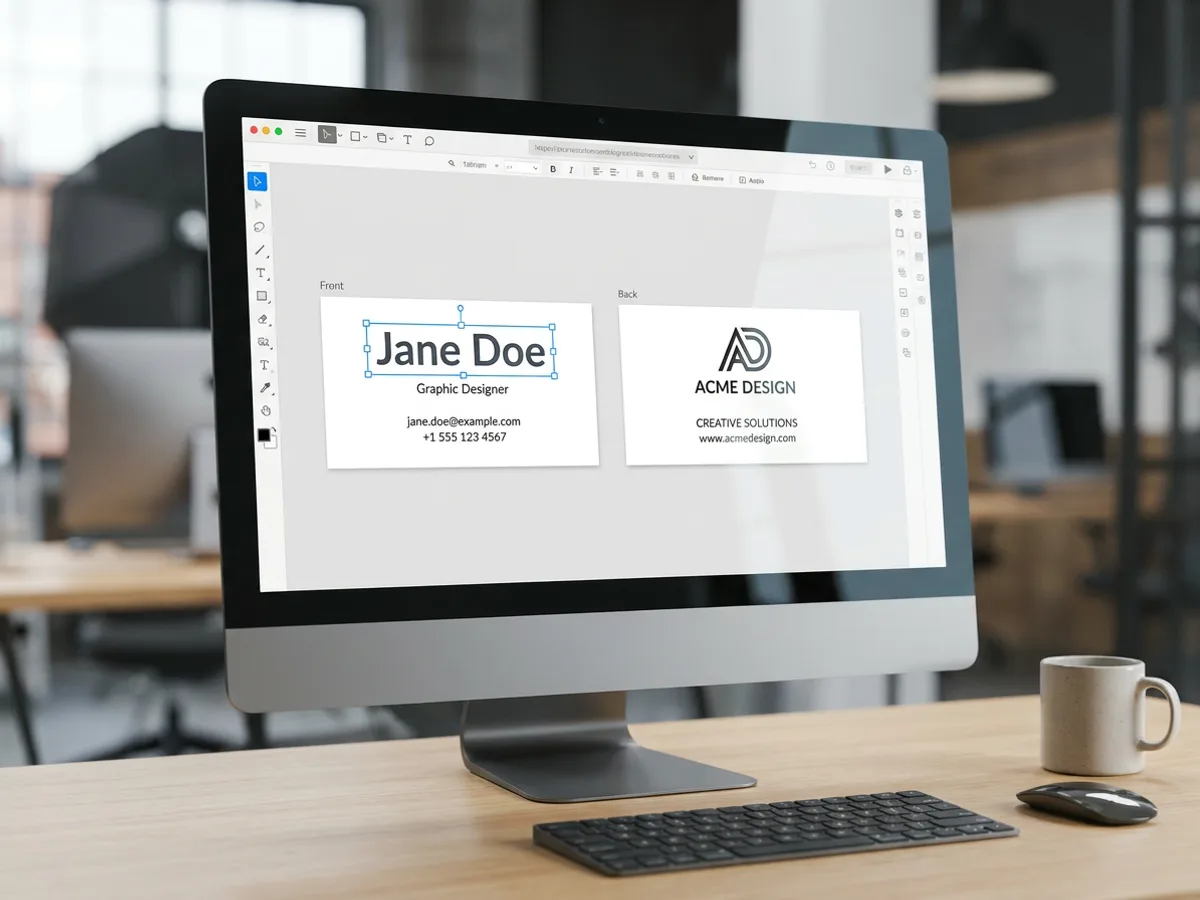
The front and back sit side by side on the canvas, and every line of text is an editable layer. Fix a phone number, update a job title, or change the font of your name with a click. Add a QR code element to either side and size it like any other object. Want to compare looks? Ask the agent for variations in different styles, such as classic serif, bold modern or soft minimal, then keep the one that feels like you.
Try for free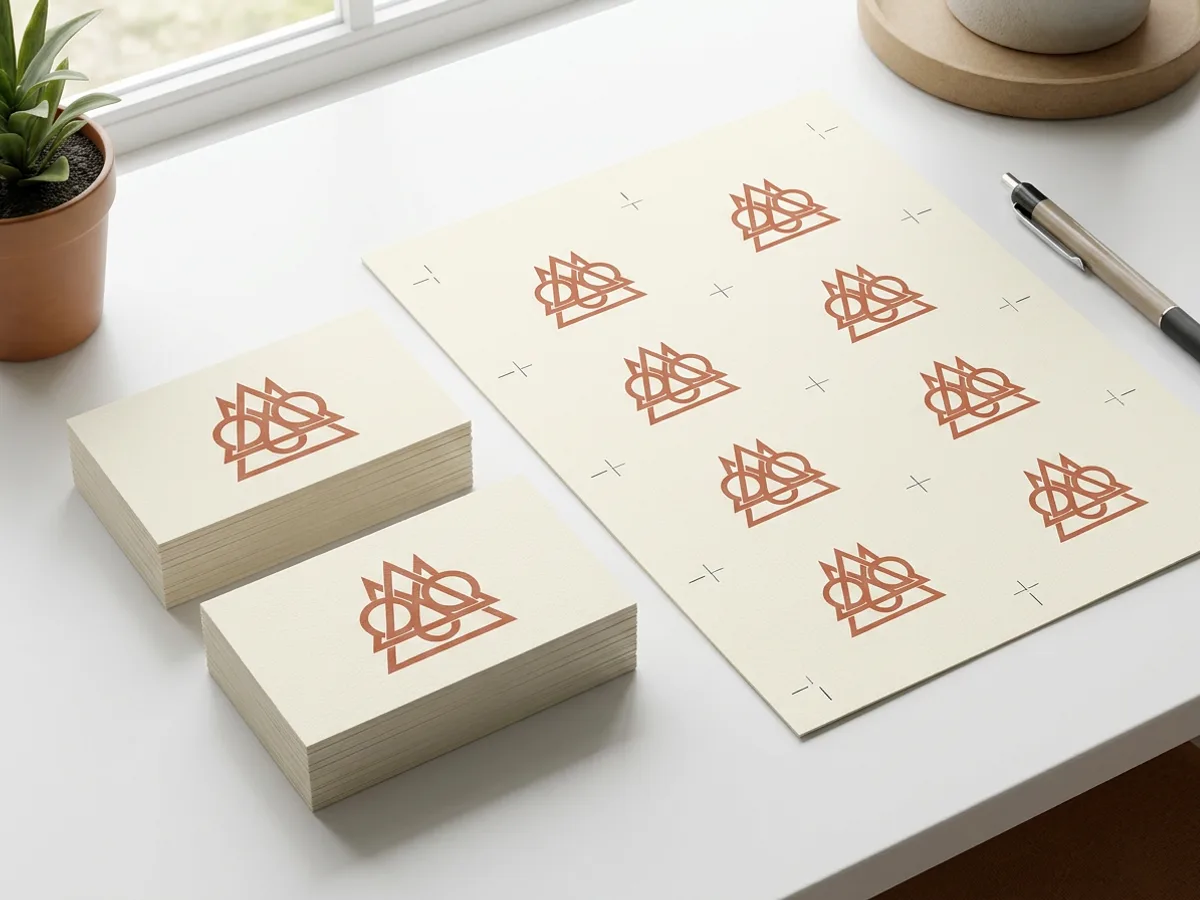
Cards are laid out at the standard size for your region: 3.5 x 2 in for North America, plus the standard sizes used in Europe, Japan, China, Australia and India, and Brazil, Mexico and Korea. In Playyy, pick Business card in the size menu of the home prompt box. Export a print PDF with crop marks and bleed so the print shop trims every card cleanly, or download PNG and JPG files to share digitally.
Try for freeNeed a logo for the card first? Generate one with the logo generator
Describe your name, role, company and style, and the AI designs a finished card.
Design one face or both, in landscape or portrait, with the front and back styled as a pair.
3.5 x 2 in for North America, plus standard sizes for Europe, Japan, China, Australia and India, and Brazil, Mexico and Korea.
Add a QR code to the front or back and place it like any other element on the card.
Every line, from your name to your email, stays editable on the canvas.
Export a print PDF with crop marks and bleed for the print shop, or PNG and JPG files.
The front and back share one palette, one type pairing and one layout logic. Your card feels like a single piece the moment someone flips it over.
With a brand kit set, generation uses your logo, colors and fonts automatically. Every card for every person on the team matches the same brand.
Ask the agent for variations in different styles from the same name and details. Compare them side by side and keep the one that suits you.
From client brief to every deliverable format — AI generation, editing, and export without switching tools.
Explore workflow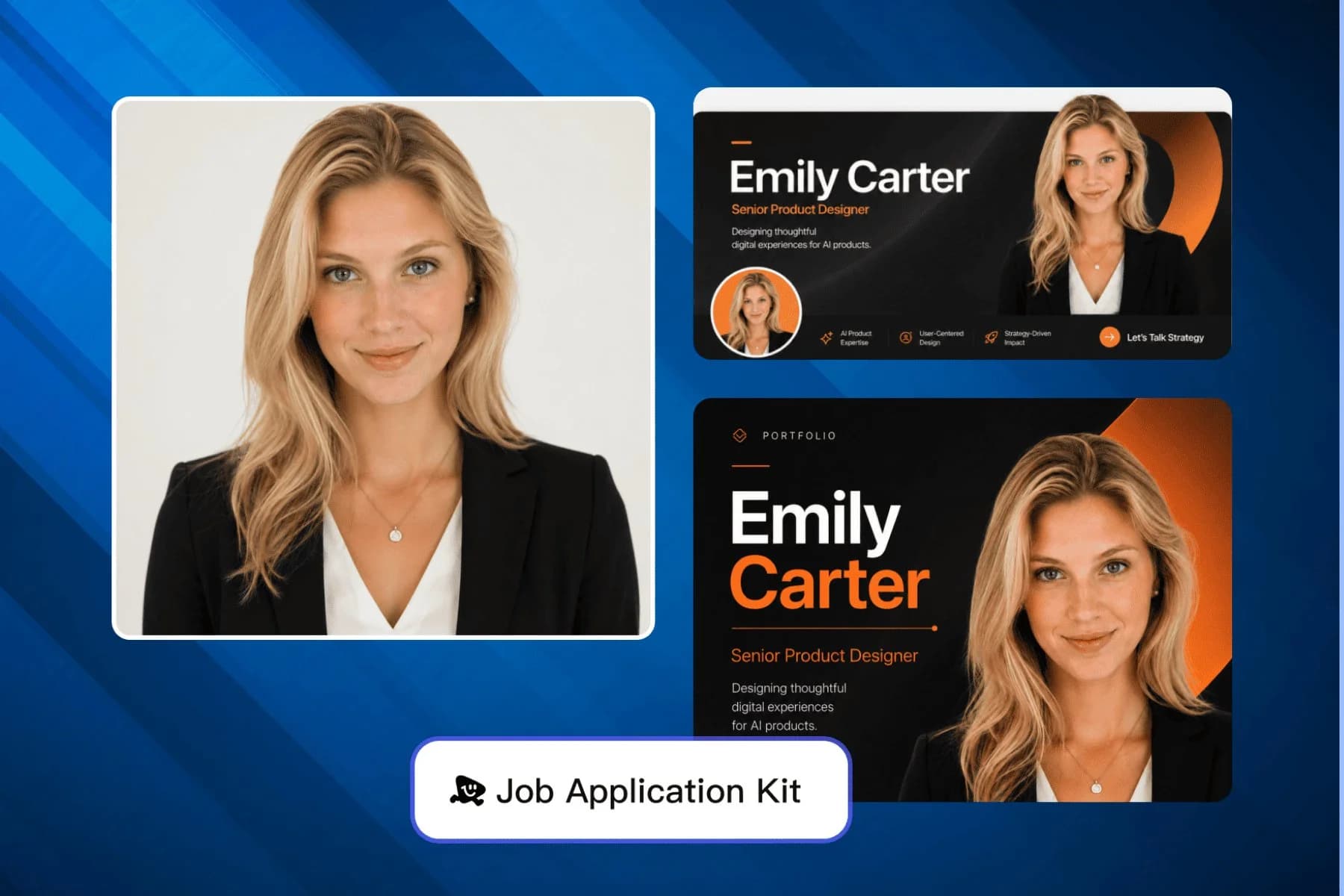
AI headshot, LinkedIn banner, and portfolio visuals for your job application — one session, every format covered.
Explore workflowAn AI business card generator designs a complete business card from your name, role, company and a short style description. In Playyy, the AI lays out single- or double-sided cards at standard sizes for your region, with every line of text as an editable layer. You can add a QR code, adjust any detail, and export a print-ready PDF.
Type your name, job title, company, contact details and the style you want into the box above, then sign in to continue in Playyy. Choose single- or double-sided and the orientation, and the AI designs the card. Edit any line on the canvas, ask the agent for style variations, and export a print PDF with crop marks and bleed.
Yes, you can start free. The free plan includes daily credits, and you sign in to generate business cards in Playyy. Exports on the free plan come watermark-free, so the print PDF is ready to send to a print shop. Paid plans (Basic, Pro and Mega) add more credits for designing cards for a whole team.
In the US and Canada, a standard business card is 3.5 x 2 inches. Other regions use slightly different standards, including Europe, Japan, China, Australia and India, and Brazil, Mexico and Korea. Playyy includes the standard size for each of these regions, so pick the one that matches where you will print and hand out the card.
A double-sided card gives each side a job: the front carries your logo or name as a clean visual, and the back holds your title, phone, email and website. That keeps both sides easy to read. A single-sided card suits a simple look with everything on one face. Playyy designs either, with the front and back styled as a pair.
Yes. Add a QR code element to the front or back of the card and position and size it like any other layer. A QR code fits well in a corner of the back, next to your contact details, or as a bold feature on a minimalist front. Test the code with your phone before you print.
Export a print PDF with crop marks and bleed and send it to a local print shop or an online printer. The bleed lets the color run cleanly to the trimmed edge, and the crop marks show the printer where to cut. Check names, numbers and spelling before you order a full run.
Yes. Set up a brand kit in Playyy and generation uses your logo, colors and fonts automatically, or attach your logo as a reference image in the box above. Need a logo first? Create one with the logo generator, then bring it into your business card design.
See how teams are using Playyy to ship better visuals, faster.

LinkedIn banner, Facebook cover, and profile picture — one visual direction, one afternoon, zero design budget.
 Minji Park
18 staff, new brand colours, £3,200 designer quote — and a 3-week timeline. The managing director finished the LinkedIn rollout in 3 days with Playyy.
 Sophie Whitmore
Portfolio-ready, visually invisible — how a career changer's professional headshot and LinkedIn banner unlocked the recruiter callbacks his work deserved.
Minji ParkKeep every image on brand, control the final look, and turn campaign ideas into polished assets without waiting on another design cycle.














