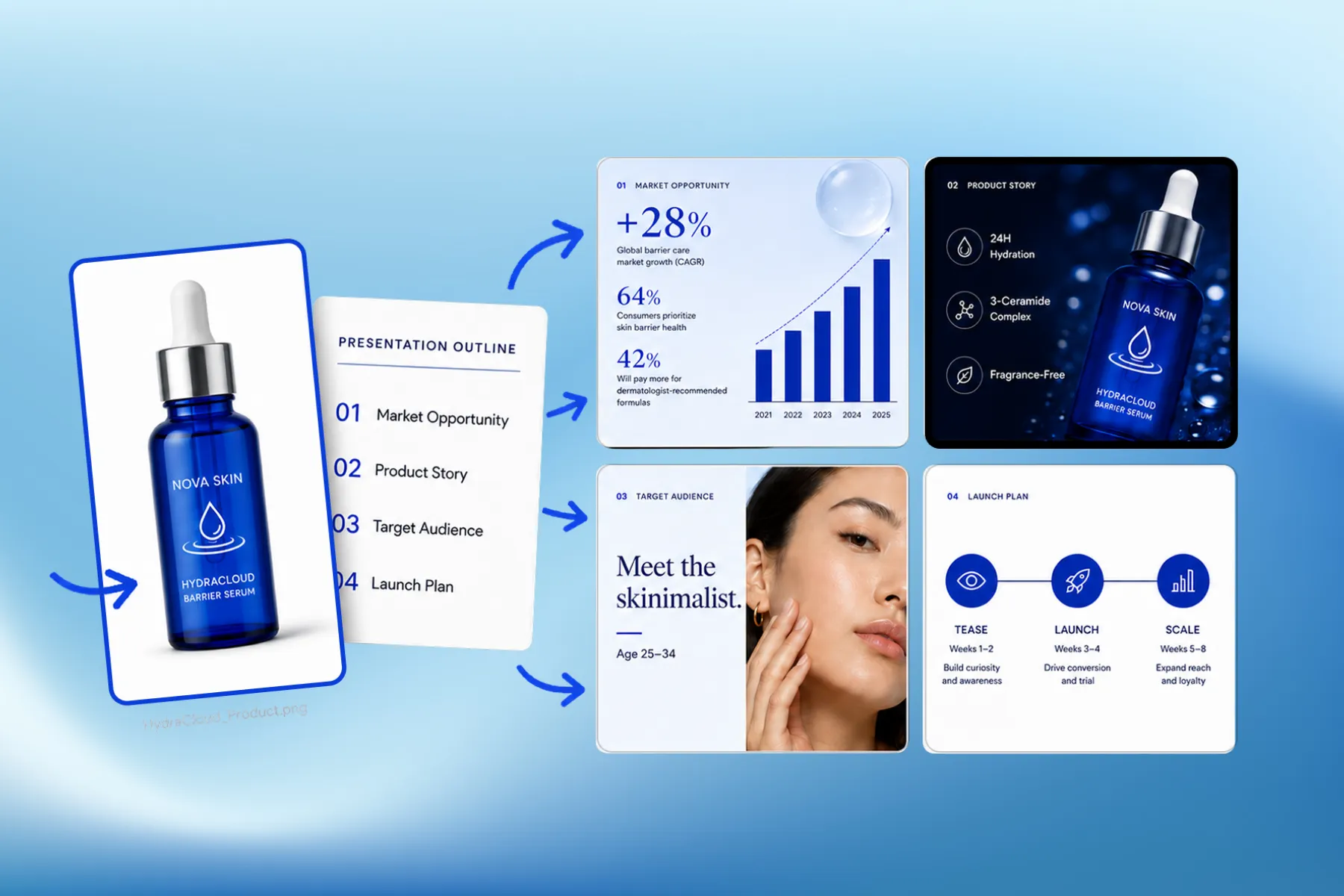
Presentation Software for Marketing, Educational & Corporate Decks
Presentation software that designs marketing, educational, and corporate decks from your brand kit — edit any slide, share a link, or export a PPT.
Explore workflowPaste your numbers or describe the data, and the AI chart generator turns it into an editable bar, line, pie or funnel chart, styled and ready to download or drop into a slide
Paste your data and say what the chart should show in the box above, adjust the result by chat or in the chart panel, then download it as PNG, JPG, PDF or PowerPoint.
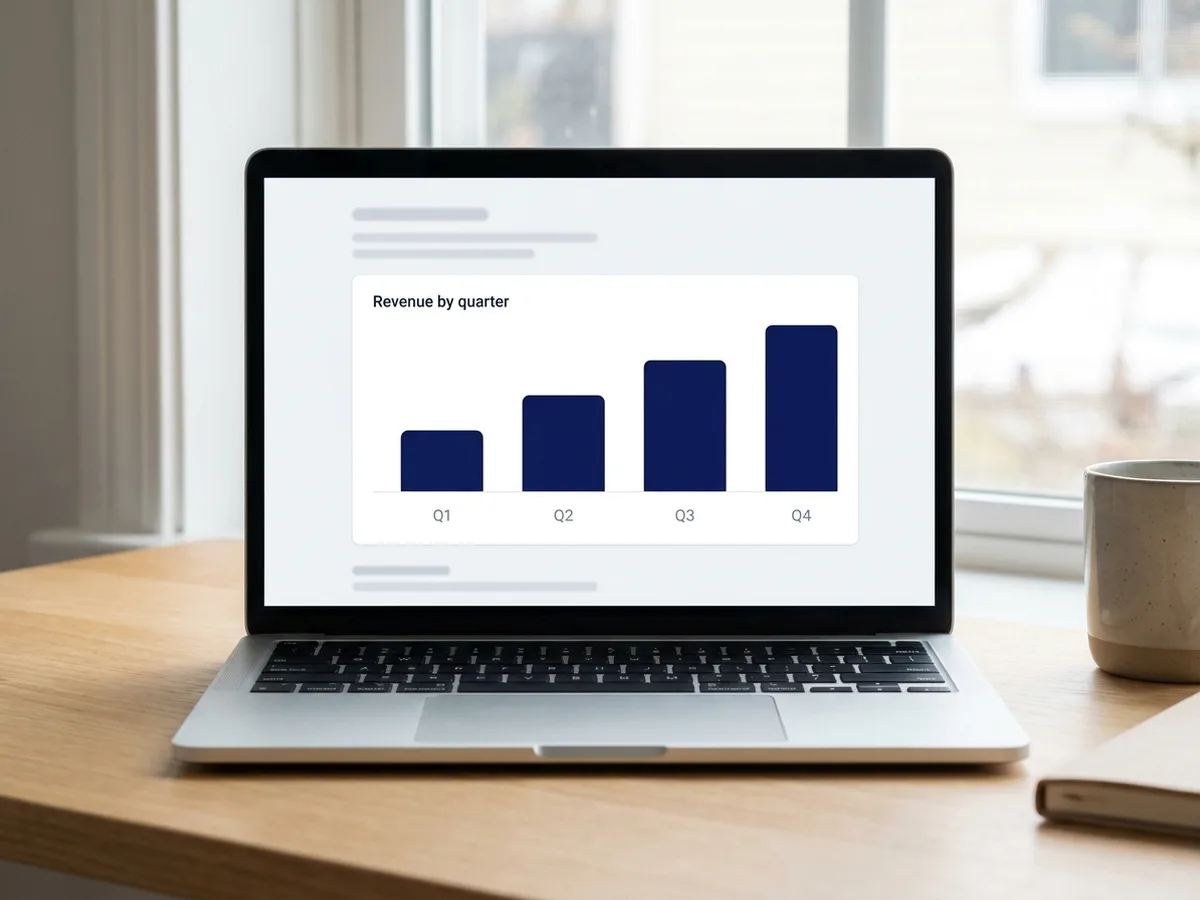
Paste the figures straight from a spreadsheet, a report or an email, and say what the chart has to show: revenue by quarter, sign-ups by channel, survey answers, a sales funnel. The AI chart generator picks the chart that fits the data, a line for change over time, bars for comparisons, a pie or donut for parts of a whole, a funnel for drop-off, and lays it out with a title, labels and a legend. It works only from the numbers you give it, so the values on the chart match your source.
Try for free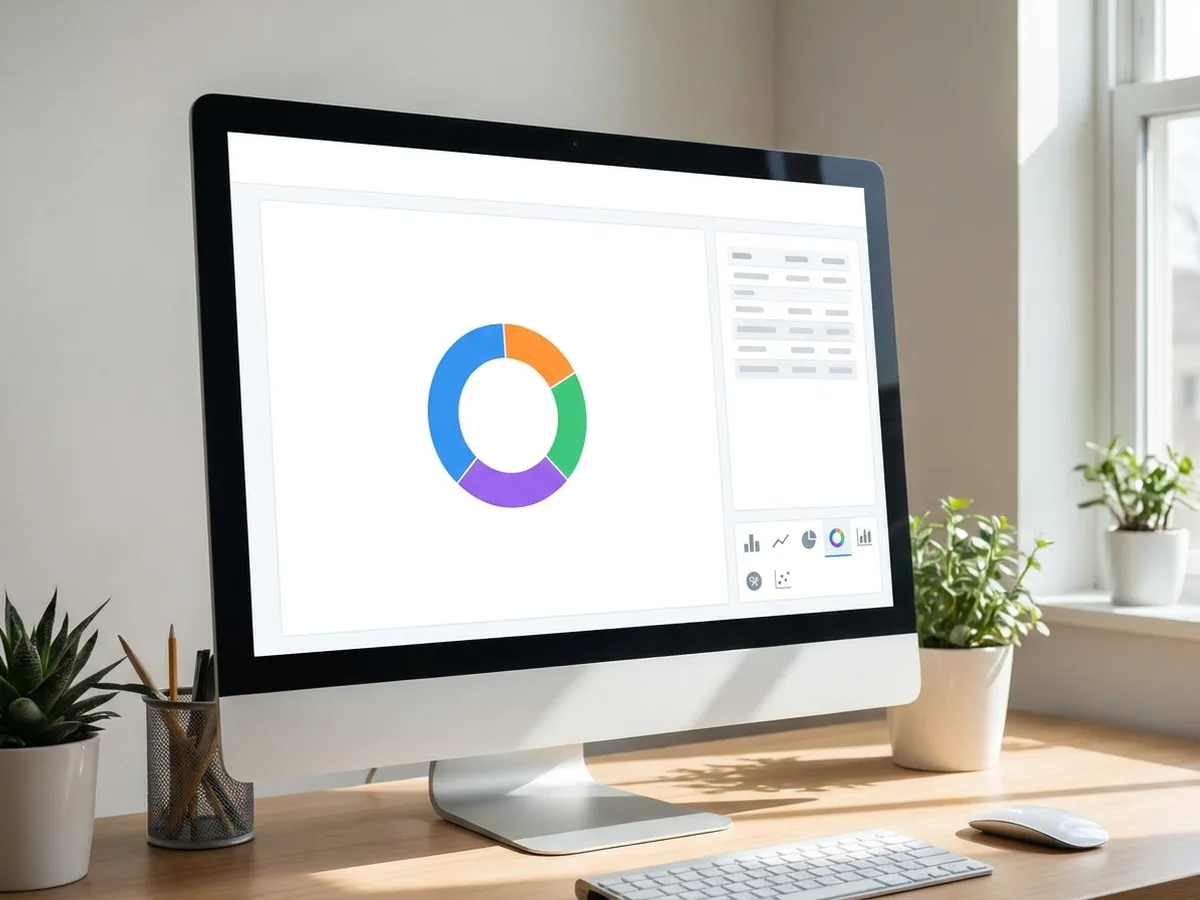
The result is a real chart, not a picture of one. Click it and the chart panel opens with its data table, where you can type over a value, paste in a new column or switch from bars to a line. Change colors, axis ranges, number formats and data labels there, or ask in the chat: 'show the values on top of each bar', 'make Q4 orange', 'turn this into a donut'. The rest of the design stays as it was.
Try for free
A chart rarely travels alone. Ask for it inside a social post, an infographic, a report cover or a slide, at the size that format needs, and set in your brand colors and fonts from your brand kit. Download a PNG or JPG for a post or an email, a PDF for print, or a PowerPoint file in which the chart is a native PowerPoint chart with its data, so a colleague can keep editing it there.
Try for freeCharting numbers from a spreadsheet? Build the sheet with the AI spreadsheet generator
Bar and column, line, pie and donut, area, scatter and bubble, histogram, funnel and radar charts.
Drop in figures from a spreadsheet, CSV text or a report, and the chart is built from exactly those numbers.
Change the type, colors, labels or order in plain language, and only the chart you mention updates.
Edit values in the chart's data table, switch type, set axes, number formats and data labels by hand.
Apply your brand kit's palette and fonts so every chart matches your decks and posts.
Download PNG, JPG or PDF, or PPTX with the chart kept as a native PowerPoint chart.
The chart is drawn from the values you paste, and the data table stays one click away, so anyone can check a bar against the source.
Titles, spacing, labels and colors come out ready to publish, inside the slide, post or report the chart is for.
Open the same file when the numbers change, paste the new figures into the data table, and the layout around the chart stays put.
Presentation software that designs marketing, educational, and corporate decks from your brand kit — edit any slide, share a link, or export a PPT.
Explore workflow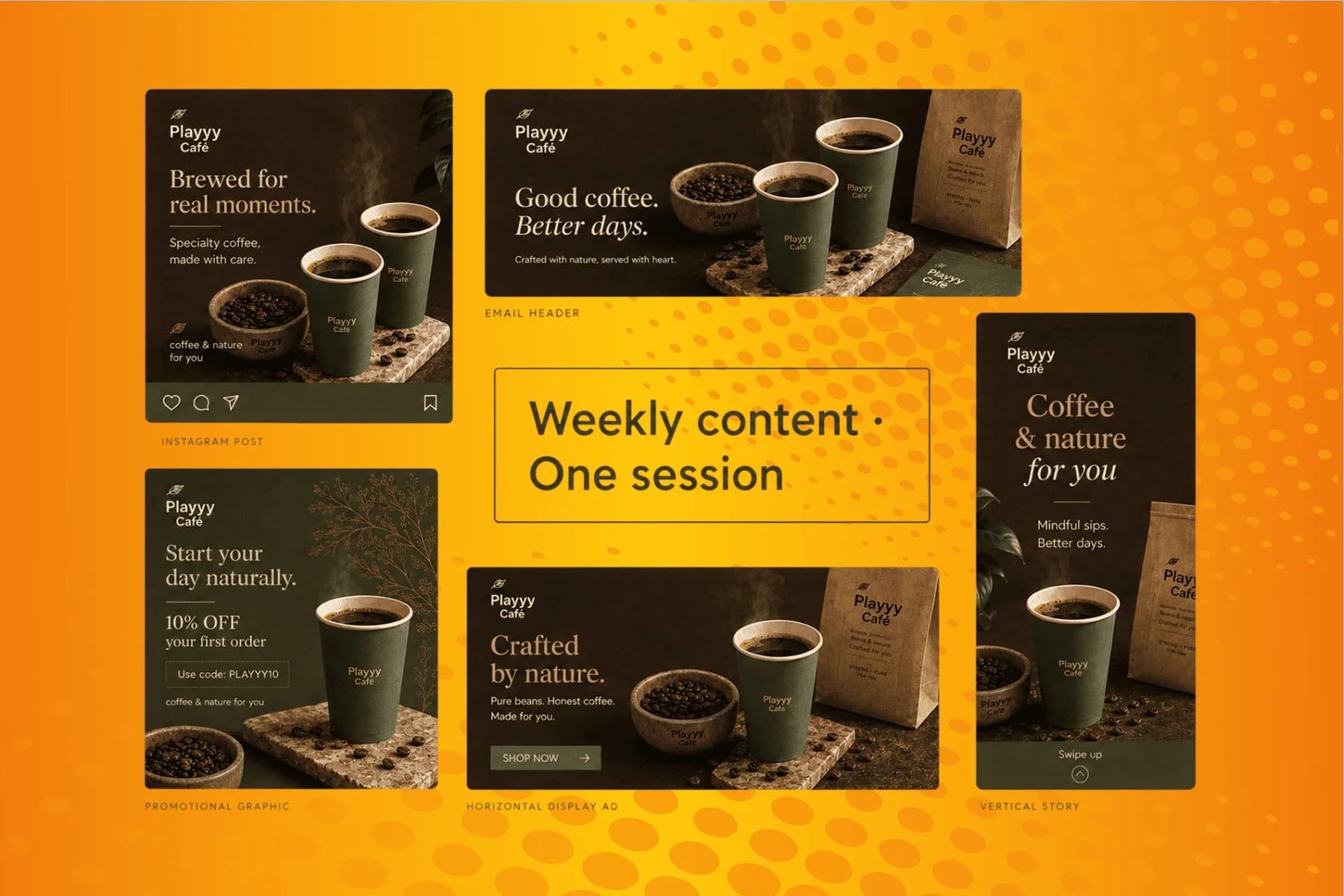
From content gap to publish-ready creative — AI image generator, brand style matching, and copy placement in one session.
Explore workflowYou can start free. Playyy has a free plan with daily credits. Paste your data and describe the chart in the box above, sign in, and your request carries into Playyy, where the agent builds the chart. Paid plans, Basic, Pro and Mega, add more credits for frequent work.
Yes. Paste the numbers, for example months in one column and sales in the next, and say what the graph should show. Playyy picks a fitting chart type, such as a line for change over time, and builds it from exactly those values. Ask for a different type at any time and the same data is redrawn.
Bar and column charts, line charts, pie and donut charts, area charts, scatter and bubble charts, histograms, funnel charts and radar charts. For a flow or process with boxes and arrows rather than numbers, describe the steps and the agent draws a diagram with shapes and connectors instead.
Yes. Select the chart and the chart panel opens with its data table, chart type, axes, number format, data labels and colors. Type over a value or paste new rows and the chart redraws. You can also ask the agent in plain language, such as 'sort the bars from largest to smallest'.
Yes. Export the design or slide deck as a PPTX file and the chart arrives as a native PowerPoint chart with its data, so you can keep editing it in PowerPoint. For documents, emails or social posts, download a PNG or JPG, or a PDF for print.
Playyy's agent builds each chart from the data you provide. If a figure is missing, add it to your request or type it into the chart's data table afterwards. For a mock-up, ask for sample data explicitly and label it as an example.
See how teams are using Playyy to ship better visuals, faster.

LinkedIn banner, Facebook cover, and profile picture — one visual direction, one afternoon, zero design budget.
 Minji Park
LinkedIn ads and organic posts, two different tones, one brand — produced in a single creative session without separate workflows.
 Emily Carter
Same campaign, three channels, zero brand drift — and 60% less time per launch cycle.
 Sophie Whitmore
Keep every image on brand, control the final look, and turn campaign ideas into polished assets without waiting on another design cycle.














