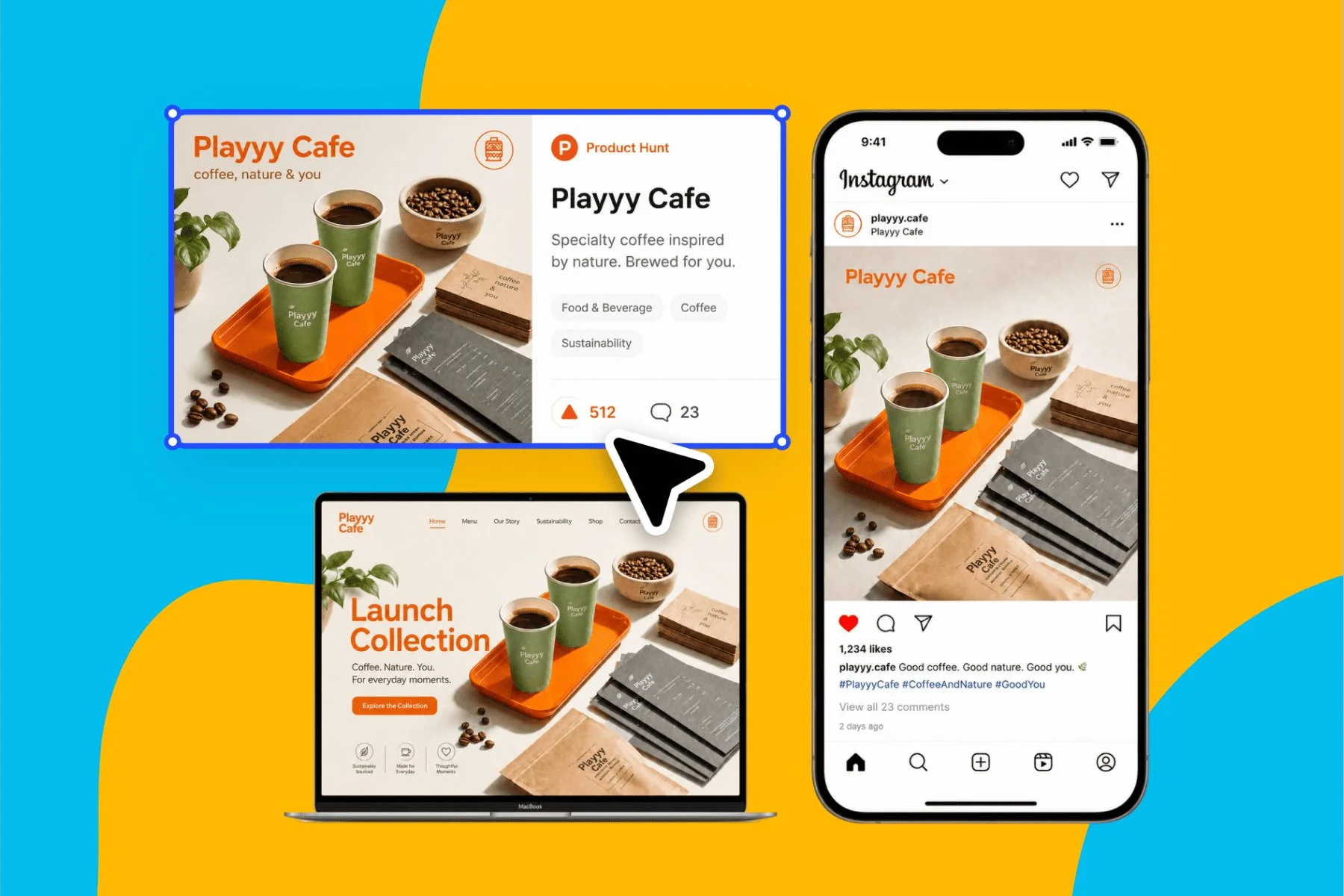
Launch Visuals for Creators and Indie Makers Without a Design Team
From brand identity direction to a complete launch kit — without hiring a designer or an agency.
Explore workflowTurn a launch brief into a landing page with a sign-up form, preview it behind a password, then publish in one click when the launch goes live
Describe the launch and the form you need in the box above, review the page behind a password, then switch it to Public and publish in one click.
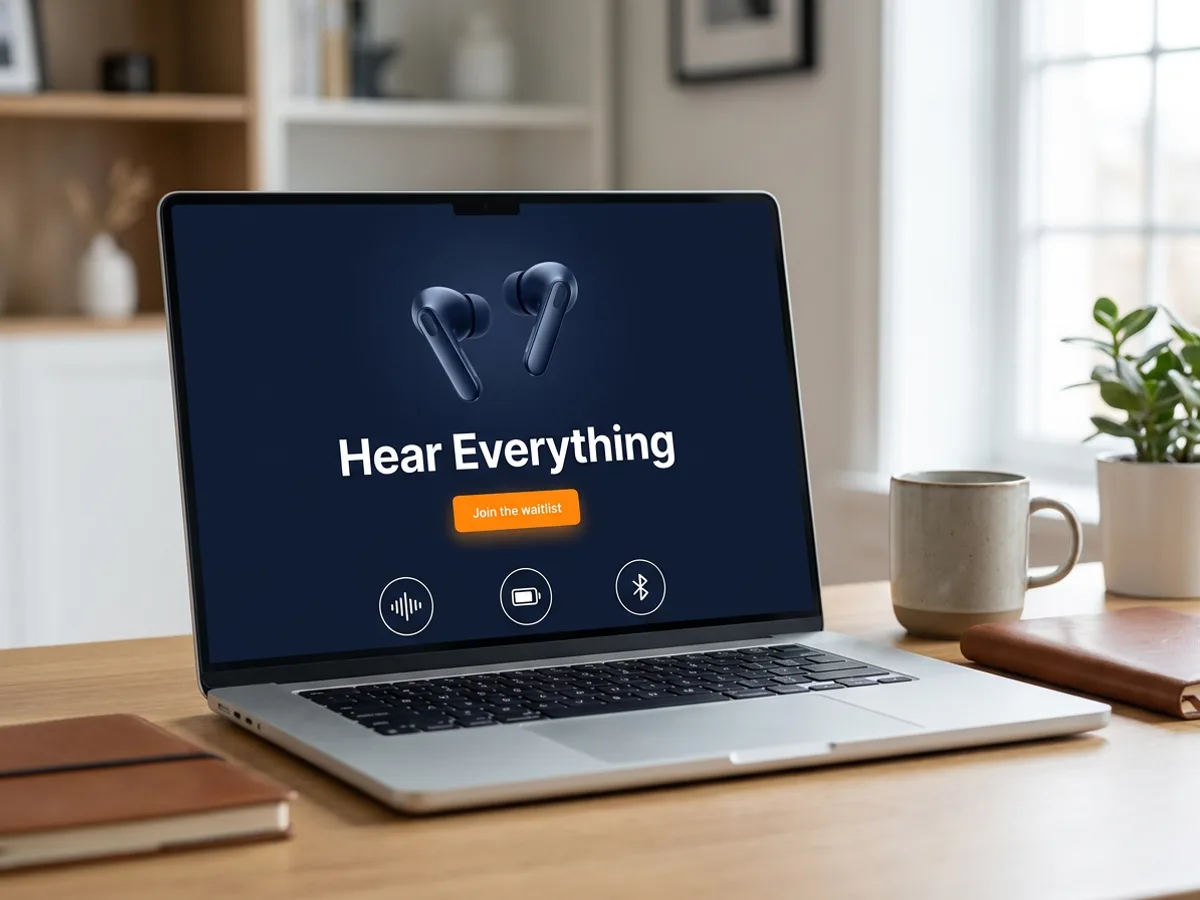
Give the AI landing page generator the essentials of the launch: what the product is, who it's for, the one action visitors should take, and the date if there is one. Playyy builds a real HTML landing page around that action, with a hero headline and button, a row of benefits, supporting sections and a closing call to action. Product launches, waitlists, event pages and coming-soon pages all start the same way. Your brand kit sets the logo, colors and fonts, so the page matches the launch posts and ads you make in Playyy.
Try for free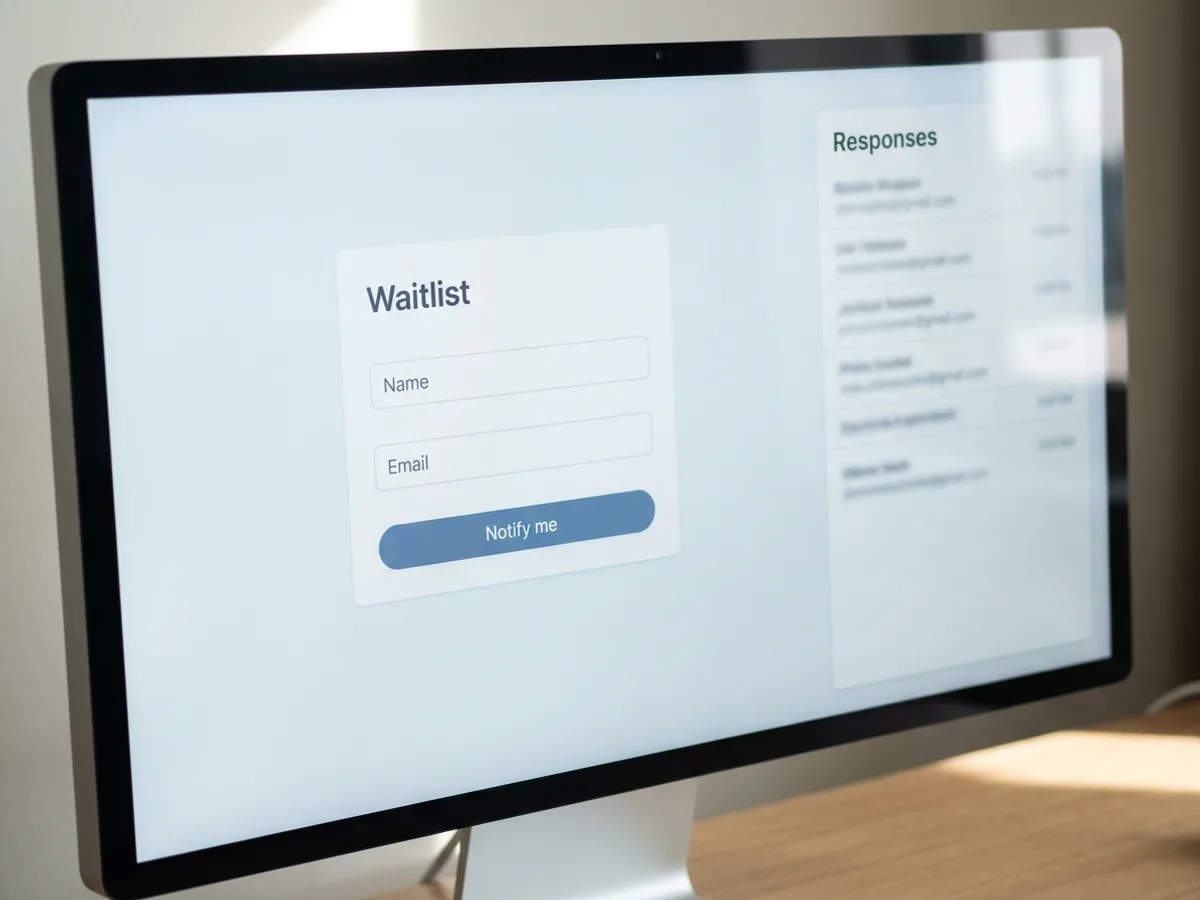
A launch page earns its place when visitors leave their details. Ask for a form with your own questions: name and email for a waitlist, guest count and dietary needs for an RSVP, a message field for contact requests. Every submission lands in the Responses panel next to the page, so you read sign-ups in the same place you edit the copy, and you can download them as a CSV. Ask the agent to rename a field, reorder the questions or sharpen the button text and the line above the form.
Try for free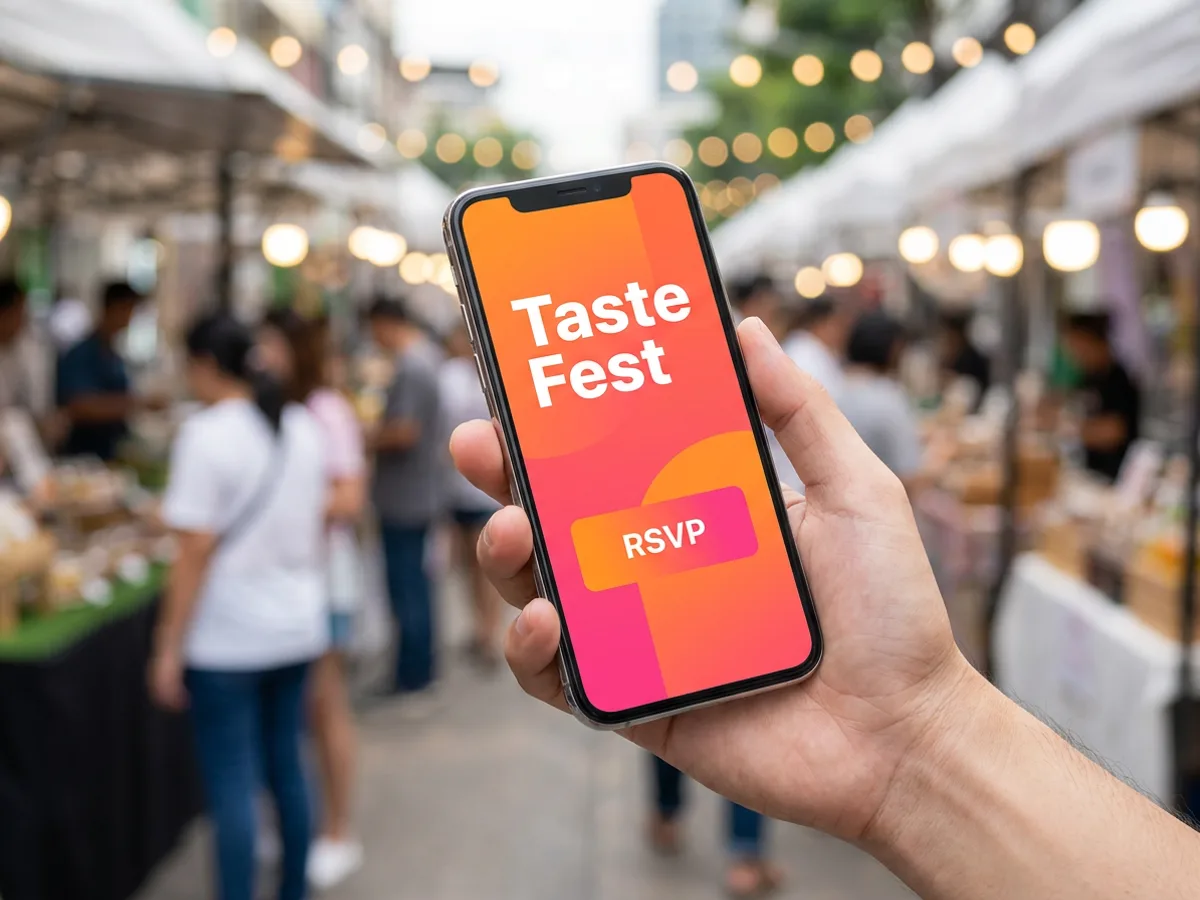
Before launch day, publish the page as Password protected and send the link to your team or partners. Visitors stay signed in for 7 days, so reviewers can come back to it all week. Check how it reads on a phone, then switch the page to Public when everything is ready. Set the title, description, site icon and a 1200x630 link preview image so the link looks right wherever it's shared, and allow the page in search results when you want it found. After the event or launch, unpublish it anytime.
Try for freeBuilding more than one page? Use the AI website builder
Describe the product, event or offer and get a full landing page: hero, benefits, supporting sections and a call to action.
Waitlists, RSVPs and contact requests with your own questions. Answers collect in the Responses panel.
Share a password-protected version before launch, then switch it to Public in one step.
Select, move, reorder and resize elements, edit text and fonts, or ask the agent to rewrite a section.
Allow the page in search results and set the title, description, site icon and a 1200x630 link preview image.
Your brand kit drives the page, and the same brand carries into launch posts, flyers and presentations in Playyy.
Each page is built around the single thing visitors should do, whether that's joining a waitlist or sending an RSVP. Focused pages are easier to write, review and share.
The landing page, social posts, flyer and pitch presentation come from the same brand kit in the same workspace. Everything people see about the launch looks related.
Build and review the page behind a password while the product is still under wraps. On the day, switch it to Public and it's live.
From brand identity direction to a complete launch kit — without hiring a designer or an agency.
Explore workflow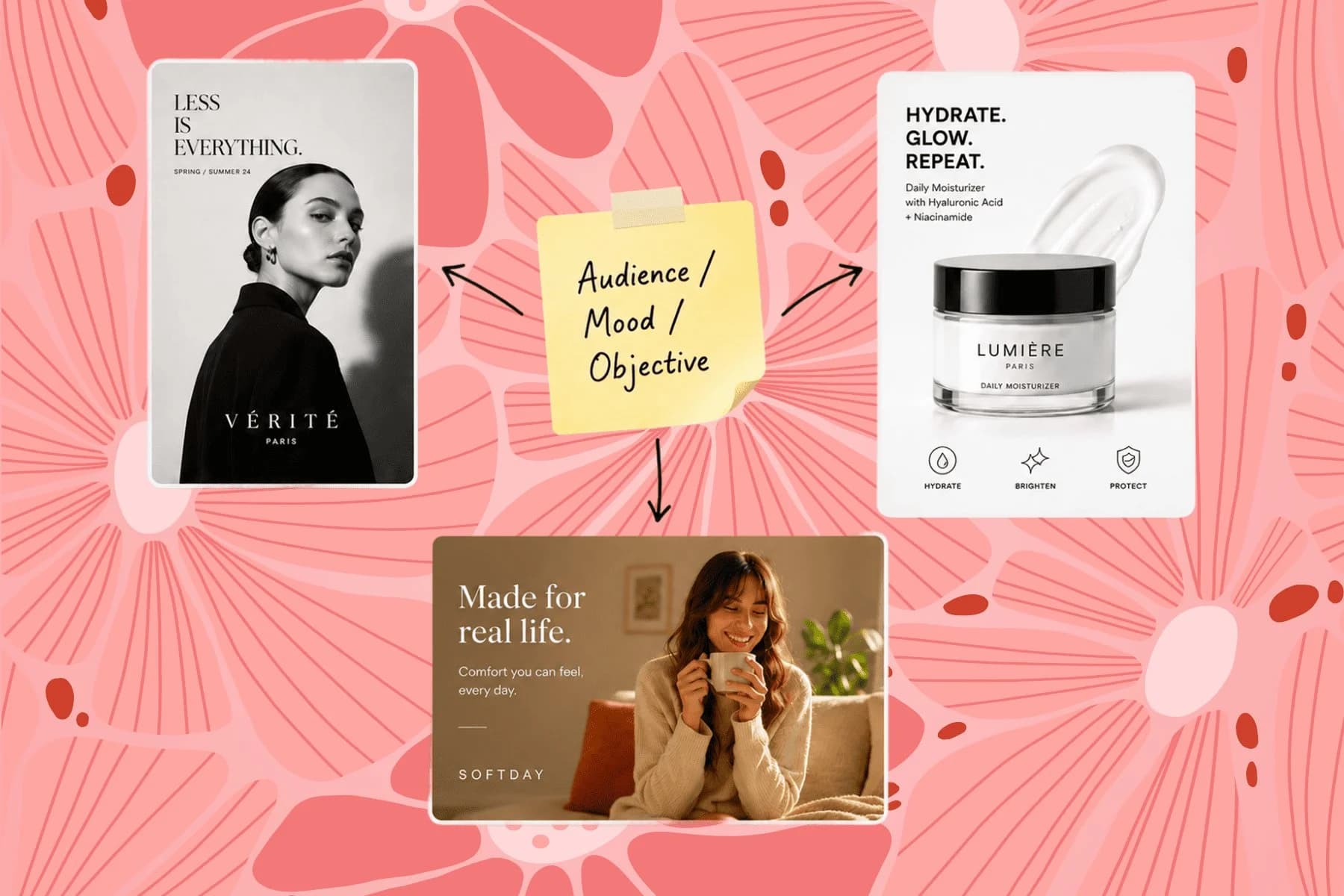
From one campaign brief to every channel asset — AI image generator, creator, and editor in one workflow.
Explore workflowYou can start free. Playyy has a free plan with daily credits. Describe your launch in the box above, sign in, and your prompt carries into Playyy, where the AI builds the page. Paid plans, Basic, Pro and Mega, are available when you need more credits for bigger launches or frequent revisions.
A good landing page has one clear goal, and everything on it supports that goal. That usually means a hero with a specific headline and one call to action, a short set of benefits, details that answer the obvious questions, and a form or button repeated near the end. The landing page generator builds this structure from your brief, and you can reorder or rewrite any section afterward.
Yes. Describe what's coming and roughly when, and ask for an email field with a button such as 'Get early access'. The form collects names and emails in the Responses panel, so the waitlist starts filling the moment the page goes live. Keep it password protected while you finish it, then switch it to Public.
A landing page is a single page built for one campaign or launch, with one action for visitors to take. A website usually has several pages with shared navigation and covers the whole business. Use this landing page generator for a product launch, event or waitlist; for a multi-page site, the AI website builder is the better fit. Both publish the same way in Playyy.
Click Publish and the page goes live at an address on your Playyy workspace subdomain. Choose Public, Password protected or Workspace members only, and set the page path. Password-protected visitors stay signed in for 7 days, which suits a pre-launch review. You can unpublish anytime, for example once an event has passed.
Yes, event pages work well. Give the event name, date, place and what guests should know, and ask for an RSVP form with the questions you need, such as guest count or meal choice. Responses collect in the Responses panel, and the brand kit keeps the page in line with your event posters and social posts.
Yes, once you fill in the sharing details. In the search and sharing settings, upload a 1200x630 link preview image, add a site icon, and write the title and description shown in link previews. The same settings let you allow the page in search results when you want it to be found.
See how teams are using Playyy to ship better visuals, faster.
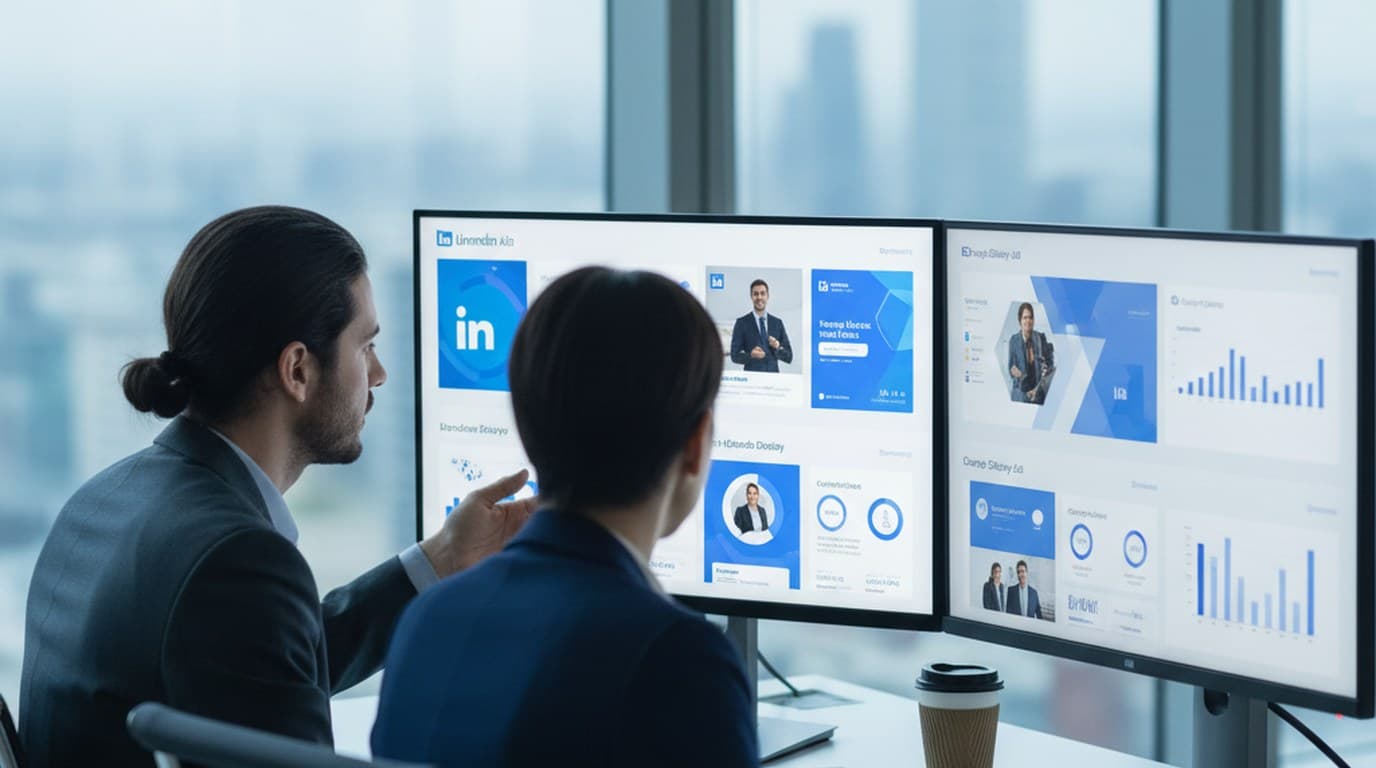
30 ad creatives, two channels, three days — how a SaaS growth team ran a quarter-end campaign push without an agency on retainer.
 Emily Carter
Phone photos, an AI photo editor, and a clear brand vision — how one indie maker's first launch looked like a studio produced it.
 Minji Park
Weekly event flyers, party invitations, and social posts — one team member, two hours, no designer on retainer.
Minji ParkKeep every image on brand, control the final look, and turn campaign ideas into polished assets without waiting on another design cycle.














