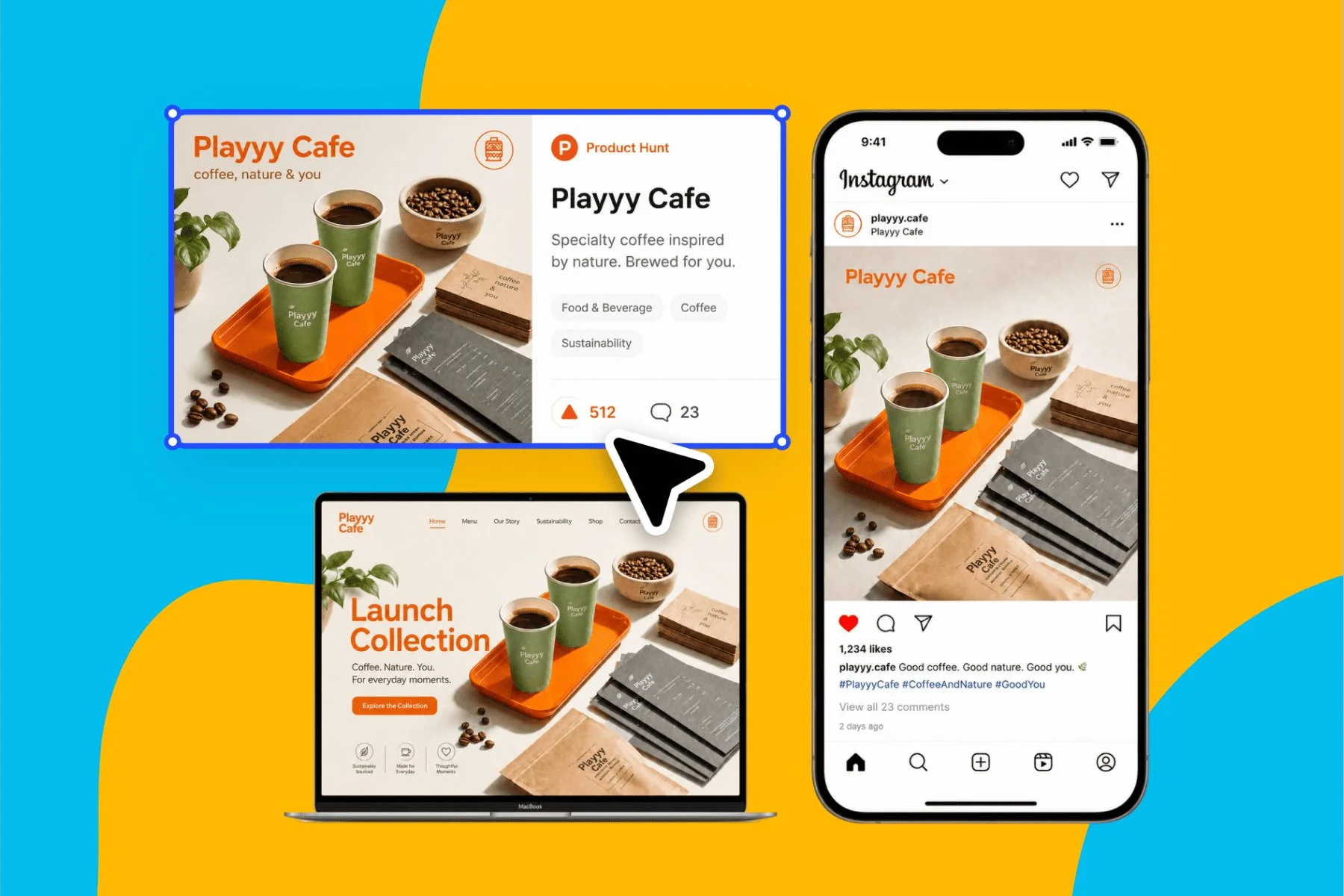
Launch Visuals for Creators and Indie Makers Without a Design Team
From brand identity direction to a complete launch kit — without hiring a designer or an agency.
Explore workflowDescribe your site and the AI website builder creates real HTML pages in your brand's logo, colors and fonts, ready to edit and publish in one click
Describe the site in the box above, refine the pages by clicking any element or asking the agent, then publish to your workspace address in one click.
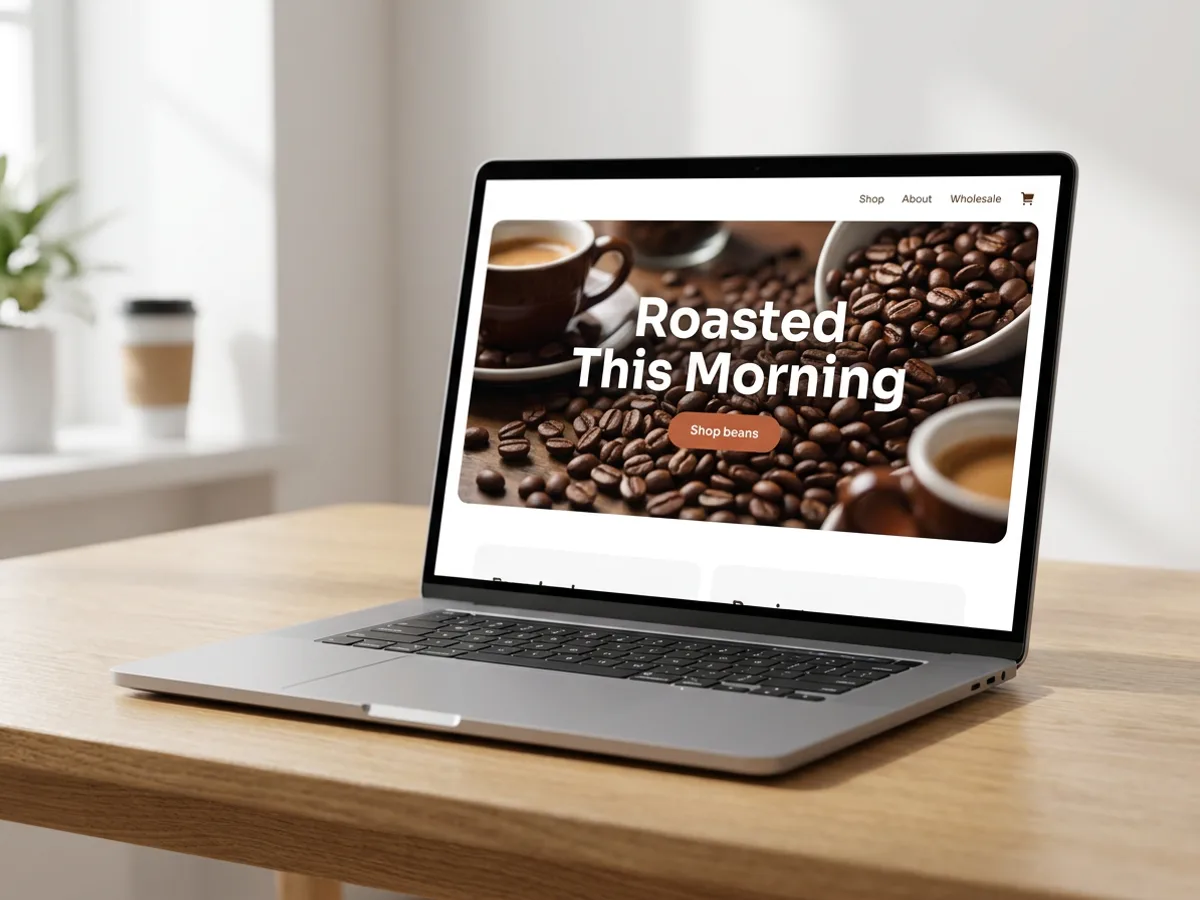
Tell the AI website builder what the business does, who the site is for and which pages it needs: a home page, a menu, an about page, a contact form. Add reference images if you have a look in mind. Playyy builds real HTML, CSS and JavaScript pages, whether that's a single scrolling page for a coffee roaster, a multi-page site with shared navigation, or an interactive prototype to click through. If your workspace has a brand kit, the logo, colors and fonts go in from the first draft, so the site already looks like your packaging and your social posts.
Try for free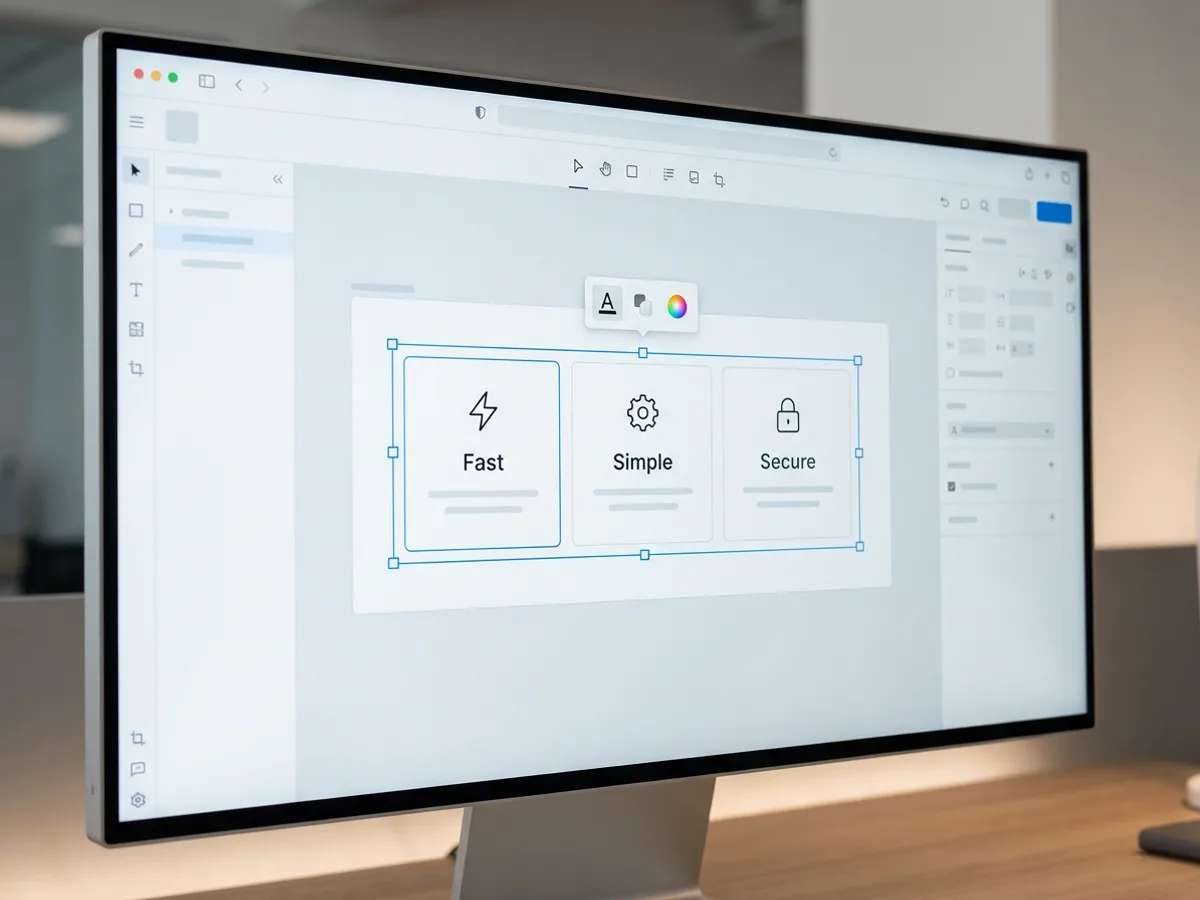
Every part of the page is editable on the canvas. Click a card to select it, then move it, reorder the row, or resize it with the handles. Type over a headline, swap a font, adjust a stroke. When a change is easier to describe than to drag, tell the agent in chat, for example 'make the features section three columns with icons' or 'rewrite this section for first-time buyers', and it edits that part of the page. Forms work the same way: ask for one with your own questions and read every submission in the Responses panel.
Try for free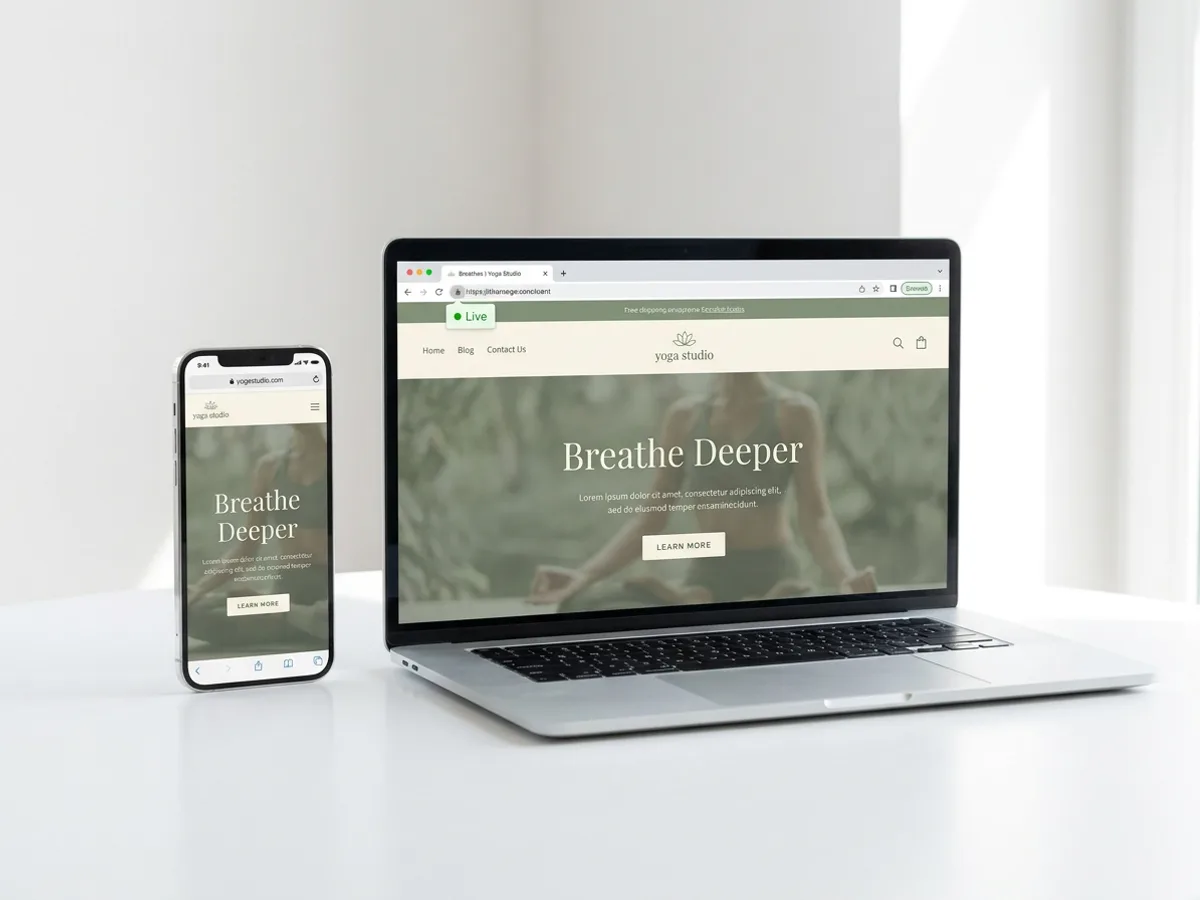
Press Publish website and the site goes live at an address on your Playyy workspace subdomain. Set the path and visibility of each page, then choose who can view it: Public, Password protected for a private preview (visitors stay signed in for 7 days), or Workspace members only. Search and sharing settings let you allow the site in search results and set the title, description, site icon and a 1200x630 link preview image. Unpublish anytime and publish again when the next version is ready.
Try for freeNeed one page for one launch? Use the AI landing page generator
Single pages, multi-page sites with shared navigation, landing pages and clickable prototypes, all built as real HTML, CSS and JavaScript.
The logo, colors and fonts from your brand kit go into every page automatically, so the site matches your other Playyy designs.
Select, move, reorder and resize elements, and edit text, fonts and strokes directly on the page.
Ask the agent to rewrite a section, change a layout or add a page, and it updates the site for you.
Ask for a form with your own questions and collect answers in the Responses panel. Drop in a QR code element wherever you need one.
Publish as Public, Password protected or Workspace members only, with a path and visibility setting for each page.
The site comes from the same tool you already use for posters, social posts and presentations. Your brand kit keeps the colors, fonts and logo consistent across all of them.
Playyy builds working HTML pages, and you shape them on a canvas the way you would a flyer. Click, drag, retype, or ask the agent.
Publish website puts the site on your workspace subdomain right away. Change your mind and unpublish just as quickly.
From brand identity direction to a complete launch kit — without hiring a designer or an agency.
Explore workflow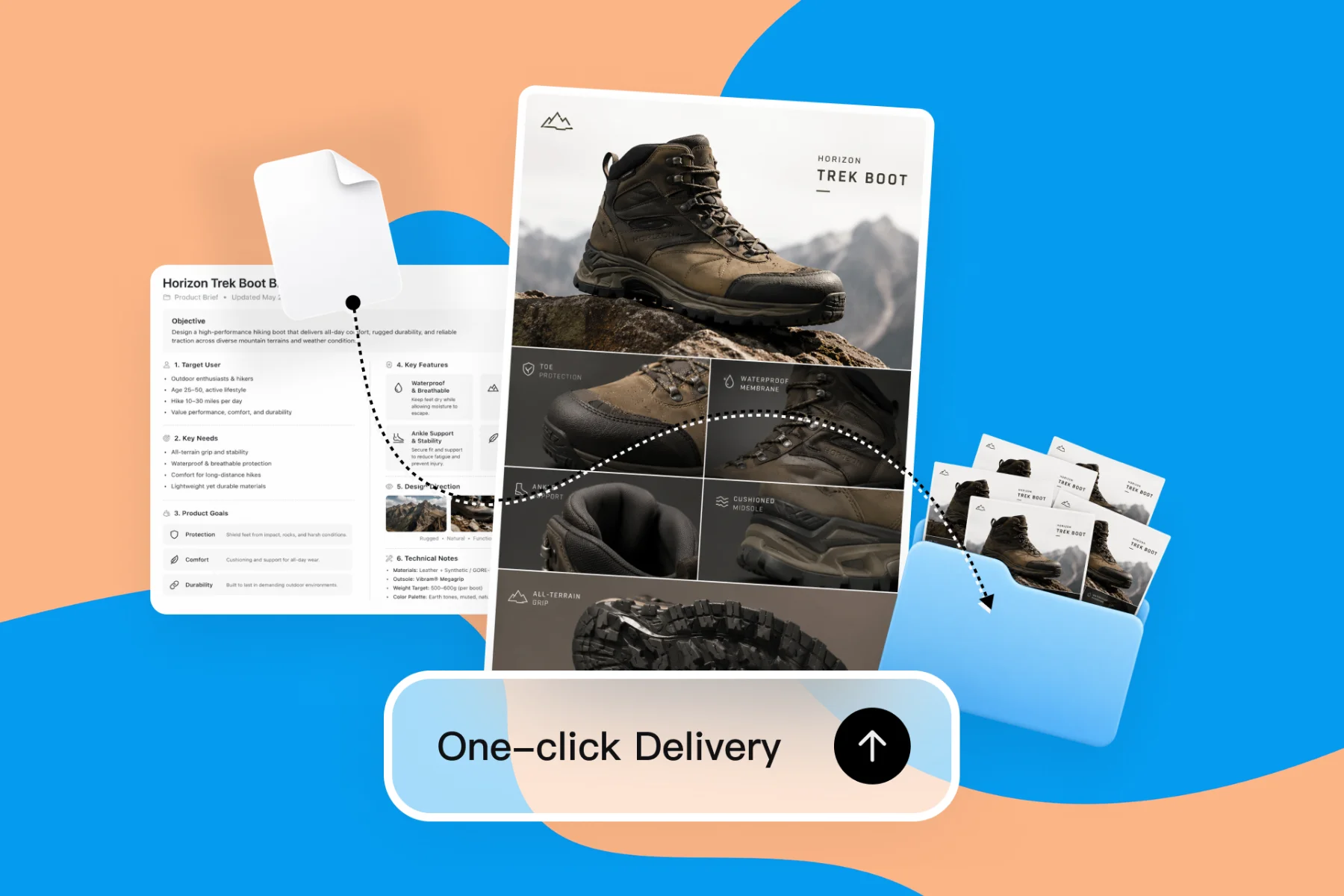
From client brief to every deliverable format — AI generation, editing, and export without switching tools.
Explore workflowYou can start free. Playyy has a free plan with daily credits. Describe your site in the box above, sign in, and your prompt carries straight into Playyy, where the AI builds the pages. Paid plans, Basic, Pro and Mega, are available when you need more credits for larger sites and frequent changes.
An AI website builder turns a written description into working web pages. In Playyy you describe the business, the pages and the style, and you can add up to 10 reference images. The agent writes the HTML, CSS and JavaScript, lays out the sections and applies your brand kit. You then refine the result on the canvas or by chat, and publish when it reads right.
Single-page sites, multi-page sites with shared navigation, landing pages and interactive prototypes. Common examples are a café or studio site, a portfolio for an architect or photographer, a service business with a contact form, or an event site. Everything is built as real HTML pages you can edit element by element. For a single page tied to one launch, the AI landing page generator is the faster starting point.
Yes, every element stays editable. Click to select text, images, cards or buttons, then move, reorder or resize them, and change text, fonts and strokes directly. For bigger changes, tell the agent what you want, such as a shorter hero or an extra section about your team, and it edits the page for you. Each change shows up on the canvas right away.
Click Publish website and the site goes live at an address on your Playyy workspace subdomain. You set each page's path and visibility, and choose whether visitors see it publicly, through a password, or as workspace members only. Password-protected visitors stay signed in for 7 days. You can unpublish anytime and publish again after edits.
Yes, when you allow it. In the search and sharing settings, allow the site in search results and write the title and description that search engines and link previews use. Add a site icon and a 1200x630 link preview image so shared links look finished in messages and on social. For a private preview, keep the site password protected or limited to workspace members.
The best AI website builder for a small business keeps the site consistent with everything else the business puts out. Playyy builds the site from your brand kit, so the logo, colors and fonts match the flyers, social posts and presentations you make in the same workspace. Add a contact form, publish in one click, and update pages by chat as the business changes.
See how teams are using Playyy to ship better visuals, faster.
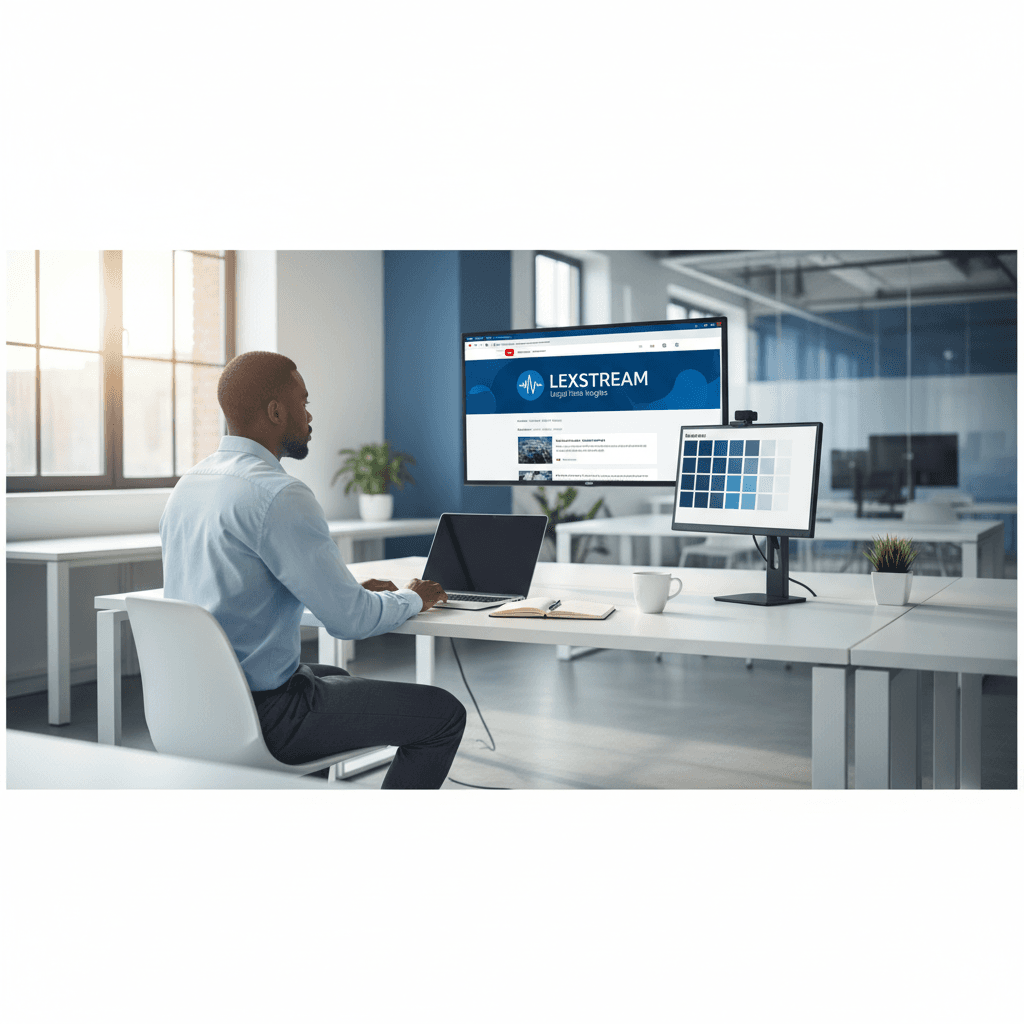
A legal-tech startup founder, no designer, 22 YouTube thumbnails — how the startup built a consistent channel identity in one week using Playyy's brand kit.
 Daniel Brooks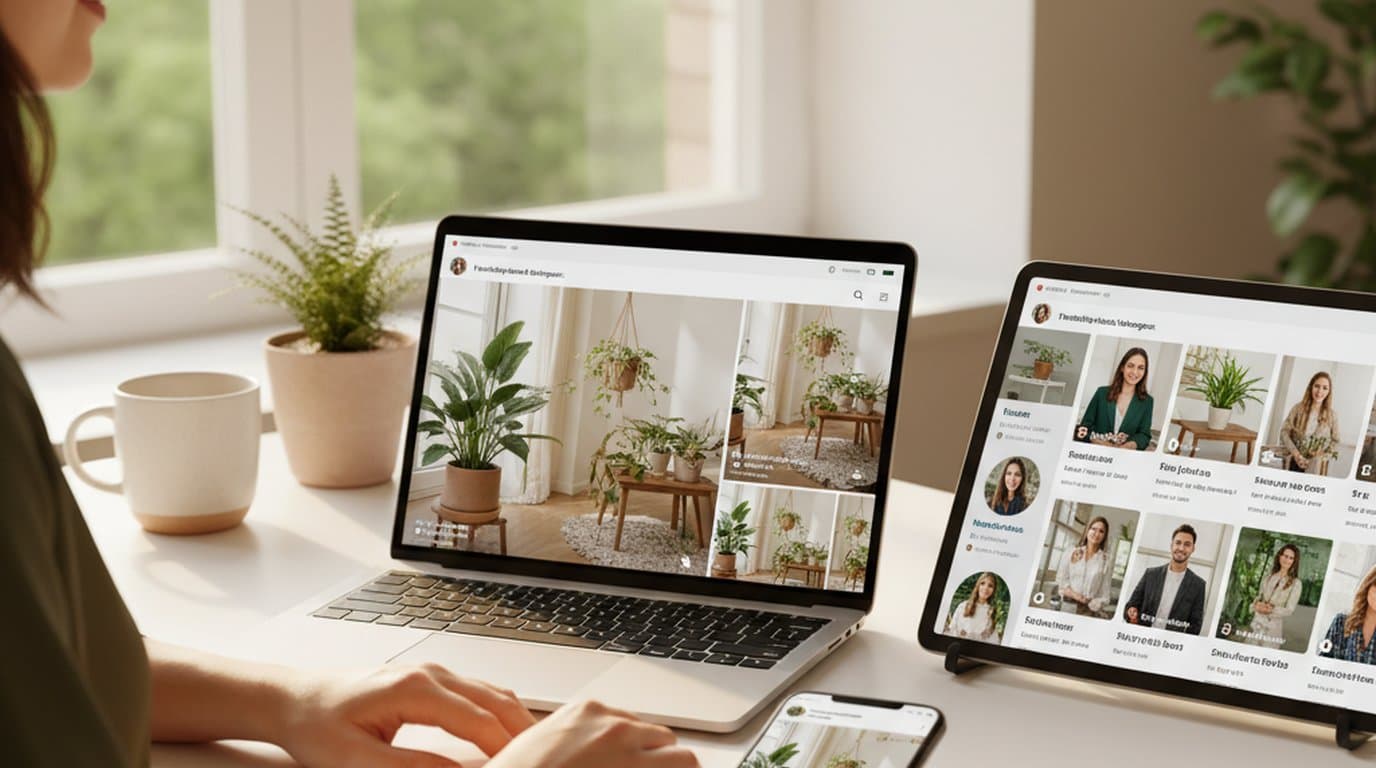
One person, three platforms, zero visual drift — how the brand stopped rebuilding the same visuals from scratch for each channel.
 Sophie Whitmore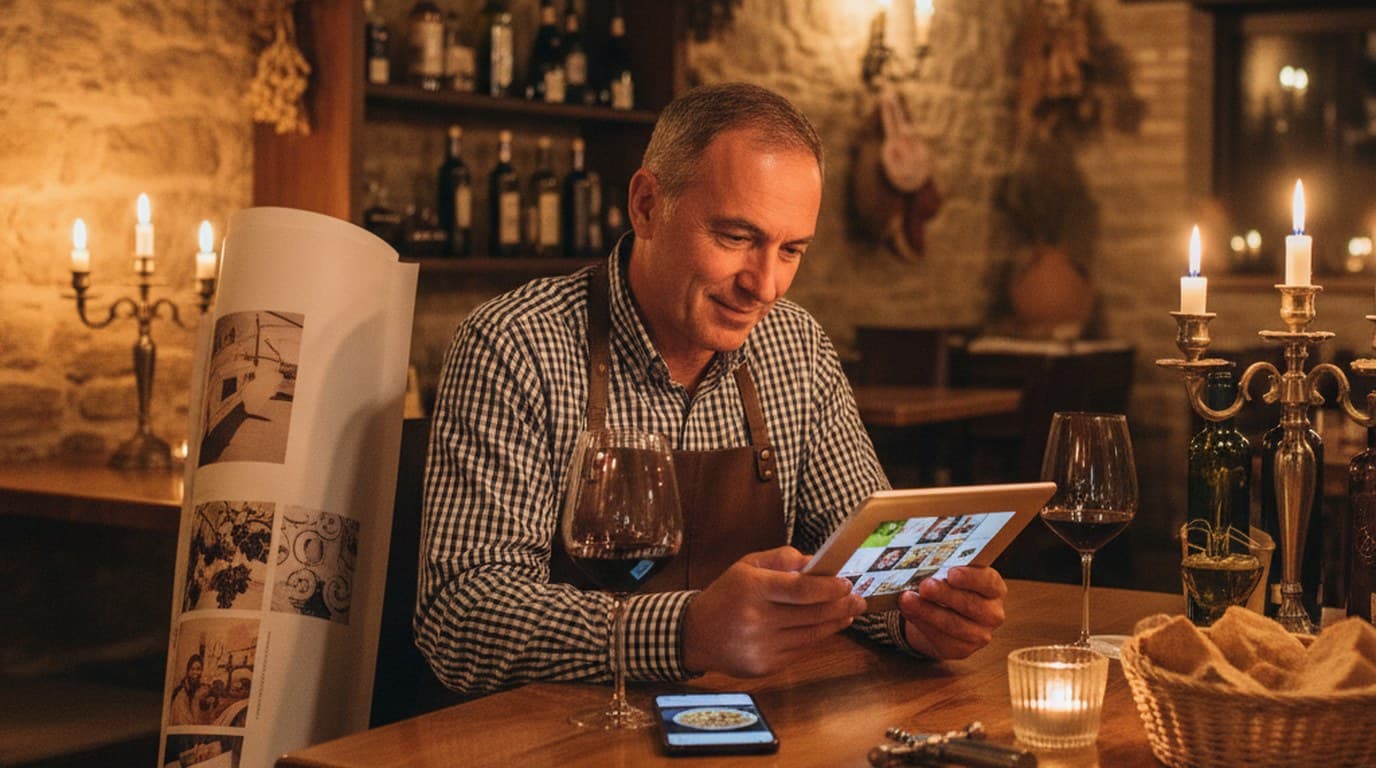
New menu, no design budget, three formats — complete in one afternoon with an AI image creator.
 Luca Moretti
Keep every image on brand, control the final look, and turn campaign ideas into polished assets without waiting on another design cycle.














