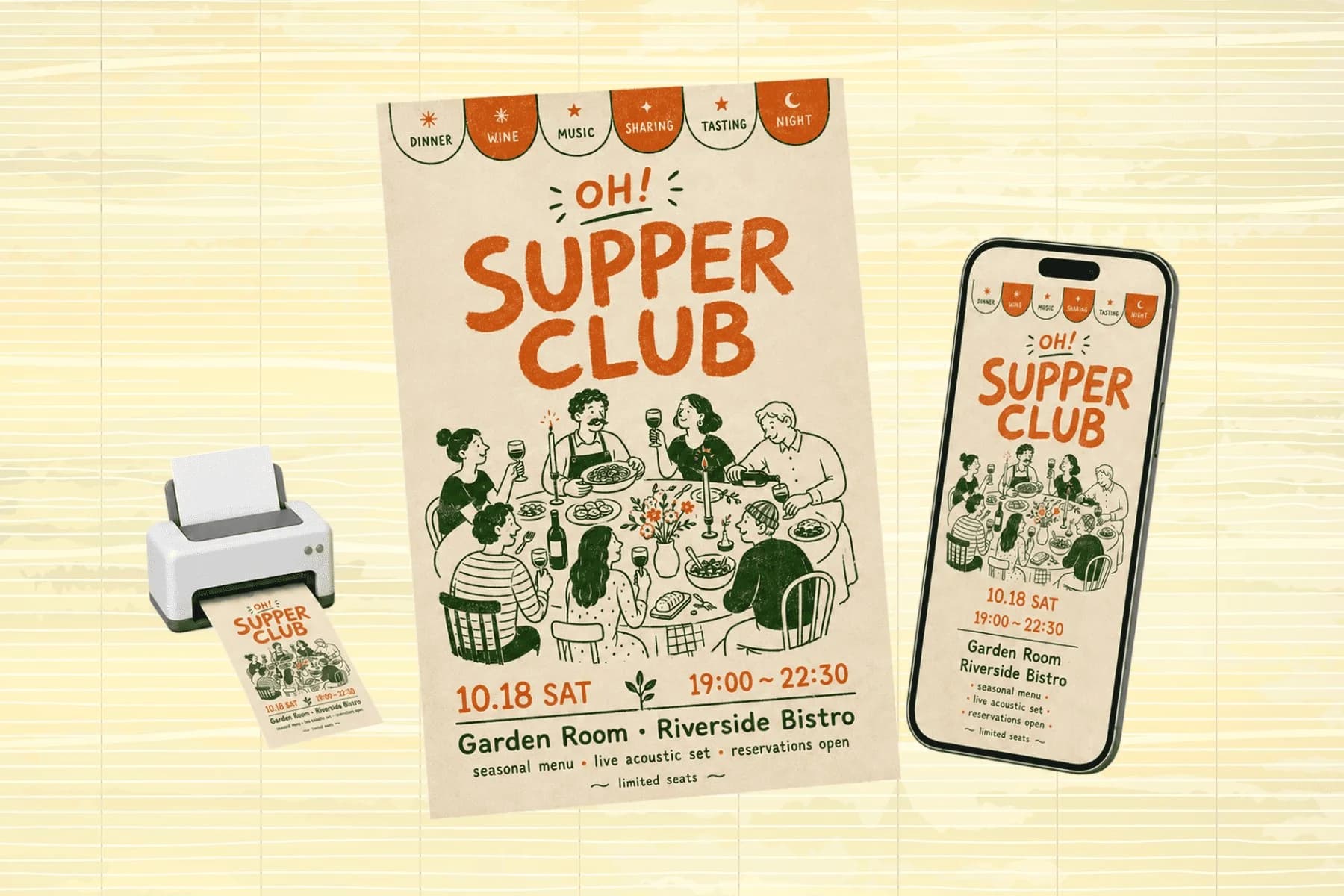
Social Media Visuals for Every Platform, From One Image
One hero visual, every platform format — YouTube, LinkedIn, Instagram — without manual resizing.
Explore workflowTurn one topic into a full carousel: the AI carousel maker writes the hook, the points and the call to action, then designs every slide in one style
Describe the topic and audience, let the AI write and design every slide, then edit on the canvas and export images or a PDF.
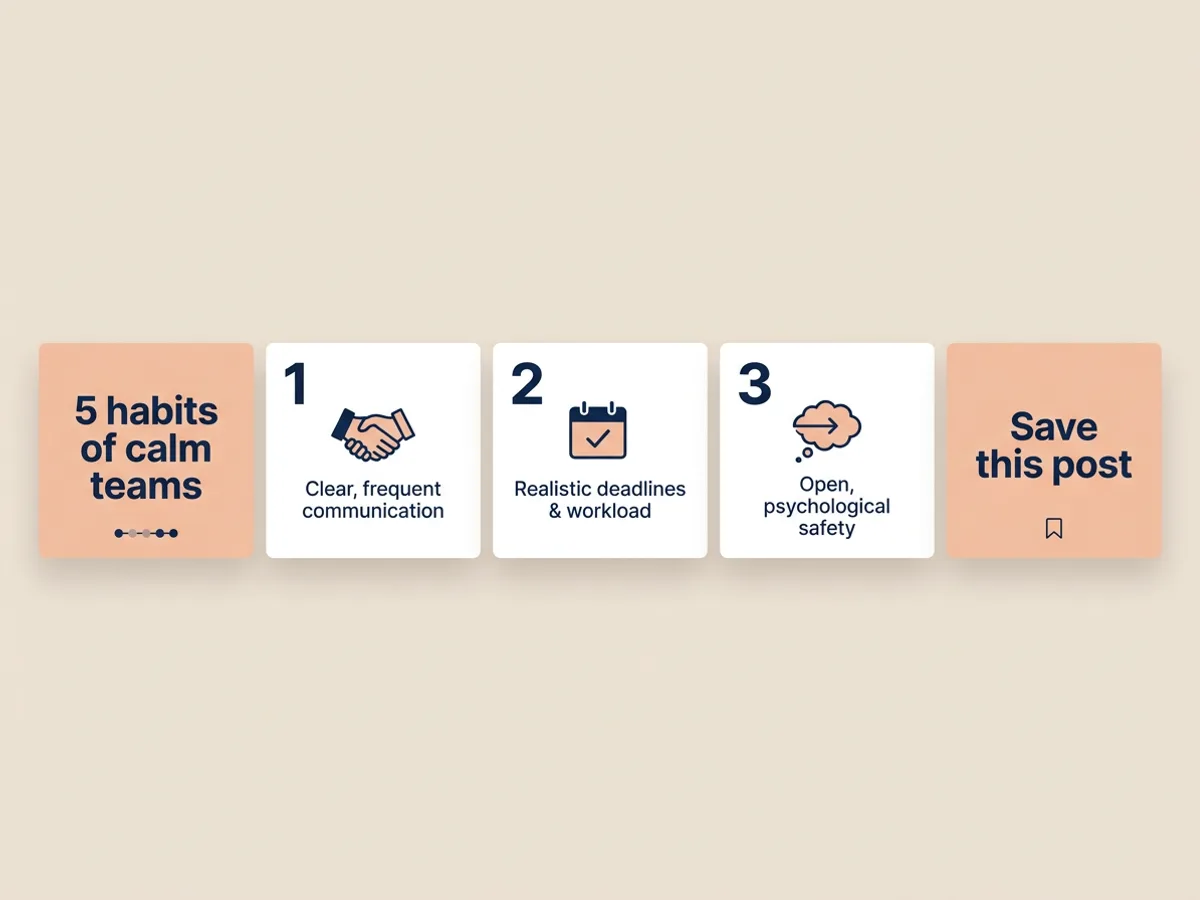
Describe the topic and who it is for, and the carousel maker writes the whole sequence before it designs a single slide. The first slide is a hook that earns the swipe, the middle slides each carry one numbered point, and the last slide asks for the save, the follow or the comment. Every slide shares one palette, one type pairing and one icon style, so the set reads as a single post. Pick a 1:1 square or a 4:5 portrait size to match the feed you post to.
Try for free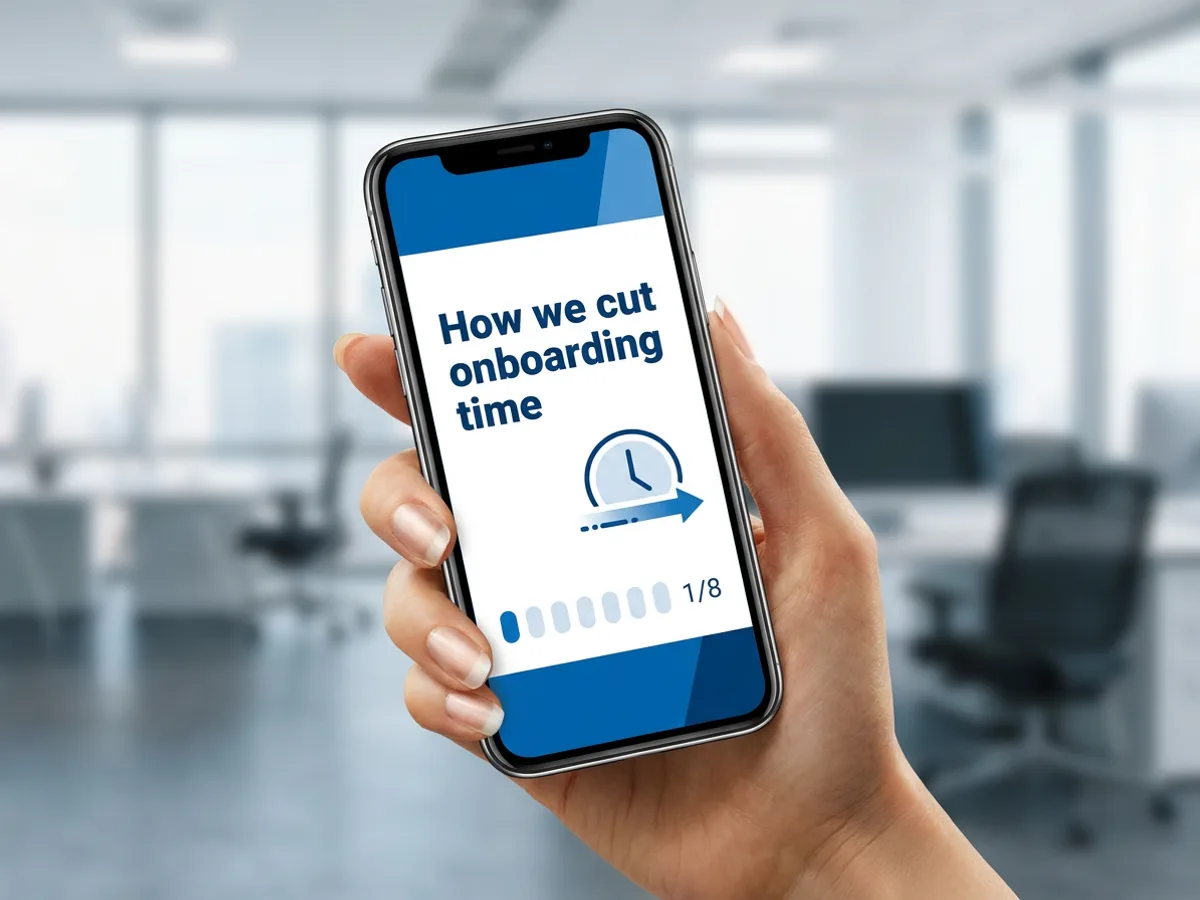
LinkedIn document posts use a PDF, with each page shown as a slide your readers swipe through. Export the whole carousel as one PDF and upload it as a document post, page indicator and all. The same carousel also exports slide by slide as PNG or JPG for Instagram, Threads and TikTok photo posts, and several images download together as a ZIP. Write the carousel once, then take it to every platform where your audience scrolls.
Try for free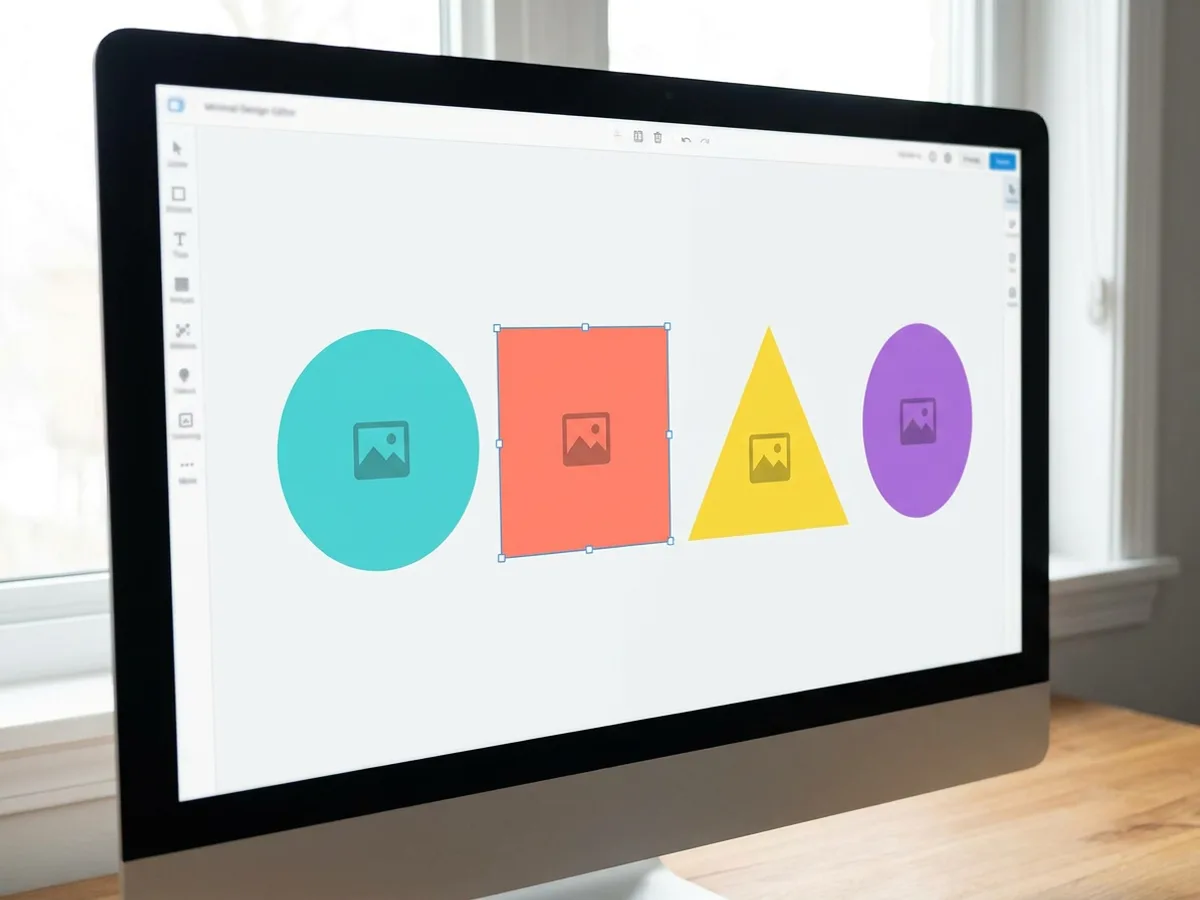
All the slides sit side by side on the canvas, so you see the sequence the way your audience will. Text stays as editable layers: click into any headline and rewrite it, or move an icon on a single slide. For bigger changes, tell the agent what you want, such as a shorter hook, photos in place of icons, or an extra slide on pricing, and it edits the carousel for you. With a brand kit set, every carousel uses your logo, colors and fonts.
Try for freeNeed single posts and stories too? Use the AI social media post generator
The AI plans a hook slide, value slides and a call-to-action slide from your topic and audience.
Palette, type and icons stay consistent from the first slide to the last, so the carousel reads as one post.
Make carousels for Instagram, LinkedIn, Threads and TikTok photo posts, with size presets including 1:1 square and 4:5 portrait.
Change any headline or point directly on the canvas, or ask the agent to rewrite a slide.
Export each slide as PNG or JPG in a ZIP, or the whole carousel as a PDF for LinkedIn document posts.
Your logo, colors, fonts and voice apply automatically, so every carousel matches the rest of your feed.
Each slide is written with the slides around it in mind, so the hook sets up the points and the final slide closes the loop. The style holds from the first swipe to the call to action.
Upload a carousel whose layout you like, and design remake rebuilds it around your topic, copy and brand. You keep the structure that works and fill it with your own content.
Square and portrait presets cover Instagram, LinkedIn, Threads and TikTok photo posts. Images and PDF both come from the same design, so your message stays identical everywhere.
One hero visual, every platform format — YouTube, LinkedIn, Instagram — without manual resizing.
Explore workflow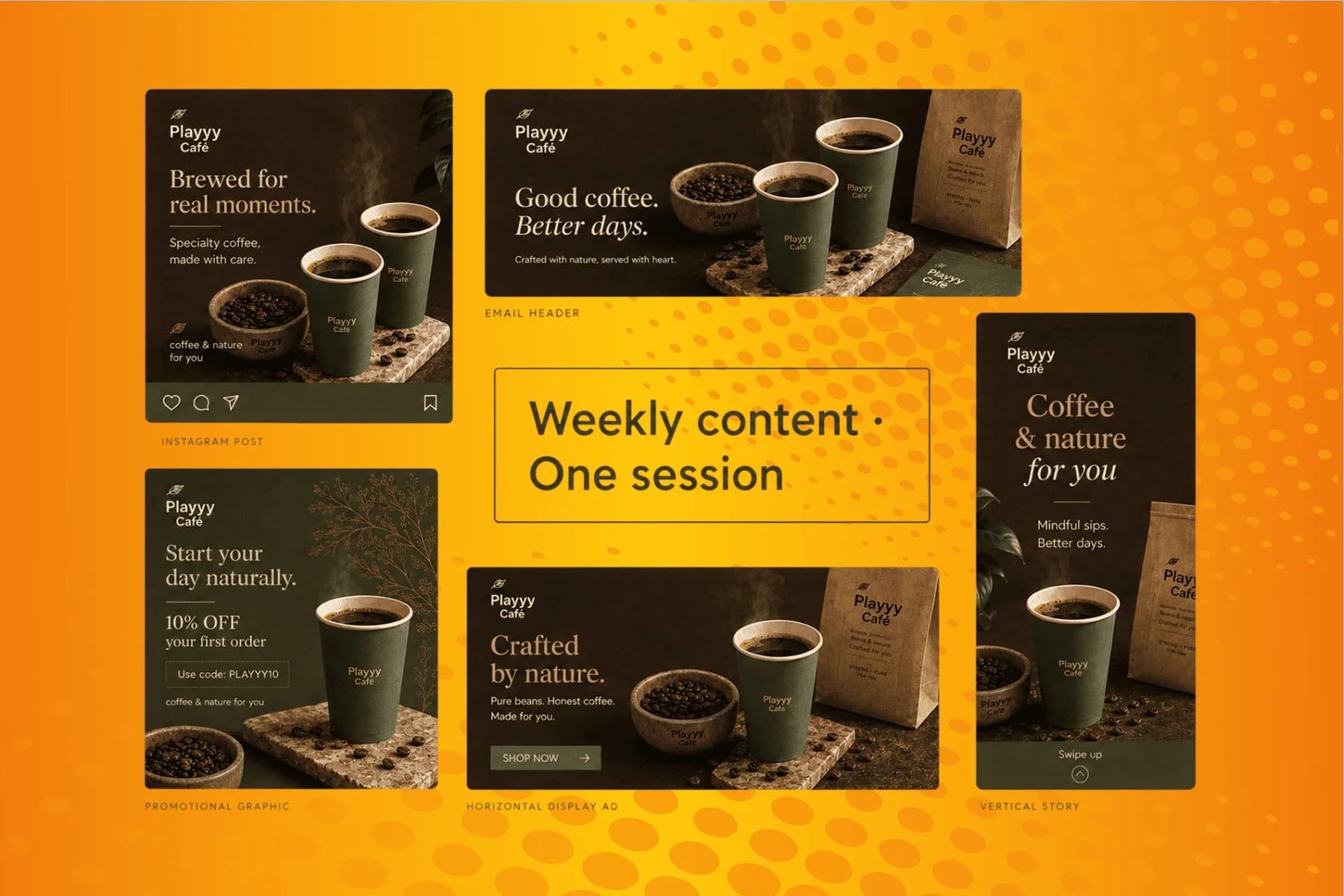
From content gap to publish-ready creative — AI image generator, brand style matching, and copy placement in one session.
Explore workflowA carousel maker is a tool for designing multi-slide social posts that people swipe through. In Playyy, the AI carousel maker writes the slide sequence from your topic, with a hook, a set of points and a call to action, and designs every slide in one consistent style. You edit on the canvas and export images or a PDF for Instagram, LinkedIn, Threads or TikTok.
Describe the topic, the audience and the number of slides in the box above, then sign in to continue in Playyy. The AI writes the hook, the points and the closing slide, and designs them at a 1:1 square or 4:5 portrait size. Edit any slide on the canvas or by chat, then export the slides as PNG or JPG images to post in order.
Yes, you can start free. The free plan includes daily credits, and you sign in to generate carousels in Playyy. Exports on the free plan come watermark-free, so slides are ready to post as soon as you download them. Paid plans (Basic, Pro and Mega) add more credits and larger image exports, up to 4K.
Instagram carousels work at a 1:1 square or a 4:5 portrait ratio, and 4:5 takes up more of the screen in the feed. Every slide in one carousel should share the same size, so choose it before you generate. Playyy includes both presets, and the AI composes each slide for the shape you pick.
LinkedIn carousels are document posts built from a PDF, with each page shown as a slide. Describe the topic in the box above, generate the carousel in Playyy, then export the whole sequence as one PDF and upload it to LinkedIn as a document. A portrait or square size keeps the slides readable on a phone.
Plan as many slides as the idea needs and put that number in your description, for example eight slides. A tight carousel usually gives the hook one slide, one point per slide in the middle, and a closing slide with the call to action. The AI plans the sequence to fit the count you ask for, and you can add or remove slides afterward.
Look for three things in an AI carousel generator: writing that follows a clear hook-to-CTA sequence, one consistent style across every slide, and exports that match where you post. Playyy covers all three, with editable text layers on the canvas, brand kit support, PNG and JPG images for Instagram and a PDF for LinkedIn document posts. Try one topic in a few tools and compare the results.
Yes. The carousels you make in Playyy are yours to use commercially, on your brand accounts, for clients or in paid promotion. Set up a brand kit and every carousel picks up your logo, colors, fonts and voice automatically, which keeps a business feed consistent from post to post.
See how teams are using Playyy to ship better visuals, faster.

An indie systems creator runs a 10-slide weekly carousel and a 30-slide course launch by stitching images on Playyy's editable canvas — one tab, not five.
 Minji Park
LinkedIn ads and organic posts, two different tones, one brand — produced in a single creative session without separate workflows.
 Emily Carter
One person, three platforms, zero visual drift — how the brand stopped rebuilding the same visuals from scratch for each channel.
 Sophie Whitmore
Keep every image on brand, control the final look, and turn campaign ideas into polished assets without waiting on another design cycle.














