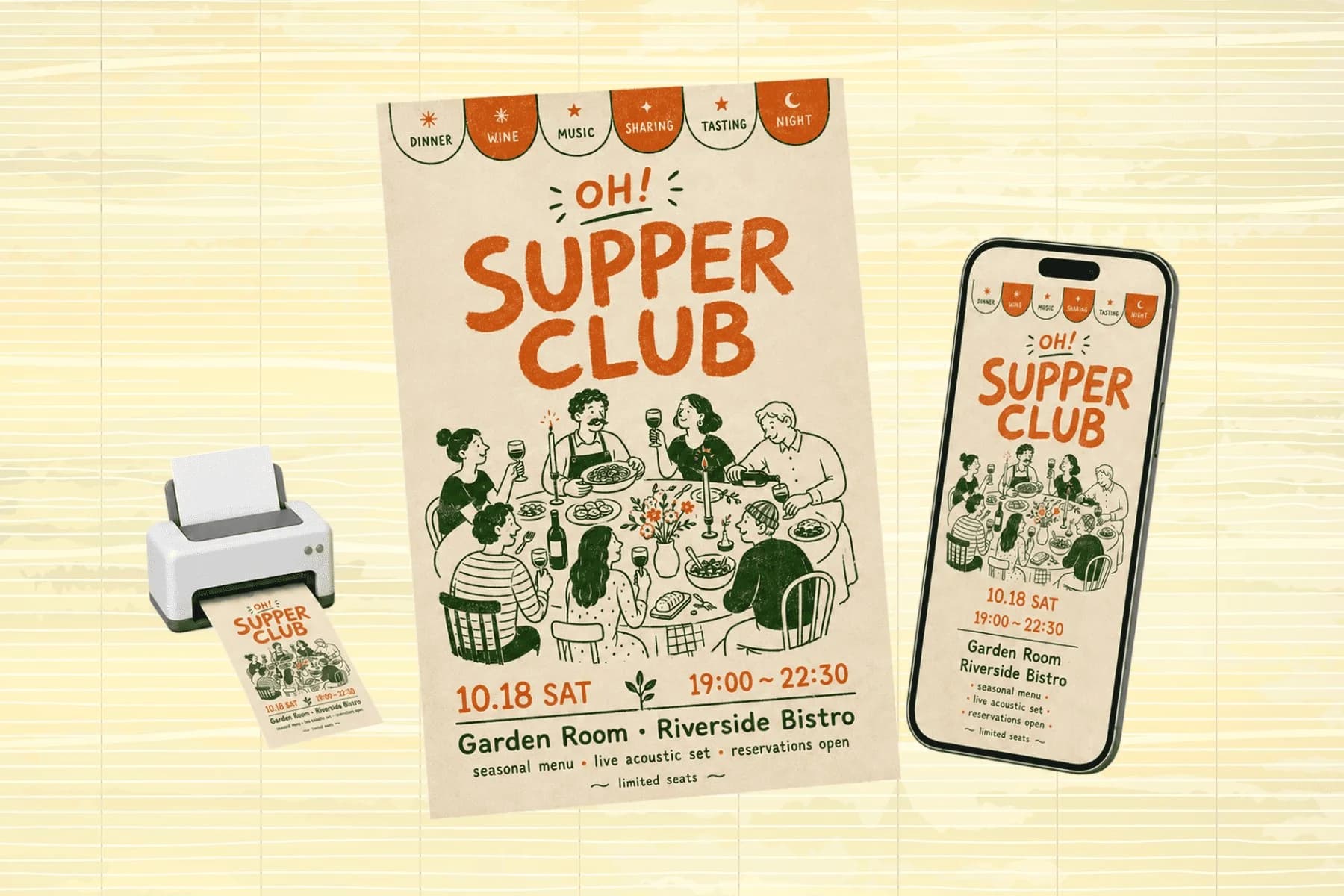
Social Media Visuals for Every Platform, From One Image
One hero visual, every platform format — YouTube, LinkedIn, Instagram — without manual resizing.
Explore workflowDriven by GPT Image 2.5 & Nano Banana Pro 🍌
Mirror a photo left-to-right or top-to-bottom in one click — preview and download the result
A workflow built around your real creative needs — from first direction to final asset.
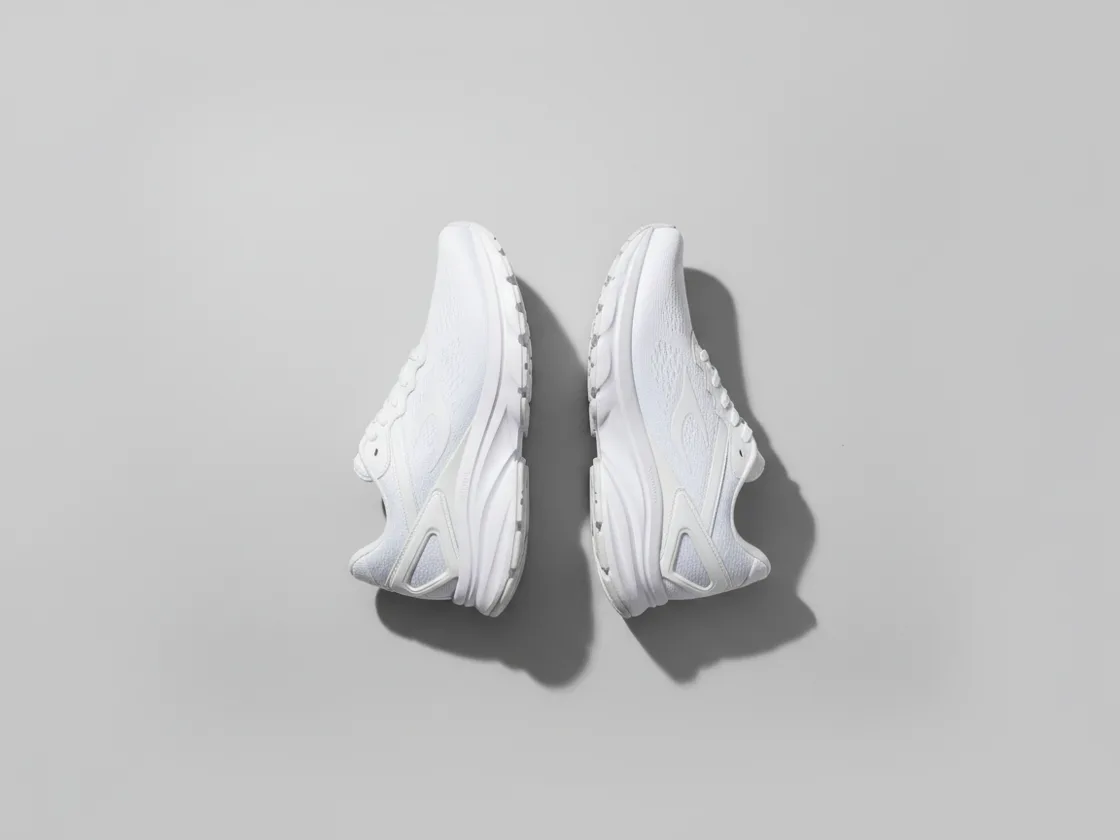
Upload a photo and flip it left-to-right or top-to-bottom in a single click. A horizontal flip fixes selfies and front-camera shots that came out reversed; a vertical flip turns a subject upside down for reflection effects. The output keeps the original resolution and file quality — flipping rearranges pixels, it never resamples them.
Try for free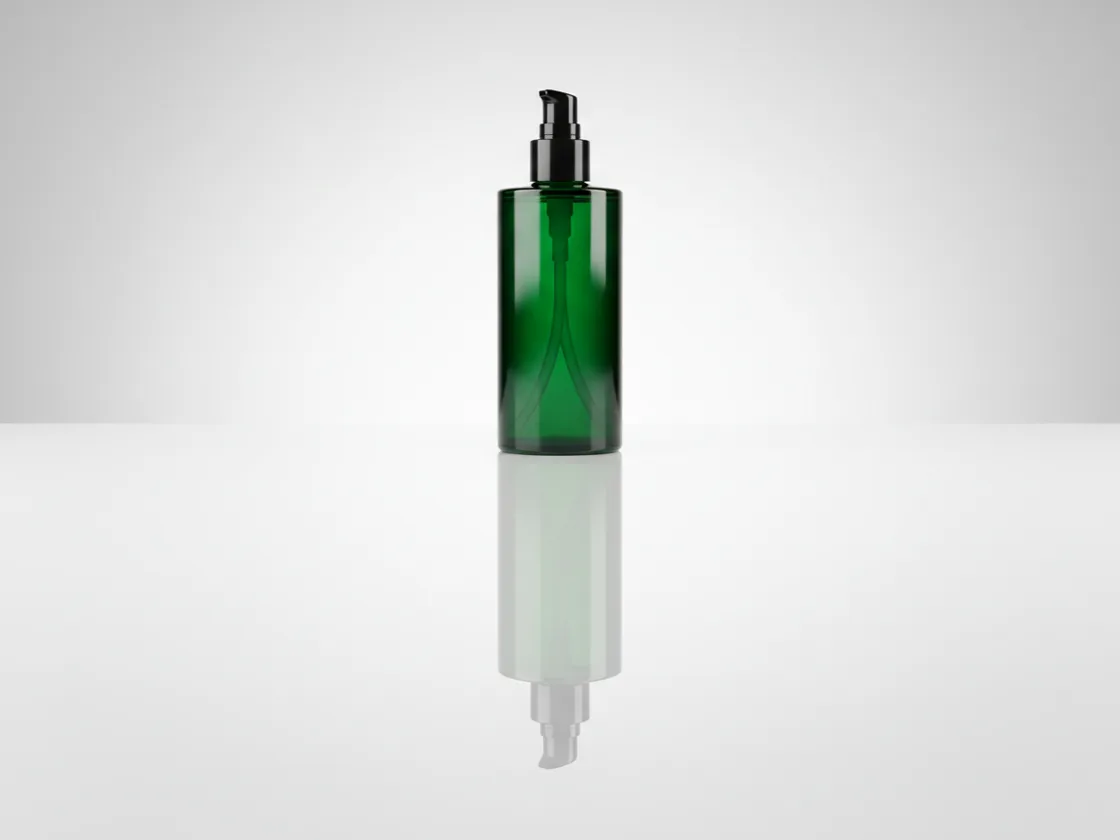
Mirroring an image is the fastest way to build a symmetrical composition or a believable reflection under a product. Flip a copy vertically, place it beneath the original, and you have a studio-style reflection without rebuilding the shot. The same trick fixes a subject facing the wrong way in a layout — mirror it so it faces into the page instead of off the edge.
Try for free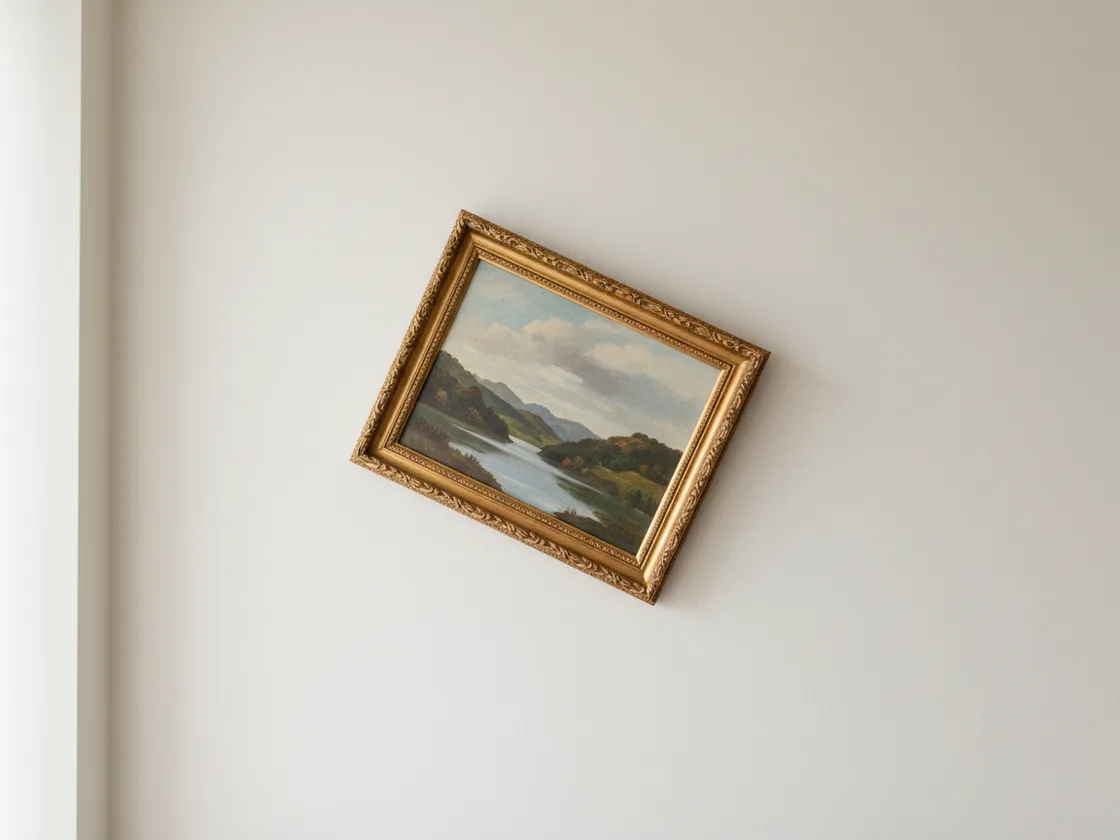
Flipping mirrors an image; rotating turns it. They're different operations and it's worth knowing which one you actually want — if the photo imported sideways or the horizon is crooked, rotation is the fix, and it lives on the Crop panel alongside the straightening control. Both sit in the same editor on the same upload, so moving between them costs nothing.
Try for freeMirror left-to-right or top-to-bottom from the same panel. Apply one, the other, or both — flipping on both axes is the same as a 180-degree rotation, and you can get there either way.
Flip handles mirroring. When a photo needs turning or straightening instead, the rotate control sits on the Crop panel — same editor, same upload, no export in between.
Flipping preserves the image dimensions. The edited result downloads as a PNG, so a JPG source is not compressed into another JPG.
The flip applies as soon as you pick the direction. There's no render queue and no progress bar, regardless of how large the source file is.
The flipped image exports as PNG, including when the source is JPG or WebP. Existing transparency stays intact instead of being flattened onto white.
Flipping is one step inside a full editor. Straighten the shot, crop it to the ratio you need, adjust the brightness, and export — all without leaving the page or re-uploading.
Playyy renders the flipped image as a PNG at the original dimensions. That avoids another round of JPEG compression and preserves an existing transparent background.
A photo that needs flipping usually also needs cropping, straightening, or a brightness pass. Doing each in a different single-purpose tool means exporting and re-uploading between every step, compounding compression each time. Here the flip happens in the same editor as everything downstream, so the file is written once, at the end.
Try the flip and check the result before signing in. Download requires an account; after signing in, the image exports without a watermark. The same editor also has crop, lighting, and AI tools if the photo needs more work.
One hero visual, every platform format — YouTube, LinkedIn, Instagram — without manual resizing.
Explore workflow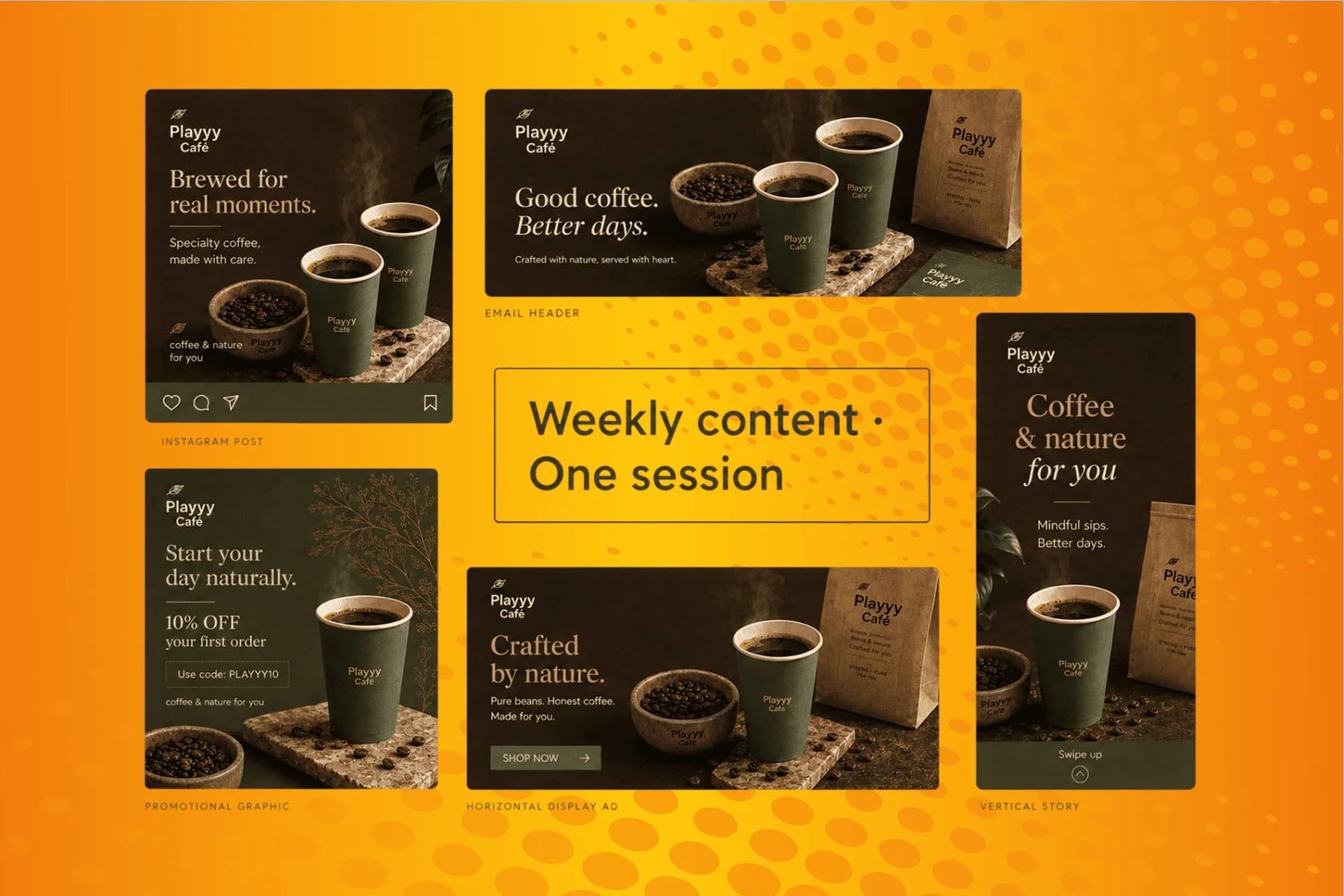
From content gap to publish-ready creative — AI image generator, brand style matching, and copy placement in one session.
Explore workflowUpload the photo and choose horizontal or vertical flip. A horizontal flip mirrors it left-to-right; a vertical flip mirrors it top-to-bottom. Sign in to download the result as a PNG without a watermark.
A mirror flip is a horizontal flip — it reverses the image left-to-right the way a mirror would. Pick the horizontal option to mirror it. To build a reflection instead, flip a duplicate vertically and place it below the original.
Flipping alone keeps the original dimensions. The result is rendered as PNG, which avoids adding JPEG compression artifacts even when the source was a JPG.
Flipping mirrors an image across an axis, producing a reversed version — text reads backwards. Rotating turns the image around its centre without reversing it, so text stays readable. Use Flip for mirroring; for a sideways or crooked photo use the rotate control on the Crop panel.
Yes. You can try the flip before signing in. Download requires an account and exports a PNG without a watermark.
PNG, JPG, WebP, and HEIC. Transparency is preserved on PNG and WebP, so a flipped cutout keeps its transparent background rather than being flattened onto a white one.
See how teams are using Playyy to ship better visuals, faster.
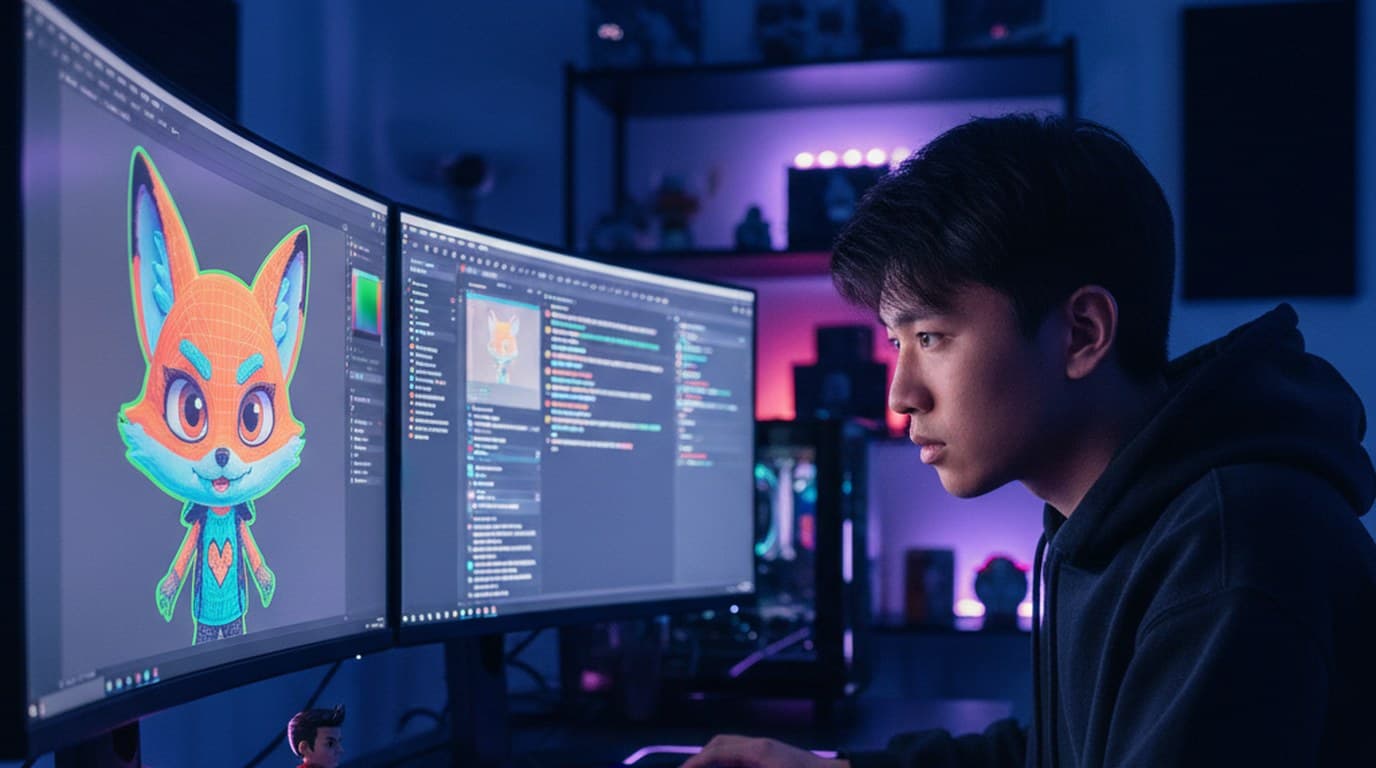
A mid-size Twitch streamer and YouTube gaming creator cut per-refresh commissions to zero and shrank the visual brand refresh from 6 hours to 45 minutes using Playyy.
 Minji Park
An indie systems creator runs a 10-slide weekly carousel and a 30-slide course launch by stitching images on Playyy's editable canvas — one tab, not five.
Minji Park
LinkedIn banner, Facebook cover, and profile picture — one visual direction, one afternoon, zero design budget.
Minji ParkKeep every image on brand, control the final look, and turn campaign ideas into polished assets without waiting on another design cycle.














