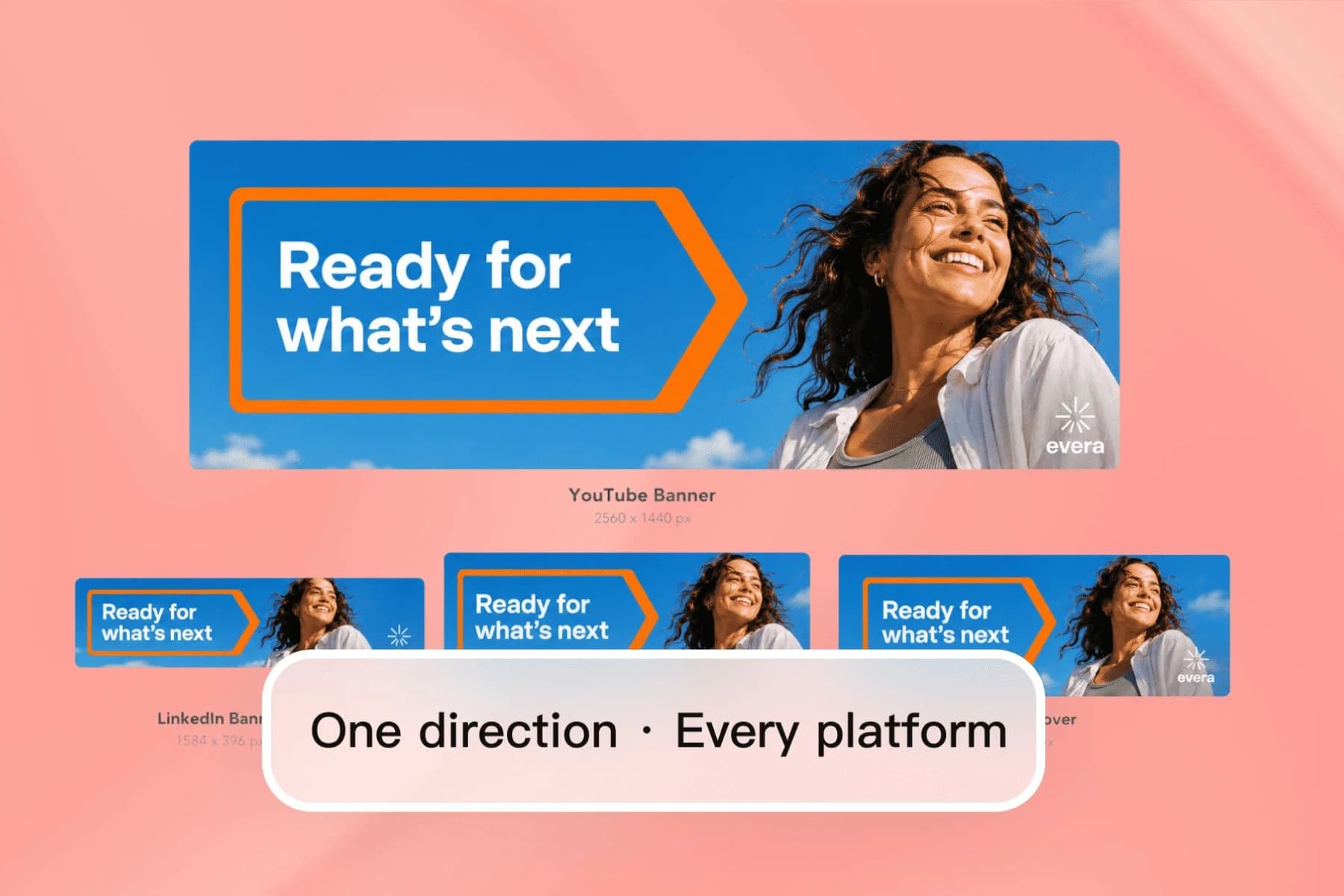
Create YouTube and LinkedIn Banners with AI
From one AI direction to YouTube, LinkedIn, Twitter, and Facebook covers — no designer, no templates.
Explore workflowUse this YouTube banner maker to design 2560 x 1440 channel art with your name inside the safe area, then reuse the look for X and LinkedIn
Describe your channel and style, keep the name inside the 1546 x 423 safe area, then download the banner as PNG or JPG.
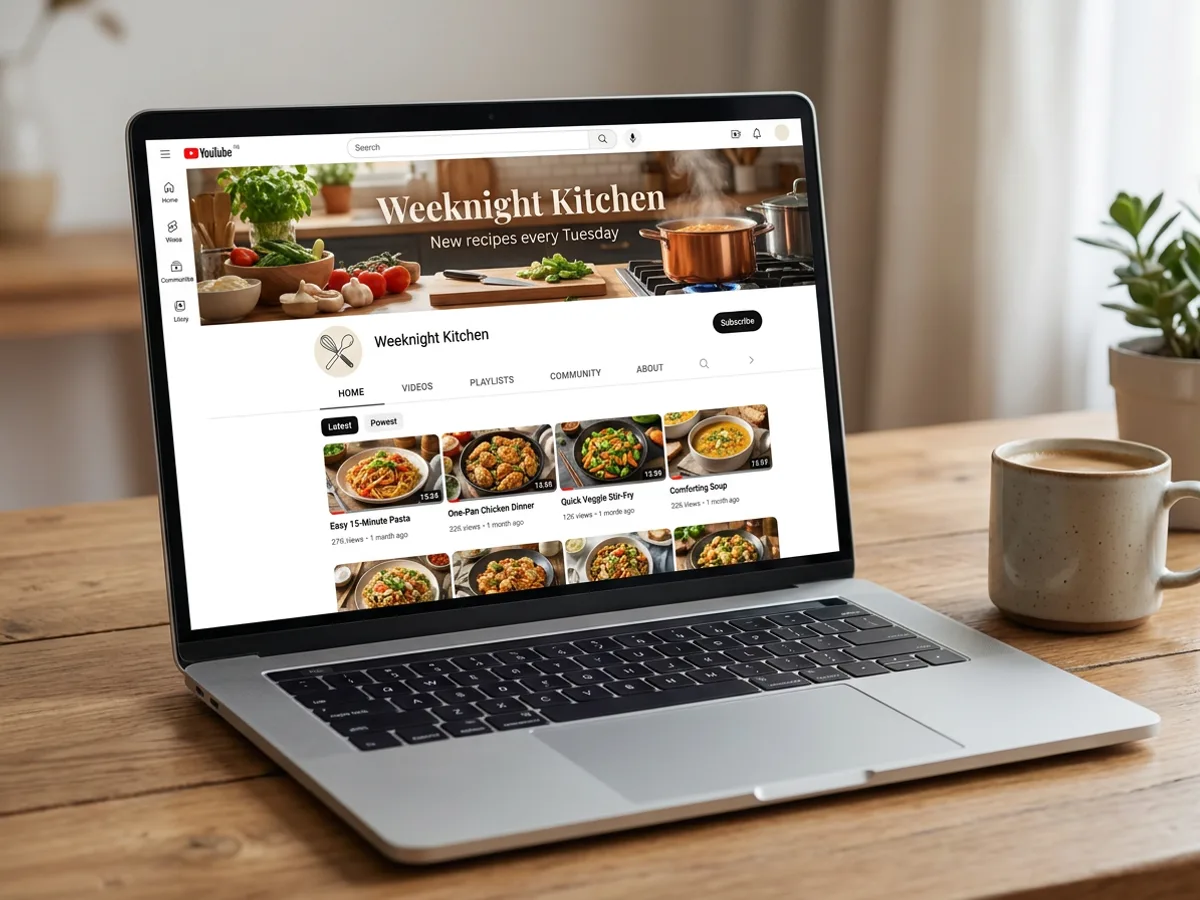
Tell the YouTube banner maker what the channel covers, how it should feel and what it needs to say: a cooking channel, a warm kitchen photo, 'Weeknight Kitchen', new recipes every Tuesday. The AI designs the banner with imagery, the channel name and your tagline in place. Choose Editable design to keep the name and tagline as text you can update later, for a new upload schedule or a fresh series, while the photo stays exactly where it is.
Try for free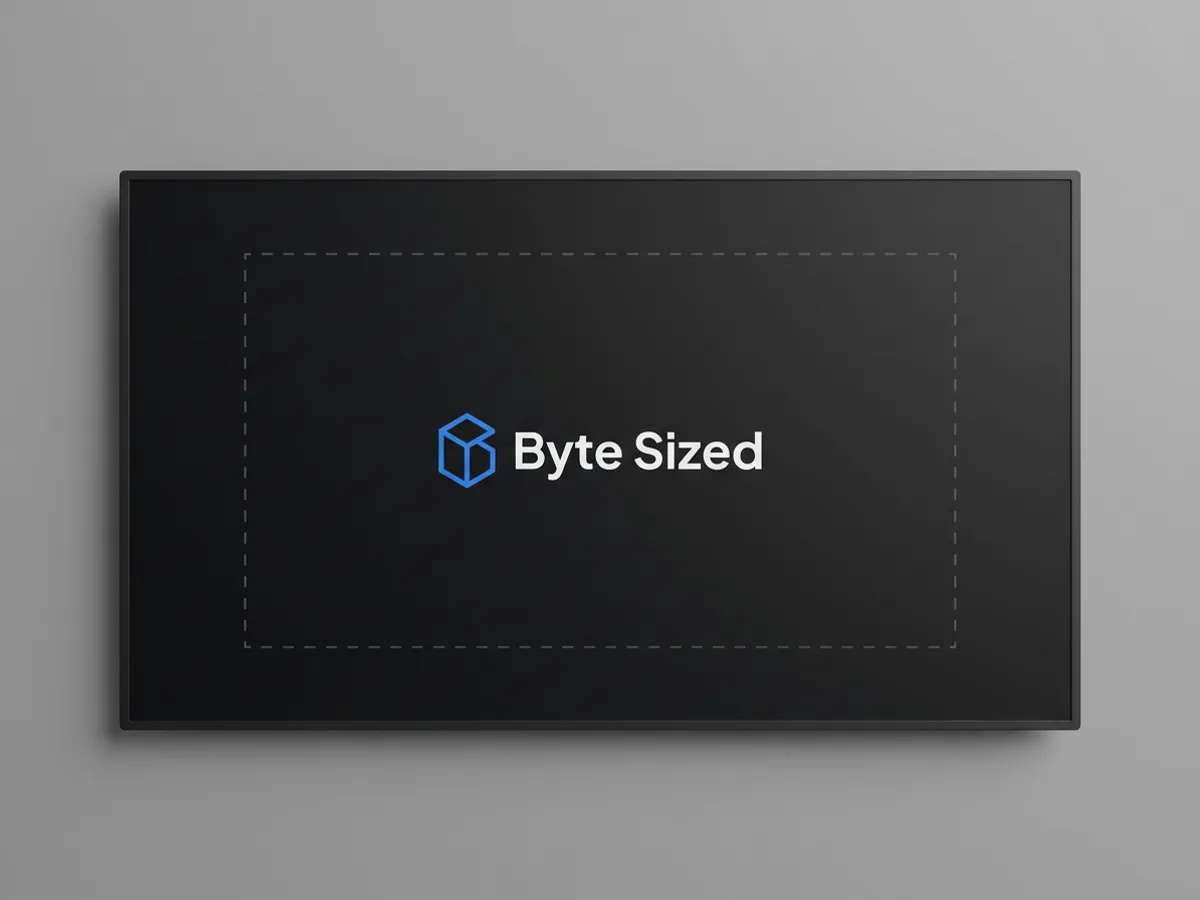
YouTube channel art uses a 2560 x 1440 image, and the YouTube size preset in Playyy sets that canvas up for you. The part every device shows is the central 1546 x 423 safe area, so that's where the channel name, logo and tagline belong. Treat the rest of the canvas as background: scenery, texture or color that extends outward and fills the wider crops on desktop and TV. Ask the agent to center the text or enlarge the logo inside the safe area and it adjusts the layout.
Try for free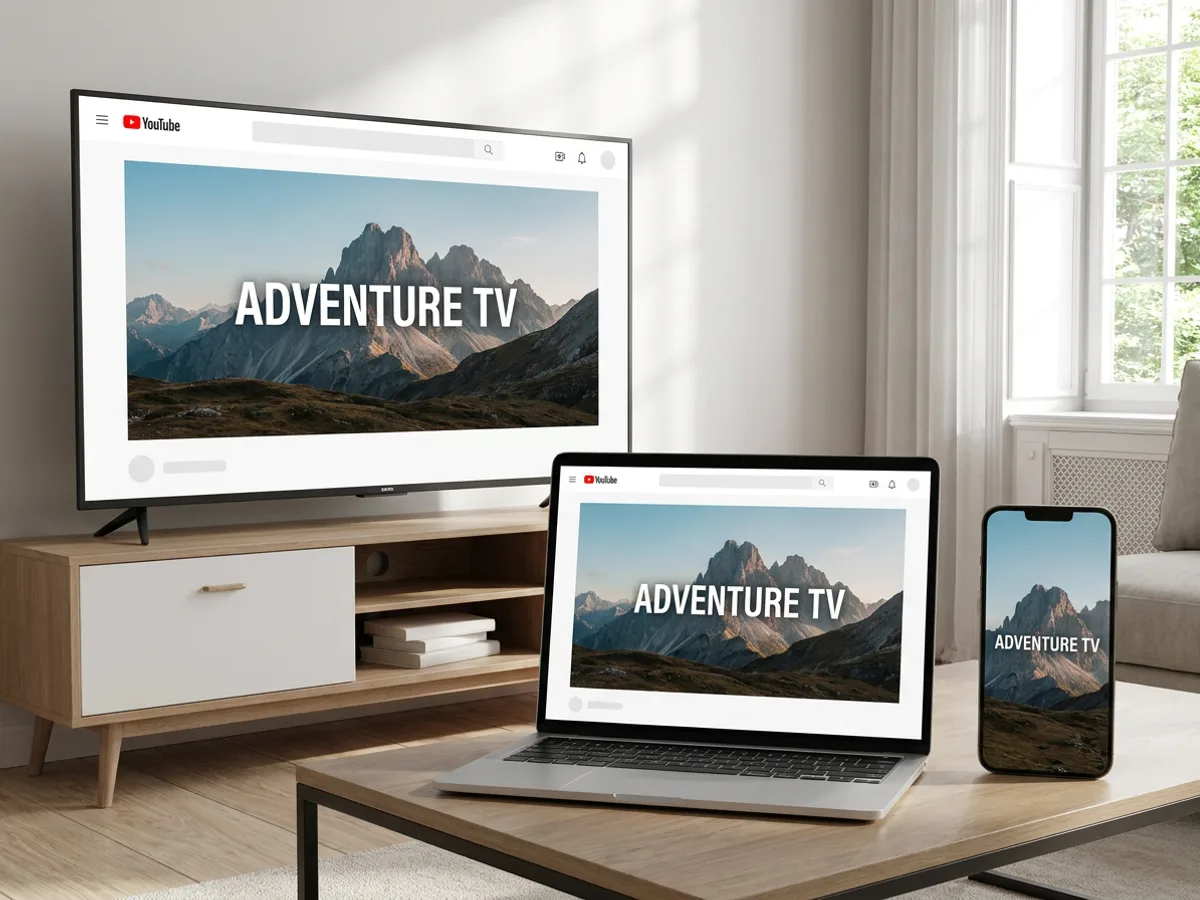
The same channel art is cropped differently on each screen: TVs show the full image, laptops show a wide band, and phones show the narrow center. With the name inside the safe area, it stays visible on all three. Once the banner is right, carry the look further: size presets cover X, LinkedIn, Twitch and Discord headers, and a brand kit keeps your logo, colors and fonts consistent across every one. Download each header as PNG or JPG.
Try for freeChecking the exact dimensions? See the YouTube banner size guide
Describe the channel, topic and style, and the AI designs the banner with imagery and your channel name.
The YouTube size preset sets up the full channel art canvas in one click.
Keep the name, logo and tagline in the central 1546 x 423 area that shows on every device.
Choose Editable design to update the channel name, tagline or schedule whenever it changes.
Your logo, colors and fonts carry into the banner automatically when a brand kit is set.
Reuse the look for X, LinkedIn, Twitch and Discord headers, then download PNG or JPG.
Text and logo sit inside the 1546 x 423 safe area that phones, laptops and TVs all show. Your channel name stays front and center wherever people watch.
Size presets for X, LinkedIn, Twitch and Discord let you carry the banner style to every profile. Viewers recognize the channel wherever they find it.
Change the upload schedule or tagline by editing the text layer or asking the agent. The banner stays up to date as the channel grows.
From one AI direction to YouTube, LinkedIn, Twitter, and Facebook covers — no designer, no templates.
Explore workflow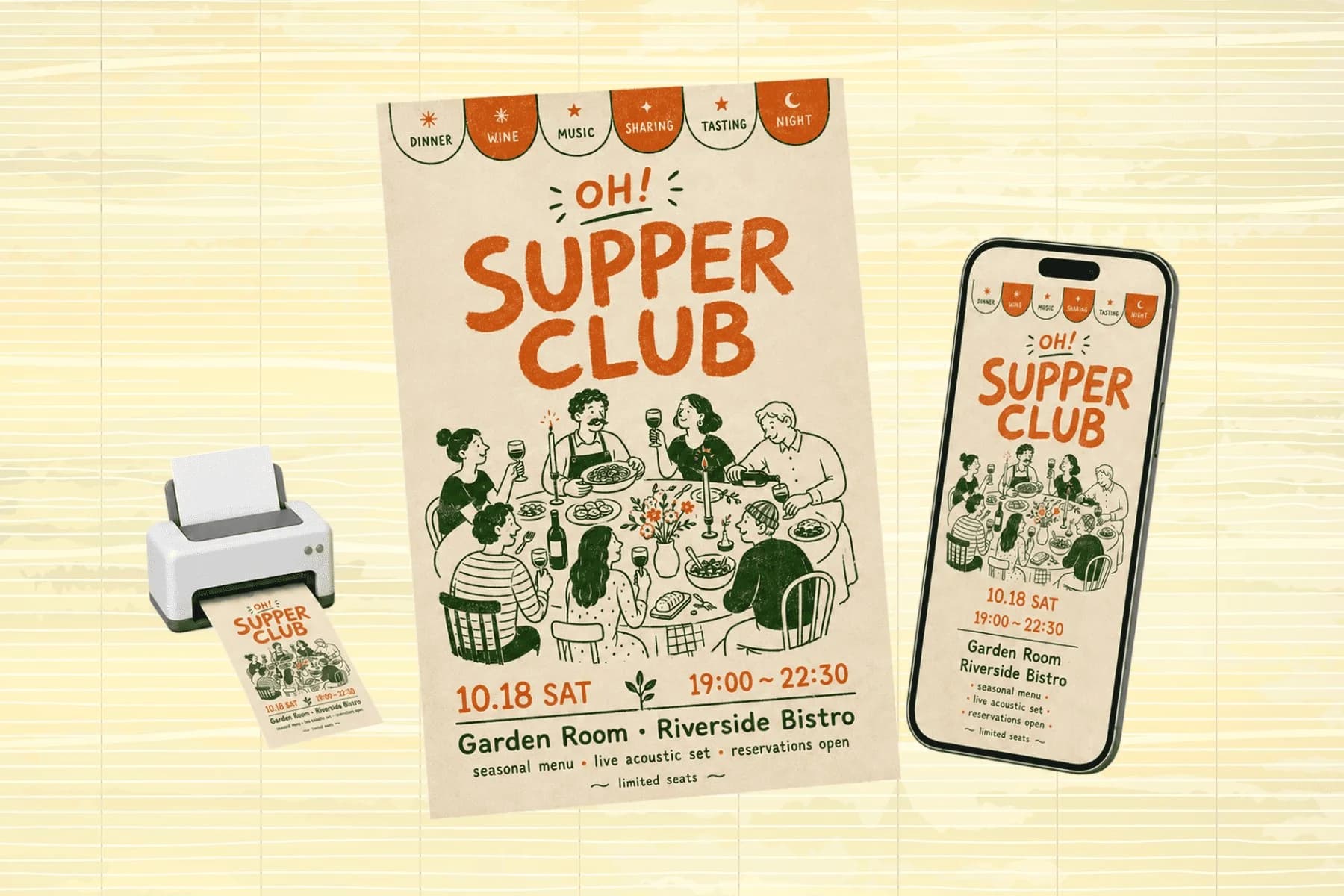
One hero visual, every platform format — YouTube, LinkedIn, Instagram — without manual resizing.
Explore workflowA YouTube banner is 2560 x 1440 pixels. The area that shows on every device is the central 1546 x 423 safe area, so the channel name, logo and tagline belong there. Playyy's YouTube size preset sets up the 2560 x 1440 canvas for you, and the agent can keep your text centered in the safe area.
Describe your channel, topic and style in the prompt box, sign in, and Playyy generates the banner on the free plan using its daily credits. Free exports come watermark-free and free images go up to 2K. The Basic, Pro and Mega paid plans add more credits and images up to 4K.
Phones show only the central part of the 2560 x 1440 channel art, roughly the 1546 x 423 safe area. Text or a logo placed outside that area gets cropped on smaller screens. Move the channel name and logo into the center, and use the outer canvas for background imagery that fills the wider desktop and TV views.
A good YouTube banner maker sets up the 2560 x 1440 canvas, keeps your text inside the safe area, and lets you edit the channel name later. Playyy does all three, designs the imagery from a description, applies your brand kit, and reuses the same look for X, LinkedIn, Twitch and Discord headers.
Yes. Start from a written description, or upload a banner whose layout you like and use design remake: Playyy rebuilds that layout around your own channel name, logo and imagery. Choose Editable design to keep the text as layers, then adjust anything by chatting with the agent.
Yes. Size presets cover X, LinkedIn, Twitch and Discord headers alongside YouTube. Resize your finished banner for each platform and the agent reworks the layout for the new shape, so every profile shares the same imagery, colors and channel name.
Yes. Banners you make in Playyy are yours to use commercially, including on monetized channels, business profiles and client channels. Download the finished channel art as PNG or JPG, upload it in YouTube Studio, and reuse the same design for your X, LinkedIn, Twitch and Discord headers.
See how teams are using Playyy to ship better visuals, faster.
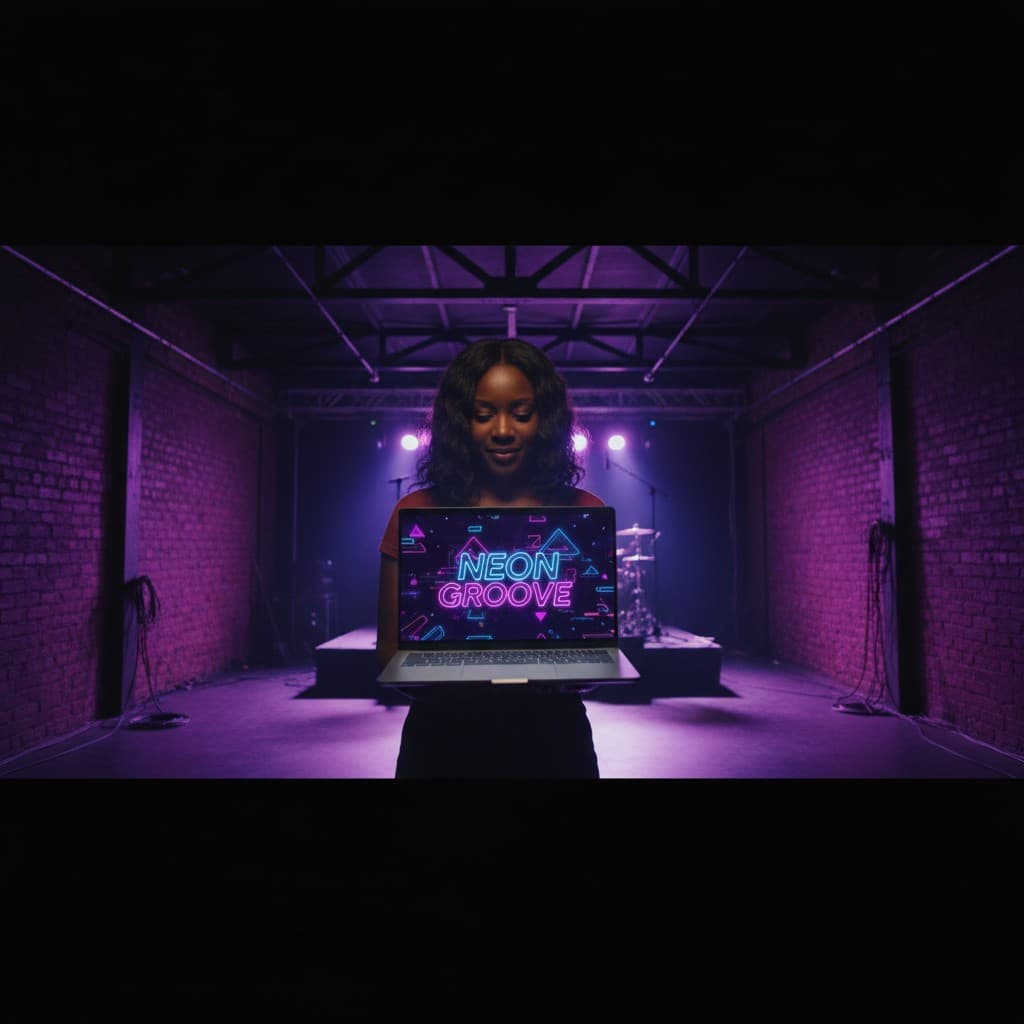
YouTube channel banner, profile picture, and 4 end-card variants — zero design cost, one afternoon, no designer.
 Luca Moretti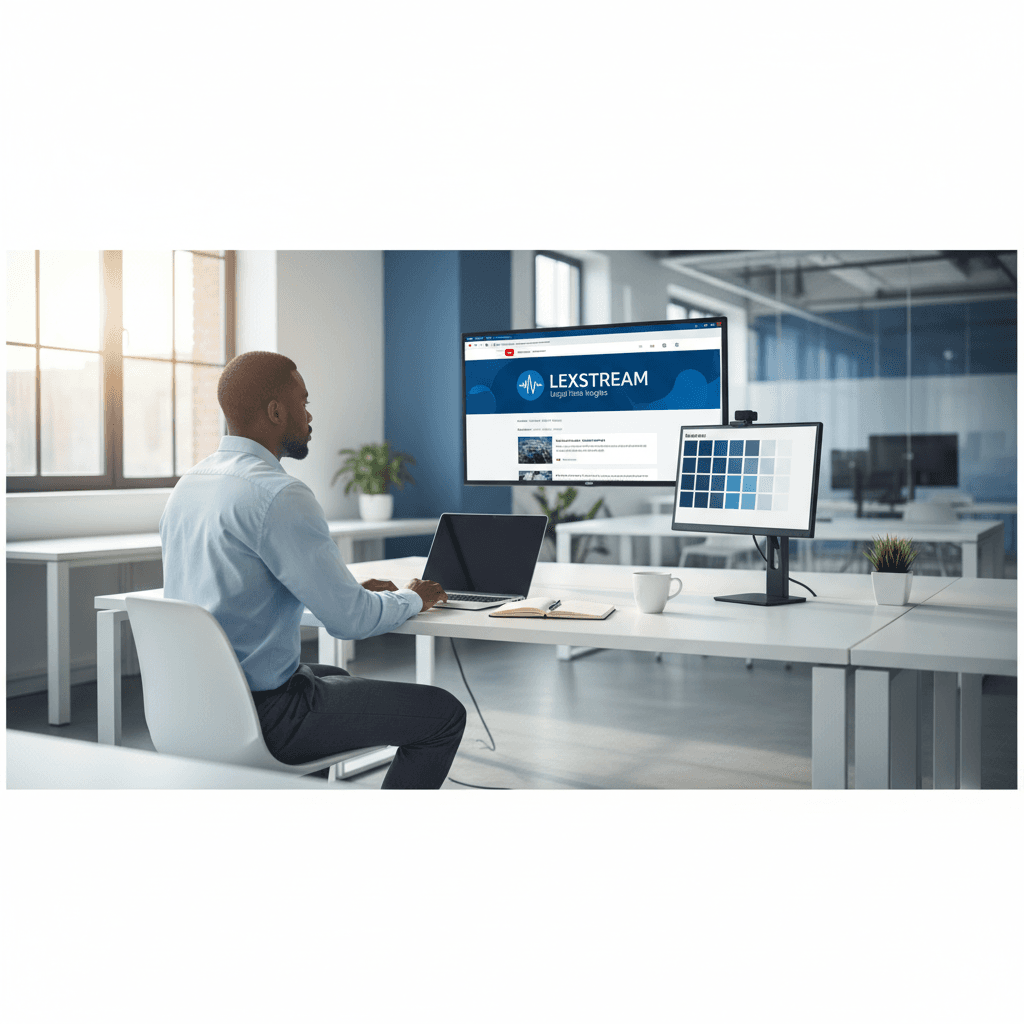
A legal-tech startup founder, no designer, 22 YouTube thumbnails — how the startup built a consistent channel identity in one week using Playyy's brand kit.
 Daniel Brooks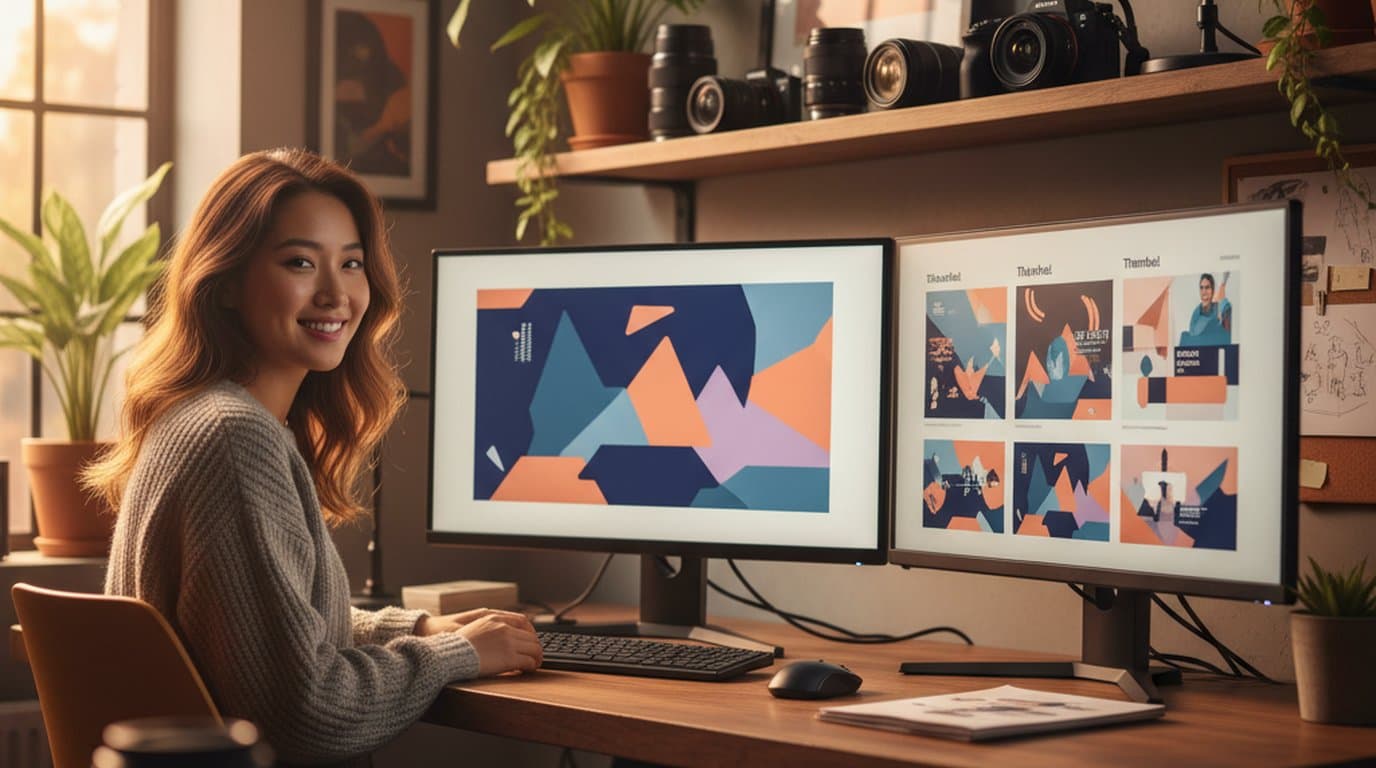
Channel repositioning, three visual touchpoints, one weekend — how a YouTube creator built a new visual identity without a designer.
 Minji Park
Keep every image on brand, control the final look, and turn campaign ideas into polished assets without waiting on another design cycle.














