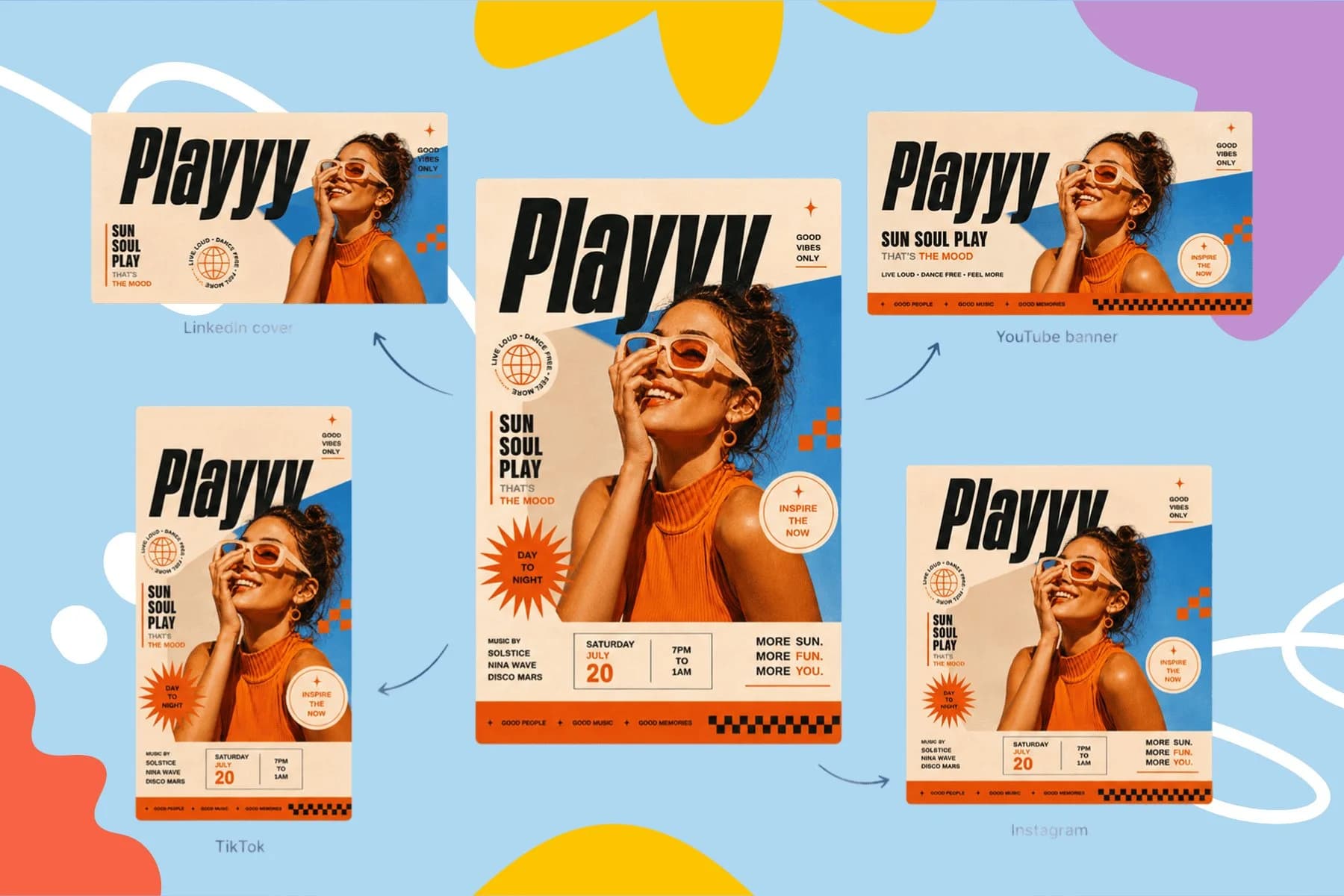
Free AI Flyer Maker and Poster Maker for Any Event
Create event posters, flyers, and digital invitations specific to your occasion — not another generic template.
Explore workflowDescribe the form you need and the AI form builder puts it on a styled web page, collects every response and copies them into a sheet when you're ready
Describe the form and the questions in the box above, refine it by chat, publish the page and share the link, then read responses in Playyy.
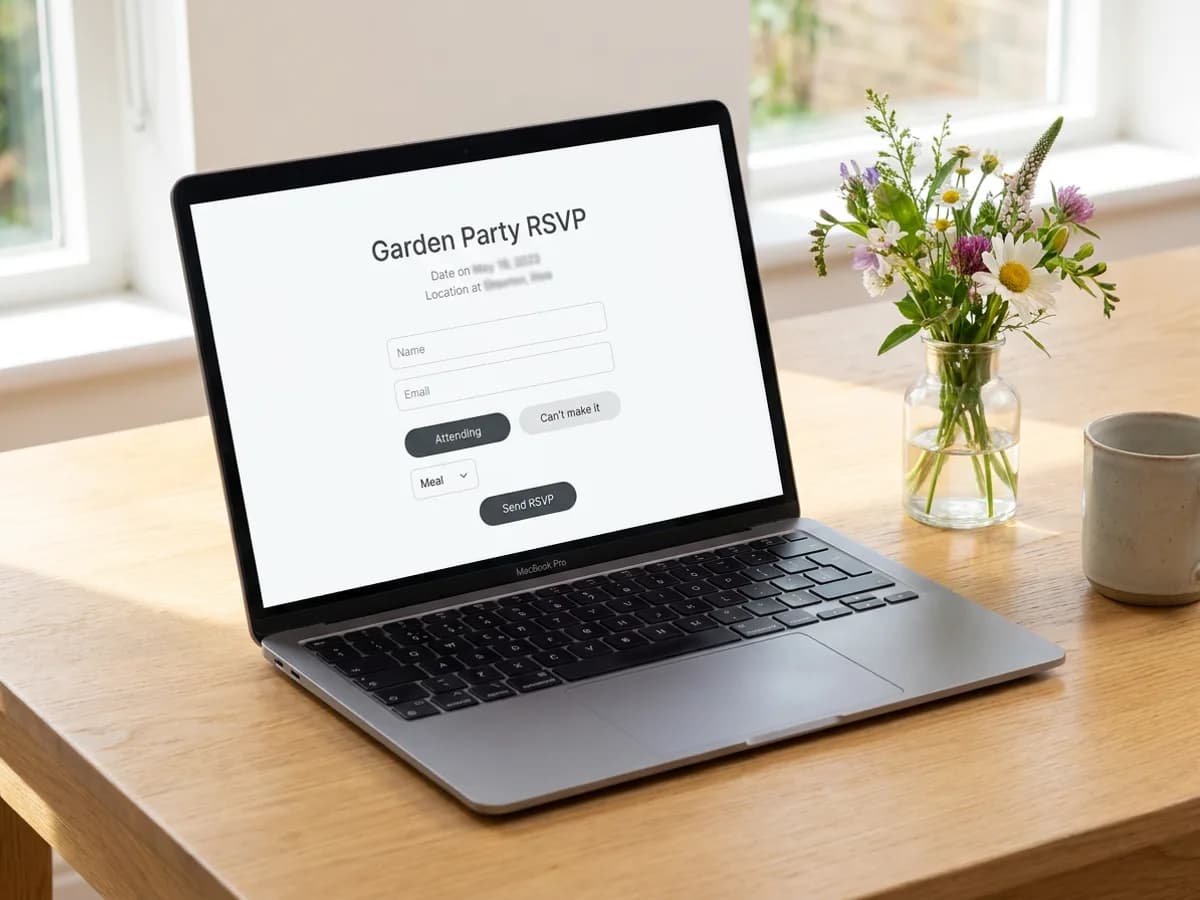
Tell the AI form builder what you're collecting and who fills it in: RSVPs for a garden party, sign-ups for a waitlist, registrations for a workshop, feedback after a class, contact requests for a studio. It writes the questions and builds the page around them, with a headline, the details people need and a clear button. Questions can be short answers, email, numbers, long answers, single or multiple choice, dropdowns or a 1 to 5 scale, and required fields are checked before the form sends. Every form shows a thank-you message once someone submits, and longer forms can be split into steps.
Try for free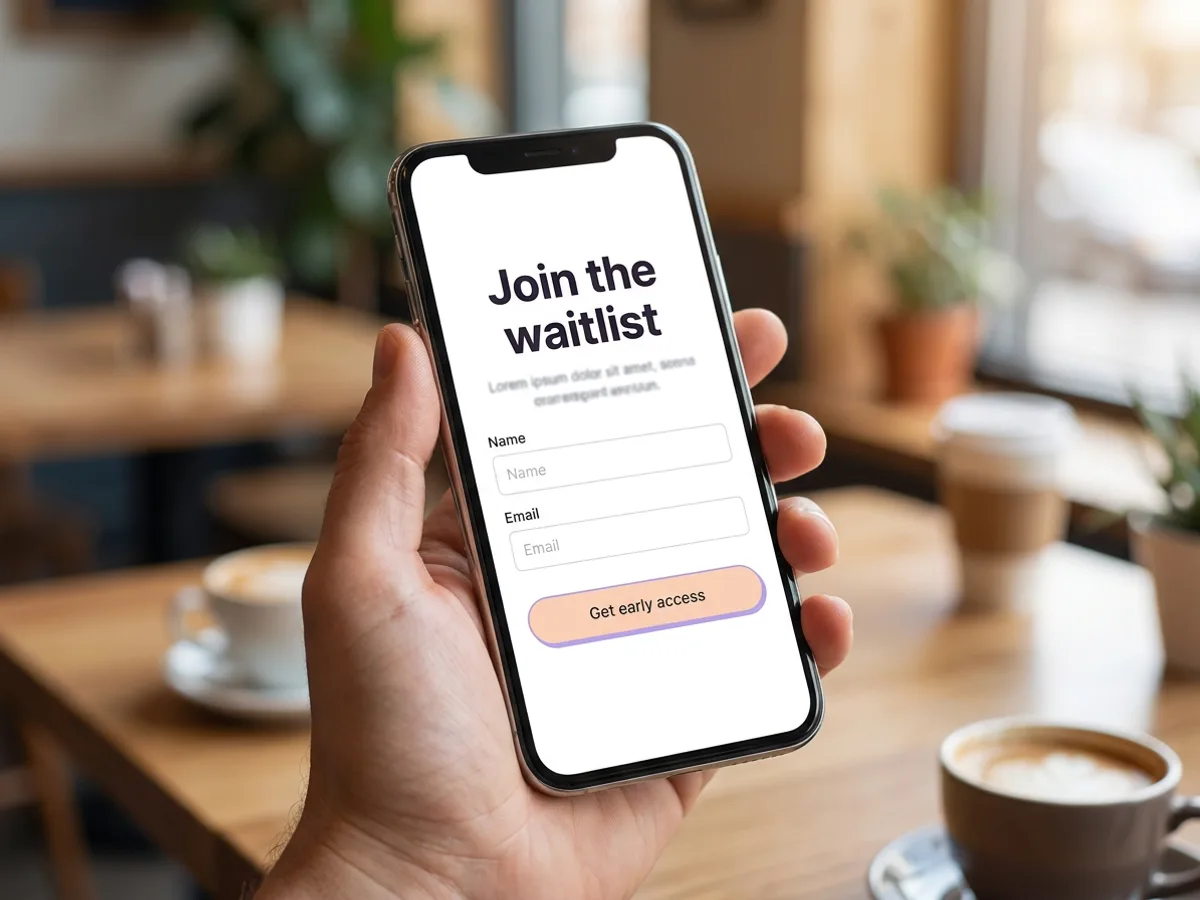
When the form reads right, publish the page and it goes live at an address on your Playyy workspace subdomain. Share the link in an email, a group chat, a QR code on a poster or your social bio. Choose who can open it: anyone, people with a password, or members of your workspace only. Add a page title, a description and a link preview image so the link looks right wherever it's shared. The form follows the page's design, and the agent can use your brand kit, so a sign-up page matches your posters and posts. Ask the agent to rename a field, add a question or change the button text at any time.
Try for free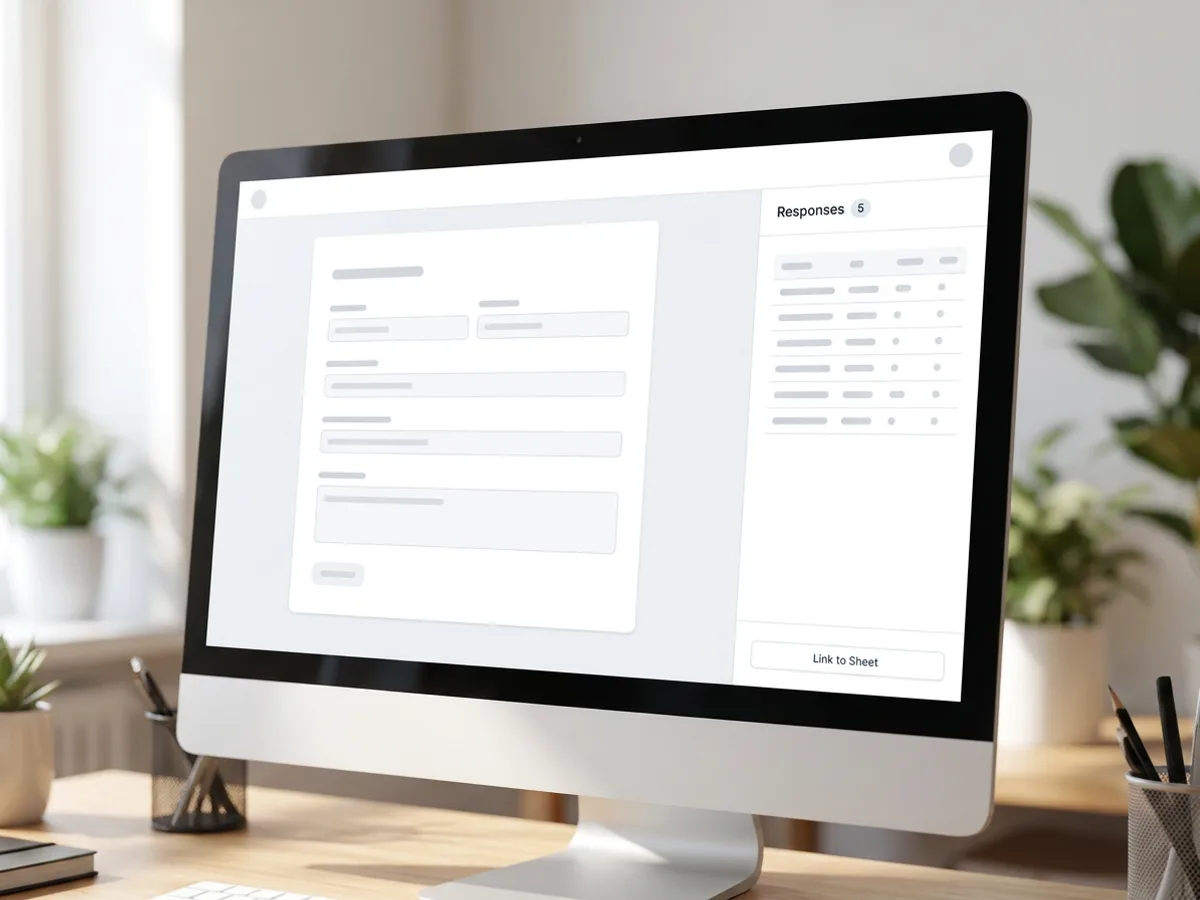
Every submission lands in the Responses panel next to the page, with a running count and a table of answers. Download them as a CSV, or link the form to a sheet with one click: Playyy creates a responses sheet in the same file, and Refresh pulls in new answers whenever you're ready. From there, sort and filter, add a column for follow-ups or table numbers, ask the agent which guests chose the vegetarian meal, and export the sheet to Excel when you need it elsewhere. Responses are visible only to members of your workspace.
Try for freeWant your responses in a sheet? See the AI spreadsheet generator
RSVPs, waitlists, registrations, contact forms, feedback surveys and quick polls, built from a plain description.
Short and long answers, email, numbers, single or multiple choice, dropdowns and a linear scale, with required fields.
Add or reorder questions, rename fields, rewrite the intro or change the button text by asking the agent.
Publish to a shareable link as Public, Password protected or Workspace members only.
See every submission in the Responses panel and download them as a CSV file.
Link a form to a sheet in one click, refresh for new answers, then sort, filter and export to Excel.
The form arrives on a designed page with a headline, details and a thank-you message, so people know what they're signing up for before they fill it in.
Responses move into a sheet in the same file, where you can sort them, add your own columns and ask the agent questions about them.
The RSVP page, the invitation, the poster and the social posts live in one workspace and can share the same brand kit.
Create event posters, flyers, and digital invitations specific to your occasion — not another generic template.
Explore workflow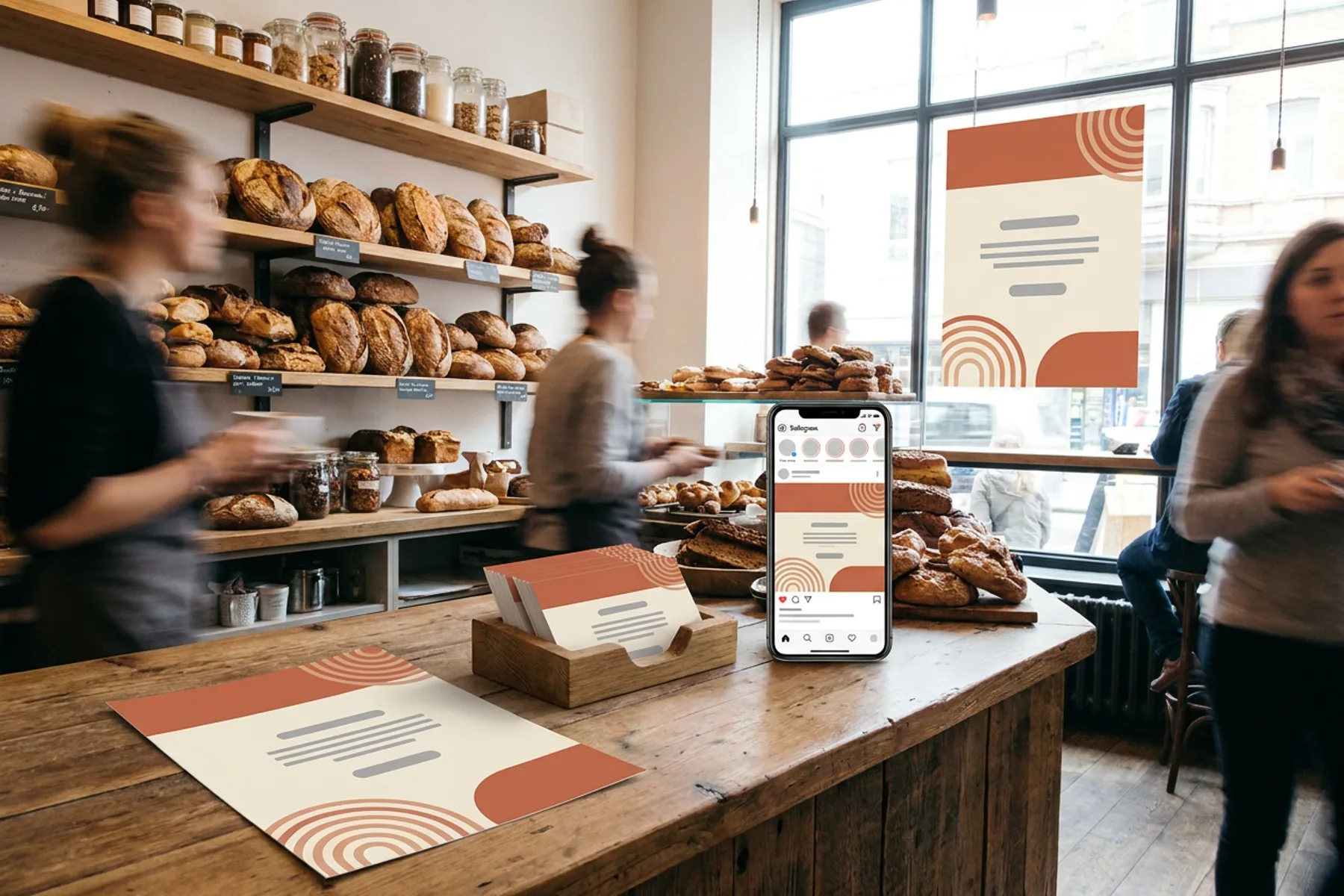
One brand kit, every piece a local business hands out or posts: print-ready flyers, posters and business cards, weekly social posts and a simple website.
Explore workflowYou can start free. Playyy has a free plan with daily credits. Describe the form in the box above, sign in, and your prompt carries into Playyy, where the AI builds the page and the form. Paid plans, Basic, Pro and Mega, add more credits when you build and update pages often.
RSVP forms for weddings, parties and events, waitlist and early-access sign-ups, workshop and class registrations, contact and booking requests, customer feedback surveys and quick polls. Each one comes on its own web page with a headline, the details people need and a thank-you message, and a single site can hold several forms.
Short text, long text, email, number, single choice, multiple choice, dropdowns and a linear scale such as 1 to 5. Mark any question as required and the form checks it before sending. For dates and phone numbers, the answer is saved as text, which keeps it readable in the responses table and the CSV.
Into the Responses panel next to the page in Playyy, with a count and a table of every submission. Download them as a CSV at any time, or link the form to a sheet to sort, filter and add your own columns. Responses are visible only to members of your workspace.
Yes. Link the form to a sheet with one click and Playyy creates a responses sheet in the same file, with one column per question. Press Refresh to bring in new answers whenever you like. From the sheet you can export to Excel (.xlsx) or CSV, or ask the agent to summarize the answers.
Publish the page and copy its link. It lives on your Playyy workspace subdomain, so you can send it by email or message, put it behind a QR code on a poster, or add it to your bio. Choose Public, Password protected or Workspace members only, and set the title, description and preview image people see when the link is shared.
Yes. Ask the agent to add a question, reword a field, change the choices or restyle the page, then publish again to update the live version. Responses you've already collected stay in the Responses panel, so you can keep the same link running for the whole sign-up period.
See how teams are using Playyy to ship better visuals, faster.

Weekly event flyers, party invitations, and social posts — one team member, two hours, no designer on retainer.
 Minji Park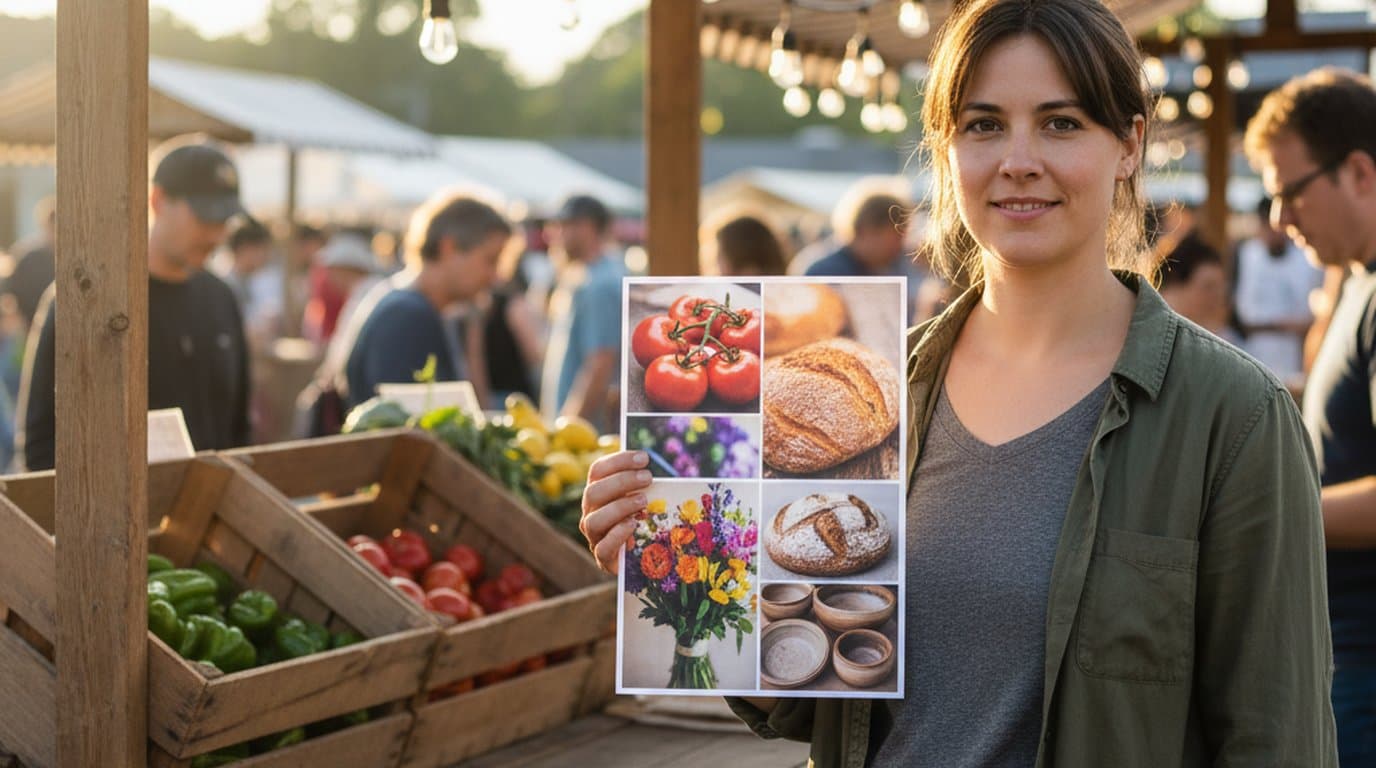
Printed poster, paper flyer, four social variants — one editable canvas, one organizer, 45 minutes from vendor list to export-ready files.
 Luca Moretti
New menu, no design budget, three formats — complete in one afternoon with an AI image creator.
Luca MorettiKeep every image on brand, control the final look, and turn campaign ideas into polished assets without waiting on another design cycle.














