
Ecommerce Product Photo Editing: Amazon & Shopify
Ecommerce image editing across every SKU — background removal, cleanup, and upscaling that meet marketplace specs.
Explore workflowResize JPG, PNG, and WebP images by pixels or percentage, with the aspect ratio locked or free. Files stay on your device.
Lock aspect ratio: Each image keeps its own proportions: the width applies to every image and the height follows each image’s shape.
A workflow built around your real creative needs — from first direction to final asset.
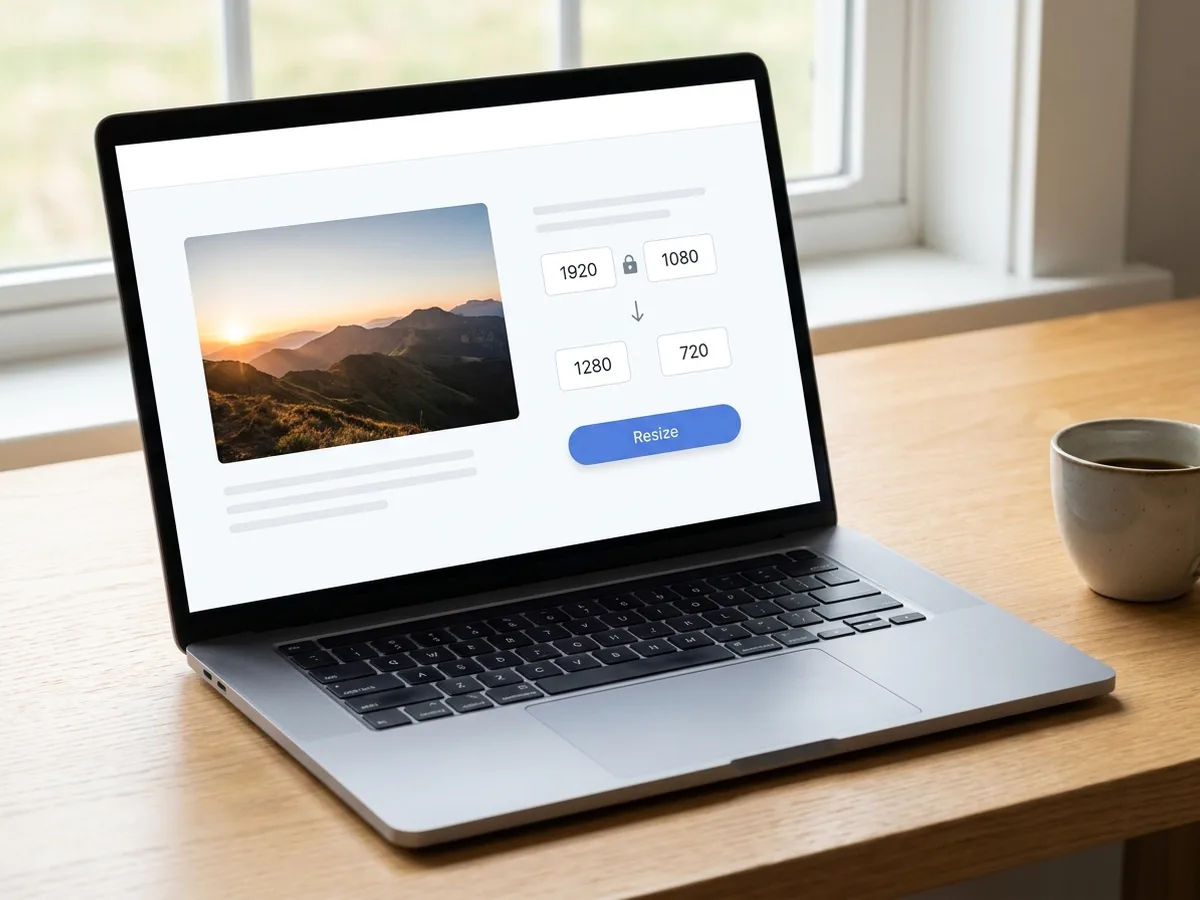
Type a new width and the height updates to keep the original proportions. Turn the aspect ratio lock off to set an exact width and height for a fixed slot.
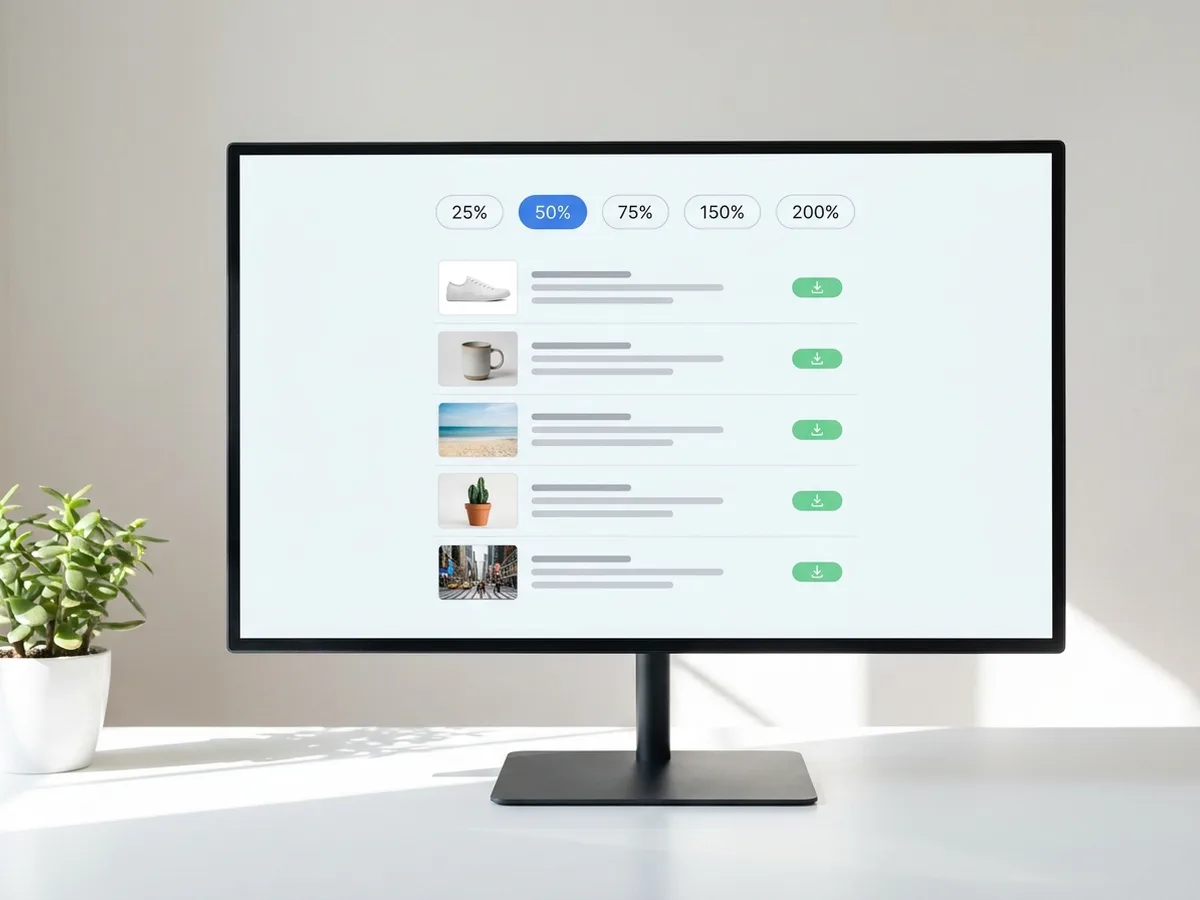
Add up to 10 JPG, PNG, or WebP images and resize them in one pass. Pick 25%, 50%, 75%, 150%, or 200%, or enter any scale from 1% to 400%.
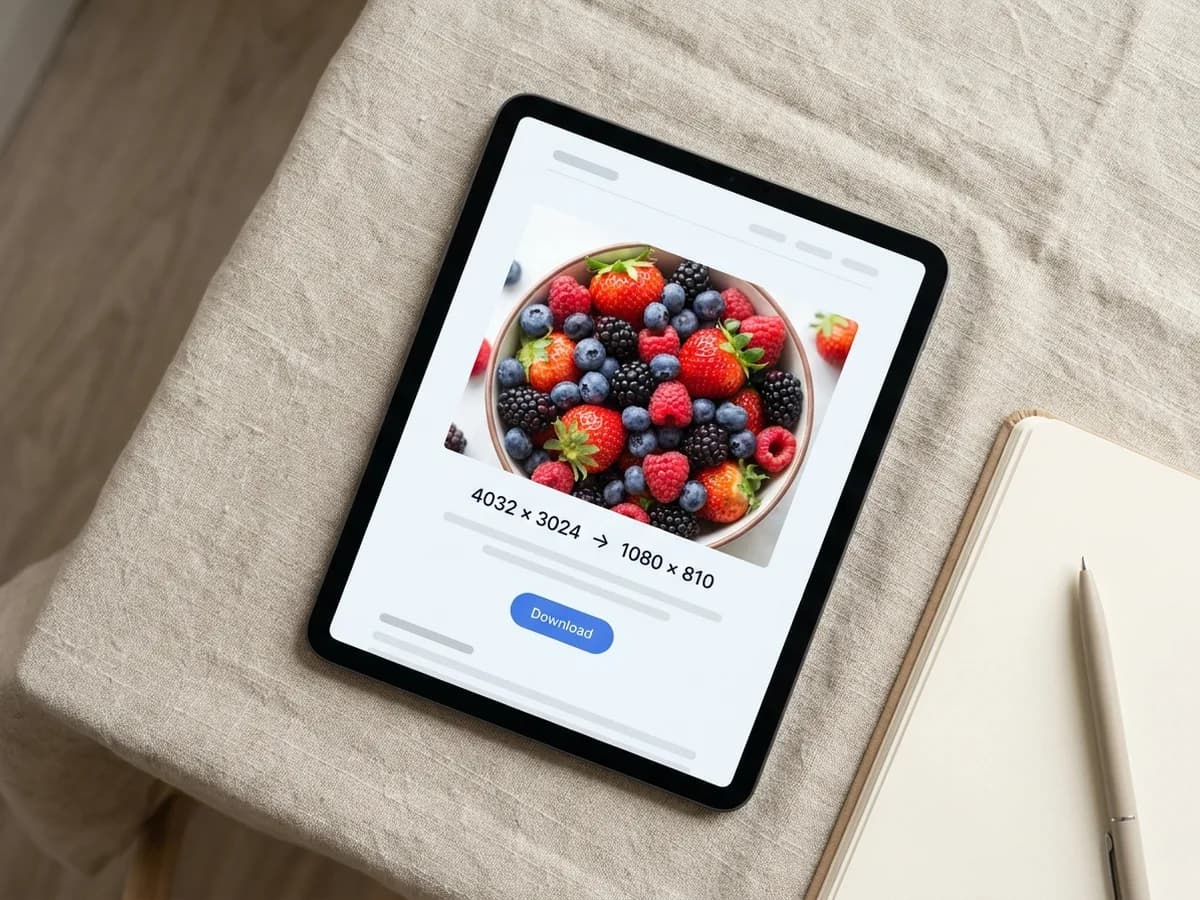
Resizing runs on your own device, so photos stay with you from selection to download. Each result shows the original and new size in pixels, plus the new file size.
Set an exact width and height in pixels, or scale every image by a percentage from 1% to 400%.
Keep proportions with one switch. Enter a width and each image gets the height that matches its own shape.
Queue up to 10 images per batch and apply one size setting to all of them. Each result is ready as soon as that image finishes.
Every image keeps its format: JPG stays JPG, PNG stays lossless PNG, and WebP keeps its transparency.
Images stay on your device from start to finish. All resizing runs locally in your browser.
High-quality resampling keeps edges clean when you shrink large photos, and phone photos keep their upright orientation.
Match the exact pixel dimensions a marketplace, website, or form asks for, or scale a full set of photos down by half in one pass.
Local processing skips upload time, so 20 MB camera photos resize quickly and download right away.
Use one size setting across product photos, blog images, and social graphics, then run the next batch with the same setting.
Ecommerce image editing across every SKU — background removal, cleanup, and upscaling that meet marketplace specs.
Explore workflow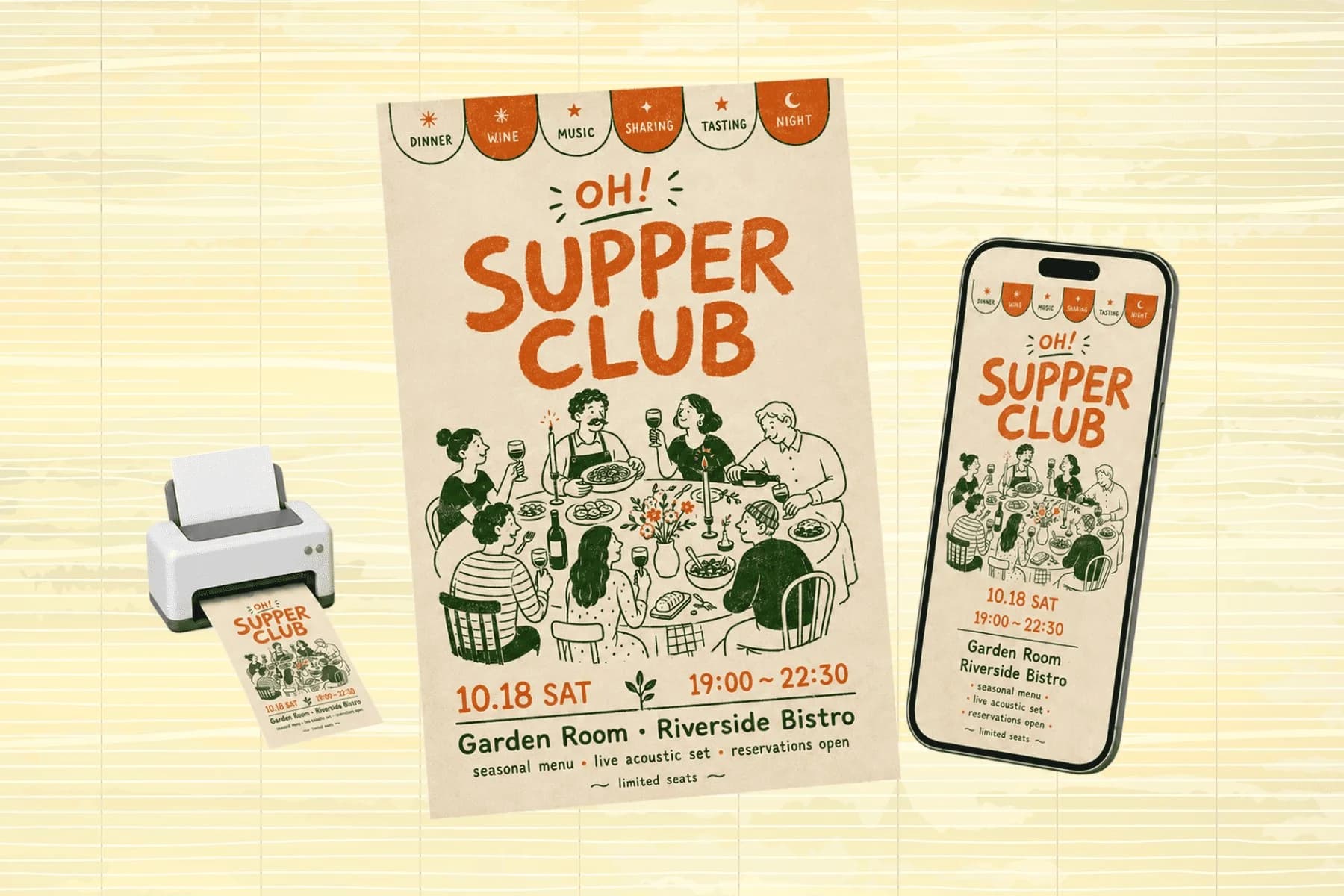
One hero visual, every platform format — YouTube, LinkedIn, Instagram — without manual resizing.
Explore workflowAdd JPG, PNG, or WebP images, choose Pixels or Percentage, set the new size, and click Resize. Download each resized image as soon as it is ready.
Keep the aspect ratio lock on. Enter a width and the height follows the photo's original proportions, so the image keeps its shape.
Yes. Queue up to 10 images per batch, each up to 20 MB and 32 MP. With the lock on, every image gets the width you set and a height that matches its own shape. With the lock off, every image is resized to exactly the width and height you enter.
Yes. Scale up to 400% or enter larger pixel dimensions. Resized images can be up to 16,384 px on each side (16,383 px for WebP) and 32 MP, or 8 MP for PNG. For sharper detail at larger sizes, use the AI Image Upscaler, which rebuilds fine texture as it enlarges.
The same format you add. JPG stays JPG, PNG stays PNG, and WebP stays WebP. To switch formats, use the Image Converter.
On your own device. Resizing runs locally in your browser, and files stay on your device from selection to download.
See how teams are using Playyy to ship better visuals, faster.
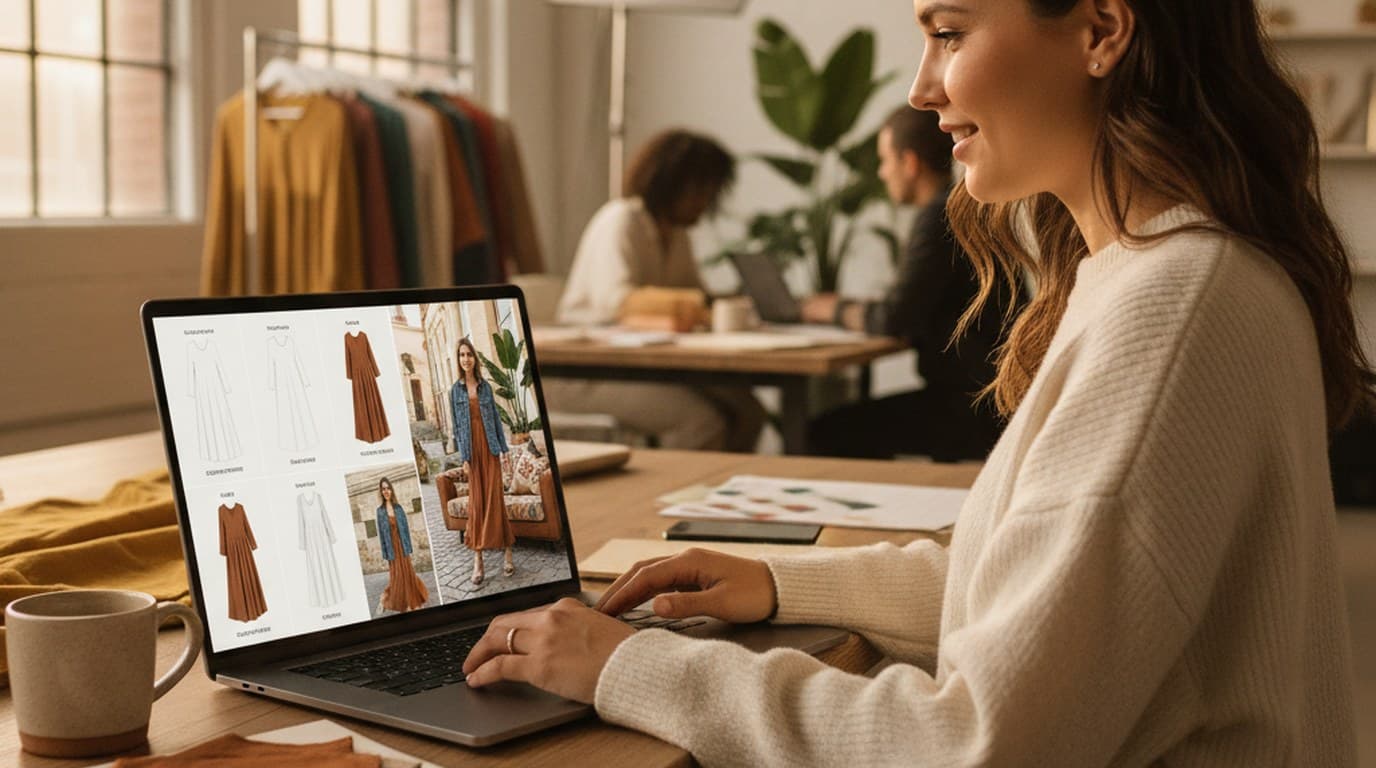
Sixty lifestyle images, three days, no studio. How one Shopify brand cut product shoot costs by 80% using AI photo editing.
 James Walker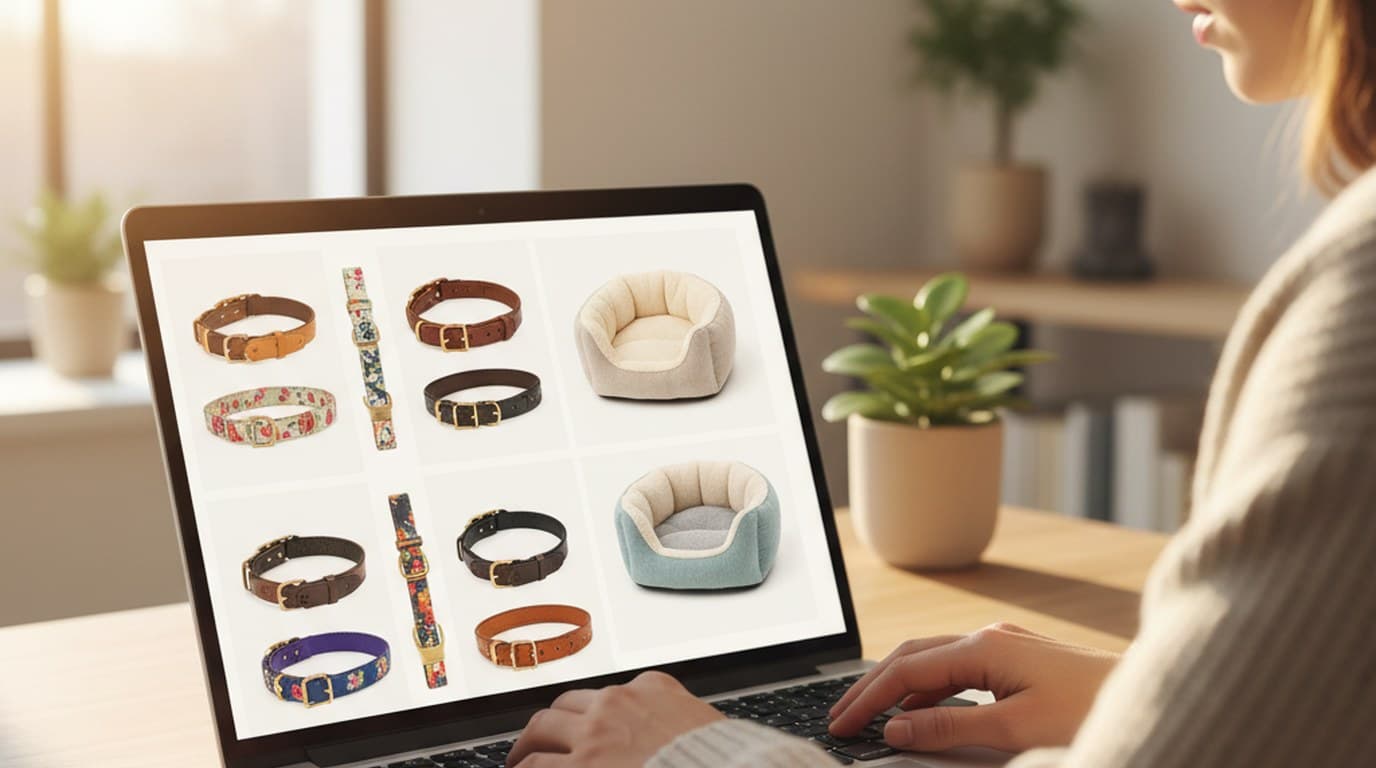
Ninety marketplace-ready product images, four days, no studio. How one pet brand replaced its entire catalog workflow with AI.
James Walker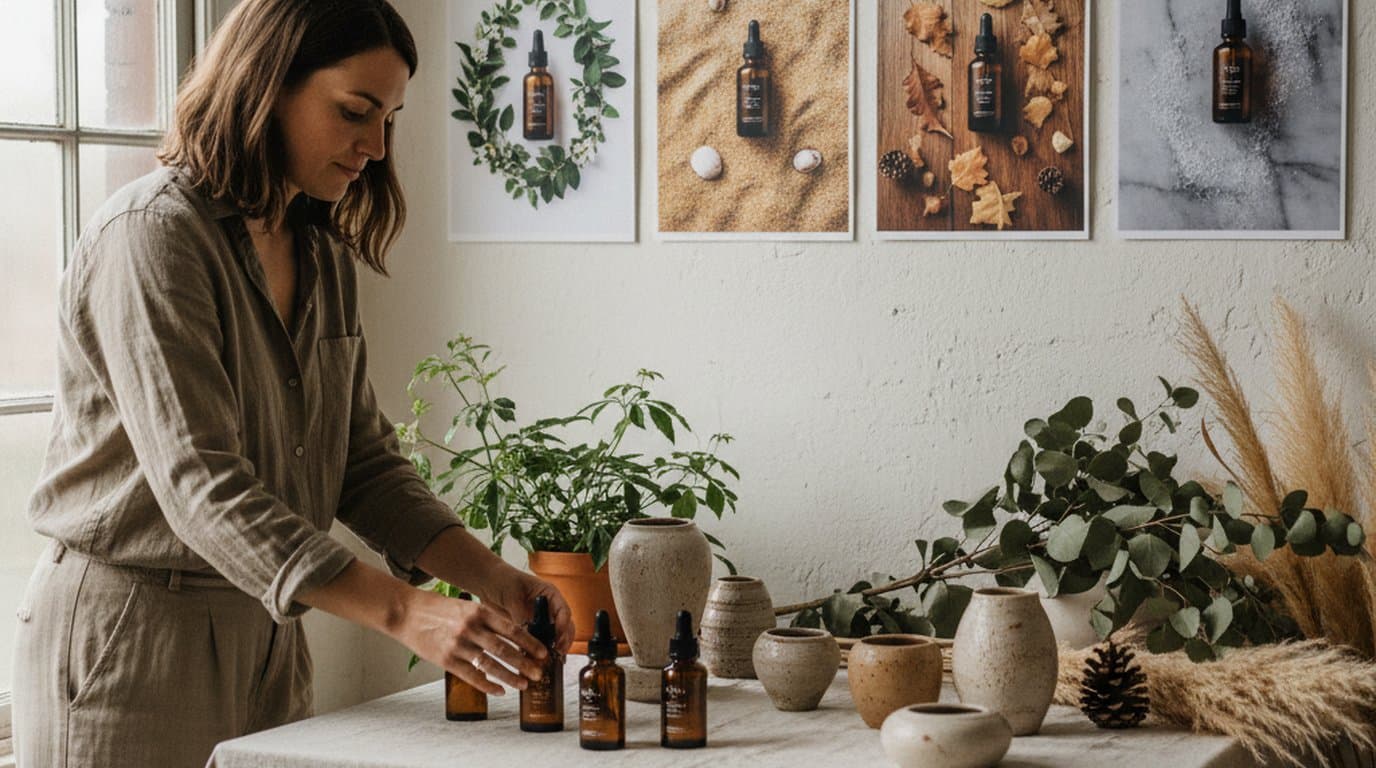
One flatlay shoot, four seasonal campaigns. How Ingrid Larson swaps photo backgrounds on Playyy's editable AI canvas instead of rebooking the photographer.
 Sophie Whitmore
Keep every image on brand, control the final look, and turn campaign ideas into polished assets without waiting on another design cycle.














