
Social Media Visuals for Every Platform, From One Image
One hero visual, every platform format — YouTube, LinkedIn, Instagram — without manual resizing.
Explore workflowDriven by GPT Image 2.5 & Nano Banana Pro 🍌
Film-stock looks from Kodak, Fuji, Agfa, and Polaroid — adjust the intensity and download your photo
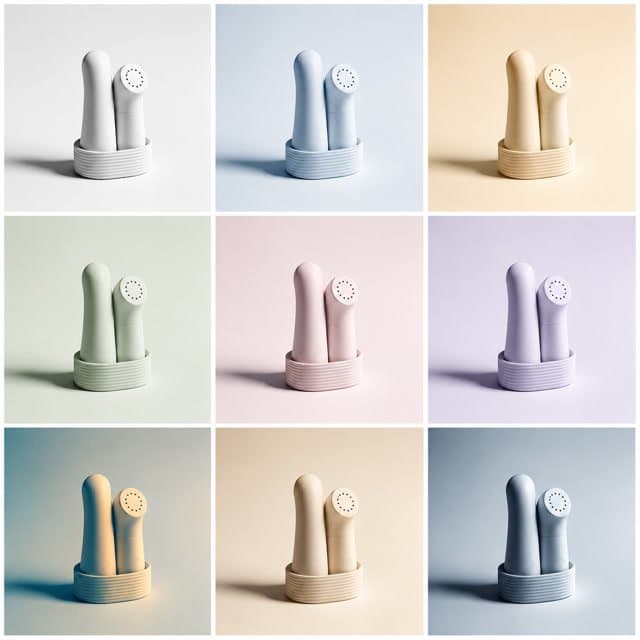
A workflow built around your real creative needs — from first direction to final asset.
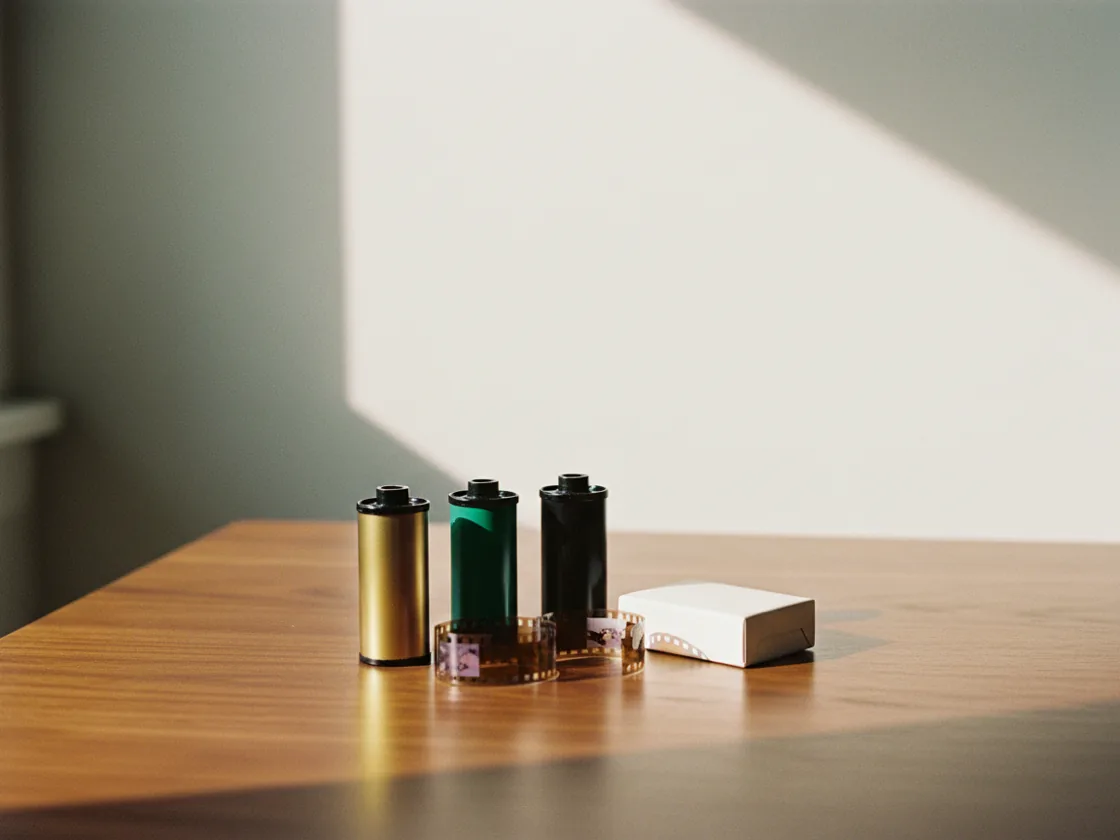
The filters are emulations of actual film: Kodak Ektar 100 for saturated warmth, Agfa Vista 200 for punchy consumer color, Fuji Superia 200 for everyday daylight, Polaroid PX-680 for the warm instant look. Each reproduces how that stock rendered color and contrast, which is why the result reads as vintage rather than as a color wash dropped over the top.
Try for free
The mono options are film emulations too — Fuji Neopan Acros 100 for fine grain and smooth tonality, Neopan 1600 for grittier high-contrast work. Because they reproduce how those stocks mapped color to grey, reds and greens stay distinguishable instead of collapsing into the same muddy tone a straight desaturation produces.
Try for free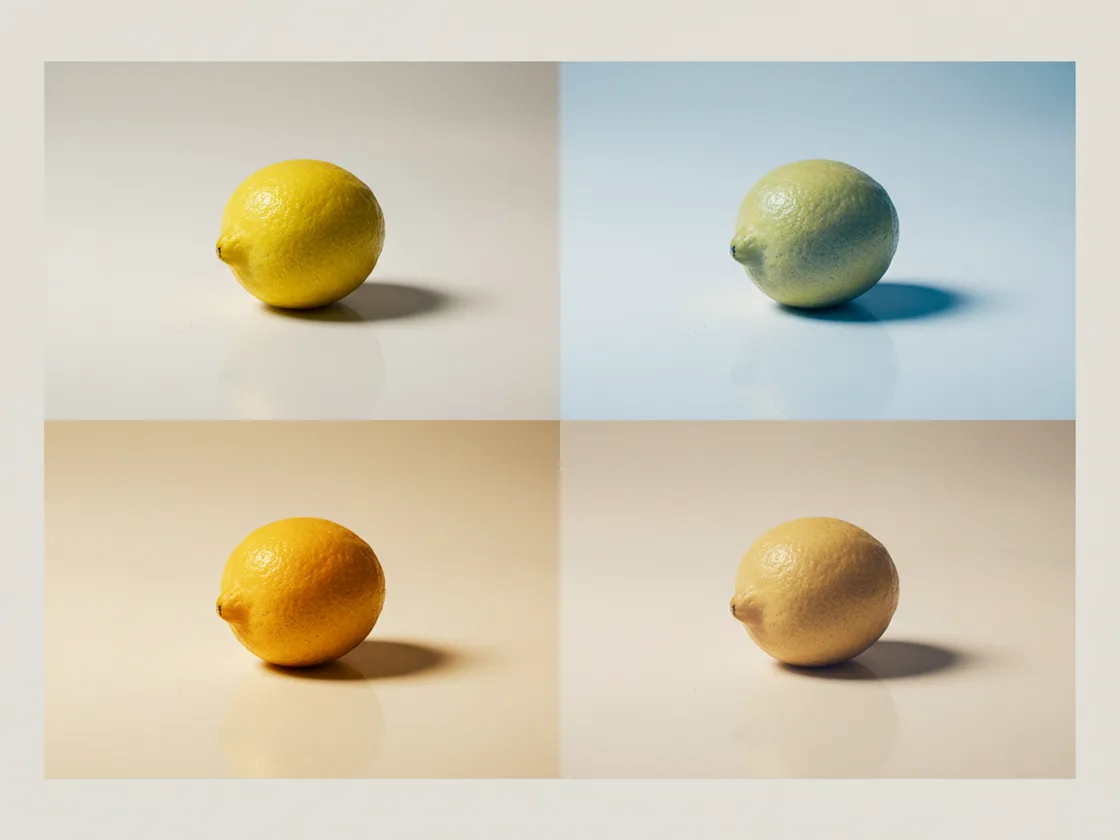
Every filter has an intensity slider from 0 to 100, because a look that suits one photo at full strength usually needs pulling back on another. Once you have the combination that works, apply the same filter and the same intensity to the rest of the set so a feed or a product grid reads as one shoot rather than a collection of different afternoons.
Try for freeKodak Ektar 100, Agfa Vista 200, Fuji Superia 200, Polaroid PX-680 and more — each reproducing how that stock actually rendered color and contrast.
Fuji Neopan Acros 100 and Neopan 1600 — mono conversions that keep tonal separation instead of the muddy grey a straight desaturation leaves behind.
Each filter renders a thumbnail of your own photo rather than a stock sample, so you pick from how it looks on this image instead of guessing from a name.
Every filter is adjustable from 0 to 100 rather than all-or-nothing. Pull it back to a hint or push it to full strength, with the change previewing live.
Reuse the same filter and strength across a batch so a feed or product grid looks like one shoot instead of several.
Sign in to download the filtered image as a PNG without a watermark. You can try the filter and adjust its strength before signing in.
Most free filter tools apply a fixed look at full strength and leave you to accept or reject it. But the right intensity depends on the photo — a warm Polaroid grade that flatters a dim interior will wreck a bright product shot on white. The 0-to-100 intensity control is what turns a filter from a gimmick into something you'd ship, and it's why the same stock can work across a varied set.
Applying a filter to one photo is easy. Making twenty photos look like they belong together is the part that actually takes time, and it's where hand-tuning each image falls apart. Reusing one filter and one strength across the set gives you that coherence by construction, which matters more for a feed or a catalog than any individual frame does.
A filter is a stylistic layer, not a fix. A photo that's underexposed needs its brightness corrected first, or the filter just bakes the problem in. Because the filter panel sits in the same editor as the brightness, crop, and clean-up tools, you can correct first and grade second without exporting in between.
One hero visual, every platform format — YouTube, LinkedIn, Instagram — without manual resizing.
Explore workflow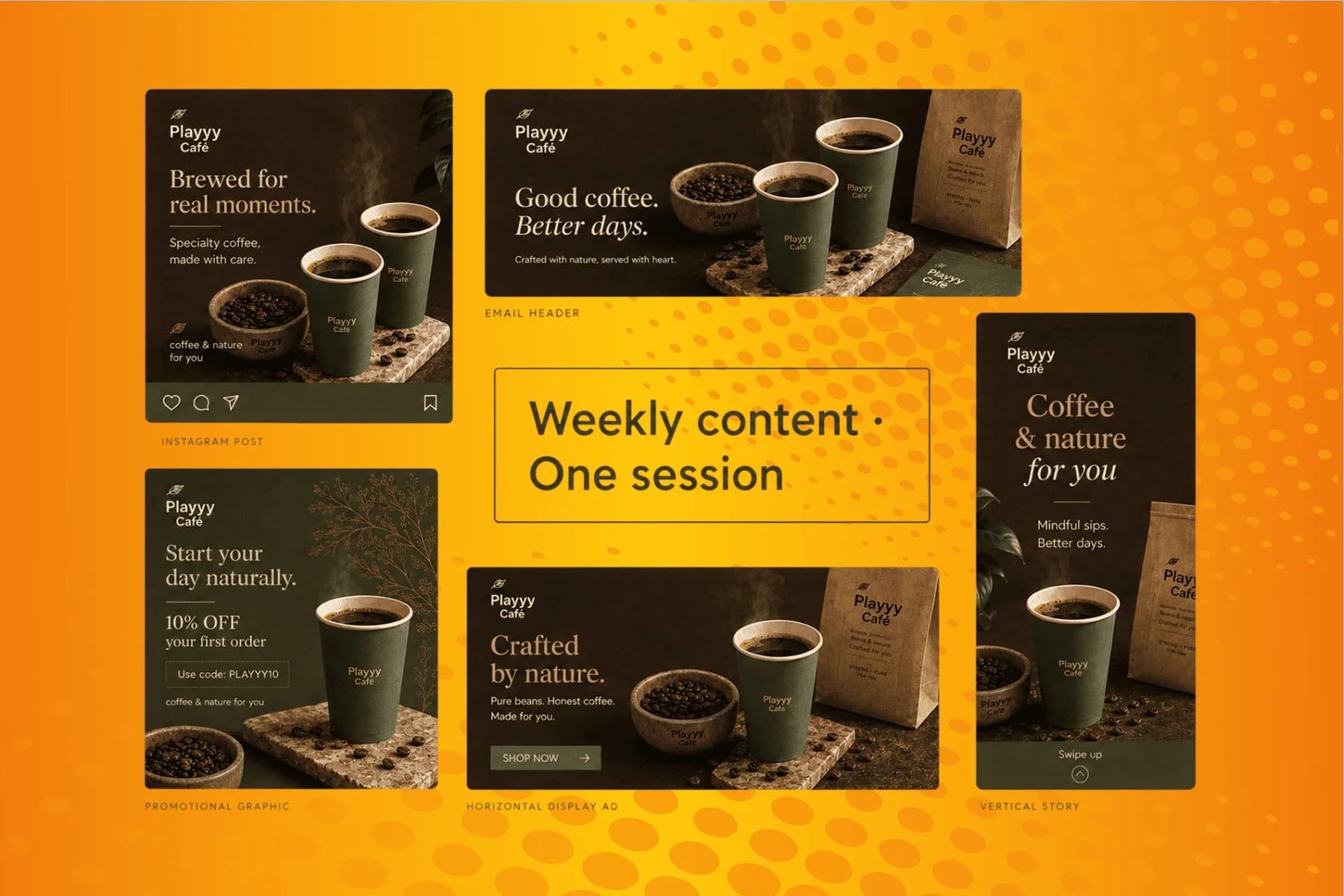
From content gap to publish-ready creative — AI image generator, brand style matching, and copy placement in one session.
Explore workflowUpload the image, pick a filter, and adjust its strength while watching the live preview. Sign in to download the result as a PNG without a watermark.
It depends on the source. Warm stocks like Kodak Ektar 100 and Polaroid PX-680 flatter portraits, interiors, and lifestyle shots. Black and white stocks like Fuji Neopan suit product detail, architecture, and anything where shape matters more than color. Bright product shots on white usually need a low intensity or no filter at all.
Yes. Every filter has an intensity slider from 0 to 100, so you can apply a hint of a look or the full effect. This matters because the same stock rarely suits every photo at the same intensity.
Yes. Once you have a filter and intensity you like, reuse the same settings across the rest of the set so a feed or product grid reads as one consistent shoot.
A filter changes color and tone. The edited image downloads as PNG, with the longest edge capped at 4,000 pixels. Larger images are reduced to fit that limit; smaller ones are not enlarged.
A filter is a stylistic grade applied across the whole image. Brightness, contrast, highlights, and shadows are corrections that fix how the photo was captured. Correct first in the Adjust panel, then grade — a filter applied to an underexposed photo locks the underexposure in.
See how teams are using Playyy to ship better visuals, faster.

One person, three platforms, zero visual drift — how the brand stopped rebuilding the same visuals from scratch for each channel.
 Sophie Whitmore
An indie systems creator runs a 10-slide weekly carousel and a 30-slide course launch by stitching images on Playyy's editable canvas — one tab, not five.
 Minji Park
New menu, no design budget, three formats — complete in one afternoon with an AI image creator.
 Luca Moretti
Keep every image on brand, control the final look, and turn campaign ideas into polished assets without waiting on another design cycle.














