How a Founder Built a YouTube Brand Without a Designer
A legal-tech startup founder, no designer, 22 YouTube thumbnails — how the startup built a consistent channel identity in one week using Playyy's brand kit.
 Daniel Brooks
Playyy turns a written process into an editable process flow diagram, then writes the SOP and the training deck around it, all in one workspace.
Start creating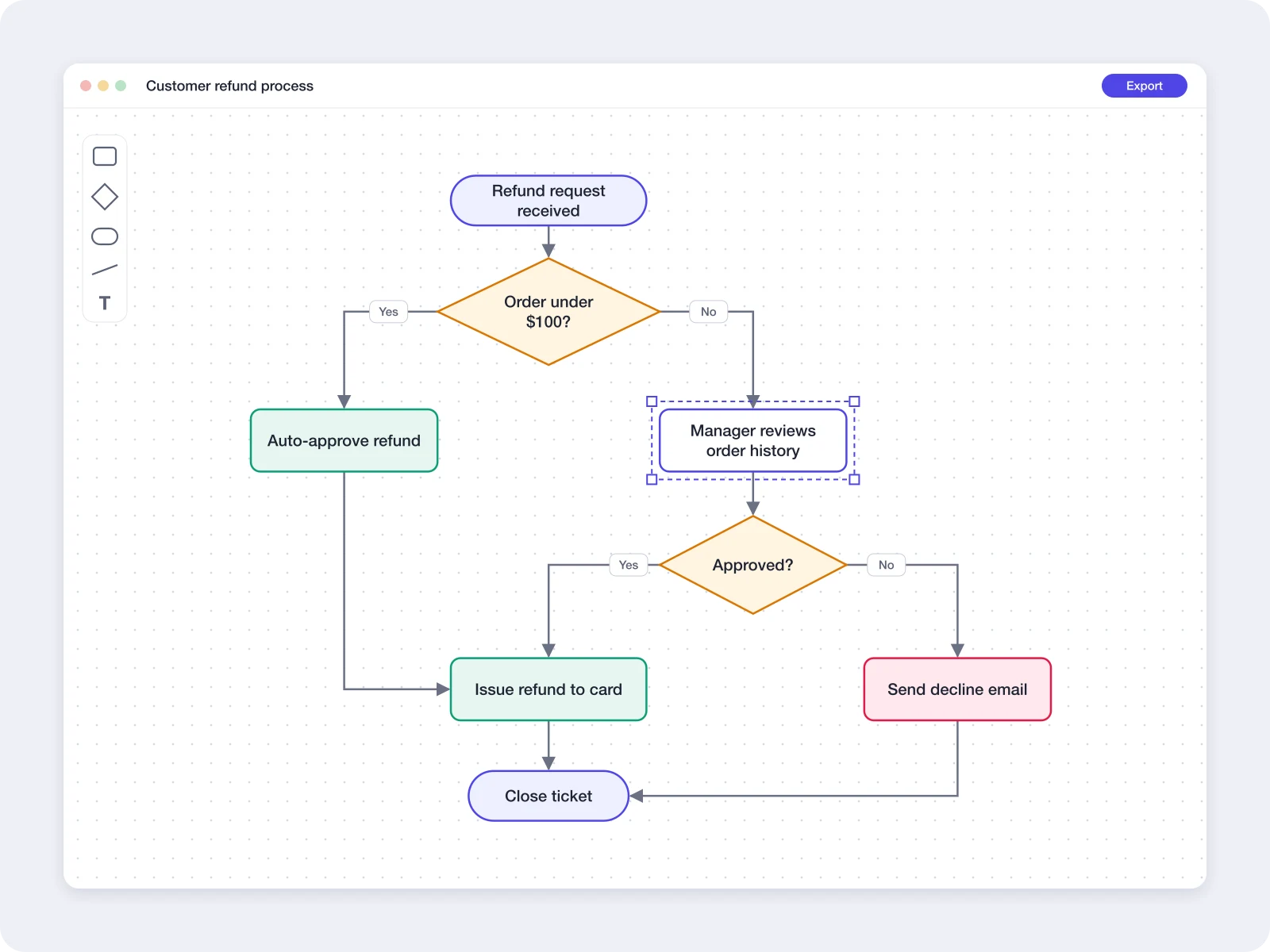
Describe the process once, then turn it into a workflow diagram, a written SOP and a deck for the people who run it.
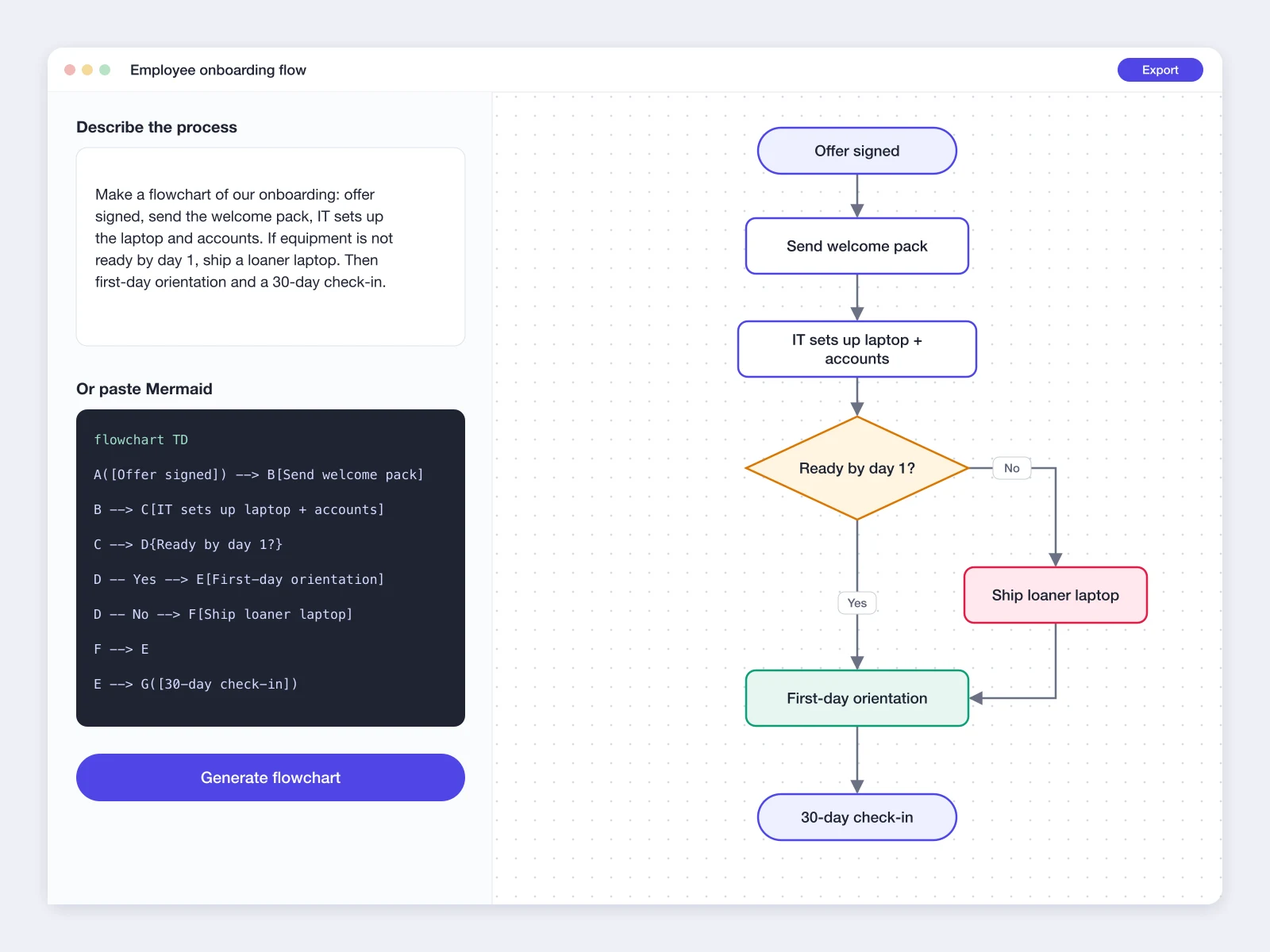
A workflow diagram starts with steps someone already knows by heart. Describe them in Playyy's AI Flowchart Generator — who starts the process, what gets checked, where it branches — or paste Mermaid flowchart code, and Playyy draws native shapes, text and connectors on the canvas. Connectors stay bound to their nodes, so dragging a step to a new spot keeps every arrow attached. Diagrams built in draw.io or Excalidraw come in as files or share links, and finished diagrams export to Excalidraw. The Flowchart Examples and How to Make a Flowchart guides on the Playyy blog show onboarding, approval and refund flows to start from.
Try for free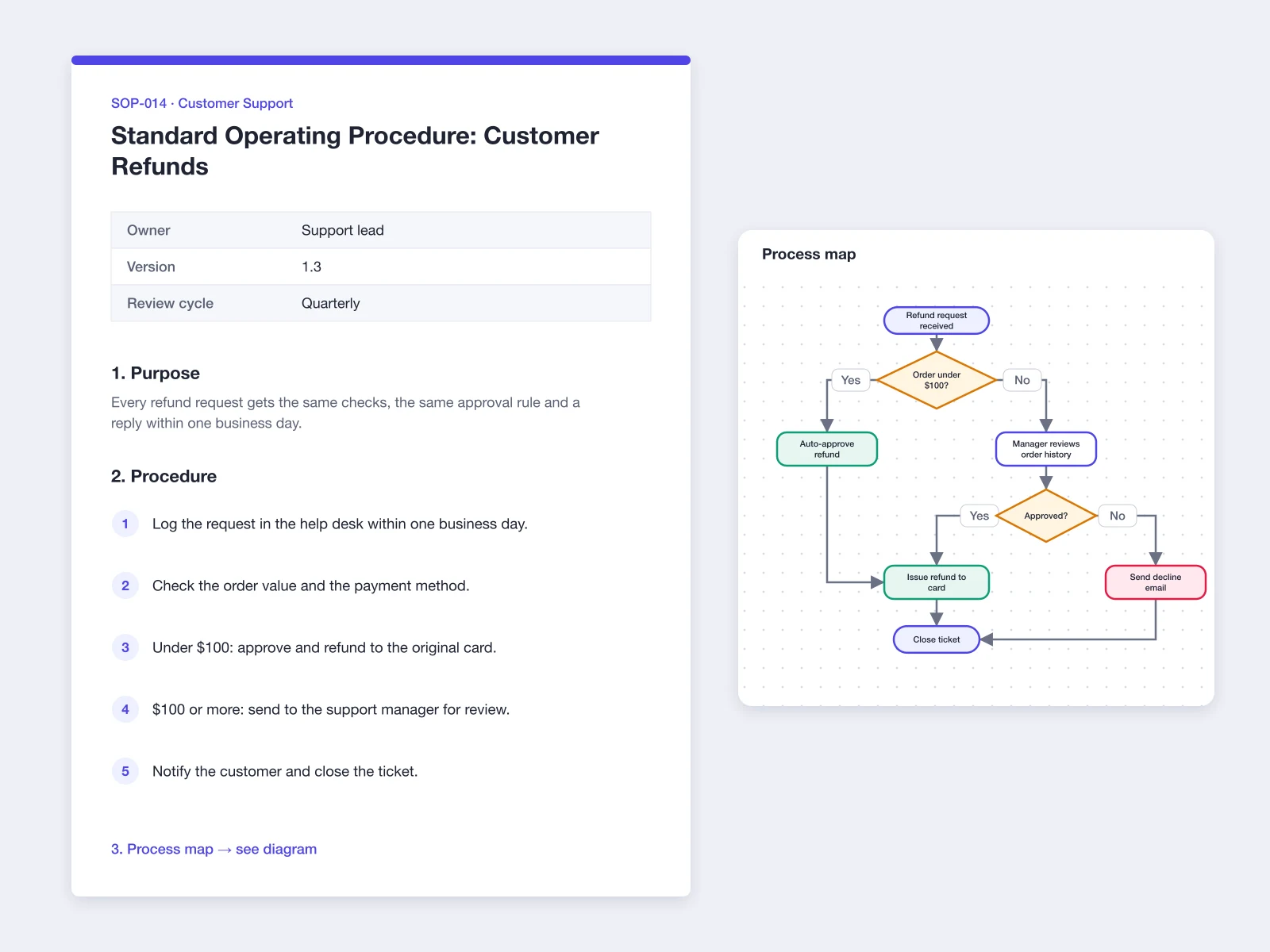
A process map shows the order of steps; an SOP adds owners, rules and timing. Ask Playyy's AI Document Generator to write the SOP from the same description — purpose, scope, roles, numbered procedure and review cycle — and it lays the document out with headings and tables in your brand, ready to export as a PDF. For recurring work, Playyy also builds a project tracker sheet with each step, owner, status and due date, and exports it to Excel or CSV. The SOP Template and Project Tracker Template guides on the Playyy blog cover what each one should include.
Try for free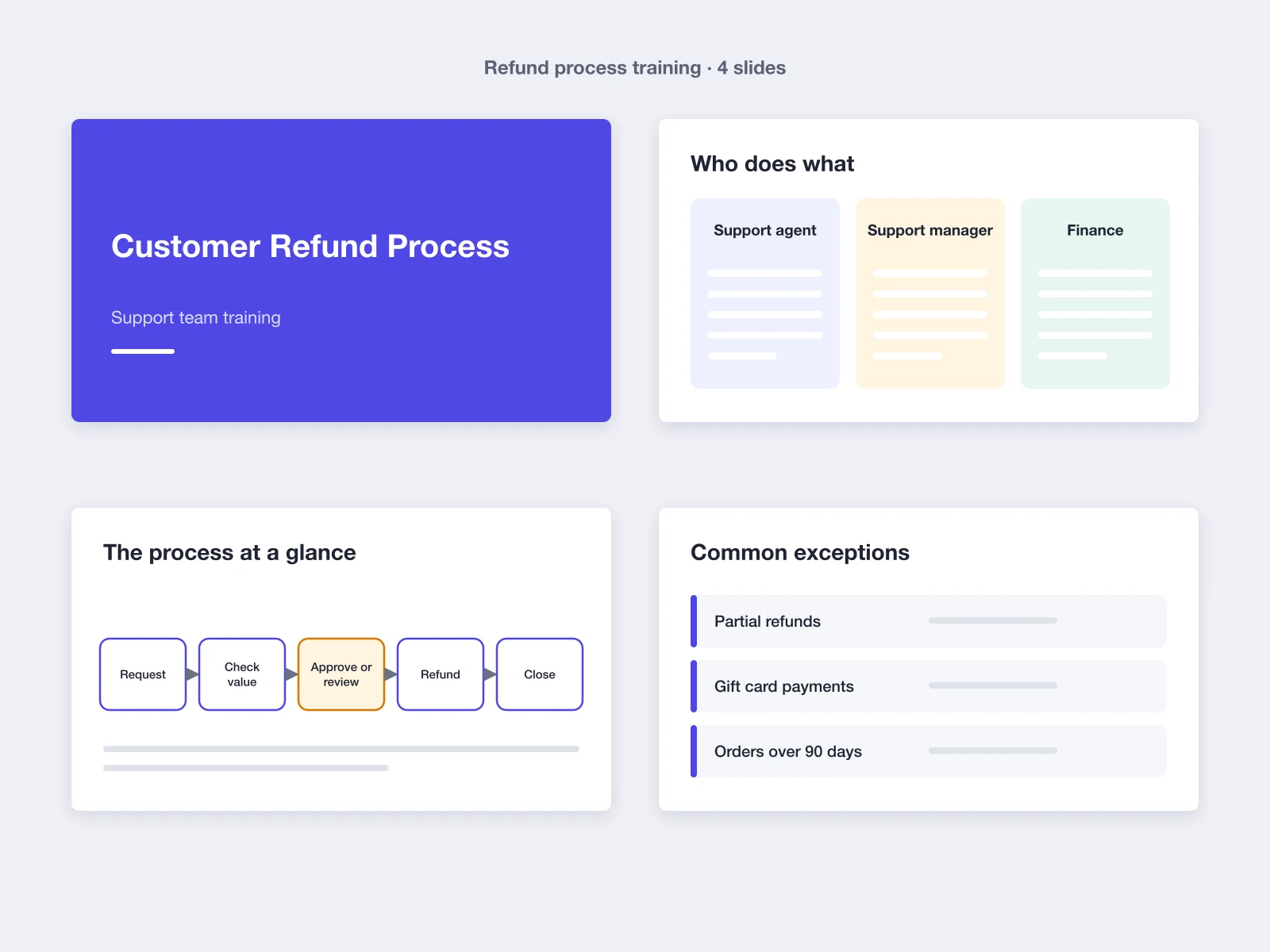
Process documentation works best when people learn it from the same source. Paste the SOP into Playyy's Presentation Maker and it builds a training deck — a title slide, who does what, the process at a glance and the common exceptions — in the same brand. Edit any slide by chat or directly on the canvas, present from the browser, or export an editable PPTX or a PDF for the team handbook. The same deck serves an audit walkthrough or a quarterly process review.
Try for freeDescribe the process or paste Mermaid flowchart code and get native shapes, text and connectors you can edit.
Arrows are bound to their nodes, so moving a step keeps the whole diagram connected.
Bring in .drawio files, Excalidraw files or share links and keep working on them in Playyy, then export to Excalidraw.
Write SOPs, policies and handover notes with headings and tables, edit by chat, then export a PDF.
Build a project or process tracker sheet with owners, statuses and dates, and export it to Excel or CSV.
Turn the procedure into slides, present from the browser, or export an editable PPTX or a PDF.
See how teams are using Playyy to ship better visuals, faster.
A legal-tech startup founder, no designer, 22 YouTube thumbnails — how the startup built a consistent channel identity in one week using Playyy's brand kit.
Daniel Brooks
ChatGPT images buried in chat, no brand kit, no spec control. How a 12-person B2B SaaS team switched workflows and tripled creative output in the same time budget.
 Emily Carter
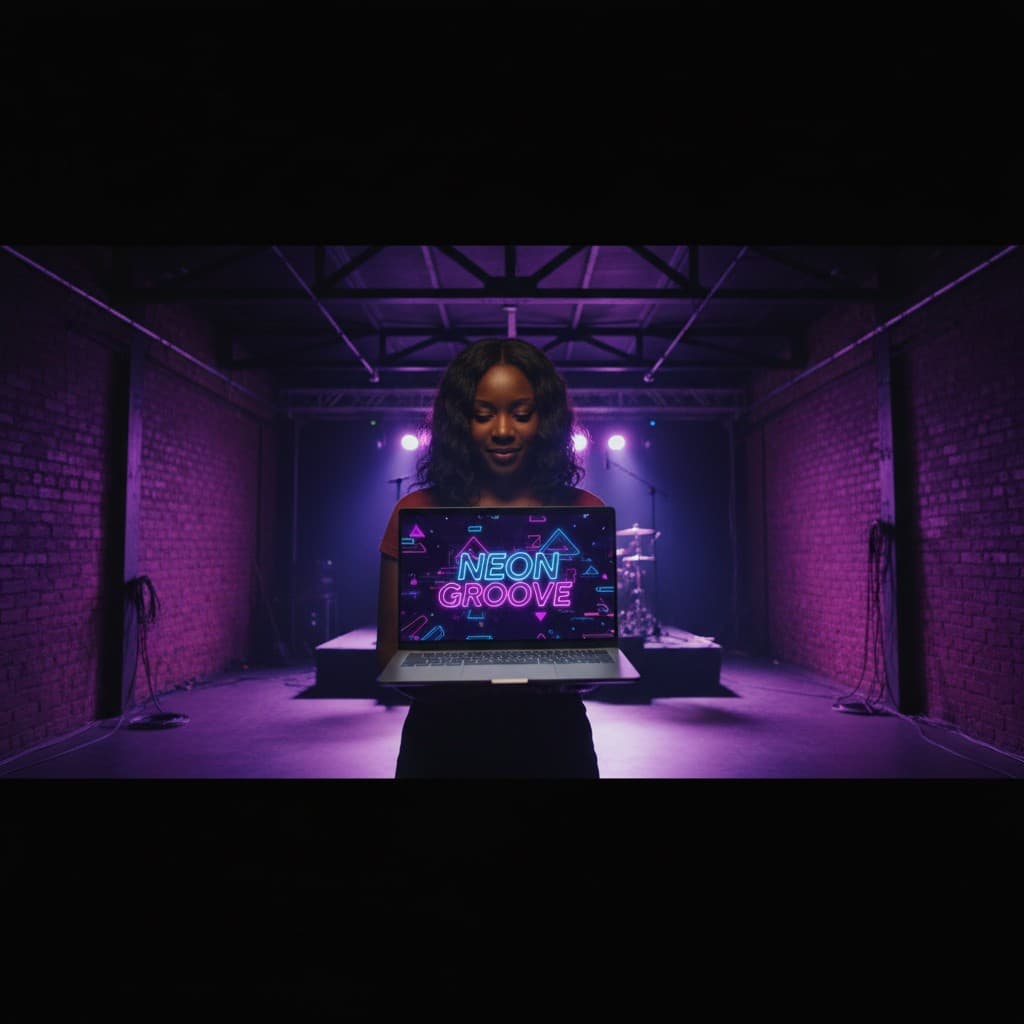
YouTube channel banner, profile picture, and 4 end-card variants — zero design cost, one afternoon, no designer.
 Luca Moretti
The same written description becomes the diagram, the SOP and the training deck, so the step names and decision rules match across all three. When the process changes, update the description and regenerate the parts that moved.
Playyy draws flowcharts as native shapes and connectors on the canvas. Rename a step, add a branch or drag a box to a new spot and the arrows follow, which keeps the map current long after the first draft.
Process maps, SOPs, trackers and slides live in one Playyy workspace with one brand kit, so a new hire opens documents that look and read like they came from the same team.
Playyy is an AI design agent that turns a written process description or Mermaid flowchart code into an editable process map, then writes the SOP and the training deck from the same steps. Visio, Lucidchart and draw.io are built around drawing shapes by hand; Playyy starts from text, keeps every shape, label and connector editable, and imports existing draw.io and Excalidraw files. The Visio Alternatives guide on the Playyy blog compares the main options.
ChatGPT can outline a process and write it as Mermaid flowchart code, which is a fast way to get the steps and decisions in order. To turn that into a diagram you can rearrange, restyle and share, paste the Mermaid code into Playyy: it becomes native shapes, text and connectors on an editable canvas, and you can keep refining it by chat. Playyy reads Mermaid's flowchart and graph types.
A flowchart shows the sequence of steps and decisions in any procedure. A process map is a flowchart used to document a business process, and it usually adds who owns each step, the inputs and outputs, and where handoffs happen. Process flow diagrams and workflow diagrams belong to the same family. In Playyy all of them start the same way: describe the process, then add owners, labels and colors on the canvas.
To create a process map, pick one process with a clear start and end, list every step in order with its owner, mark the decision points and the branches that follow, then draw it and check it with the people who do the work. In Playyy the list itself is the input: describe the steps or paste Mermaid code, and the diagram appears as editable shapes you can rearrange after the review.
Yes. Playyy imports .drawio files, Excalidraw files and Excalidraw share links as editable shapes, text and connectors, and exports diagrams back to Excalidraw. Imports keep the structure and labels; swimlanes arrive as rectangles and curved connectors as straight lines, which you can adjust on the canvas afterwards.
A useful SOP names the process, its purpose and scope, the roles involved, numbered steps in the order they happen, the rules for exceptions, and an owner and review date. A process map beside it makes branching steps easier to follow. Playyy's AI Document Generator writes an SOP in that structure from a short description and exports it as a PDF; the SOP Template guide on the Playyy blog has a full outline.
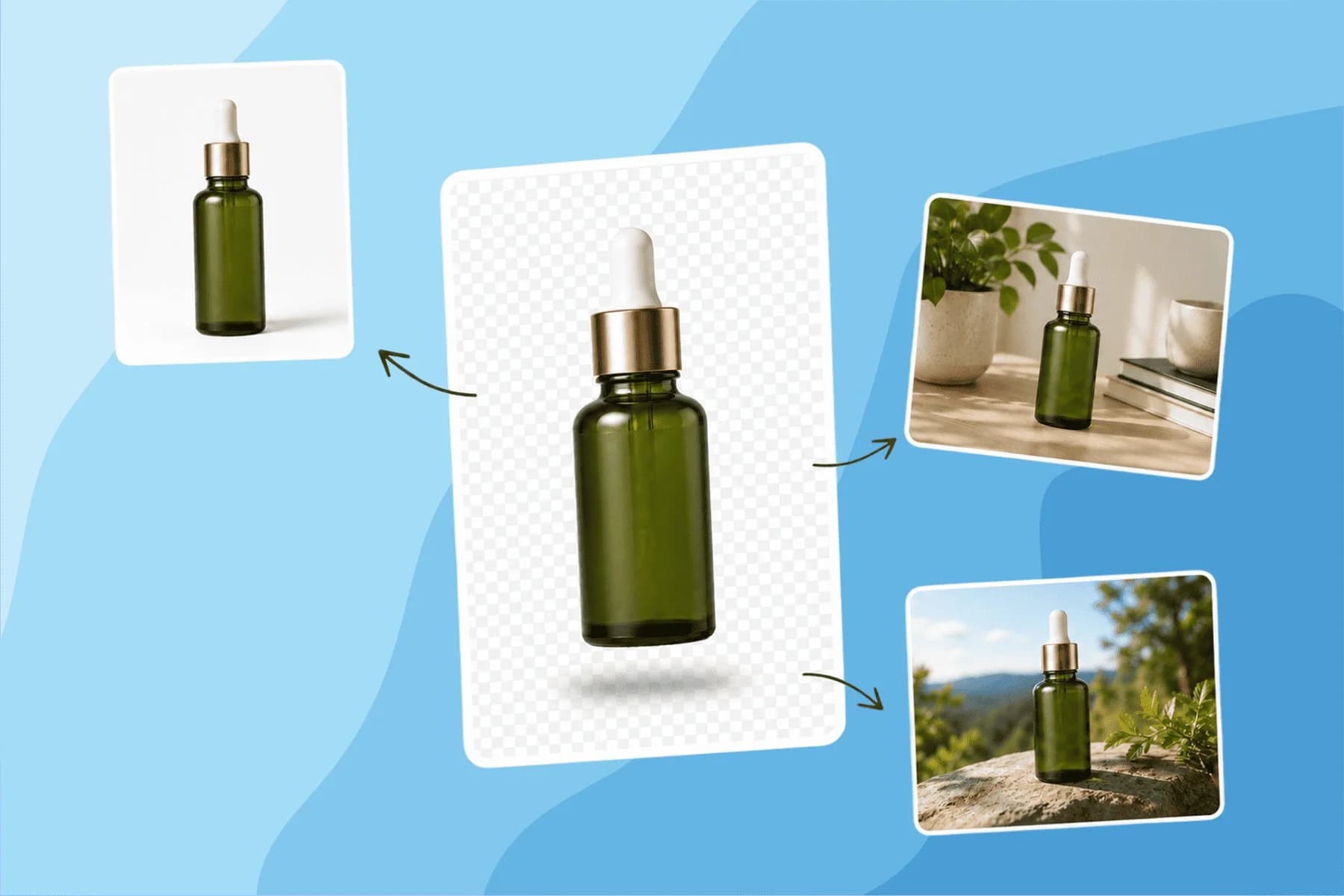
Turn any product photo into channel-ready studio imagery — no studio, no reshooting.
Explore workflow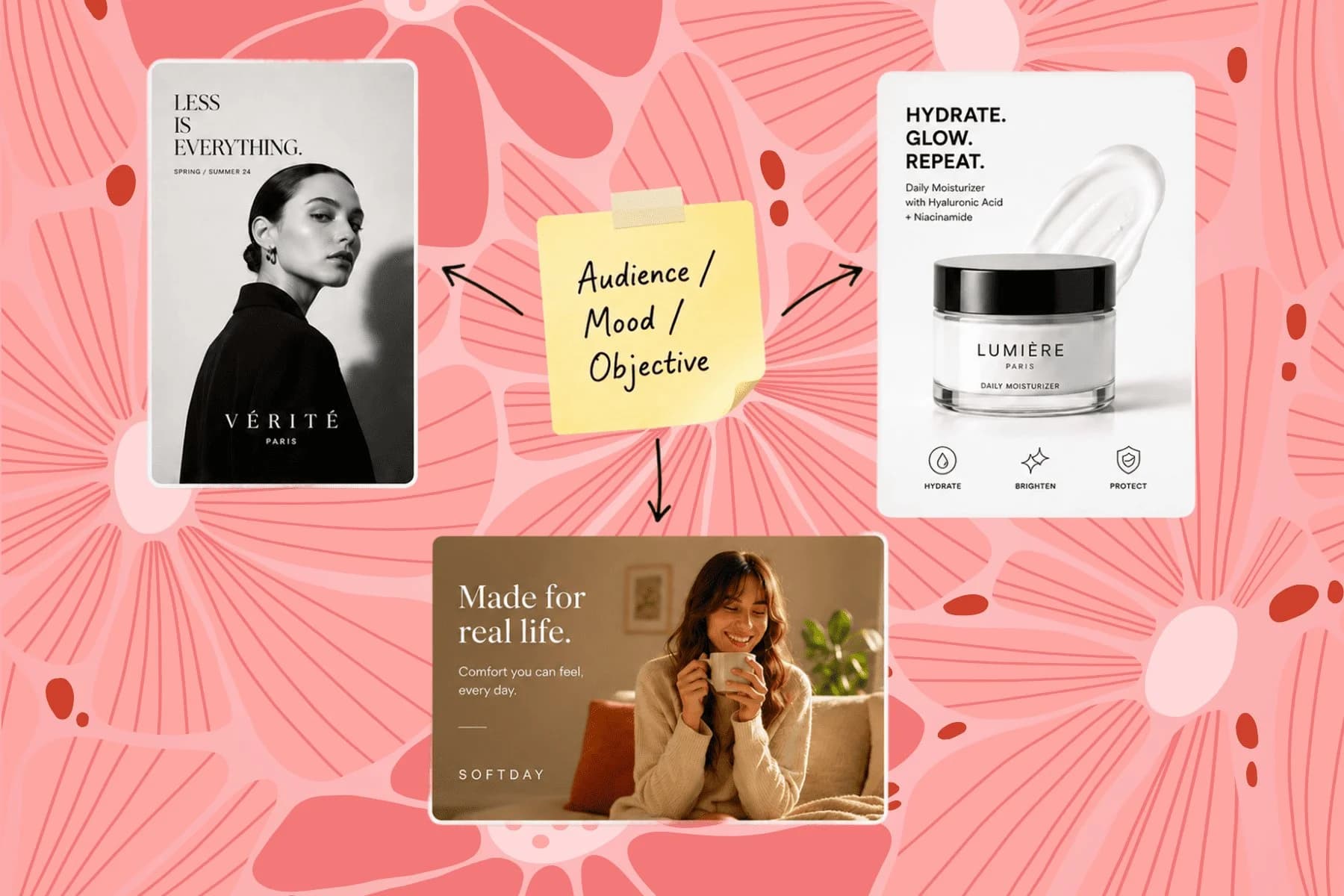
From one campaign brief to every channel asset — AI image generator, creator, and editor in one workflow.
Explore workflow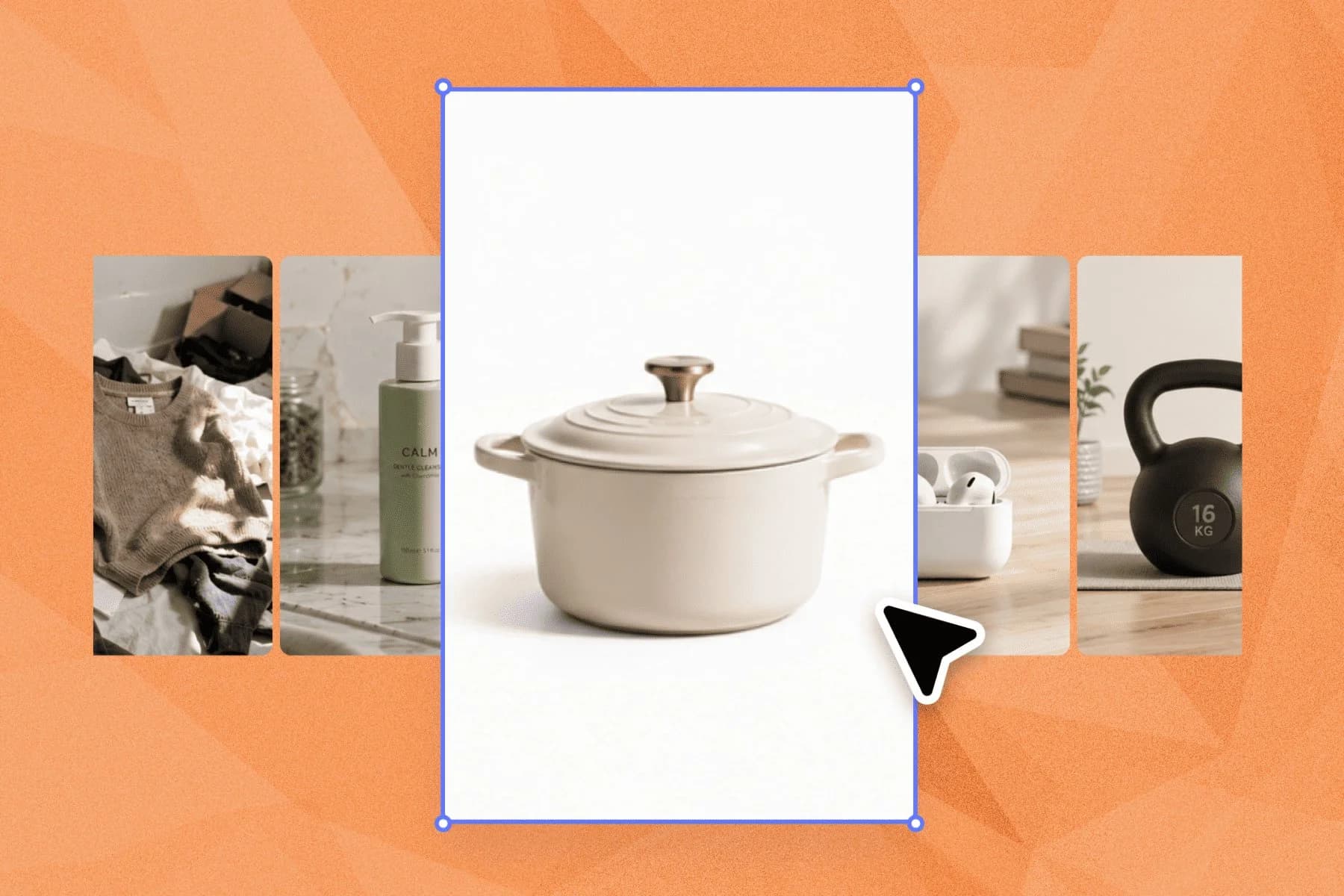
Ecommerce image editing across every SKU — background removal, cleanup, and upscaling that meet marketplace specs.
Explore workflowKeep every image on brand, control the final look, and turn campaign ideas into polished assets without waiting on another design cycle.