Creative Brief Template: Copy It, Fill It, Brief AI
 Claire Dubois

A creative brief is the one page a designer, copywriter or agency works from before anything gets made. It answers what the work is for, who it speaks to, what it has to say, and exactly which files are due by when. Below is a creative brief template you can copy, what to write in each section, two filled-in examples, and how a shorter design brief template differs.
Direct answer. A creative brief template has ten sections: background, objective, audience, key message, proof points, tone and look, deliverables, mandatories, timeline and budget, and approvals. Fill each with a few sentences, keep the whole brief to one page, and get it approved before design starts.
The Creative Brief Template
Copy the skeleton below into a doc, an email or a project ticket. Every heading matches a question the designer will otherwise ask you in a meeting.
CREATIVE BRIEF: [Project name]
Owner: [Name]    Date: [Date]    Final approver: [Name]

1. Background        Why this project exists now.
2. Objective         One measurable result, with a number and a date.
3. Audience          Who they are, what they believe today.
4. Key message       The one sentence they should remember.
5. Proof points      Two or three facts that back the message.
6. Tone and look     Three adjectives, brand kit, references.
7. Deliverables      Asset | channel | size | format | quantity
8. Mandatories       Logo, legal lines, URL, offer terms.
9. Timeline/budget   First draft, review rounds, due date, budget cap.
10. Approvals        Who signs off at each stage.

Wikipedia's entry on the creative brief describes it as "a document used by creative professionals and agencies to develop creative deliverables," and lists much the same contents: background, target audience, objectives, a single message, tone of voice, mandatories, deliverables, timeline, budget and approvals. The ten sections above follow that standard shape, which is why agencies and in-house teams recognize it immediately.
How to Write a Creative Brief, Section by Section
Work through the sections in order. Background and objective come first because every later answer depends on them.
1. Background
Two or three sentences on what is happening and why the work is needed now: a launch, a seasonal push, a rebrand, a drop in sign-ups. Give the designer the context a new colleague would need.
2. Objective
One result, stated with a number and a date: "500 pre-orders by March 31" or "200 sign-ups for the open day." A brief with three objectives gives the designer three different jobs. Pick the one that decides whether the project worked.
3. Audience
Describe a specific group, plus what they currently think. "Parents of children aged 4 to 10 in the neighborhood, who see the library as a rainy-day option" gives far more direction than "families." Add what they need to hear to change their mind.
4. Key message
One sentence the audience should repeat after seeing the work. It is often the hardest line to write and the most useful. If you can't write it, the project needs another conversation before it needs a designer.
5. Proof points
Two or three facts that make the key message believable: a price, an ingredient, a review score you can cite, a date, an award. Designers turn proof points into callouts and badges, so make them concrete.
6. Tone and look
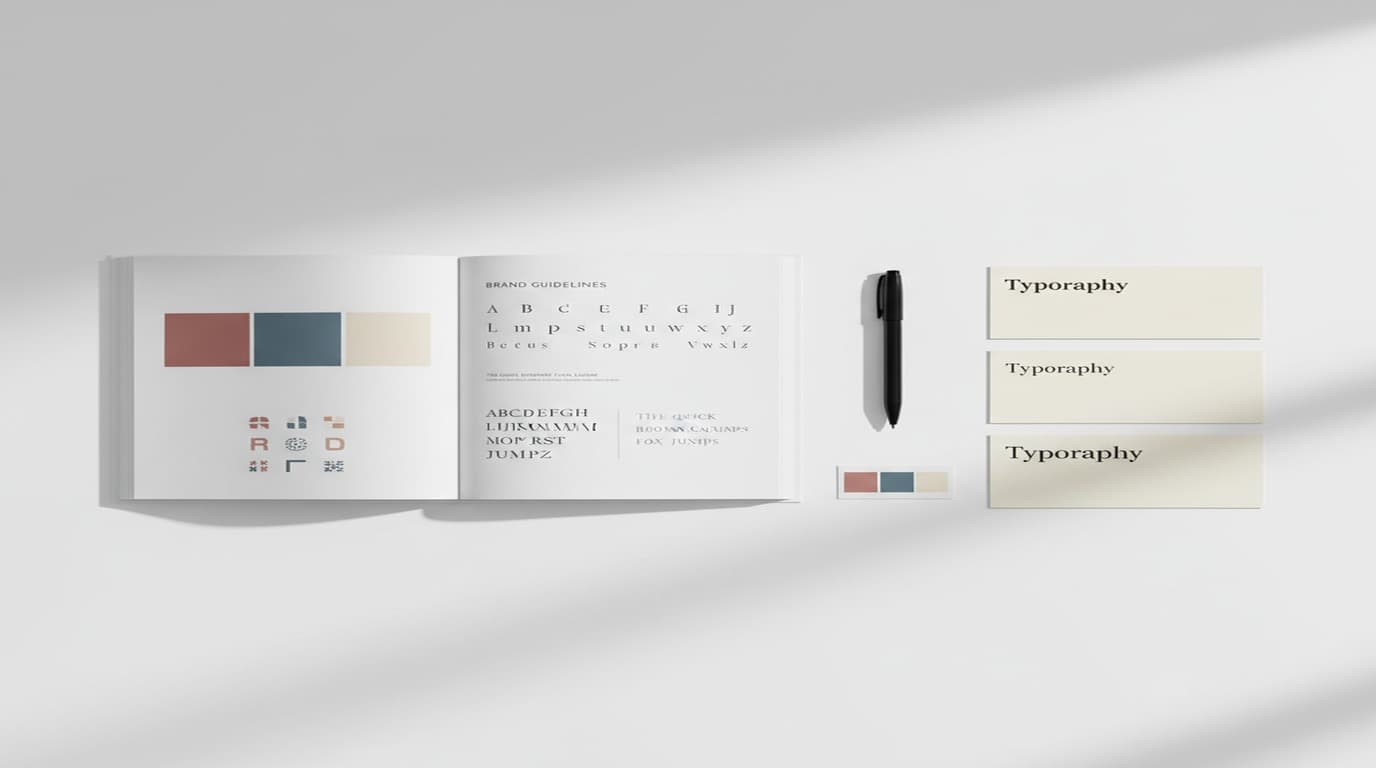
Three adjectives ("warm, confident, unfussy") and a pointer to your brand rules. Link your brand guidelines or style guide, and add two or three references to follow and one to avoid. A link to a brand style guide saves a paragraph of description.
7. Deliverables
List every file with its channel, size, format and quantity: "Instagram feed post, 1080 × 1350, PNG, 3 variants." Missing sizes are the most common reason a project needs a second round.
8. Mandatories
The elements every piece must carry: logo, URL, legal or offer terms, accessibility needs such as minimum text size or alt text, and anything a partner requires.
9. Timeline and budget
Dates for the first draft, each review round and the final files. State the budget cap, including printing or paid media if they come out of the same pot.
10. Approvals
Name who reviews each round and who gives the final yes. One final approver keeps feedback from arriving in contradicting waves.
Two Creative Brief Examples
Both examples use fictional businesses. They show how short a strong brief can be.
Example 1: A seasonal campaign brief
Creative brief: Spring cold brew launch, Fernhollow Coffee Roasters (fictional sample)
Background. Fernhollow sells bagged beans online and in two cafés. Cold brew concentrate launches April 1 and is the first ready-to-drink product. Objective. 600 bottles sold online by April 30. Audience. Existing bean customers aged 25 to 45 who make iced coffee at home and find it watery. Key message. Café-strength iced coffee at home in ten seconds. Proof points. 18-hour steep; one bottle makes 8 drinks; same single-origin beans they already buy. Tone and look. Fresh, bright, relaxed. Fernhollow brand kit; daylight photography, condensation on glass. Deliverables. 3 Instagram feed posts (1080 × 1350), 2 Stories (1080 × 1920), 1 email header (1200 × 600), 1 in-café poster (18 × 24 in, print PDF). Mandatories. Logo, fernhollow.example URL, "Launch price through April 30." Timeline and budget. First drafts March 10, one review round, final files March 20. Design budget $1,500. Approvals. Marketing lead reviews; owner gives final sign-off.
Example 2: A design brief for a single poster
A design brief template drops the strategy sections to a line each and expands the technical ones. It suits one piece with a clear job.
Design brief: Summer reading program poster, Brightwater Public Library (fictional sample)
Job. One poster announcing the summer reading program, displayed in the library, two schools and a café. Goal. 250 children registered by June 15. Audience and message. Parents of children aged 5 to 11: "Read 10 books this summer, earn a free ice cream and a medal." Exact text. Headline, the line above, dates June 1 to August 15, "Register at the front desk or brightwater.example/summer." Size and format. 11 × 17 in portrait, print-ready PDF with 0.125 in bleed, plus a 1080 × 1350 PNG for social. Look. Playful, bright, illustrated; library teal and sunny yellow; large readable type from across a room. Must include. Library logo, partner logo for the ice cream shop, QR code to the sign-up page. Due. Draft May 5, final May 12. Approved by the children's librarian.
Creative Brief vs Design Brief
The two terms get used interchangeably, but they do different jobs.
| Creative brief | Design brief | |
|---|---|---|
| Covers | A campaign or project with several pieces | One design job |
| Leads with | Objective, audience, key message | Format, size, exact copy |
| Typical author | Marketing or account lead | Designer or project owner |
| Length | One page, two at most | Half a page to one page |
| Feeds into | Copy, design, media plan | The design file itself |
On a large campaign, the creative brief comes first and each deliverable then gets its own short design brief. On a small job, one design brief does both.
Turn the Brief Straight Into Designs With Playyy
Playyy is an AI design agent that makes images, presentations, documents, websites and spreadsheets on one editable canvas, so a finished creative brief can go straight in as the prompt. Paste the whole brief into the chat and ask for the deliverables it lists: Playyy produces the posters, social posts, banners and email headers at the sizes you named, as editable designs you can adjust by chat or directly on the canvas.
The tone and mandatories sections work best when your brand is already set up. Paste your website URL into the brand kit generator and Playyy reads your brand colors, fonts, logo and brand voice, then applies them to everything it generates. The "look" line in the brief then becomes a starting point rather than a long description.
Playyy can also write the brief itself. Give it your notes from a kickoff call and ask for a creative brief document using the ten sections above; it lays out the structure, and you can ask it to leave a visible placeholder such as [Budget] or [Approver] wherever a fact is still missing, so gaps stay obvious. Edit the document by chat, export it as a PDF, and send it for approval before generating any designs.
When the brief turns into a bigger pitch for a client or a budget holder, the project proposal template adds the scope, costs and approval request a brief leaves out.
Common Mistakes That Weaken a Brief
- Several objectives. Pick one. Secondary goals can go in the background.
- An audience of "everyone." Name an age range, a situation or a belief.
- A key message written as a list. Choose the one line; move the rest to proof points.
- Deliverables missing sizes. Each missing size means another round later.
- Feedback from people who weren't named as approvers. Add them to section 10 or route their comments through the owner.
Conclusion
A creative brief template earns its keep by forcing a few decisions before any design begins: one objective, one audience, one message and a complete list of files. Copy the ten sections, fill each with a few sentences, and keep it to a page. For a single piece, the shorter design brief does the same job. Once it's approved, paste the brief into Playyy and the first round of designs comes back in your brand, ready for review.

Claire Dubois
I advise fashion, beauty, lifestyle and hospitality brands on campaign direction, brand storytelling and visual consistency. I care deeply about how brands use AI tools while preserving taste, restraint and a coherent art direction.
Frequently asked questions
A complete creative brief covers ten things: background, one measurable objective, the audience, the key message, proof points, tone and look, the list of deliverables with sizes, mandatory elements such as logo and legal lines, the timeline and budget, and who approves the work. The objective and key message carry the most weight, because every design decision gets checked against them.