AI Design Tools for Freelancers — Faster Client Deliverables
From client brief to every deliverable format — AI generation, editing, and export without switching tools.
Explore workflowDriven by GPT Image 2.5 & Nano Banana Pro 🍌
Turn an idea into clean tattoo line art in seconds — fine-line, traditional, geometric, or lettering — and export it as a vector your artist can scale to any placement
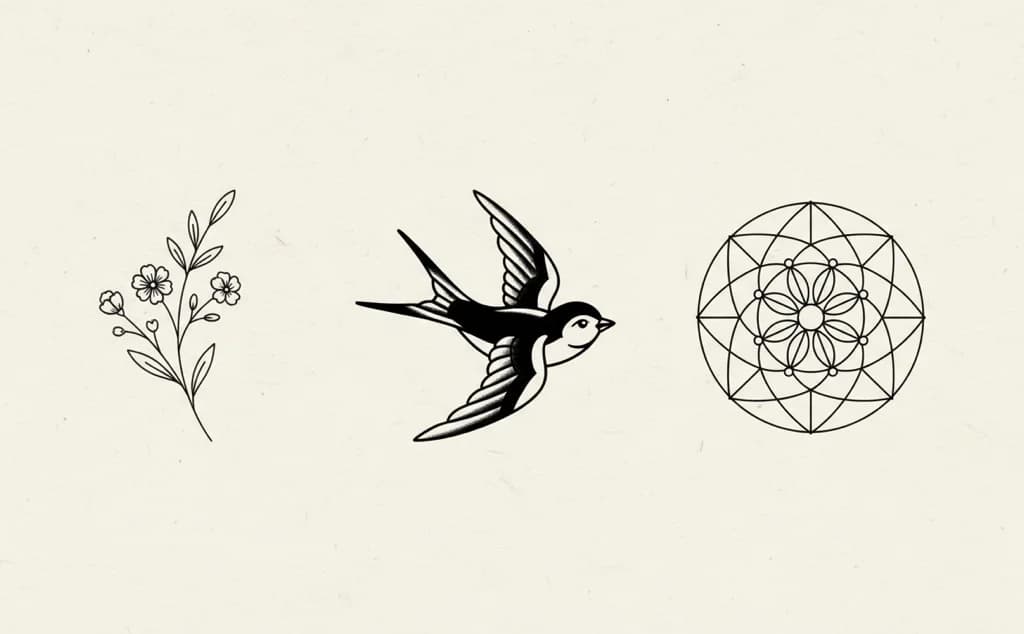
The hard part of a tattoo idea isn't having it — it's showing someone. This turns a description into linework clean enough to hand an artist.
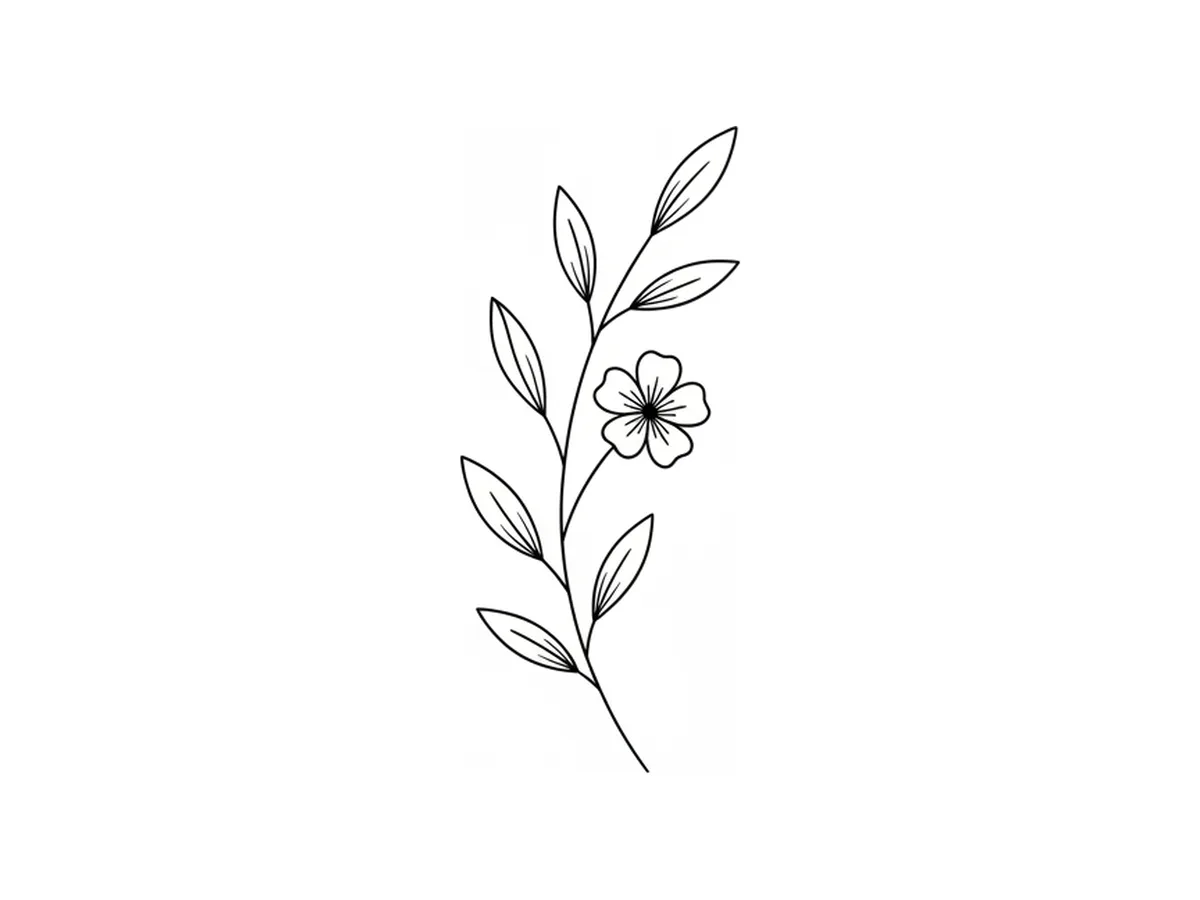
Say what you want and what style it should be in: a fine-line botanical sprig, an American traditional swallow with solid fills, a geometric mandala, a script lettering piece. The AI draws it as artwork rather than as a photograph of a tattoo, so what comes back is linework you can read, not a render of inked skin.
Try for free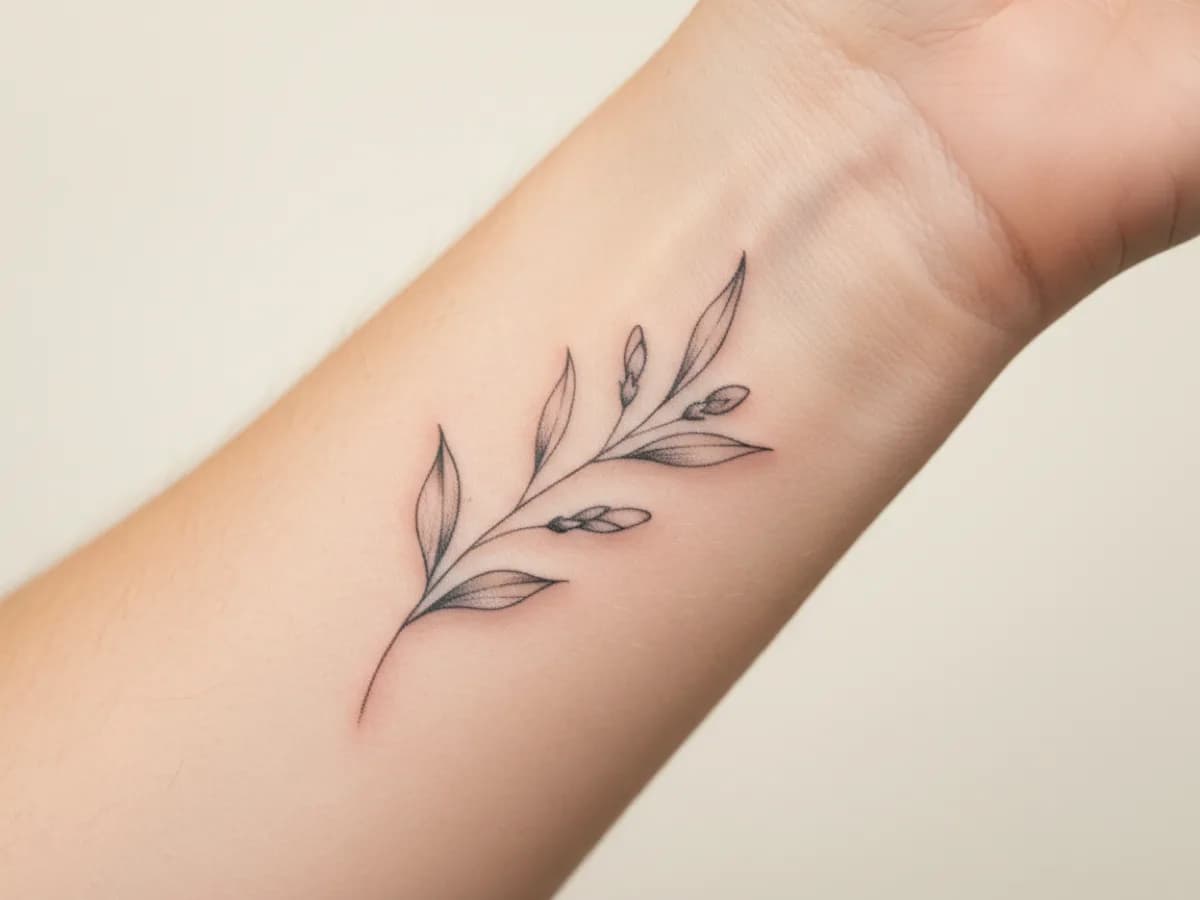
A design that reads beautifully on a screen can crowd a wrist or disappear on a ribcage. Preview the piece at the placement you have in mind to judge scale, negative space, and how the linework sits with the curve of the body — while changes still cost nothing.
Try for free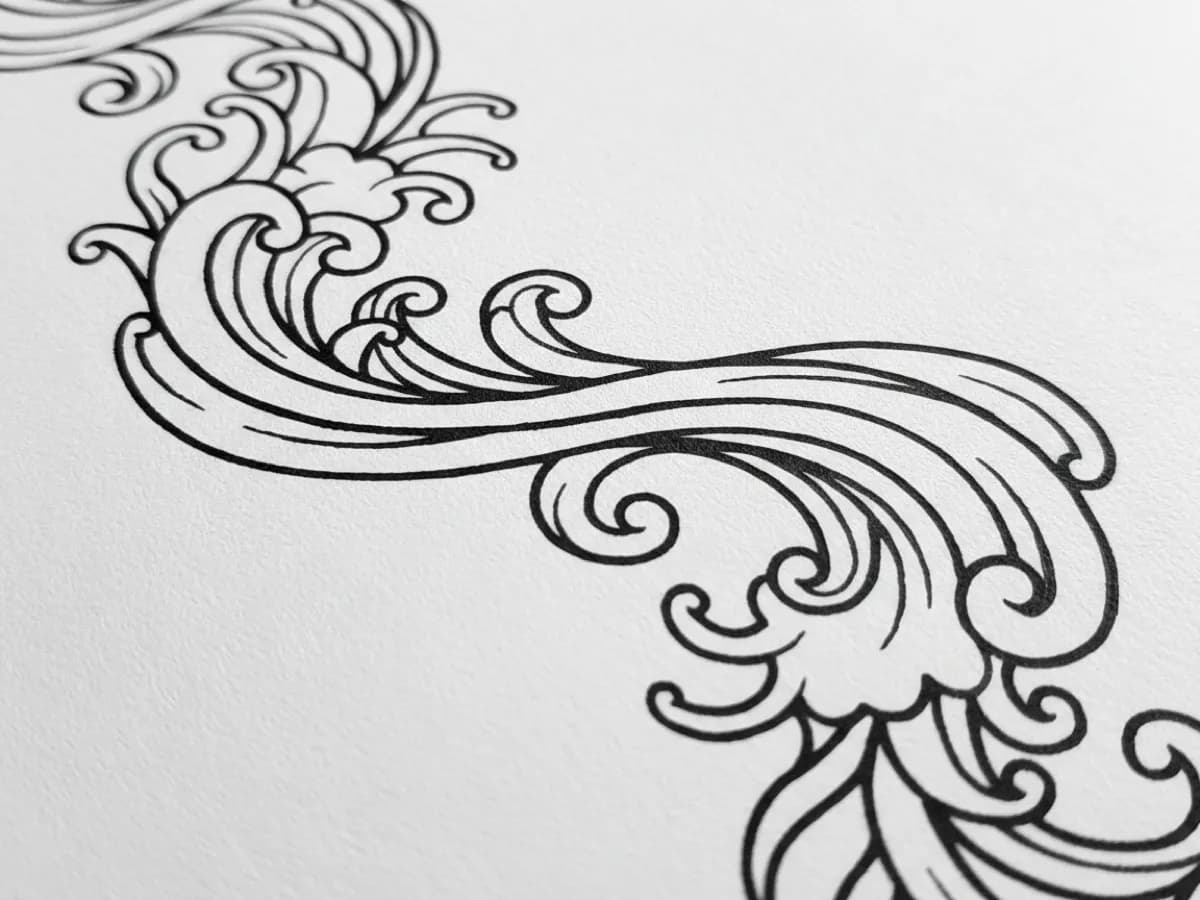
Export the design as an SVG and the curves stay smooth at any size — an artist can scale it to the stencil they need without the edges breaking up. That's the difference between a reference image and a usable design file, and it's usually the thing that makes an artist take a client-supplied idea seriously.
Try for freeDescribe the subject and the meaning behind it, and get back drawn artwork instead of a mood board of other people's tattoos.
Fine-line, American traditional, blackwork, geometric, botanical, script lettering, dotwork — ask for the style by name and the linework follows its conventions.
Export an SVG whose curves stay smooth at any size, so scaling to the final stencil doesn't soften the line.
Thin the linework, drop an element, mirror the composition, or simplify the detail — each pass keeps what was already working.
See the piece at the size and position you're considering before you sit down in the chair.
Generate several takes on the same idea so you can compare compositions rather than commit to the first one.
Most AI images of tattoos are pictures of inked skin — impossible to work from. These come out as flat artwork, which is what a stencil is made from.
Vector export means the artist sets the final size, not the file. A forearm version and a back-piece version come from the same design without redrawing.
Walking in with clean linework and a placement preview gets you a real discussion about the design, instead of twenty minutes explaining what you meant.
From client brief to every deliverable format — AI generation, editing, and export without switching tools.
Explore workflow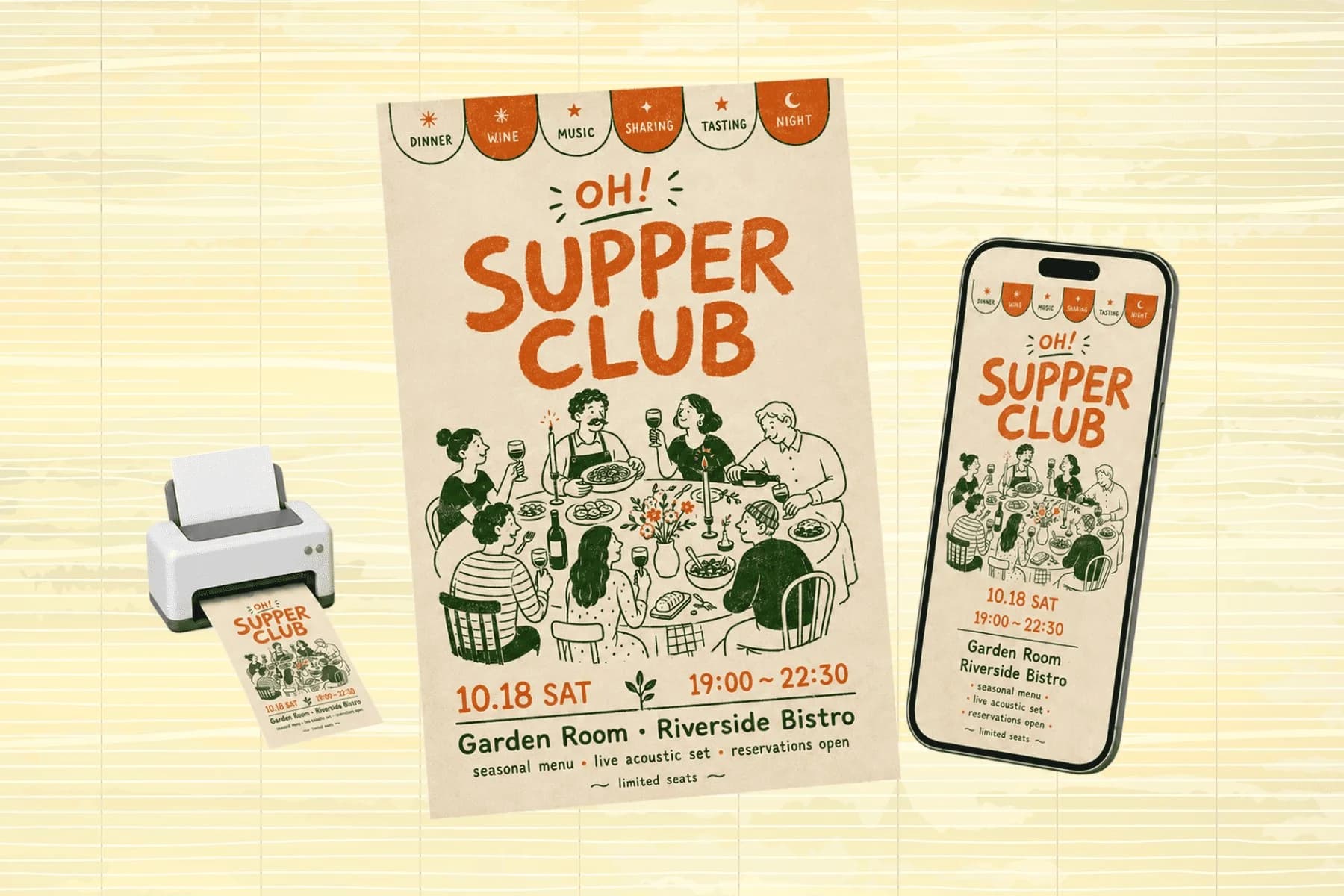
One hero visual, every platform format — YouTube, LinkedIn, Instagram — without manual resizing.
Explore workflowYes — describe what the piece should show and what style it should be in, and you get original linework back within seconds. Give it the meaning as well as the subject; 'a sprig of rosemary for my grandmother, fine-line, small enough for an inner wrist' produces a far more usable result than 'plant tattoo'.
It can produce an image of one, but it typically renders a photograph of a tattoo on skin rather than the flat artwork a stencil is made from, and the output is a fixed-resolution raster. This tool generates the design as linework and exports it as a vector, which is what an artist can actually scale and trace.
Judge it on two things: whether the output is flat artwork rather than a picture of skin, and whether you can export a vector. A beautiful render you can only screenshot is a reference image; an SVG of clean linework is a design your artist can work from.
Treat it as a starting point, not a finished stencil. Artists generally welcome a clear reference with the right style and scale, then adapt the linework for how ink behaves on skin, how it will age, and how it fits the body. Arriving with a clean vector makes that conversation shorter, not unnecessary.
Yes. Give the exact wording and describe the hand you want — fine script, bold blackletter, single-line handwriting. Proofread the result carefully before taking it anywhere; generated lettering can slip a character, and that's a mistake you don't want permanently.
Yes, designs you generate here are yours to use, including taking them to a studio. Avoid prompting for a specific artist's existing work or for copyrighted characters — tattoo artists have their own designs and reproducing them without permission is its own problem.
Export the SVG and size doesn't apply — vector artwork has no fixed dimensions, so your artist scales it to the placement. If you need a raster version to share, generate it larger than the intended tattoo so fine linework stays legible.
See how teams are using Playyy to ship better visuals, faster.
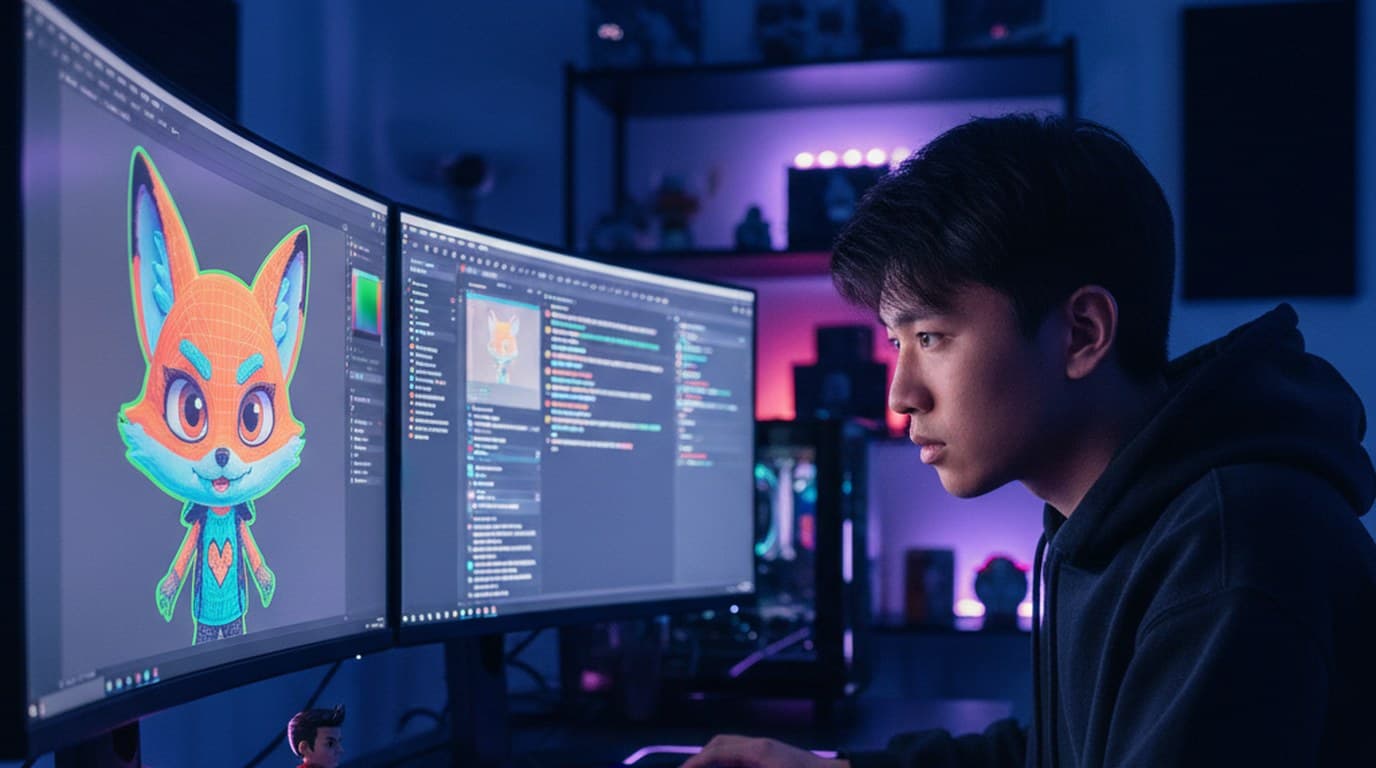
A mid-size Twitch streamer and YouTube gaming creator cut per-refresh commissions to zero and shrank the visual brand refresh from 6 hours to 45 minutes using Playyy.
 Minji Park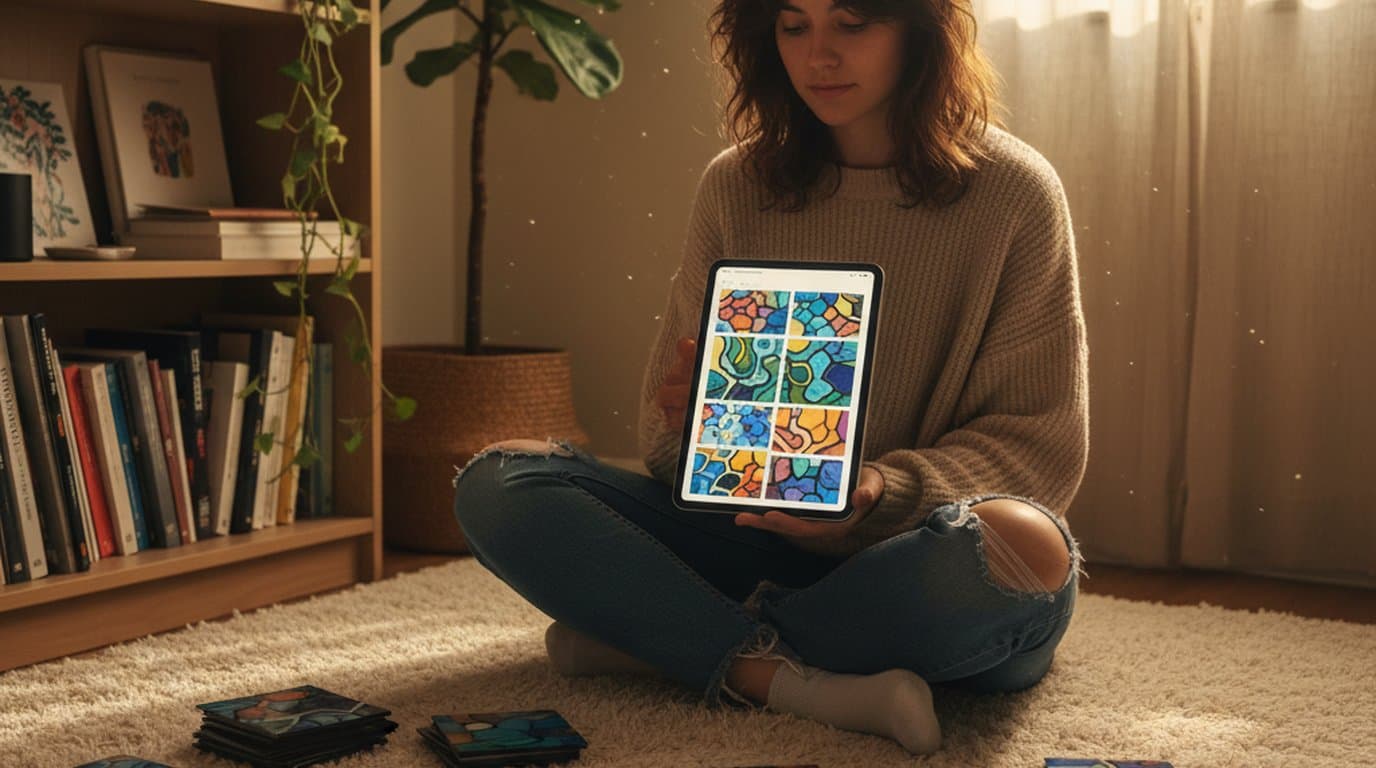
An indie systems creator runs a 10-slide weekly carousel and a 30-slide course launch by stitching images on Playyy's editable canvas — one tab, not five.
Minji Park
A legal-tech startup founder, no designer, 22 YouTube thumbnails — how the startup built a consistent channel identity in one week using Playyy's brand kit.
 Daniel Brooks
Keep every image on brand, control the final look, and turn campaign ideas into polished assets without waiting on another design cycle.














