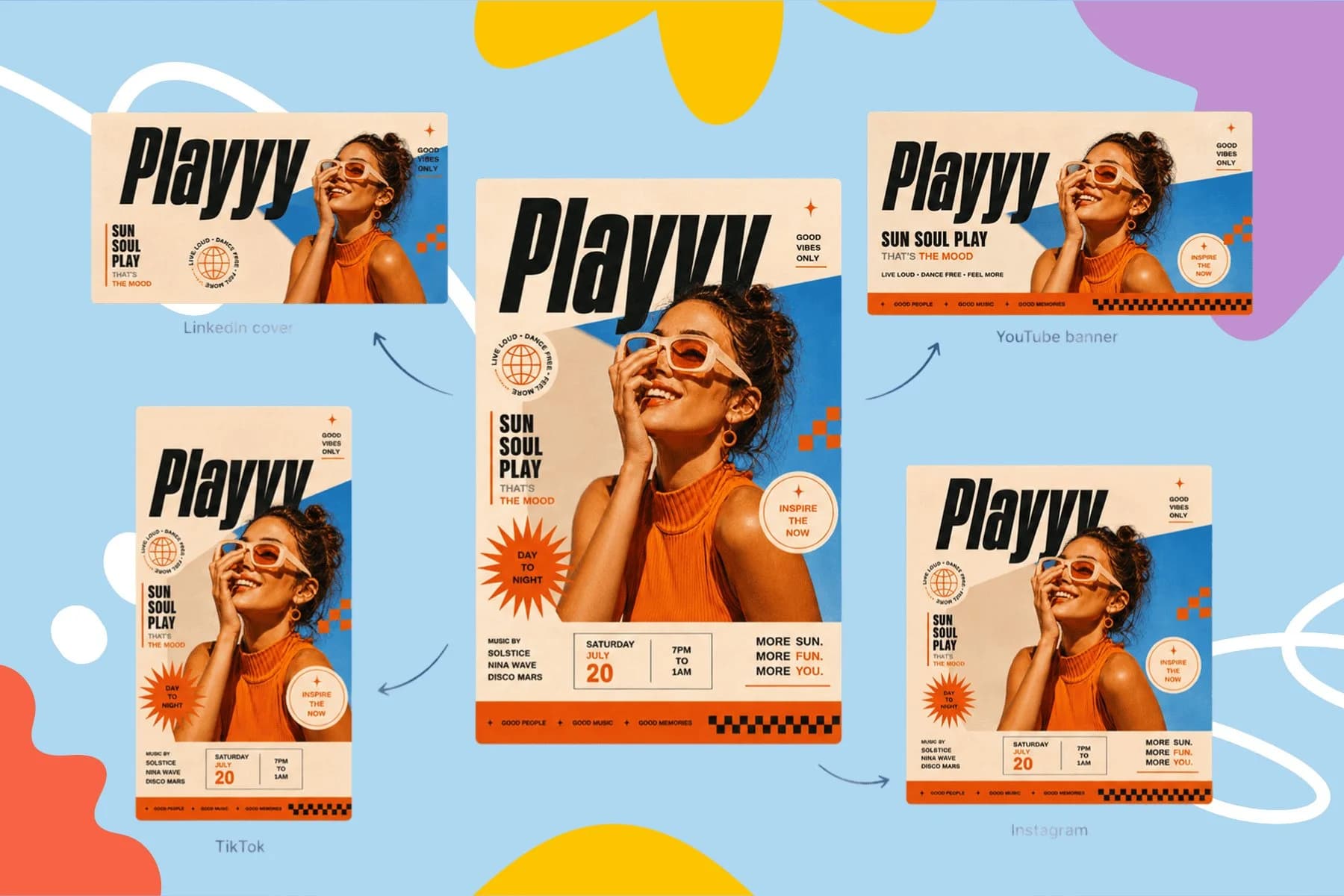
Free AI Flyer Maker and Poster Maker for Any Event
Create event posters, flyers, and digital invitations specific to your occasion — not another generic template.
Explore workflowTurn a JPG photo, scan or sketch into SVG in your browser and get flat, poster-style vector art with exactly the number of colors you choose
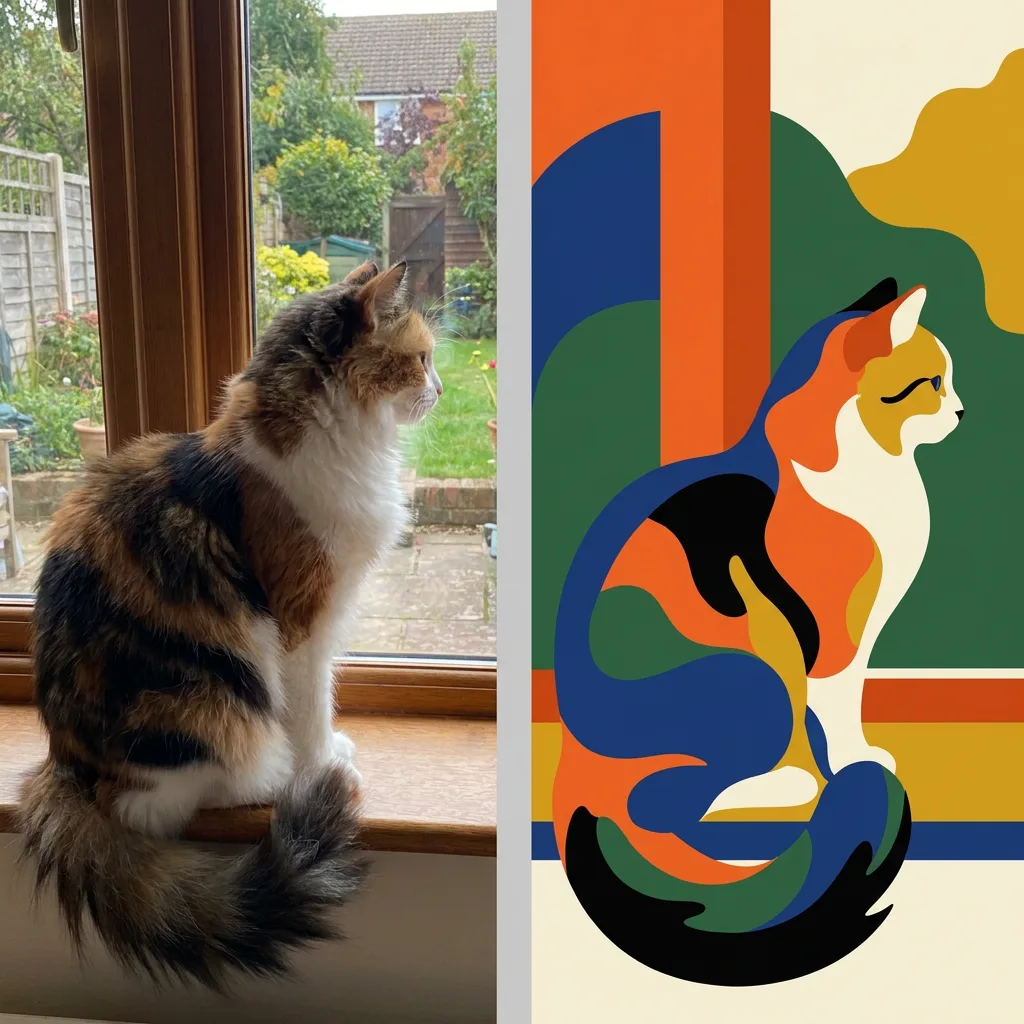
Upload a JPG, pick how many colors the art should use and click Vectorize, then download the SVG or keep designing in Playyy.
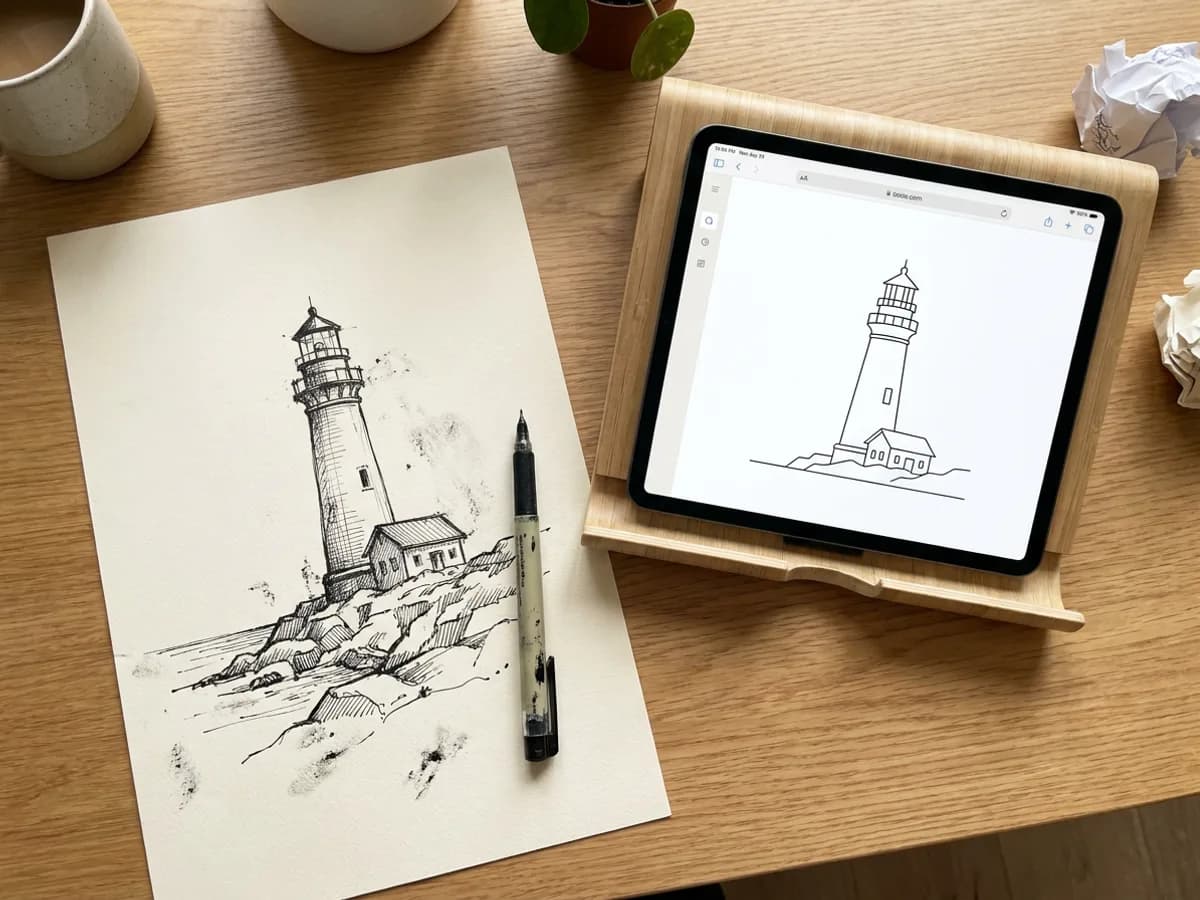
Photograph or scan a hand-drawn sketch, save it as a JPG, and drop it into the converter. For ink drawings, a low setting on the Colors slider keeps the lines bold and the shapes simple, giving you JPG to SVG line art that reads clearly at any size. Click Vectorize and the tracing runs locally in your browser, free. The same approach works for signatures, doodles and hand lettering you want to reuse on cards, labels or a website.
Try for free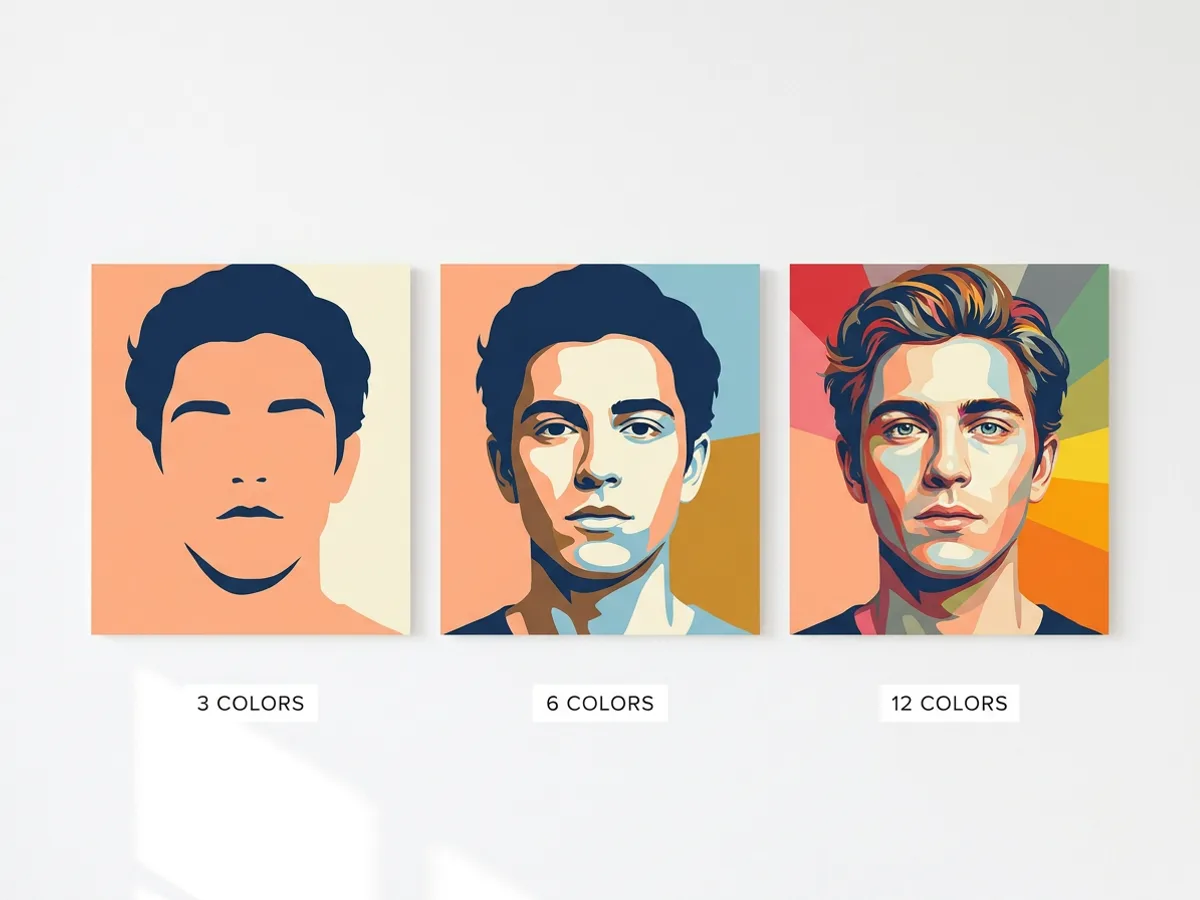
Turning a photo into SVG is a creative choice about how many colors to keep. Set the Colors slider low for bold, poster-style shapes, then raise it to bring back more detail in faces, fur and shadows. Vectorize, compare, adjust and run it again; each pass is free and happens on your device. The result is stylized flat art, a strong fit for posters, illustrated portraits, profile images and prints.
Try for free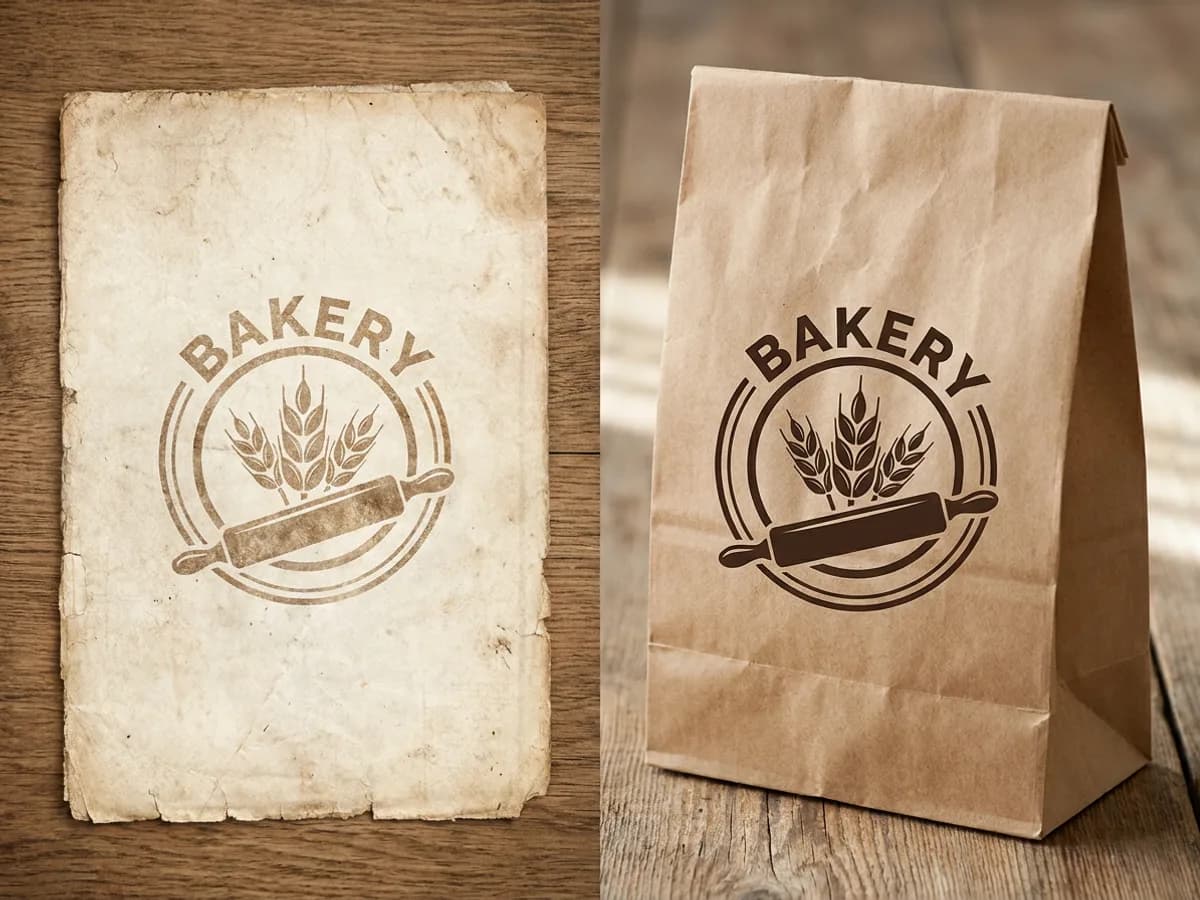
Plenty of small businesses have their logo only as a scan or a photo of old printed material. Converting that JPG to SVG traces the shapes into smooth paths, and a small color count gives you flat, even fills in place of faded, textured paper. Large scans are scaled so the longest side is 2048 px before tracing, which keeps the process quick. Sign in to download the .svg for new packaging and signage, or click Edit as a design to rebuild the rest of your materials in Playyy.
Try for freeConverting WebP or HEIC files? Use the image to SVG converter
Drop in a JPG or JPEG straight from your camera or scanner. PNG, WebP and HEIC files work too.
Fewer colors give bold, flat shapes; more colors keep extra detail from the photo.
Hand drawings, signatures and ink sketches trace into clean vector lines.
Vectorize runs locally on your device, so you can try several settings for free.
Images over 2048 px on the longest side are scaled down before tracing to keep it fast.
Open the vector art in a new Playyy design and turn it into a poster, a post or a slide.
The Colors slider decides how simple or detailed the art becomes. Three colors read like a screen print, while twelve keep far more of the original photo.
Scanned logos and paper sketches turn into clean vector shapes. You get a file ready for fresh print and digital use.
Edit as a design places the SVG on a Playyy canvas. Add text, layout and brand colors right there.
Create event posters, flyers, and digital invitations specific to your occasion — not another generic template.
Explore workflow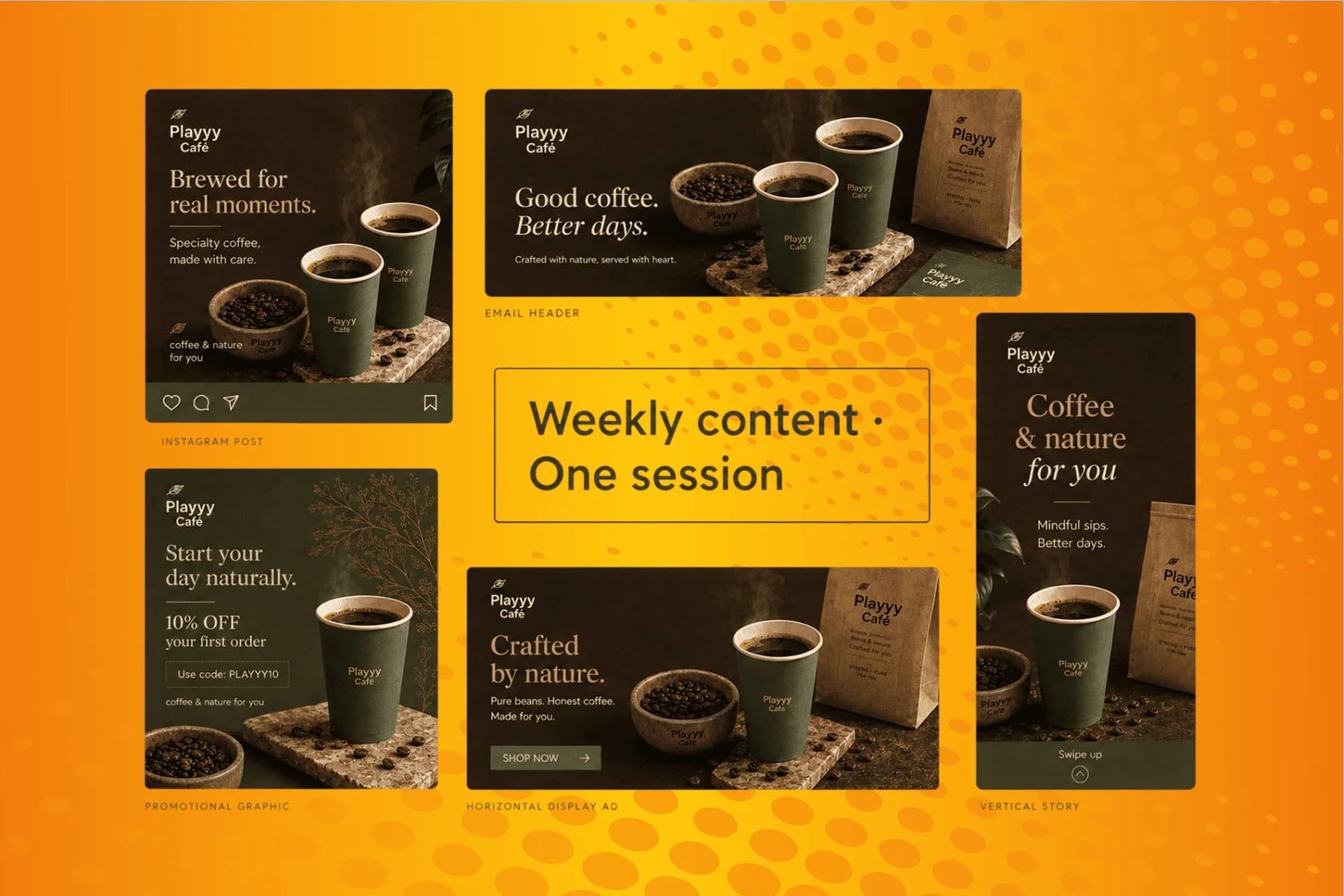
From content gap to publish-ready creative — AI image generator, brand style matching, and copy placement in one session.
Explore workflowUpload the JPG, choose a number of colors with the Colors slider, and click Vectorize. The tracing runs in your browser and the SVG appears on a checkerboard preview. Try a few color counts until the balance of detail and simplicity looks right, then sign in to download the .svg or click Edit as a design to use it in Playyy.
JPG to SVG turns a photo into stylized, poster-style vector art made of flat color shapes. Raising the color count brings back more detail, and lowering it gives a bolder graphic look. When you need every tone of the original photo, keep the JPG for that job and use the SVG for illustrated and graphic versions.
Yes. Vectorizing is free and runs locally in your browser, so you can convert and retry as often as you like. Downloading the SVG asks you to sign in to a Playyy account, and the free plan covers it. Signing in also lets you open the vector as a Playyy design.
Draw with dark ink or a bold pen, then photograph or scan the page in even light and save it as a JPG. Upload it, set the Colors slider low, around two or three colors, and vectorize. Bold lines and a plain background give the cleanest SVG line art, ready for logos, cards or stickers.
Yes. JPG and JPEG are two names for the same image format, and both upload the same way. The converter also accepts PNG, WebP and HEIC, and every format comes out as a standard SVG file. Pick the Colors slider setting to suit the image, whether it is a photo, a scan or a sketch.
Start with about six colors for a balanced poster look. Drop to three for a bold, graphic style, or go up to twelve or more to keep subtle shading in faces and backgrounds. Each extra color adds detail and file size, and since vectorizing is free you can compare several versions side by side.
Images larger than 2048 px on the longest side are scaled to that size before tracing, which keeps the conversion fast in your browser. That still leaves plenty of detail for logos, sketches and stylized photos. The finished SVG is a vector, so it scales up to any print or screen size with sharp edges.
Yes. An SVG stays sharp at any size, so the same file works for a sticker, a poster, signage or packaging. Download it after signing in and send it to your print shop, or open it as a Playyy design and export a print PDF with crop marks and bleed.
See how teams are using Playyy to ship better visuals, faster.
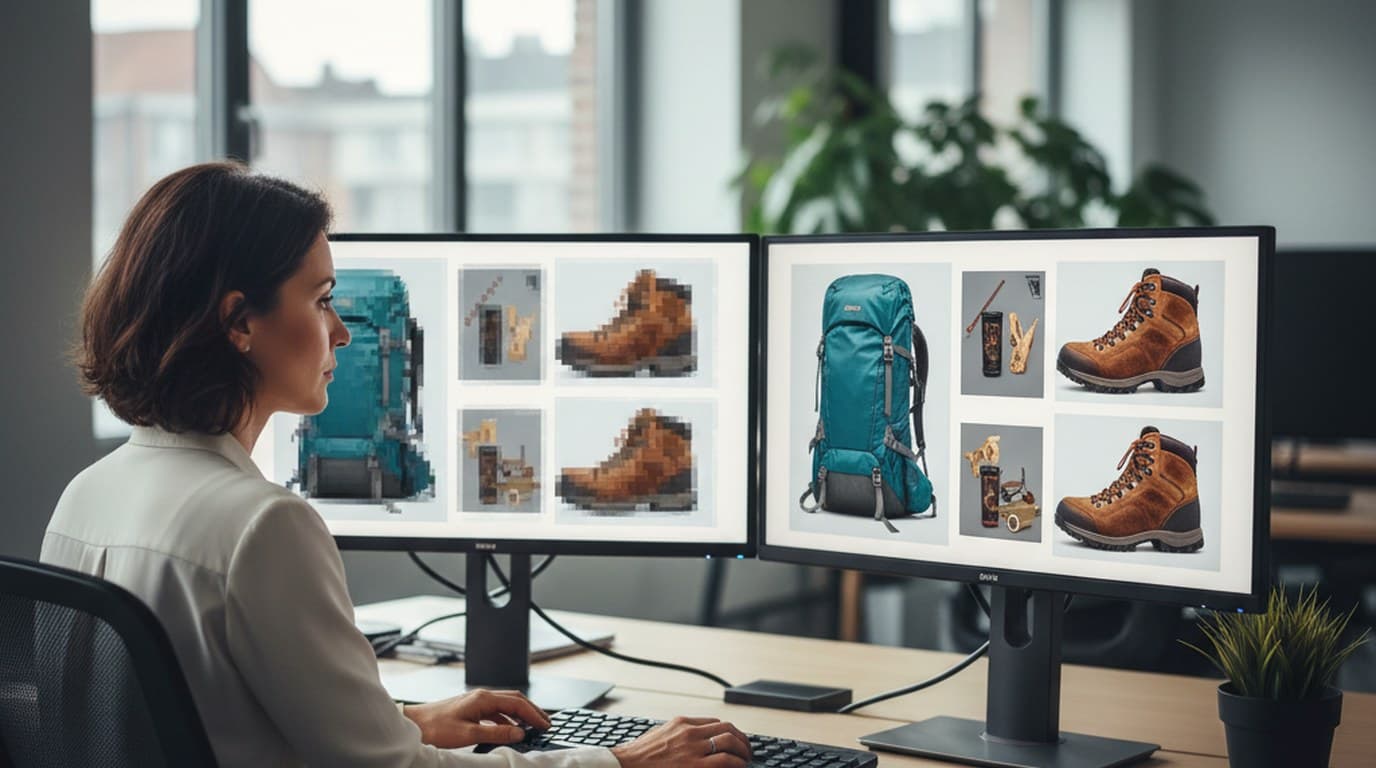
200 blurry and watermarked legacy images, two days, one campaign deadline — how Elena Torres recovered her entire visual archive with AI.
 James Walker
Printed poster, paper flyer, four social variants — one editable canvas, one organizer, 45 minutes from vendor list to export-ready files.
 Luca Moretti
New menu, no design budget, three formats — complete in one afternoon with an AI image creator.
Luca MorettiKeep every image on brand, control the final look, and turn campaign ideas into polished assets without waiting on another design cycle.














