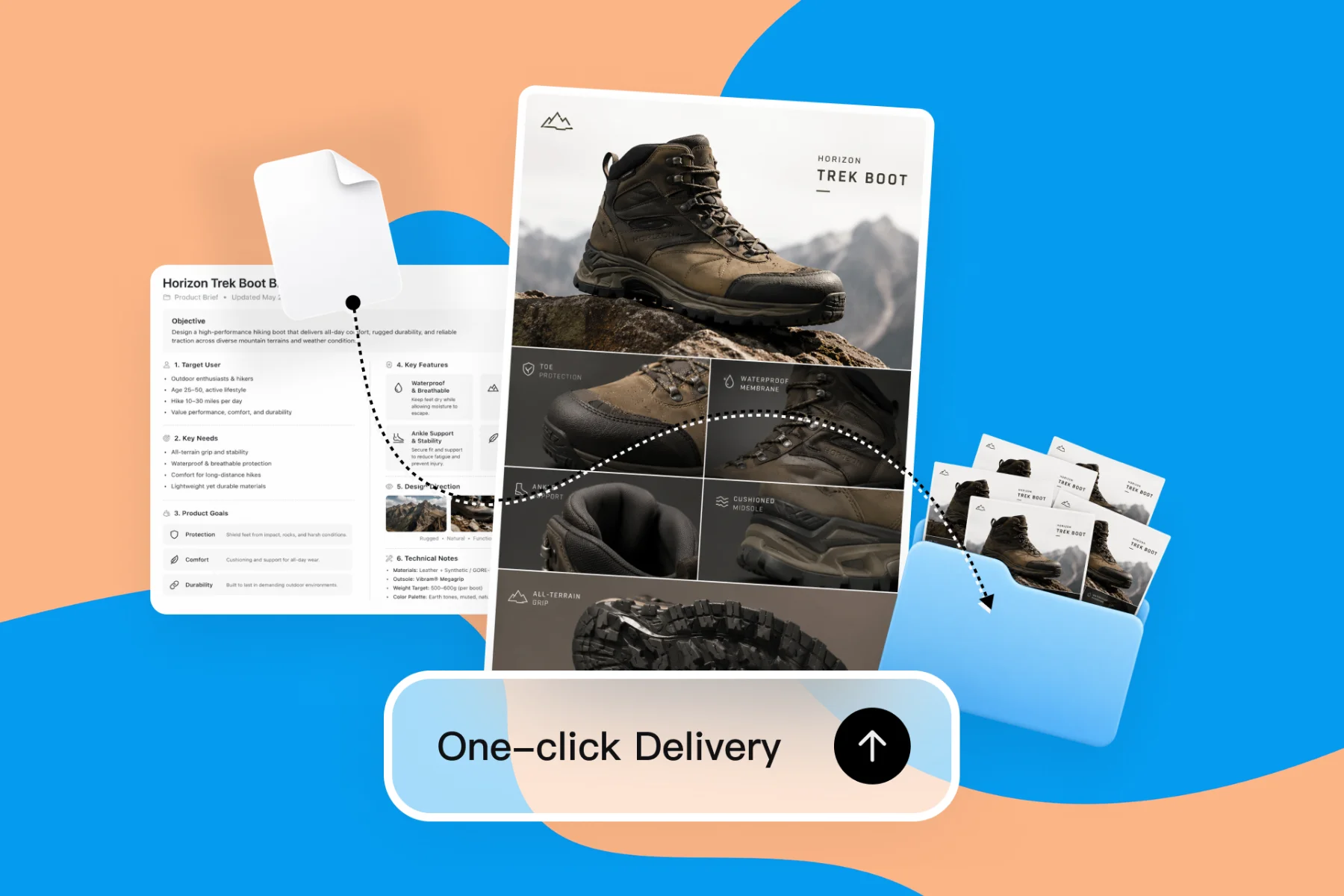
AI Design Tools for Freelancers — Faster Client Deliverables
From client brief to every deliverable format — AI generation, editing, and export without switching tools.
Explore workflowConvert any image to SVG in your browser, from PNG and JPG to WebP and HEIC, pick the number of colors, and download a vector for any size
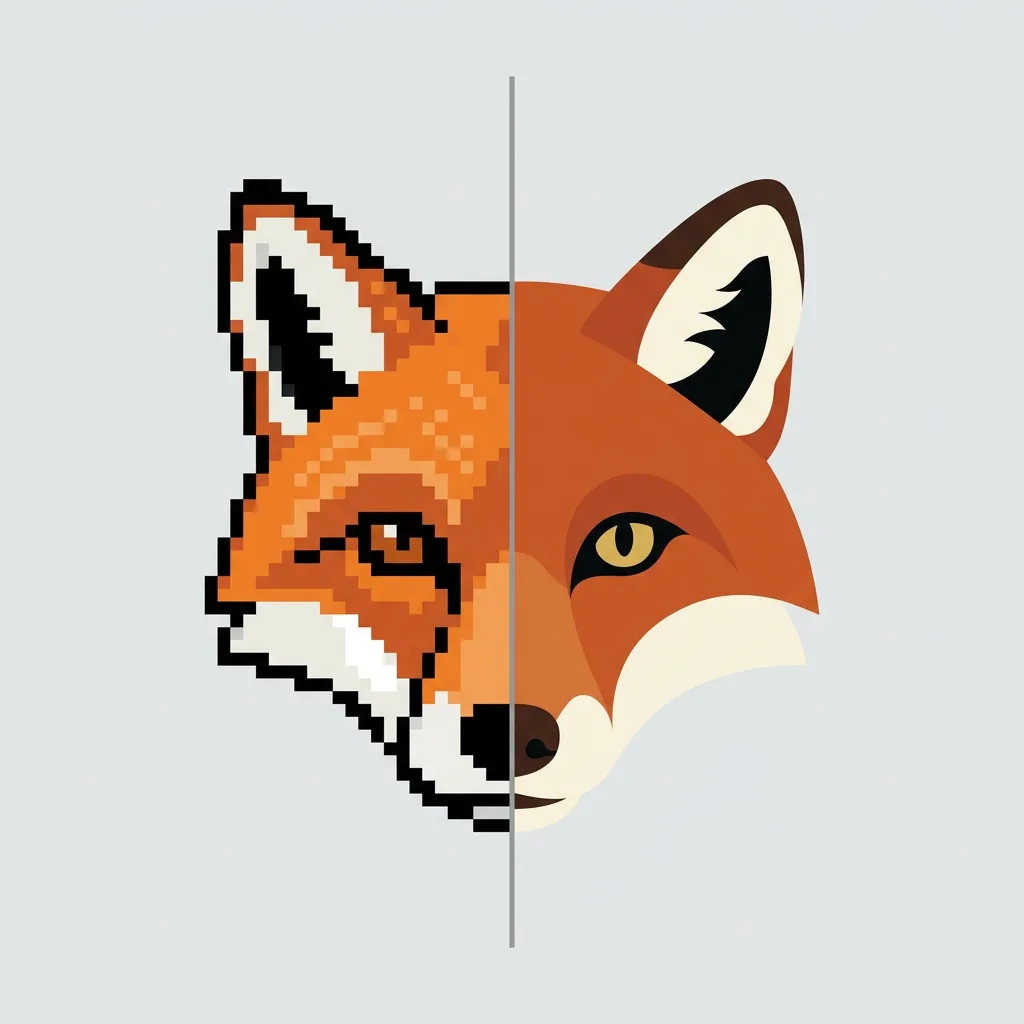
Drop in an image, set the Colors slider and click Vectorize, then download the SVG or open it as an editable Playyy design.
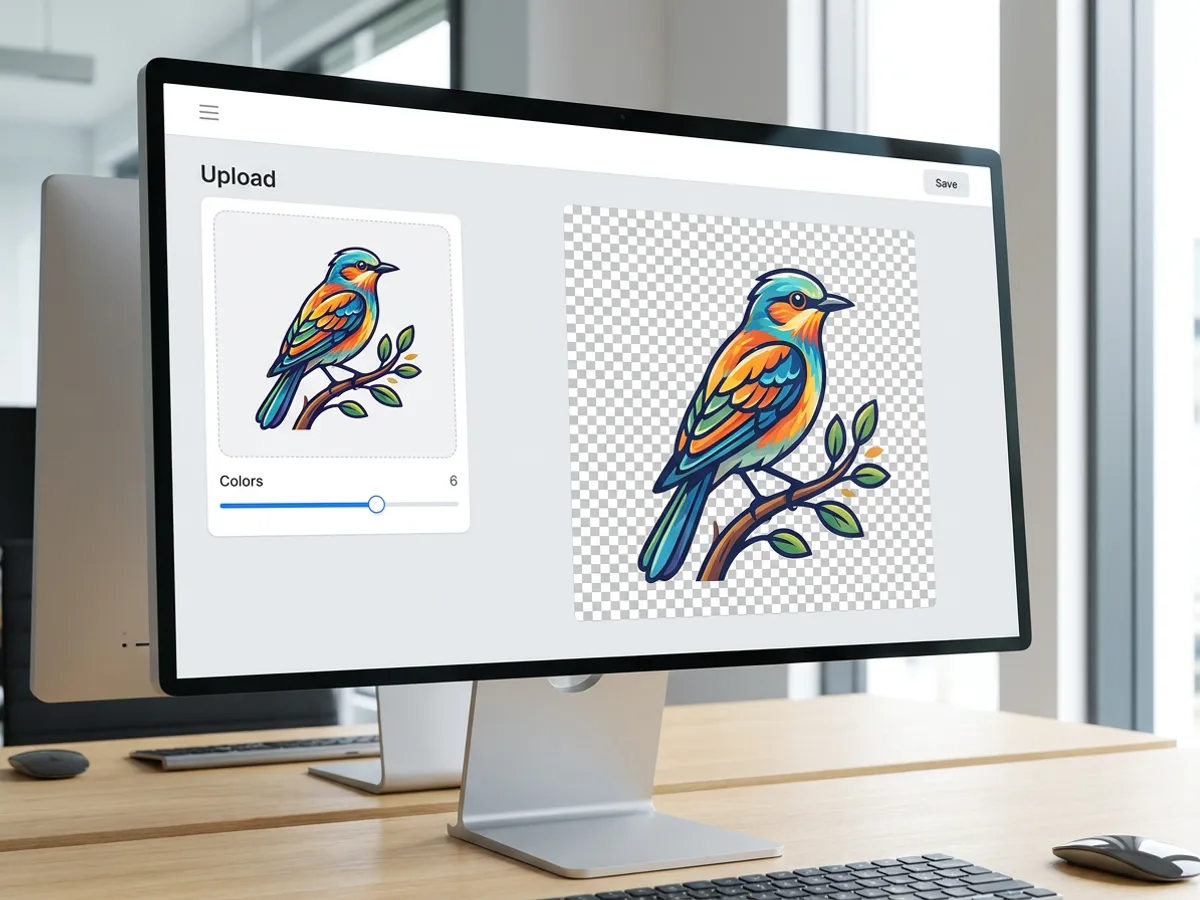
Drop an image onto the converter and set the Colors slider to the number of flat colors you want in the SVG. Click Vectorize and the tracing runs locally in your browser, so every image to SVG conversion is free and starts right away. The result appears on a transparency checkerboard, which makes it easy to see where each shape ends. Start with six colors for a bright illustration, then slide up or down and vectorize again until the shapes look the way you want.
Try for free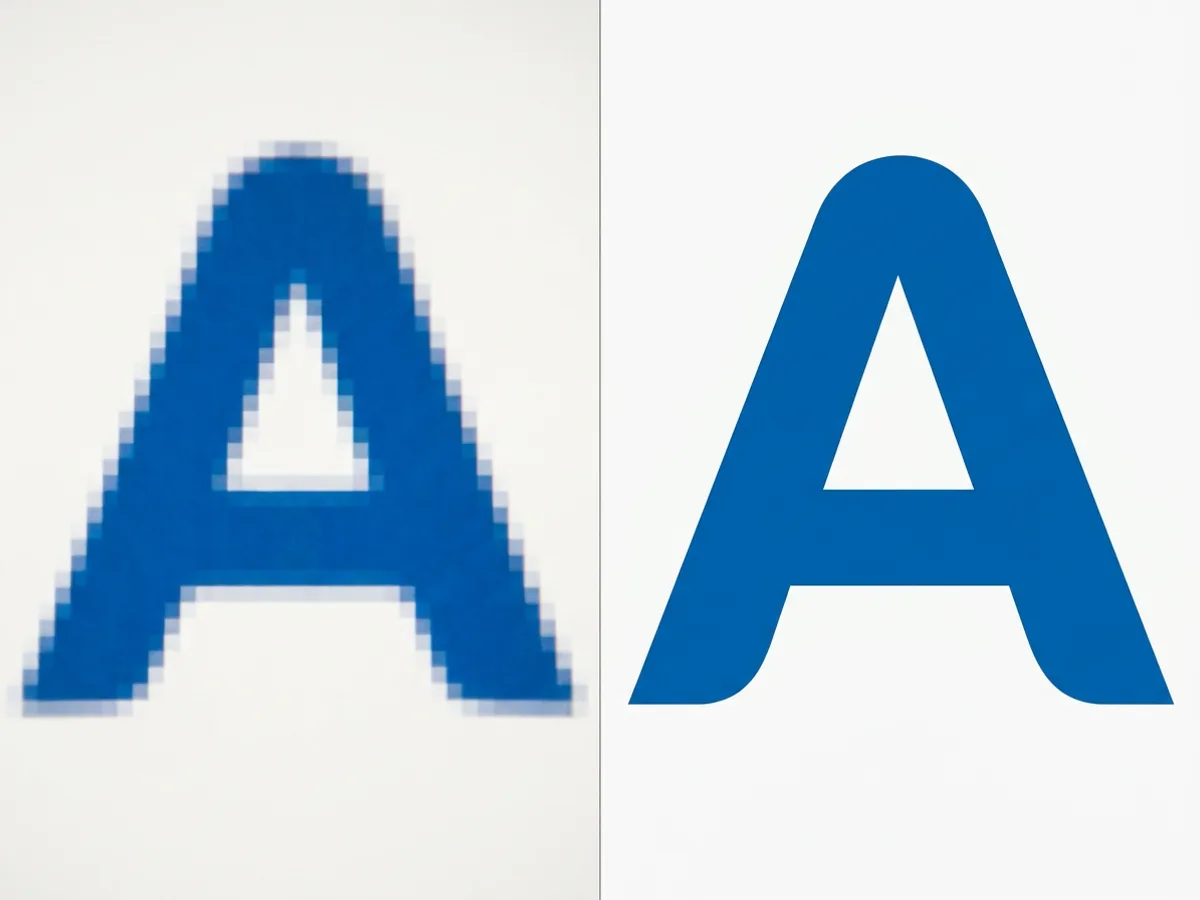
A raster image is a grid of pixels, so its edges turn soft and blocky as you zoom in. An SVG describes the same shapes as paths, and paths stay sharp at every zoom level. That makes the image vectorizer a strong fit for logos, icons, illustrations, line art and flat graphics. Large images are scaled so the longest side is 2048 px before tracing, which keeps the conversion fast. Once traced, the SVG scales up again to any size you need.
Try for free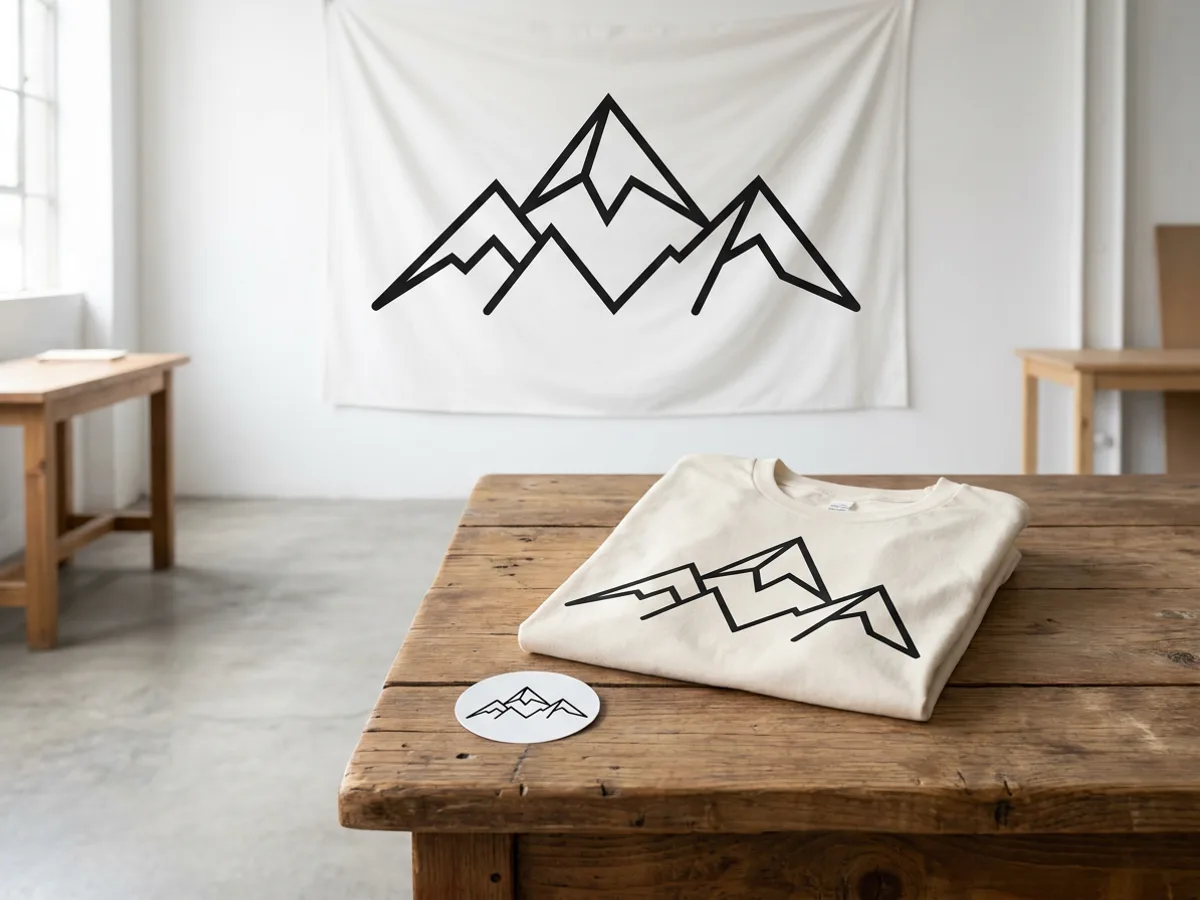
Once your artwork is a vector, a single file covers every size. The same mountain logo can go on a small sticker, a t-shirt print and a large wall banner, and each one stays crisp. Sign in to download the .svg, or click Edit as a design to open a new Playyy design with the SVG already on the canvas, ready for text, layout and brand colors. Inside the Playyy editor, any image on the canvas can also be downloaded as SVG.
Try for freeConverting a logo or icon with transparency? Use PNG to SVG
Drag and drop the image formats you already have, including HEIC photos and WebP graphics saved from the web.
Choose how many colors the SVG uses. Fewer colors give simpler, cleaner shapes; more colors keep extra detail.
Tracing happens locally on your device, so vectorizing is free and you can rerun it as often as you like.
The SVG result appears on a transparency checkerboard, so every shape and edge is easy to inspect.
Sign in and download a standard SVG file that stays sharp at any size.
Open the vector in a new Playyy design and build a post, a presentation or a web page around it.
Vectorizing runs in your browser, so you can test one color setting after another. Sign in once the result looks right and download the SVG.
Logos, icons, illustrations and line art trace into clean, flat shapes. Photos turn into stylized, posterized art with bold areas of color.
Edit as a design drops the SVG straight onto a Playyy canvas. From there it becomes part of a social post, a presentation or a website.
From client brief to every deliverable format — AI generation, editing, and export without switching tools.
Explore workflow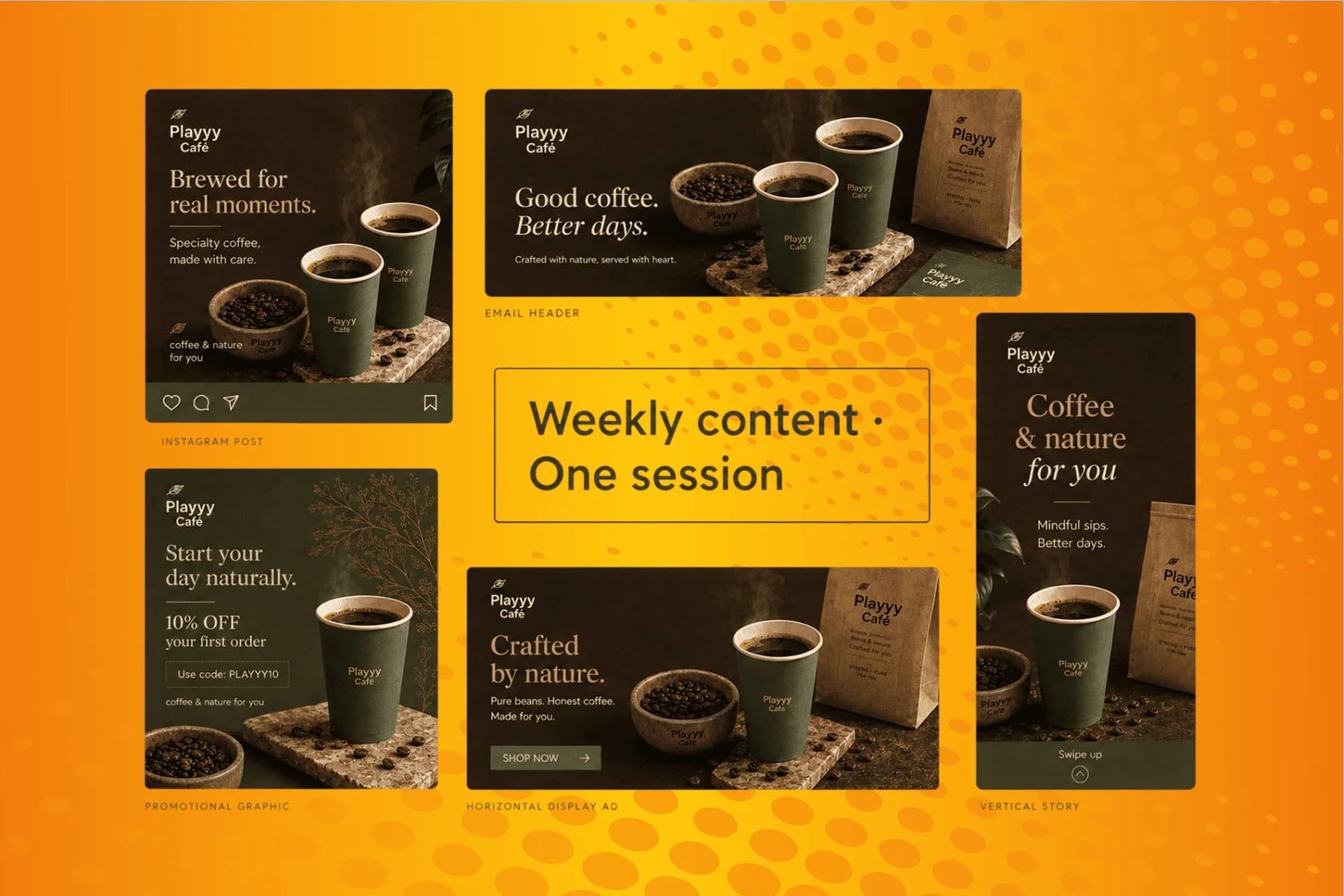
From content gap to publish-ready creative — AI image generator, brand style matching, and copy placement in one session.
Explore workflowDrop your image onto the converter, set the Colors slider, and click Vectorize. The tracing runs in your browser and the SVG preview appears on a transparency checkerboard. If the shapes look too busy, lower the color count and vectorize again. When you are happy with the result, sign in to download the .svg file, or click Edit as a design to keep working with it in Playyy.
Yes, vectorizing is free. The tracing runs locally in your browser, so you can convert as many images and try as many color settings as you like. Downloading the finished SVG asks you to sign in to a Playyy account, and the free plan covers it. Signing in also lets you open the vector as an editable design in the Playyy editor.
You can upload PNG, JPG, WebP and HEIC images. That covers screenshots and exported graphics, camera photos, images saved from websites, and HEIC photos straight from an iPhone. Whatever the source format, the output is a standard SVG file that opens in browsers, design apps and most tools that accept vector graphics.
Match the number to the artwork. A one- or two-color logo traces cleanly at a low setting, a flat illustration usually looks right somewhere around four to eight colors, and busier images need more. Fewer colors give simpler shapes and a lighter file; more colors keep extra detail. Tracing is free, so try two or three settings and keep the one you like best.
Yes, and the result is stylized art. A photo traced to SVG becomes posterized, flat-color artwork, similar to a screen print. Low color counts give bold graphic shapes, while higher counts bring back more of the original detail. For crisp, clean results, the image vectorizer works best on logos, icons, illustrations and line art.
Large images are scaled so the longest side is 2048 px before tracing. That keeps the conversion quick in your browser and leaves plenty of detail for logos, icons and illustrations. The finished SVG is a vector, so you can scale it back up to any size afterwards, from a favicon to a billboard, and the edges stay sharp.
A raster image, such as a PNG, JPG, WebP or HEIC, stores a fixed grid of pixels, so it gets soft when you enlarge it. A vector, such as an SVG, stores shapes as mathematical paths, so it stays sharp at every size and usually weighs less for simple graphics. Raster to vector conversion traces the pixels into those paths.
Yes. Click Edit as a design and Playyy opens a new design with your SVG on the canvas. There you can resize and position it, add text, apply your brand kit colors and fonts, and turn it into a social post, a presentation slide or a web page. Any image on a Playyy canvas can also be downloaded as SVG from the editor.
See how teams are using Playyy to ship better visuals, faster.

18 staff, new brand colours, £3,200 designer quote — and a 3-week timeline. The managing director finished the LinkedIn rollout in 3 days with Playyy.
 Sophie Whitmore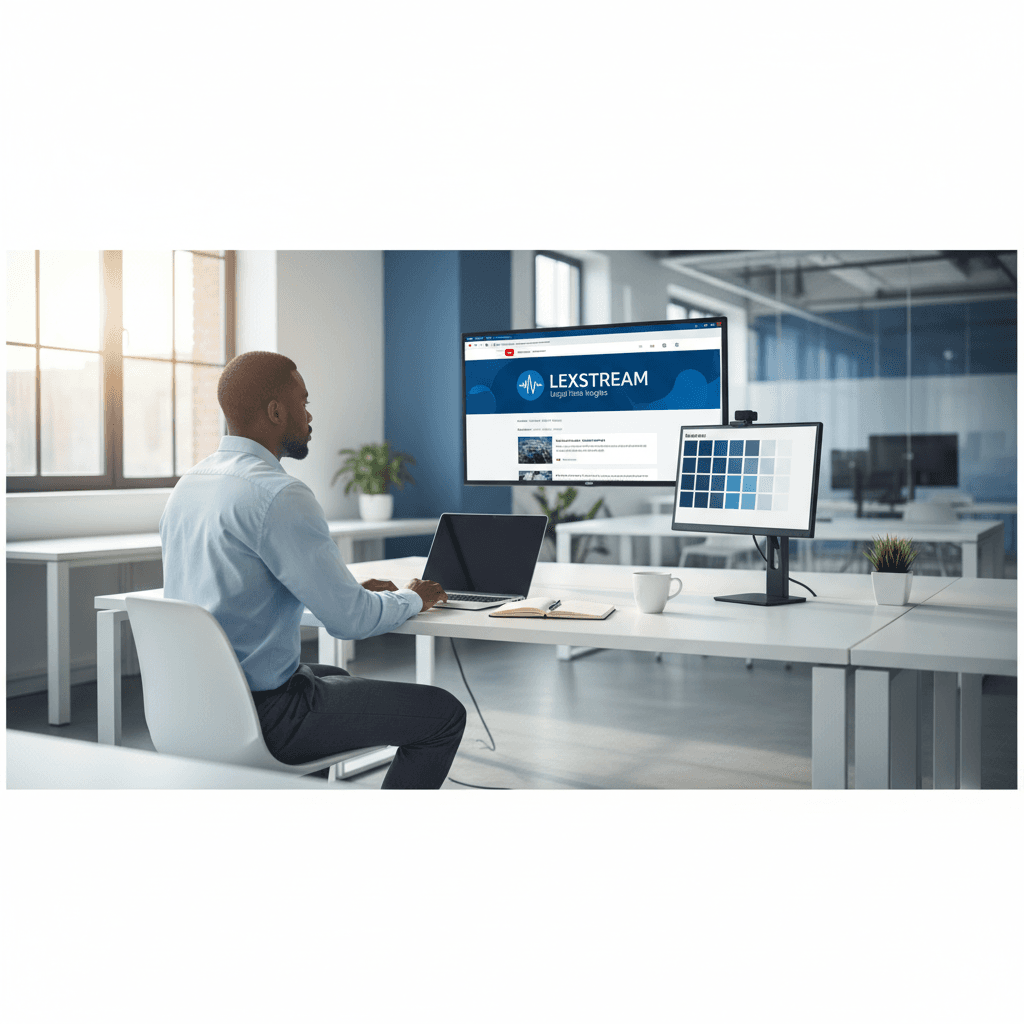
A legal-tech startup founder, no designer, 22 YouTube thumbnails — how the startup built a consistent channel identity in one week using Playyy's brand kit.
 Daniel Brooks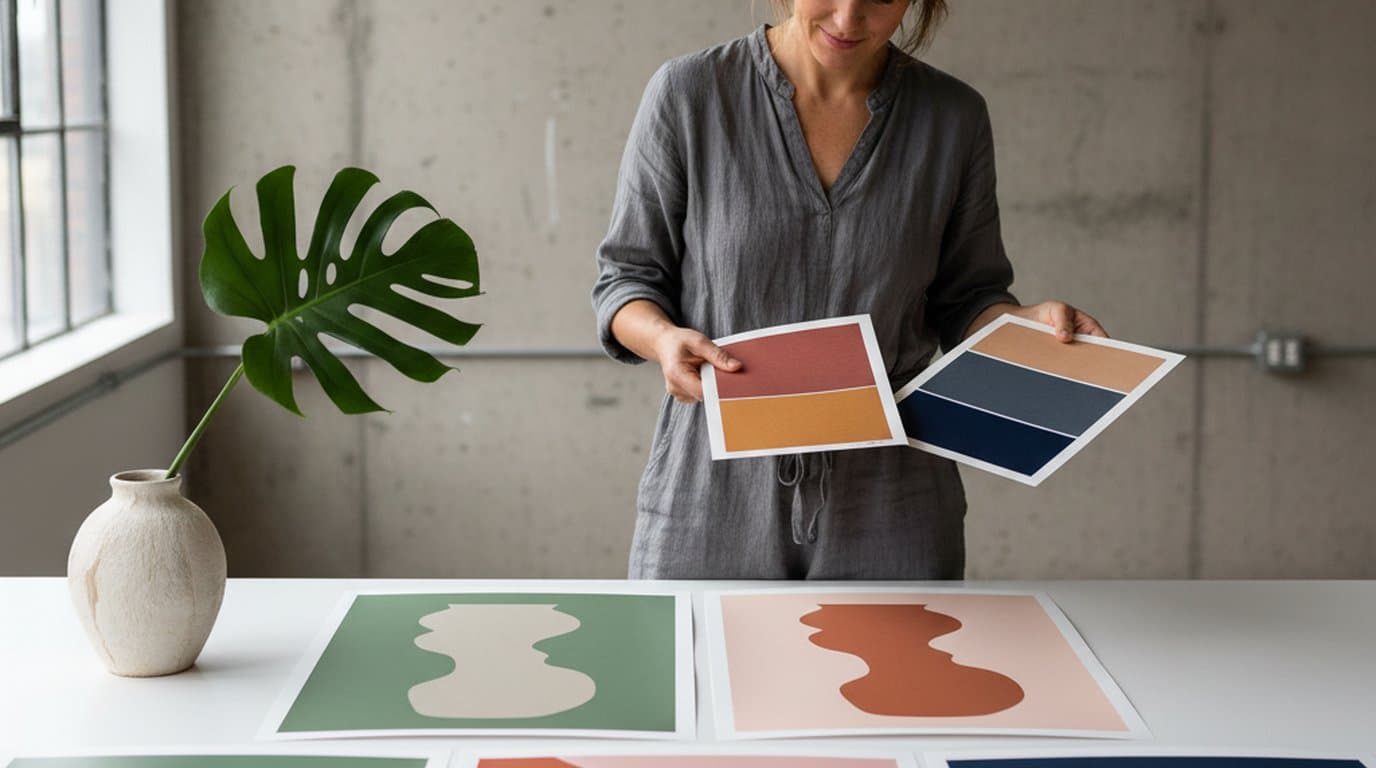
Eight palettes, ninety minutes, one editable canvas. How a Lisbon design studio rebuilt its pitch-stage color workflow on Playyy's AI Image Editor.
 Aiko Tanaka
Keep every image on brand, control the final look, and turn campaign ideas into polished assets without waiting on another design cycle.














