AI Design Tools for Freelancers — Faster Client Deliverables
From client brief to every deliverable format — AI generation, editing, and export without switching tools.
Explore workflowConvert a PNG logo, icon or transparent graphic to SVG in your browser, choose the number of colors, and download a crisp vector for any size
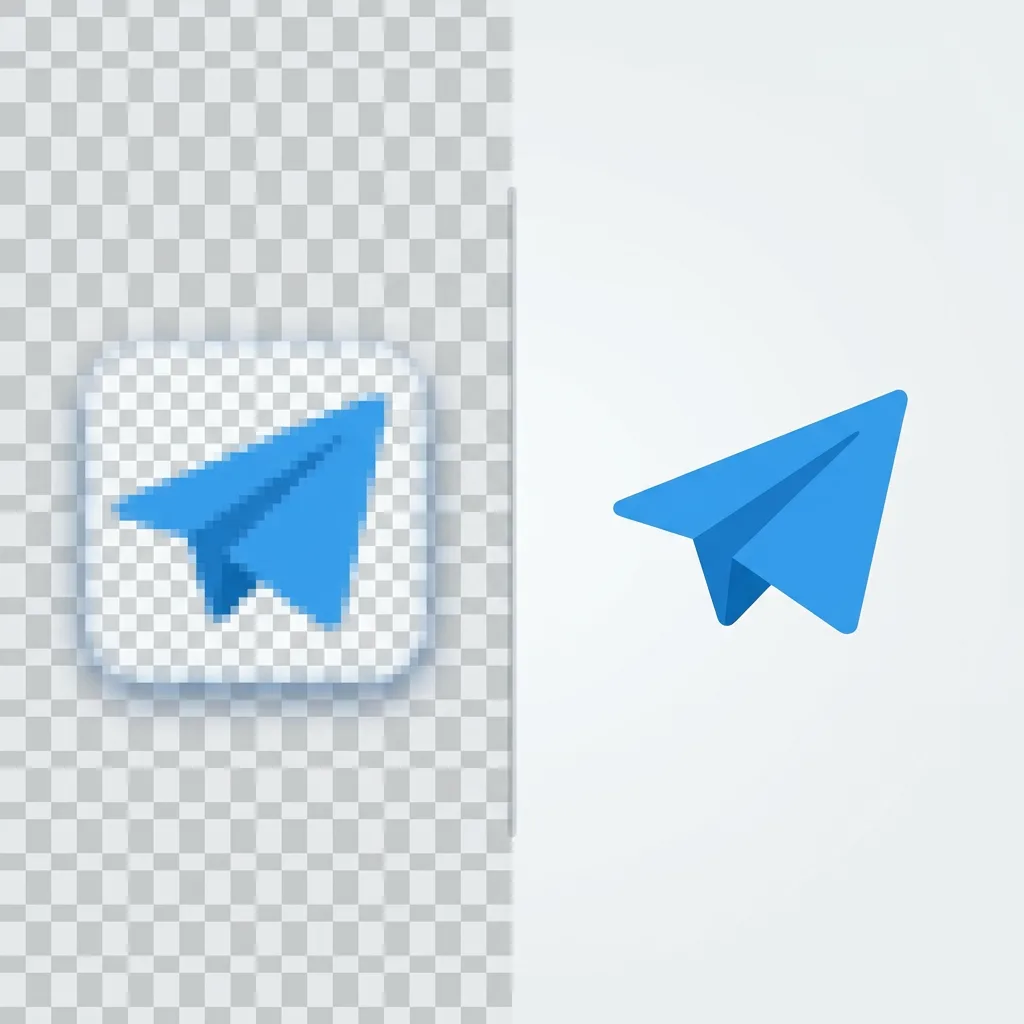
Drop in your PNG, set the number of colors and click Vectorize, then sign in to download the SVG or open it in Playyy.
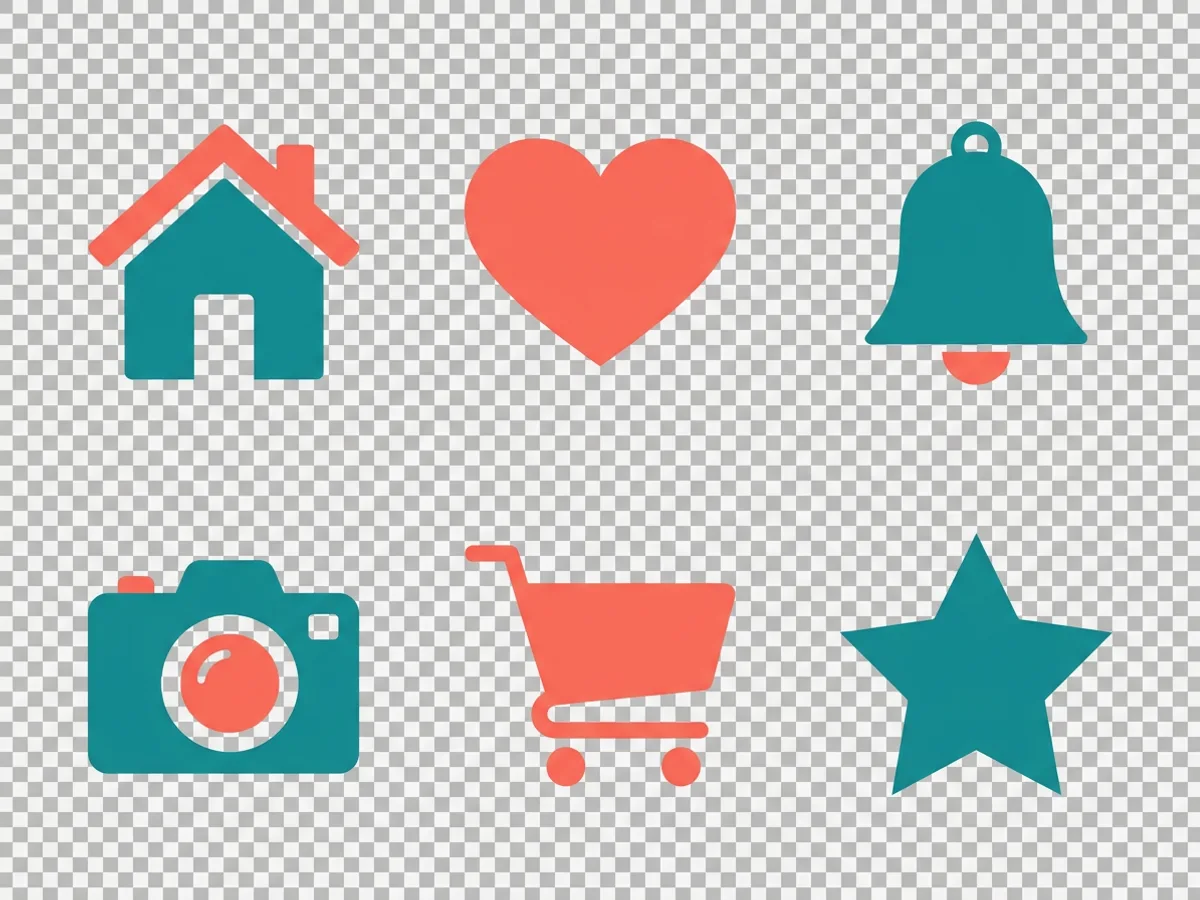
Logos, icons and other flat graphics are the best match for PNG to SVG conversion, because they are built from solid shapes and a small palette. Drop the PNG in, transparent background and all, and set the Colors slider to match the artwork: a low setting for a one-color mark, a higher one for a multi-color icon set. Click Vectorize and the preview shows every shape on a transparency checkerboard, so you can check the result before you download it.
Try for free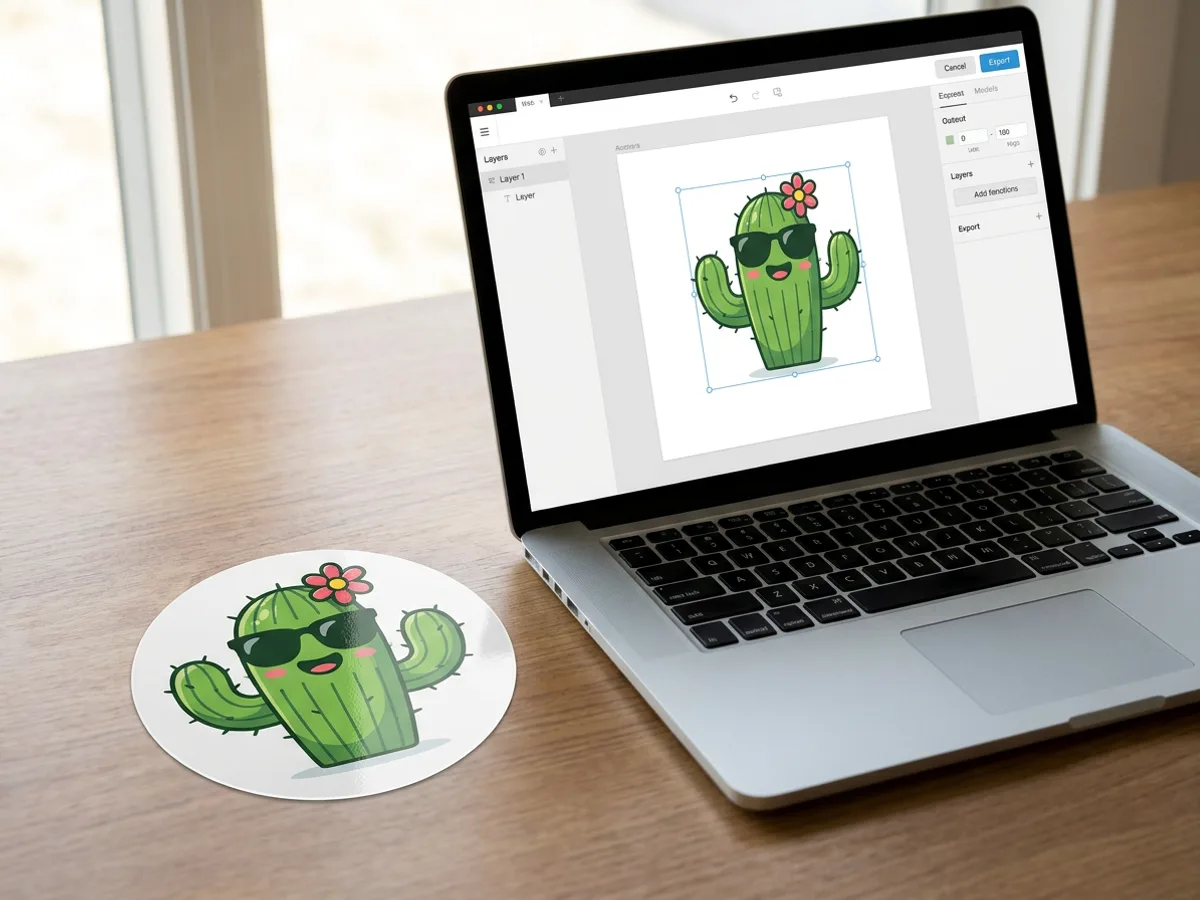
Sticker designs and character illustrations often start life as PNG exports from a drawing app. Converting them to SVG gives you smooth curves around every outline, which matters once the art goes onto vinyl, packaging or a product label at a bigger size. Tracing runs locally in your browser and is free, so you can vectorize the same cactus at several color settings and compare them. Click Edit as a design to place the SVG on a Playyy canvas next to the rest of your artwork.
Try for free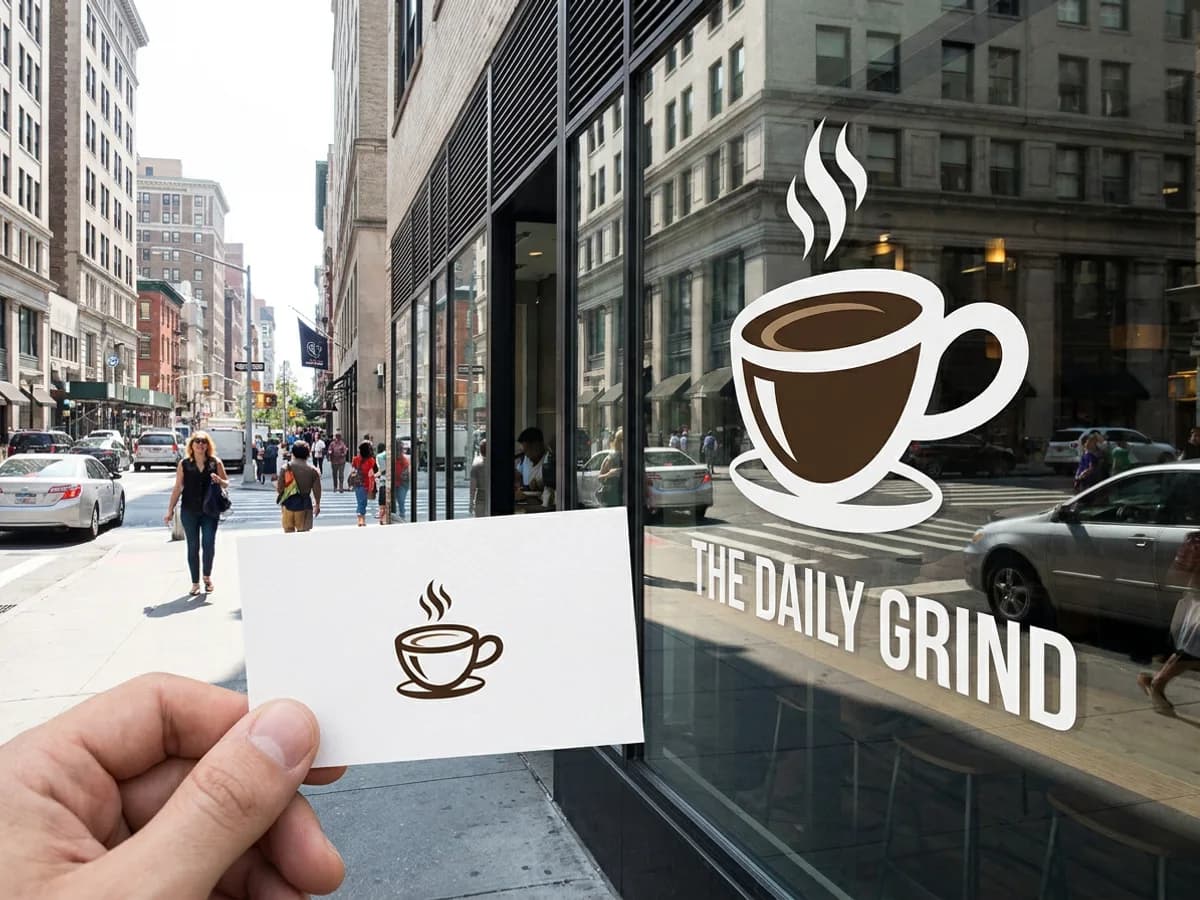
A PNG logo is locked to the pixel size it was exported at, so a small file turns soft when stretched across a window. As an SVG, the same coffee cup logo is a set of paths that stays crisp on a business card and on a storefront sign. Images larger than 2048 px on the longest side are scaled down before tracing to keep things fast, and the finished vector scales up again to any size. Sign in to download the .svg and keep it as your master logo file.
Try for freeStarting from a photo, scan or sketch? Use JPG to SVG
Drop in a PNG with a transparent background. JPG, WebP and HEIC files work too.
Set the Colors slider to the number of colors in your logo or icon for clean, flat shapes.
Vectorize runs locally on your device, and the SVG preview appears right on the page.
See every shape against a transparency checkerboard before you download the file.
Sign in to download an SVG that stays sharp from favicon size to banner size.
Edit as a design opens the vector on a Playyy canvas for layouts, posts and presentations.
PNG logos, icons, stickers and line art are built from solid shapes. They trace into clean paths with smooth edges.
The checkerboard preview shows the traced shapes against a transparent backdrop. You see exactly what the SVG contains before you download it.
Tracing is free and runs in your browser. Adjust the color count and vectorize again as often as you like.
From client brief to every deliverable format — AI generation, editing, and export without switching tools.
Explore workflow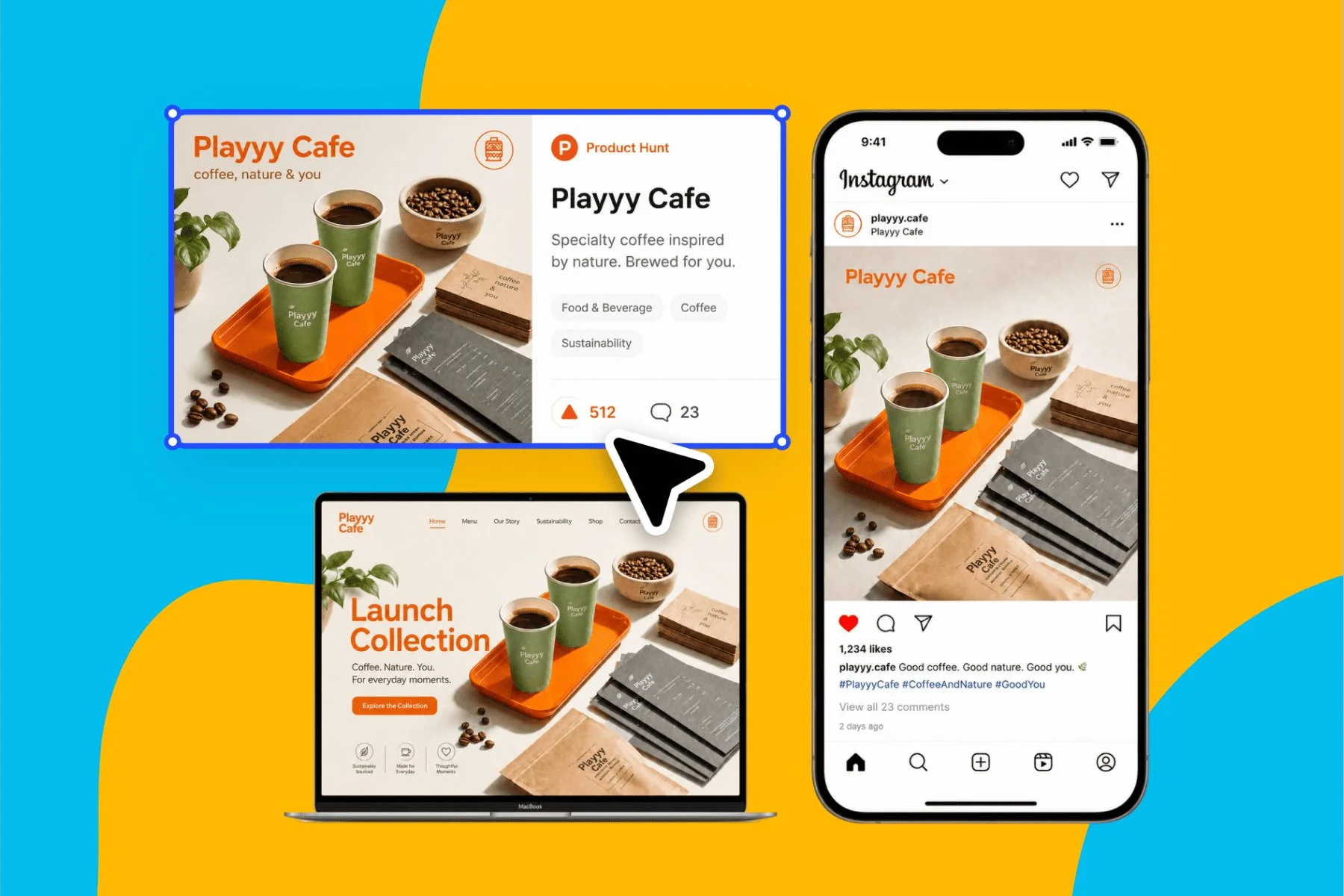
From brand identity direction to a complete launch kit — without hiring a designer or an agency.
Explore workflowUpload the PNG, set the Colors slider to roughly the number of colors in your graphic, and click Vectorize. The SVG preview appears on a transparency checkerboard within the page. Adjust the color count and run it again if you want simpler or more detailed shapes. Then sign in to download the .svg, or choose Edit as a design to open it in Playyy.
Yes. Vectorizing runs locally in your browser and is free, with as many conversions and retries as you want. To download the finished SVG you sign in to a Playyy account, and the free plan covers it. The same account lets you open the vector in the Playyy editor and keep designing with it.
Yes, transparent PNGs are welcome. Logos, icons and stickers exported with a clear background are exactly the kind of artwork that traces well. The vectorized result is shown on a transparency checkerboard, so you can see which areas are filled with color and which stay clear before you download the SVG.
An SVG logo stays sharp at every size, from a website favicon to a printed banner or storefront sign. A PNG holds a fixed number of pixels, so it blurs when enlarged. Keeping an SVG version of your logo also gives designers, printers and web developers a file they can scale and place freely.
Flat artwork with clear edges and a limited palette gives the cleanest results: logos, icons, stickers, illustrations, badges and line art. Graphics with gradients or photographic detail trace into stylized flat shapes, which can look great as an art style. For photos, scans and sketches, the JPG to SVG converter is set up for that kind of image.
Start with the largest, sharpest PNG you have, then set the Colors slider to match the number of colors in the icon. A tight color count produces fewer, smoother shapes. Check the edges on the checkerboard preview and vectorize again with one color more or less if any detail looks off.
Yes. The converter accepts PNG, JPG, WebP and HEIC images, and every format comes out as a standard SVG. PNG is the natural choice for logos and icons with transparency, while JPG photos and scans turn into poster-style vector art.
See how teams are using Playyy to ship better visuals, faster.

A mid-size Twitch streamer and YouTube gaming creator cut per-refresh commissions to zero and shrank the visual brand refresh from 6 hours to 45 minutes using Playyy.
 Minji Park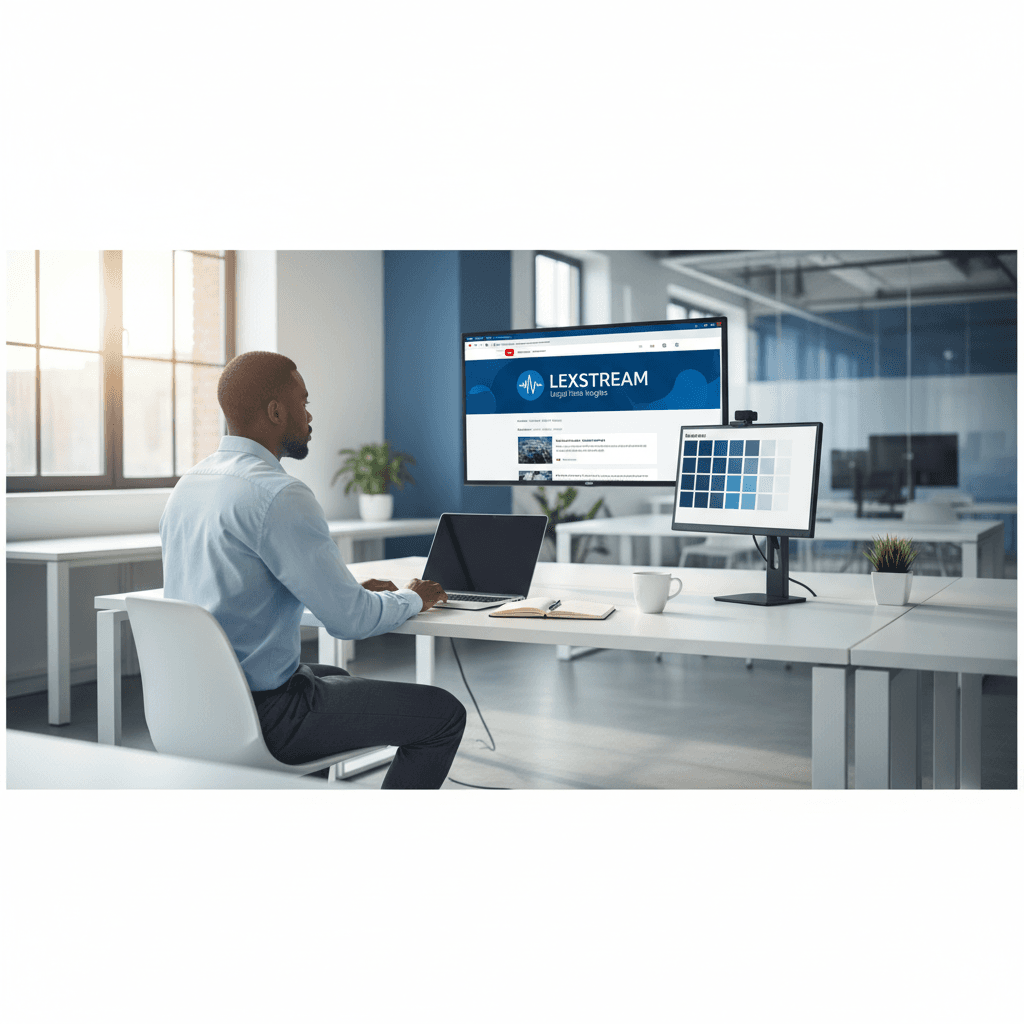
A legal-tech startup founder, no designer, 22 YouTube thumbnails — how the startup built a consistent channel identity in one week using Playyy's brand kit.
 Daniel Brooks
LinkedIn banner, Facebook cover, and profile picture — one visual direction, one afternoon, zero design budget.
Minji ParkKeep every image on brand, control the final look, and turn campaign ideas into polished assets without waiting on another design cycle.














