Free AI Flyer Maker and Poster Maker for Any Event
Create event posters, flyers, and digital invitations specific to your occasion — not another generic template.
Explore workflowDriven by GPT Image 2.5 & Nano Banana Pro 🍌
Turn a name or initials into an elegant monogram on a transparent background — download a PNG for print or an SVG for Cricut and Silhouette
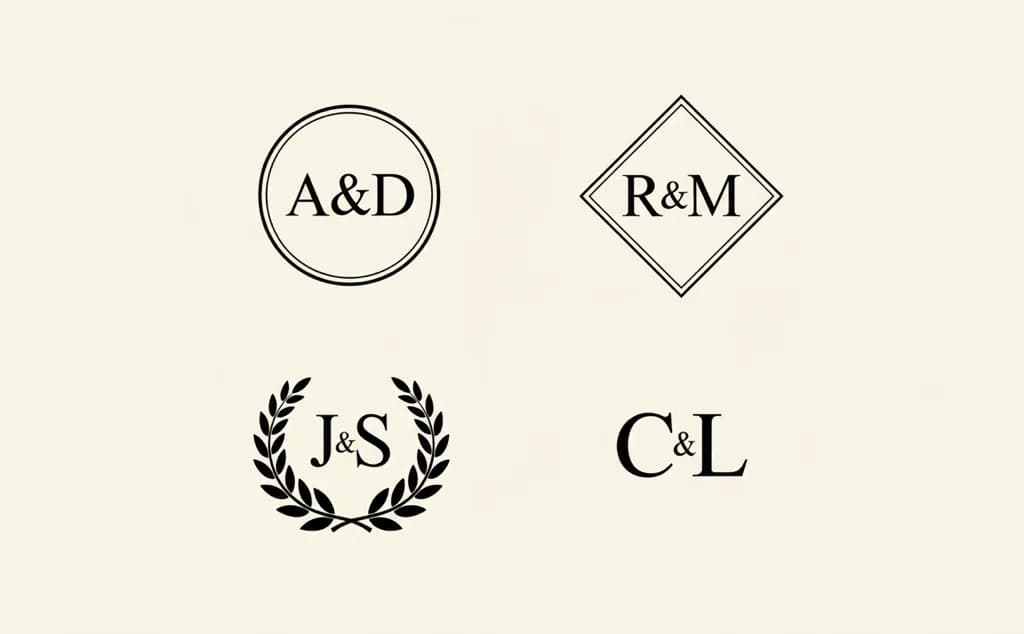
A monogram is two or three letters drawn to read as one mark. Enter the initials, pick a style, and the AI works out how the letters meet.
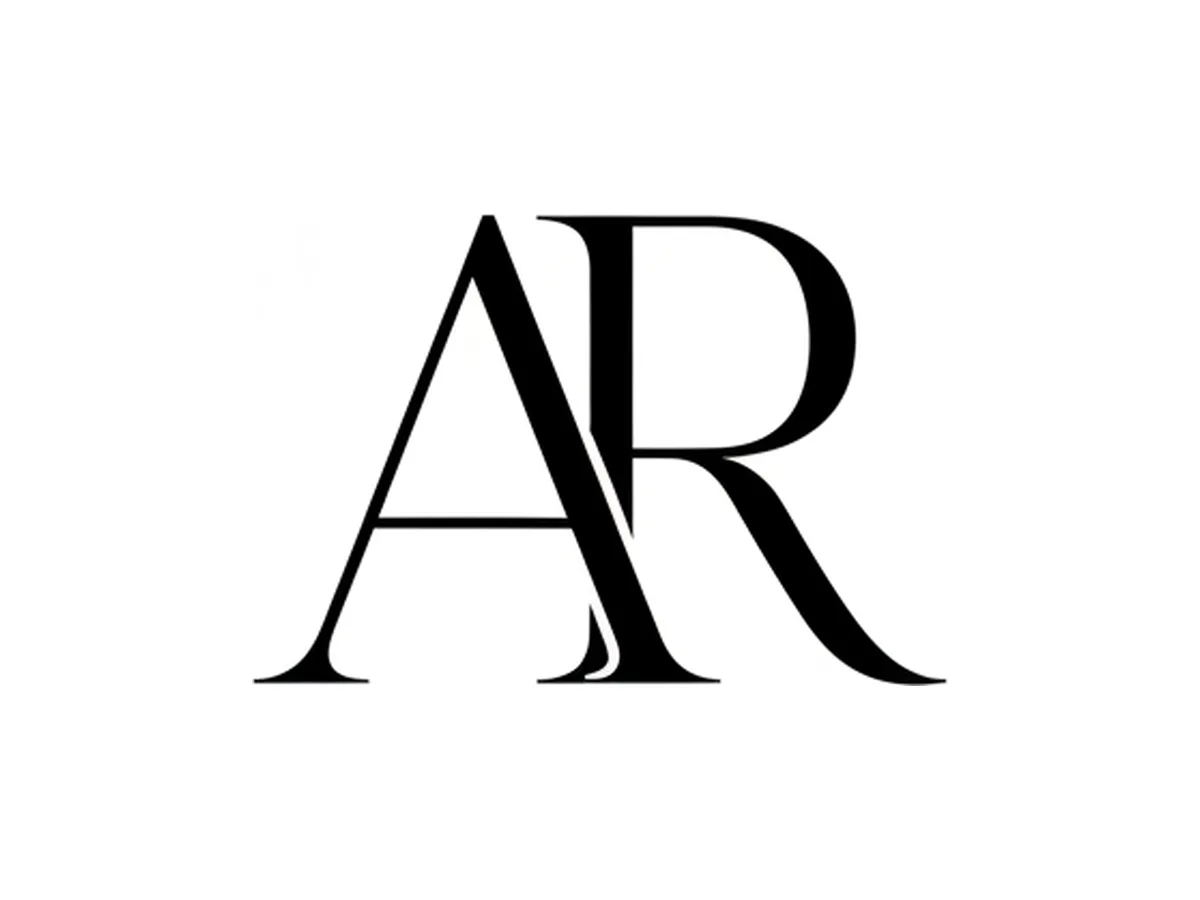
Type a name or the initials you want, then choose between two monogram traditions. The enclosed monogram sets the letters inside a clean shape — a circle, an oval, a shield, a hexagon, a diamond — in bold capitals, refined serifs, or connected calligraphy. The wreath monogram is the wedding style: high-contrast serif or script initials, often joined by a slim bar or an ampersand, inside a frame carried by olive, eucalyptus, or laurel foliage. Add a primary and a secondary color if the mark has to match a palette.
Try for free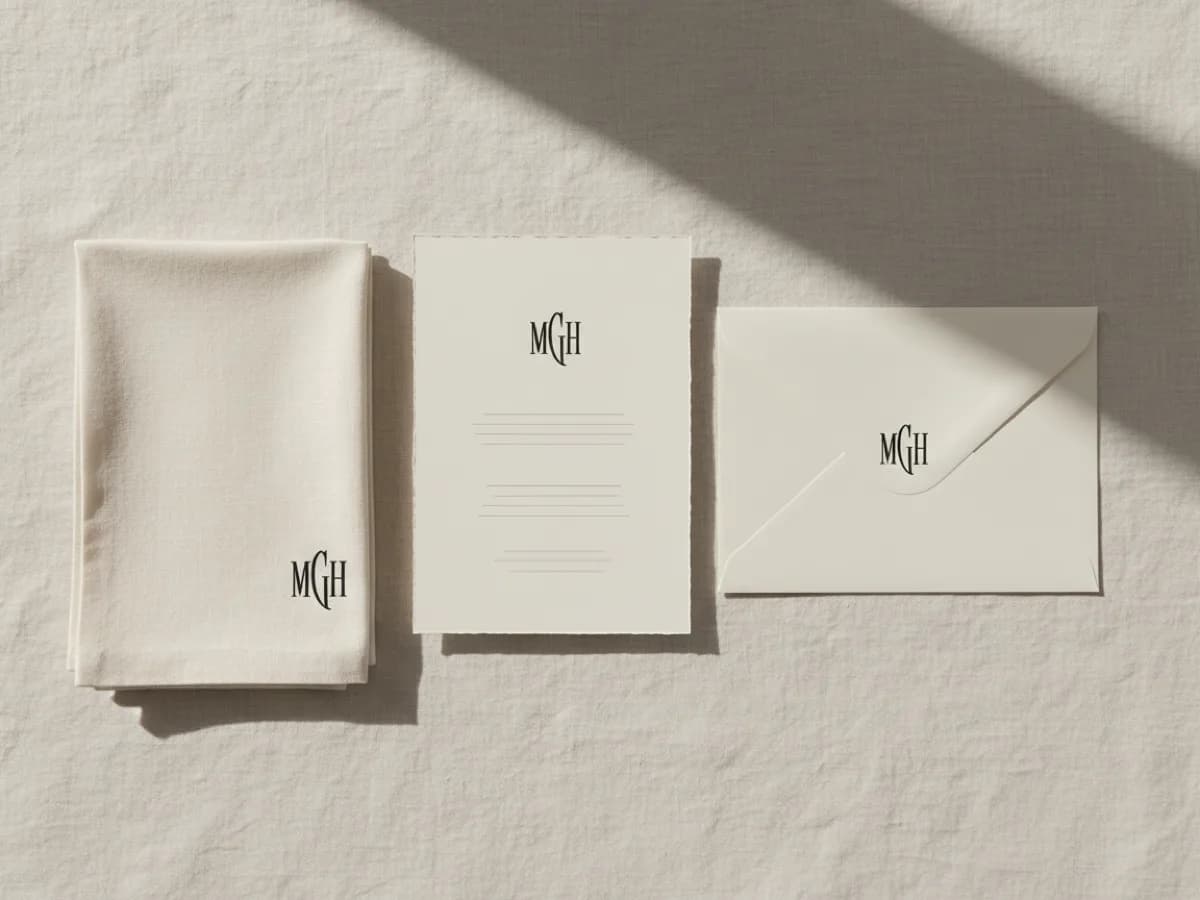
Every run draws the same initials a different way: the letters overlap, share a stem, or stack inside the frame. Generate a few versions and compare them at the size you will actually use. A monogram that looks balanced large can crowd its frame on a wax seal or a napkin corner, so judge it small before you commit.
Try for free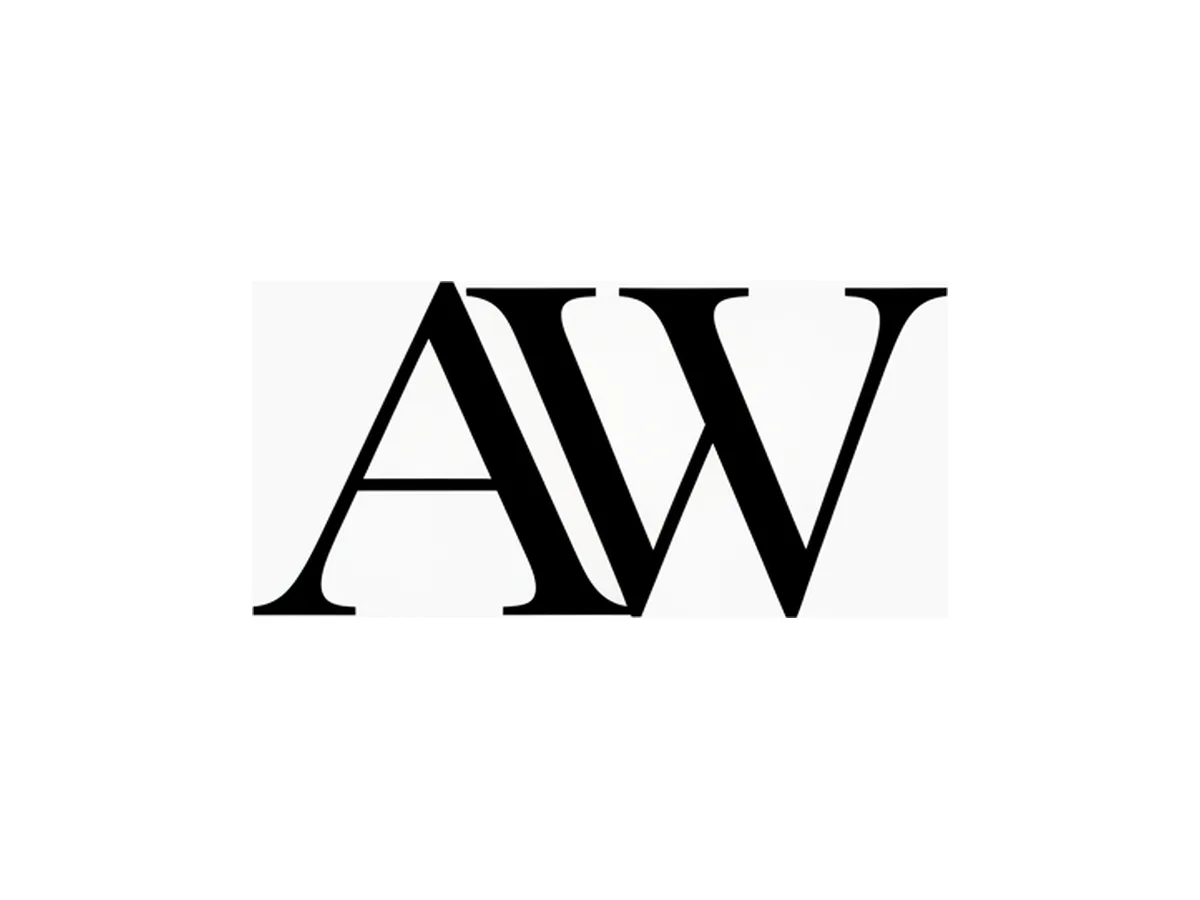
The monogram comes on a transparent background, so the PNG drops straight onto an invitation, a label, or a website header. Download it as an SVG for cutting machines and vinyl: it opens in Cricut Design Space, Silhouette Studio, Illustrator, and Inkscape. Open it in Playyy to place it on an invitation, a menu, or a sign and add the names and the date around it.
Try for freeBranding a business rather than monogramming something? Set the whole name as a logo instead
Two-letter couples' monograms, traditional three-letter monograms, or a single initial — type a name and the generator builds the mark from its initials.
An enclosed monogram in a clean frame, or a wreath monogram with foliage and an ampersand — the two traditions people order monograms in.
Set a primary and a secondary color to match a wedding palette, a brand, or a stationery set.
Every monogram is drawn on transparency. Download a PNG for print and screens, or an SVG for cutting machines and engraving.
Open the monogram in Playyy to add it to invitations, menus, labels, and signs, with the names and date set around it.
Generate and compare monograms without an account; sign in when you want to download the one you like.
Typing initials in a decorative font gives you three letters in a row. A monogram joins them through shared stems, overlaps, and spacing, and that is the part the generator draws.
A transparent background and an SVG download cover the places monograms end up: invitations, vinyl, foil, engraving, and embroidery files.
Vinyl, foil, and printed stationery cost money to redo. Comparing several versions first is the cheapest part of the project.
Create event posters, flyers, and digital invitations specific to your occasion — not another generic template.
Explore workflow
From client brief to every deliverable format — AI generation, editing, and export without switching tools.
Explore workflowEnter a name or the initials, choose the enclosed or the wreath style, and optionally set two colors. Generate a few versions, compare them at a small size, and download the one that reads best as a single mark.
The conventional three-letter arrangement is first-name initial, surname initial, middle-name initial, with the surname in the centre and set larger. For a couple, the two given-name initials flank the shared surname, or sit side by side joined by an ampersand. A two-letter monogram is usually just first and last, same size. Type the initials in the order you want them drawn.
Generating and previewing monograms is free, and you can try it without an account. You sign in to download the PNG or SVG.
Yes. Download the SVG and open it in Cricut Design Space or Silhouette Studio. Because the monogram is flat artwork on a transparent background, it converts into clean cut paths.
Yes. Choose the wreath style for the classic wedding look, with the couple's initials joined by an ampersand inside a foliage frame. To add the names or the date, open the monogram in Playyy and set the text around it on your invitation or sign.
Yes, and lettermark logos are one of the most durable logo forms — they scale down to a favicon better than illustrated marks do. Check it at very small sizes and make sure the letters stay distinguishable when the mark is only 32 pixels wide.
SVG for anything that cuts, engraves, embroiders, or prints large. Transparent PNG when the destination only accepts a raster image, like a social profile or a website header.
See how teams are using Playyy to ship better visuals, faster.
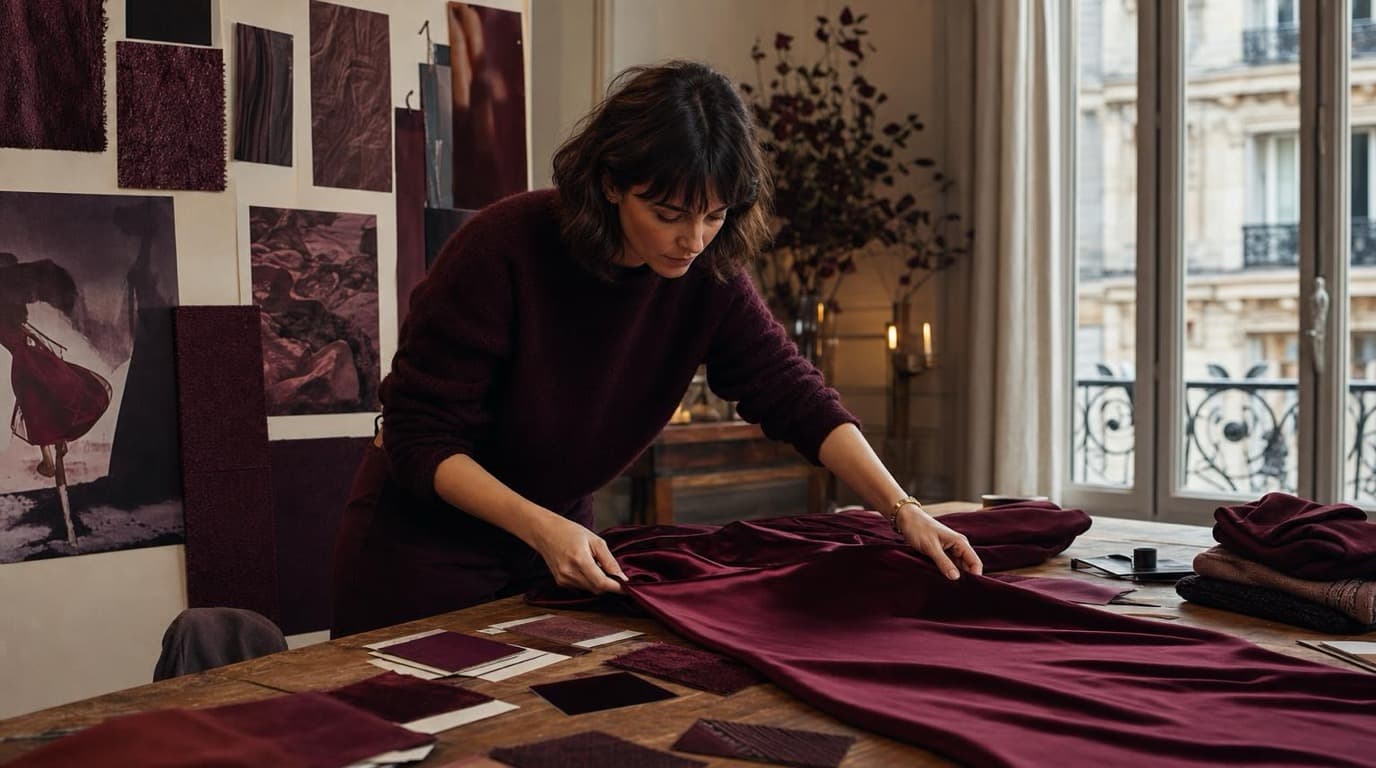
Thirty-four campaign images. Six days. One colour. How Camille Laurent built an entire autumn campaign around a burgundy colour story without booking a studio.
 Aiko Tanaka

18 staff, new brand colours, £3,200 designer quote — and a 3-week timeline. The managing director finished the LinkedIn rollout in 3 days with Playyy.
 Sophie Whitmore
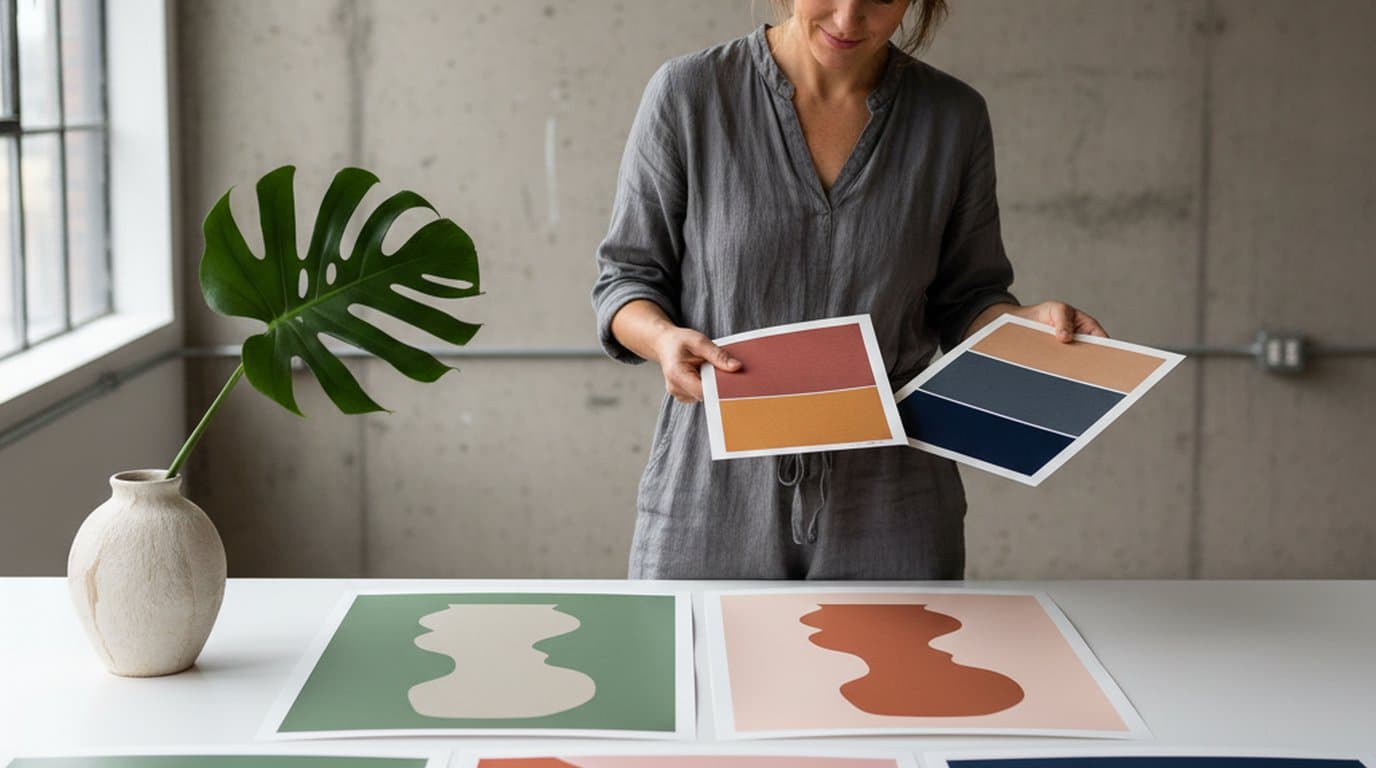
Eight palettes, ninety minutes, one editable canvas. How a Lisbon design studio rebuilt its pitch-stage color workflow on Playyy's AI Image Editor.
Aiko TanakaKeep every image on brand, control the final look, and turn campaign ideas into polished assets without waiting on another design cycle.