
Ecommerce Product Photo Editing: Amazon & Shopify
Ecommerce image editing across every SKU — background removal, cleanup, and upscaling that meet marketplace specs.
Explore workflowDriven by GPT Image 2.5 & Nano Banana Pro 🍌
Playyy pulls out the photo's dominant colors and lets you retune each one on its own — texture and shading stay intact
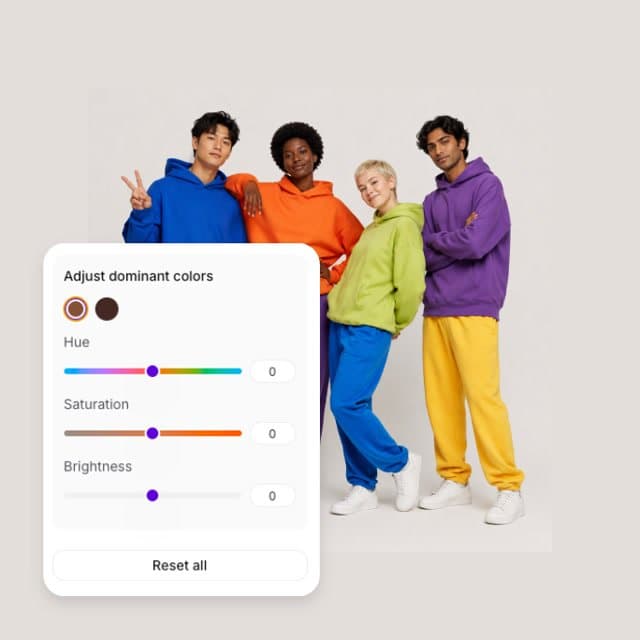
A workflow built around your real creative needs — from first direction to final asset.
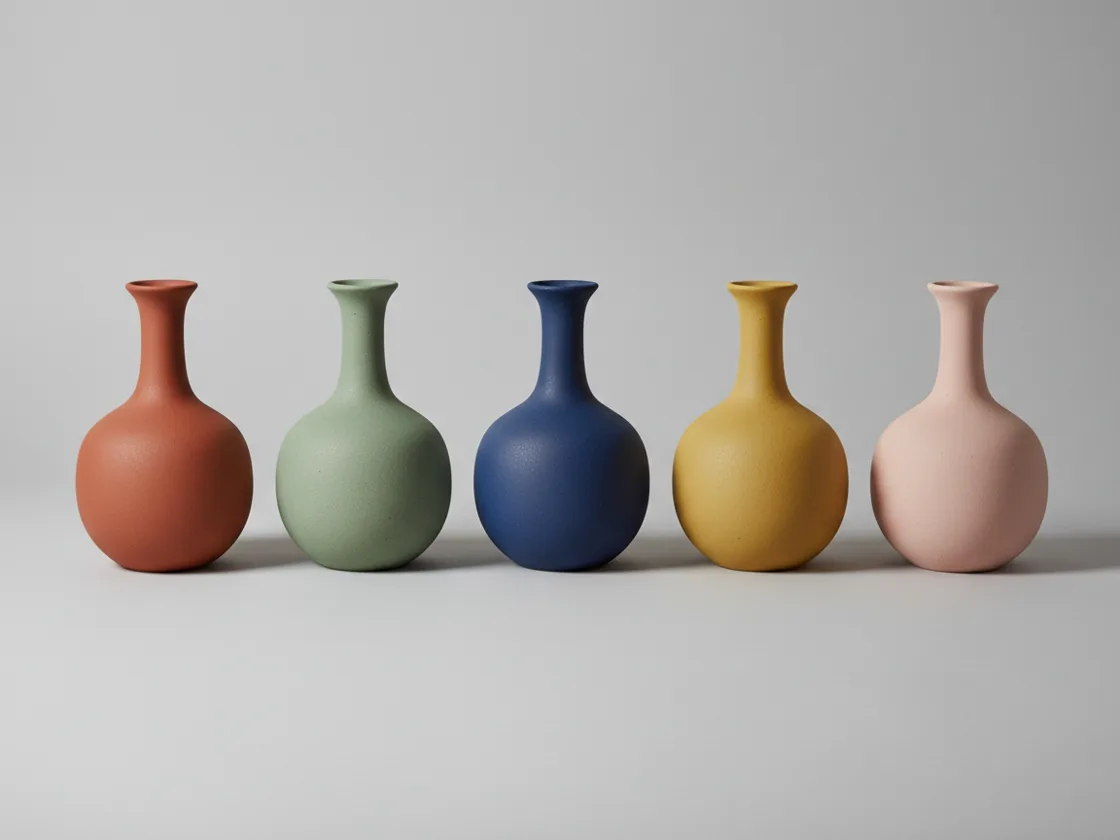
Open the Colors panel and Playyy reads the image and extracts its dominant colors into a row of swatches. Pick the one you want to change — the garment's red, the backdrop's blue — and it becomes the target. Everything else in the frame stays exactly where it was, because you are editing one color rather than the whole picture.
Try for free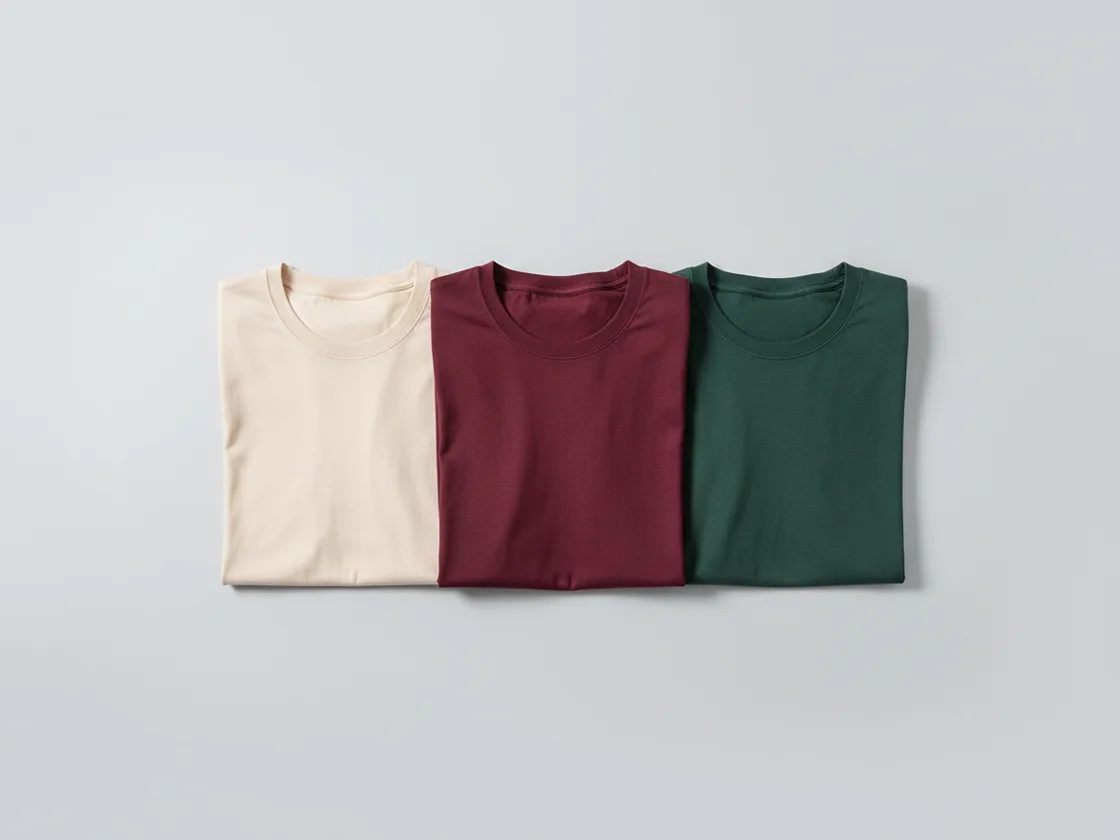
With a swatch selected, three controls do the work. Hue rotates that color around the wheel — burgundy to forest green. Saturation takes it from muted to vivid. Brightness sets how light or dark it sits. Every pixel that belonged to that color moves together, so the shading that made the object look three-dimensional moves with it.
Try for free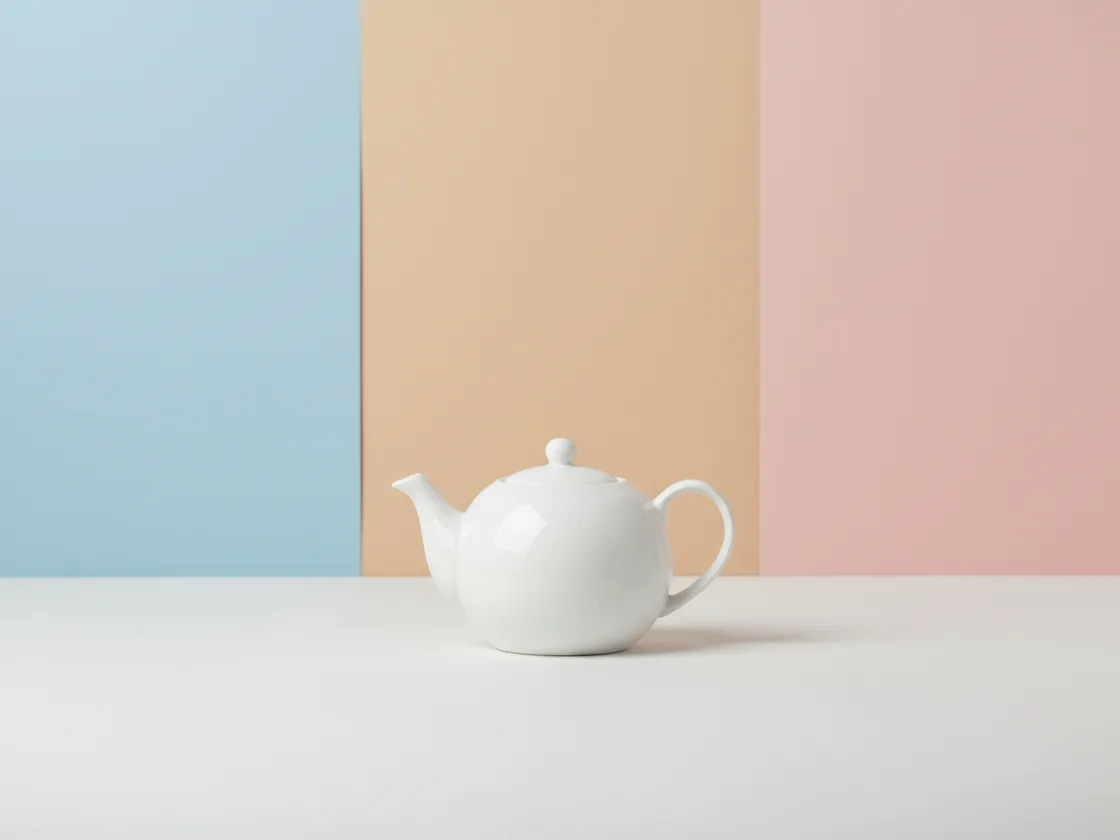
Because the adjustment is per-color rather than global, the backdrop can shift while the product holds still, or a single prop can move without touching anything around it. That makes it the tool for the cases where you know which color you want to move and want it under your own hand. For product colorways specifically — one garment, every color it ships in, rendered as separate variant images — the Clothes Color Changer does that job instead.
Try for freePlayyy analyses the image and surfaces the colors it is actually built from, so you start by picking a swatch rather than hunting for the right value with an eyedropper.
Three sliders per color: rotate it to a different hue, take it from muted to vivid, and set how light it sits. Each preview updates live on the full image.
The adjustment shifts the existing pixels rather than flooding the area with flat color, so folds, weave, grain, and highlights stay readable in the new color.
Change the jacket without touching the jeans. Because the target is a color rather than a rectangle, there is no mask to draw and no edge to clean up afterwards.
Change the backdrop, a prop, or one object without touching anything else, because the target is a color rather than a region you had to select first.
Every adjustment is a setting rather than a baked-in change, so you can push a color too far, see it, and put the whole panel back to the original.
“Half of what I do in here is the backdrop, not the product. Grabbing the wall color and leaving everything else alone used to be a masking job.”

Emily Carter
Growth Marketing Strategist
“What sold me was that the fabric still looks like fabric. Every other tool I tried flattened the weave into a solid patch of color the moment you changed it. Here you can still see the knit.”

James Walker
Ecommerce Creative Strategist
“Being able to grab just the backdrop color and leave the model untouched is the bit I use constantly. No selecting, no mask to tidy up afterwards.”
Minji Park
Creator Marketing Strategist
A hue slider in most editors rotates every color in the image at once, so the shirt changes but so do the skin tones and the background — and the result reads as a filter rather than a different product. Playyy scopes the change to one extracted color, which is the difference between recoloring an object and tinting a photograph.
The usual way to recolor one thing is to select it, and selection is where the time goes and where the result falls apart — haloed edges around hair, a hard line where the mask ended. Targeting a color instead of a region sidesteps that entirely: whatever is that color changes, wherever it is in the frame, with no boundary to draw.
This is a panel, not a generator: you see the colors the photo is built from and you move them yourself, which is the right shape when the change is a judgement call rather than a list of colorways. When the job is the list — one product, every color it ships in, each as its own variant image — the Clothes Color Changer is the tool that does it, and it protects prints, hardware and stitching automatically rather than leaving that to how the swatches happened to separate.
Ecommerce image editing across every SKU — background removal, cleanup, and upscaling that meet marketplace specs.
Explore workflow
Turn any product photo into channel-ready studio imagery — no studio, no reshooting.
Explore workflowUpload the photo and open the Colors panel. Playyy extracts the image's dominant colors as swatches — pick the one you want to change, then adjust its hue, saturation, and brightness. Only the areas that were that color change.
Yes. The adjustment shifts the existing pixels rather than filling the area with flat color, so fabric weave, leather grain, folds, and highlights stay visible in the new color.
You can — select the garment's color from the extracted swatches and retune it, and the stitching, folds and light falloff are preserved. Note that the swatch is a color, not the garment: anything else in the frame sharing that color moves with it. If you want colorway variants where prints, logos and hardware are protected automatically, the Clothes Color Changer is built for that and renders each color as its own image.
Yes, as long as the background is a distinct color from the subject — pick its swatch and adjust it, and the subject stays untouched. If the background needs to go entirely rather than change color, use the Background Remover instead.
A normal hue slider rotates every color in the image at once, so it shifts skin tones and backgrounds along with the thing you meant to change. Playyy scopes each adjustment to one extracted color, so only that color moves.
Yes. Adjustments are stored as settings rather than being baked into the image, so you can retune a color repeatedly or reset the whole panel back to the original at any point.
See how teams are using Playyy to ship better visuals, faster.
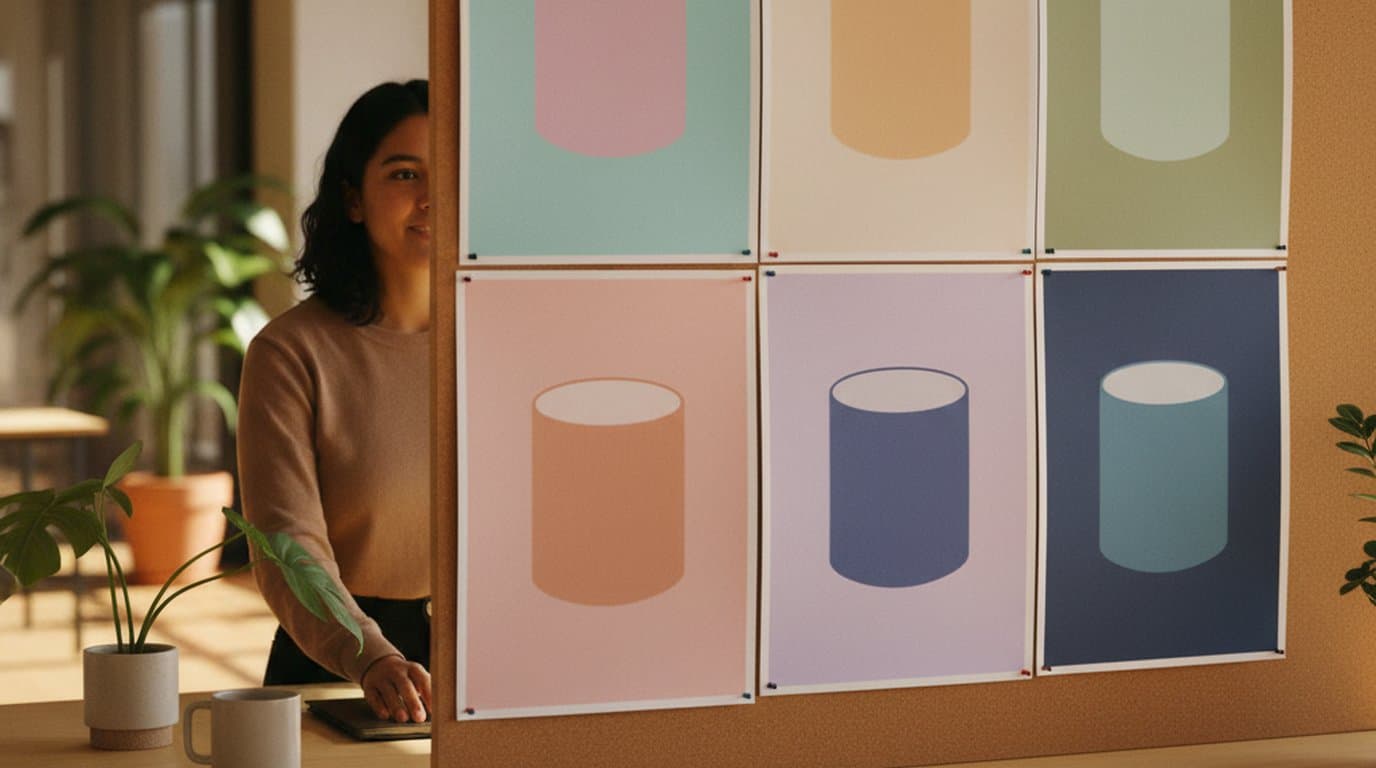
One product creative, ten color variants, thirty minutes — how a DTC supplement brand kept its paid social fresh without a designer round-trip.
 Emily Carter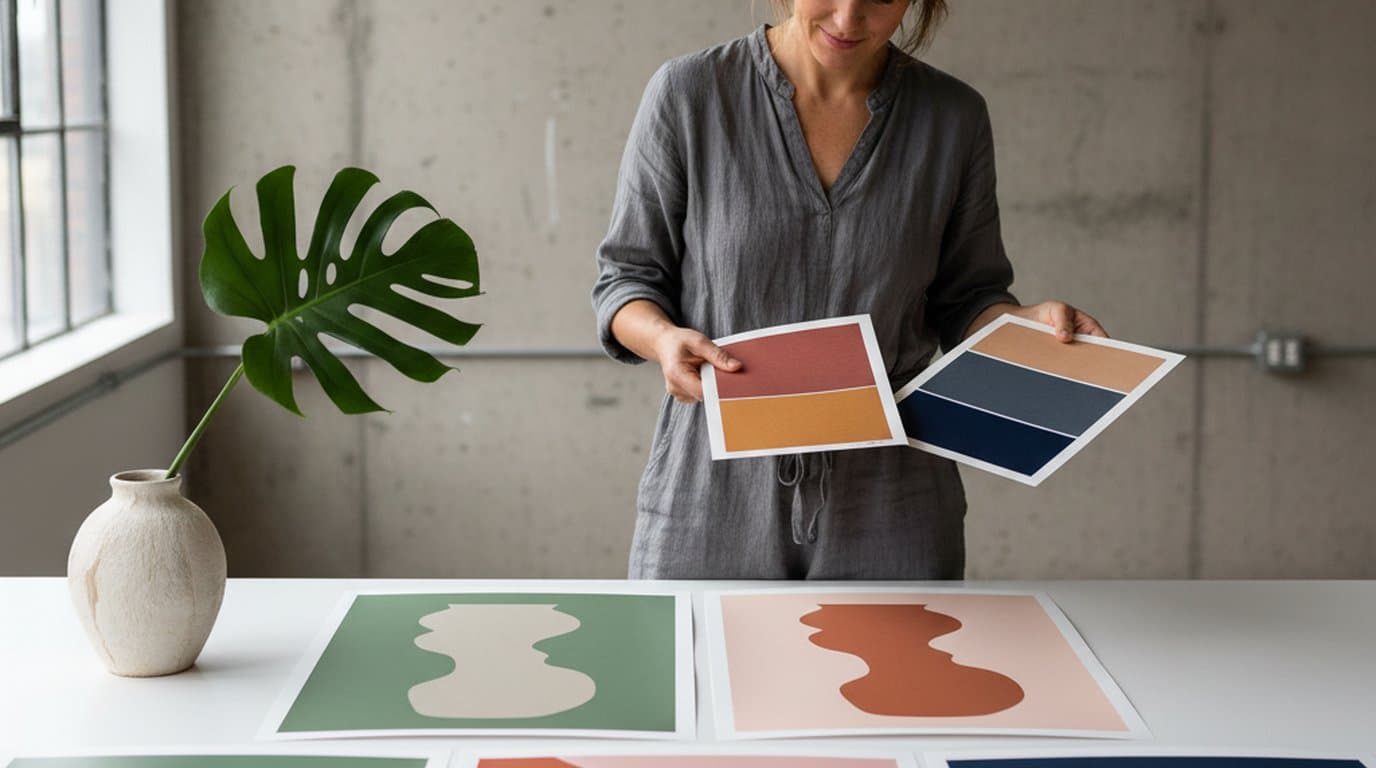
Eight palettes, ninety minutes, one editable canvas. How a Lisbon design studio rebuilt its pitch-stage color workflow on Playyy's AI Image Editor.
 Aiko Tanaka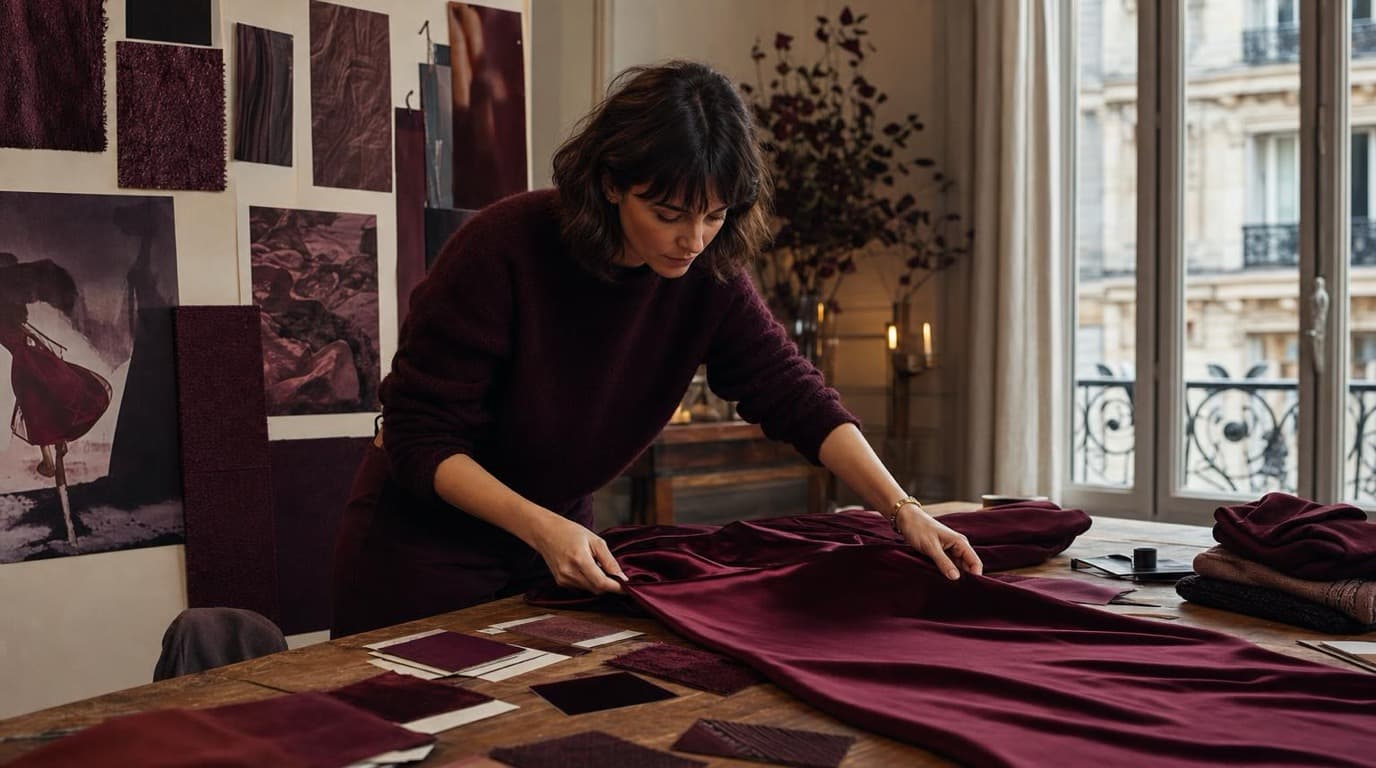
Thirty-four campaign images. Six days. One colour. How Camille Laurent built an entire autumn campaign around a burgundy colour story without booking a studio.
Aiko TanakaKeep every image on brand, control the final look, and turn campaign ideas into polished assets without waiting on another design cycle.














