What Is a Mockup? Definition, Types and Examples
 James Walker
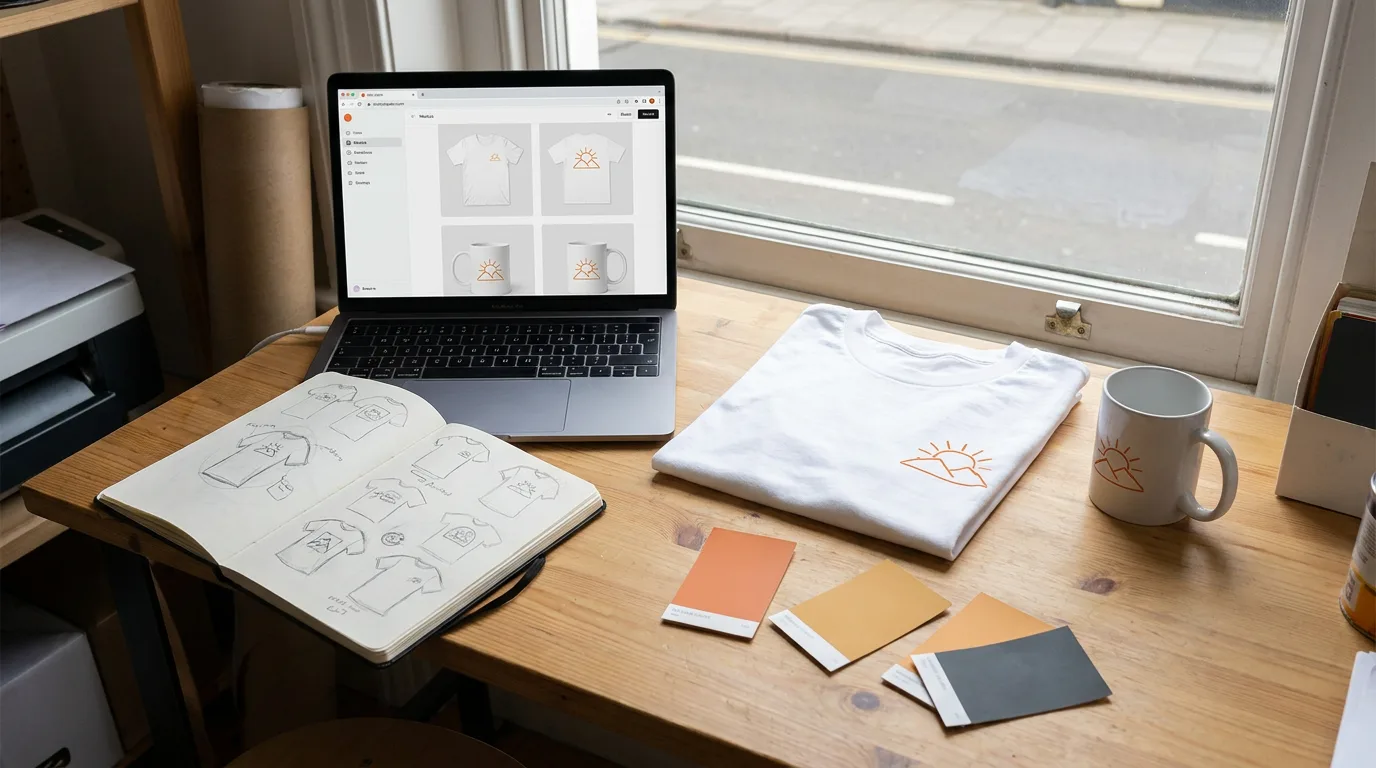
Every new design faces the same question before anyone pays to produce it: what will it look like for real? A mockup answers that. Designers use mockups to show an app screen in full color before code is written, print shops show a logo on a shirt before ordering blanks, and Etsy sellers list mugs that are printed only when someone buys. This guide explains what a mockup is in both UX and product design, how it differs from a wireframe and a prototype, the common types, what mockups cost, and how to make one.
Quick answer. A mockup is a realistic, static preview of a design shown the way it will look in real use, made before the final product exists. In UX design, a mockup is a high-fidelity screen with real colors, type and images, with interaction left for the prototype. In product and print design, a mockup places artwork onto a photo of an object, such as a t-shirt, hoodie, mug, box or phone, so it looks like the finished product.
What Is a Mockup?
A mockup is a realistic, static preview of a design in use. The word came from manufacturing and architecture, where a mock-up was a physical model built to show how a product, room or vehicle would look before full production. Design borrowed the term for the digital equivalent: a picture that looks finished, used to review and sell an idea.
Two meanings dominate today, and the context tells you which one is meant:
- In UX and web design, a mockup is a high-fidelity, static version of a screen or page. It sits between the wireframe (structure) and the prototype (interaction).
- In product, print and merch design, a mockup is artwork placed on a photo or render of a real object, like a design printed on a t-shirt or wrapped around a mug.
Both share the same purpose: let people judge the look of something before time and money go into building or printing it.
Mockup vs Wireframe vs Prototype
In UX design, a mockup is one of three stages that move from rough to real. Each answers a different question.

| Wireframe | Mockup | Prototype | |
|---|---|---|---|
| Fidelity | Low | High | High (or medium) |
| Shows | Layout and content blocks | Final colors, type, images, spacing | Final look plus clicks, taps and transitions |
| Interactive | Static | Static | Clickable |
| Answers | "Where does everything go?" | "What will it look like?" | "How will it work?" |
| Typical use | Early planning, content structure | Visual sign-off with clients and stakeholders | User testing, developer handoff |
A wireframe uses gray boxes and placeholder text so the conversation stays on structure. A mockup adds the real visual design, which is when clients react to color, typography and imagery. A prototype links those mockups so testers can tap a button and land on the next screen. Teams often skip or merge stages: a small marketing site can go straight from sketch to mockup, while a complex app runs through all three several times.
Common Types of Mockups
Outside UX, "mockup" usually means a product mockup. These are the types that come up most in print, merch and marketing work:
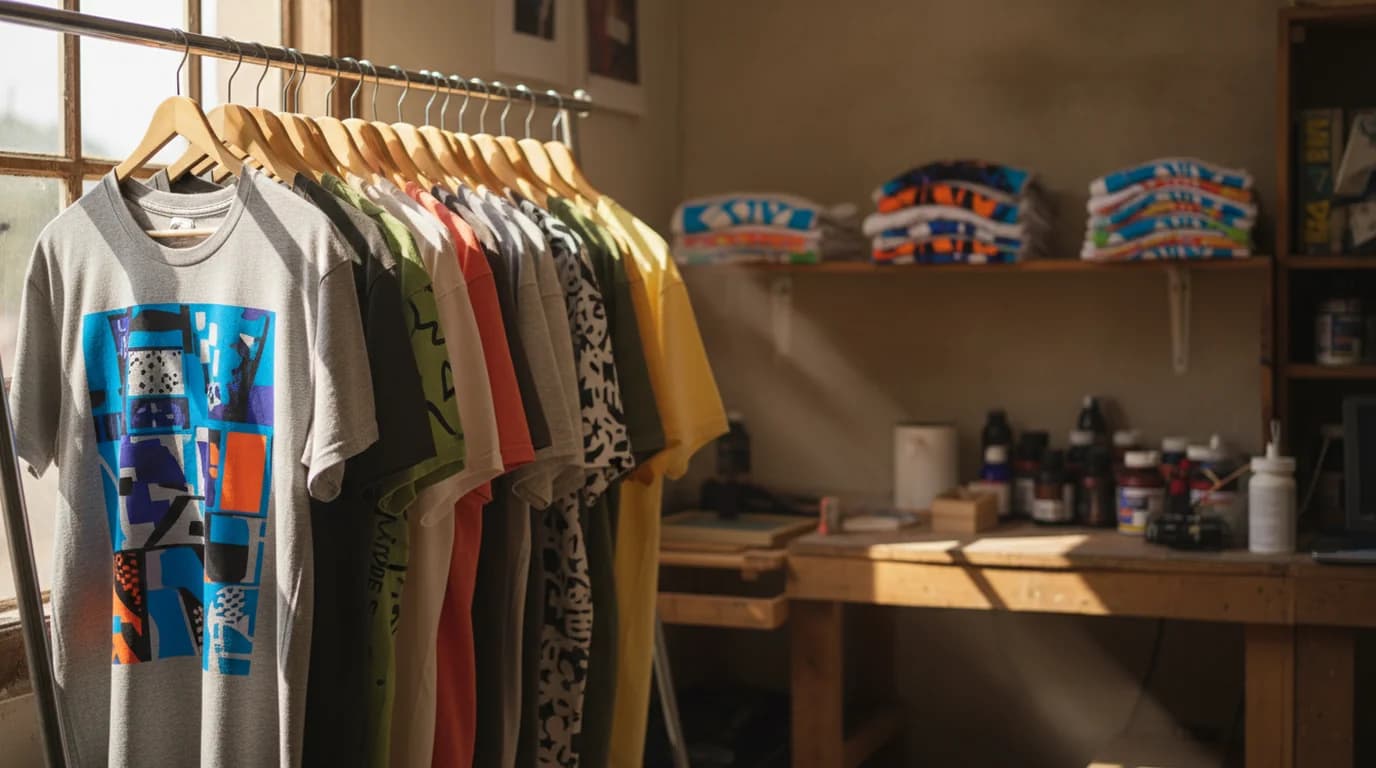
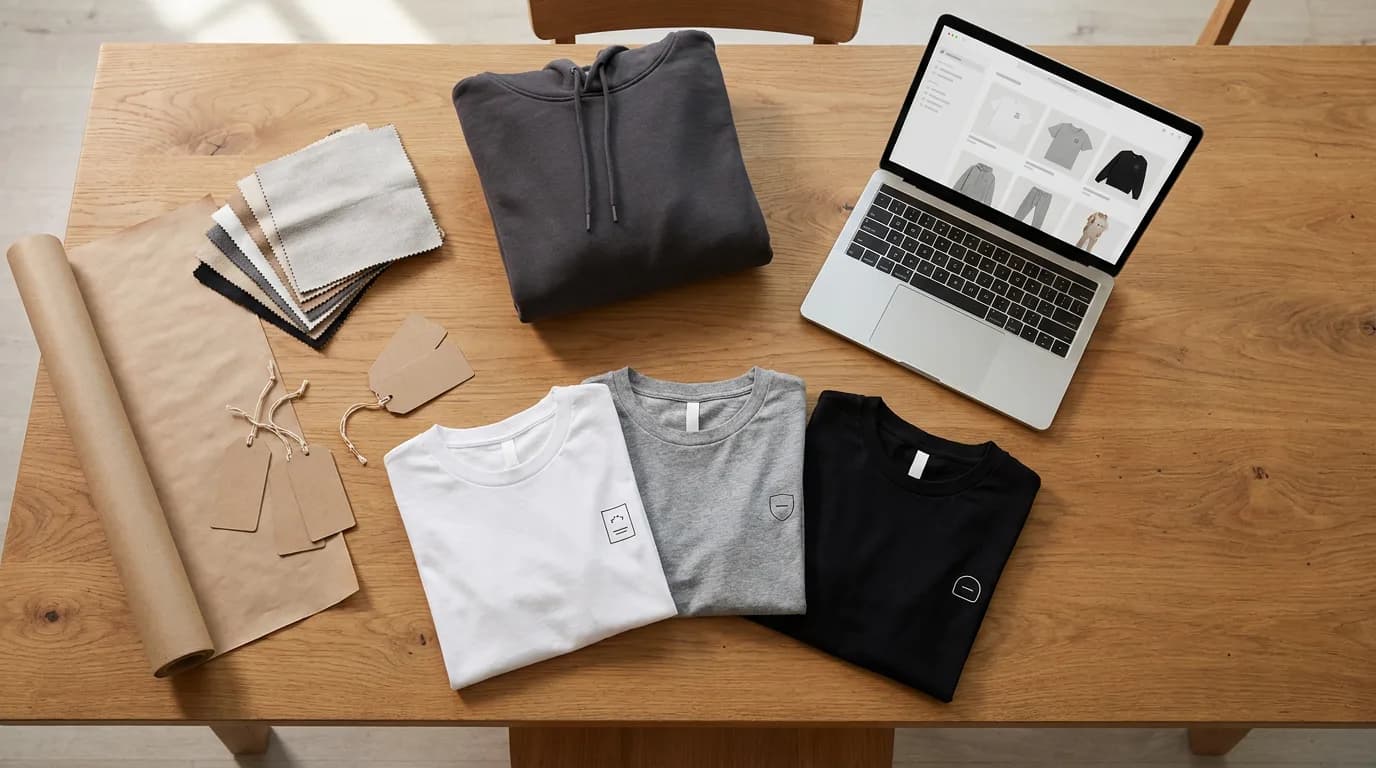
- Apparel mockups. T-shirts, hoodies, sweatshirts, tote bags and caps, with the print following fabric folds. The backbone of print-on-demand stores.
- Drinkware mockups. Mugs, tumblers and water bottles, where the artwork curves around a cylinder.
- Packaging mockups. Boxes, pouches, labels, bottles and cans, used for pitches and crowdfunding pages before a production run.
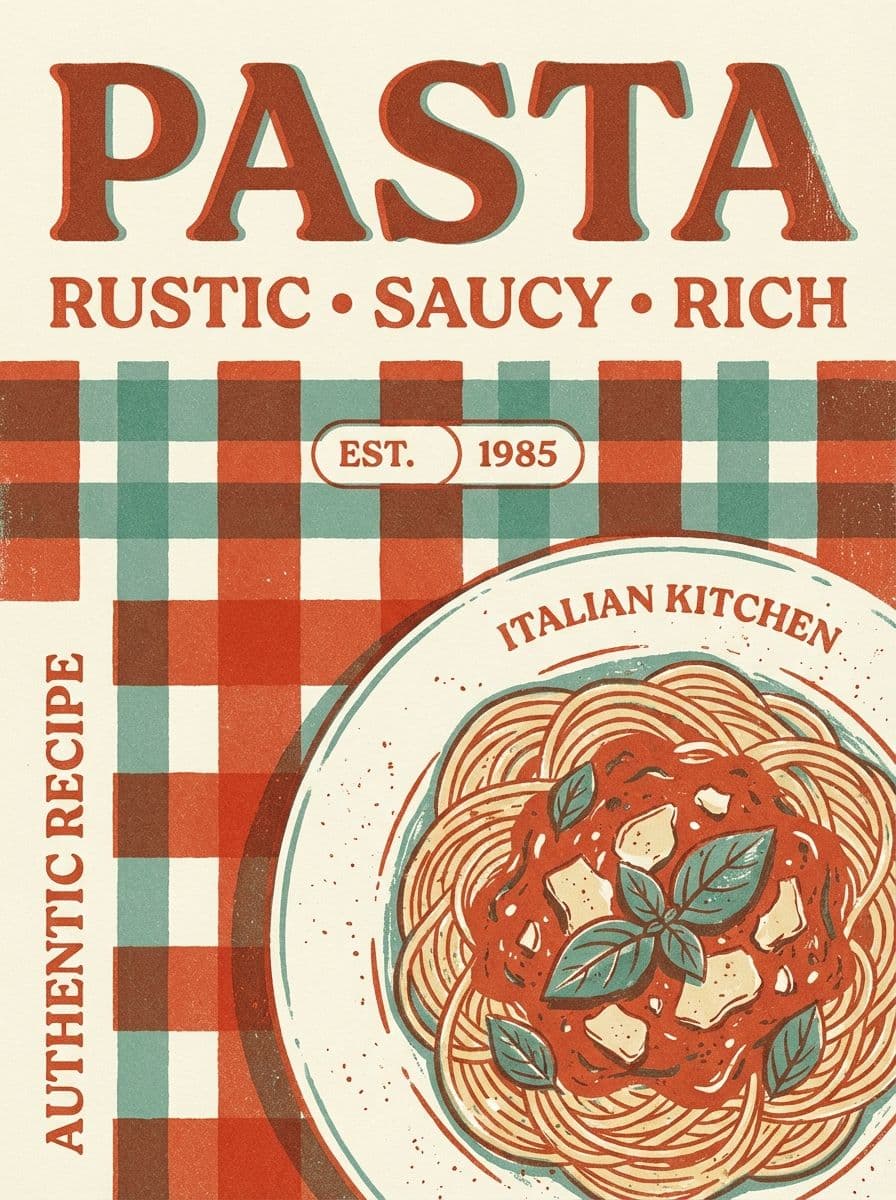
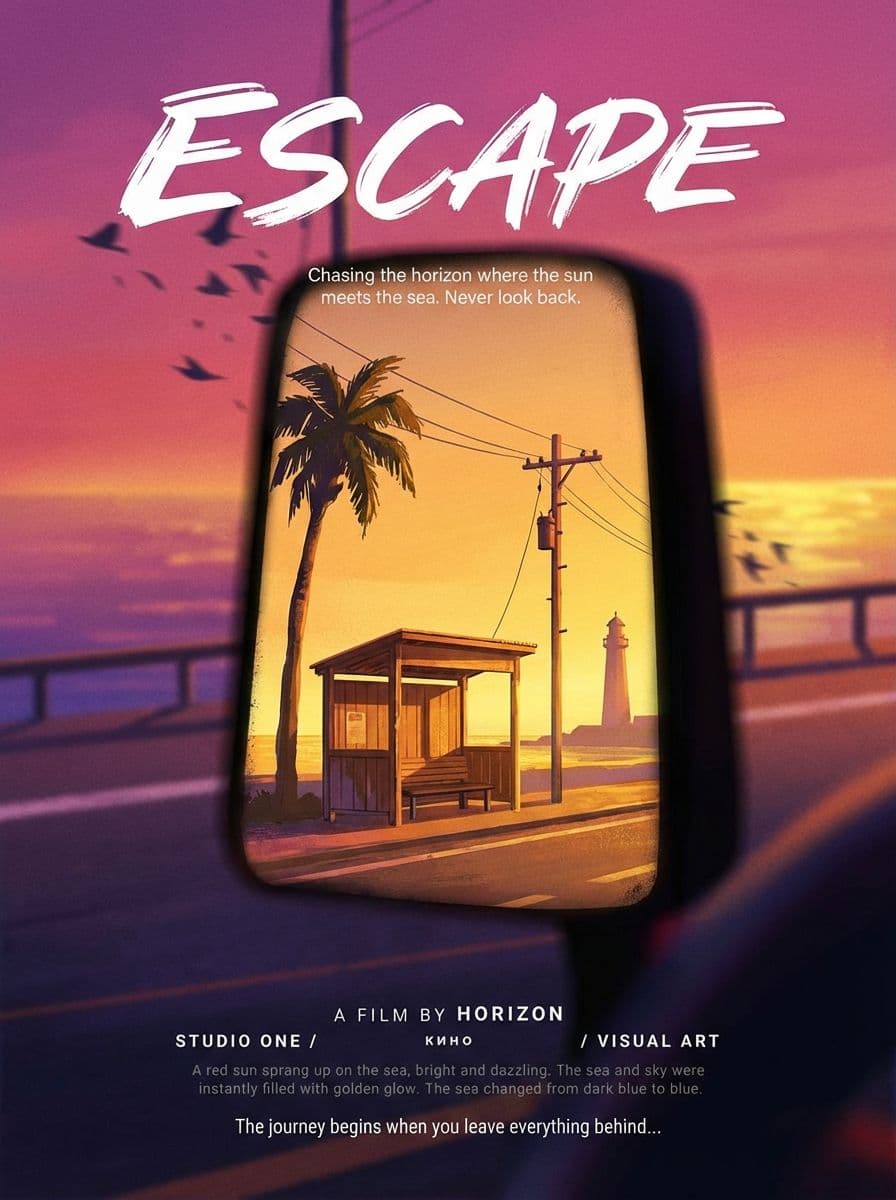
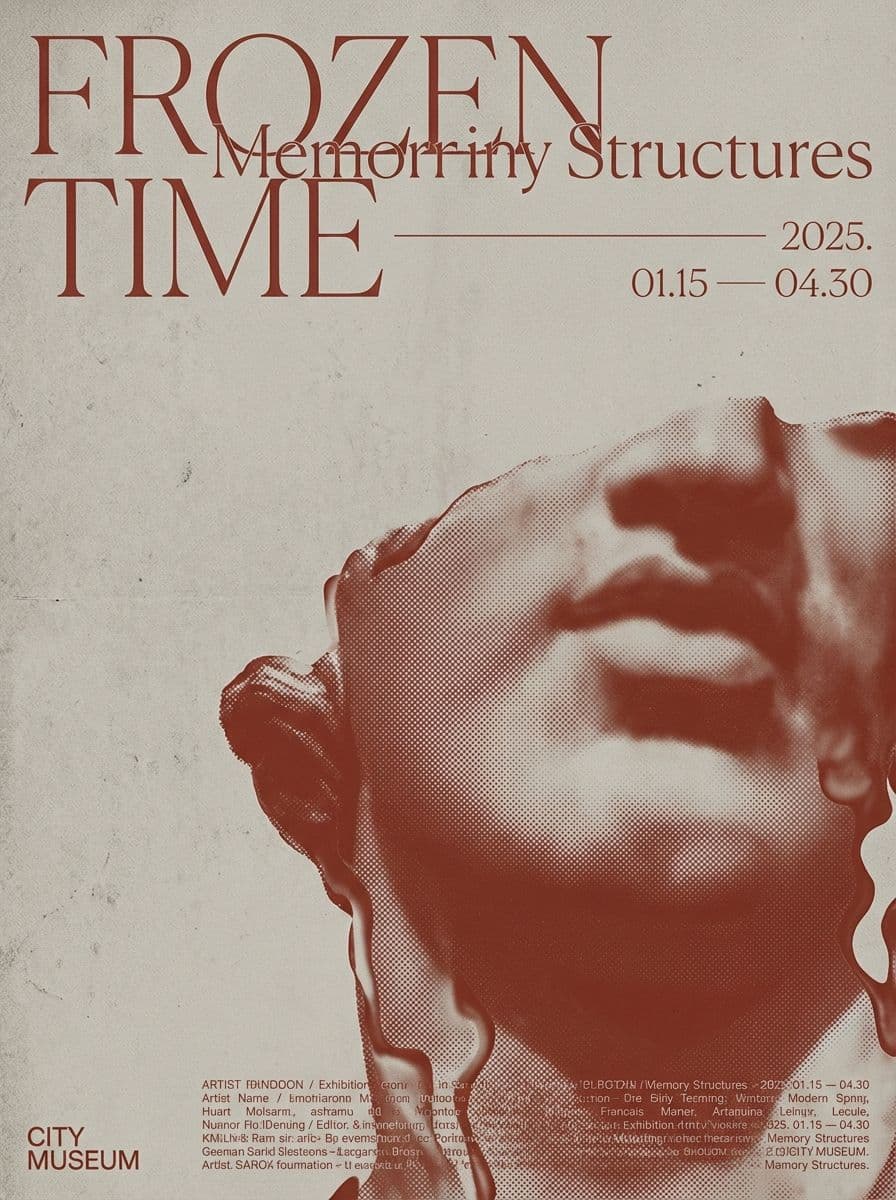
- Print and stationery mockups. Business cards, flyers, posters, letterheads and invitations shown on a desk or wall.
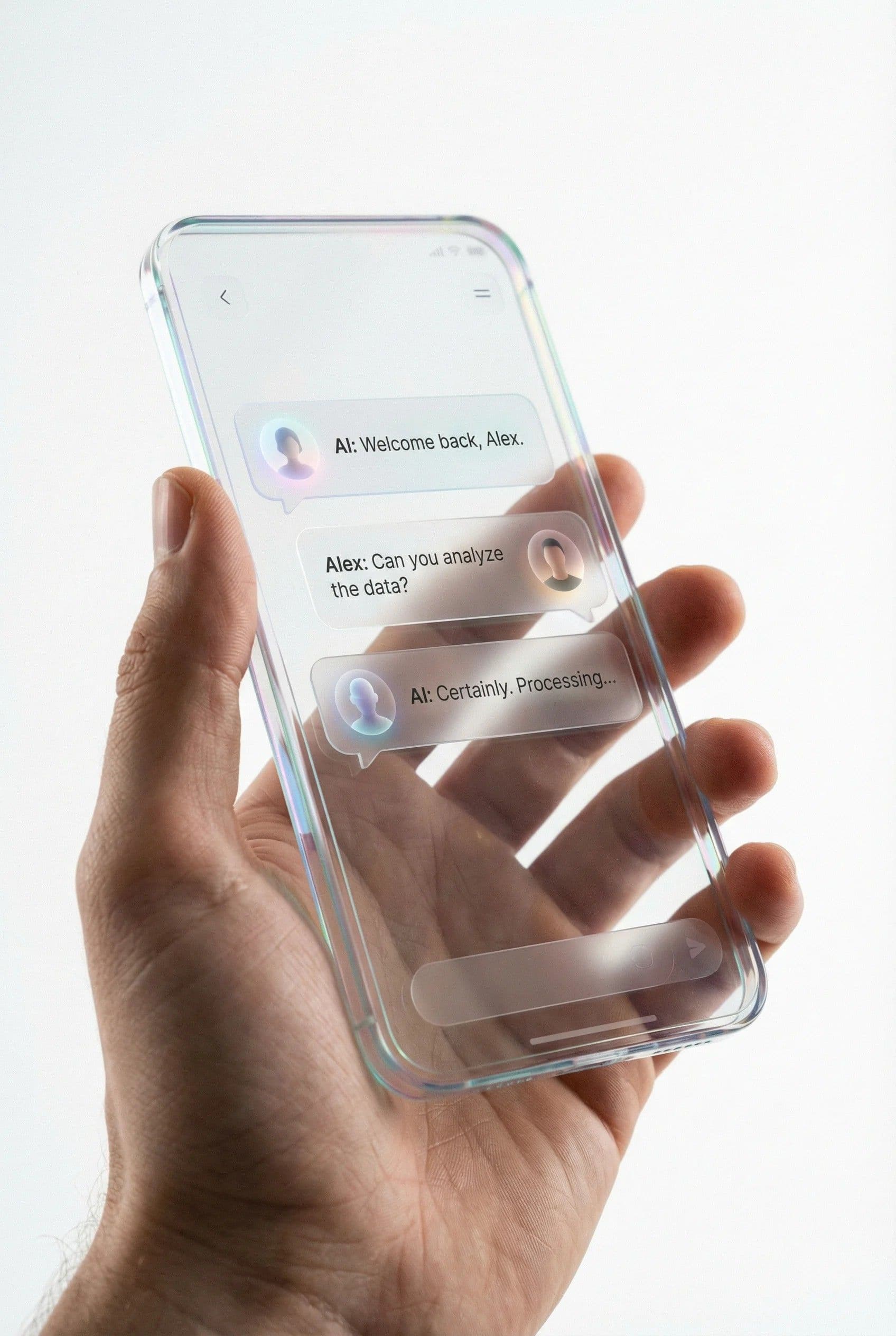
- Device mockups. A website or app screen placed inside a phone, laptop or tablet frame for launch pages and portfolios.
- Signage mockups. Storefront signs, billboards, vehicle wraps and banners, useful for showing a logo at real scale.
- Book and cover mockups. Ebooks, paperbacks and album covers rendered as physical objects.

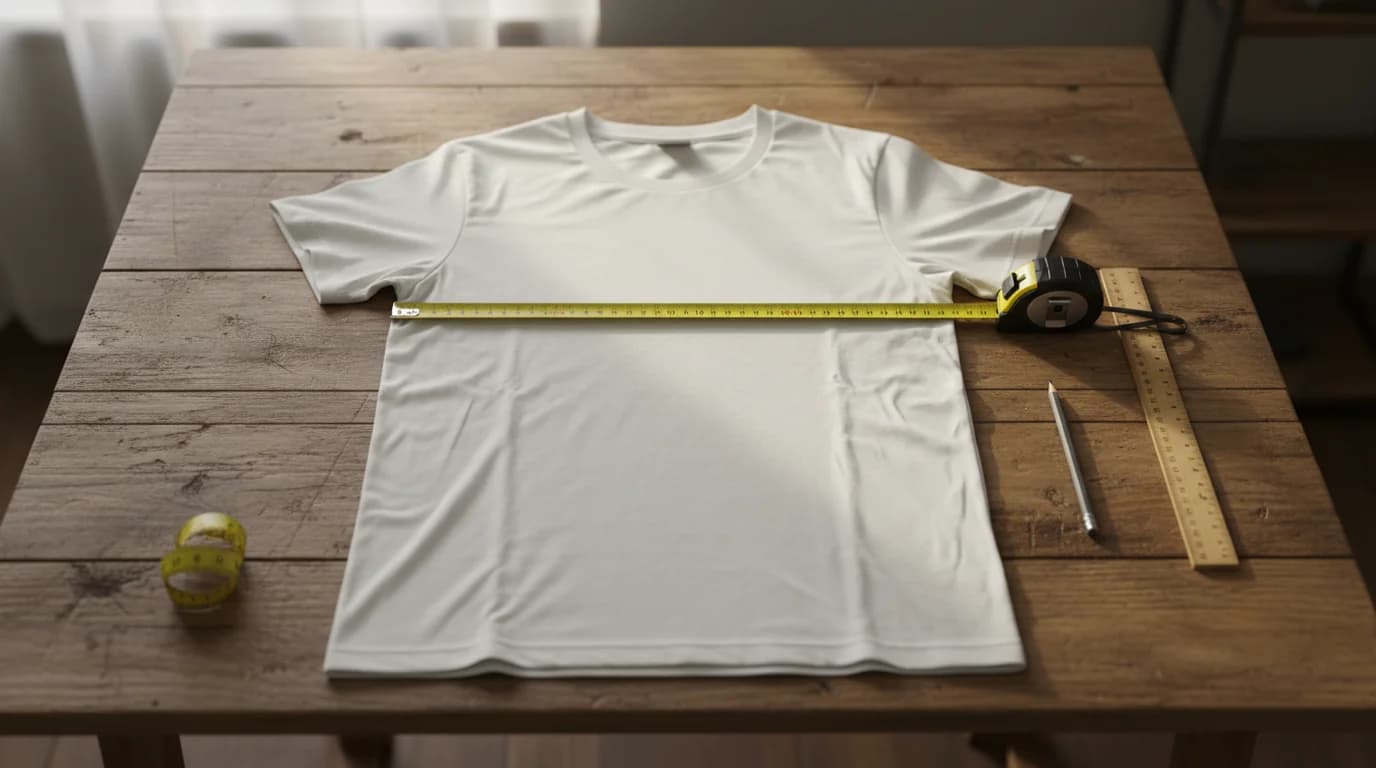
A good product mockup has three qualities. The artwork follows the surface, bending with the folds of a shirt or the curve of a mug. The lighting and shadows of the photo stay on top of the print, so it looks printed rather than pasted. And the print size matches what the printer will actually produce, so a buyer receives the product they saw.
What Mockups Are Used For
Product mockups earn their place in five situations:
- Store listings. Print-on-demand and Etsy shops list products that are printed after an order, so mockups are the product photos.
- Client approvals. A logo on a storefront sign or a uniform gets approved faster than a flat logo file, because the client sees the real context.
- Colorway decisions. One design on white, gray and black shirts side by side shows which colors suit the artwork before you order stock.
- Pitches and pre-sales. Packaging and merch mockups test demand on a crowdfunding page or social post before a production run.
- Consistent brand visuals. A launch page, a line sheet and store listings can all use the same set of mockups.
Etsy Mockups: What Sellers Should Know
Etsy mockups are standard for print-on-demand sellers, and a few habits keep them working for both search and buyers. Etsy's photo guidelines recommend listing photos at least 2,000 pixels wide and tall, with the first photo in landscape or square, and later photos in the same shape as the first.
Use the first mockup for the clearest view of the product on a plain background, then add lifestyle mockups (the shirt worn, the mug on a desk) and a color chart. Show the print at its real size on the garment, since a mockup with an oversized print sets the wrong expectation. One real photo of a printed sample next to the mockups answers the "what will it really look like?" question better than any extra scene.
How Much Does a Mockup Cost?
The cost of a mockup depends mostly on how custom it needs to be:
- Free routes. Free mockup templates and online mockup generators cover most t-shirt, mug and listing needs. The trade-off is that popular free scenes appear in many shops.
- Paid templates and subscriptions. Premium template packs (often layered PSD files) and generator subscriptions add more scenes, models and angles, and a pack is typically a one-off purchase while a generator is billed monthly.
- Custom mockups. A freelancer or studio can photograph a real sample or build a 3D render of your exact packaging. This is the most expensive route and suits hero images, packaging pitches and brands that need unique scenes.
For a UX mockup the cost is design time: a designer's hours to turn a wireframe into a high-fidelity screen in a tool such as Figma, Sketch or Adobe XD.
How to Make a Product Mockup With Playyy
Playyy is an AI design agent with a built-in mockup feature that places your artwork onto photos of t-shirts, hoodies, sweatshirts, mugs and other products. In the editor, open Elements → Mockups, insert a garment photo, and drop your design onto it; double-click to place the print, drag to move, pull a corner to scale and use the top handle to rotate. The Print size menu offers Recommended size or Fill print area, and the t-shirt mockup generator page walks through the same flow from an upload.
Change the garment color and the folds, ribbing and shadows stay realistic while the print stays exactly as designed, which is how the hoodie mockup generator builds oatmeal, charcoal and navy versions from one placement. You can also ask Playyy's agent in chat to put a design on a mug or a tote, or upload your own product photo; the agent detects the printable surfaces (flat faces, upright cylinders such as mugs, and garment fronts facing the camera) and maps the artwork onto them, with the artwork kept editable.
For a whole merch line, put several garments on one page and export them together. The apparel mockup generator covers that set, with PNG or JPG downloads bundled as a ZIP for store listings and PDF for proofs. Playyy is free to start with daily bonus credits that refresh every day.
A mockup is the realistic, static preview that sits between an idea and the finished product. In UX it is the high-fidelity screen between wireframe and prototype; in product design it is your artwork on a photo of a shirt, mug or box. Use mockups to sell before you print, to get approvals faster, and to keep every listing and launch image consistent.

James Walker
I help Shopify and Amazon sellers improve product images, promotional banners and ad creatives. I focus on practical visual improvements that help products look more credible and conversion-ready — no design jargon, just what works.
Frequently asked questions
A mockup can cost nothing or a few hundred dollars, depending on the route. Free mockup templates and online mockup generators cover most print-on-demand and Etsy needs. Premium template packs and generator subscriptions cost more and add more scenes. Custom work, such as a photographed sample or a 3D render from a freelancer or studio, costs the most and suits hero images and packaging pitches.