Marketing Creatives: AI Image Generator for Social, Email, and Ads
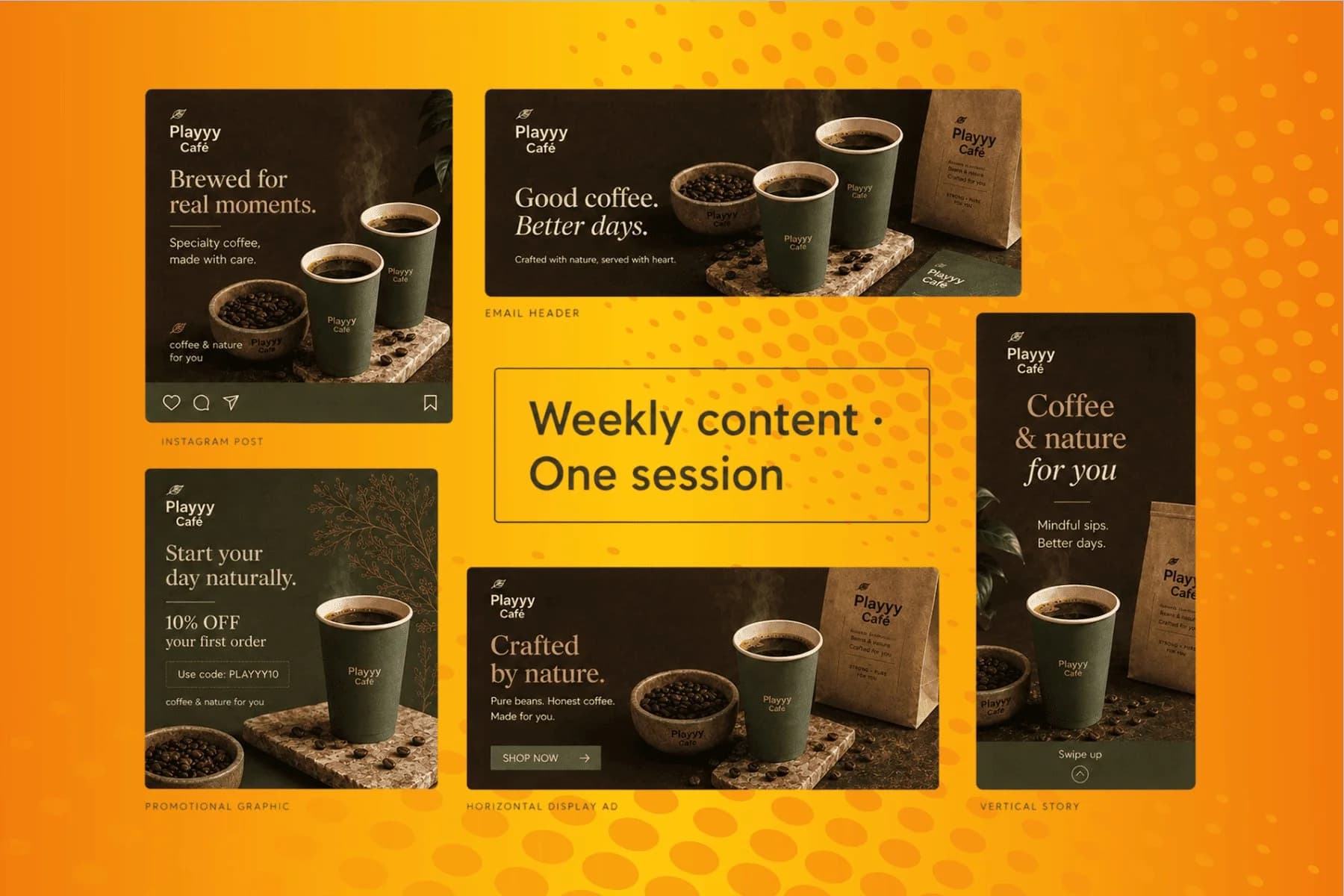
From content gap to publish-ready creative — AI image generator, brand style matching, and copy placement in one session.
Explore workflowDriven by GPT Image 2.5 & Nano Banana Pro 🍌
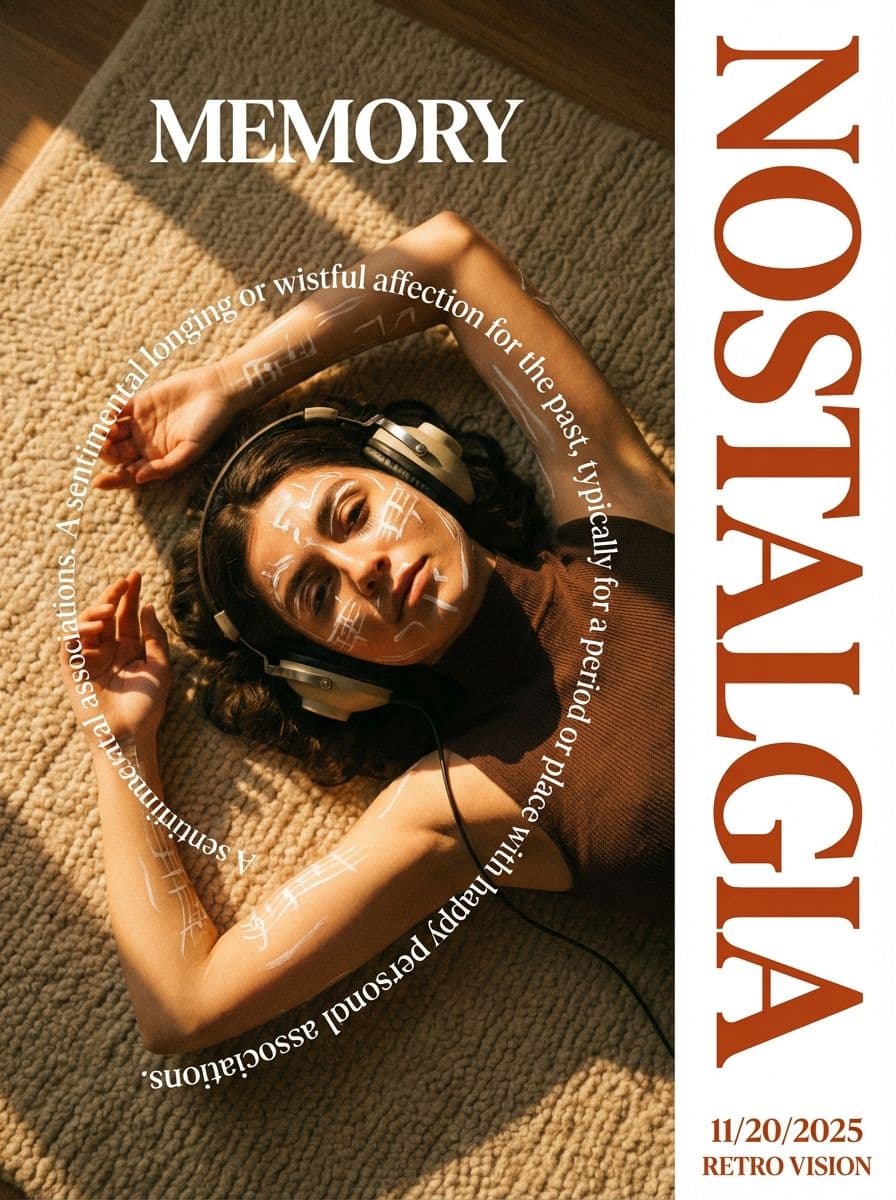
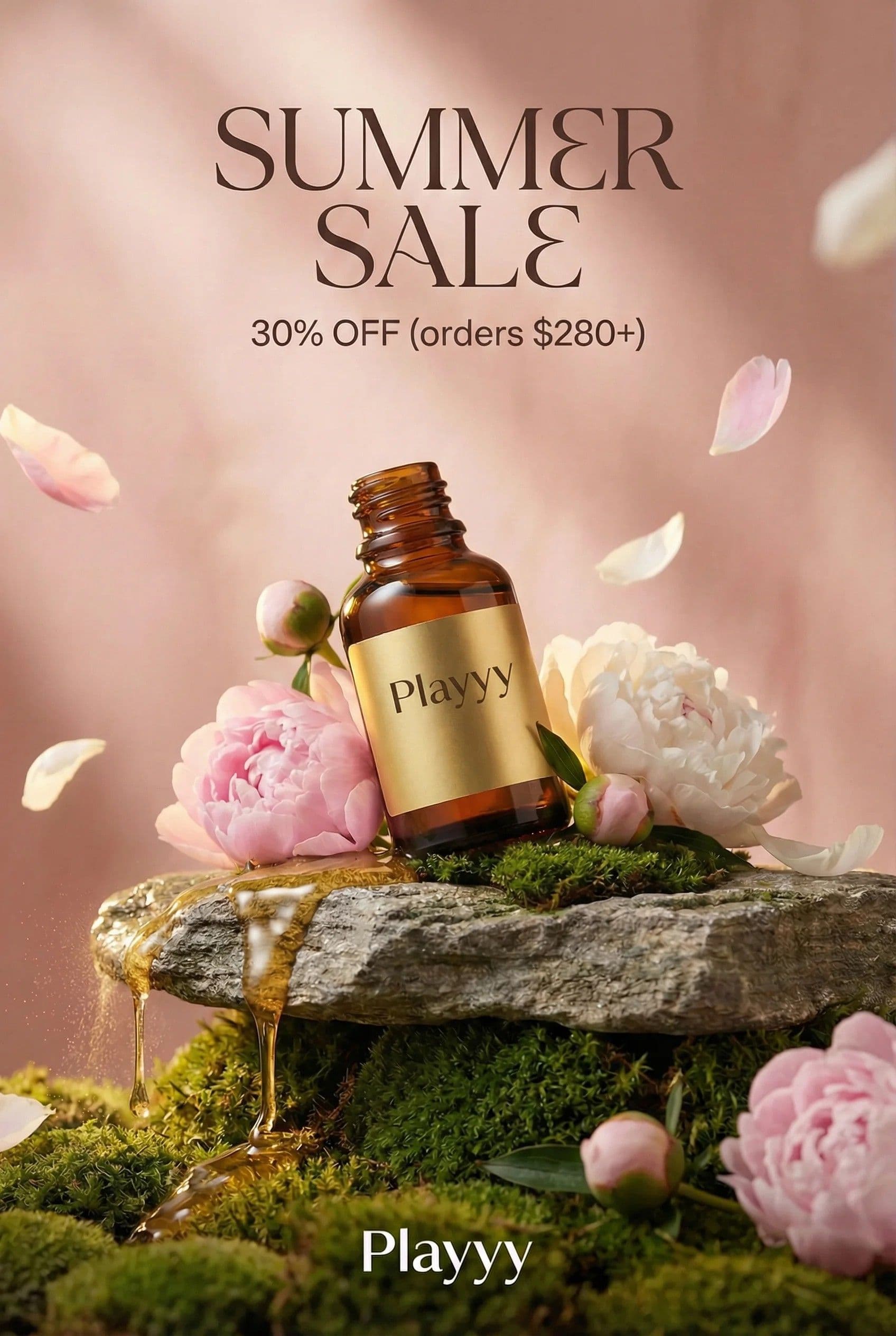
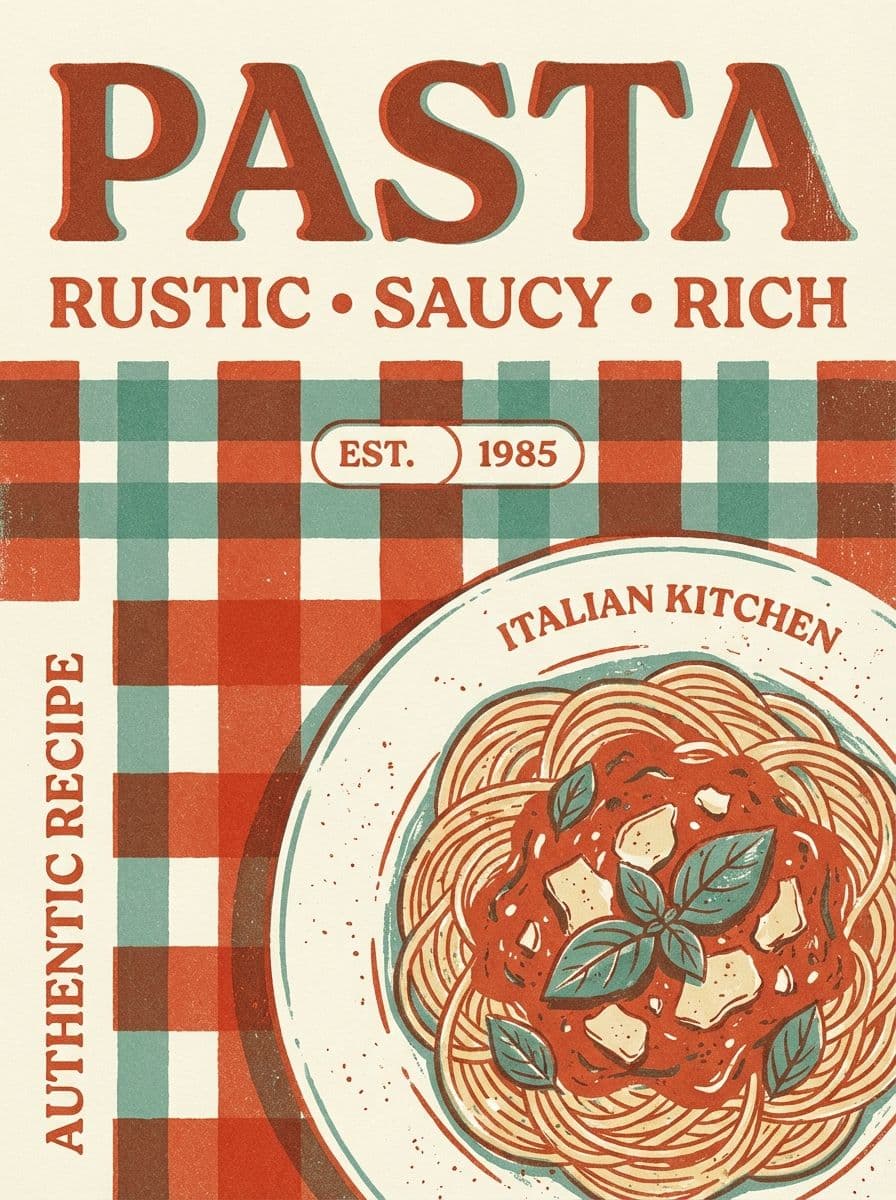
Playyy turns the words in a JPG, PNG or screenshot into editable text boxes in a matching font and color, so you can change a price, fix a typo or translate a line and keep the rest of the picture as it is.
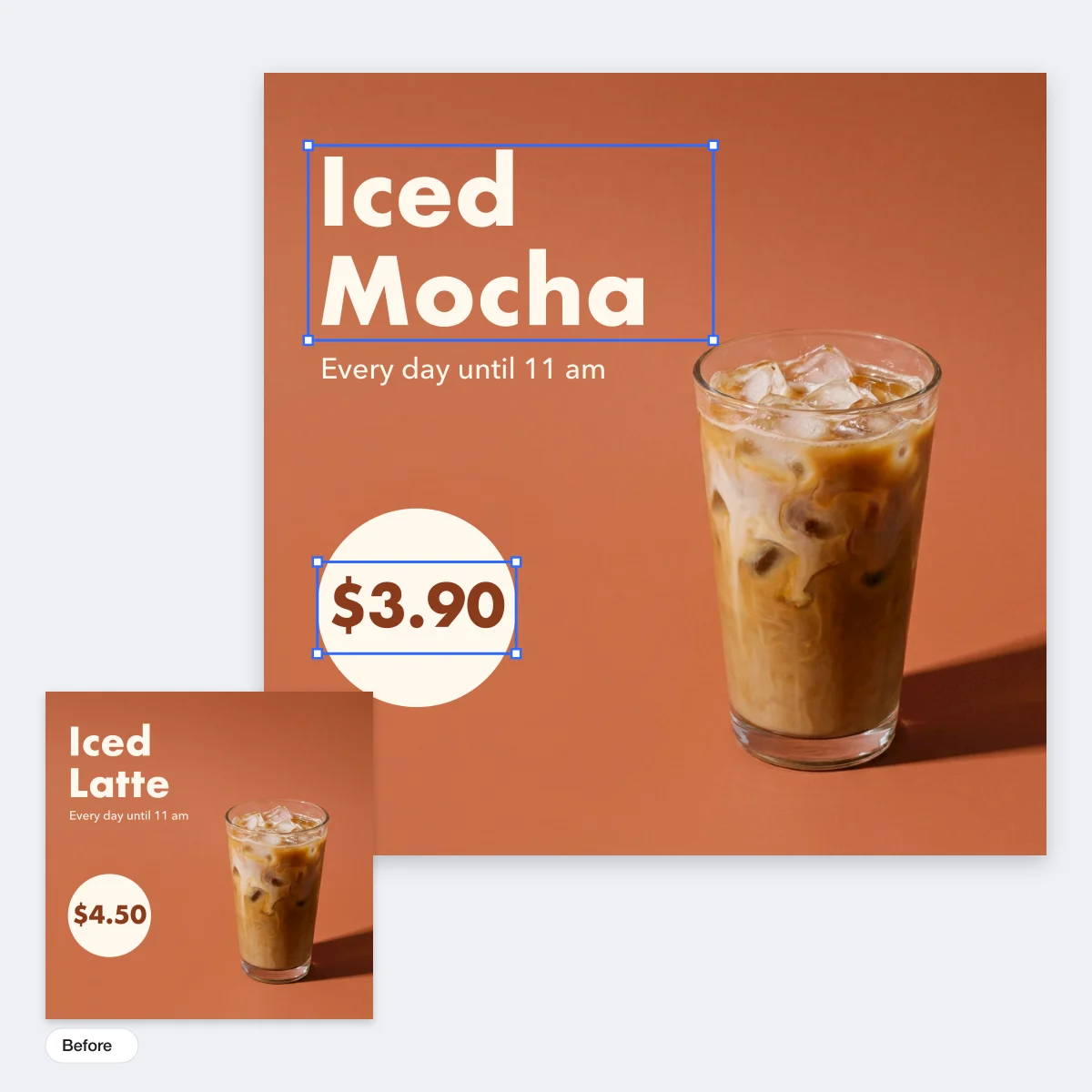
Upload the picture above and choose Extract editable text. Playyy opens it as a design where each line of text is its own text box: click one, type the new words, then download the image.
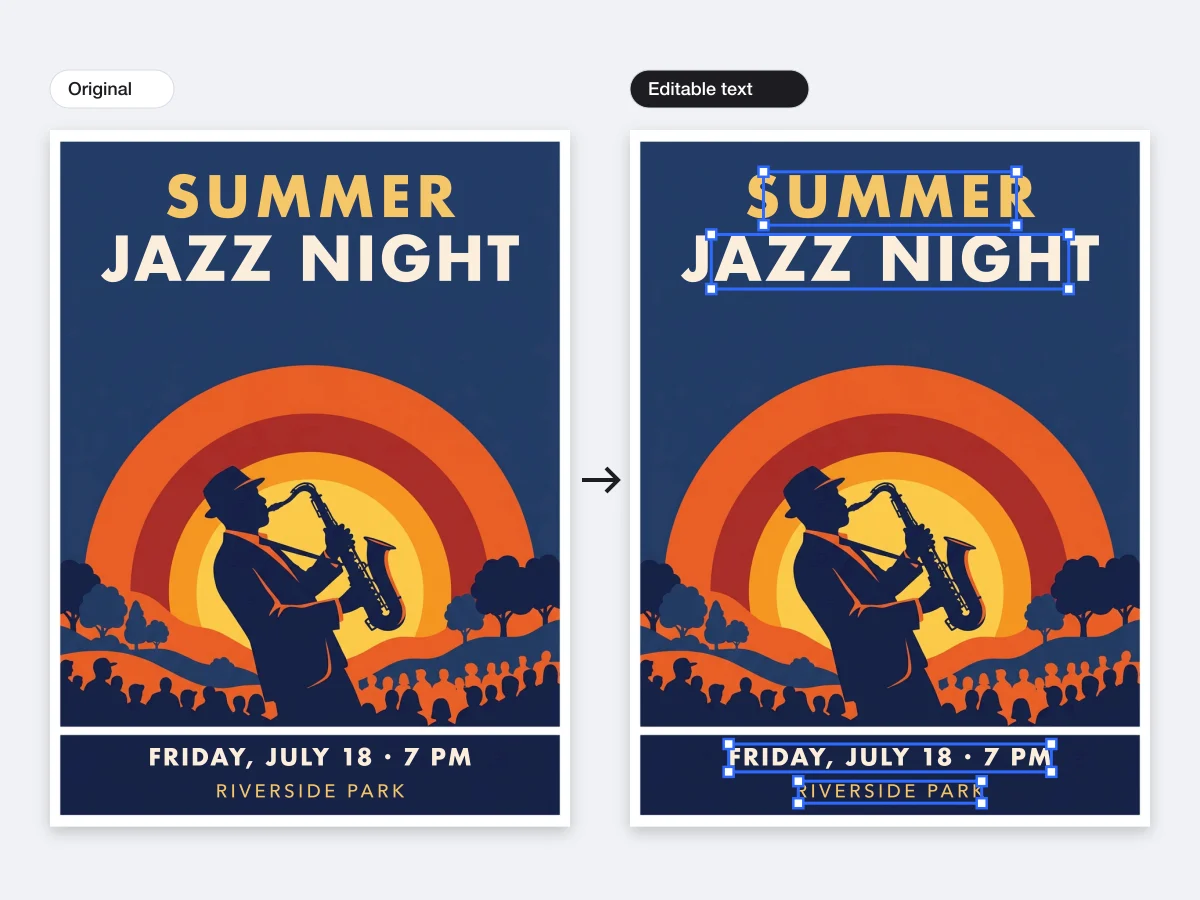
Upload a promo graphic, a poster, a product label or a screenshot and choose Extract editable text. Playyy reads each line, picks the closest font from its font library, keeps the size, color, letter spacing and effects such as outlines, shadows and gradient fills, and clears the original lettering from the background. The result opens as a design with your original image on one page and the editable version on the next, so you can compare them side by side.
Try for free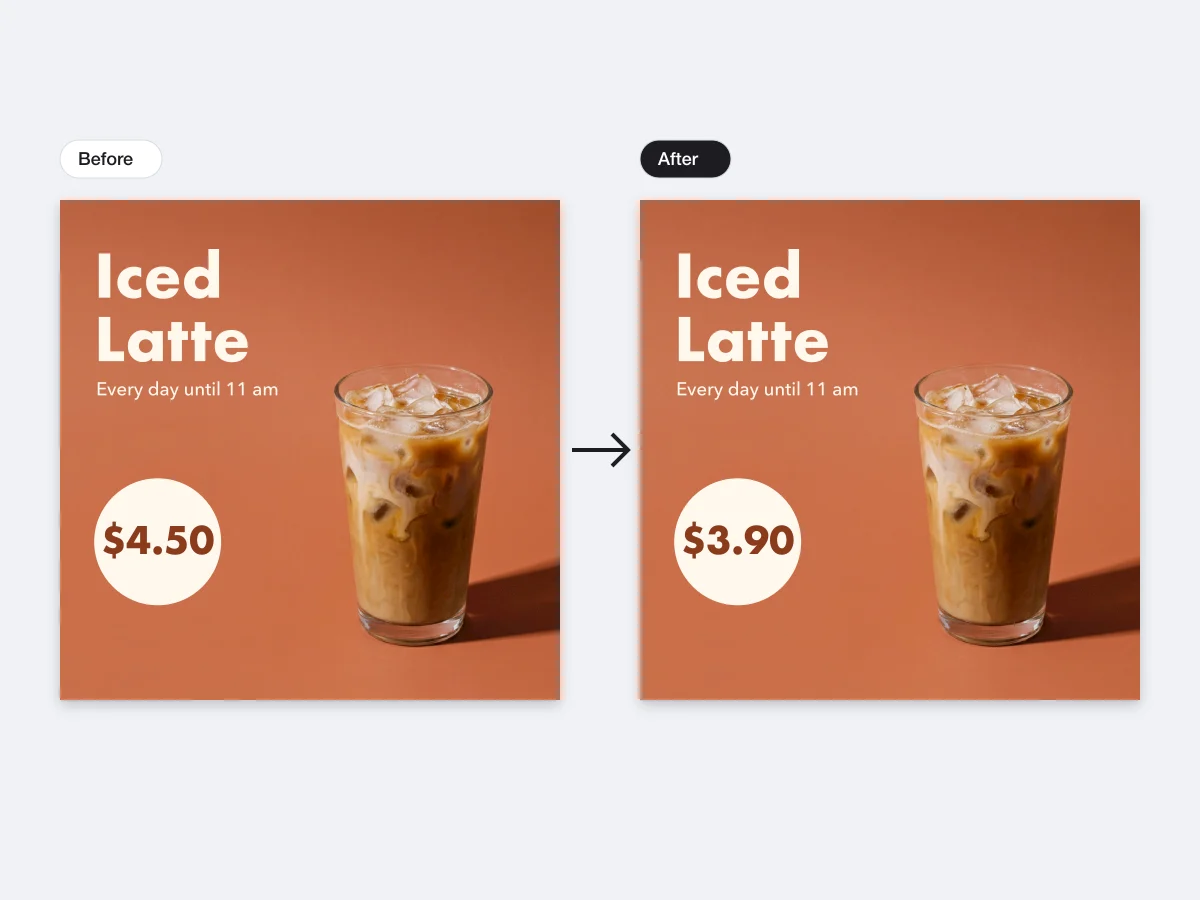
Click a text box and type. Swap '$4.50' for '$3.90', move the sale from Friday to Saturday, correct a misspelled product name, or update the year in a footer. The new words take the same font, color and position as the old ones, and you can still change the font, weight, size or color when the update needs to stand out. Everything else in the picture stays exactly where it was.
Try for free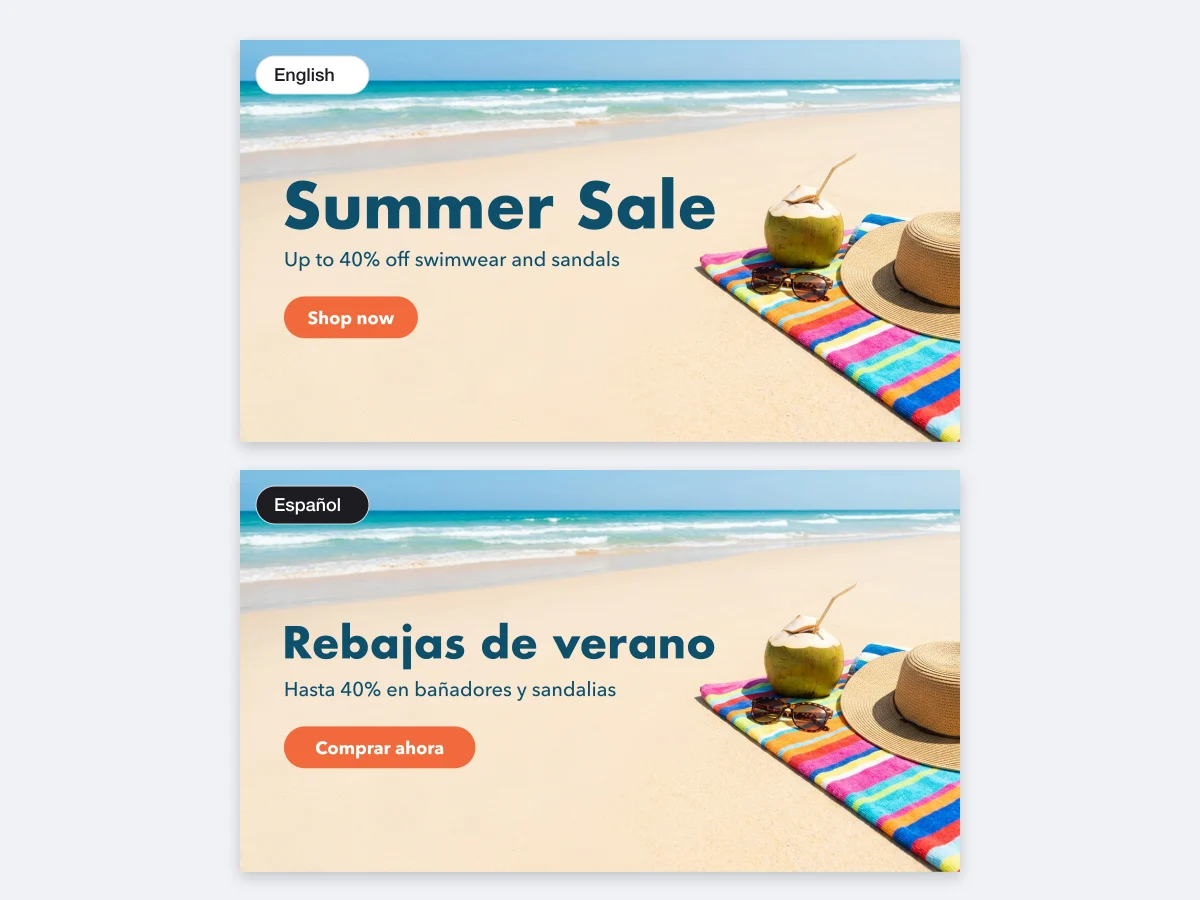
Turn an English banner into a Spanish, French or Japanese one by replacing each text box with its translation, or ask Playyy's agent to translate every line for you. The layout, photo and colors stay put, so one design becomes a version for each market. The same works for screenshots: replace the labels in an app screenshot or a slide capture with the wording your audience reads.
Try for freeWant to move the picture apart, not just the words? Split the whole design into layers
Each line in the image becomes text you can select, retype, resize and move.
Playyy picks the closest font from its library and keeps the original color and spacing.
Outlines, shadows, glows and gradient fills come across as editable text effects.
Works on JPG, PNG, WebP and HEIC files, from social graphics to app and web screenshots.
Your untouched image stays on its own page in the design for a quick comparison.
Export the edited picture at its original size for the web, print or your next post.
Playyy changes the text and leaves the photo, layout and colors exactly as they were, so a small update stays a small update.
A flyer from last year, a graphic a client sent as a JPG, a screenshot from a slide: each one becomes editable from the image itself.
Translate the text boxes and export a version per market, all from the same picture and layout.
From content gap to publish-ready creative — AI image generator, brand style matching, and copy placement in one session.
Explore workflow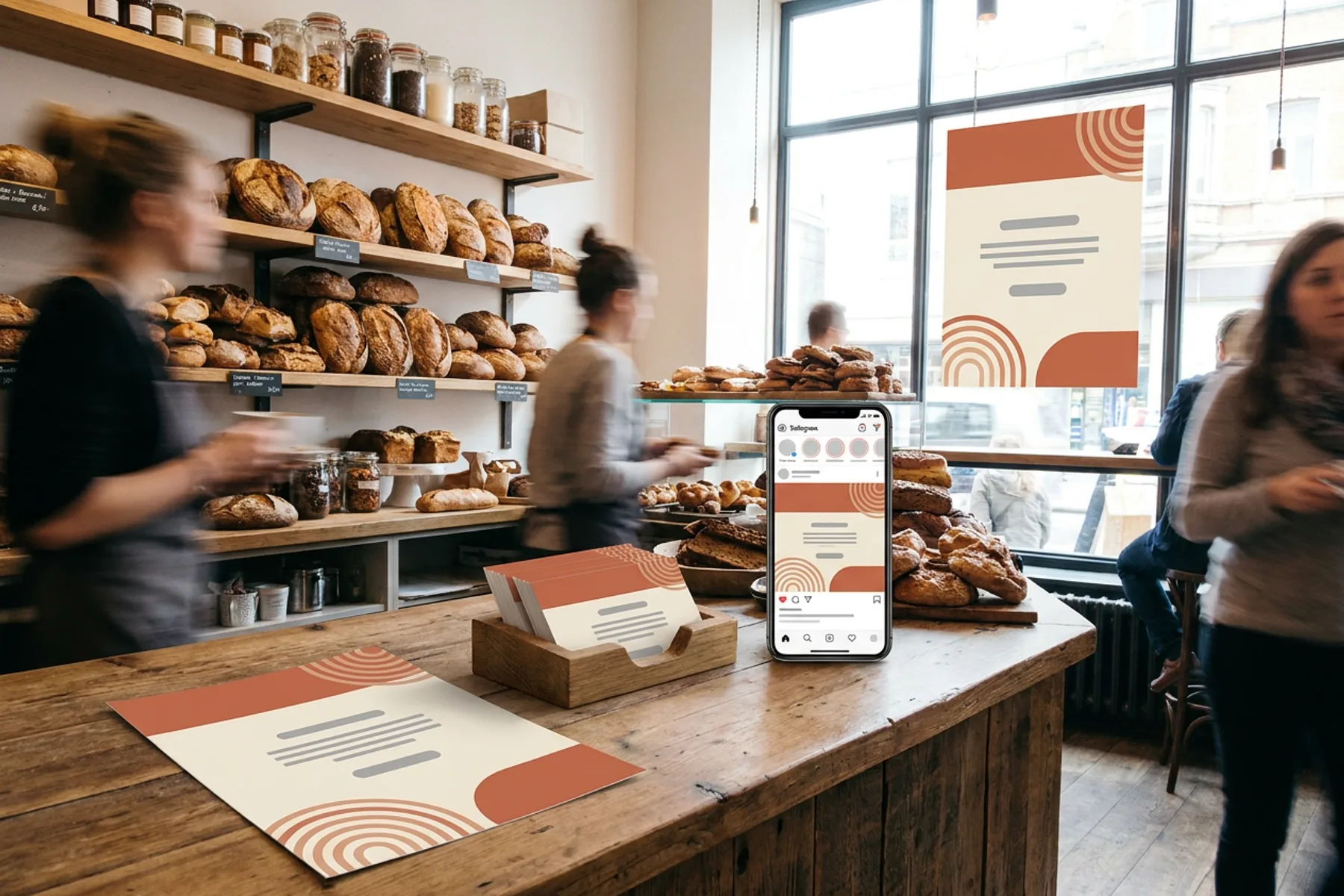
One brand kit, every piece a local business hands out or posts: print-ready flyers, posters and business cards, weekly social posts and a simple website.
Explore workflowPlayyy edits text in an image in three steps: upload a JPG, PNG, WebP or HEIC file above, choose Extract editable text, and Playyy opens the picture as a design where each line of text is its own text box in a matching font and color. Click a box, type the new words, then download the edited image as PNG, JPG or PDF.
Yes. Playyy's AI finds each line of text in the picture, reads it, matches the font, color and effects, and removes the original lettering from the background so the line becomes a real text box. You then type the new wording yourself or ask the agent to rewrite it. Very small, blurred or heavily distorted lettering stays part of the picture.
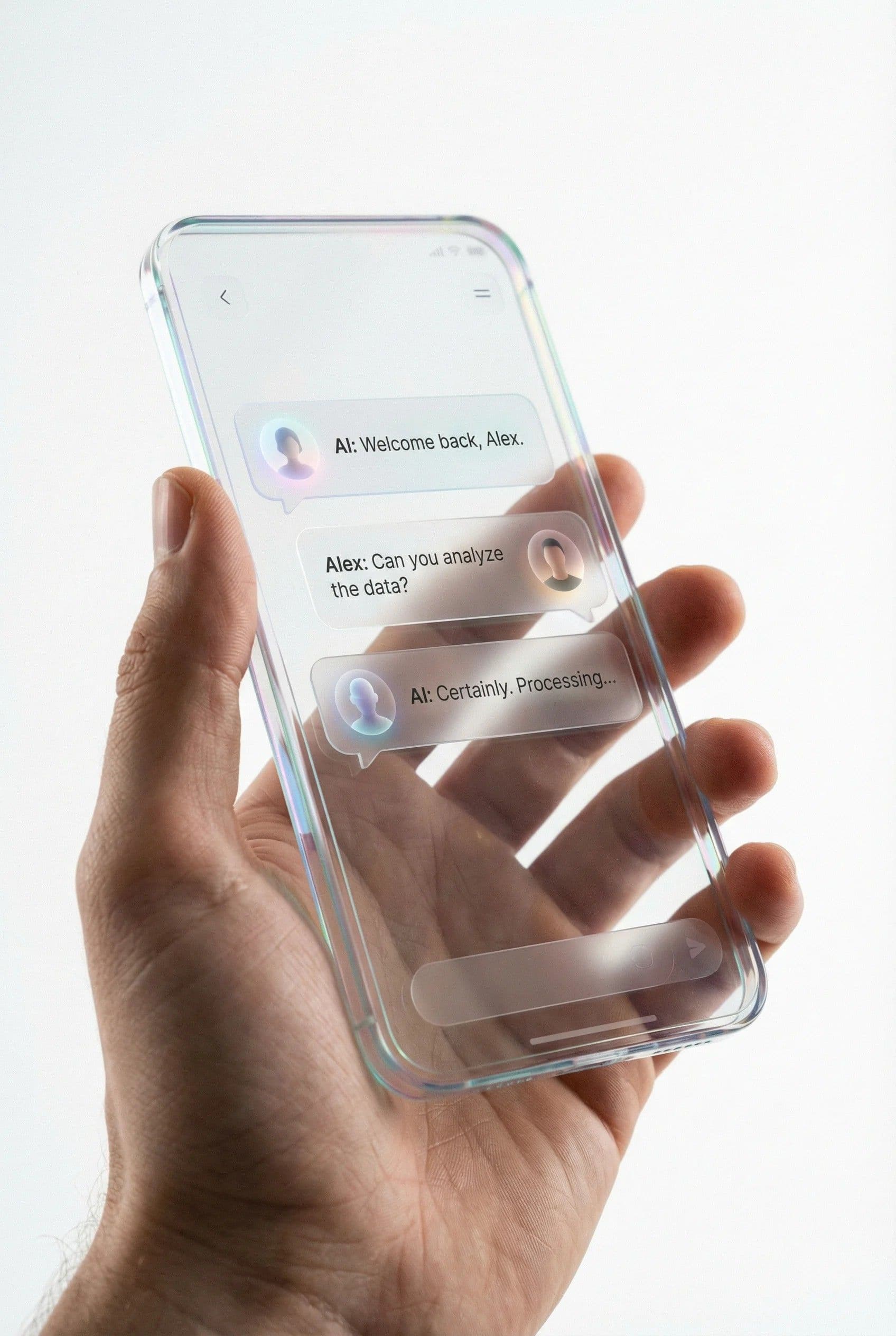
Yes. Upload the screenshot as a PNG or JPG and the text in it, such as button labels, headings, prices or chat bubbles, becomes editable text boxes. Change the wording, then download the screenshot at its original size for a mock-up, a tutorial or a slide.
Playyy picks the font in its library that looks closest to the lettering in your image and keeps its weight, size, color and spacing. For a common typeface the match is usually very close. If you know the exact font, choose it in the font menu and every text box can use it.
Extract the text, then replace each text box with its translation, or ask Playyy's agent to translate all the text boxes into the language you need. Longer translations can be resized or wrapped on the canvas. Export one image per language from the same design.
ChatGPT can redraw an image with the words you ask for. It regenerates the whole picture, so faces, products and backgrounds can change along with the text. Playyy keeps the original picture and turns its words into text boxes, so you change exactly the line you want and download the result.
Both use the same editor. Extract editable text turns only the words into text boxes, which is the quickest way to change wording. Split Layers also separates the products, people and graphics into their own layers so you can move, resize or replace them as well.
Keep every image on brand, control the final look, and turn campaign ideas into polished assets without waiting on another design cycle.